Trusted by teams at


Zyrova is a modern AI SaaS Webflow template designed for AI automation platforms, smart assistants, and productivity software. Featuring sleek layouts, engaging product sections, and flexible pages, it helps SaaS businesses launch with confidence.
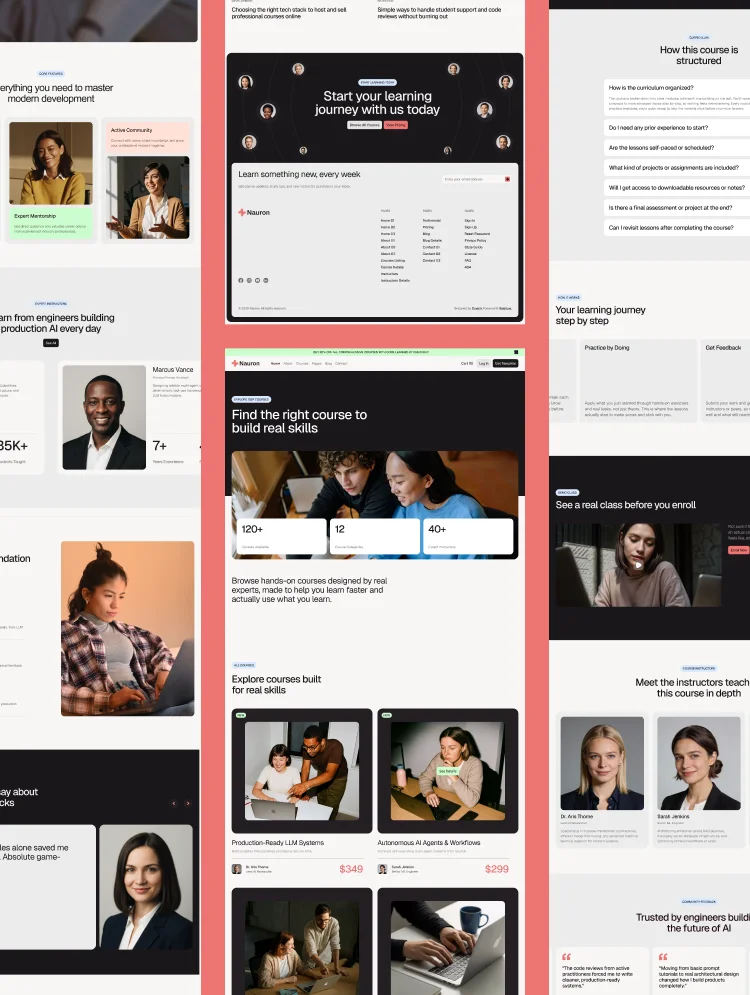
Zyrova is a modern AI SaaS website template built on Webflow for software companies developing intelligent automation platforms, AI assistants, and productivity solutions. Featuring a sophisticated dark interface, clean typography, and vibrant visual accents, Zyrova puts AI-powered workflows, automation dashboards, and smart assistant interfaces at the center of the experience, helping visitors understand how intelligent automation can transform everyday business operations.
Feature sections showcase AI automation, smart assistants, visual workflow builders, task automation, and seamless third-party integrations. Dedicated sections for marketing, sales, operations, and customer support demonstrate how AI-powered automation can streamline different business processes. An integrations directory, flexible pricing layouts, customer testimonials, and detailed FAQs help businesses communicate product value and build trust with potential customers.
Three homepage layouts, three about layouts, and three contact layouts provide flexibility for different SaaS positioning strategies. Combined with dedicated Features, Integrations, Pricing, and CMS-powered blog content, this AI automation Webflow template provides a complete foundation for launching and growing modern SaaS products.
Best for: This AI automation website template is ideal for software companies of every size. It is perfect for AI SaaS startups, workflow automation platforms, AI assistant products, business process automation software, productivity tools, no-code automation platforms, AI agents, marketing automation software, sales automation tools, operations management platforms, and B2B technology companies.
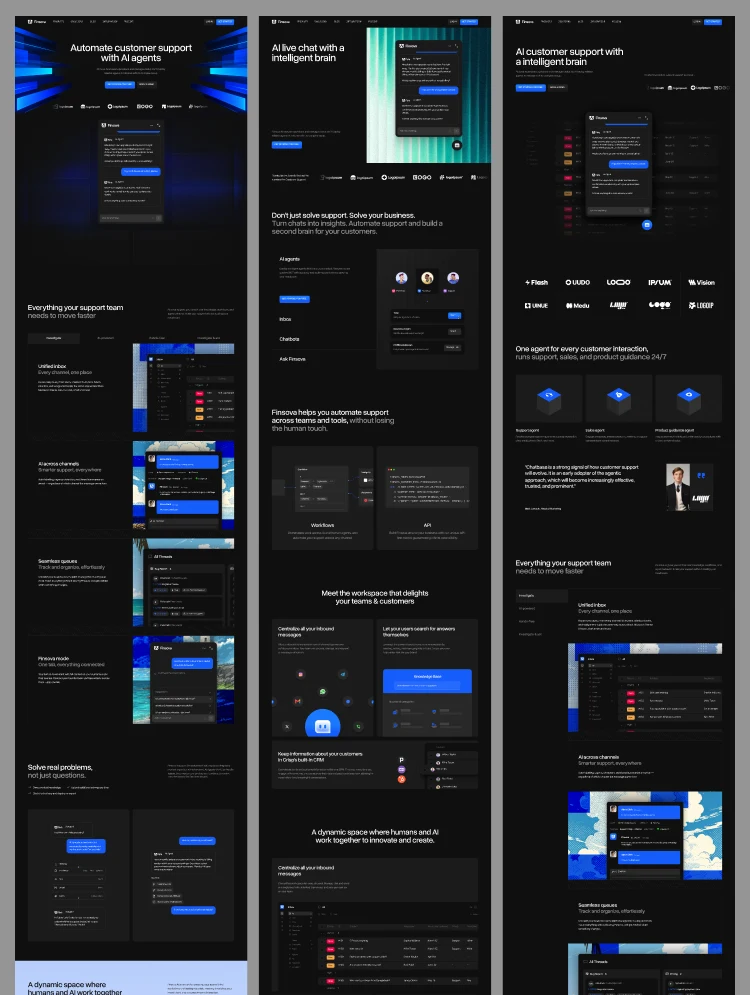
Zyrova offers a flexible collection of professionally designed pages, including 3 homepage layouts, 3 about layouts, and 3 contact layouts, alongside dedicated Features, Integrations, and Pricing pages.
Each page is designed to support a different stage of the SaaS customer journey. Homepage variations help businesses introduce their AI products and communicate their value proposition. The Features page highlights automation capabilities, while the Integrations page demonstrates how the platform connects with existing business tools.
The Pricing page presents subscription plans with clear feature breakdowns, helping potential customers compare options. The CMS-powered blog section provides space for publishing AI insights, automation guides, product updates, and company news.
Zyrova is designed around what modern SaaS buyers want to understand before choosing an automation platform: how AI simplifies their work, which processes they can automate, how the platform integrates with their existing tools, and which subscription plan fits their business.
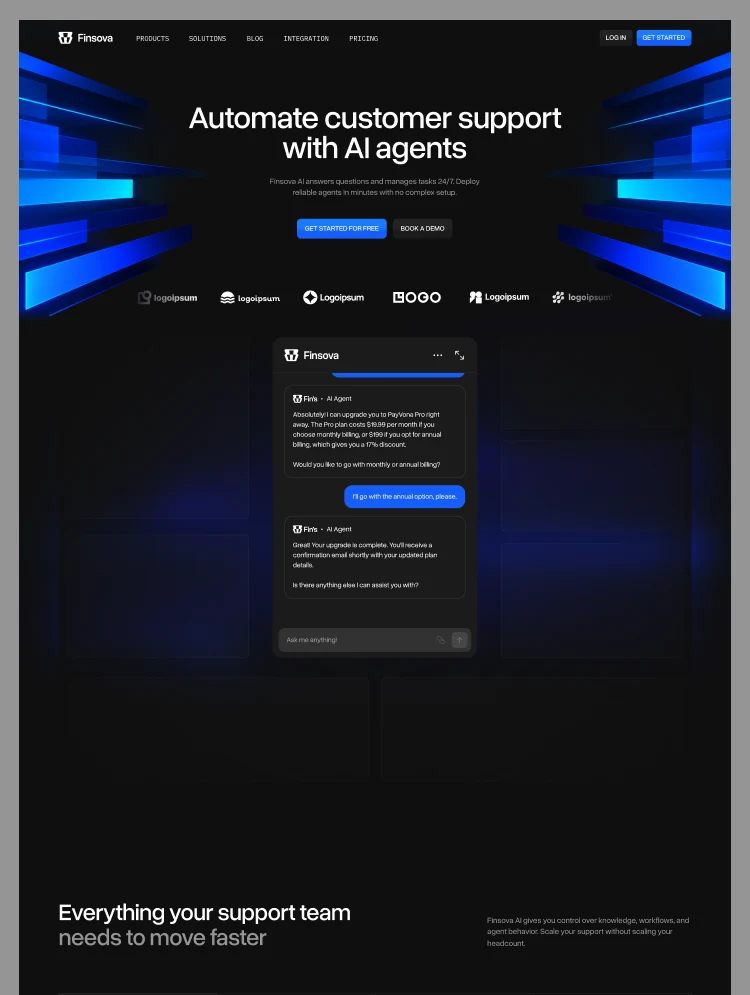
Realistic AI assistant interfaces, workflow visualizations, integration showcases, and feature-focused layouts help communicate complex software capabilities through an engaging visual experience.
Three homepage variations allow businesses to position their products around AI assistants, workflow automation, or broader business productivity solutions. Multiple about and contact layouts provide additional flexibility, while Webflow CMS makes publishing and managing blog content straightforward.
Whether launching a new AI startup or redesigning an established SaaS website, Zyrova provides a polished and conversion-focused starting point.
● Modern AI SaaS Design
A sophisticated dark interface, clean typography, vibrant accents, and realistic product mockups create a premium visual experience for AI and technology businesses.
● 9 Layout Variations
Three homepage, three about, and three contact layouts provide flexibility to present different products, business models, and brand identities.
● AI Automation & Smart Assistant Sections
Dedicated feature sections showcase AI-powered automation, intelligent assistants, visual workflow builders, and automated business processes.
● Workflow & Productivity Showcase
Visual product sections demonstrate how teams can connect tools, build automated workflows, and streamline repetitive tasks without complex processes.
● Integrations Showcase
A dedicated integrations section highlights connected business and productivity tools, helping SaaS companies demonstrate compatibility with their existing software ecosystem.
● Pricing Plans
Flexible pricing layouts showcase Starter, Growth, and Scale subscription options, with monthly and annual billing presentations.
● Built-in Webflow CMS
CMS-powered blog content makes it easier to publish AI insights, automation tutorials, product updates, and industry news without redesigning pages.
● Mobile Responsive
Professionally designed layouts adapt to desktop, tablet, and mobile screen sizes, delivering a consistent browsing experience across devices.
● Customer Testimonials & Social Proof
Dedicated testimonial sections help SaaS businesses showcase customer experiences and strengthen credibility.
● FAQ & Conversion-Focused Sections
Strategically structured FAQs, clear calls to action, and feature highlights help visitors understand the product and take the next step.
STATIC PAGES
CMS CONTENT
UTILITY PAGES
Can only be used by you or one client for one end product. You cannot resell or redistribute this template in its original or modified state.
This template is free to use in both person and commercial projects. You cannot resell, redistribute, or license this template in its original or modified state.
Questions about this template? Just reach out to the template designer and they will get back to you within 2 business days.
For advanced design guidance, please share your questions in the Webflow Forum or reach out to a Webflow Partner.
Share your feedback by leaving a comment below.
For template support, please check the Support tab.

Use the Preview in Designer option to make any edits to the template pages and preview how the layout would fit your content. Changes in preview mode won't be saved.
It isn't possible to apply a template to an already existing project. Instead, you'll need to create a new project based on the Template.
With a Core plan (or higher), you can export sites you build in Webflow, including templates, to host them anywhere you'd like.
Webflow templates are only available for purchase through Workspaces and legacy individual accounts.
CMS templates are designed to use the power of the Webflow CMS. It is possible to downgrade to a Basic Site Plan as long as all CMS content is deleted from the project.
Use the View Connections tool to understand where the CMS content is on the site and delete any dynamic listings and CMS content. We also recommend you to check Components and the Collection page Templates.
Ecommerce templates are designed to use the power of Webflow Ecommerce. It is not possible to remove Ecommerce from a template, however, deleting all Ecommerce Products and Categories from the project, will allow to select a lower Site Plan.
Membership templates are designed to use the power of Webflow Membership. It is not possible to remove Memberships from a template.


Comes with GSAP animations and interactions for additional polish and usability.
Reposition and resize items anywhere within the grid to produce powerful, responsive layouts — faster and without code.
Build your lead lists and subscriber base with beautiful forms.
Comes with animations and interactions for additional polish and usability.