Trusted by teams at






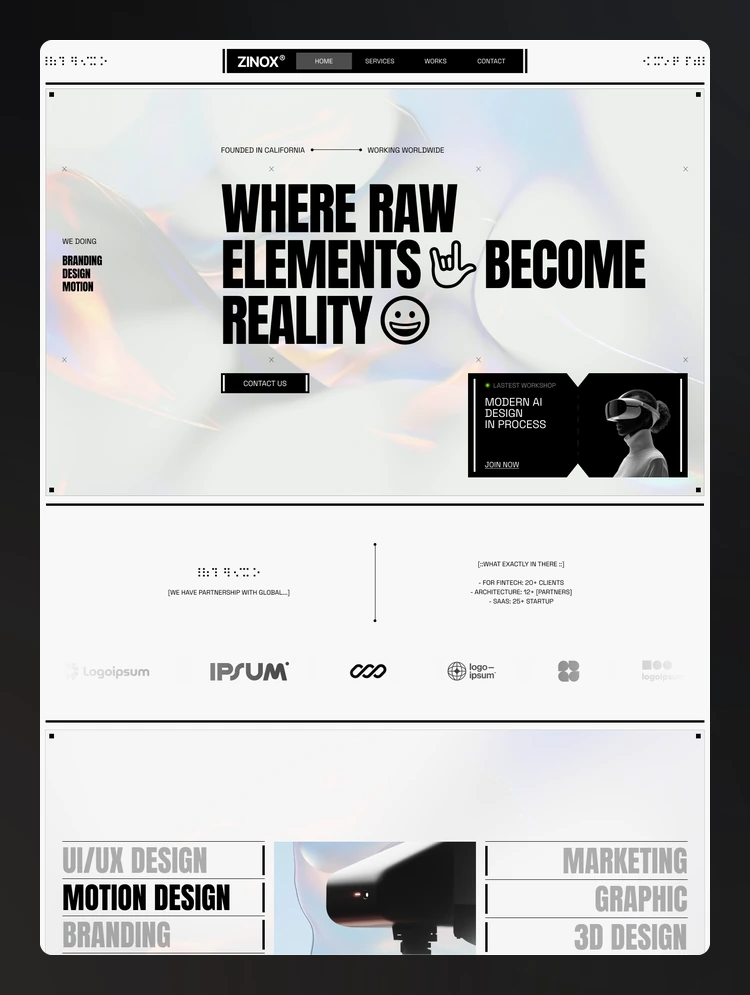
Zinox Studio is a bold editorial Webflow template for creative studios, agencies, and designers. With striking typography, monochrome visuals, polished layouts, and responsive design, it’s built to showcase standout work with a distinctive feel.
Zinox Studio is a bold, editorial Webflow template built for creative studios, digital agencies, branding teams, and independent designers who want their work to make a strong first impression. With a sharp monochrome aesthetic, oversized typography, structured layouts, and a confident visual system, Zinox Studio turns your portfolio into a distinctive digital experience.
Built with Webflow best practices in mind, Zinox Studio combines reusable components, consistent class naming, responsive layouts, and a flexible design system to help you launch quickly and customize with ease.
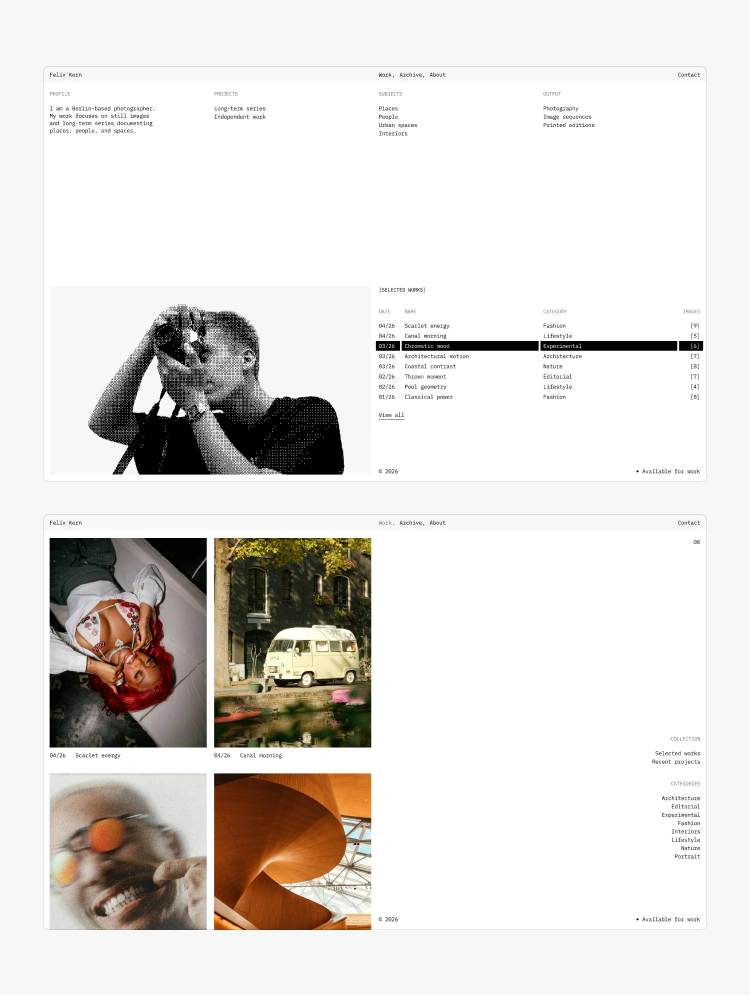
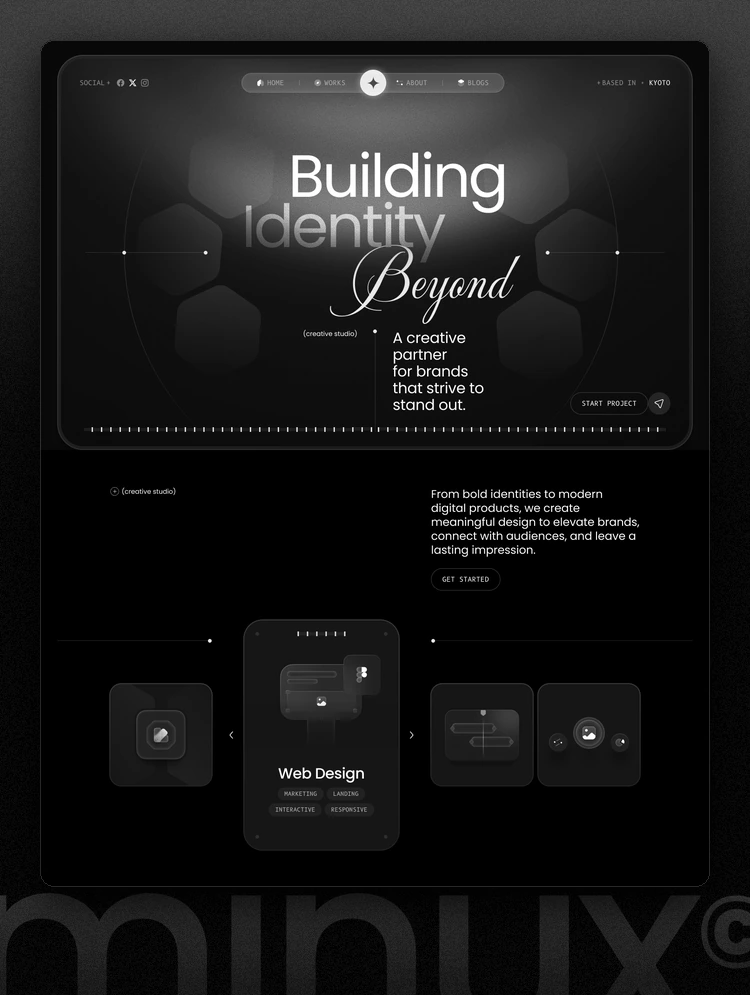
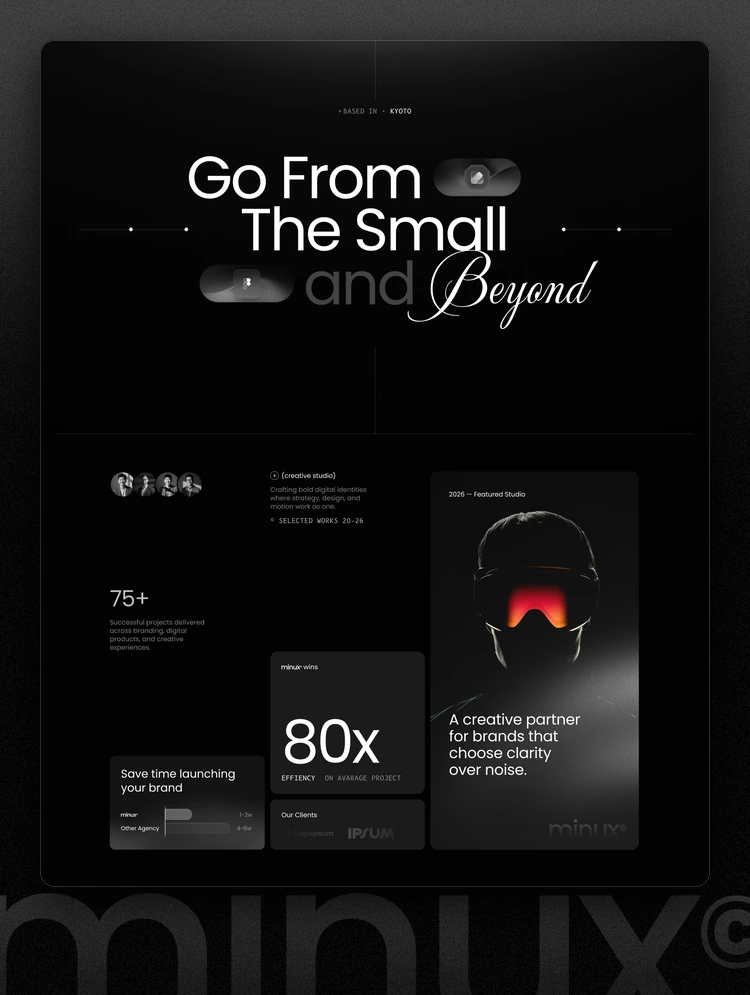
Homepage — a high-impact studio introduction designed to put your best work front and center, with a strong editorial layout, selected projects, studio information, services, and clear calls to action.
The homepage is designed around Zinox Studio's signature visual language: bold typography, high contrast, structured grids, and carefully composed project previews.
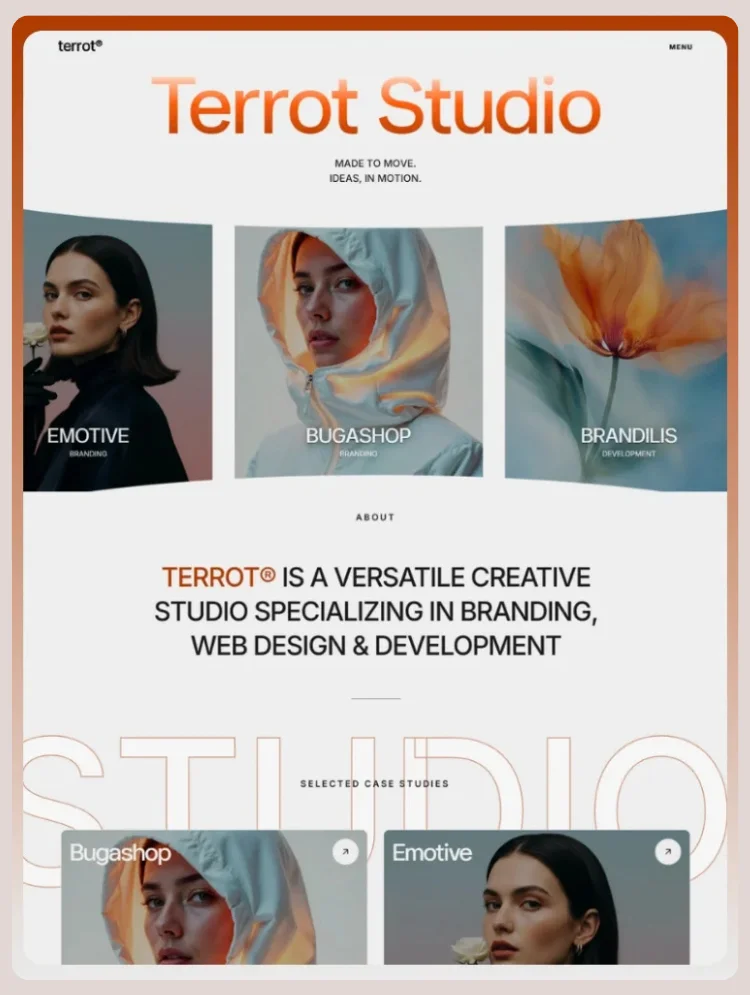
About — introduce your studio, story, approach, values, clients, and creative philosophy.
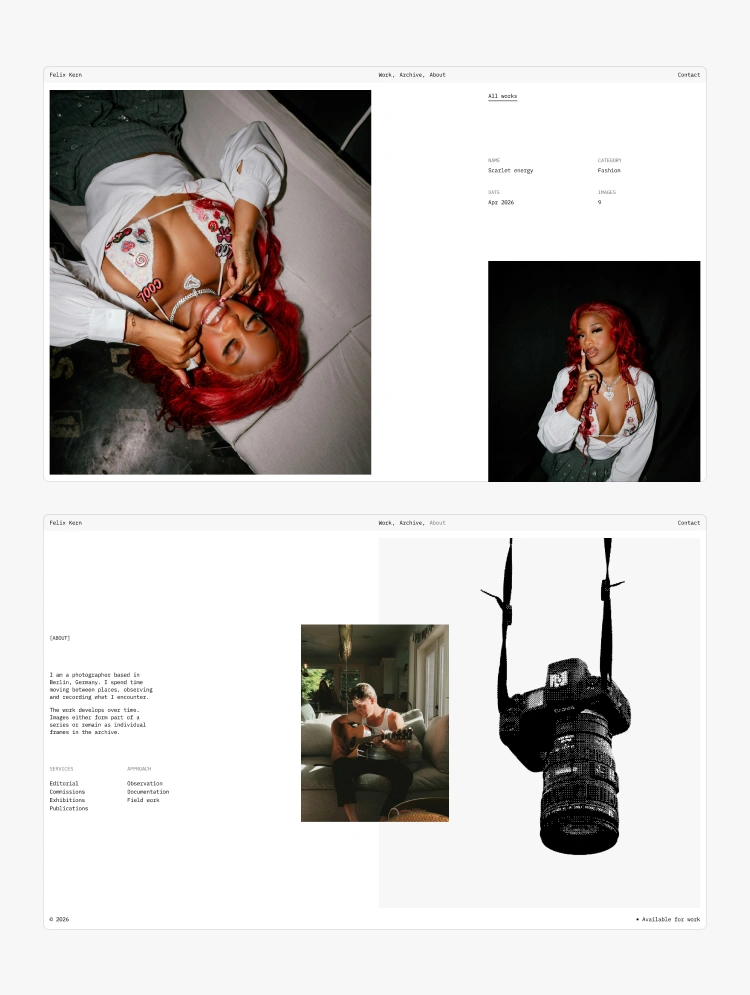
Work — showcase your projects through a curated portfolio layout built to give each case study room to stand out.
Services — present your capabilities, from creative direction and branding to digital design, development, and other studio services.
Blog — share insights, project stories, studio news, and creative thinking through a clean editorial article layout.
Pricing — clearly communicate your packages, services, inclusions, and pricing options in a structured format.
Contact — make it easy for potential clients to start a project with a focused inquiry form and direct studio information.
Utility Pages
404 — a custom branded error page that keeps the Zinox Studio experience consistent even when visitors reach a missing page.
Password — a protected-page experience styled to match the rest of the template.
Style Guide — a complete visual reference for typography, colors, buttons, forms, spacing, and core interface elements.
License — documentation for the fonts, images, icons, and other assets included with the template.
Changelog — keep track of template updates, improvements, and new versions.
🎨 Bold editorial design with a distinctive black-and-white visual direction
🔠 Oversized typography designed to create strong hierarchy and memorable compositions
🧩 Reusable Webflow components for faster and more consistent customization
📐 Structured grid layouts that keep projects, content, and information visually organized
✨ Custom interactions and animations that add movement without distracting from the work
📱 100% responsive across desktop, tablet, and mobile devices
⚡ Clean Webflow structure with organized classes and reusable styles
🎯 Portfolio-focused layouts built to make creative work the hero
🛠️ Easy to customize so you can adapt colors, typography, content, and layouts to your studio
Zinox Studio includes a structured design system designed to make customization straightforward. Global styles and reusable components help maintain consistency across pages while giving you control over the visual direction of your site.
The system covers typography, colors, buttons, forms, spacing, layout structures, and other essential interface elements.
Zinox Studio is designed around the idea that your work should do the talking.
Large project previews, strong typography, high-contrast sections, and carefully balanced layouts create an editorial portfolio experience that feels premium without becoming overly complicated.
Whether you're presenting branding projects, digital products, websites, campaigns, photography, or other creative work, Zinox Studio gives every project a strong visual presence.
Every page is designed to adapt smoothly across screen sizes, maintaining Zinox Studio's visual hierarchy and editorial character on desktop, tablet, and mobile.
Clean structure, optimized layouts, semantic content organization, and thoughtful interactions help create a fast and polished browsing experience.
Zinox Studio comes with supporting documentation and a dedicated Style Guide to help you understand the system and customize the template with confidence.
Whether you're adjusting the typography, replacing project content, editing sections, or adapting the visual system to your brand, the template is structured to make the process straightforward.
For any issues contact at contact@kaziehsan.com
🎨 Bold editorial creative studio template
🖥️ Premium portfolio-focused Webflow design
🔠 Strong typography and monochrome visual system
📄 About · Work · Services · Blog · Pricing · Contact · Utility pages
✨ Custom interactions and polished layouts
🧩 Reusable components and organized Webflow structure
📱 Fully responsive across desktop, tablet, and mobile
🛠️ Easy to customize with a structured design system
Zinox Studio is the Webflow template for studios that don't want their website to look like everyone else's.
Zinox Studio is a bold, editorial Webflow template for creative studios, agencies, and designers. Featuring striking typography, monochrome visuals, polished layouts, and responsive design, it’s built to showcase standout work with a distinctive feel.
Can only be used by you or one client for one end product. You cannot resell or redistribute this template in its original or modified state.
This template is free to use in both person and commercial projects. You cannot resell, redistribute, or license this template in its original or modified state.
Questions about this template? Just reach out to the template designer and they will get back to you within 2 business days.
For advanced design guidance, please share your questions in the Webflow Forum or reach out to a Webflow Partner.
Share your feedback by leaving a comment below.
For template support, please check the Support tab.

Use the Preview in Designer option to make any edits to the template pages and preview how the layout would fit your content. Changes in preview mode won't be saved.
It isn't possible to apply a template to an already existing project. Instead, you'll need to create a new project based on the Template.
With a Core plan (or higher), you can export sites you build in Webflow, including templates, to host them anywhere you'd like.
Webflow templates are only available for purchase through Workspaces and legacy individual accounts.
CMS templates are designed to use the power of the Webflow CMS. It is possible to downgrade to a Basic Site Plan as long as all CMS content is deleted from the project.
Use the View Connections tool to understand where the CMS content is on the site and delete any dynamic listings and CMS content. We also recommend you to check Components and the Collection page Templates.
Ecommerce templates are designed to use the power of Webflow Ecommerce. It is not possible to remove Ecommerce from a template, however, deleting all Ecommerce Products and Categories from the project, will allow to select a lower Site Plan.
Membership templates are designed to use the power of Webflow Membership. It is not possible to remove Memberships from a template.
.svg)


Comes with GSAP animations and interactions for additional polish and usability.
Build your lead lists and subscriber base with beautiful forms.
Comes with animations and interactions for additional polish and usability.