Trusted by teams at






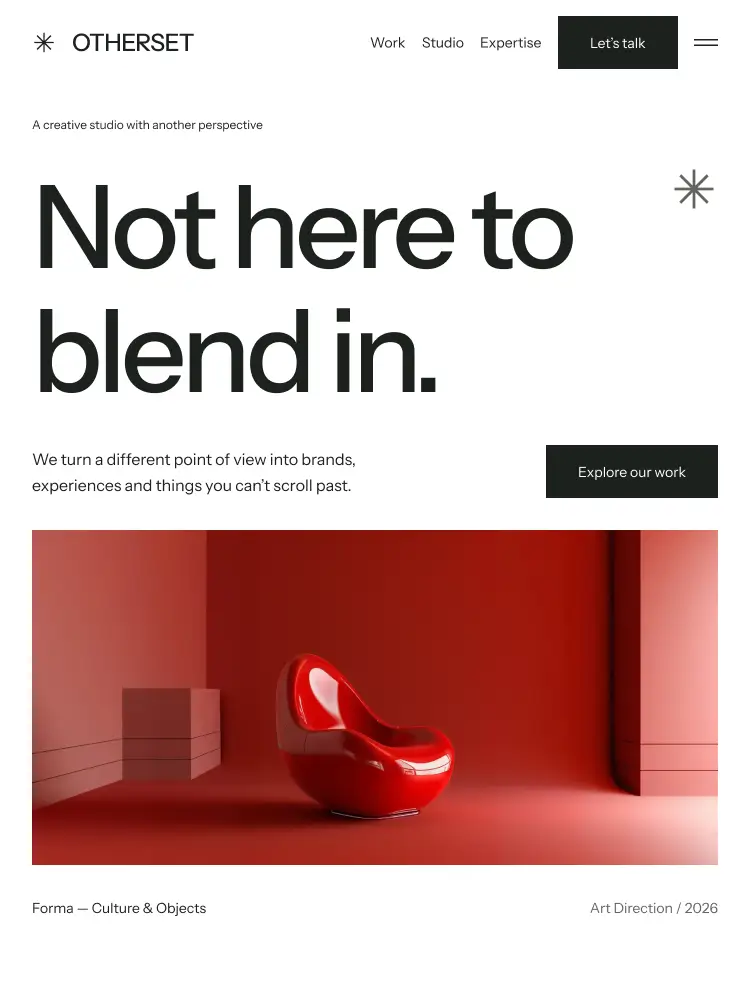
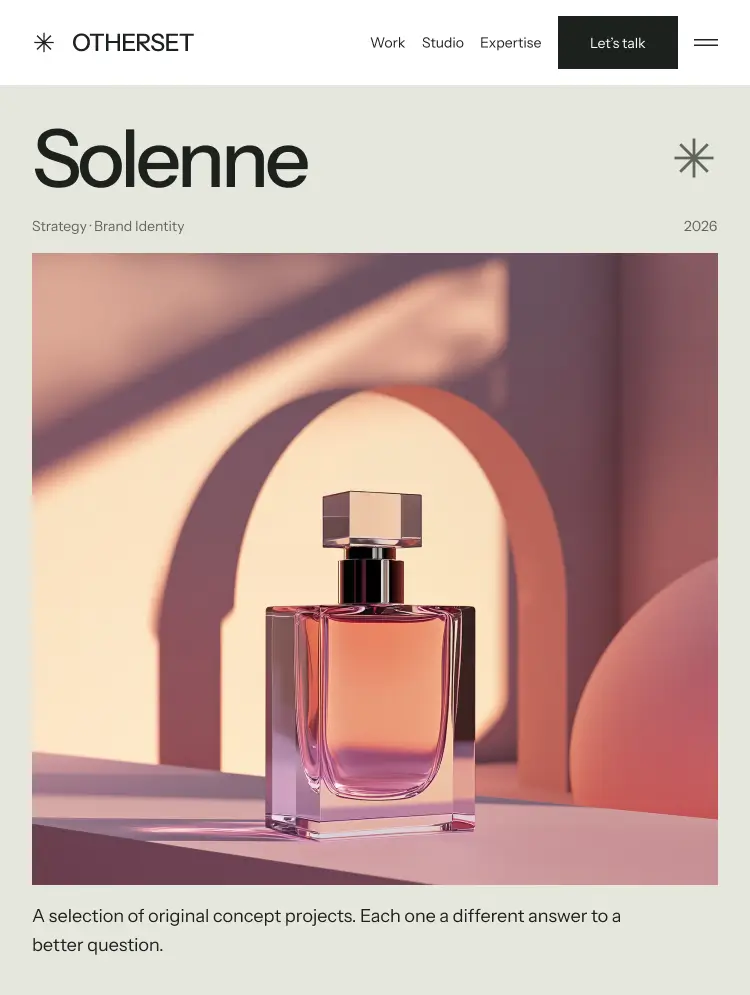
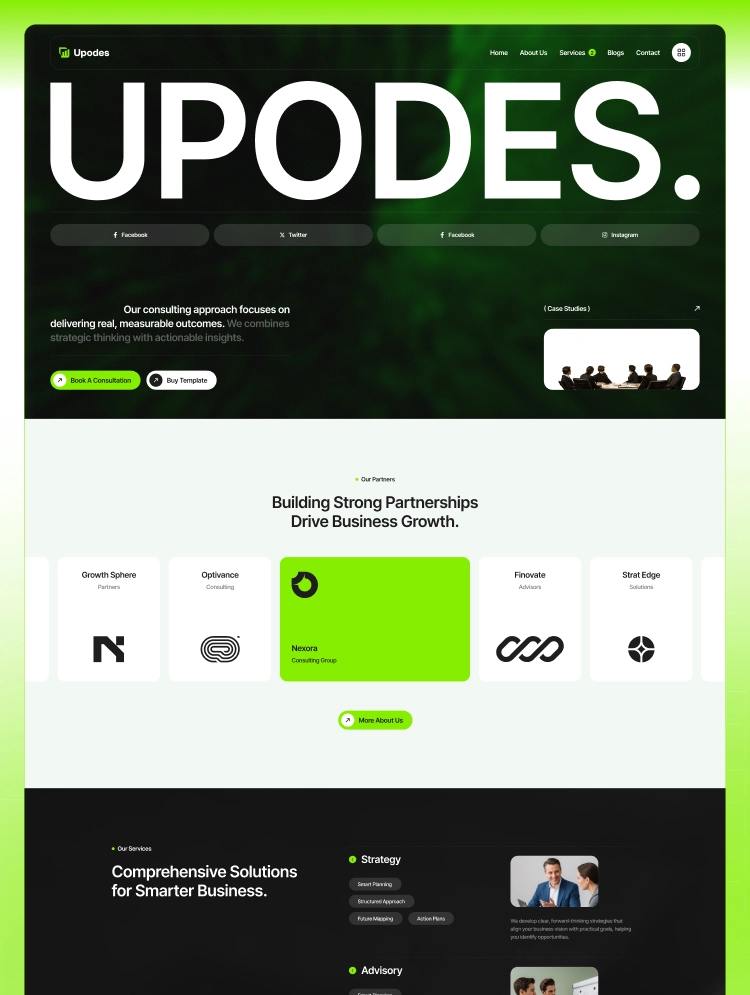
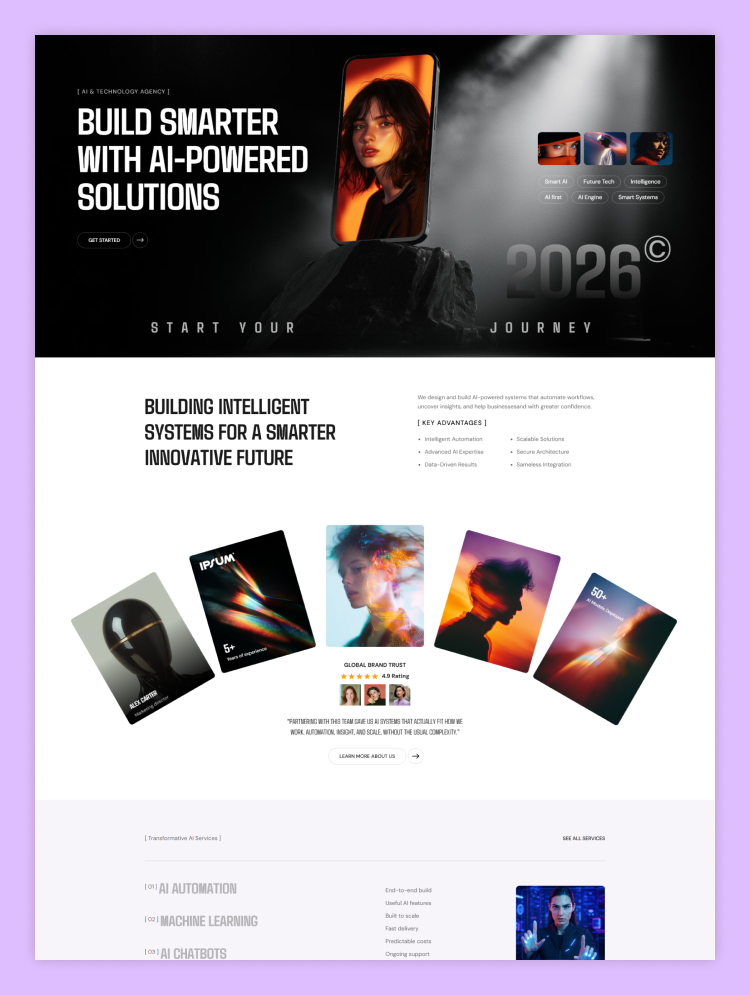
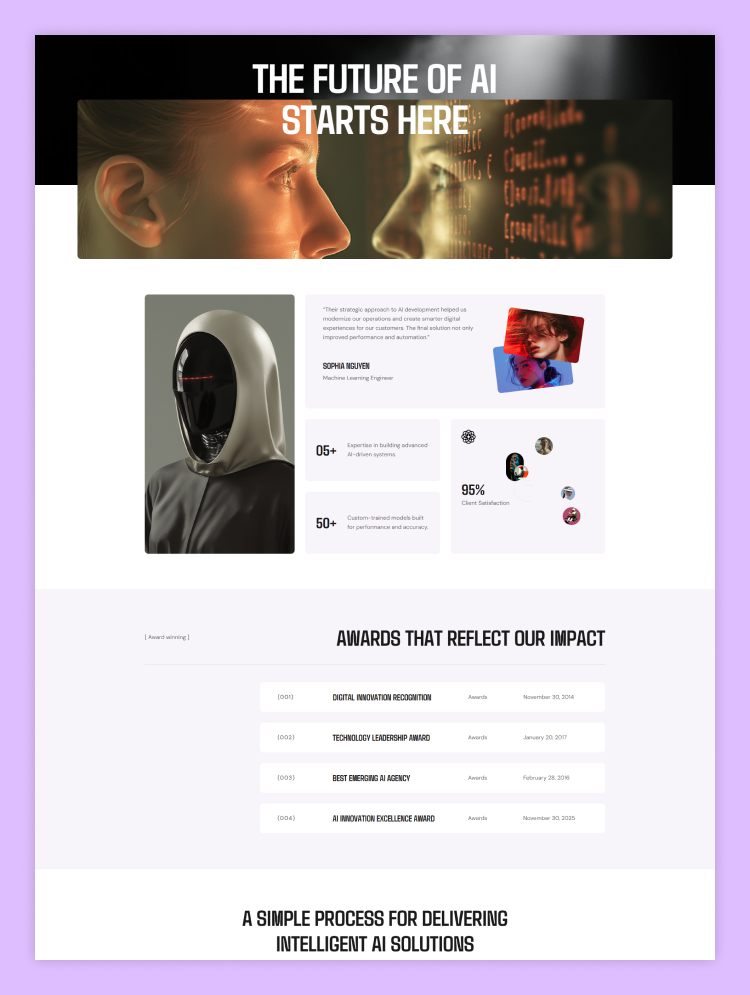
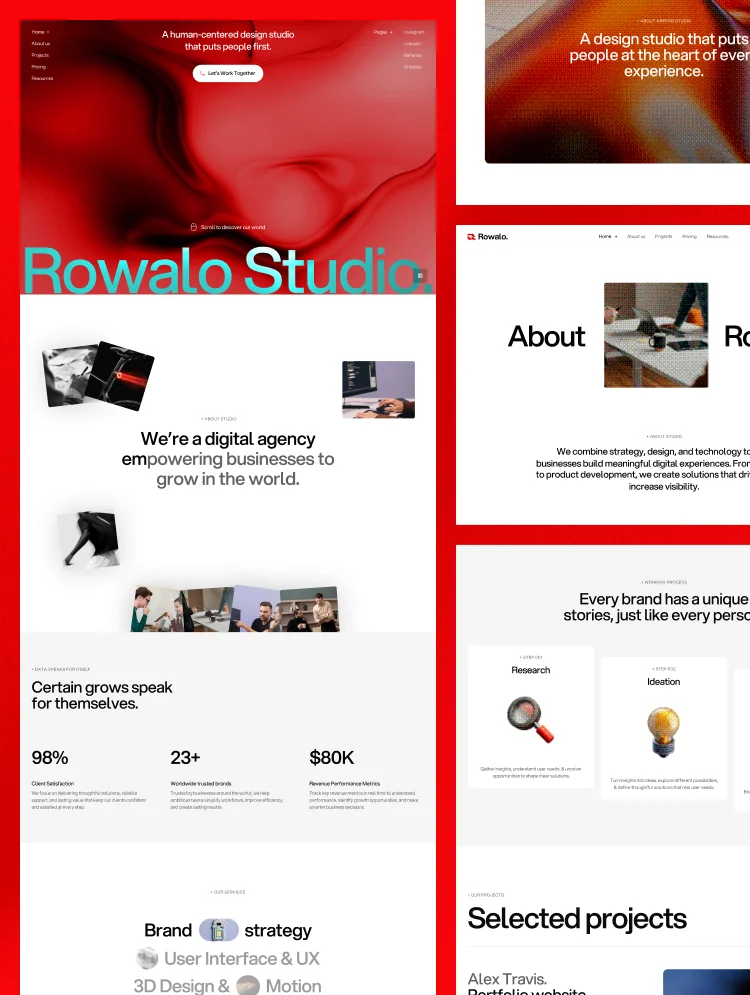
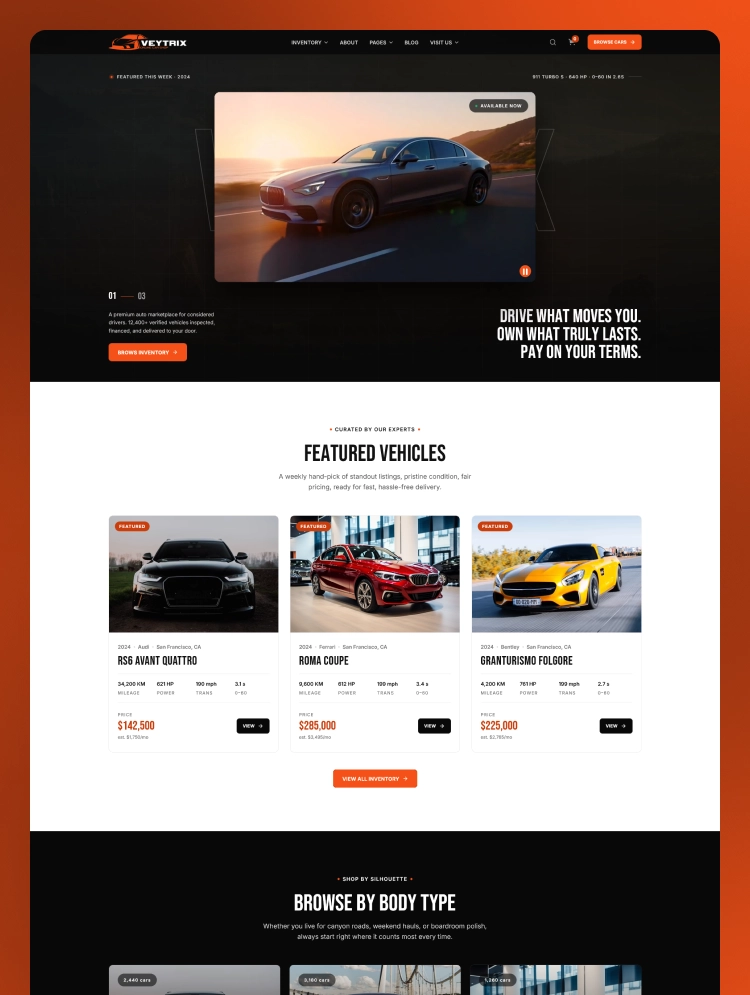
Zilox is a modern and creative portfolio template built for product designers. This Webflow template helps designers showcase their creative work with ease and style. It combines strong SEO structure with flexible CMS features for quick updates.
Zilox is a flexible portfolio website template made for modern creative professionals. This designer portfolio template gives creative experts a clean and lasting online presence. The layout works well for both new freelancers and established design studios.
Every portfolio Webflow template inside Zilox focuses on clarity and strong visuals. This creative Webflow template supports smooth navigation across every important website page. Designers can adjust colors, fonts, and sections without touching any complex code lines.
This creative portfolio website highlights case studies through strong and clear visual storytelling. It also works as a personal portfolio website for individual designers and artists. The design keeps content organized while staying visually appealing and easy to read.
Best for: This template works well as a product designer portfolio for design specialists. It also fits UX Designer Portfolio, UI Designer Portfolio, and Graphic Designer Portfolio needs. Freelancers and creative agencies also enjoy this freelancer portfolio website design style.
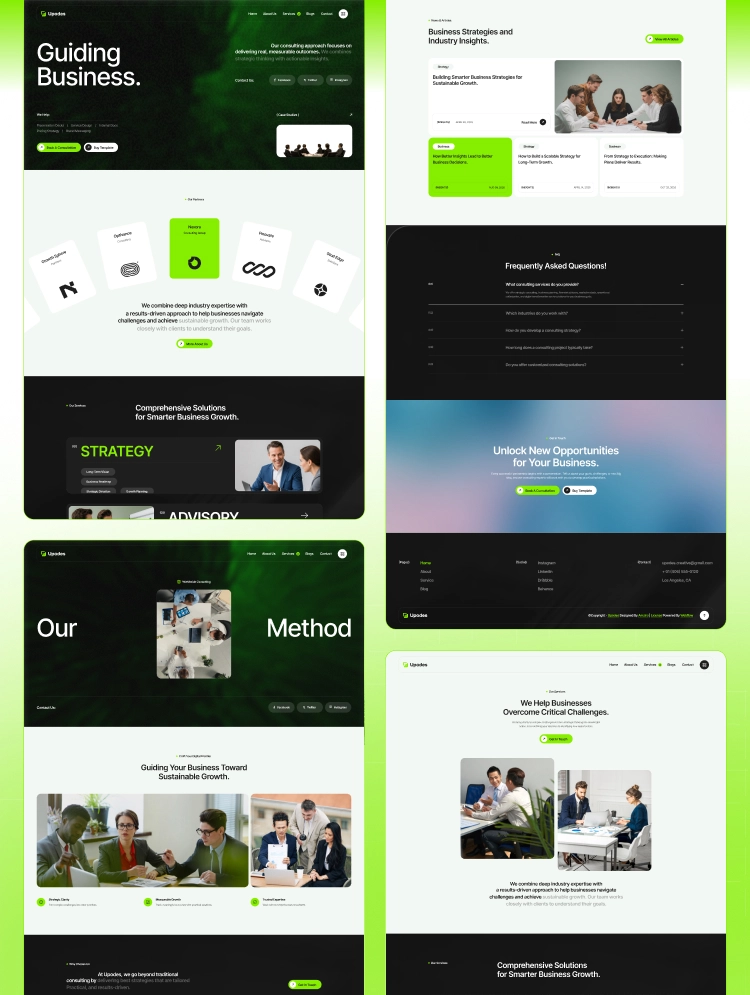
This portfolio website template includes eighteen pages built for full site functionality. It has 9 static pages, 6 CMS pages, and 2 utility pages. The Home, About, and Services pages introduce visitors to the designer's work.
The Projects and Blog pages act as a true Webflow CMS Template hub. Each project uses a Portfolio CMS Template layout for quick content updates. The Contact page completes this Digital Designer Portfolio with a simple form.
This creative designer portfolio template offers a modern portfolio website look and feel. It works as a web designer portfolio or a creative studio website too. The portfolio website design stays minimal while showing strong creative confidence and skill.
As a webflow portfolio template, Zilox loads fast and performs smoothly online. This designer website template also acts as a strong personal branding website. Overall, this professional Portfolio website helps every designer build lasting client trust.
This template uses a modern creative design that highlights every project beautifully and clearly. It gives designers a fresh visual style that stands out from typical portfolio designs.
This portfolio website design template adjusts smoothly to every screen size, including mobile, tablet, and desktop.
This template lets users change colors, fonts, and layouts without writing any code. It supports full customization so every section matches the designer's personal brand.
This portfolio template runs on Webflow CMS, which keeps content management simple and organized. It allows users to update pages quickly without needing technical coding skills.
This portfolio template loads quickly, which keeps visitors engaged and reduces overall bounce rates. It uses optimized code that improves speed across all pages and devices.
The Zilox website template follows SEO best practices to help pages rank higher in search. This template uses clean code structure that search engines can read and index easily.
This architect portfolio template includes smooth animations that make browsing feel more engaging and enjoyable. It uses subtle motion effects that guide attention without distracting from content.
This portfolio template works reliably across Chrome, Firefox, Safari, and other popular web browsers. This template ensures consistent design and function no matter which browser visitors choose.
Static Pages
CMS Collection Pages
Utility Pages
Can only be used by you or one client for one end product. You cannot resell or redistribute this template in its original or modified state.
This template is free to use in both person and commercial projects. You cannot resell, redistribute, or license this template in its original or modified state.
Questions about this template? Just reach out to the template designer and they will get back to you within 2 business days.
For advanced design guidance, please share your questions in the Webflow Forum or reach out to a Webflow Partner.
Share your feedback by leaving a comment below.
For template support, please check the Support tab.

Use the Preview in Designer option to make any edits to the template pages and preview how the layout would fit your content. Changes in preview mode won't be saved.
It isn't possible to apply a template to an already existing project. Instead, you'll need to create a new project based on the Template.
With a Core plan (or higher), you can export sites you build in Webflow, including templates, to host them anywhere you'd like.
Webflow templates are only available for purchase through Workspaces and legacy individual accounts.
CMS templates are designed to use the power of the Webflow CMS. It is possible to downgrade to a Basic Site Plan as long as all CMS content is deleted from the project.
Use the View Connections tool to understand where the CMS content is on the site and delete any dynamic listings and CMS content. We also recommend you to check Components and the Collection page Templates.
Ecommerce templates are designed to use the power of Webflow Ecommerce. It is not possible to remove Ecommerce from a template, however, deleting all Ecommerce Products and Categories from the project, will allow to select a lower Site Plan.
Membership templates are designed to use the power of Webflow Membership. It is not possible to remove Memberships from a template.
.svg)


Comes with GSAP animations and interactions for additional polish and usability.
Reposition and resize items anywhere within the grid to produce powerful, responsive layouts — faster and without code.
Build your lead lists and subscriber base with beautiful forms.
Comes with animations and interactions for additional polish and usability.