Trusted by teams at


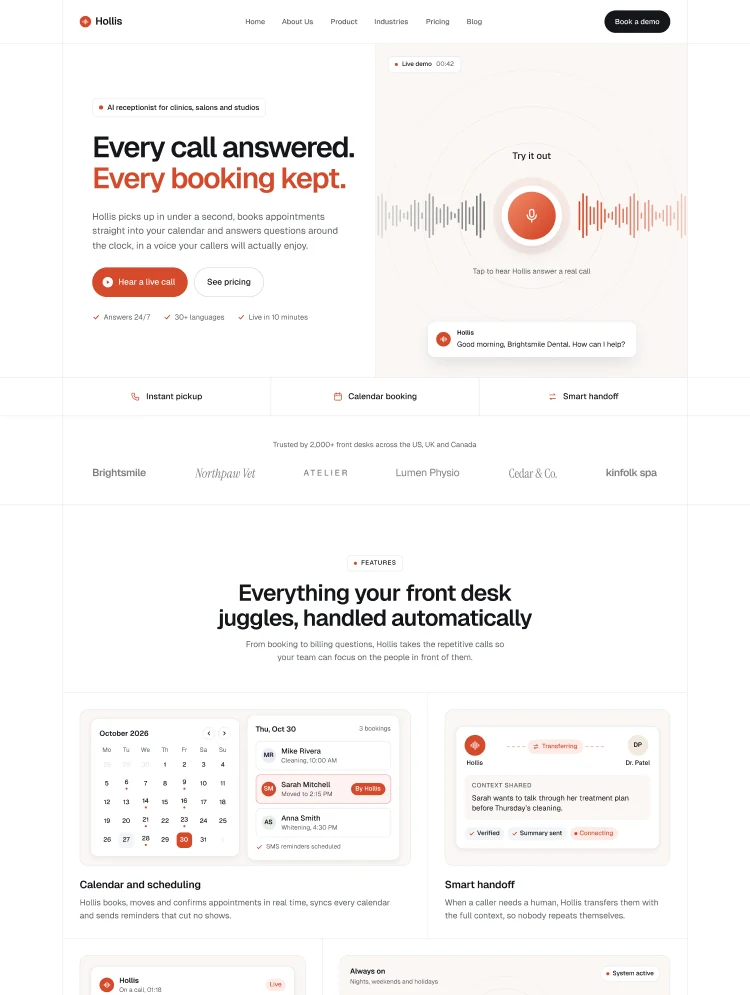
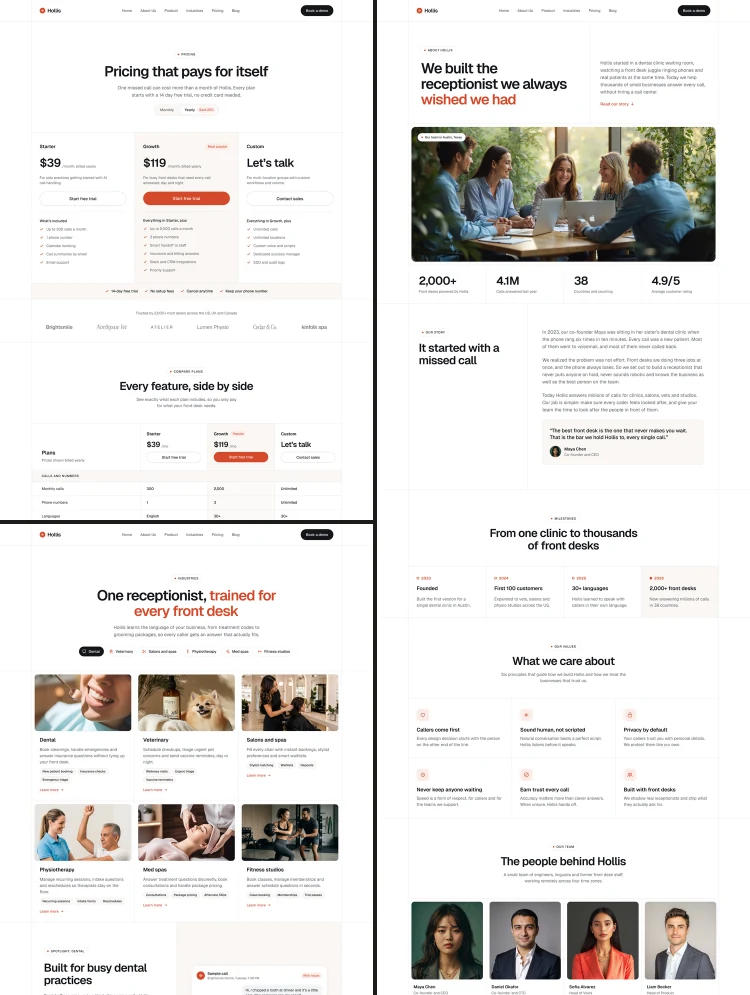
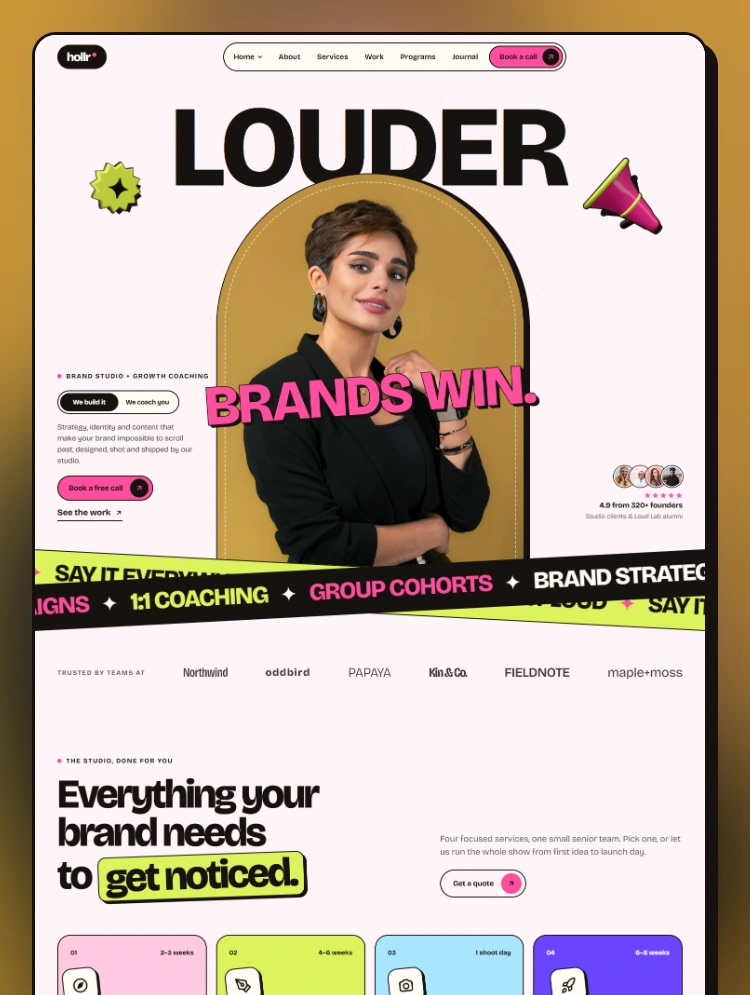
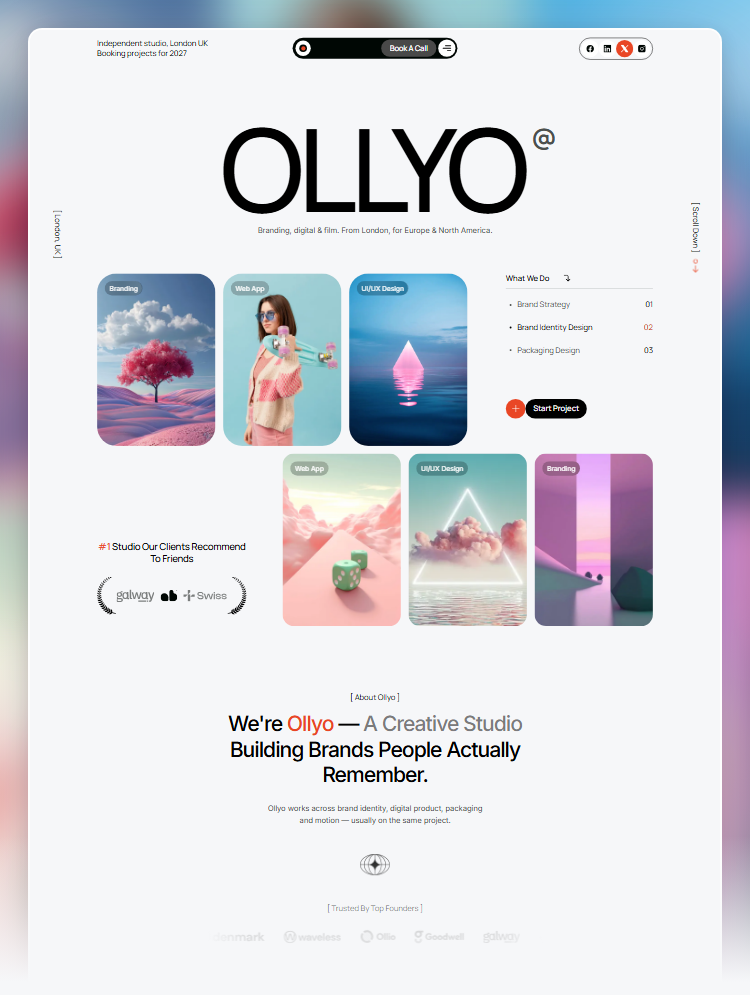
Zephiq is a bright, modern Webflow template for AI agencies, automation consultants and tech startups, with 3 homepages, 6 CMS collections and smooth GSAP motion.
Zephiq is a bright, modern Webflow template designed for AI agencies, automation consultants, data and analytics studios, SaaS startups, and technology service companies.
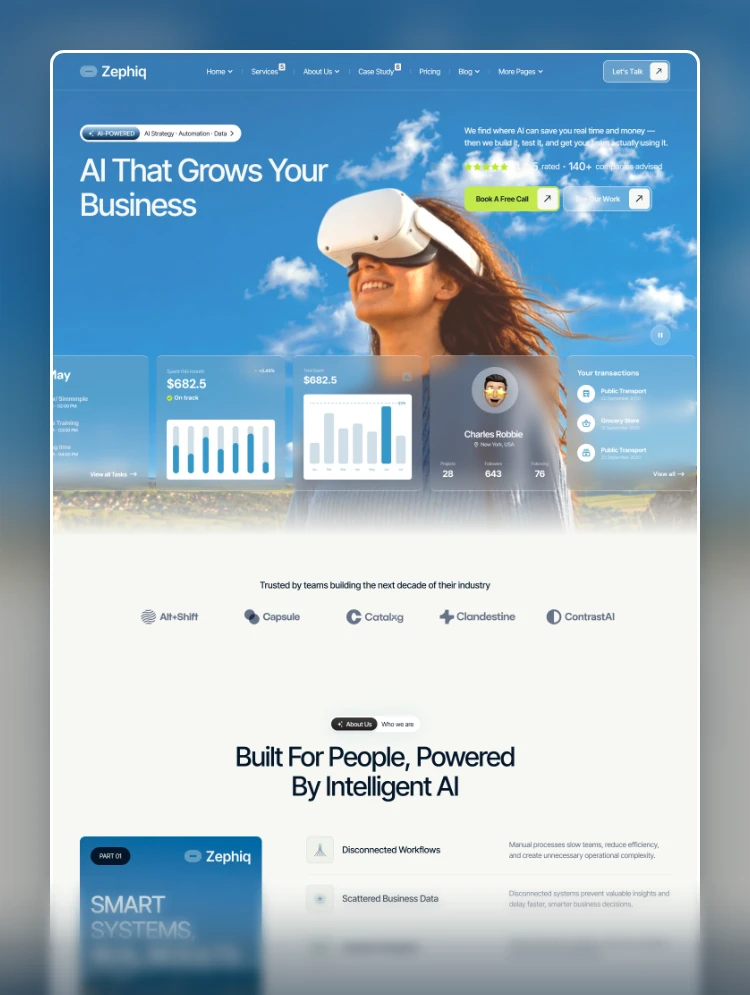
Featuring open blue-sky imagery, clean sans-serif typography, and fresh lime accents, Zephiq helps you communicate complex AI services in simple language and turn website visitors into booked strategy calls.
Zephiq combines a calm blue color palette, generous spacing, glass-style dashboard cards, and subtle animations to create a confident and approachable experience.
Its clean layouts put business outcomes front and center, helping you showcase measurable results such as hours saved, improved efficiency, and reduced operational costs.
Choose from three professionally designed homepage variations to match your brand and business goals.
Each homepage includes its own:
Showcase your services and expertise with dedicated pages for every part of your business.
Zephiq supports a wide range of technology services, including:
Present your completed work through detailed project pages and case studies that highlight the client, business challenge, implemented solution, and measurable results.
Build trust and establish credibility with dedicated pages for your business and team.
Zephiq includes six connected CMS collections to keep your website organized and make content management easier.
Each CMS item includes dedicated SEO title and meta description fields, making it easier to publish new content while maintaining a search-friendly website.
Zephiq includes a comprehensive collection of professionally designed pages to cover your business needs.
Zephiq comes with a collection of modern features designed to deliver a smooth and engaging website experience.
Zephiq is an ideal choice for businesses and professionals working in the technology and AI space.
Zephiq is built entirely for Webflow, giving you the flexibility to customize your website without writing a single line of code.
Easily update colors, fonts, and spacing directly through the Webflow Variables panel. Edit layouts, manage content, and organize CMS collections using Webflow's visual development tools.
The included Instructions page also guides you through the template setup and customization process.
Need help setting up or customizing Zephiq?
For setup assistance, customization guidance, or any template-related questions, please visit the Support tab.
Can only be used by you or one client for one end product. You cannot resell or redistribute this template in its original or modified state.
This template is free to use in both person and commercial projects. You cannot resell, redistribute, or license this template in its original or modified state.
Questions about this template? Just reach out to the template designer and they will get back to you within 2 business days.
For advanced design guidance, please share your questions in the Webflow Forum or reach out to a Webflow Partner.
Share your feedback by leaving a comment below.
For template support, please check the Support tab.

Use the Preview in Designer option to make any edits to the template pages and preview how the layout would fit your content. Changes in preview mode won't be saved.
It isn't possible to apply a template to an already existing project. Instead, you'll need to create a new project based on the Template.
With a Core plan (or higher), you can export sites you build in Webflow, including templates, to host them anywhere you'd like.
Webflow templates are only available for purchase through Workspaces and legacy individual accounts.
CMS templates are designed to use the power of the Webflow CMS. It is possible to downgrade to a Basic Site Plan as long as all CMS content is deleted from the project.
Use the View Connections tool to understand where the CMS content is on the site and delete any dynamic listings and CMS content. We also recommend you to check Components and the Collection page Templates.
Ecommerce templates are designed to use the power of Webflow Ecommerce. It is not possible to remove Ecommerce from a template, however, deleting all Ecommerce Products and Categories from the project, will allow to select a lower Site Plan.
Membership templates are designed to use the power of Webflow Membership. It is not possible to remove Memberships from a template.


Reposition and resize items anywhere within the grid to produce powerful, responsive layouts — faster and without code.
Build your lead lists and subscriber base with beautiful forms.
Comes with animations and interactions for additional polish and usability.