Trusted by teams at






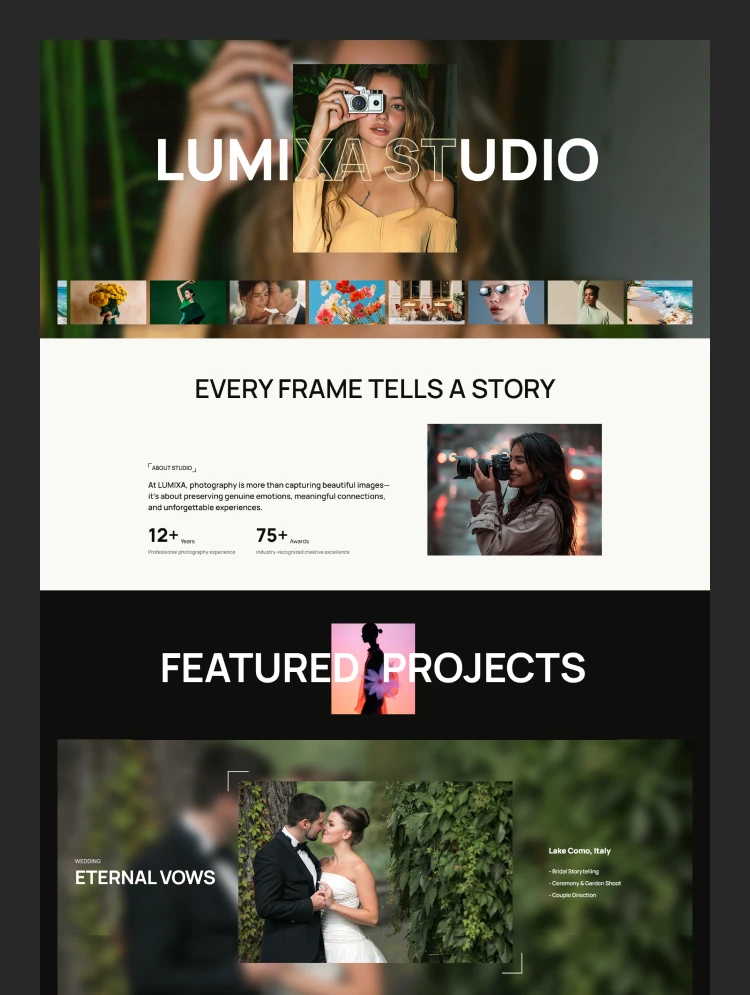
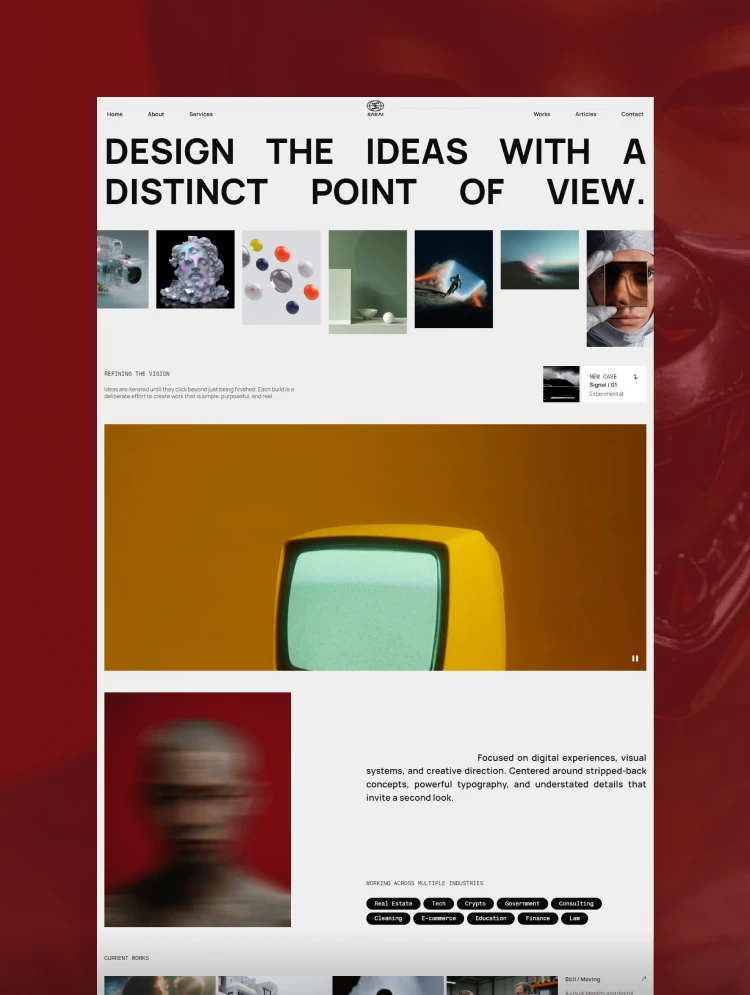
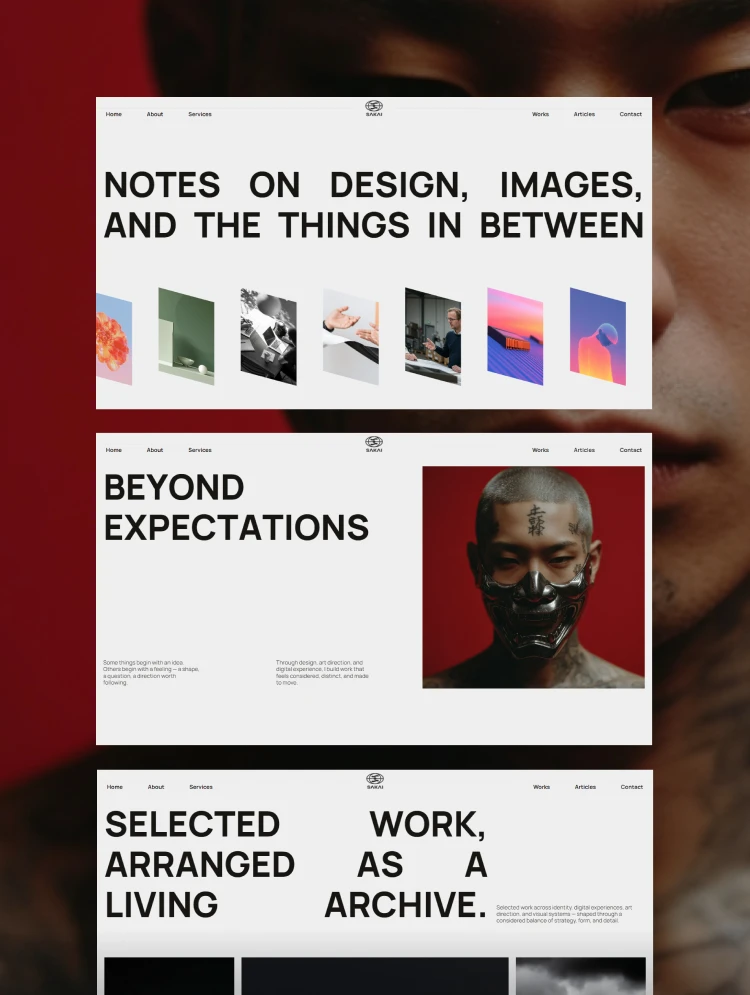
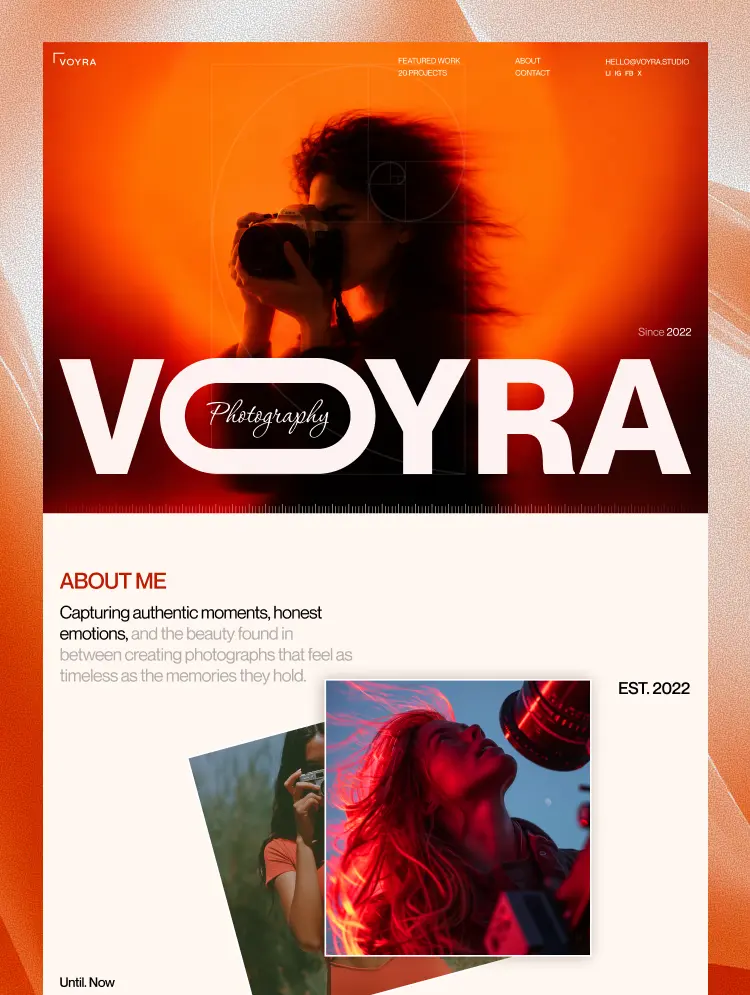
VOYRA is a photography studio template for photographers and visual artists. Showcase curated collections, featured projects, and studio details in a refined, gallery-ready layout that lets every image tell its own story.
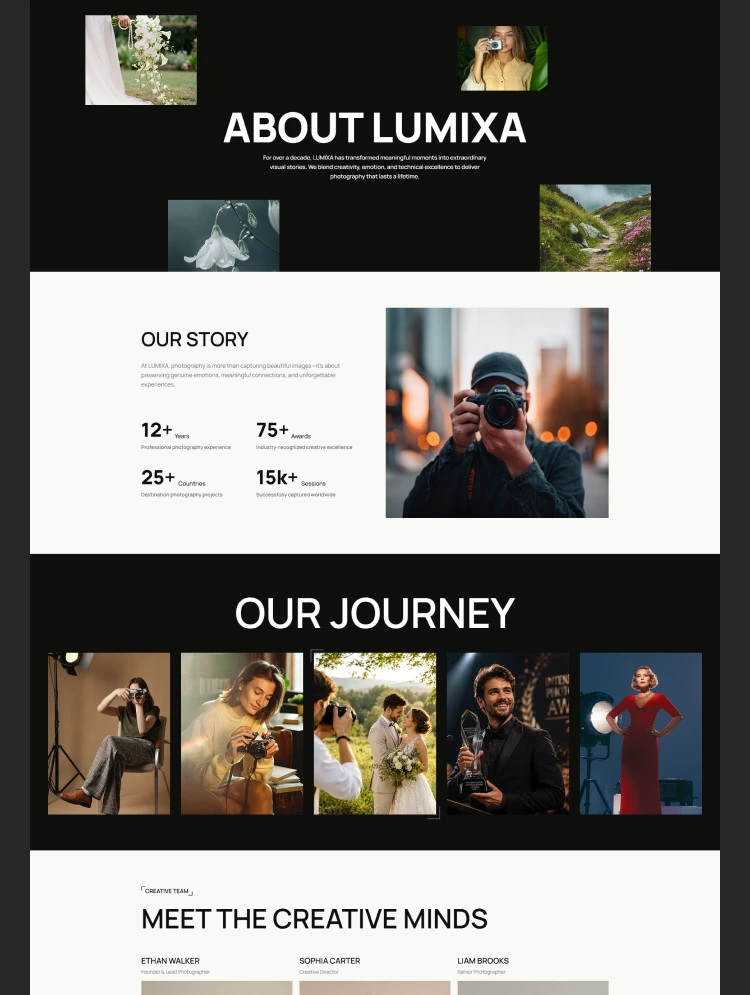
VOYRA is a photography studio portfolio template designed for photographers, visual artists, and creative studios who want to present their work with a refined, gallery-inspired aesthetic. Built around the idea that every image deserves space to be experienced, VOYRA brings together curated collections, selected projects, and personal stories in a cohesive visual experience.
The portfolio puts photography at the center, allowing visitors to explore each project as a complete visual narrative. From carefully selected image series to past works and archived collections, every section creates a natural flow through the photographer’s creative journey. Project descriptions, photography details, and studio information provide context without distracting from the images themselves.
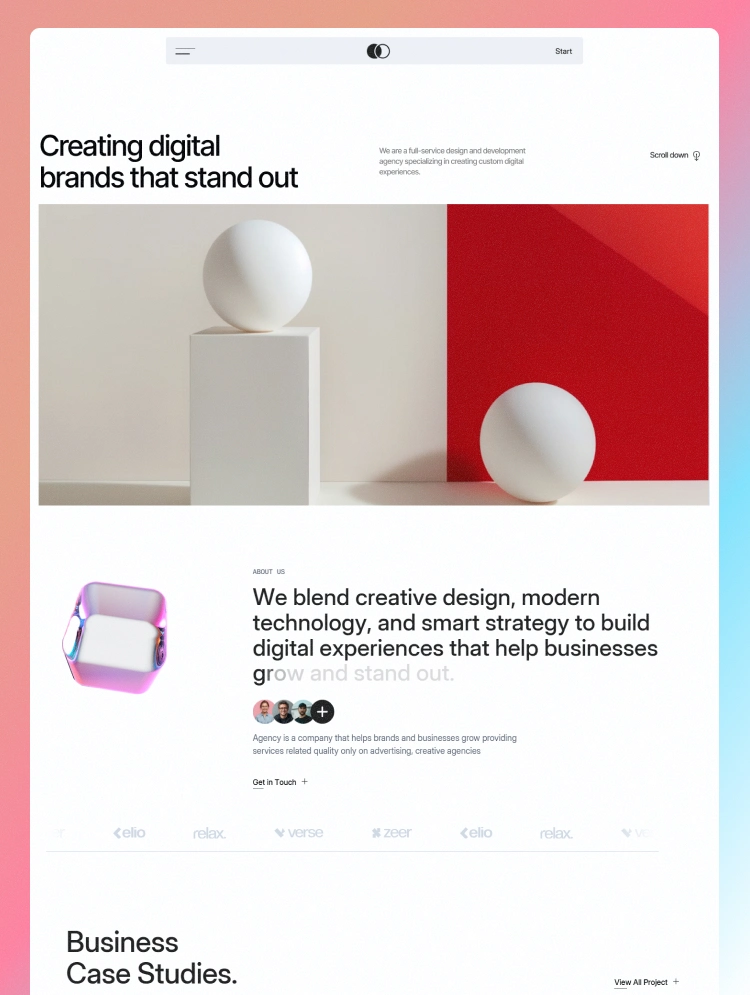
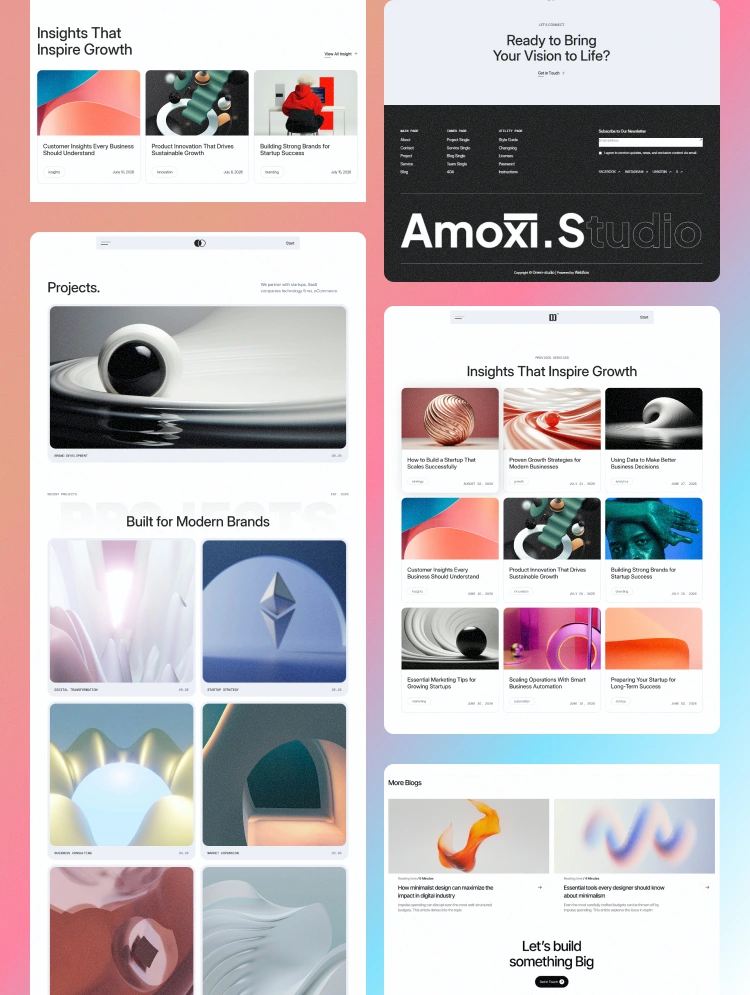
Inspired by contemporary galleries and editorial photo books, VOYRA combines minimalist layouts, thoughtful typography, spacious compositions, and structured image grids. Its understated visual language creates a timeless presentation that adapts to different photography styles, from portraits and fashion editorials to architecture, landscapes, and commercial photography.
Designed for Webflow, VOYRA offers a professional foundation for building a distinctive photography portfolio, showcasing creative work, and connecting with potential clients. Whether you are an independent photographer or an established visual studio, VOYRA helps transform your portfolio into an immersive showcase of your vision, style, and creative identity.
Can only be used by you or one client for one end product. You cannot resell or redistribute this template in its original or modified state.
This template is free to use in both person and commercial projects. You cannot resell, redistribute, or license this template in its original or modified state.
Questions about this template? Just reach out to the template designer and they will get back to you within 2 business days.
For advanced design guidance, please share your questions in the Webflow Forum or reach out to a Webflow Partner.
Share your feedback by leaving a comment below.
For template support, please check the Support tab.

Use the Preview in Designer option to make any edits to the template pages and preview how the layout would fit your content. Changes in preview mode won't be saved.
It isn't possible to apply a template to an already existing project. Instead, you'll need to create a new project based on the Template.
With a Core plan (or higher), you can export sites you build in Webflow, including templates, to host them anywhere you'd like.
Webflow templates are only available for purchase through Workspaces and legacy individual accounts.
CMS templates are designed to use the power of the Webflow CMS. It is possible to downgrade to a Basic Site Plan as long as all CMS content is deleted from the project.
Use the View Connections tool to understand where the CMS content is on the site and delete any dynamic listings and CMS content. We also recommend you to check Components and the Collection page Templates.
Ecommerce templates are designed to use the power of Webflow Ecommerce. It is not possible to remove Ecommerce from a template, however, deleting all Ecommerce Products and Categories from the project, will allow to select a lower Site Plan.
Membership templates are designed to use the power of Webflow Membership. It is not possible to remove Memberships from a template.