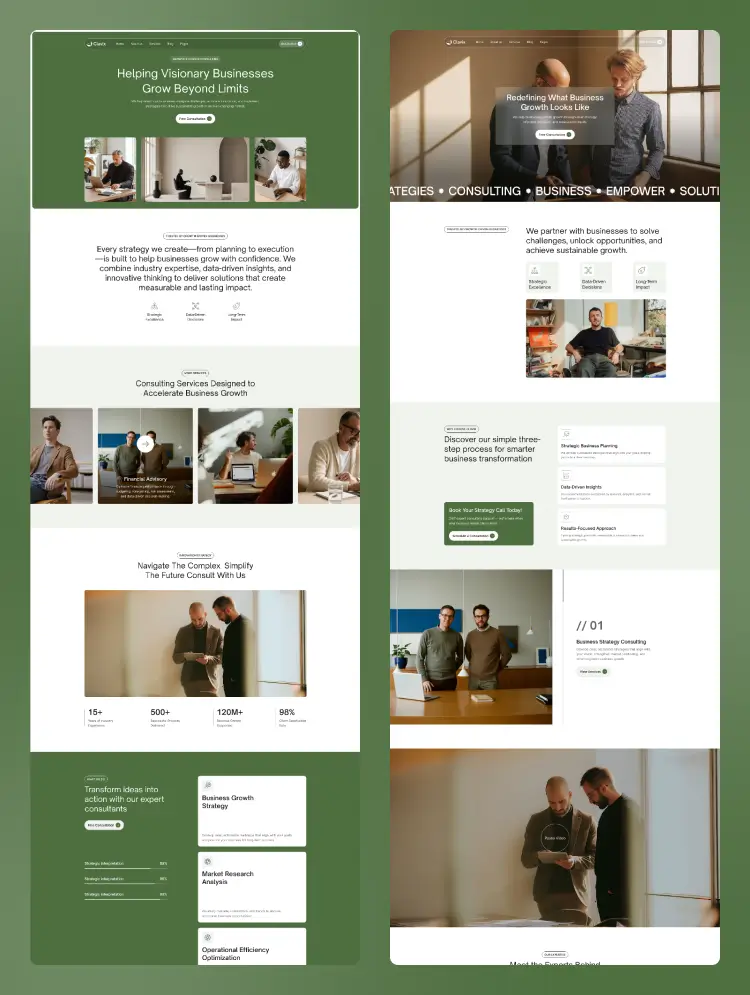
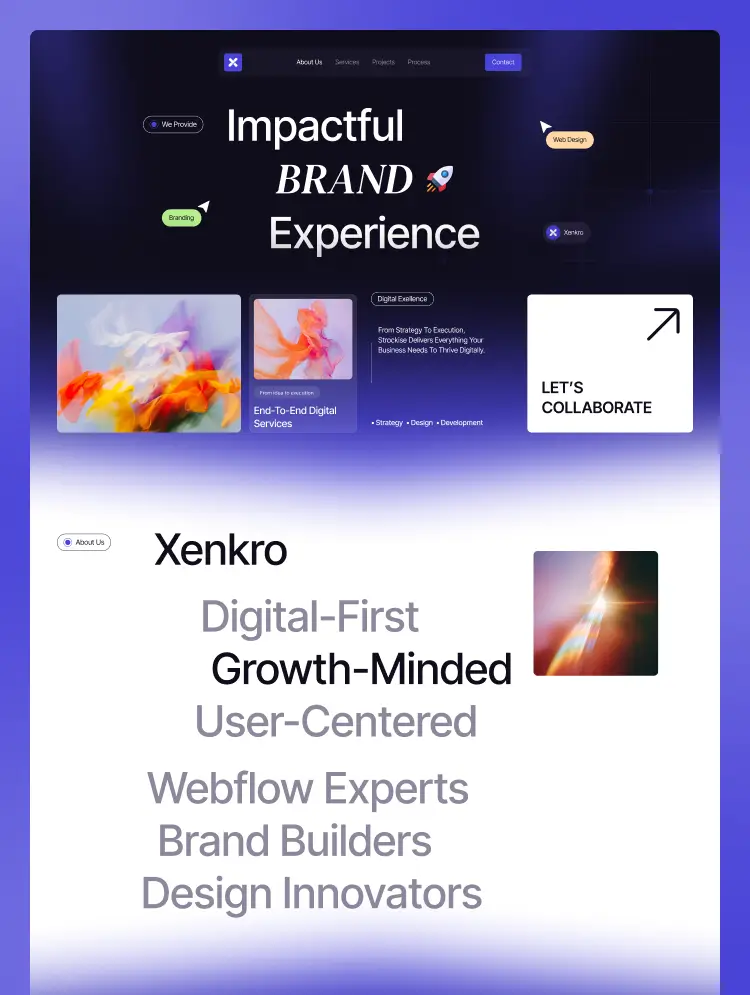
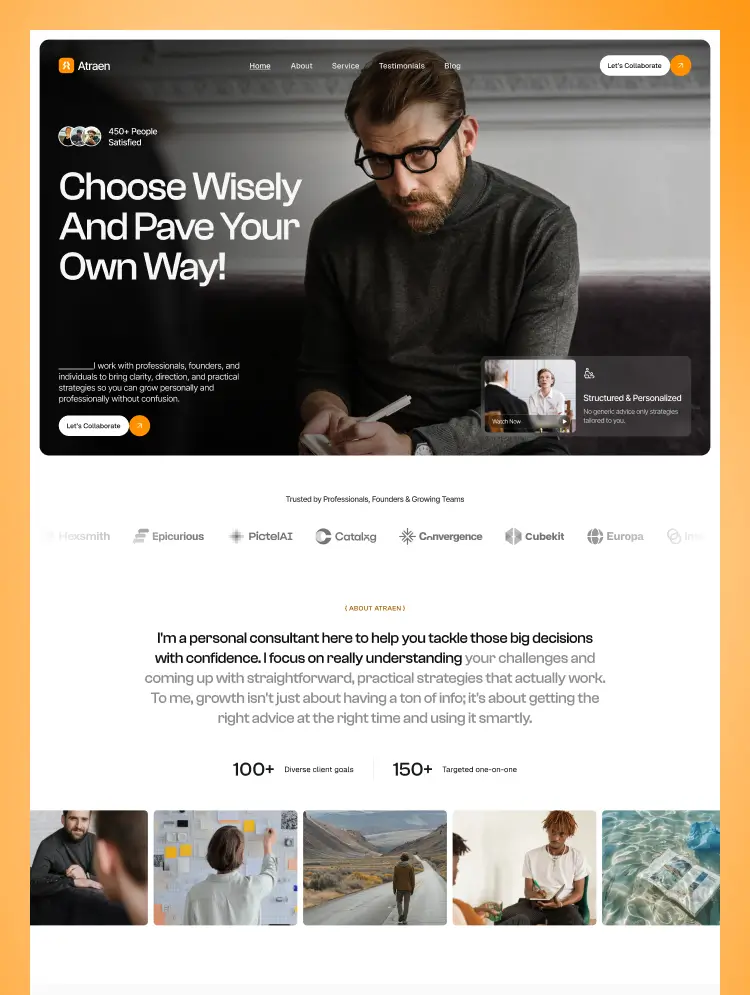
Trusted by teams at






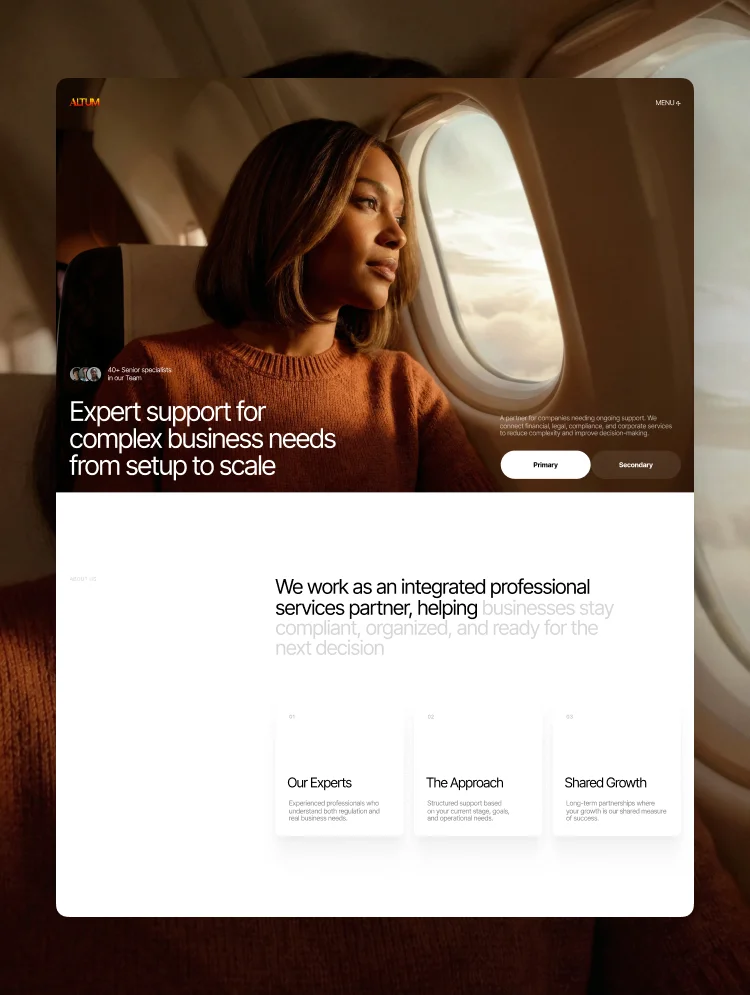
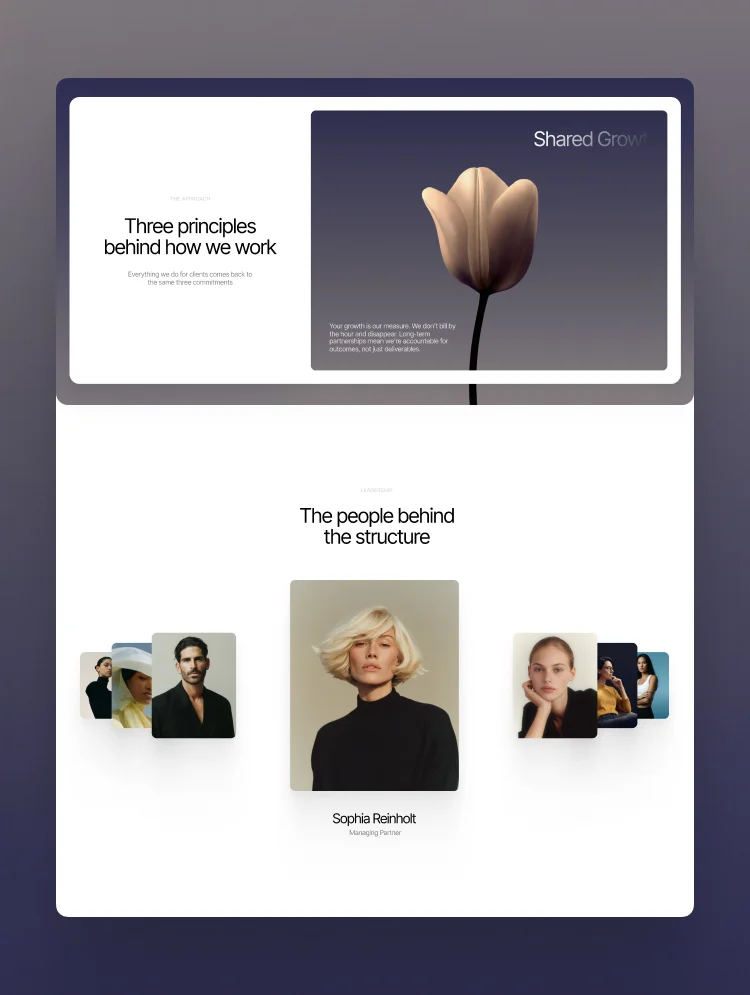
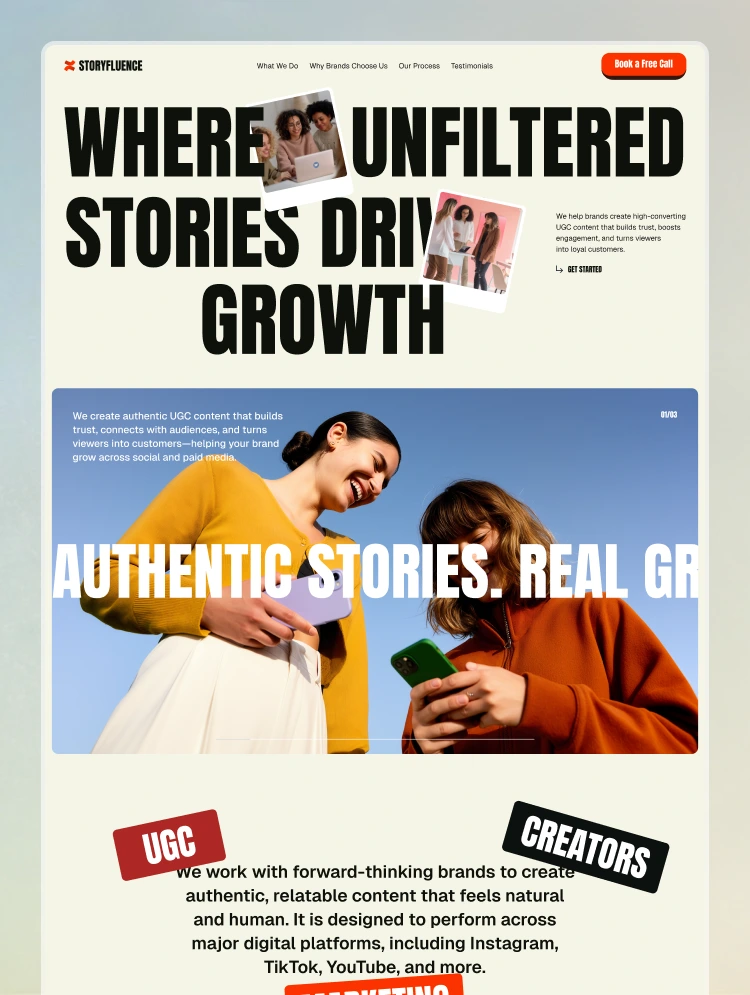
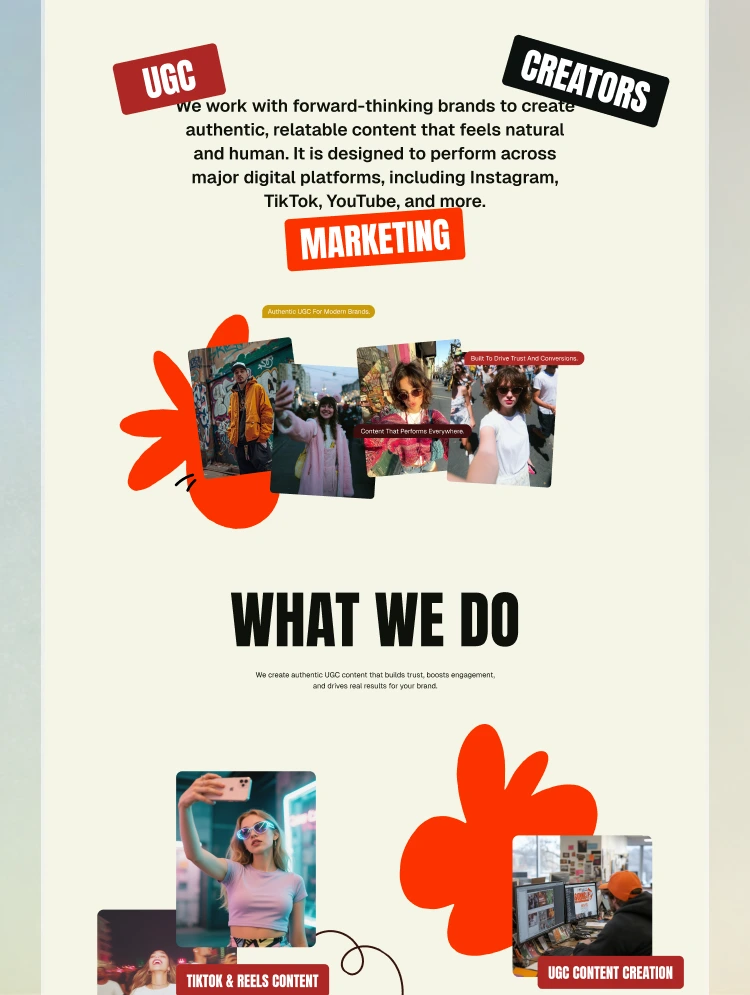
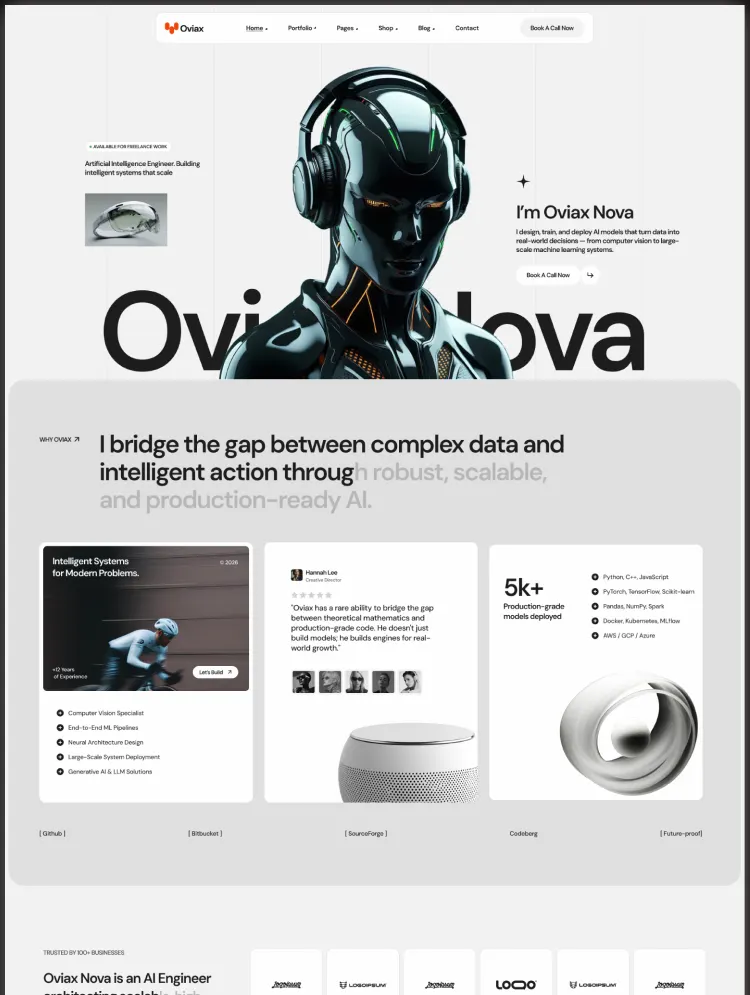
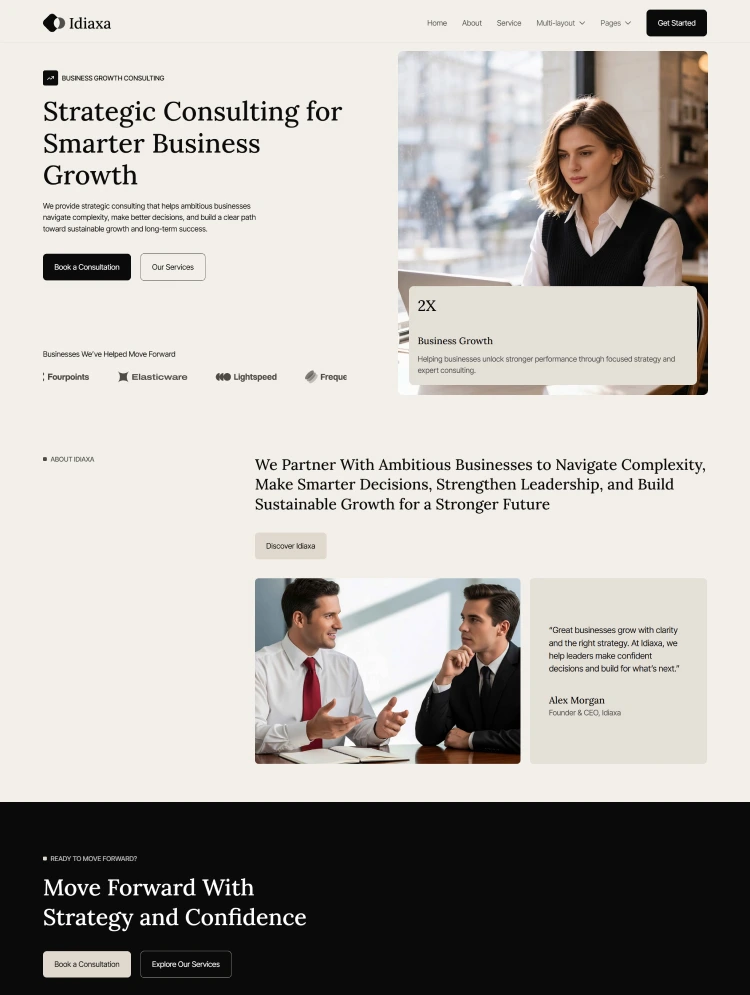
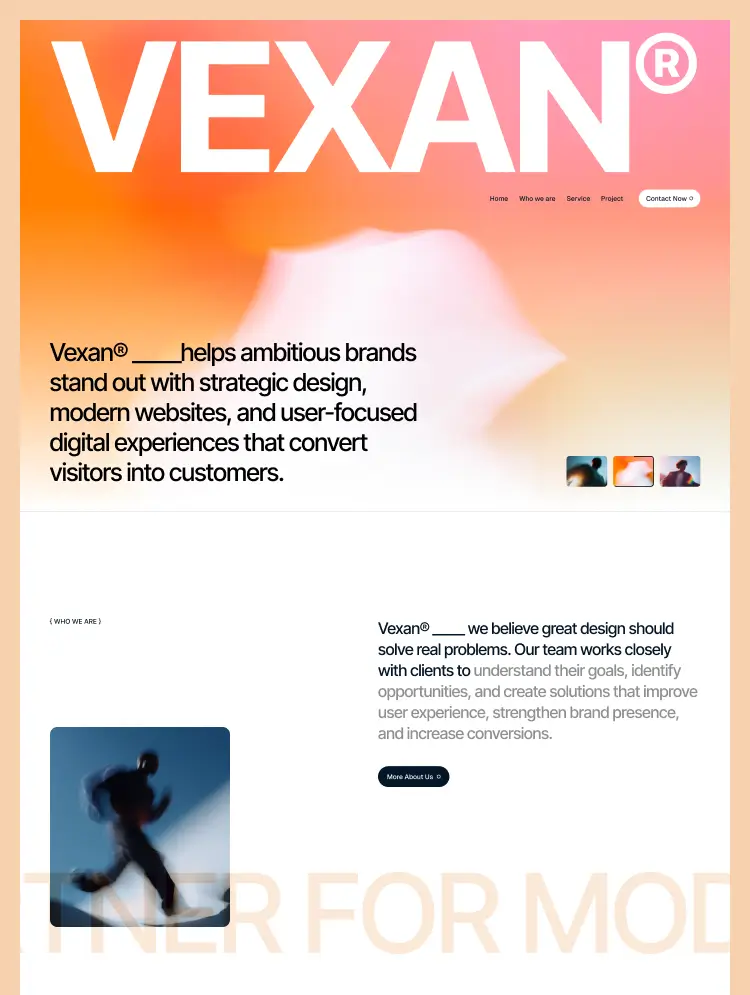
Vexan is a modern portfolio and agency Webflow template for creative agencies, UI/UX designers, web designers, developers, and digital professionals. Showcase your projects, services, expertise, and creative work with a polished design.
Vexan is a modern and professionally designed Webflow template created for digital agencies, creative studios, UI/UX designers, web designers, developers, branding agencies, and independent creative professionals. Built around a strong portfolio-focused experience, Vexan helps you showcase your work, communicate your expertise, build trust with potential clients, and turn visitors into meaningful business opportunities.
Whether you're running a creative agency, digital studio, design consultancy, or personal creative business, Vexan provides a polished foundation to present your services, highlight successful projects, share valuable insights, and create a memorable online presence.
Vexan combines bold visual presentation with a clean and structured user experience. The layout is designed to put your work and expertise at the center while giving potential clients a clear understanding of what you do and how you can help them.
From the first impression to the final call-to-action, every section is thoughtfully structured to communicate professionalism, creativity, and business value.
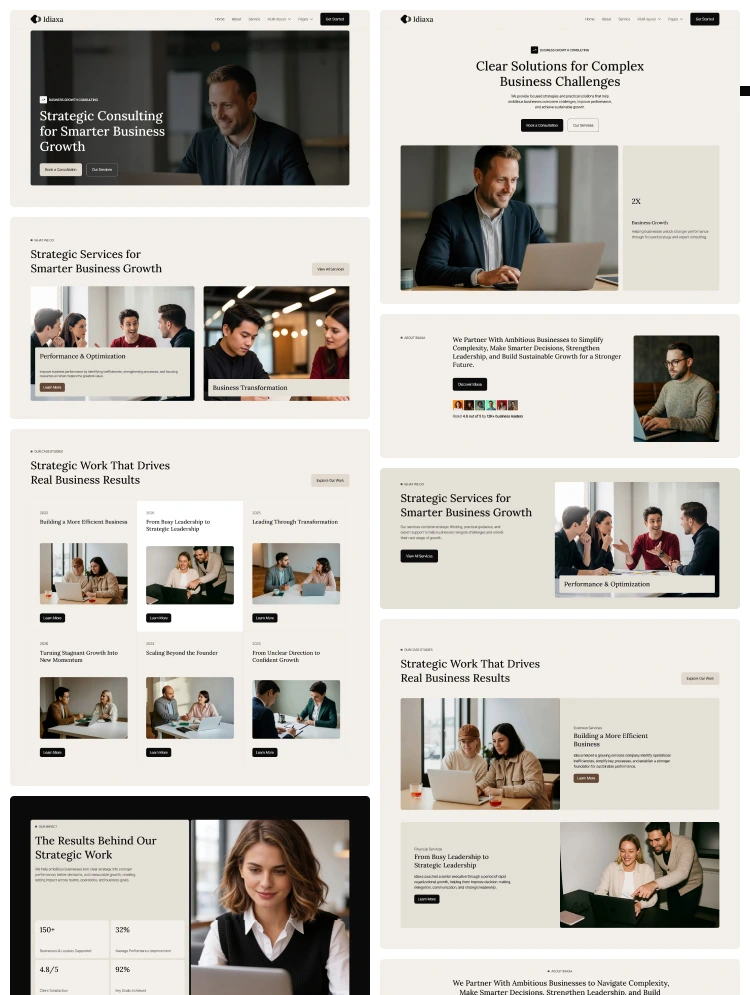
• Home – A bold and conversion-focused homepage designed to introduce your brand, communicate your capabilities, showcase selected work, highlight services, and encourage potential clients to start a conversation.
• About – Tell your story, introduce your team or creative practice, communicate your values, and explain how you help businesses achieve their digital goals.
• Project – Showcase your best work with a dedicated portfolio experience designed to present projects, creative solutions, and successful client outcomes.
• Blog – Share design insights, digital trends, UX strategies, branding knowledge, and industry articles to engage your audience and build long-term SEO value.
• Contact – Give potential clients a clear and professional way to share their goals, discuss a project, or connect with your team.
• Style Guide – Manage typography, colors, buttons, spacing, forms, and reusable components to maintain a consistent visual identity throughout the website.
• Licenses – Provides licensing information for the assets and resources used throughout the template.
• Instructions – Get helpful guides, setup instructions, and resources to help you get the most out of your template.
• Changelog – Keep track of template updates, improvements, fixes, and future enhancements.
• Projects CMS Template – Easily create, update, and manage portfolio projects using Webflow CMS.
• Blogs CMS Template – Publish and organize blog posts, articles, insights, and educational content through Webflow CMS.
• Services CMS Template – Dynamically manage your agency services and keep your service content updated without rebuilding pages.
• Password Page – Provides a professional password-protected experience for restricted content.
• 404 Page – A custom error page that maintains a polished experience when visitors reach an unavailable page.
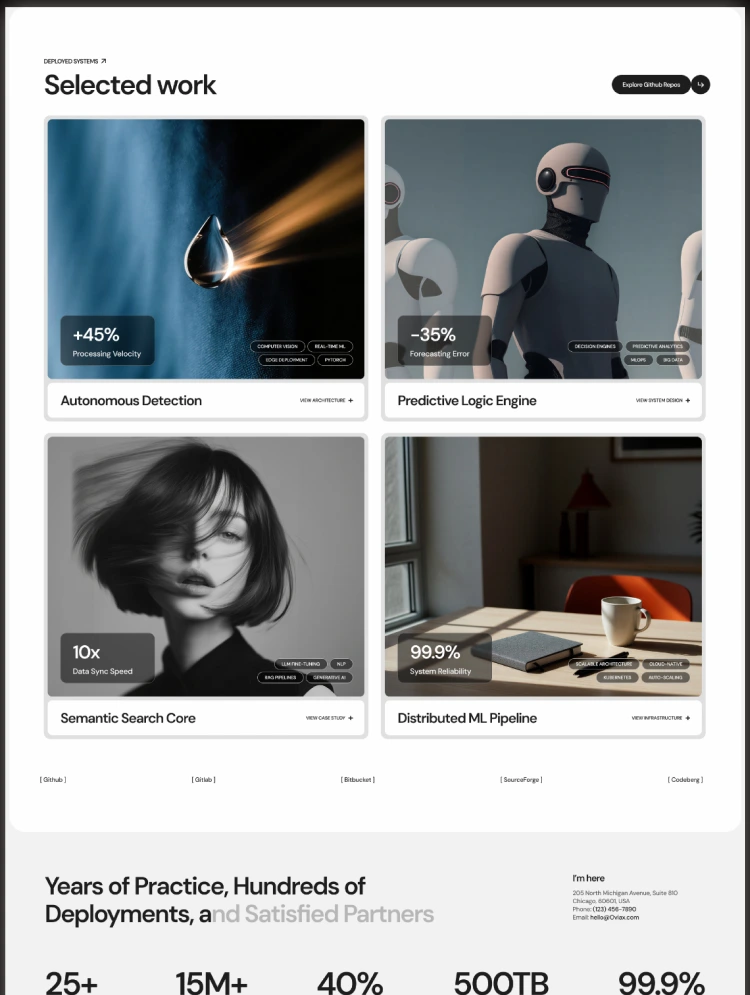
Your portfolio is often the most important part of an agency or creative business website. Vexan provides a dedicated project experience that allows you to present your best work with strong visual storytelling and clear project information.
The Projects CMS makes it easy to continuously add new case studies, creative projects, website designs, branding work, and digital experiences as your portfolio grows.
Vexan is structured to help creative businesses communicate their expertise through focused service sections. The template is ideal for presenting services such as UI/UX Design, Website Design, Web Development, Brand Identity, and other digital creative solutions.
Clear service presentation helps potential clients quickly understand what you offer and identify the right solution for their business needs.
Vexan includes a dedicated process section designed around a clear project workflow. You can use this section to explain how you discover client needs, define strategies, design experiences, develop digital products, test and launch projects, and continuously optimize results.
Understand the client's goals, challenges, audience, and business requirements.
Create a clear strategy and direction based on research, business objectives, and project requirements.
Develop thoughtful and user-focused digital experiences that combine creativity with usability.
Turn the approved design into a functional and polished digital experience.
Test the final product, refine the experience, and prepare everything for launch.
Continue improving the digital experience based on performance, feedback, and business goals.
Vexan includes testimonial and results-focused sections that help showcase client experiences, business achievements, and successful collaborations.
Use these sections to communicate credibility, highlight client satisfaction, and give potential customers additional confidence before starting a project.
Vexan includes Webflow CMS functionality for Projects, Services, and Blog content. Easily add new portfolio projects, update your services, publish articles, and keep your website content fresh without changing the core design structure.
The flexible CMS setup makes Vexan suitable for growing agencies and creative professionals who regularly expand their portfolio and publish new content.
Vexan is designed with business growth in mind. Strategic content sections, service highlights, portfolio showcases, testimonials, and clear calls-to-action guide visitors toward taking the next step.
The dedicated contact experience allows potential clients to share their goals and discover how your agency can help them create better digital experiences.
Vexan is built following Webflow best practices with a clean structure, responsive layouts, and performance-focused development. The template provides a strong foundation for improving search visibility and attracting organic traffic.
Dedicated project, service, blog, and resource pages give you more opportunities to create valuable content around your expertise, services, industries, and target keywords.
Vexan is fully responsive and optimized for desktop, tablet, and mobile devices. Every section adapts smoothly to different screen sizes, ensuring your portfolio and agency website delivers a consistent and professional experience across modern devices.
Vexan is designed to be easy to customize for designers, developers, agencies, and creative professionals. Update colors, typography, images, content, layouts, and branding elements to match your identity without rebuilding the website from scratch.
The included Style Guide makes it easier to maintain design consistency and manage future updates efficiently.
• Digital Agencies
• Creative Agencies
• Creative Studios
• UI/UX Design Agencies
• Web Design Studios
• Web Development Agencies
• Branding Agencies
• Marketing Agencies
• UI/UX Designers
• Web Designers
• Brand Designers
• Product Designers
• Design Consultants
• Creative Freelancers
• Independent Designers
• Creative Professionals
• Technology Companies
• Software Companies
• Product Design Teams
• Digital Design Studios
• Digital Service Providers
• Startup Teams
Every purchase of Vexan includes the original Figma design file completely free, making it easier for designers and developers to collaborate, customize the design, and maintain consistency throughout the project.
Need help with the template or have pre-purchase questions?
Our team is always ready to assist you and help you get the most out of Vexan.
Can only be used by you or one client for one end product. You cannot resell or redistribute this template in its original or modified state.
This template is free to use in both person and commercial projects. You cannot resell, redistribute, or license this template in its original or modified state.
Questions about this template? Just reach out to the template designer and they will get back to you within 2 business days.
For advanced design guidance, please share your questions in the Webflow Forum or reach out to a Webflow Partner.
Share your feedback by leaving a comment below.
For template support, please check the Support tab.

Use the Preview in Designer option to make any edits to the template pages and preview how the layout would fit your content. Changes in preview mode won't be saved.
It isn't possible to apply a template to an already existing project. Instead, you'll need to create a new project based on the Template.
With a Core plan (or higher), you can export sites you build in Webflow, including templates, to host them anywhere you'd like.
Webflow templates are only available for purchase through Workspaces and legacy individual accounts.
CMS templates are designed to use the power of the Webflow CMS. It is possible to downgrade to a Basic Site Plan as long as all CMS content is deleted from the project.
Use the View Connections tool to understand where the CMS content is on the site and delete any dynamic listings and CMS content. We also recommend you to check Components and the Collection page Templates.
Ecommerce templates are designed to use the power of Webflow Ecommerce. It is not possible to remove Ecommerce from a template, however, deleting all Ecommerce Products and Categories from the project, will allow to select a lower Site Plan.
Membership templates are designed to use the power of Webflow Membership. It is not possible to remove Memberships from a template.
.svg)


Comes with GSAP animations and interactions for additional polish and usability.
Reposition and resize items anywhere within the grid to produce powerful, responsive layouts — faster and without code.
Build your lead lists and subscriber base with beautiful forms.
Comes with animations and interactions for additional polish and usability.