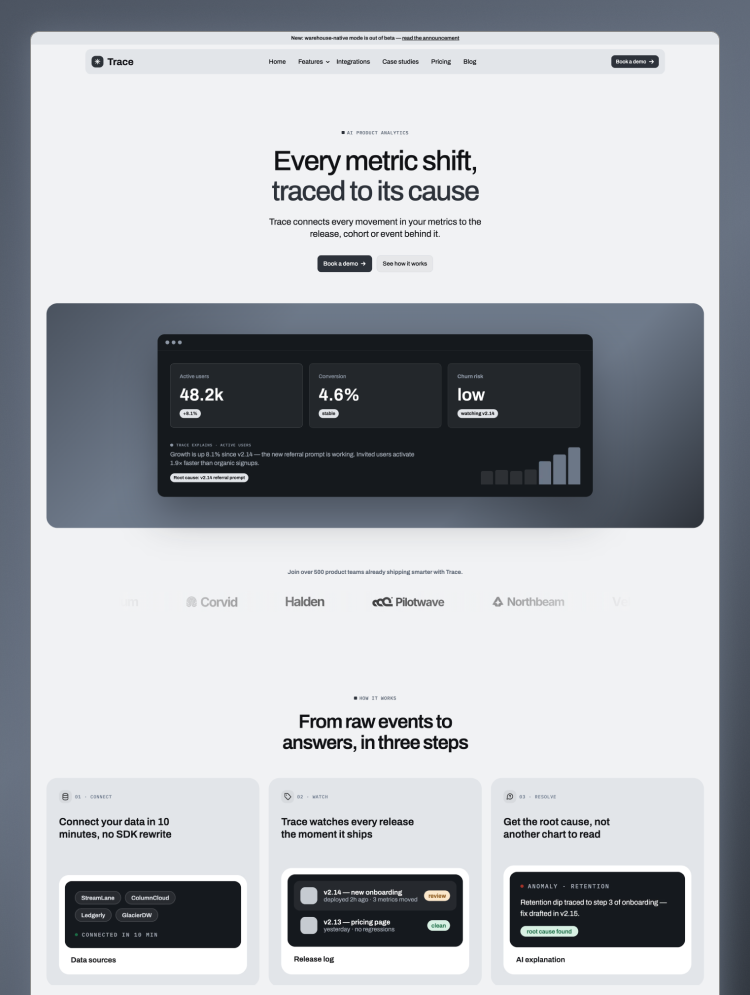
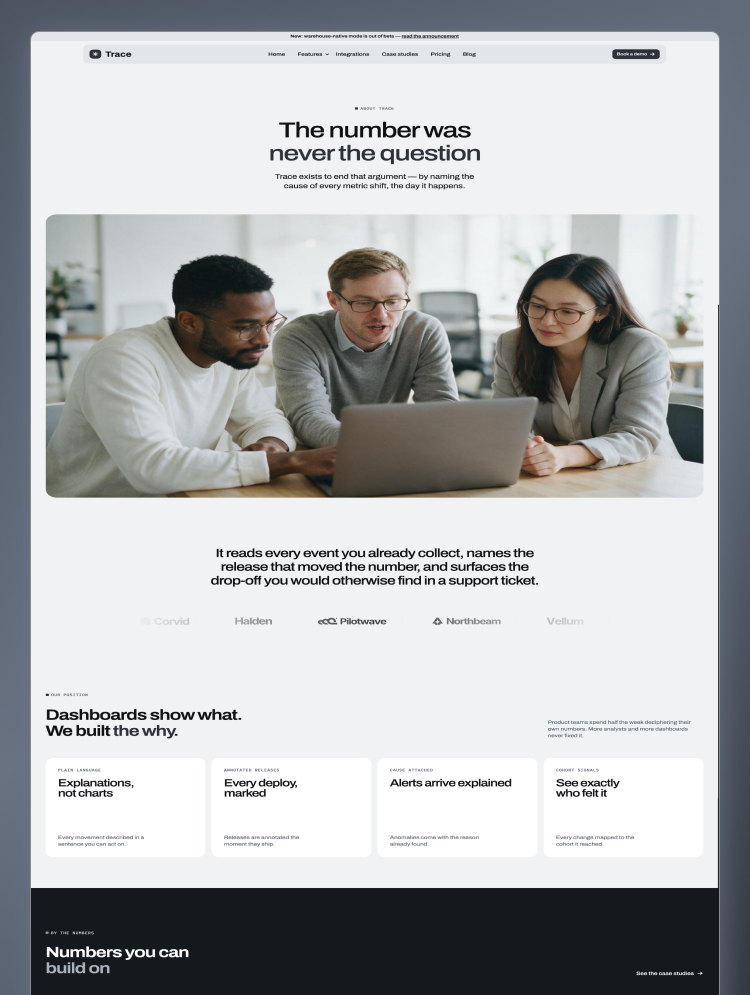
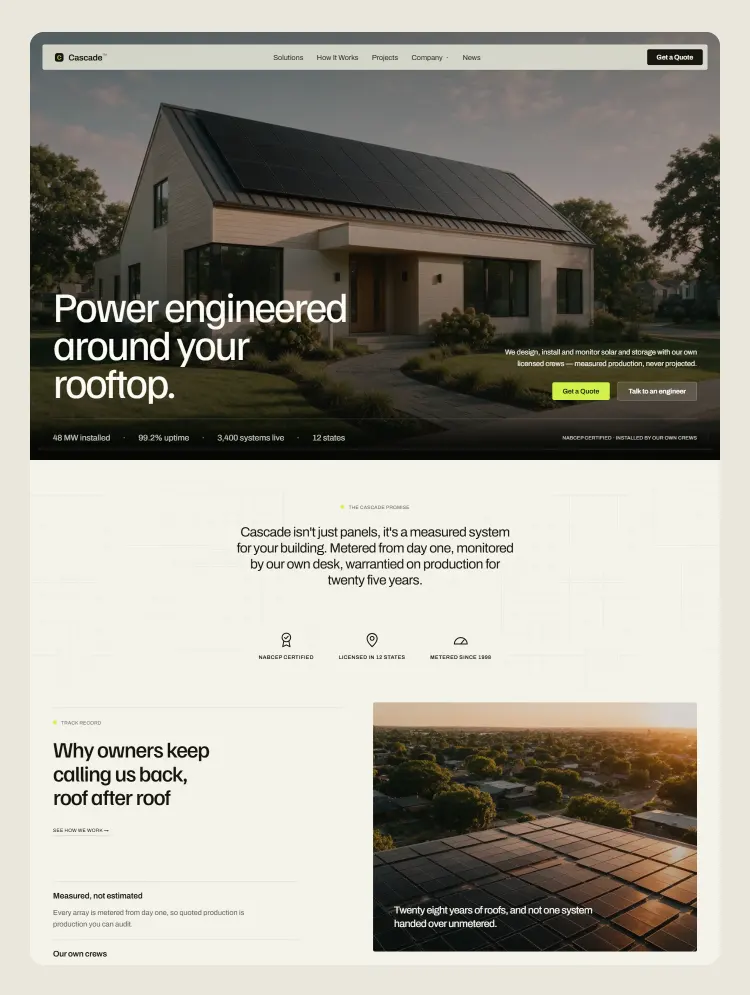
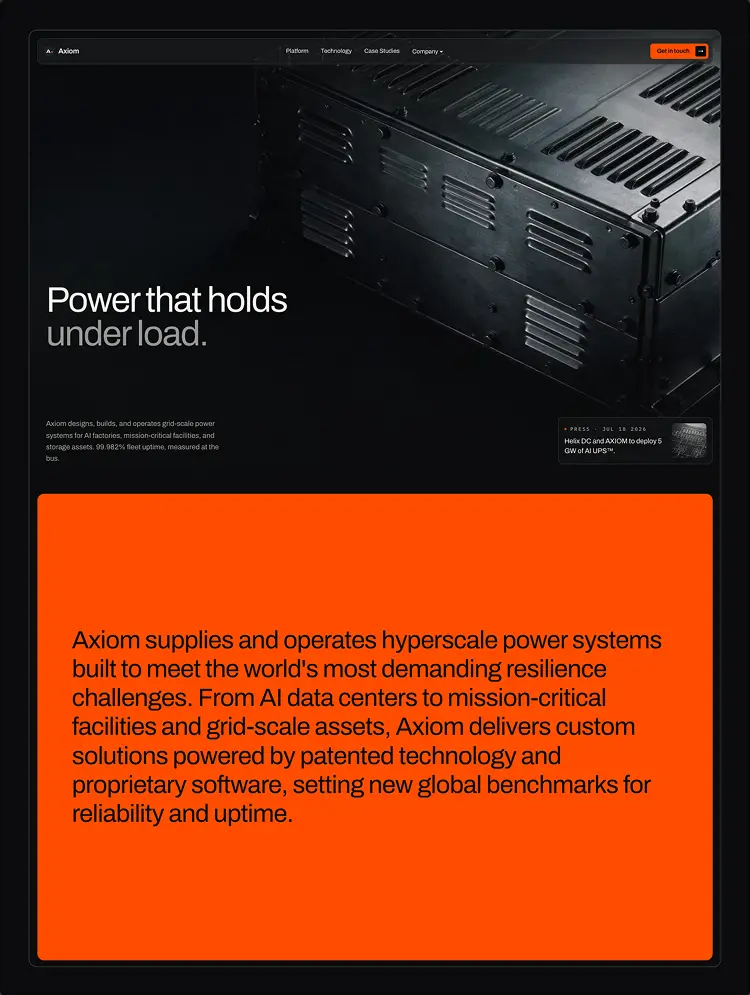
Trusted by teams at






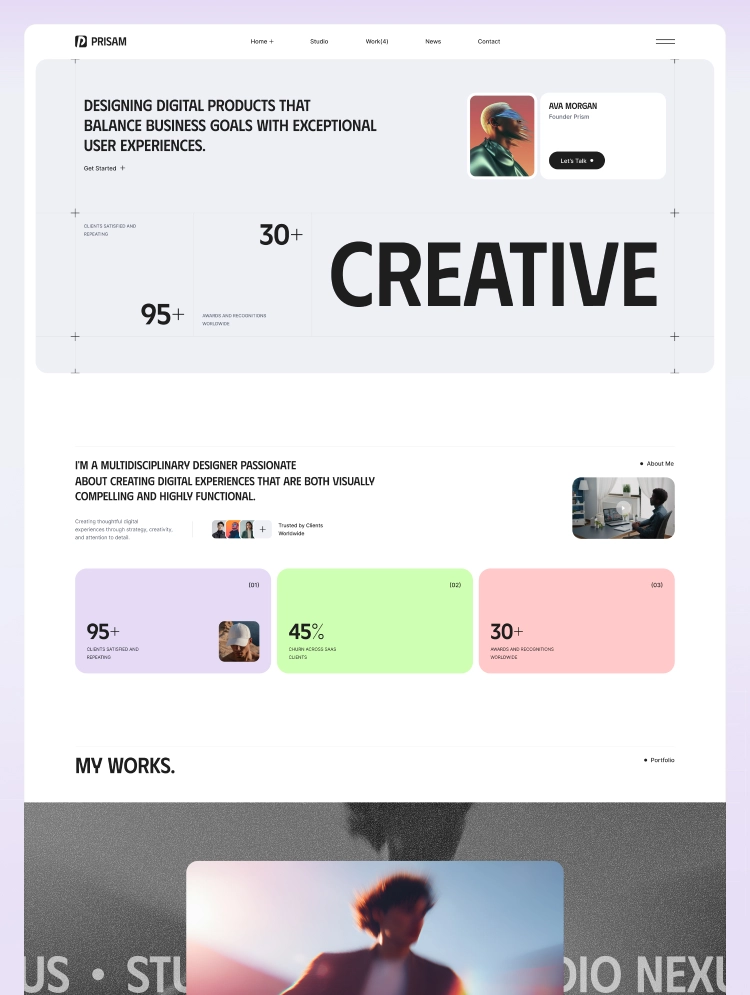
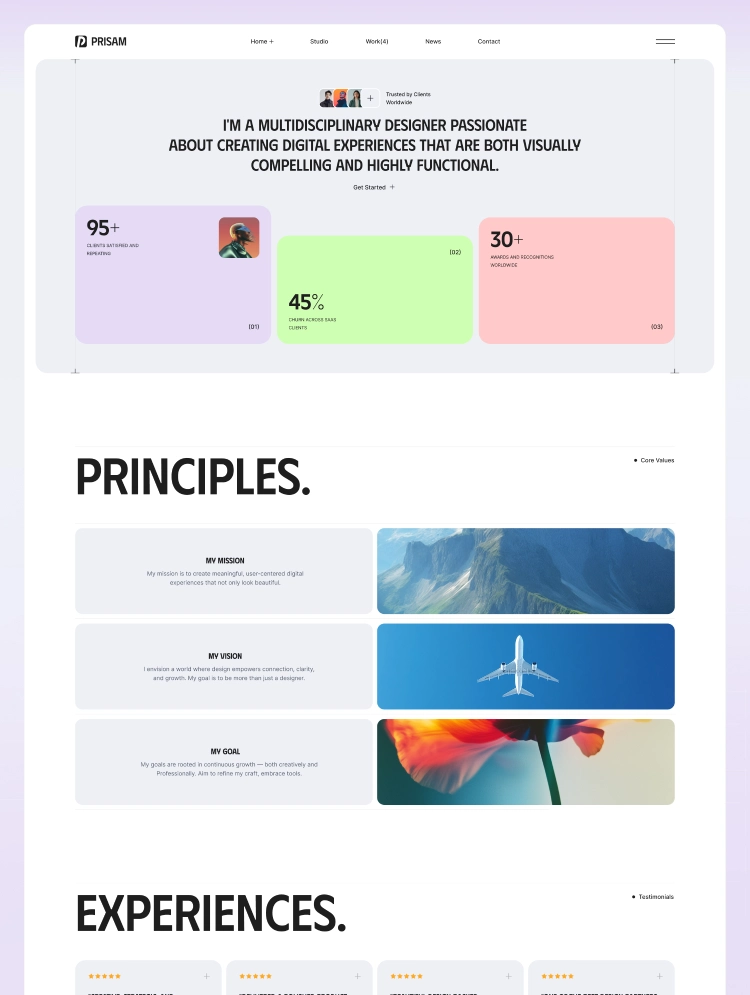
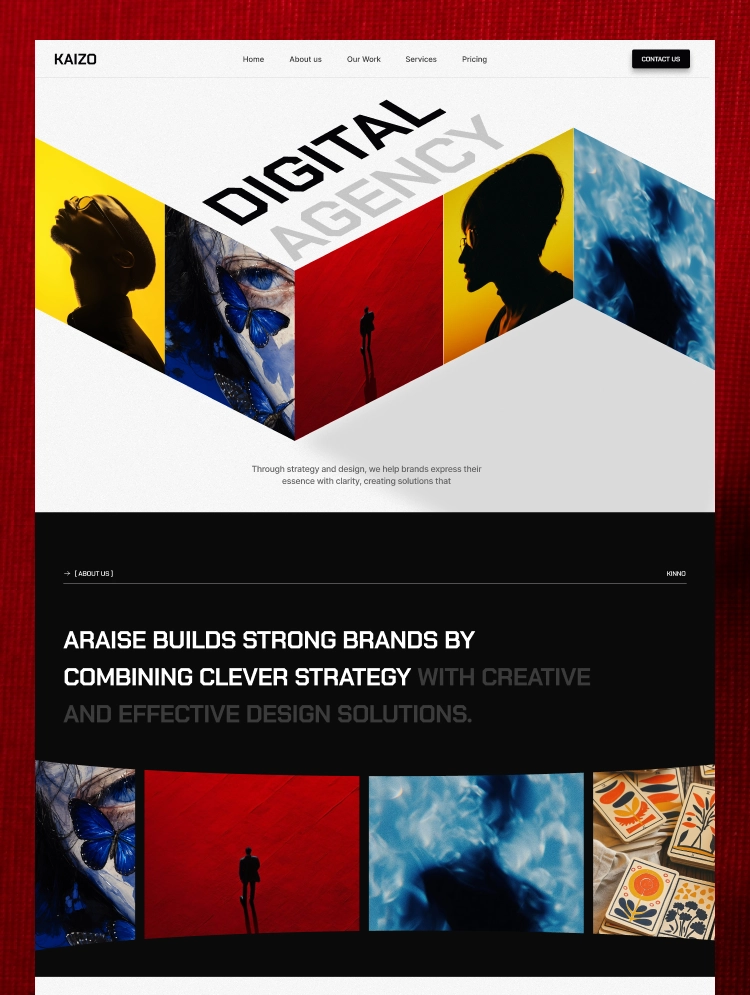
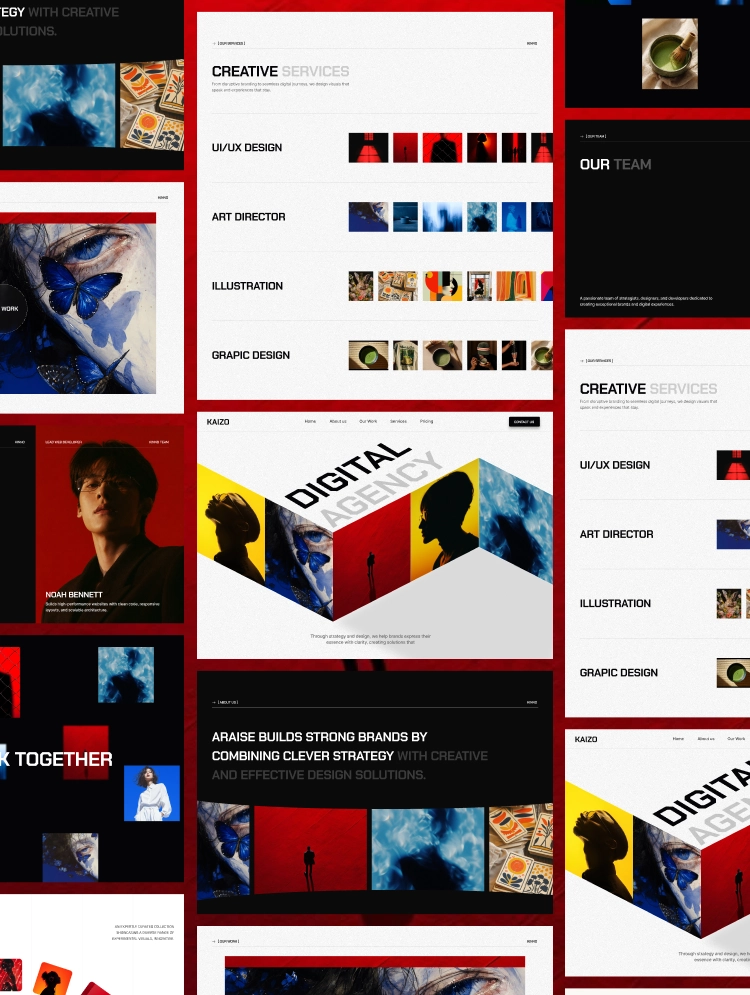
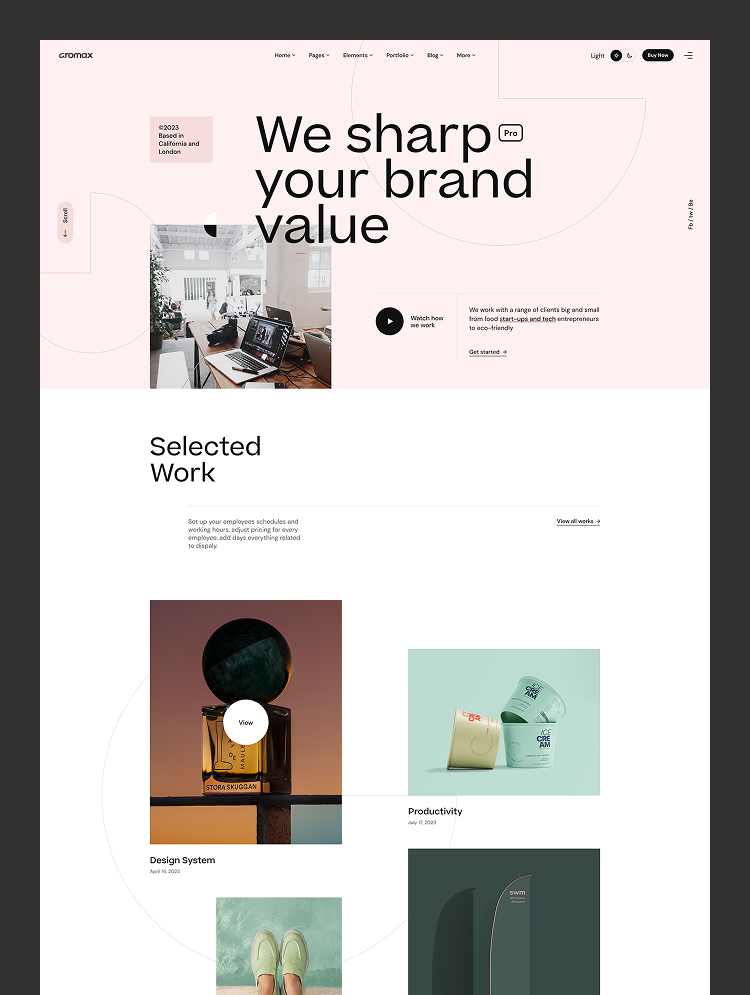
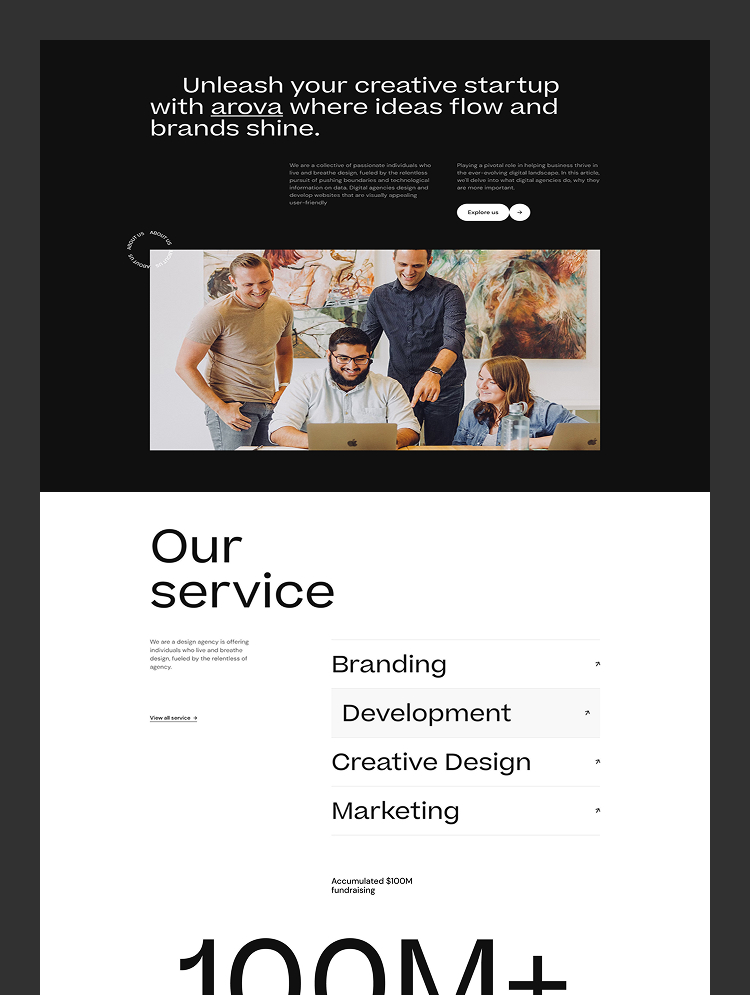
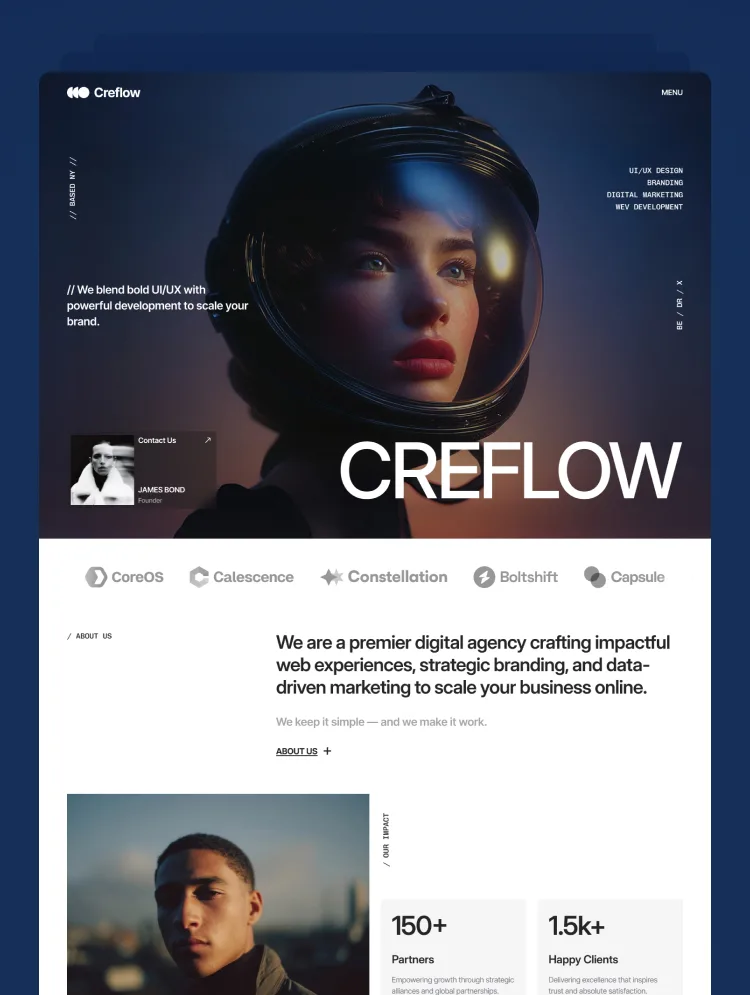
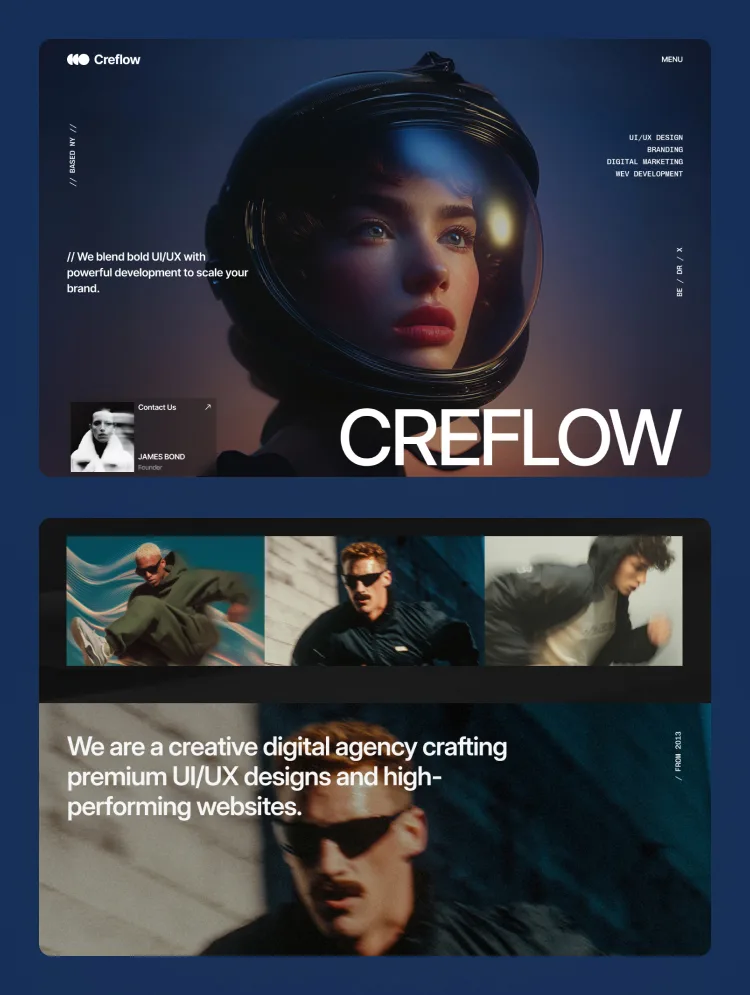
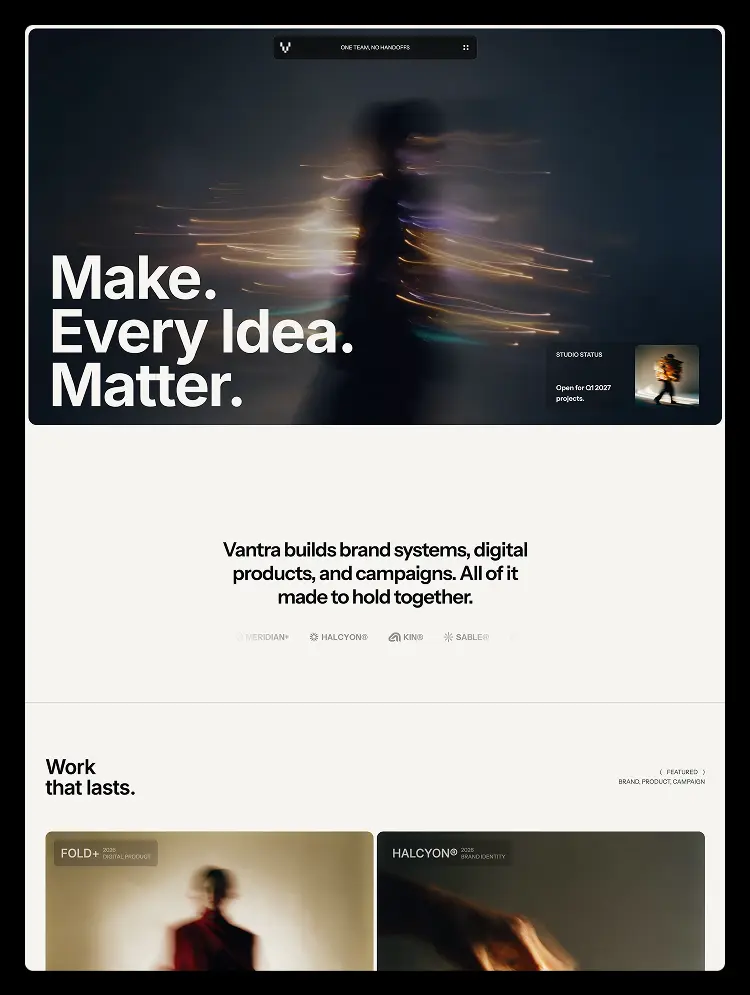
Vantra Studio is a monochrome Webflow template for design studios and creative agencies. Case-study CMS, filterable work archive, journal with authors, and a full style guide — variable-driven, no custom code, nothing to rebuild before launch.
Vantra Studio is a Webflow template for independent design studios, brand agencies, and creative practices — the kind of site where the work has to do the arguing.
It is not a gallery theme. It is a portfolio system: every project is a case study with a brief, a method, and an outcome measured a year after launch.
With four connected CMS collections, three variable collections, and a documented class system, Vantra is the layer that carries creative credibility.
What is in it
– Full site architecture — Home, Work, Case Study, About, Journal, Note, Contact, plus every utility page
– Four CMS collections — Work, Categories, Journal, Journal Categories, all interconnected
– Case Study template — hero, brief, gallery, four outcome rows, and next-project navigation, entirely CMS-driven
– Work archive — filterable by discipline, driven by a Categories collection with its own landing page per discipline
– Journal — featured grid, full index with a category filter, and a single-note template with a sticky author rail
– About — philosophy, studio snapshot, team grid, awards table, and a careers block
– Contact — enquiry form, direct contacts, and an FAQ, all native Webflow
– Utility pages — 404, password, licenses, changelog, style guide (obviously)
A documented system, not a skin
– Variables: three collections — Layout, Theme, Typography — with six breakpoint modes each, so type and spacing scale without a single media query override
– Monochrome by design: ink and warm paper, no accent colour, so every colour on the page arrives through the photography
– Client-First: page-wrapper > main-wrapper > section[identifier] > padding-global > container-max > sectioncontent
– Reusable form classes — formgrid, formfield, forminput, formsubmit — shared by the enquiry form and the password page
– Grouped CMS fields: each collection carries its own meta title, meta description, and share image, bound to its template page
– Accessibility: 4.5:1 text contrast, visible focus states, 44px targets
This template is ideal for:
– Brand identity and design studios
– Creative and advertising agencies
– Digital product and UX practices
– Motion, film, and content studios
– Independent designers and consultants
– Architecture and interior practices
– Photography and art direction portfolios
Vantra helps you:
– Publish projects as case studies built around evidence, not gallery images
– Filter a growing archive by discipline without touching the build
– Give each discipline its own landing page with its own headline and metadata
– Publish thinking through a journal with authors, categories, and per-note share images
– Attract talent through a careers block tied to the studio's own story
– Scale the whole system by changing a variable once
No custom code
Nothing here depends on a script. The navigation, the filters, the forms, the reveals — all native Webflow. Class names follow one convention end to end, so the project stays readable the day after you take it over.
Compatible with Webflow CMS and fully responsive, Vantra holds across desktop, tablet, and mobile, with SEO-ready headings and metadata, CDN image delivery, and restrained native motion.
If you are looking for a Webflow template for a design studio, a creative agency, or a portfolio that has to convince — Vantra Studio is built for studios that show their work.
Can only be used by you or one client for one end product. You cannot resell or redistribute this template in its original or modified state.
This template is free to use in both person and commercial projects. You cannot resell, redistribute, or license this template in its original or modified state.
Questions about this template? Just reach out to the template designer and they will get back to you within 2 business days.
For advanced design guidance, please share your questions in the Webflow Forum or reach out to a Webflow Partner.
Share your feedback by leaving a comment below.
For template support, please check the Support tab.

Use the Preview in Designer option to make any edits to the template pages and preview how the layout would fit your content. Changes in preview mode won't be saved.
It isn't possible to apply a template to an already existing project. Instead, you'll need to create a new project based on the Template.
With a Core plan (or higher), you can export sites you build in Webflow, including templates, to host them anywhere you'd like.
Webflow templates are only available for purchase through Workspaces and legacy individual accounts.
CMS templates are designed to use the power of the Webflow CMS. It is possible to downgrade to a Basic Site Plan as long as all CMS content is deleted from the project.
Use the View Connections tool to understand where the CMS content is on the site and delete any dynamic listings and CMS content. We also recommend you to check Components and the Collection page Templates.
Ecommerce templates are designed to use the power of Webflow Ecommerce. It is not possible to remove Ecommerce from a template, however, deleting all Ecommerce Products and Categories from the project, will allow to select a lower Site Plan.
Membership templates are designed to use the power of Webflow Membership. It is not possible to remove Memberships from a template.
.svg)


Reposition and resize items anywhere within the grid to produce powerful, responsive layouts — faster and without code.
Build your lead lists and subscriber base with beautiful forms.
Comes with animations and interactions for additional polish and usability.