Trusted by teams at






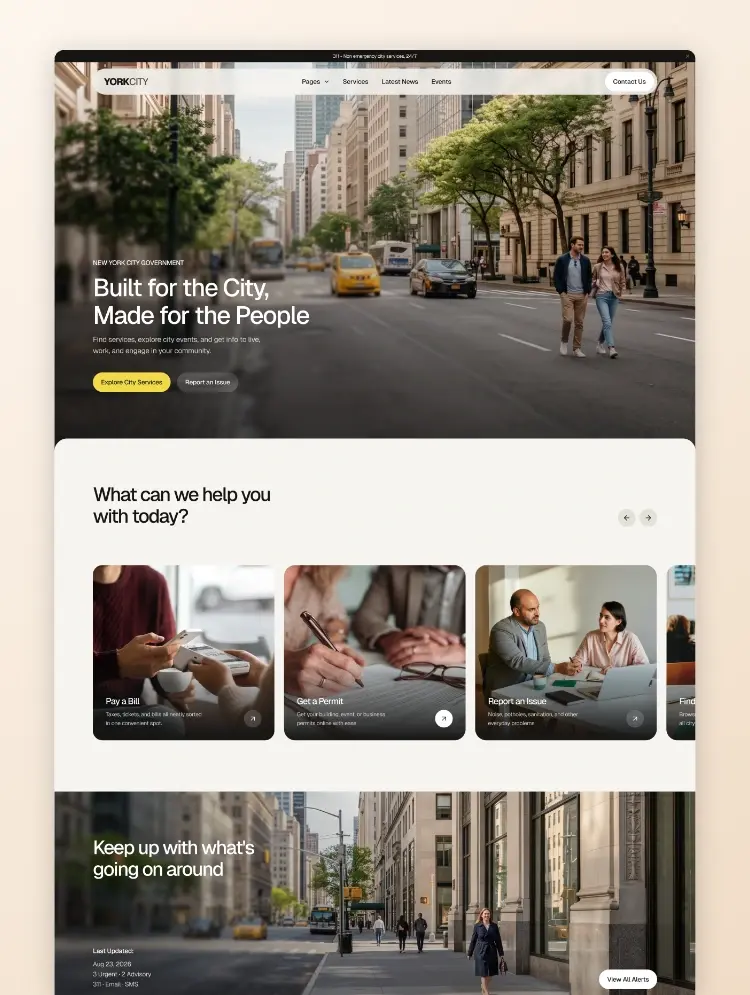
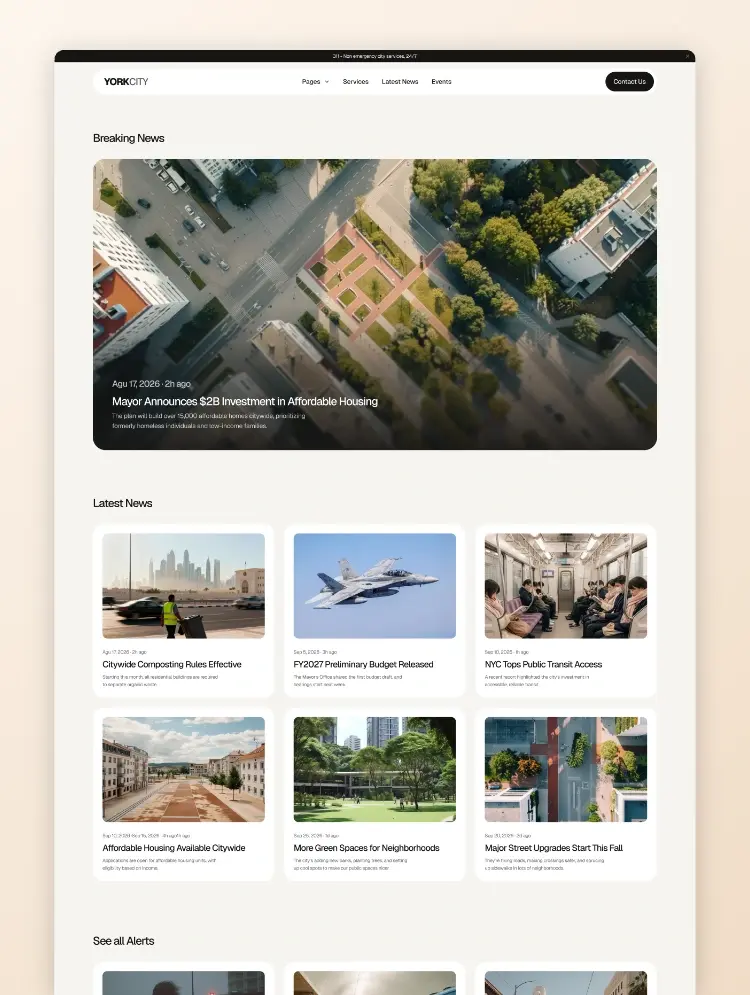
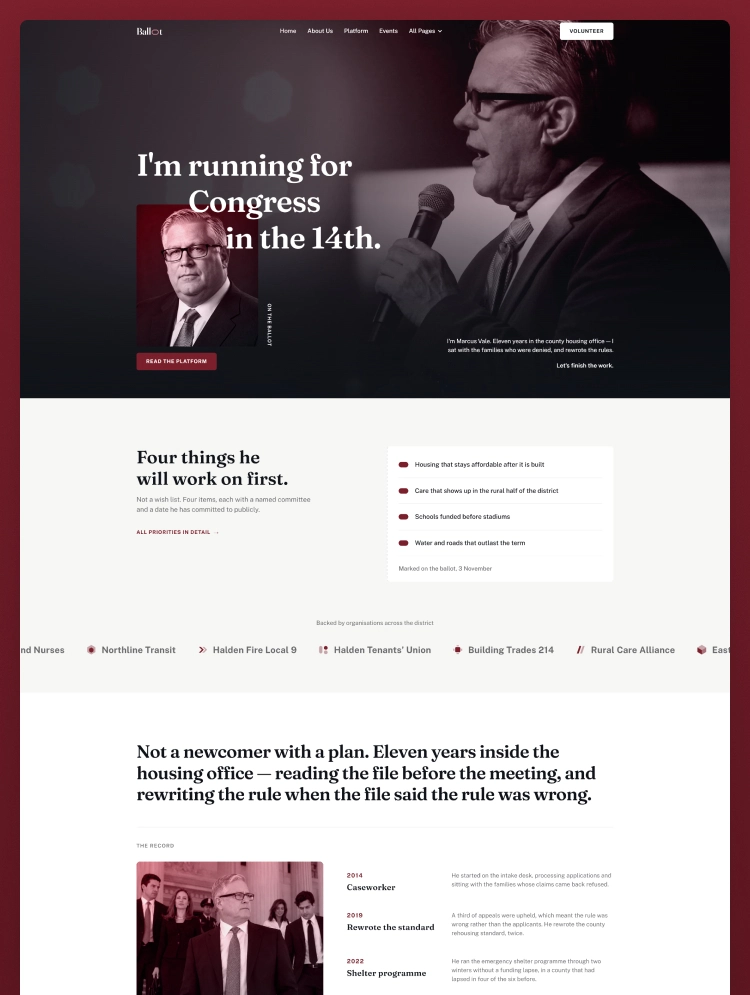
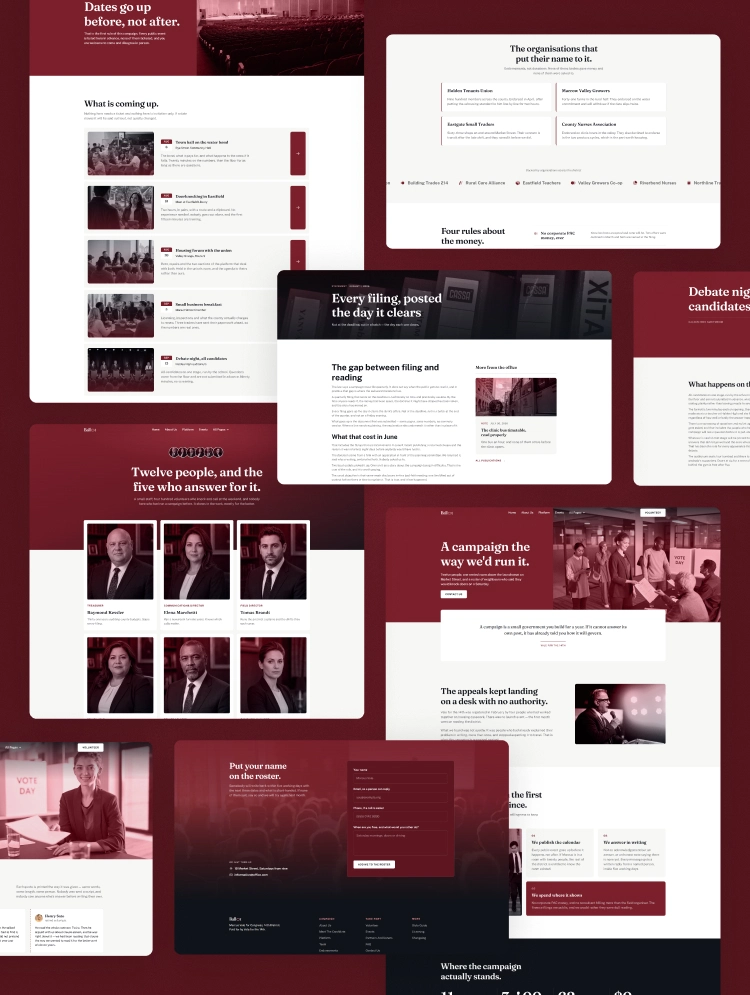
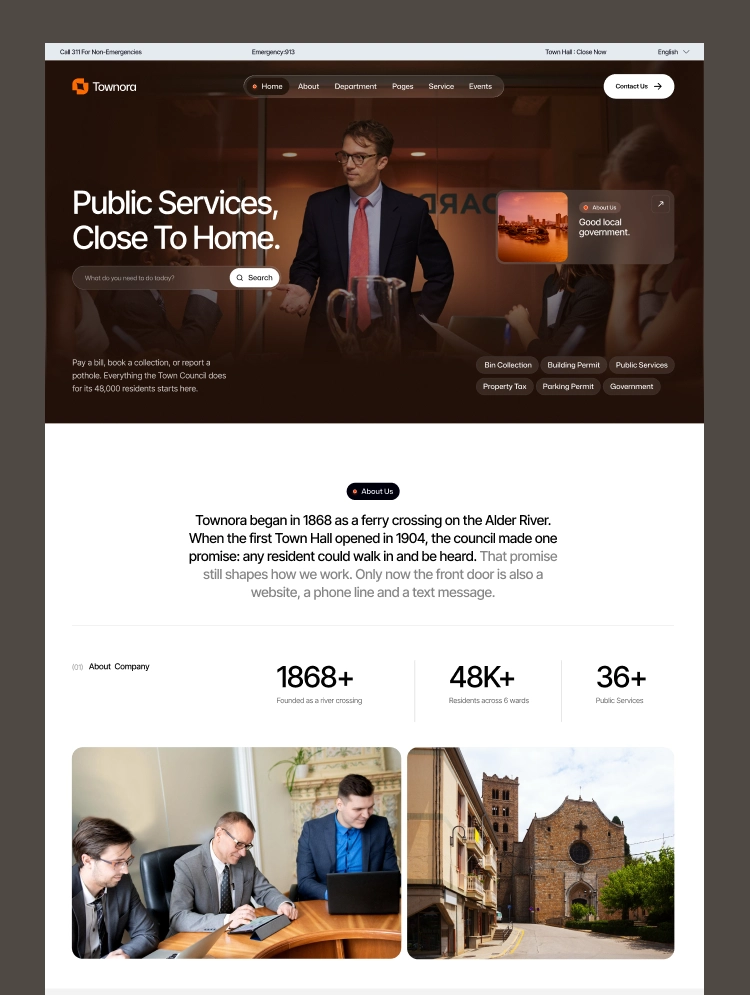
Townora is a modern Webflow template for government, political, and public service websites. Connect with your community, highlight essential services, and share local updates through a clear, professional design.
Townora is a modern Webflow template for local government, city councils, municipalities, political offices, and public service organizations. Designed around the everyday needs of residents, it brings public services, departments, officials, events, and community updates together in one professional website.
Whether you are building a municipal website or refreshing a public organization’s online presence, Townora provides a practical foundation for clear communication and easy access to information.
Present your services with dedicated listing and detail pages. Townora includes example content for:
Adapt these pages to explain service requirements, application steps, processing times, and contact information. The layouts can also support other civic services, including parks and recreation, community facilities, and local planning.
Make Townora your own using Webflow’s visual Designer. Edit text, replace images, adjust colors and typography, and arrange elements with drag-and-drop controls. Everyday content and visual updates can be handled without writing code.
Use the included Style Guide as a starting point to keep your branding consistent across pages. Adapt existing layouts to suit your organization’s services, departments, and communication needs.
Keep services, events, and blog articles organized through Webflow CMS. Add or update entries using structured fields, with connected detail-page layouts providing a consistent presentation as your content grows.
This makes it easier to publish new announcements, introduce services, and keep residents informed about upcoming activities.
Townora’s homepage includes sections for popular services, upcoming events, departments, council priorities, resident testimonials, news, and frequently asked questions. Use these sections to help visitors understand what your organization does and where to go next.
Create a clear, welcoming online presence with Townora—and make your community’s services, people, and priorities easier to discover.
Can only be used by you or one client for one end product. You cannot resell or redistribute this template in its original or modified state.
This template is free to use in both person and commercial projects. You cannot resell, redistribute, or license this template in its original or modified state.
Questions about this template? Just reach out to the template designer and they will get back to you within 2 business days.
For advanced design guidance, please share your questions in the Webflow Forum or reach out to a Webflow Partner.
Share your feedback by leaving a comment below.
For template support, please check the Support tab.

Use the Preview in Designer option to make any edits to the template pages and preview how the layout would fit your content. Changes in preview mode won't be saved.
It isn't possible to apply a template to an already existing project. Instead, you'll need to create a new project based on the Template.
With a Core plan (or higher), you can export sites you build in Webflow, including templates, to host them anywhere you'd like.
Webflow templates are only available for purchase through Workspaces and legacy individual accounts.
CMS templates are designed to use the power of the Webflow CMS. It is possible to downgrade to a Basic Site Plan as long as all CMS content is deleted from the project.
Use the View Connections tool to understand where the CMS content is on the site and delete any dynamic listings and CMS content. We also recommend you to check Components and the Collection page Templates.
Ecommerce templates are designed to use the power of Webflow Ecommerce. It is not possible to remove Ecommerce from a template, however, deleting all Ecommerce Products and Categories from the project, will allow to select a lower Site Plan.
Membership templates are designed to use the power of Webflow Membership. It is not possible to remove Memberships from a template.
.svg)


Reposition and resize items anywhere within the grid to produce powerful, responsive layouts — faster and without code.
Build your lead lists and subscriber base with beautiful forms.
Comes with animations and interactions for additional polish and usability.