Trusted by teams at






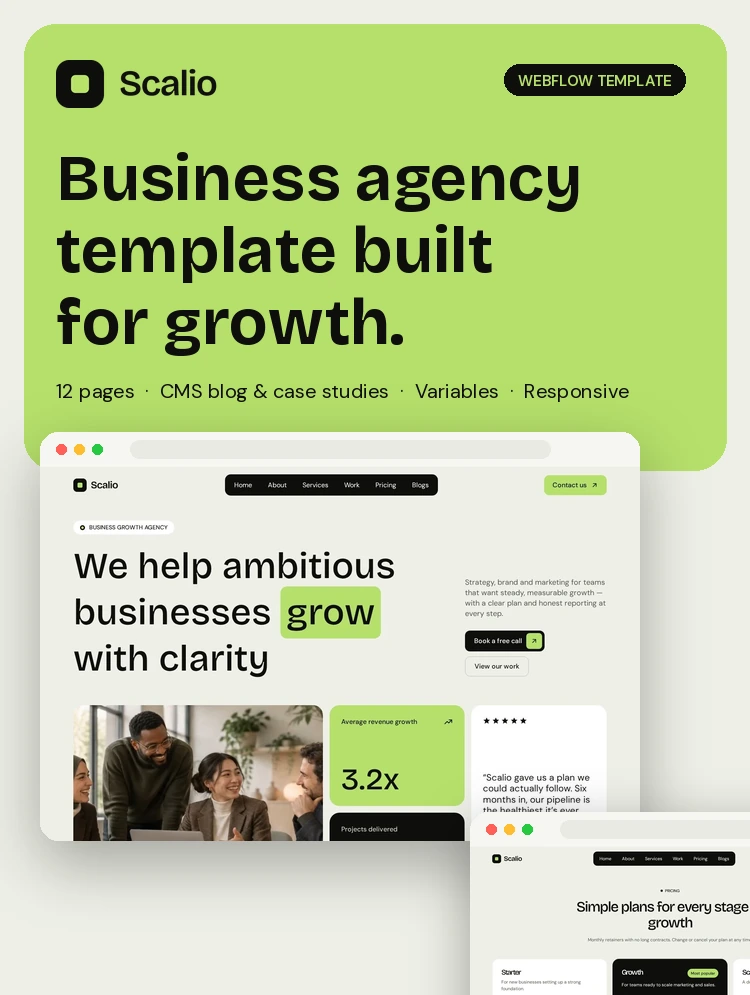
Scalio is a clean business agency Webflow template for marketing agencies, consulting firms and growth studios. 12 pages, CMS blog and case studies, pricing, variables-driven colors and fonts, fully responsive.
🚀 Scalio – Business Agency Webflow Template
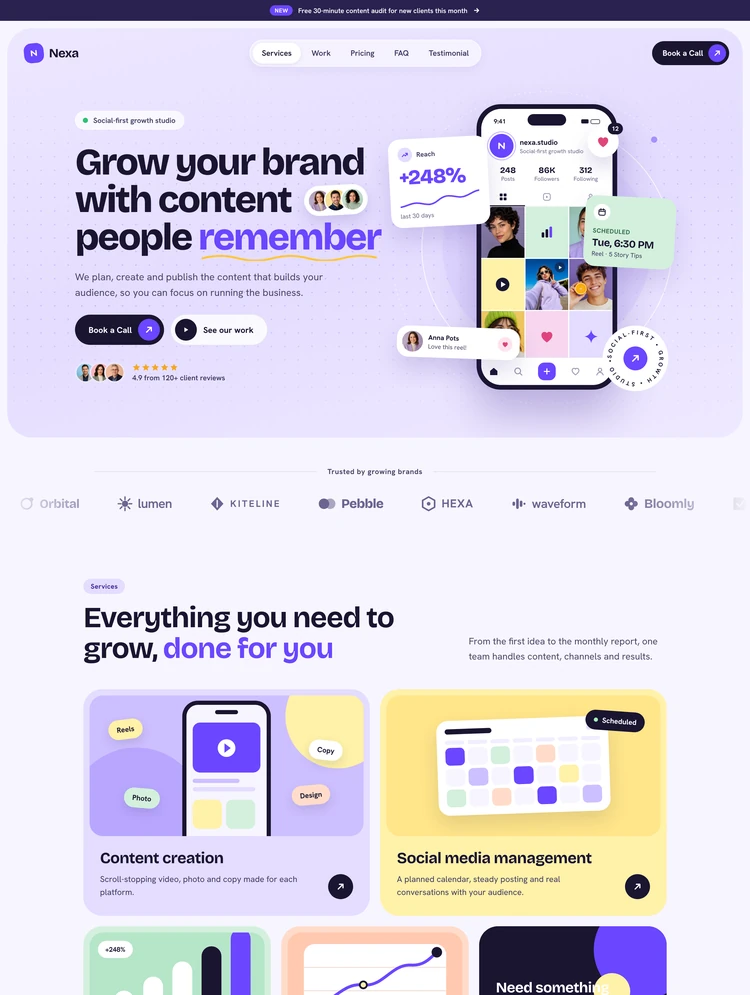
Scalio is a modern business agency Webflow template built for marketing agencies, brand strategy studios, consulting firms and growth-focused service businesses. It gives you a complete, conversion-ready website with clear service pages, CMS-powered case studies and blog, transparent pricing and a contact flow – all styled through Webflow variables so you can rebrand the whole site in minutes.
Whether you run a digital marketing agency, a branding studio or a B2B consulting practice, Scalio helps you present your services, show real results and turn visitors into booked calls.
📄 Pages included
🏠 Home – hero with stats, client logo marquee, services, selected work, process, team, testimonials slider, pricing and FAQ
👥 About – story, numbers, values and team
🛠️ Services – four service blocks with pricing and a step-by-step process
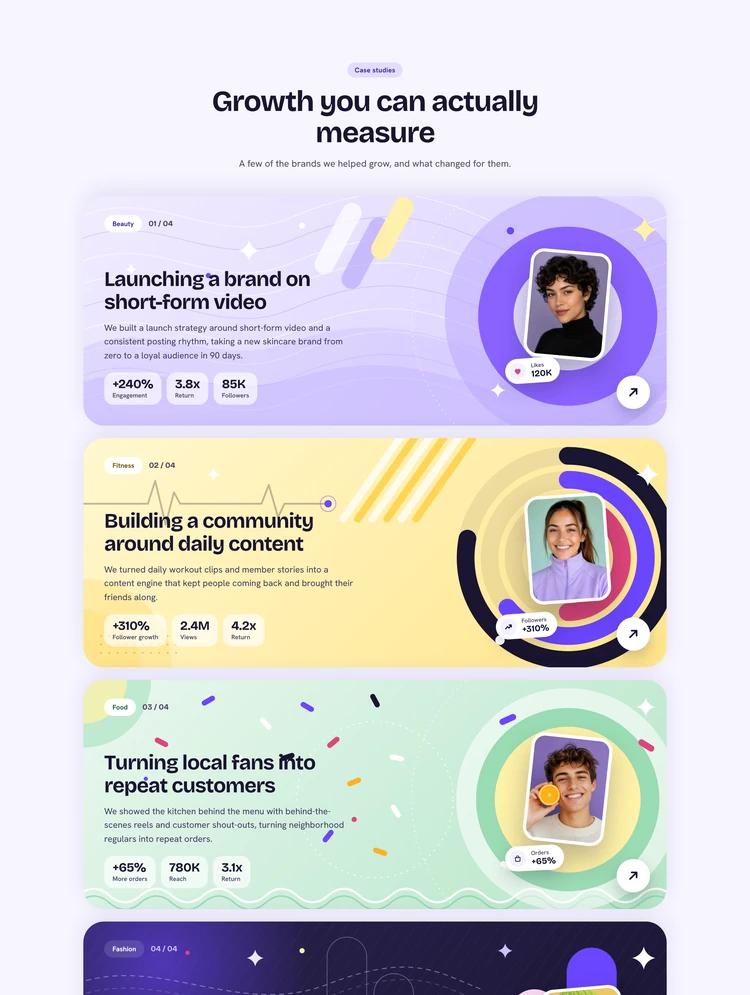
💼 Work – CMS case study listing with detail page template
✍️ Blog – CMS blog listing with featured post and detail page template
💰 Pricing – three plan cards with feature lists and FAQ
📬 Contact – form with success and error states
🧩 Utility pages – 404, Style Guide, Licenses, Changelog and Instructions
⚡ Key features
✅ Clean, minimal design with a professional business look
✅ Fully responsive on desktop, tablet and mobile
✅ Two CMS collections: Blogs and Works, with featured-post support
✅ Colors and typography controlled by Webflow variables – change your brand once, update everywhere
✅ Reusable components for navbar, footer, buttons, CTA, process and team sections
✅ Testimonial slider, logo marquee, FAQ accordion and animated buttons
✅ Semantic HTML, proper heading structure, alt text and SEO meta on every page
✅ WebP and AVIF images for fast loading
✅ Google Fonts: Bricolage Grotesque and DM Sans
✅ No third-party scripts or plugins – only a small head style block on the CMS templates
✅ Style guide page with all colors, type and buttons
✅ Easy to customize, no code required
🎯 Perfect for
Marketing agencies, growth agencies, business consulting firms, branding and design studios, digital agencies, startup advisors, B2B service companies, freelancers and small professional services businesses.
💬 Support
Every template purchase includes a full Instructions page inside the project plus a Changelog so you always know what has been updated. Need help customizing Scalio? Reach out and we will get back to you within one business day. 🙌
Can only be used by you or one client for one end product. You cannot resell or redistribute this template in its original or modified state.
This template is free to use in both person and commercial projects. You cannot resell, redistribute, or license this template in its original or modified state.
Questions about this template? Just reach out to the template designer and they will get back to you within 2 business days.
For advanced design guidance, please share your questions in the Webflow Forum or reach out to a Webflow Partner.
Share your feedback by leaving a comment below.
For template support, please check the Support tab.

Use the Preview in Designer option to make any edits to the template pages and preview how the layout would fit your content. Changes in preview mode won't be saved.
It isn't possible to apply a template to an already existing project. Instead, you'll need to create a new project based on the Template.
With a Core plan (or higher), you can export sites you build in Webflow, including templates, to host them anywhere you'd like.
Webflow templates are only available for purchase through Workspaces and legacy individual accounts.
CMS templates are designed to use the power of the Webflow CMS. It is possible to downgrade to a Basic Site Plan as long as all CMS content is deleted from the project.
Use the View Connections tool to understand where the CMS content is on the site and delete any dynamic listings and CMS content. We also recommend you to check Components and the Collection page Templates.
Ecommerce templates are designed to use the power of Webflow Ecommerce. It is not possible to remove Ecommerce from a template, however, deleting all Ecommerce Products and Categories from the project, will allow to select a lower Site Plan.
Membership templates are designed to use the power of Webflow Membership. It is not possible to remove Memberships from a template.


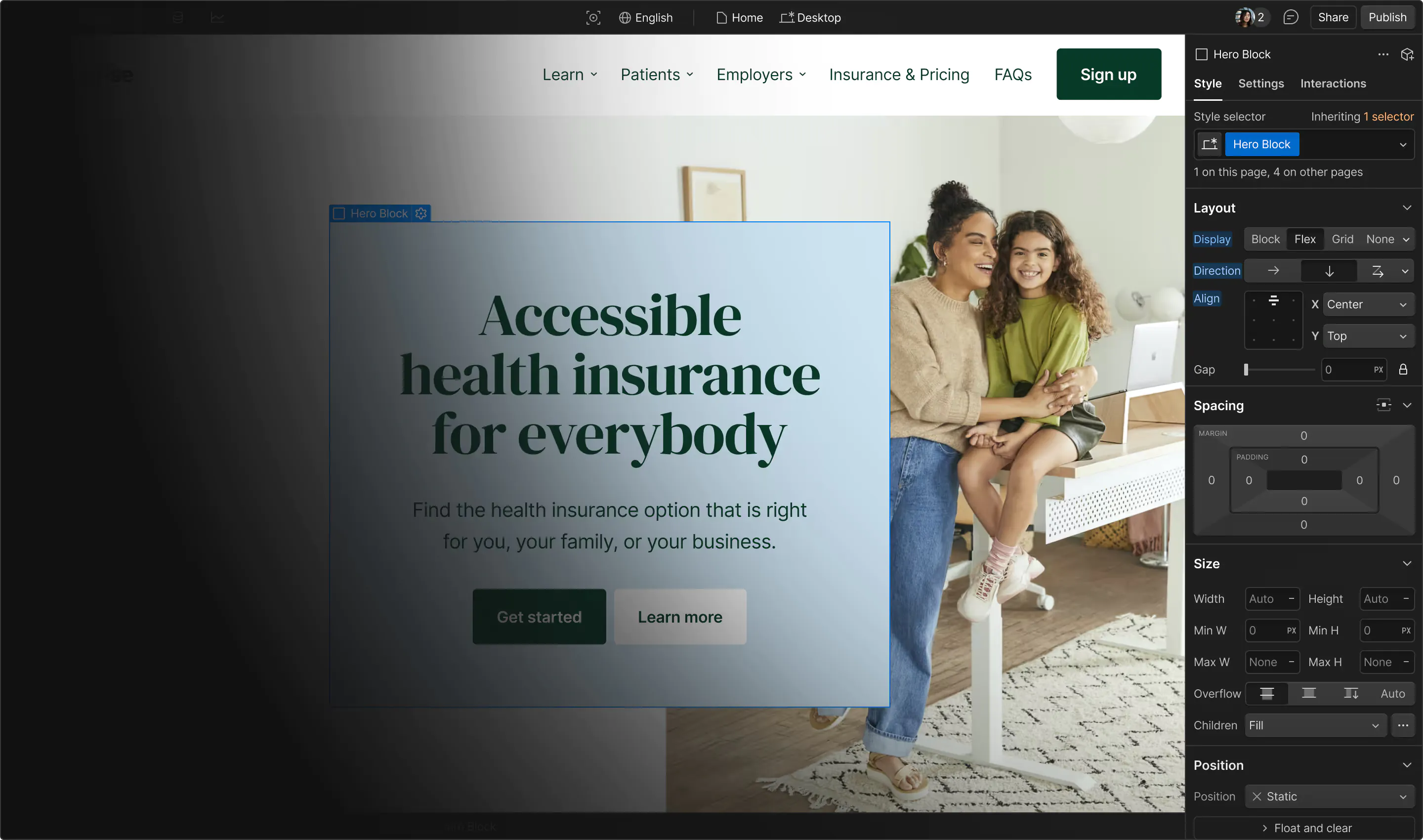
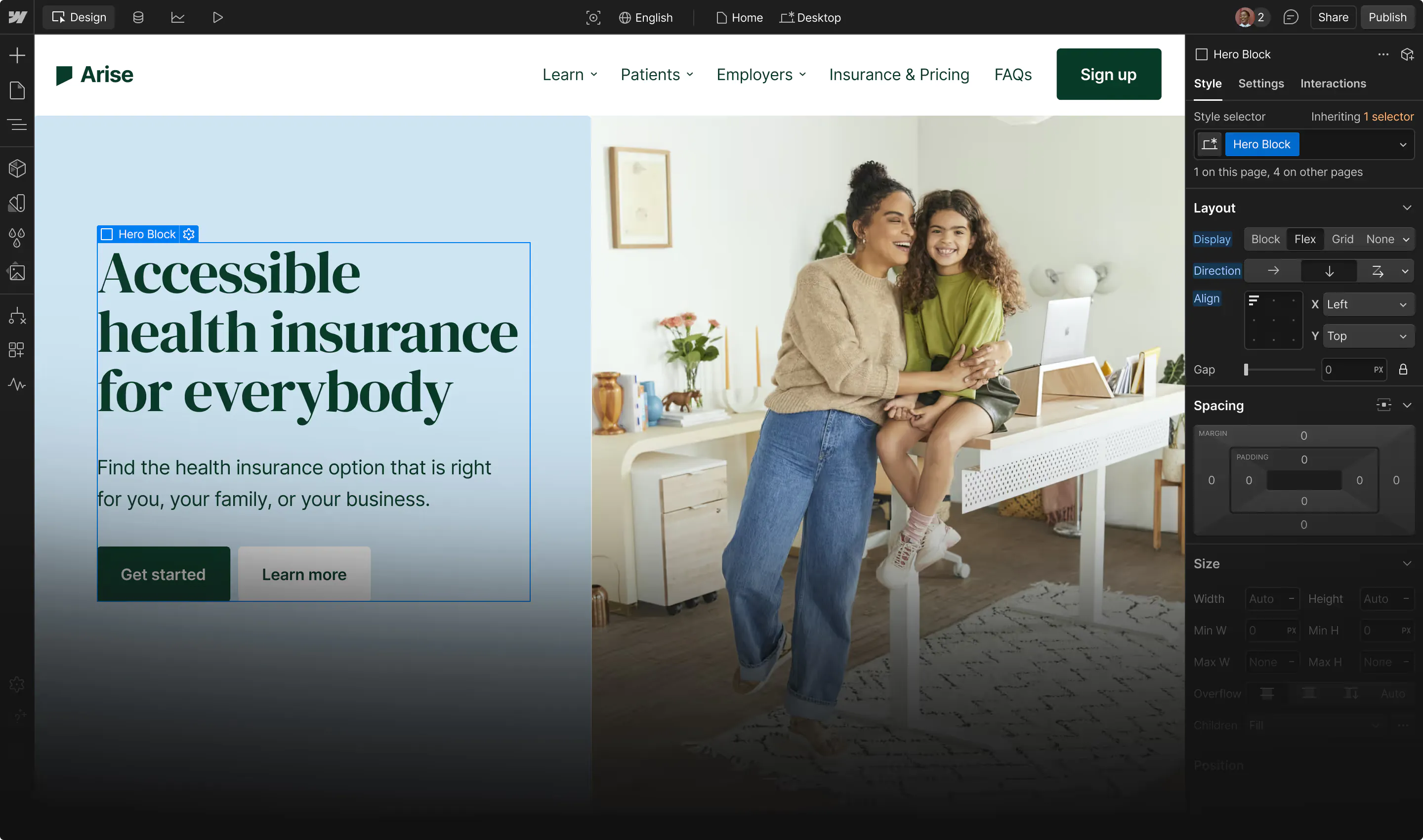
Reposition and resize items anywhere within the grid to produce powerful, responsive layouts — faster and without code.
Build your lead lists and subscriber base with beautiful forms.
Comes with animations and interactions for additional polish and usability.