Trusted by teams at






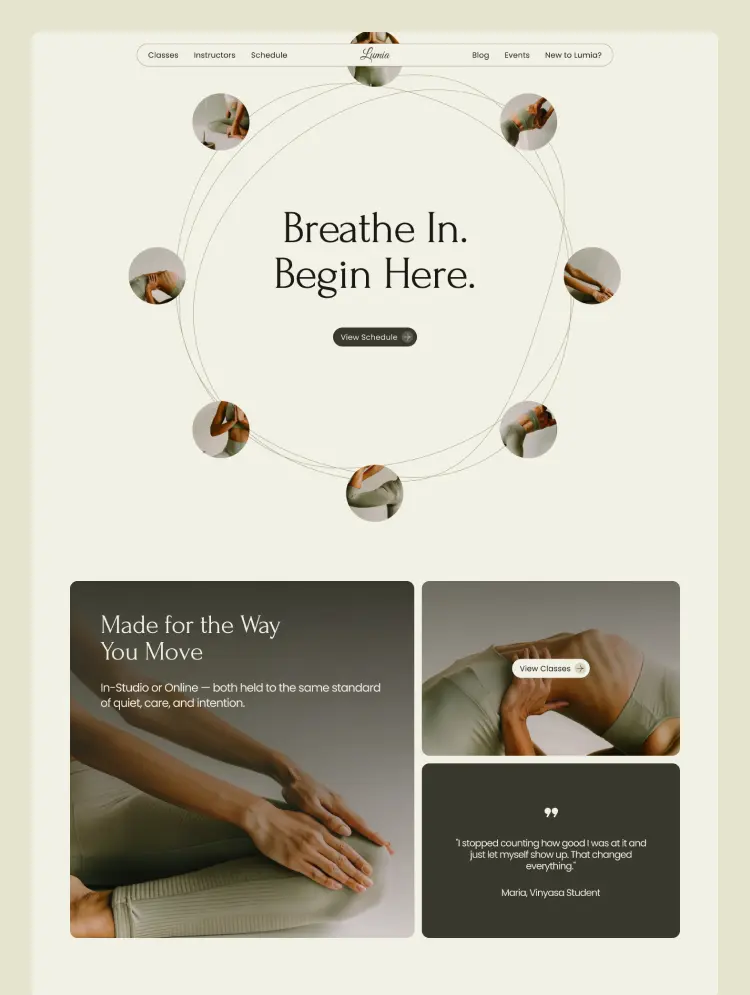
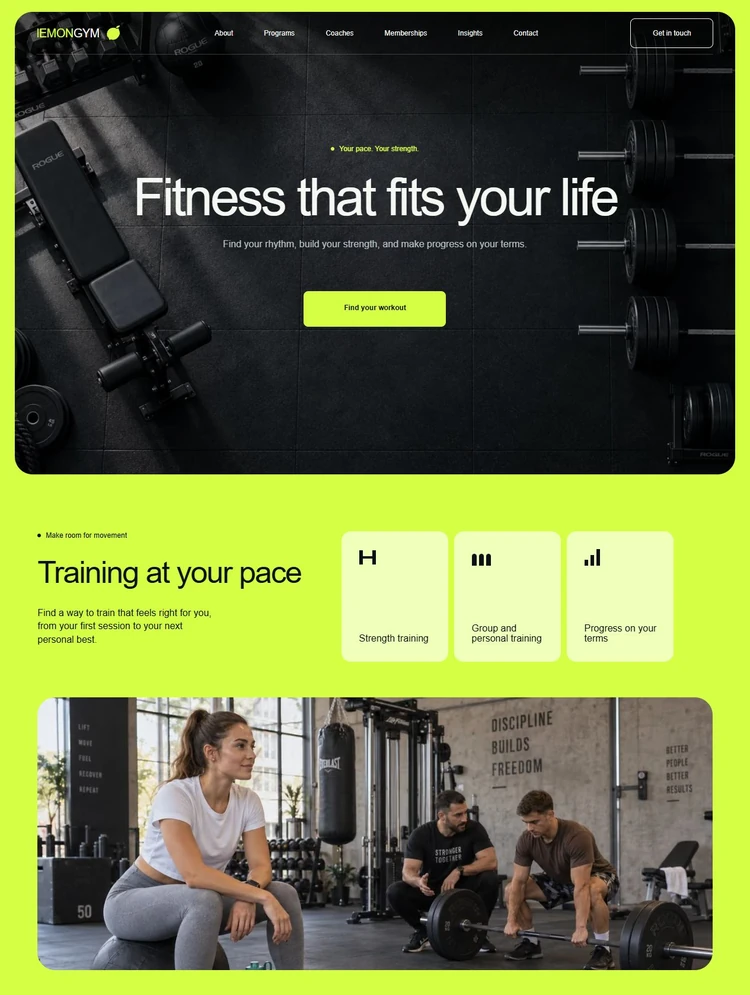
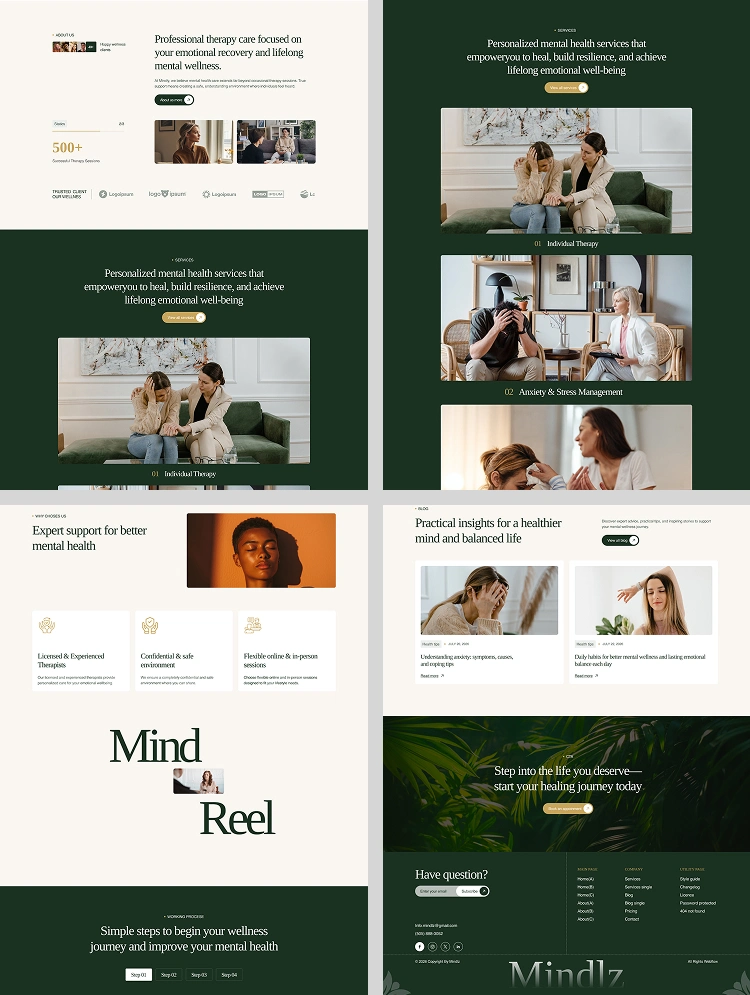
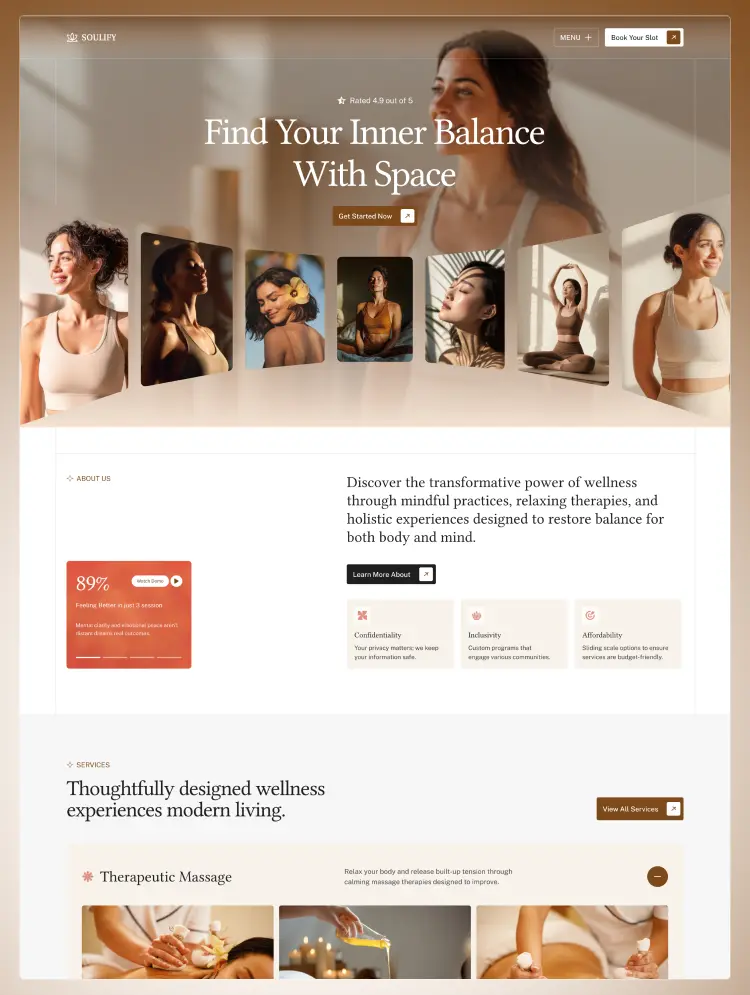
Soulify is a calm, modern, and fully responsive Webflow template built for wellness and fitness brands. Perfect for yoga studios, fitness coaches, gyms, and holistic businesses, with CMS, SEO-friendly structure, and easy no-code customization.
Soulify is a calm, modern, and fully responsive Webflow template designed for wellness and fitness businesses seeking a polished, trustworthy online presence. It is ideal for yoga studios, fitness coaches, gyms, wellness centers, meditation spaces, Pilates instructors, health brands, and personal trainers.
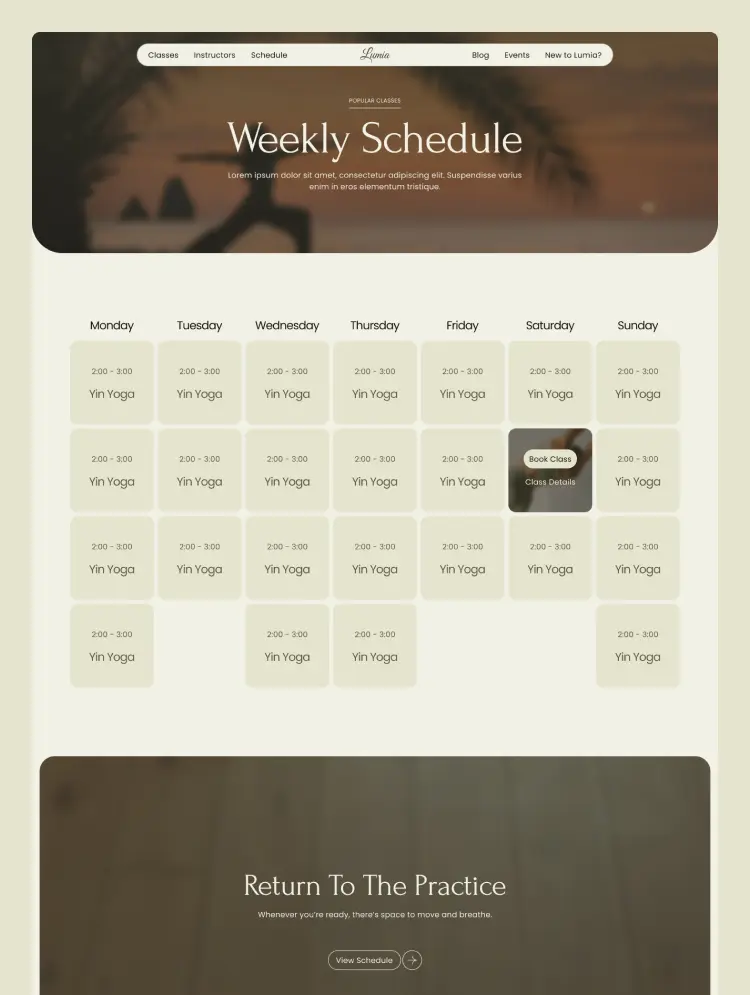
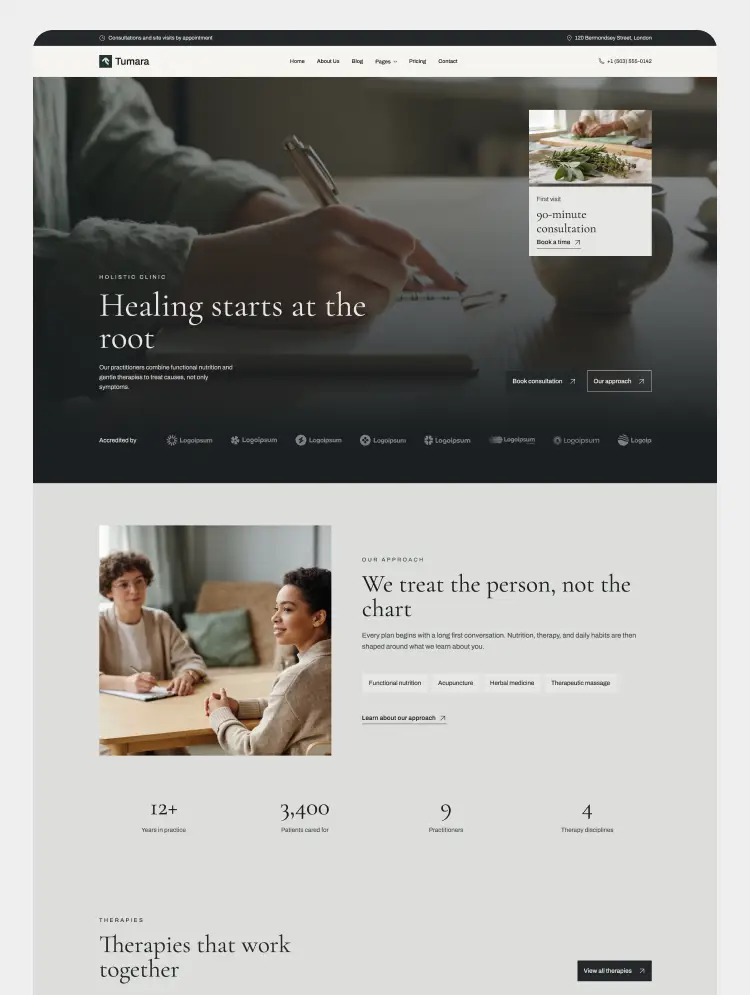
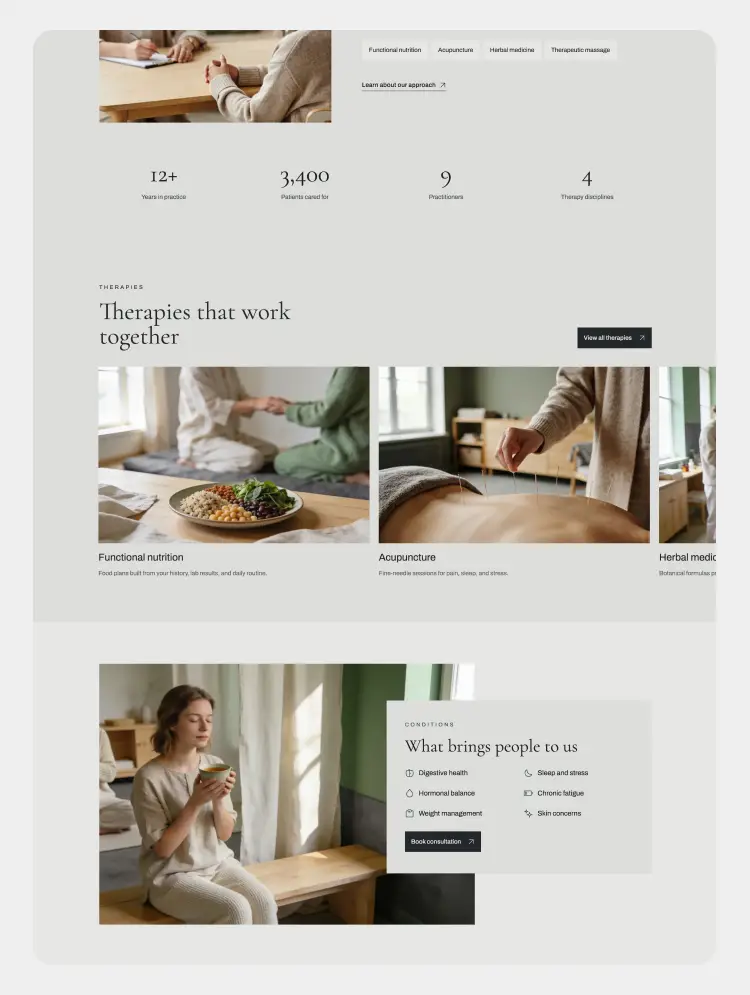
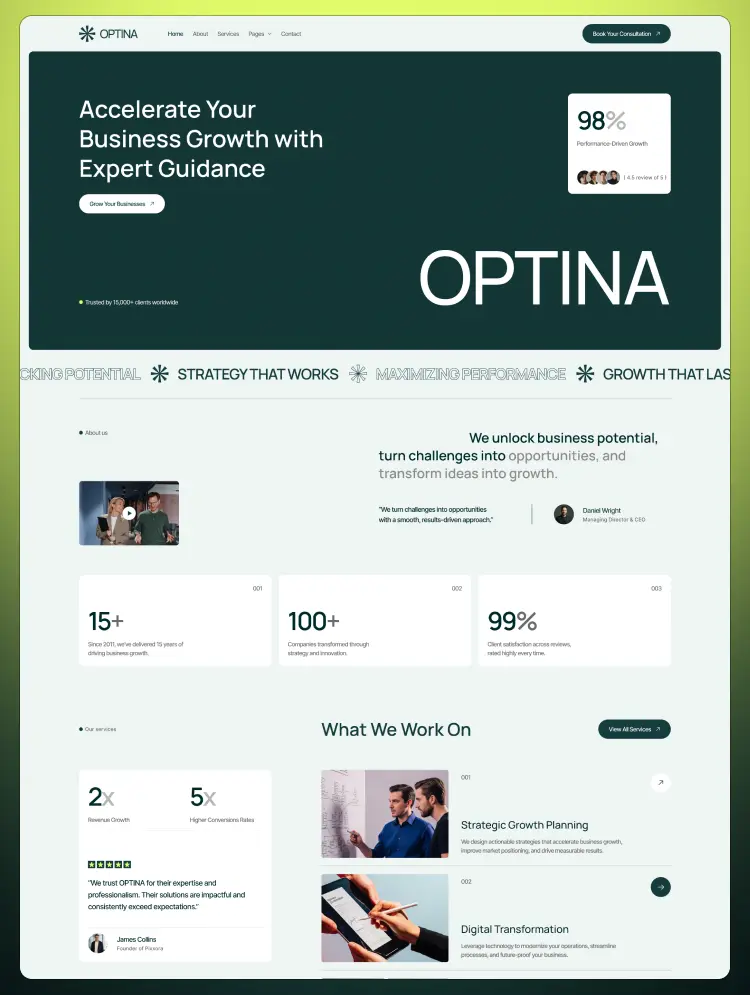
The template is thoughtfully crafted with clean layouts, soft visual rhythm, elegant typography, and conversion-focused sections to help you present your brand with clarity and confidence. From hero sections and program showcases to trainer profiles, testimonials, blogs, and contact pages, every section is designed to create a smooth, welcoming user experience.
Soulify also includes CMS-powered layouts, making it easy to manage classes, programs, trainers, blog posts, and other dynamic content directly inside Webflow. Whether you are launching a new studio website or refreshing an existing wellness brand, Soulify gives you a flexible and professional foundation without needing to write code.
Built for speed, responsiveness, SEO, and easy customization, Soulify helps wellness and fitness brands connect with their audience, build trust, and grow with confidence.
👉 Calm, Professional Design: A clean and peaceful visual system designed to create trust and reflect modern wellness and fitness brands.
📱 Fully Responsive Experience:Optimized for desktop, tablet, and mobile devices for a smooth experience on every screen.
🧩 CMS-Powered Dynamic Content: Easily manage classes, trainers, programs, blog posts, and other content using Webflow CMS.
💨 Smooth & Subtle Animations: Gentle interactions that enhance the browsing experience without distraction.
🔍 SEO-Friendly Structure: Built with clean semantic structure, strong content hierarchy, and performance-focused best practices.
👉 Easy No-Code Customization: Update colors, typography, sections, and branding in Webflow without touching code.
🎨 Global Style Guide & Reusable Classes: Built for consistency and faster customization across the entire site.
⚡ Fast Performance: Lightweight and optimized for speed to improve user experience and engagement.
🌐 Cross-Browser Compatibility: Designed to work smoothly across all major modern browsers.
📖 Documentation & Support: Includes clear setup guidance and dependable support when needed.
Unlock the full potential of Soulify with access to the Figma file for seamless customization. Simply email us at 📫 info@pixoora.com with your order confirmation invoice ID to receive the design file.
Main Pages:
Utility Pages:
At Pixoora, our templates are more than just pre-designed websites. We’re carefully crafted digital experiences created to help you launch faster, look better, and perform stronger. Each template is developed with the same care, precision, and creativity we apply to our client projects.
With Pixoora templates, you’re not just buying a design. You’re getting a professionally built, performance-ready website foundation that sets you up for success from day one.
Soulify is designed for easy editing and seamless customization. If you need any assistance, feel free to contact us anytime at 📫 info@pixoora.com
Need advanced customization or additional features? Our team is ready to help. Contact us at 📫 info@pixoora.com for custom development and support.
Can only be used by you or one client for one end product. You cannot resell or redistribute this template in its original or modified state.
This template is free to use in both person and commercial projects. You cannot resell, redistribute, or license this template in its original or modified state.
Questions about this template? Just reach out to the template designer and they will get back to you within 2 business days.
For advanced design guidance, please share your questions in the Webflow Forum or reach out to a Webflow Partner.
Share your feedback by leaving a comment below.
For template support, please check the Support tab.

Use the Preview in Designer option to make any edits to the template pages and preview how the layout would fit your content. Changes in preview mode won't be saved.
It isn't possible to apply a template to an already existing project. Instead, you'll need to create a new project based on the Template.
With a Core plan (or higher), you can export sites you build in Webflow, including templates, to host them anywhere you'd like.
Webflow templates are only available for purchase through Workspaces and legacy individual accounts.
CMS templates are designed to use the power of the Webflow CMS. It is possible to downgrade to a Basic Site Plan as long as all CMS content is deleted from the project.
Use the View Connections tool to understand where the CMS content is on the site and delete any dynamic listings and CMS content. We also recommend you to check Components and the Collection page Templates.
Ecommerce templates are designed to use the power of Webflow Ecommerce. It is not possible to remove Ecommerce from a template, however, deleting all Ecommerce Products and Categories from the project, will allow to select a lower Site Plan.
Membership templates are designed to use the power of Webflow Membership. It is not possible to remove Memberships from a template.
.svg)


Comes with GSAP animations and interactions for additional polish and usability.
Reposition and resize items anywhere within the grid to produce powerful, responsive layouts — faster and without code.
Build your lead lists and subscriber base with beautiful forms.
Comes with animations and interactions for additional polish and usability.