Trusted by teams at






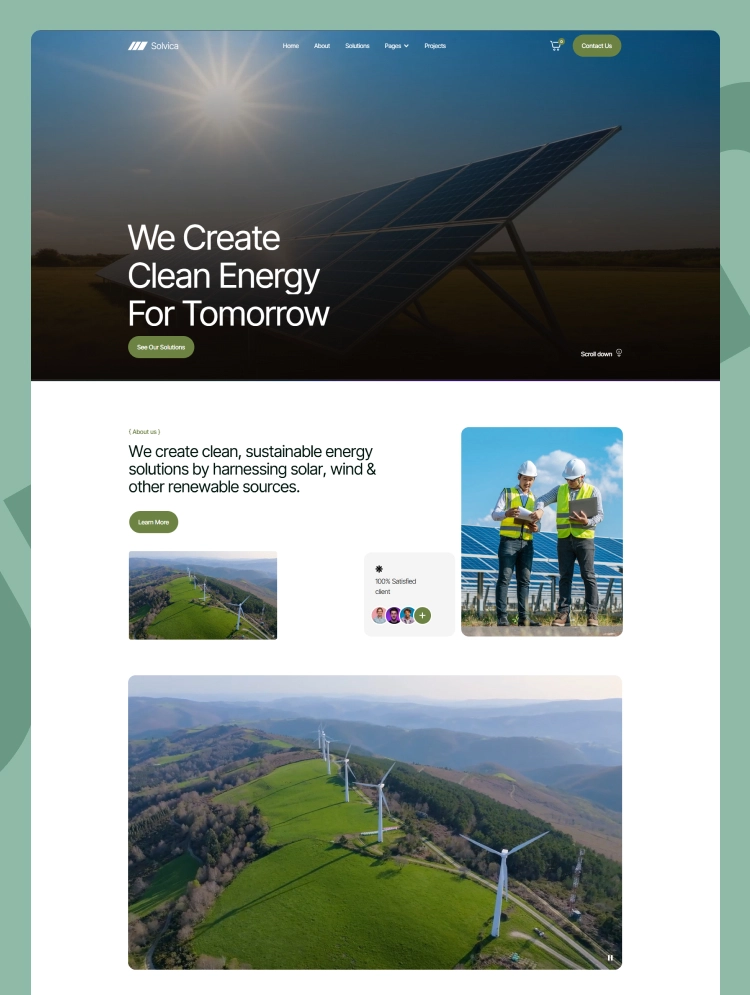
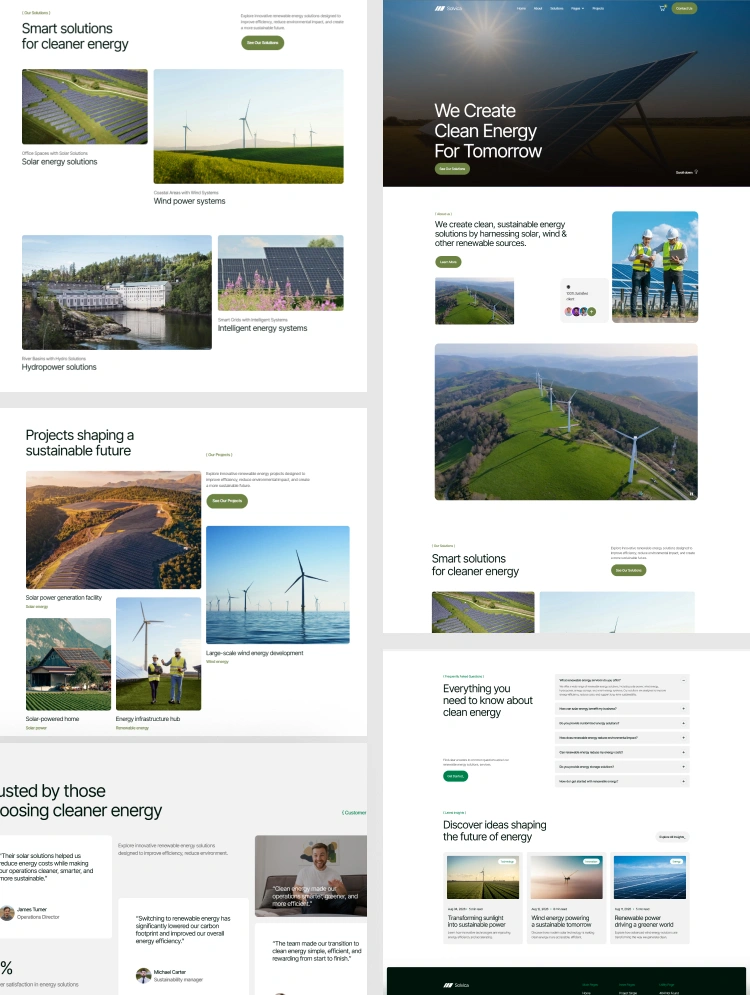
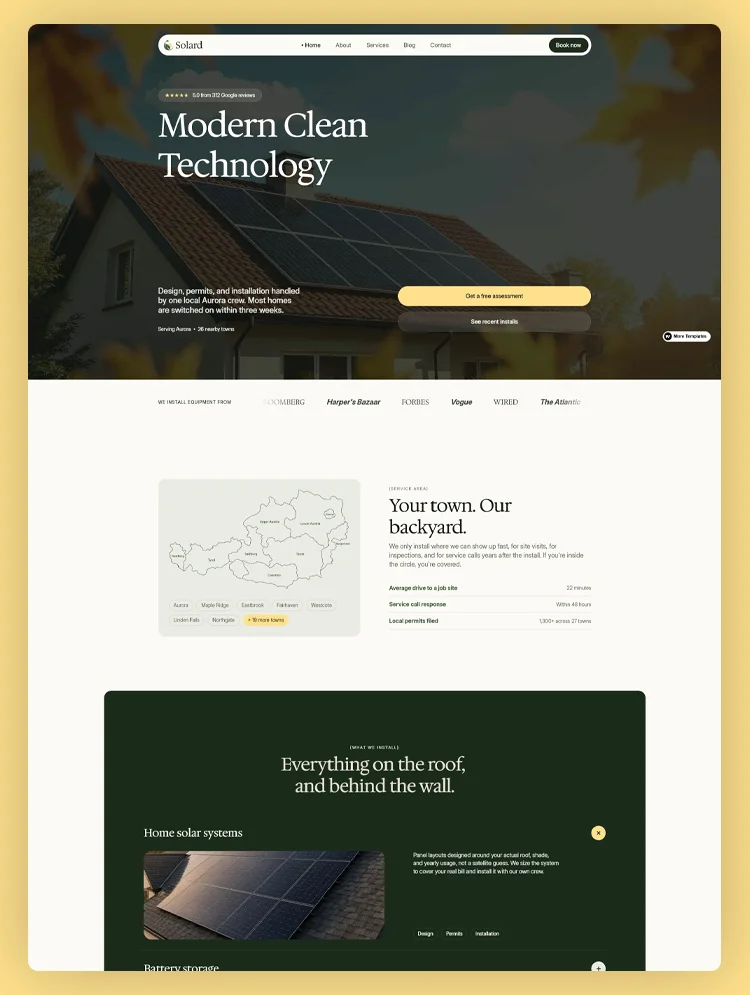
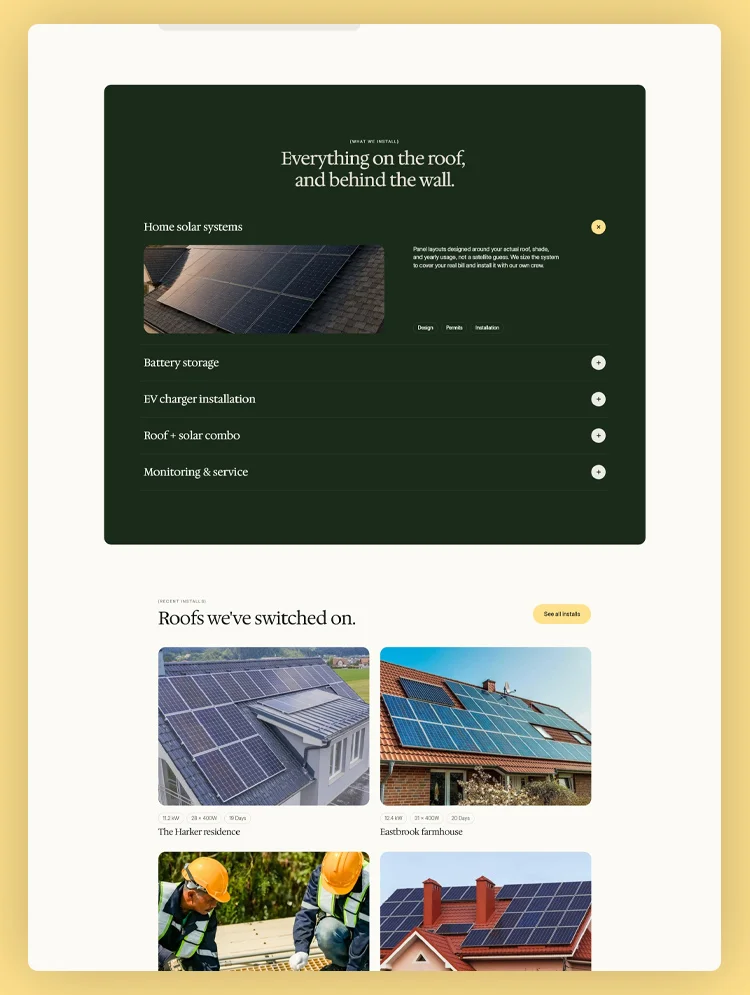
Solvera is a solar energy website template built with Webflow. It showcases solar installation, commercial energy systems, battery storage, and energy consulting services with project case studies.
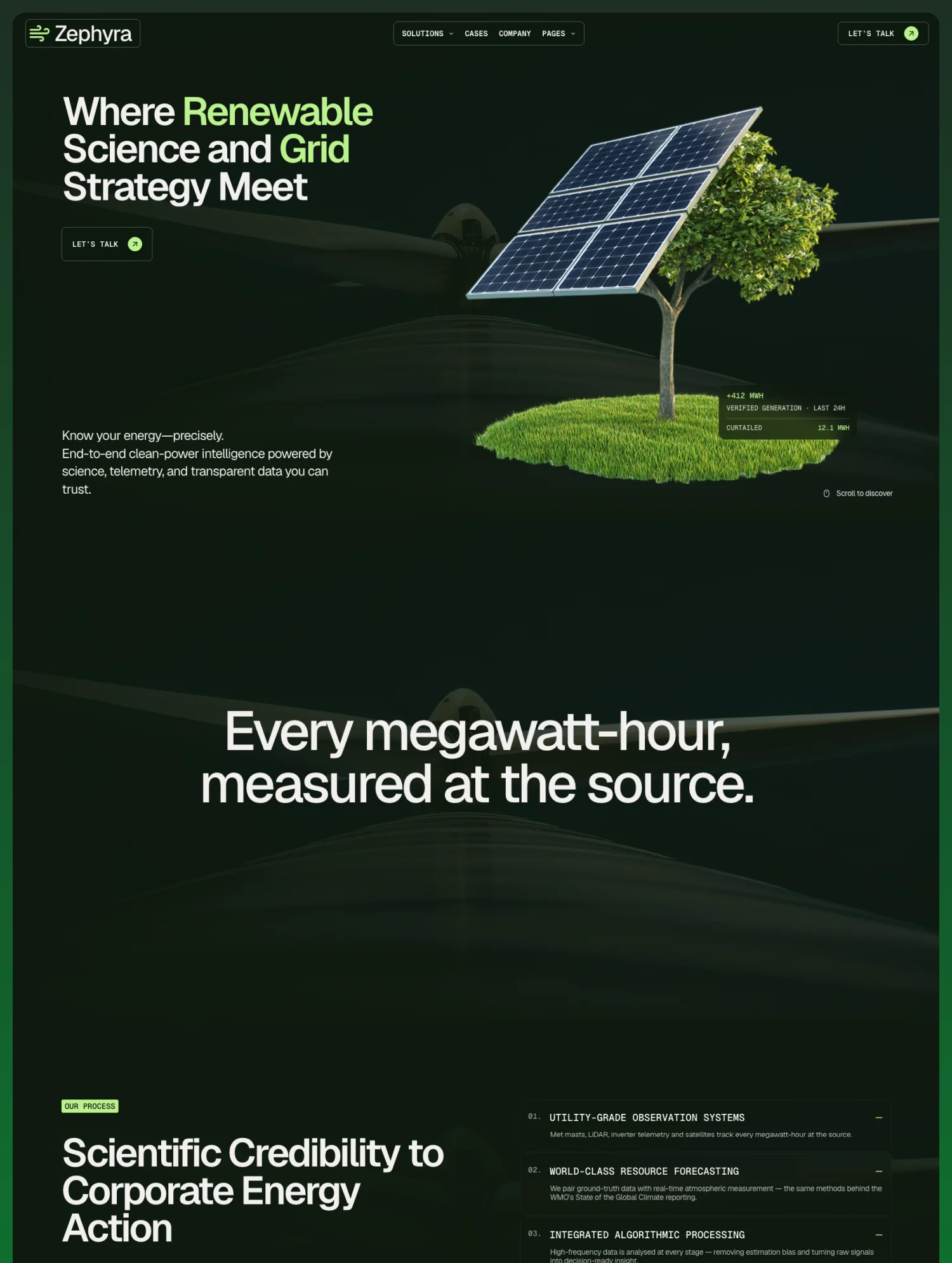
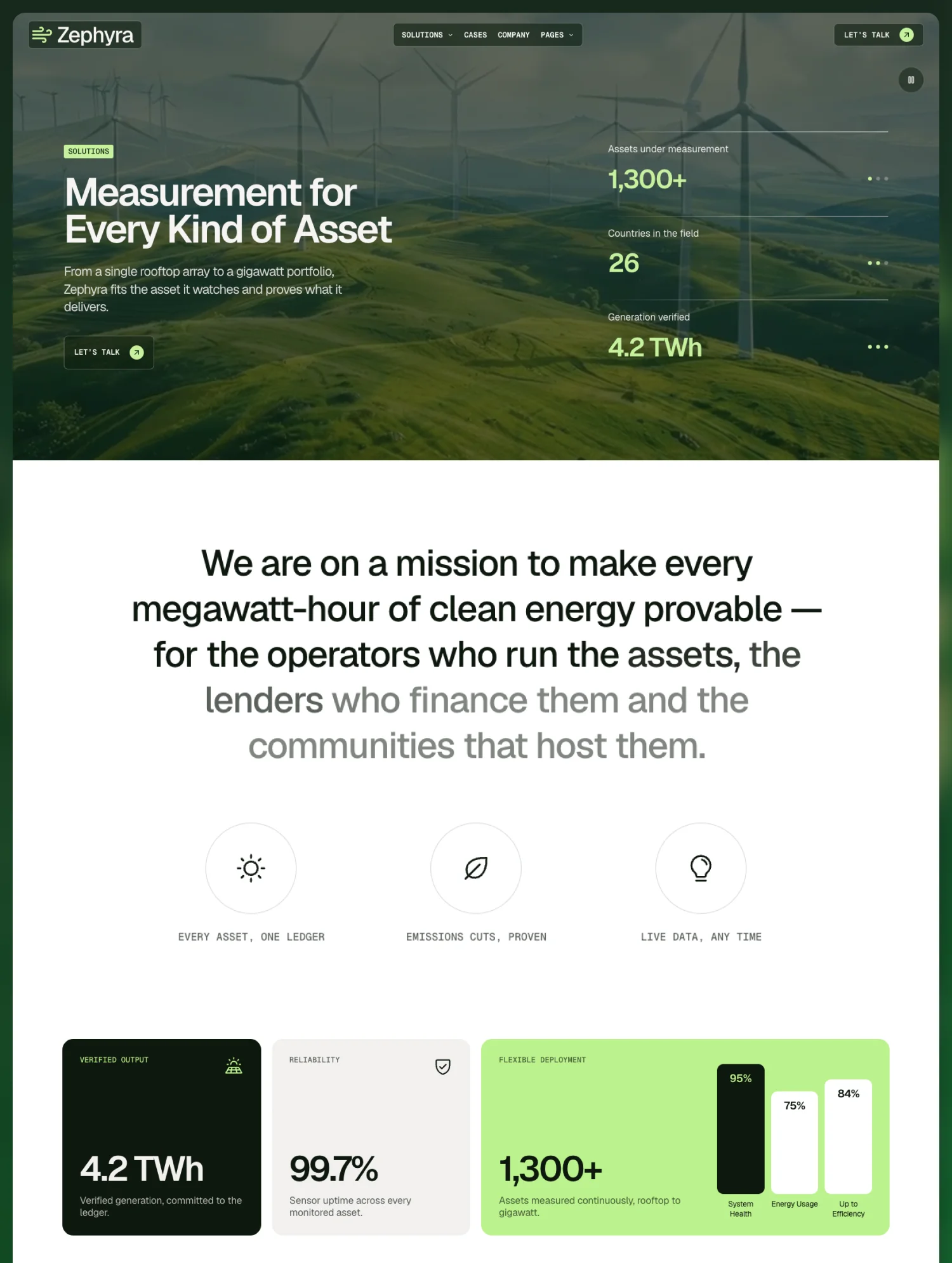
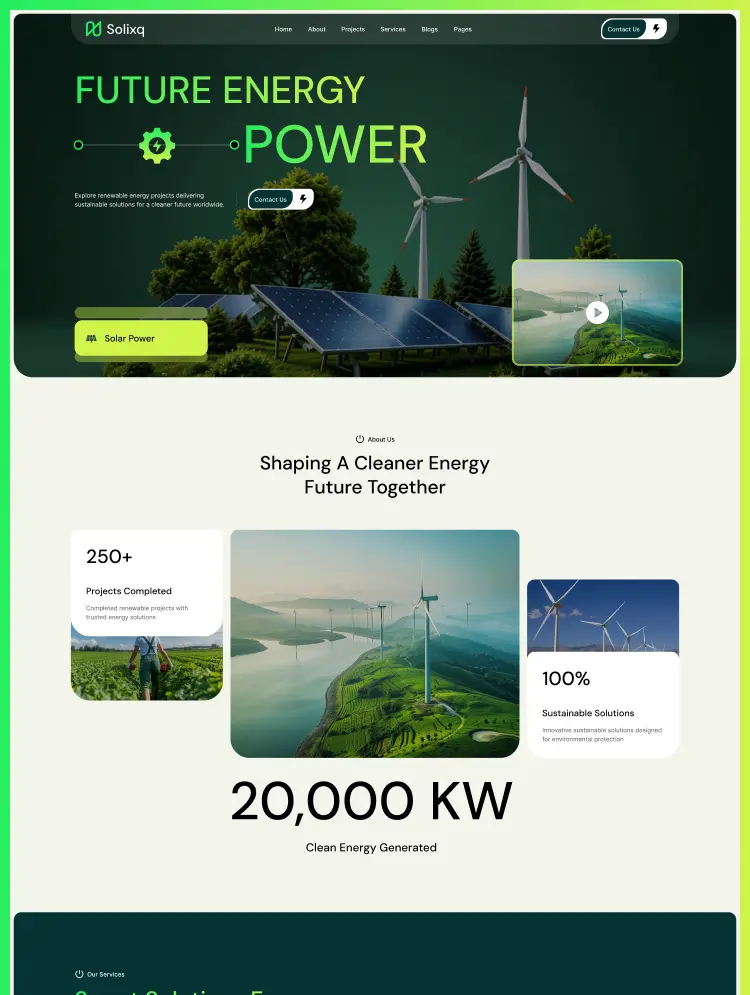
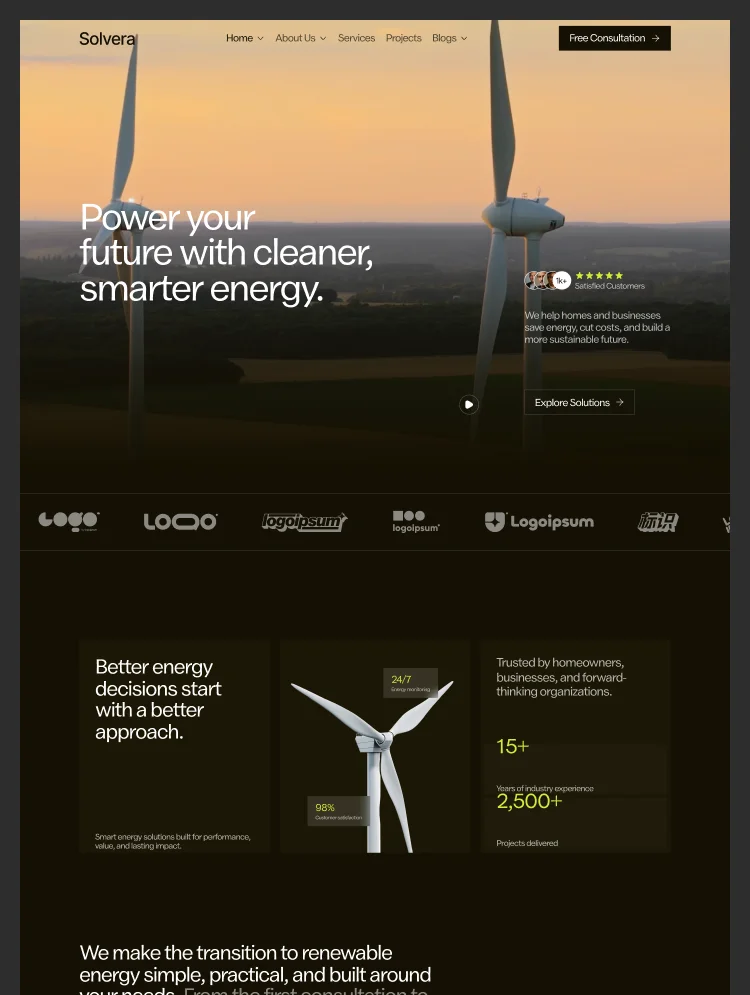
Solvera is a modern renewable energy website template built on Webflow for companies helping homes and businesses move to clean power. A dark interface with lime-green accents, background video, and clear impact stats present solar panels, storage, and efficiency services with confidence.
CMS-driven service pages cover residential solar, commercial solar, energy storage, and consulting, each with benefits and a step-by-step delivery process. Project pages present every installation with its location, type, system size, completion date, challenge, solution, and results.
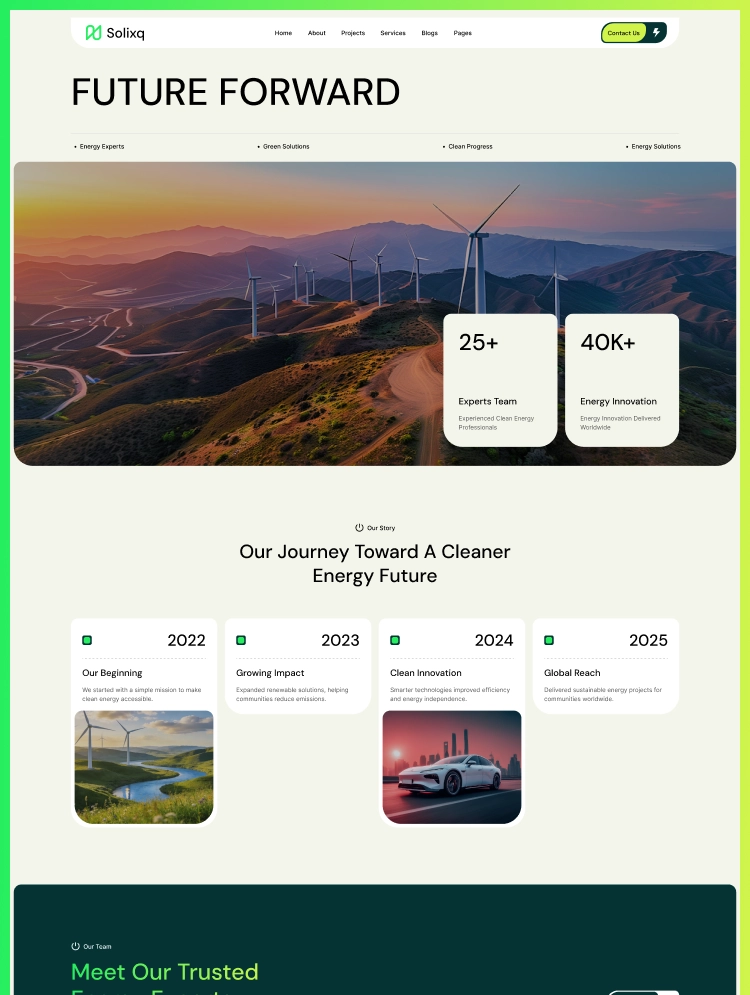
A process timeline, testimonials, FAQ, and a free consultation call to action give visitors a clear path to enquiry. A clean energy blog and three layouts each for home, about, and contact make this solar Webflow template a complete site for growing energy brands.
Best for: This solar energy website template is best for clean energy businesses of every size. It is perfect for solar installers and solar panel companies, commercial and industrial solar contractors, battery storage providers, renewable energy companies, energy efficiency consultants, solar farm developers, and green building advisors.
This template has a total of 21 pages, including 12 static pages, 3 CMS collection pages, and 6 utility pages. It provides 3 homepage layouts, 3 about layouts, and 3 contact layouts, plus dedicated pages for services, projects, and the blog.
Each page supports a step in the clean energy buying journey. Service Single pages explain what each solution delivers and how it is installed, Project Single pages prove results with real-world specs and outcomes, and Blog Single pages answer common questions about solar costs, batteries, and energy independence.
This solar company website template is built around what property owners and businesses need before going solar: a clear explanation of the options, proof from completed installations, and an easy way to book a consultation. Service pages, project case studies, and consultation forms give each of those a home.
Three homepage, about, and contact layouts let one template present a residential installer, a commercial contractor, or a broader clean energy brand differently. Webflow Variables and reusable components keep rebranding fast, while the blog helps energy companies build authority in search.
Dark, Impact-Led Design
A dark interface with lime-green accents, background video, and bold impact stats such as capacity, projects delivered, and CO₂ reduced make clean energy feel tangible from the first scroll.
Mobile Responsive
Layouts are styled for desktop, tablet, and both mobile breakpoints, plus large 1280px, 1440px, and 1920px screens, so visitors get a clean experience on any device.
Variables & Reusable Components
Colors, typography, and sizes run on Webflow Variables, and sections are built as components, so you can rebrand the whole site from one place.
Project Case Studies
Each project page lists location, project type, system size, and completion date, then walks through the challenge, solution, results, and client quote.
Built in Webflow CMS
Services, projects, and blog posts are managed as three CMS collections. Add a new installation or article and every list updates automatically.
GSAP Motion & Smooth Scroll
GSAP interactions, animated number counters, and Lenis smooth scrolling add polish. Each setting is explained on the Instructions page.
STATIC PAGES · 12
CMS COLLECTION PAGES · 3
UTILITY PAGES · 6
Can only be used by you or one client for one end product. You cannot resell or redistribute this template in its original or modified state.
This template is free to use in both person and commercial projects. You cannot resell, redistribute, or license this template in its original or modified state.
Questions about this template? Just reach out to the template designer and they will get back to you within 2 business days.
For advanced design guidance, please share your questions in the Webflow Forum or reach out to a Webflow Partner.
Share your feedback by leaving a comment below.
For template support, please check the Support tab.

Use the Preview in Designer option to make any edits to the template pages and preview how the layout would fit your content. Changes in preview mode won't be saved.
It isn't possible to apply a template to an already existing project. Instead, you'll need to create a new project based on the Template.
With a Core plan (or higher), you can export sites you build in Webflow, including templates, to host them anywhere you'd like.
Webflow templates are only available for purchase through Workspaces and legacy individual accounts.
CMS templates are designed to use the power of the Webflow CMS. It is possible to downgrade to a Basic Site Plan as long as all CMS content is deleted from the project.
Use the View Connections tool to understand where the CMS content is on the site and delete any dynamic listings and CMS content. We also recommend you to check Components and the Collection page Templates.
Ecommerce templates are designed to use the power of Webflow Ecommerce. It is not possible to remove Ecommerce from a template, however, deleting all Ecommerce Products and Categories from the project, will allow to select a lower Site Plan.
Membership templates are designed to use the power of Webflow Membership. It is not possible to remove Memberships from a template.
.svg)


Comes with GSAP animations and interactions for additional polish and usability.
Reposition and resize items anywhere within the grid to produce powerful, responsive layouts — faster and without code.
Build your lead lists and subscriber base with beautiful forms.
Comes with animations and interactions for additional polish and usability.