Trusted by teams at






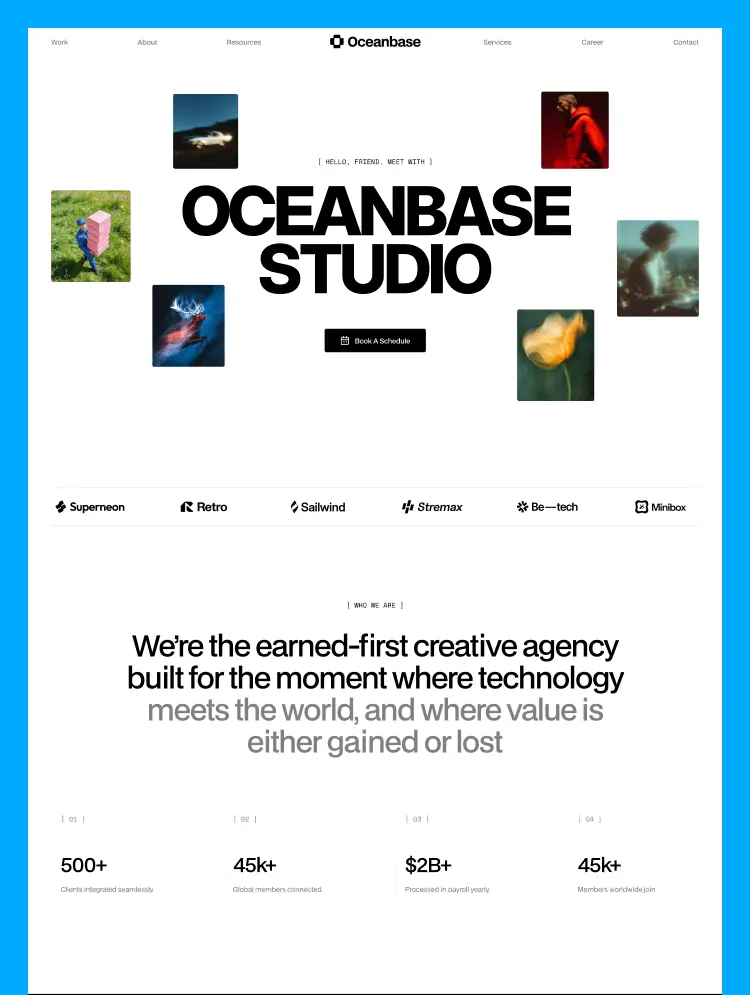
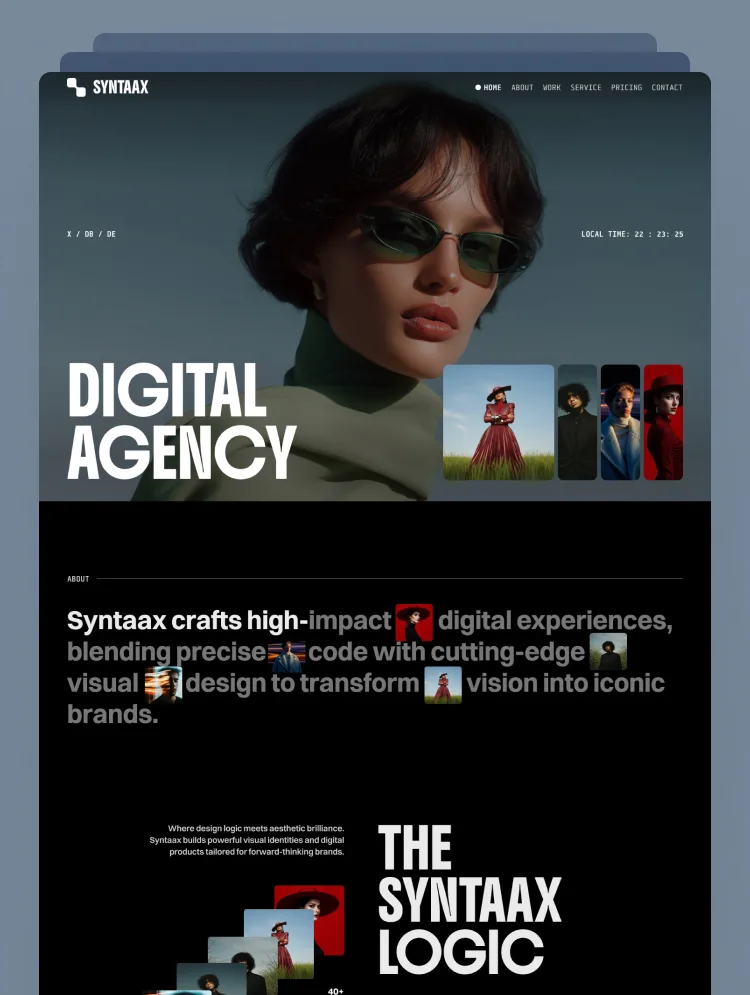
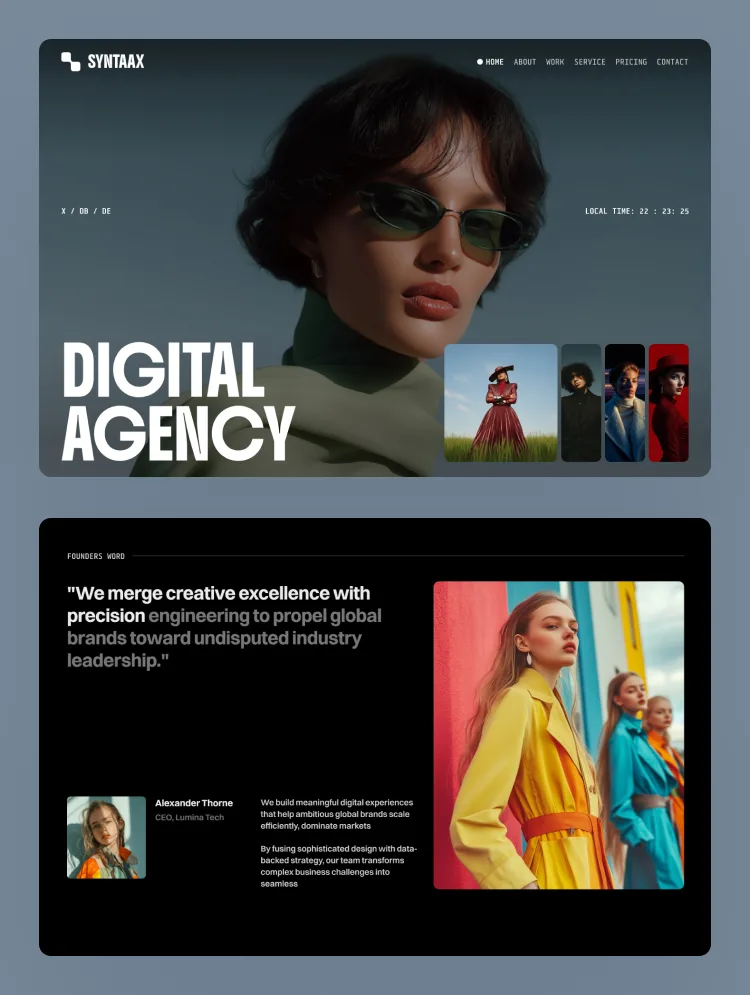
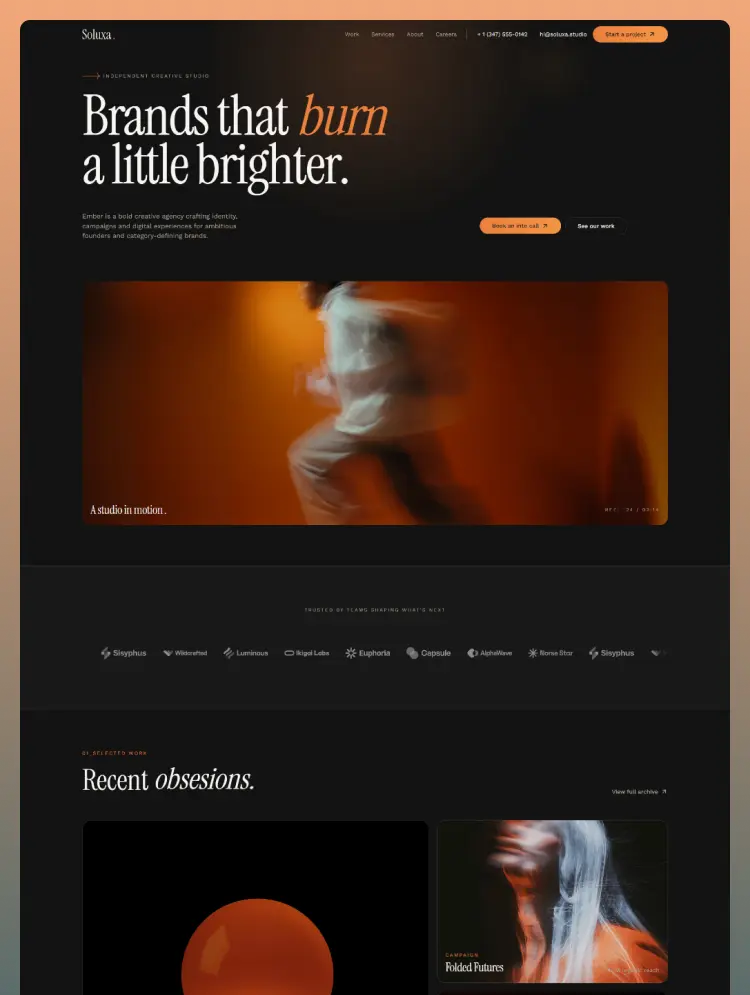
Soluxa is a premium, minimal luxury Webflow template designed for high-end creative studios, marketing agencies, and portfolios. It is the ultimate digital stage for elite teams looking to showcase world-class work and capture premium clients.
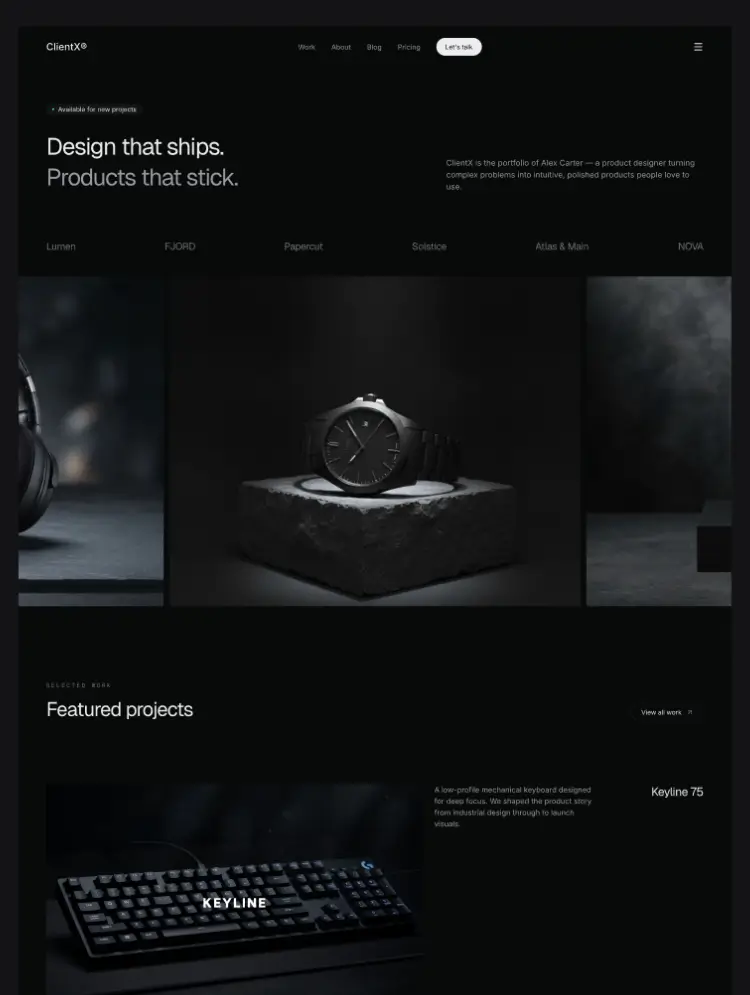
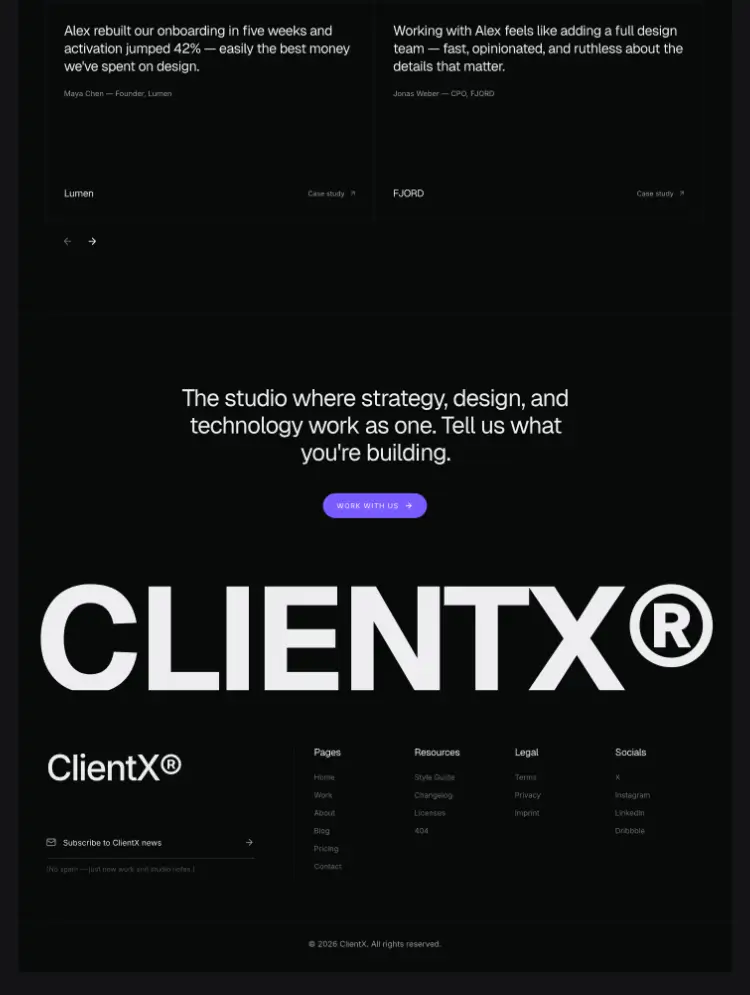
First impressions matter. Soluxa uses a beautiful dark background mixed with sharp amber colors and big, impactful fonts. It looks clean, confident, and professional the moment you open it.
Soluxa makes browsing feel natural and alive. Instead of a standard mouse, the site features a custom cursor with a soft, glowing light effect that smoothly tracks your movement. No messy or chaotic animations.
As you scroll down the page, titles and paragraphs gently slide up into view right when you need to read them. These subtle animations work together perfectly to make the website feel high-end, responsive, and incredibly clean.
The website is hooked up to Webflow’s easy content system (CMS). This means you can add your new projects, change your services without touching any code.
While the desktop version offers a luxury animated experience, the mobile version is stripped of heavy animations. This ensures the website loads fast on any phone and looks great on any screen size.
Soluxa comes with everything you need to run a successful creative business:
Home: Your main page. It includes the brands you have worked with, your recent projects, and a clear look at how you work with clients.
About: Tell people who you are, introduce your team, and share your agency's story.
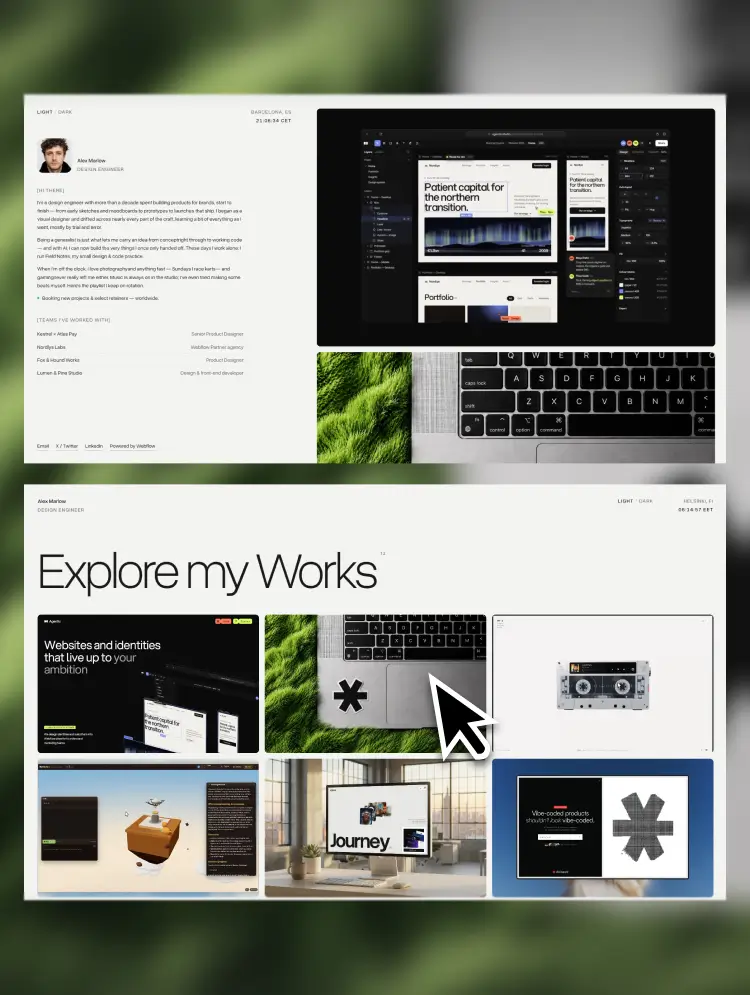
Work: A clean grid to show off your full library of design or marketing projects.
Services: Clearly explain what you do (branding, strategy, digital design, etc.).
Careers: A clean page to show job openings and hire new talent.
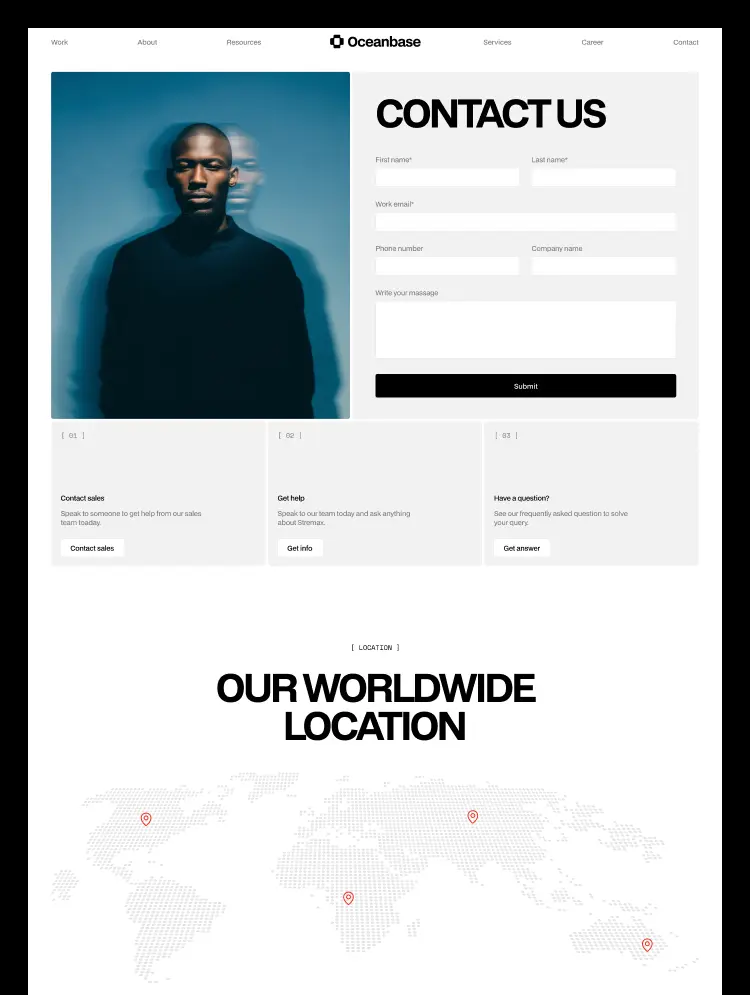
Contact: A simple form making it easy for new clients to message you.
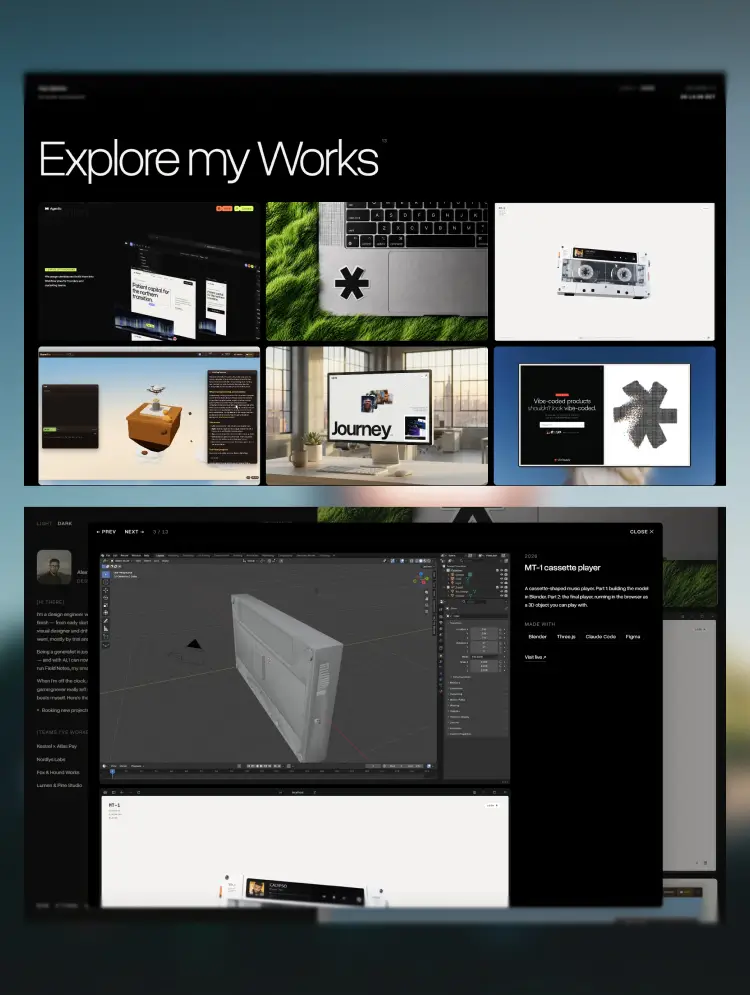
Work Page Template: A beautifully pre-designed layout for individual project stories.
Service Page Template: A pre-made layout to dive deep into a specific service.
Privacy Policy: Legal page to outline how user data and privacy are handled.
System Pages: A custom 404 Error Page (if someone clicks a broken link) and a Password Page to protect secret client work.
Soluxa delivers absolute minimal luxury, making it the perfect digital stage for elite creative teams who let their work do the talking.
Can only be used by you or one client for one end product. You cannot resell or redistribute this template in its original or modified state.
This template is free to use in both person and commercial projects. You cannot resell, redistribute, or license this template in its original or modified state.
Questions about this template? Just reach out to the template designer and they will get back to you within 2 business days.
For advanced design guidance, please share your questions in the Webflow Forum or reach out to a Webflow Partner.
Share your feedback by leaving a comment below.
For template support, please check the Support tab.

Use the Preview in Designer option to make any edits to the template pages and preview how the layout would fit your content. Changes in preview mode won't be saved.
It isn't possible to apply a template to an already existing project. Instead, you'll need to create a new project based on the Template.
With a Core plan (or higher), you can export sites you build in Webflow, including templates, to host them anywhere you'd like.
Webflow templates are only available for purchase through Workspaces and legacy individual accounts.
CMS templates are designed to use the power of the Webflow CMS. It is possible to downgrade to a Basic Site Plan as long as all CMS content is deleted from the project.
Use the View Connections tool to understand where the CMS content is on the site and delete any dynamic listings and CMS content. We also recommend you to check Components and the Collection page Templates.
Ecommerce templates are designed to use the power of Webflow Ecommerce. It is not possible to remove Ecommerce from a template, however, deleting all Ecommerce Products and Categories from the project, will allow to select a lower Site Plan.
Membership templates are designed to use the power of Webflow Membership. It is not possible to remove Memberships from a template.
.svg)


Reposition and resize items anywhere within the grid to produce powerful, responsive layouts — faster and without code.
Reusable elements you can use across your site. Edit a component and all copies update instantly.
Customize the built-in database for your project or just add new content.
Custom design for the 404 page of your website
Build your lead lists and subscriber base with beautiful forms.
Comes with GSAP animations and interactions for additional polish and usability.
Comes with animations and interactions for additional polish and usability.
Displays perfectly on desktops, tablets, and phones.
Site navigation automatically collapses into a mobile-friendly menu on smaller devices.
All graphics are optimized for devices with high DPI screens.
Uses fonts from Google's Web Font collection.