Trusted by teams at






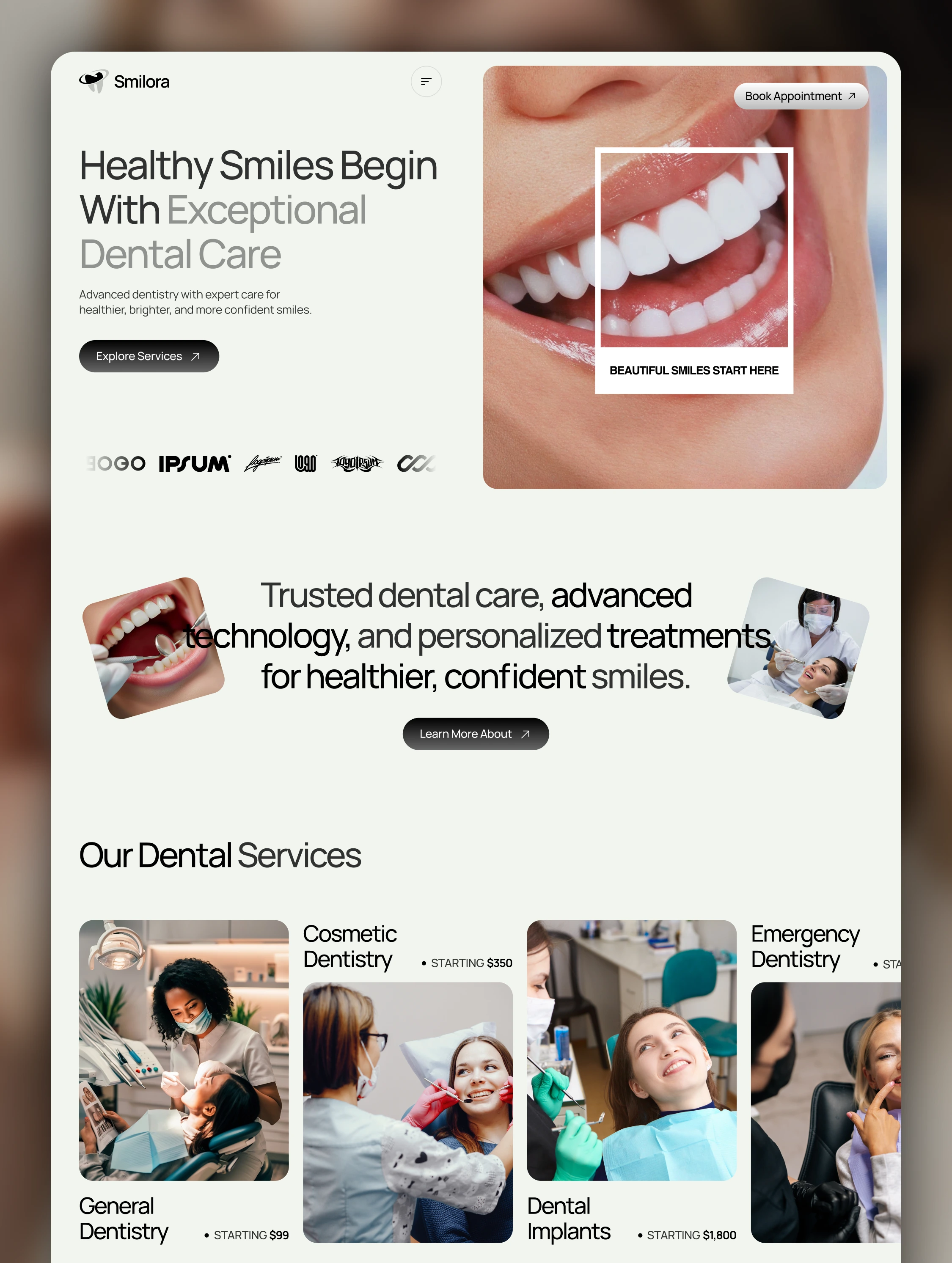
Expert dental care with advanced technology. Cosmetic dentistry, implants, teeth whitening & more. Experienced specialists, personalized treatment plans.
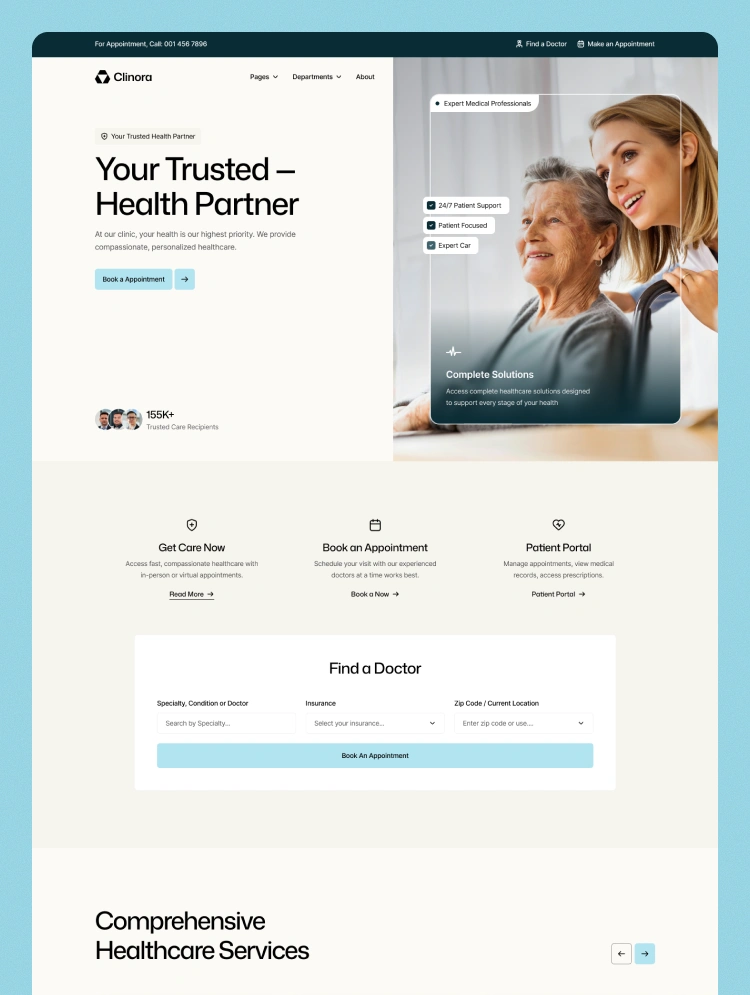
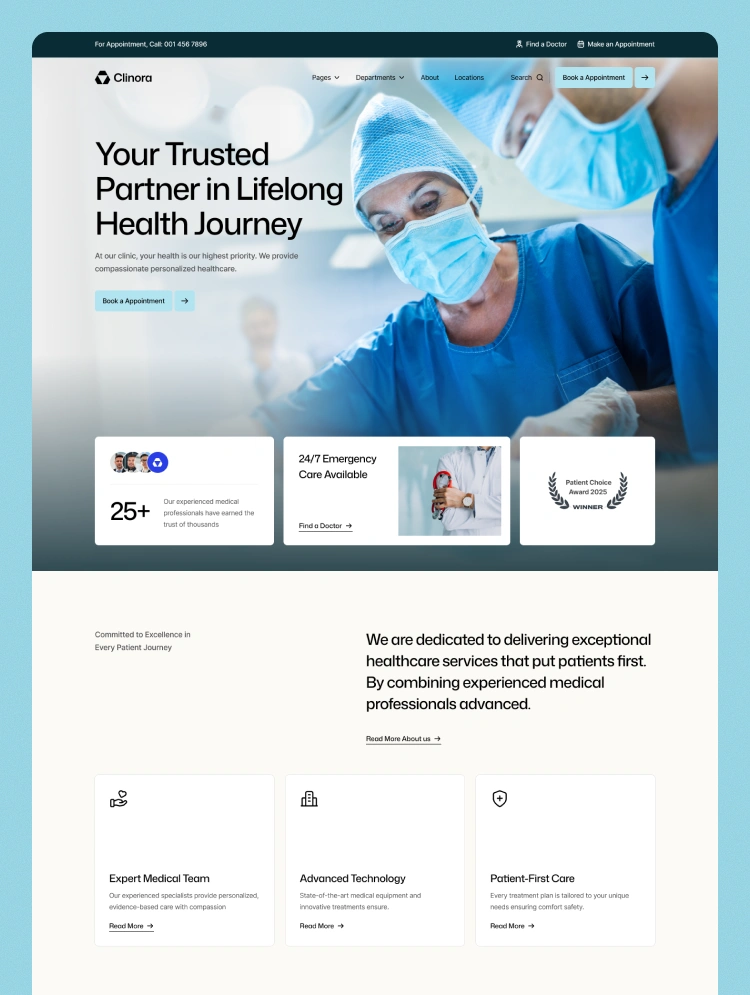
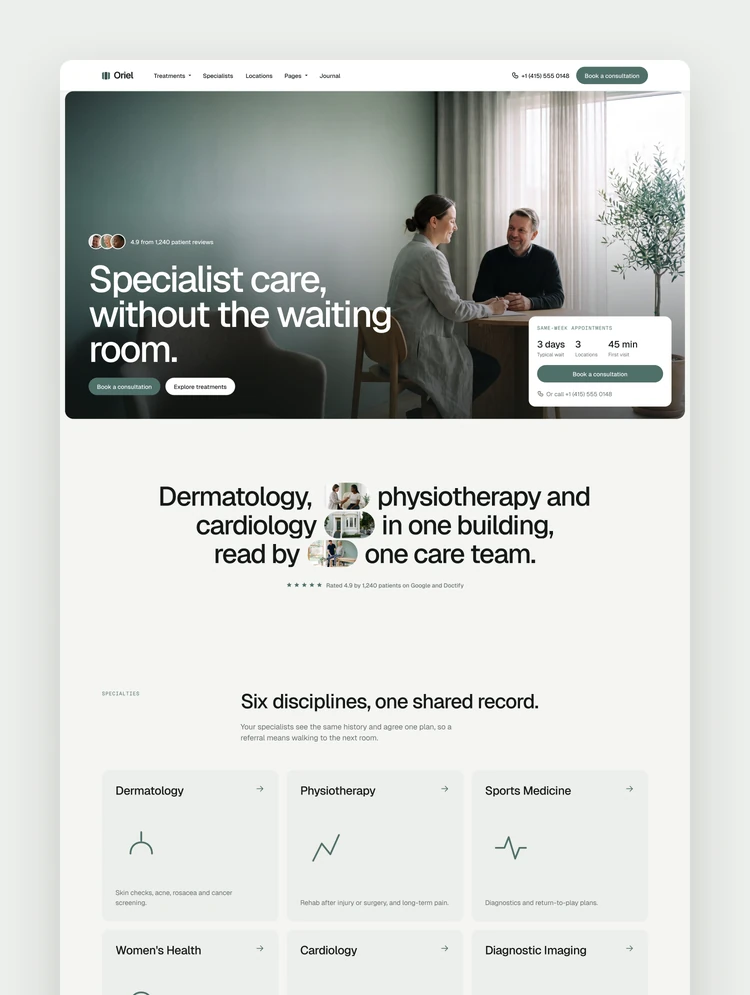
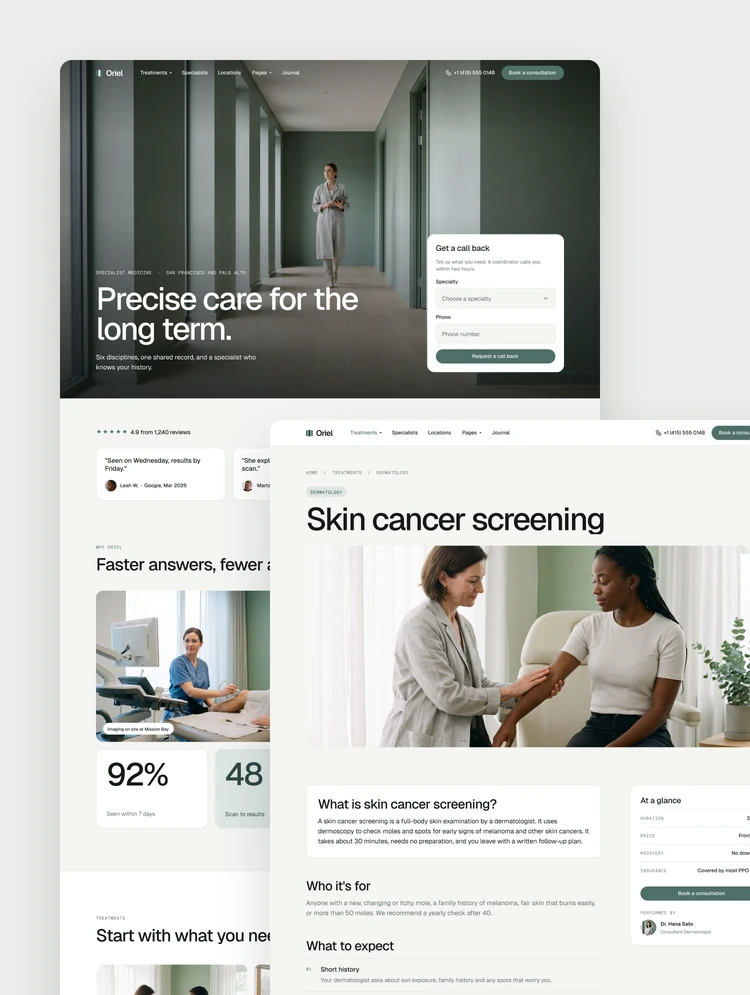
Smilora is a premium Webflow template crafted for modern dental clinics, dentists, orthodontists, cosmetic dentistry practices, and healthcare providers who want to build credibility, showcase expertise, and turn website visitors into patients.
Designed with a clean visual system, thoughtful content structure, and a patient-first experience, Smilora makes it easy to create a professional healthcare website without starting from scratch or writing a single line of code.
From showcasing your dental services and introducing your doctors to building trust through patient stories and driving appointment bookings, every section is designed with a clear purpose.
Smilora is ideal for a wide range of dental and healthcare practices, including:
Dental Clinics & Family Dentistry
Cosmetic Dentistry & Smile Makeover Clinics
Orthodontists & Braces Specialists
Dental Implant & Restorative Clinics
Pediatric Dental Practices
Emergency Dental Care
Multi-Specialty Dental Centers
Private Dentists & Healthcare Professionals
Everything you need to launch a complete and professional dental website is included.
Home
About
Services
Doctors
Blog
Technology
Pricing
Gallery
Patient Stories
Full Story
Emergency Care
FAQ
Appointment
404
A healthcare website should do more than look professional — it should make patients feel confident enough to take the next step.
Smilora uses a conversion-focused structure to guide visitors naturally from discovering your practice to requesting an appointment.
Clear visual hierarchy that makes information easy to understand
Strategic appointment booking CTAs throughout the experience
Trust-building patient stories and testimonials
Dedicated doctor and specialist sections
Service-focused layouts that educate potential patients
Technology showcases that communicate modern expertise
Easy-to-follow patient journeys
Thoughtful content sections designed around patient needs
Fully responsive layouts for every screen size
Whether someone is discovering your clinic for the first time, comparing treatment options, or ready to book an appointment, Smilora creates a smooth and reassuring experience at every stage.
A refined and professional visual style built specifically for modern dental and healthcare brands.
Every page is strategically organized to guide visitors toward meaningful actions, from exploring services to booking appointments.
A seamless experience across desktop, tablet, and mobile devices.
Update colors, typography, images, content, and branding to create a website that feels uniquely yours.
Manage dynamic content such as blog posts and patient stories with Webflow CMS.
Built with a clean structure and thoughtful content hierarchy to support better search visibility.
Lightweight layouts and carefully considered design help create a fast and smooth browsing experience.
Build, customize, and launch your website directly in Webflow without writing code.
Smilora combines premium design, practical functionality, and a patient-focused experience into one complete Webflow template.
Whether you're launching a new dental practice or giving an established clinic a fresh digital presence, Smilora gives you the foundation to create a website that looks credible, communicates expertise, and drives more appointment inquiries.
Build trust. Showcase your expertise. Turn more visitors into patients with Smilora.
Can only be used by you or one client for one end product. You cannot resell or redistribute this template in its original or modified state.
This template is free to use in both person and commercial projects. You cannot resell, redistribute, or license this template in its original or modified state.
Questions about this template? Just reach out to the template designer and they will get back to you within 2 business days.
For advanced design guidance, please share your questions in the Webflow Forum or reach out to a Webflow Partner.
Share your feedback by leaving a comment below.
For template support, please check the Support tab.

Use the Preview in Designer option to make any edits to the template pages and preview how the layout would fit your content. Changes in preview mode won't be saved.
It isn't possible to apply a template to an already existing project. Instead, you'll need to create a new project based on the Template.
With a Core plan (or higher), you can export sites you build in Webflow, including templates, to host them anywhere you'd like.
Webflow templates are only available for purchase through Workspaces and legacy individual accounts.
CMS templates are designed to use the power of the Webflow CMS. It is possible to downgrade to a Basic Site Plan as long as all CMS content is deleted from the project.
Use the View Connections tool to understand where the CMS content is on the site and delete any dynamic listings and CMS content. We also recommend you to check Components and the Collection page Templates.
Ecommerce templates are designed to use the power of Webflow Ecommerce. It is not possible to remove Ecommerce from a template, however, deleting all Ecommerce Products and Categories from the project, will allow to select a lower Site Plan.
Membership templates are designed to use the power of Webflow Membership. It is not possible to remove Memberships from a template.
.svg)


Build your lead lists and subscriber base with beautiful forms.
Comes with animations and interactions for additional polish and usability.