Trusted by teams at






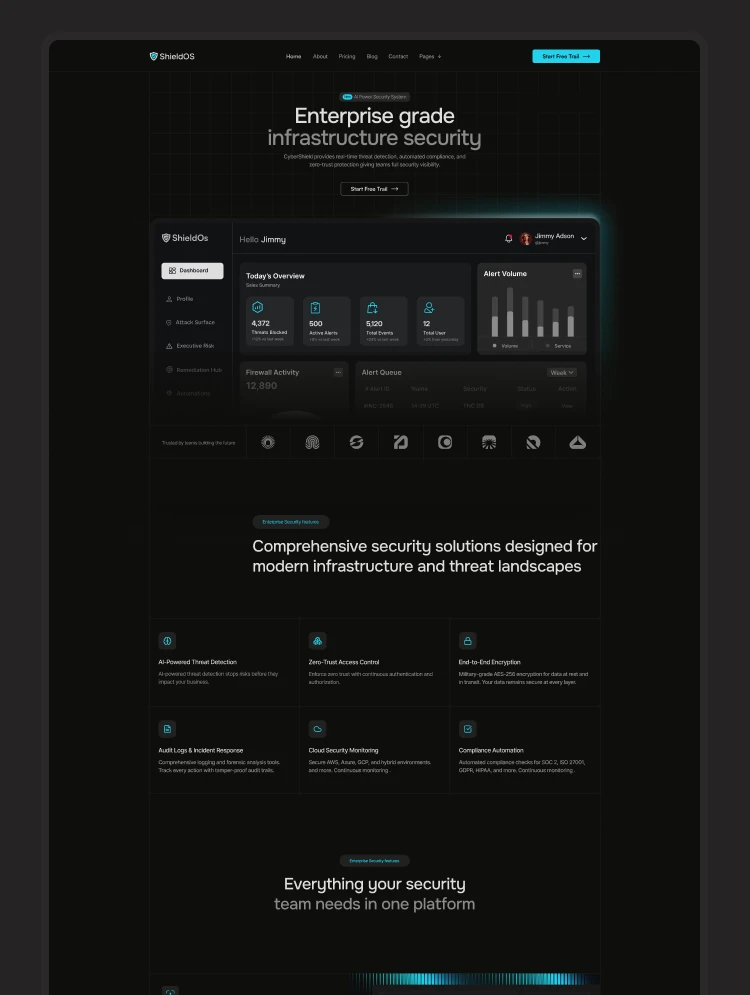
ShieldOS is a premium dark variant Webflow template built for cybersecurity SaaS, data protection platforms, compliance startups, and IT security companies that need to project authority, trust instantly.
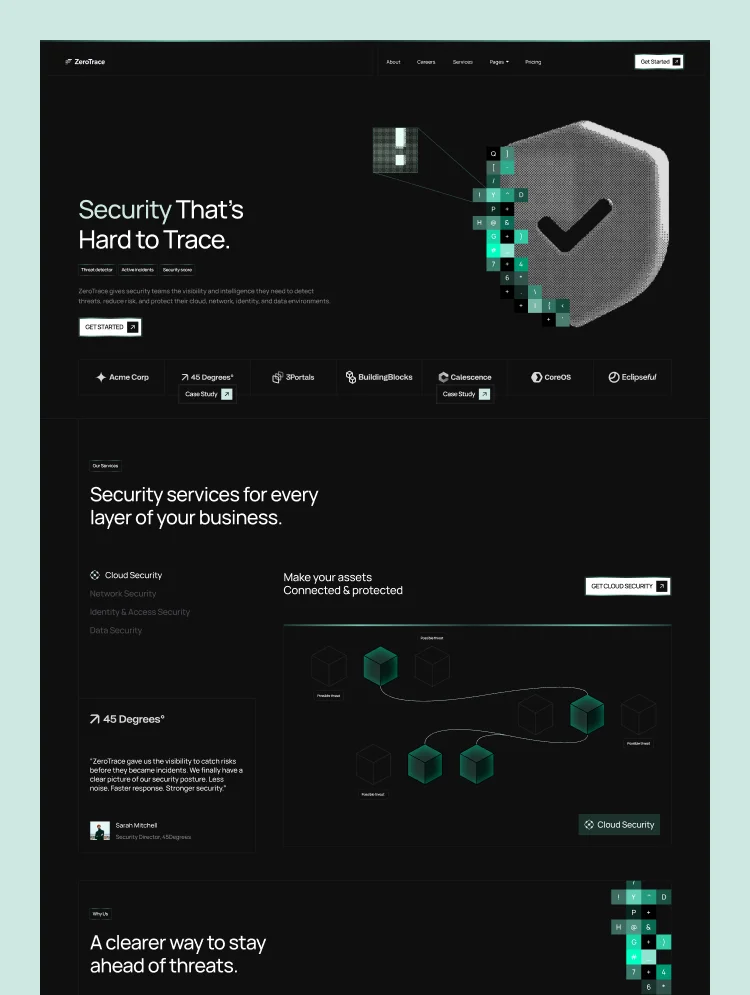
The cybersecurity and data protection space depends on authority and technical clarity. Every security SaaS, compliance platform, IT company, and startup needs a website that feels credible from the first scroll. Let me introduce ShieldOS, a modern and premium Webflow dark website template created for cybersecurity experts. ShieldOS clearly explains complex features and converts interest into qualified leads. It transforms your threat protection tools, compliance workflows, security insights, and platform capabilities into a structured experience that feels enterprise-ready.
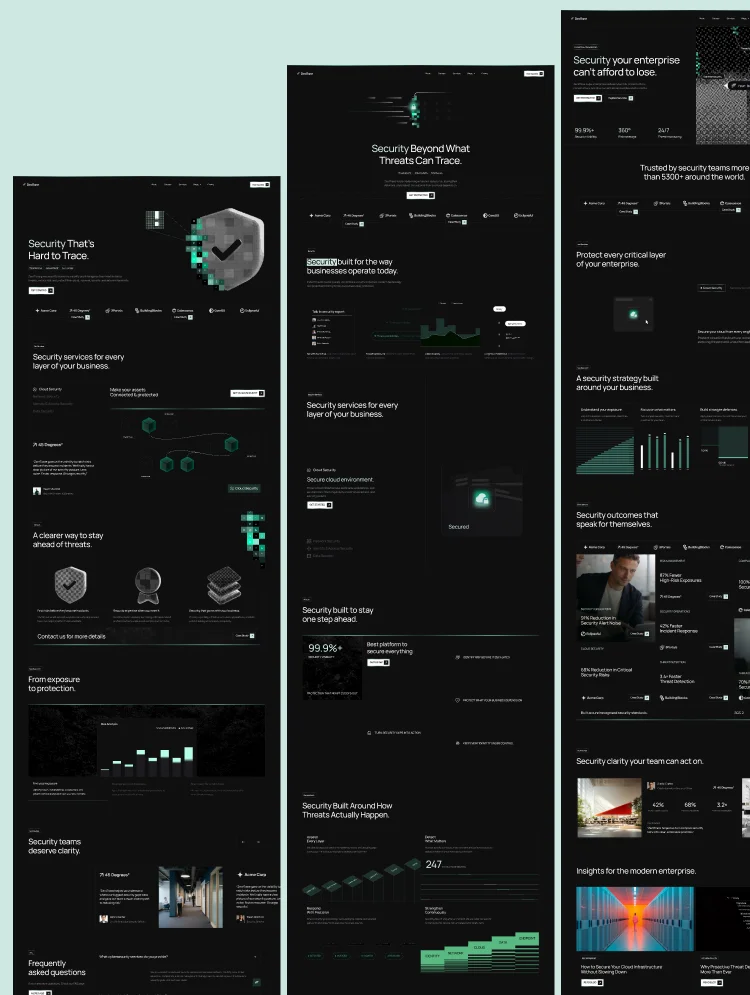
Every page and section of ShieldOS is designed to support the buyer journey with precision and purpose. You will get a perfect hero section, real-time threat dashboard UI mockup, compliance certification badges, impressive layout, feature showcase, and CMS-powered content blocks. With Webflow CMS at its core, your team can update content easily. ShieldOS is technically reliable and helps improve your cybersecurity brand's credibility right from the start.
Explore the live preview now!
ShieldOS is built for cybersecurity SaaS founders, VPN and endpoint security tool makers, compliance and risk management platform startups, SIEM and SOC platform builders, IT security agencies, managed security service providers, data protection companies, enterprise software teams, and any technology brand that wants to build trust, explain security value, and convert visitors into customers.
Cybersecurity-Focused Design: ShieldOS uses a dark, high-contrast visual style that feels technically authoritative and built for enterprise trust.
High-Impact Hero Section: The homepage opens with a strong hero that instantly positions your product, communicates value, and drives visitors toward action.
Real-Time Threat Dashboard UI: Showcase your platform with a premium dashboard-style visual that makes your product feel active, intelligent, and security-driven.
Compliance Badge Section: Highlight important trust signals such as GDPR, HIPAA, SOC 2, and ISO 27001 with a dedicated certification layout that reinforces credibility.
Incident Response Feature Layout: Present your incident detection, response, and monitoring capabilities easily.
Product and Feature Showcase: Explain your platform’s core functionality with clean, structured sections that make complex security solutions easier to understand.
Trust-Building Content Blocks: Reinforce confidence with strong messaging, security-focused visuals, and layouts tailored to enterprise decision-makers.
CMS-Powered Blog and Updates: Publish industry insights, threat alerts, security articles, and product news with a flexible content system that is easy to manage.
Fully Responsive Build: ShieldOS looks great on desktops, tablets, mobile devices, and any device.
Advanced Animations & Interactions: Smooth scroll effects, GSAP image entrances, elegant transitions, lightbox interactions, and subtle micro-interactions create a premium browsing experience.
Utility Pages Included: ShieldOS includes essential pages such as a style guide, 404 page, and other standard setup pages for a complete Webflow experience.
Message us after purchase for the Figma source file delivered instantly.
ShieldOS follows Webflow Marketplace standards with a clean CMS structure, organized collections, and a mobile-first build. Duplicate it to your workspace, swap in your brand colors, visuals, and copy, then publish in hours. Every page is designed to look like a confident, modern, and enterprise-ready website for your cybersecurity or data protection brand.
Can only be used by you or one client for one end product. You cannot resell or redistribute this template in its original or modified state.
This template is free to use in both person and commercial projects. You cannot resell, redistribute, or license this template in its original or modified state.
Questions about this template? Just reach out to the template designer and they will get back to you within 2 business days.
For advanced design guidance, please share your questions in the Webflow Forum or reach out to a Webflow Partner.
Share your feedback by leaving a comment below.
For template support, please check the Support tab.

Use the Preview in Designer option to make any edits to the template pages and preview how the layout would fit your content. Changes in preview mode won't be saved.
It isn't possible to apply a template to an already existing project. Instead, you'll need to create a new project based on the Template.
With a Core plan (or higher), you can export sites you build in Webflow, including templates, to host them anywhere you'd like.
Webflow templates are only available for purchase through Workspaces and legacy individual accounts.
CMS templates are designed to use the power of the Webflow CMS. It is possible to downgrade to a Basic Site Plan as long as all CMS content is deleted from the project.
Use the View Connections tool to understand where the CMS content is on the site and delete any dynamic listings and CMS content. We also recommend you to check Components and the Collection page Templates.
Ecommerce templates are designed to use the power of Webflow Ecommerce. It is not possible to remove Ecommerce from a template, however, deleting all Ecommerce Products and Categories from the project, will allow to select a lower Site Plan.
Membership templates are designed to use the power of Webflow Membership. It is not possible to remove Memberships from a template.
.svg)


Reposition and resize items anywhere within the grid to produce powerful, responsive layouts — faster and without code.
Reusable elements you can use across your site. Edit a component and all copies update instantly.
Customize the built-in database for your project or just add new content.
Custom design for the 404 page of your website
Build your lead lists and subscriber base with beautiful forms.
Comes with GSAP animations and interactions for additional polish and usability.
Comes with animations and interactions for additional polish and usability.
Displays perfectly on desktops, tablets, and phones.
Site navigation automatically collapses into a mobile-friendly menu on smaller devices.
All graphics are optimized for devices with high DPI screens.
Uses fonts from Google's Web Font collection.