Trusted by teams at






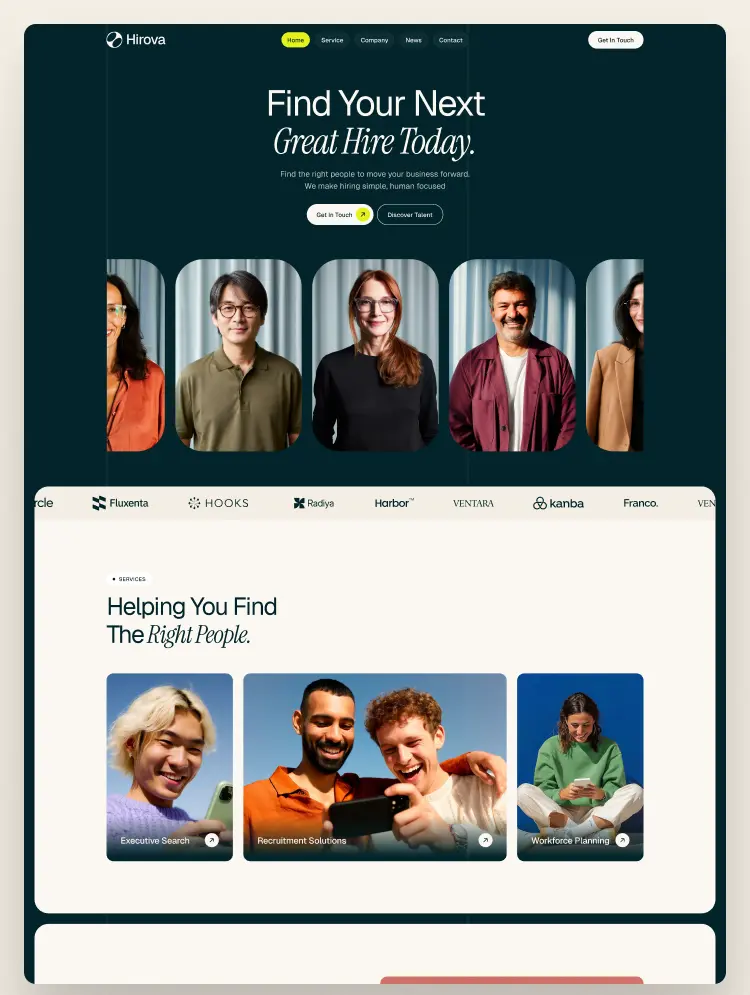
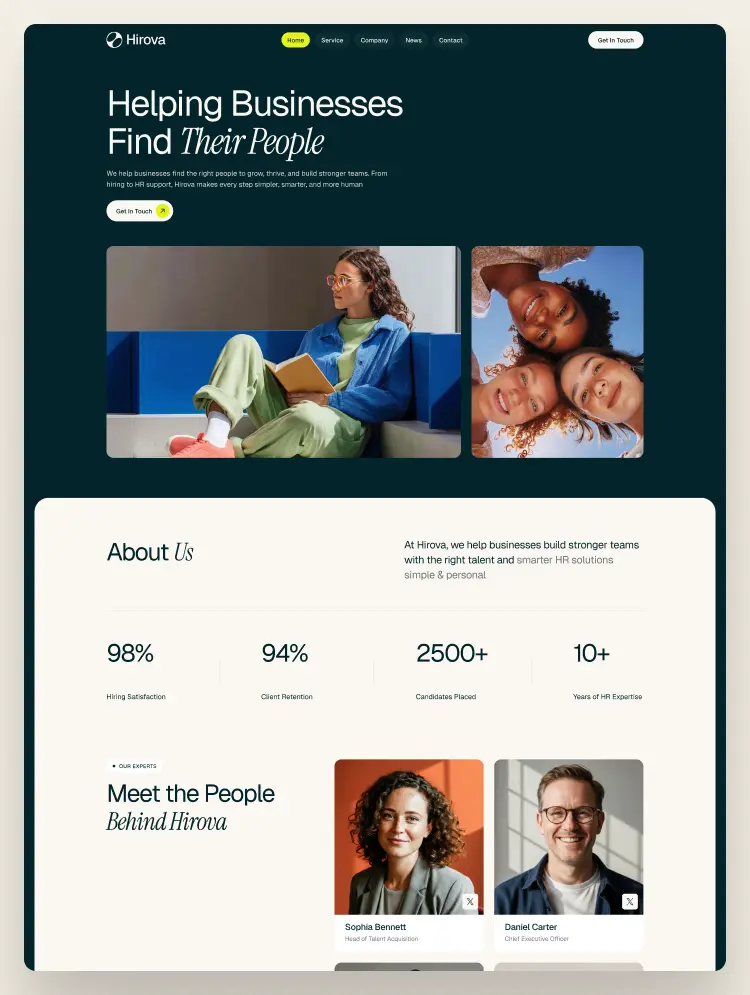
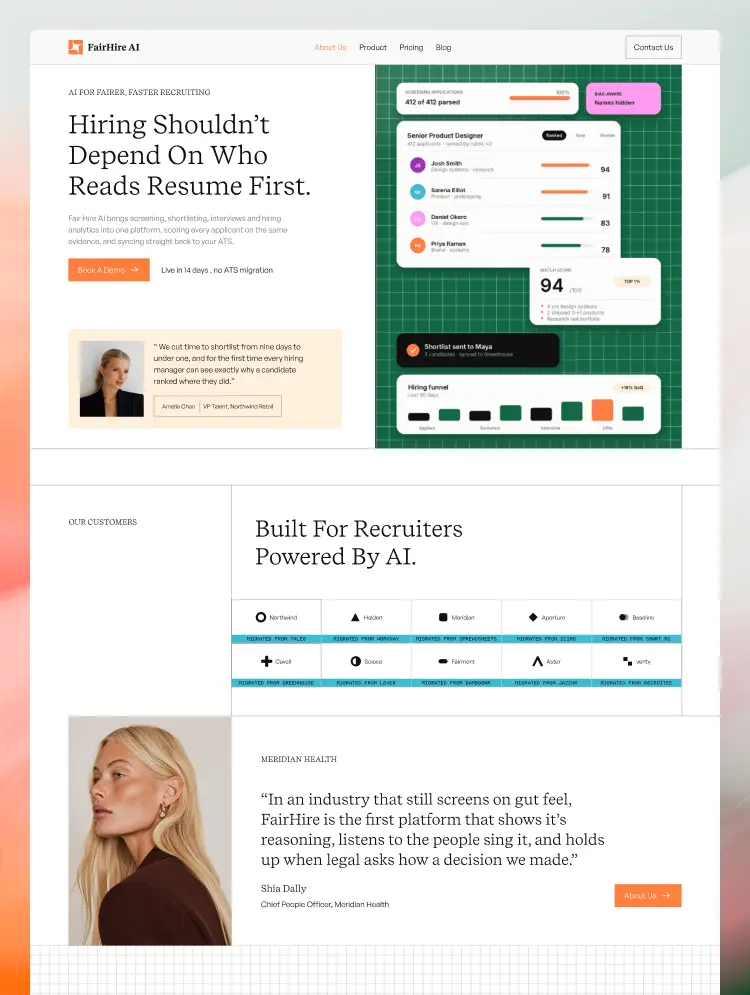
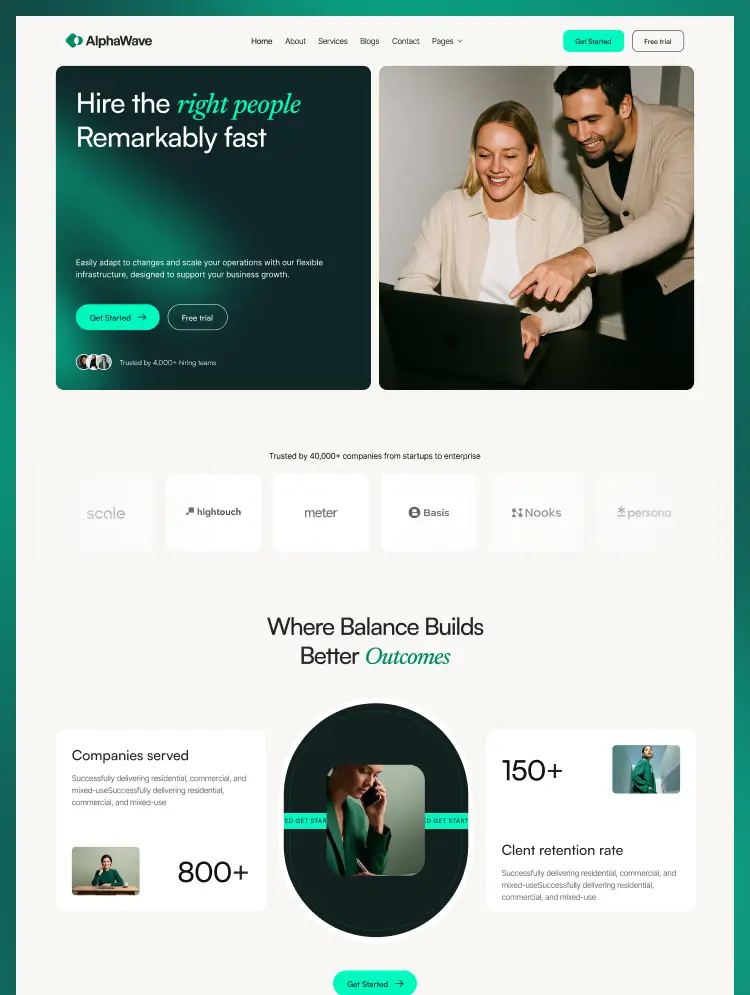
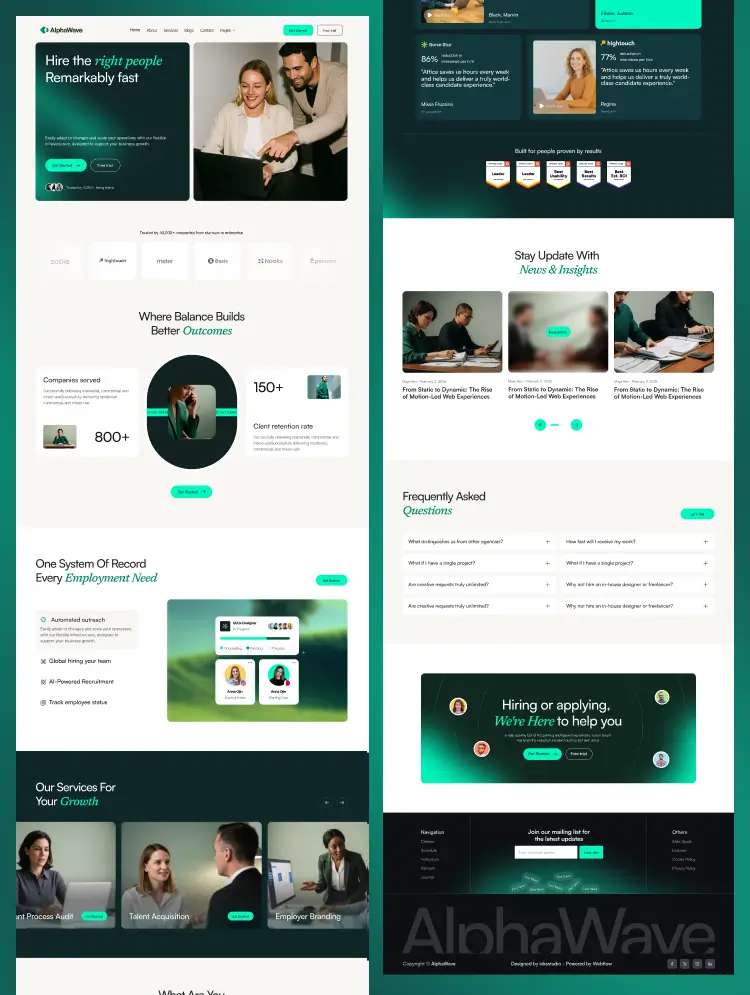
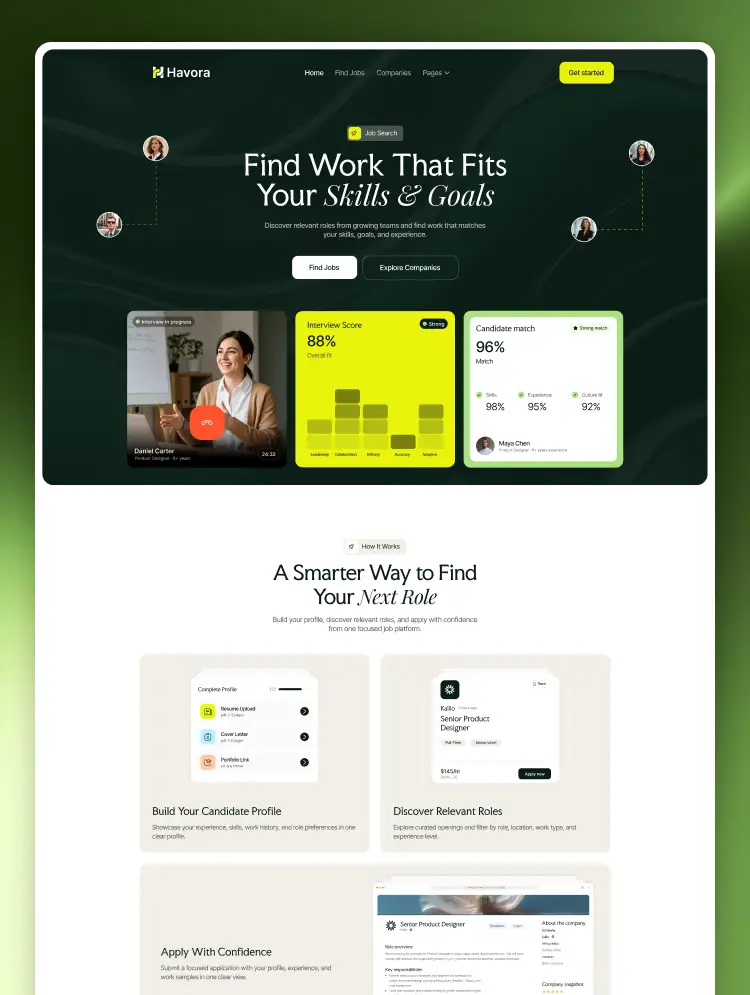
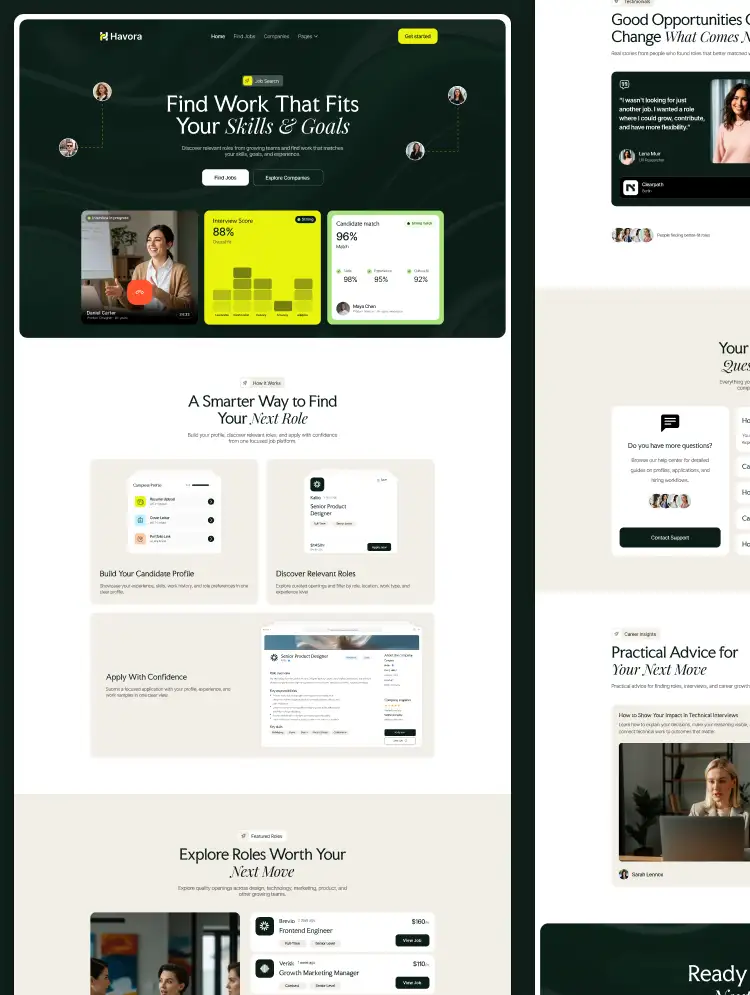
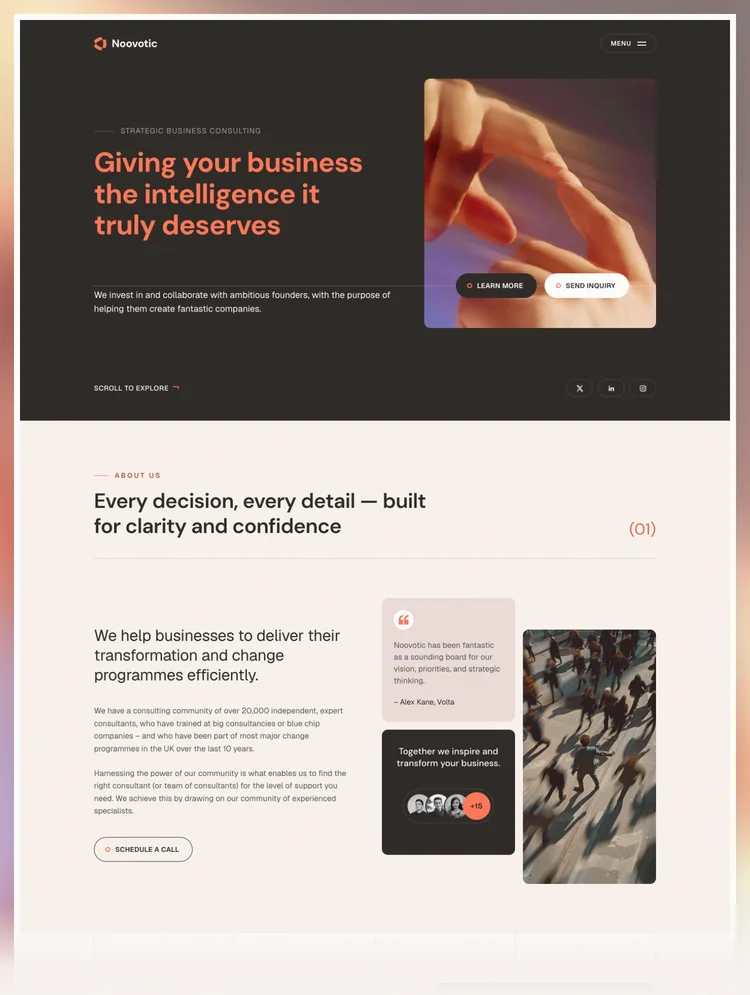
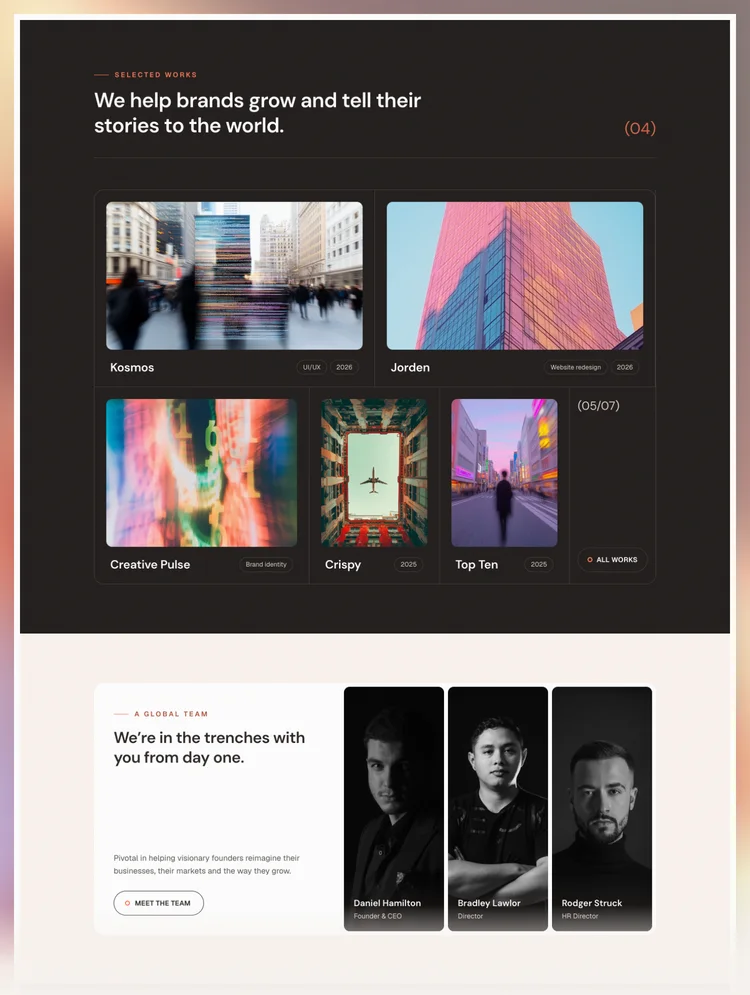
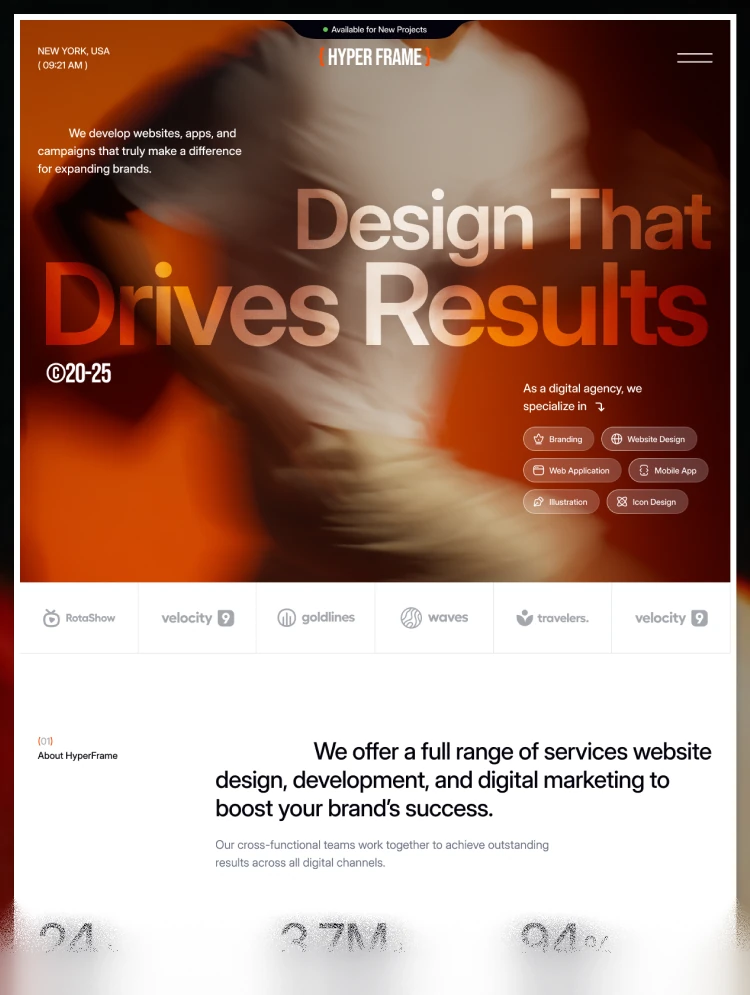
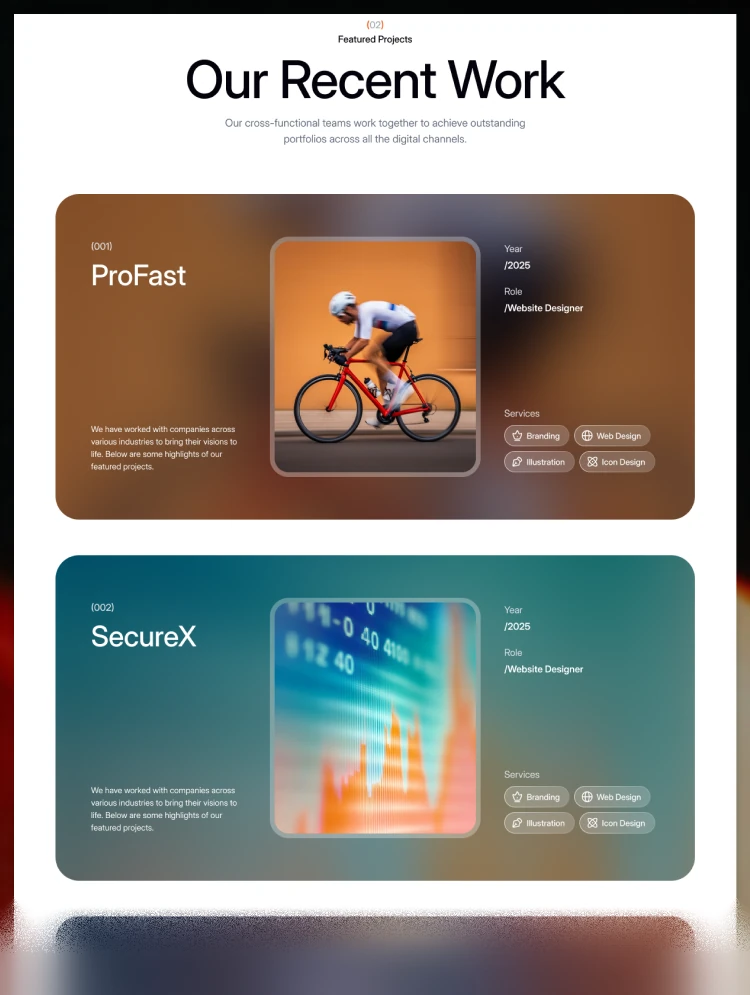
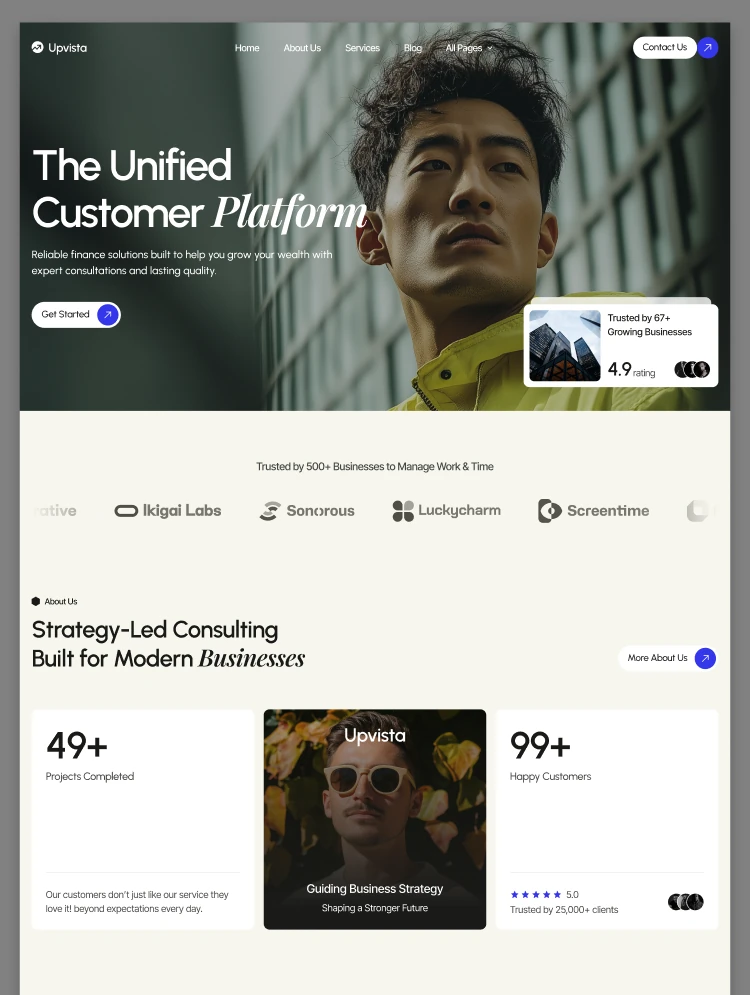
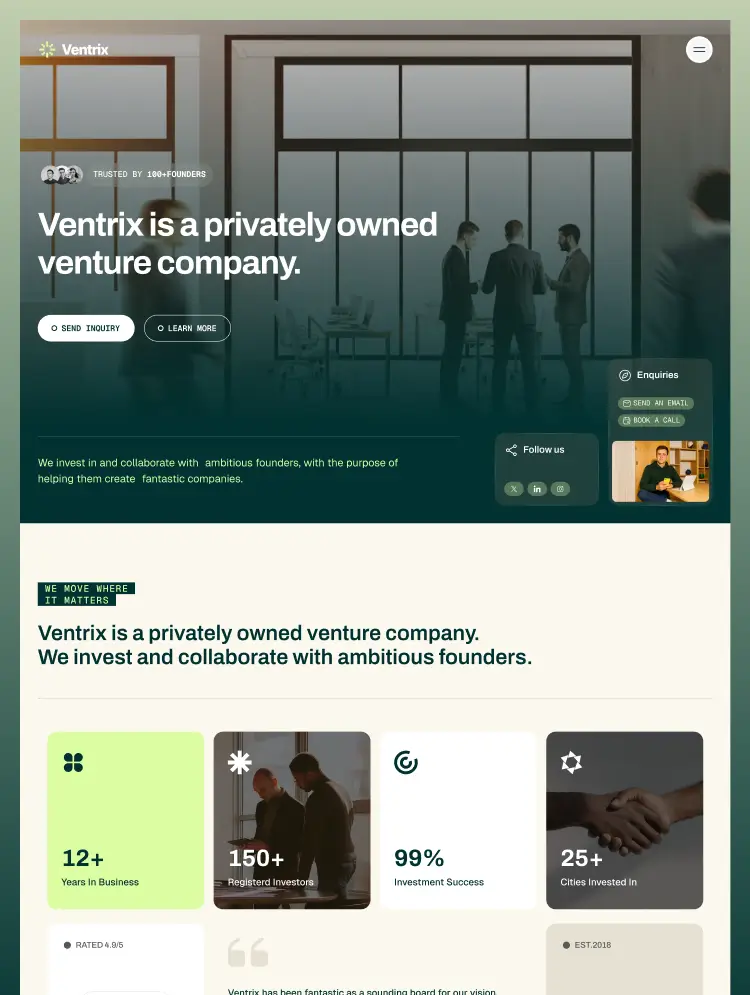
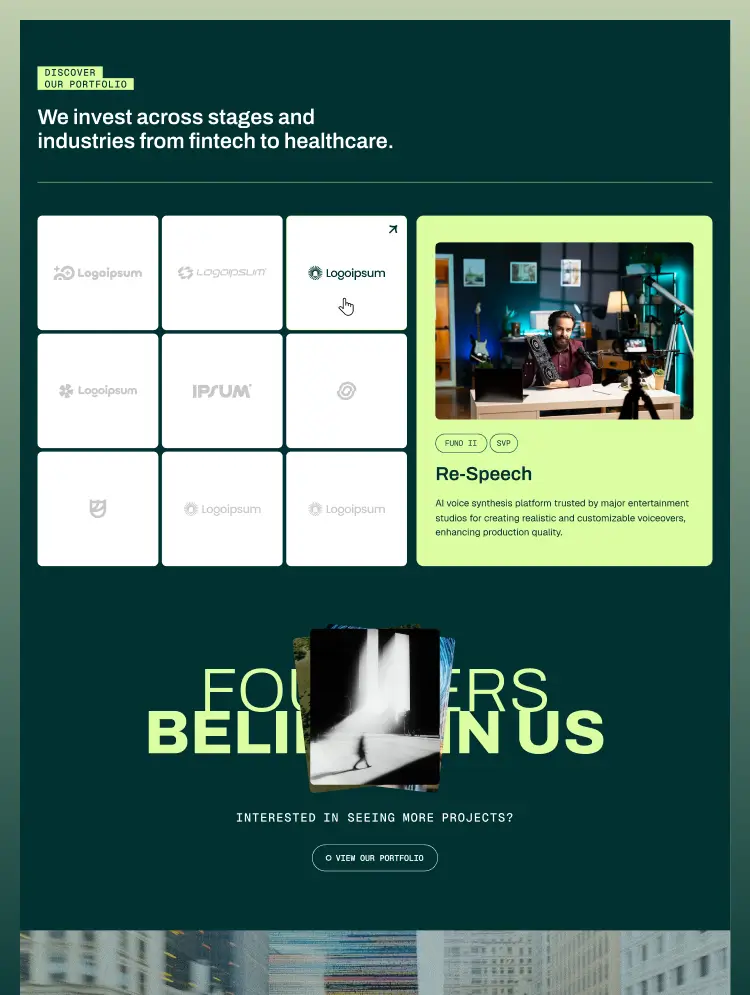
Recrot is a recruitment agency website template for staffing agencies, HR consultants and recruiters. It includes a job board with job listing and job detail pages, case studies, services and a blog.
Recrot is a Webflow website template for a recruitment agency, staffing agency or HR consultant. It suits recruiters, hiring teams and any job portal that needs job listing pages run by the CMS. The pages cover the full hiring story: two home page versions, about, services, a job search page with job detail pages, case studies, blog and contact. Use it to post open roles, show client results and win new candidates and clients, then edit every section in Webflow to fit your brand.
.
Key Features of Recrot HR Template for Webflow:
Need help customizing your template? Contact me 👇
Can only be used by you or one client for one end product. You cannot resell or redistribute this template in its original or modified state.
This template is free to use in both person and commercial projects. You cannot resell, redistribute, or license this template in its original or modified state.
Questions about this template? Just reach out to the template designer and they will get back to you within 2 business days.
For advanced design guidance, please share your questions in the Webflow Forum or reach out to a Webflow Partner.
Share your feedback by leaving a comment below.
For template support, please check the Support tab.

Use the Preview in Designer option to make any edits to the template pages and preview how the layout would fit your content. Changes in preview mode won't be saved.
It isn't possible to apply a template to an already existing project. Instead, you'll need to create a new project based on the Template.
With a Core plan (or higher), you can export sites you build in Webflow, including templates, to host them anywhere you'd like.
Webflow templates are only available for purchase through Workspaces and legacy individual accounts.
CMS templates are designed to use the power of the Webflow CMS. It is possible to downgrade to a Basic Site Plan as long as all CMS content is deleted from the project.
Use the View Connections tool to understand where the CMS content is on the site and delete any dynamic listings and CMS content. We also recommend you to check Components and the Collection page Templates.
Ecommerce templates are designed to use the power of Webflow Ecommerce. It is not possible to remove Ecommerce from a template, however, deleting all Ecommerce Products and Categories from the project, will allow to select a lower Site Plan.
Membership templates are designed to use the power of Webflow Membership. It is not possible to remove Memberships from a template.


Uses fonts from Google's Web Font collection.
Display images and text elegantly on every device with our touch-friendly slider.
Bring life and motion to your design with background videos
Site navigation automatically collapses into a mobile-friendly menu on smaller devices.
All graphics are optimized for devices with high DPI screens.
Custom design for the 404 page of your website
Showcase high-res photos and videos on a black backdrop.
Reposition and resize items anywhere within the grid to produce powerful, responsive layouts — faster and without code.
Customize the built-in database for your project or just add new content.
Displays perfectly on desktops, tablets, and phones.
Build your lead lists and subscriber base with beautiful forms.
Comes with animations and interactions for additional polish and usability.
Display 3D graphics elegantly on every device.