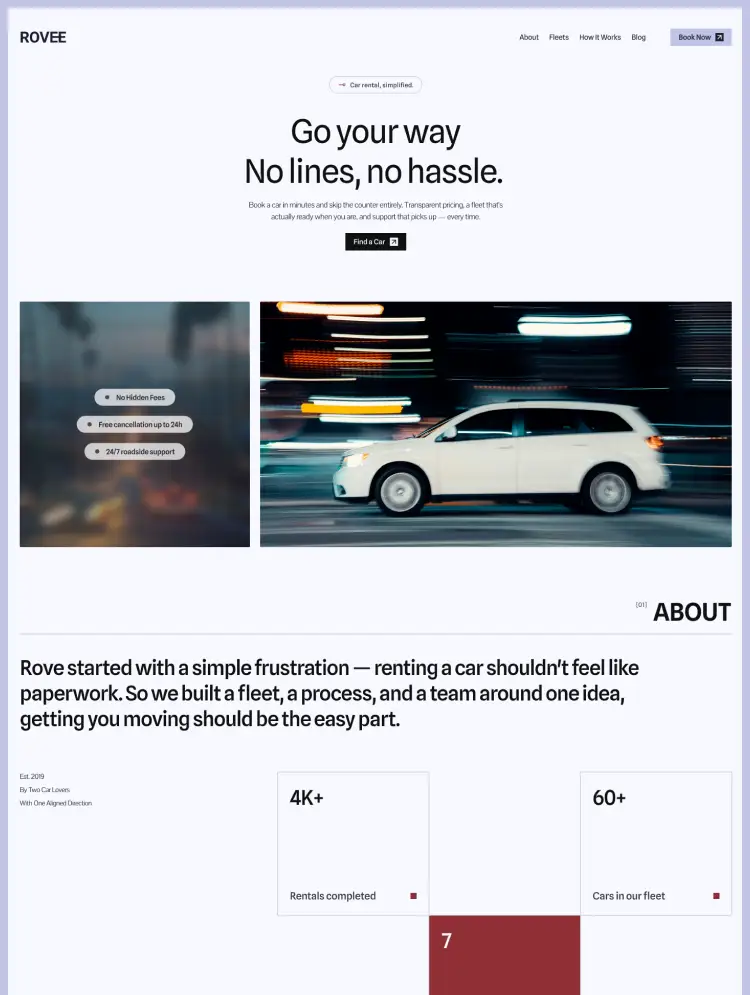
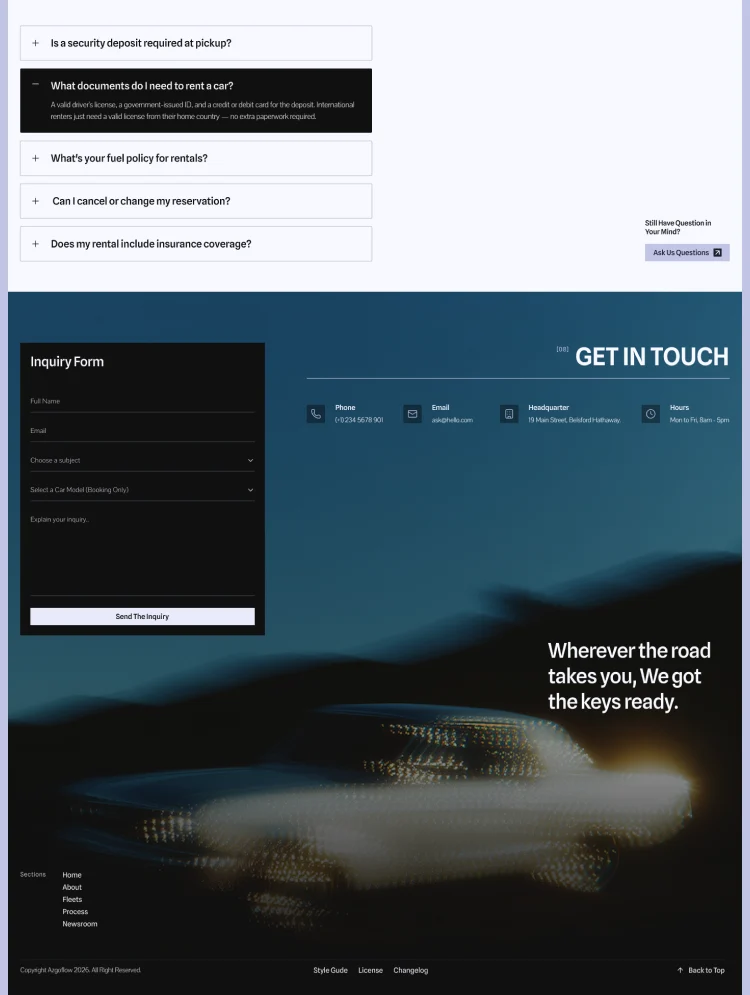
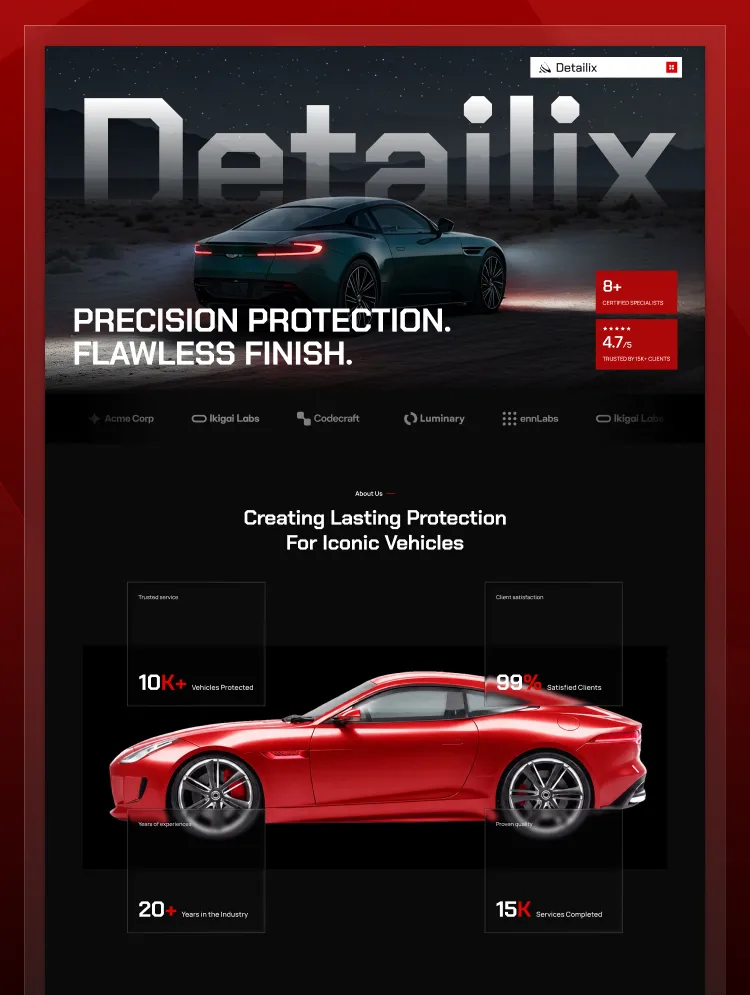
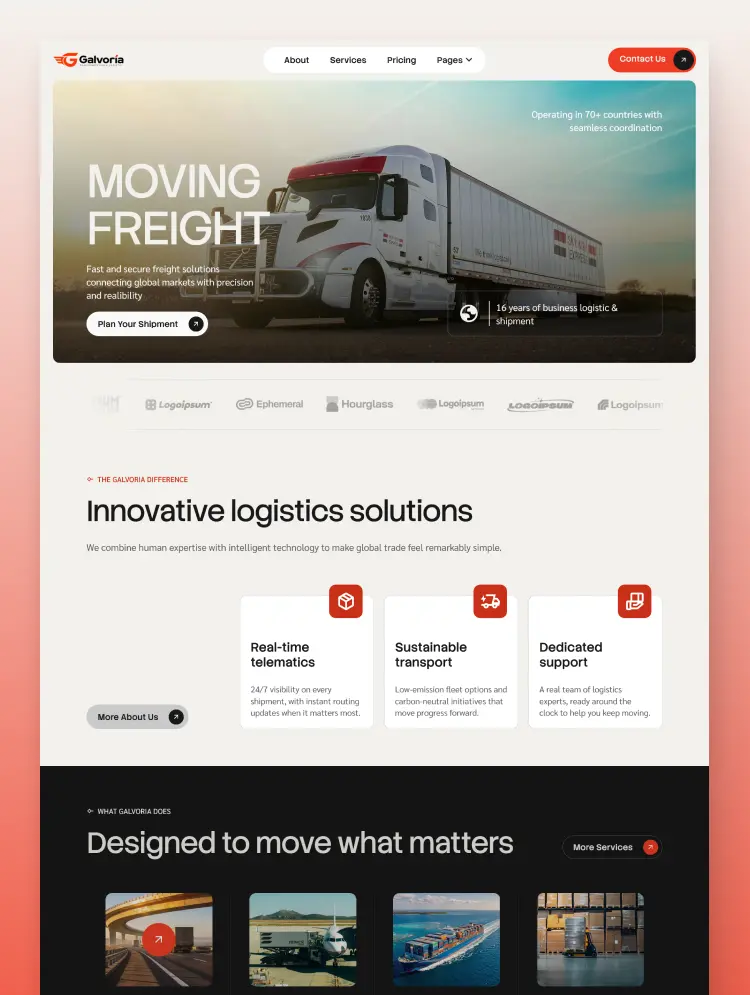
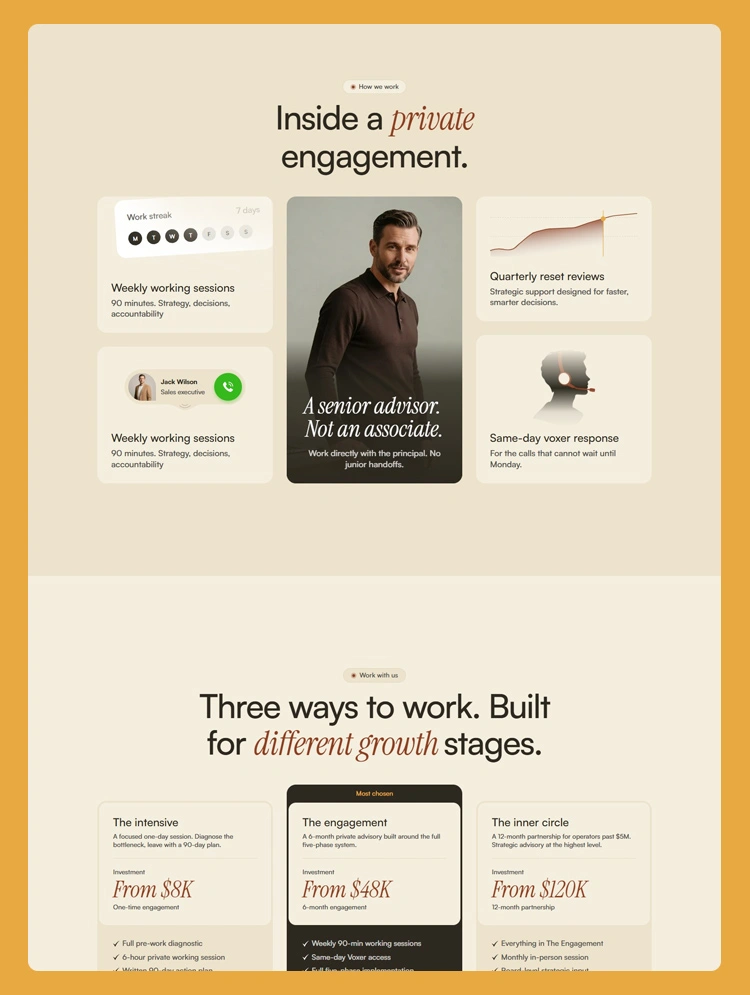
Trusted by teams at






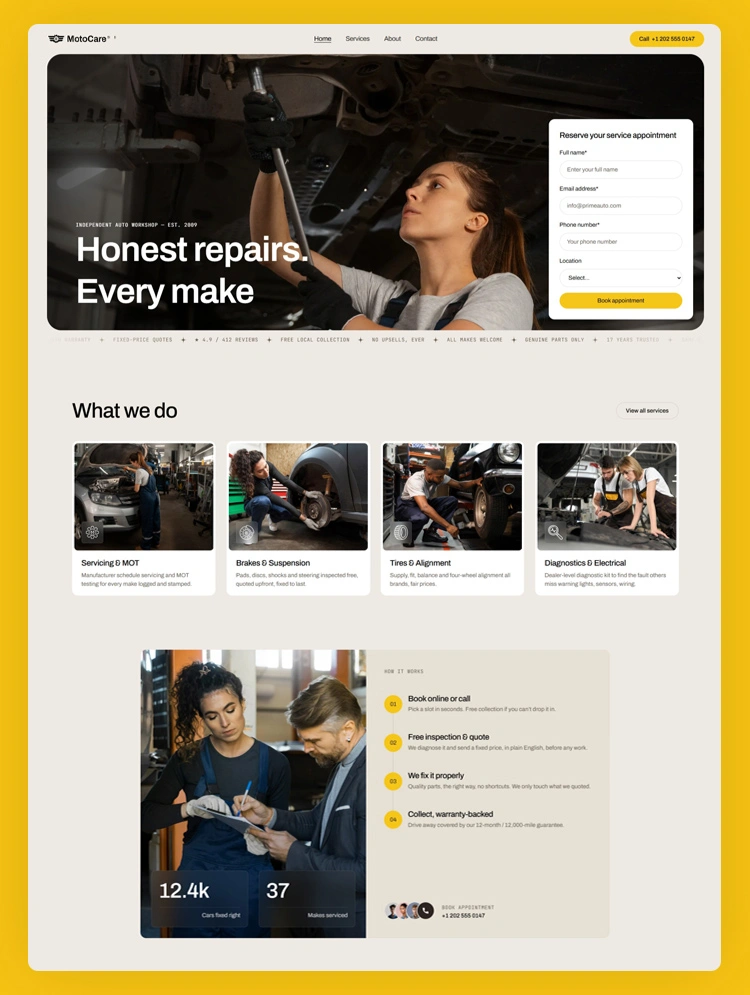
MotoCare is a Webflow template for auto repair shops, garages, and local mechanics. Built around transparent pricing, clear service breakdowns, and a booking-first layout that turns visitors into booked appointments.
Most people looking for a mechanic are worried about one thing: getting overcharged. They want to know what a repair costs before they hand over their keys. If your website hides prices behind a contact form or buries your services in long paragraphs, they leave and call the next shop.
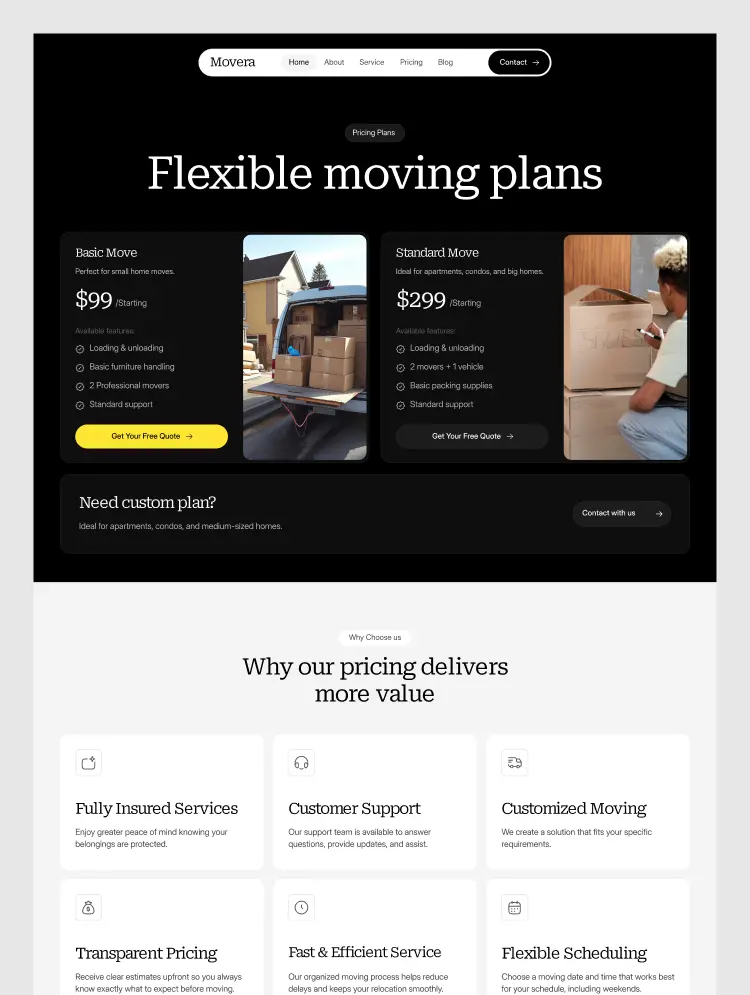
MotoCare is built to fix that. It leads with fixed-price quotes, plain service breakdowns, real team profiles, and customer reviews, so visitors understand what you do and what it costs within seconds. A clear step-by-step process section removes the fear of surprise bills, and booking sits at the front of the layout instead of the footer.
The demo content is written around a car repair service, but the same structure works for appliance repair, HVAC, plumbing, phone repair, or any handyman business once you swap the text and images.
Webflow gives you full control over the site without hiring a developer. Add your services, prices, and photos in the visual editor, then publish.
MotoCare works best for auto repair shops that compete on trust rather than price alone. The layout gives you room to explain your process, show your team, and publish honest pricing, which is what turns a nervous first-time visitor into a booked customer. If you run a garage and your current site is just a phone number and a photo, this gives you something that actually sells the work.
Car repair shop, auto garage, MOT test center, car service station, mobile mechanic, tyre and wheel alignment shop, auto electrician, car diagnostics specialist, brake and clutch repair, auto body shop, collision repair, car detailing, car valeting studio, EV repair specialist, hybrid car service, motorcycle repair workshop, truck maintenance, fleet maintenance service, bicycle repair shop, appliance repair service, HVAC repair, phone repair shop, computer repair shop, furniture restoration, plumbing repair, boiler repair, electrical repair service, handyman service, home repair business, machinery repair workshop, local maintenance service
Can only be used by you or one client for one end product. You cannot resell or redistribute this template in its original or modified state.
This template is free to use in both person and commercial projects. You cannot resell, redistribute, or license this template in its original or modified state.
Questions about this template? Just reach out to the template designer and they will get back to you within 2 business days.
For advanced design guidance, please share your questions in the Webflow Forum or reach out to a Webflow Partner.
Share your feedback by leaving a comment below.
For template support, please check the Support tab.

Use the Preview in Designer option to make any edits to the template pages and preview how the layout would fit your content. Changes in preview mode won't be saved.
It isn't possible to apply a template to an already existing project. Instead, you'll need to create a new project based on the Template.
With a Core plan (or higher), you can export sites you build in Webflow, including templates, to host them anywhere you'd like.
Webflow templates are only available for purchase through Workspaces and legacy individual accounts.
CMS templates are designed to use the power of the Webflow CMS. It is possible to downgrade to a Basic Site Plan as long as all CMS content is deleted from the project.
Use the View Connections tool to understand where the CMS content is on the site and delete any dynamic listings and CMS content. We also recommend you to check Components and the Collection page Templates.
Ecommerce templates are designed to use the power of Webflow Ecommerce. It is not possible to remove Ecommerce from a template, however, deleting all Ecommerce Products and Categories from the project, will allow to select a lower Site Plan.
Membership templates are designed to use the power of Webflow Membership. It is not possible to remove Memberships from a template.
.svg)


Comes with GSAP animations and interactions for additional polish and usability.
Reposition and resize items anywhere within the grid to produce powerful, responsive layouts — faster and without code.
Build your lead lists and subscriber base with beautiful forms.
Comes with animations and interactions for additional polish and usability.