Trusted by teams at






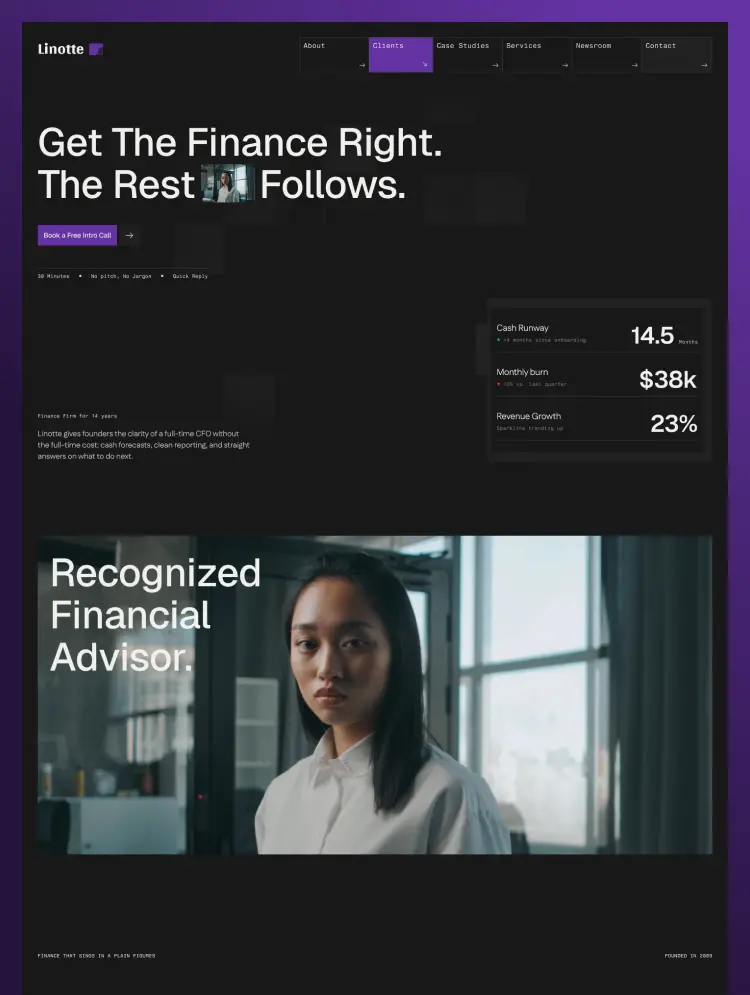
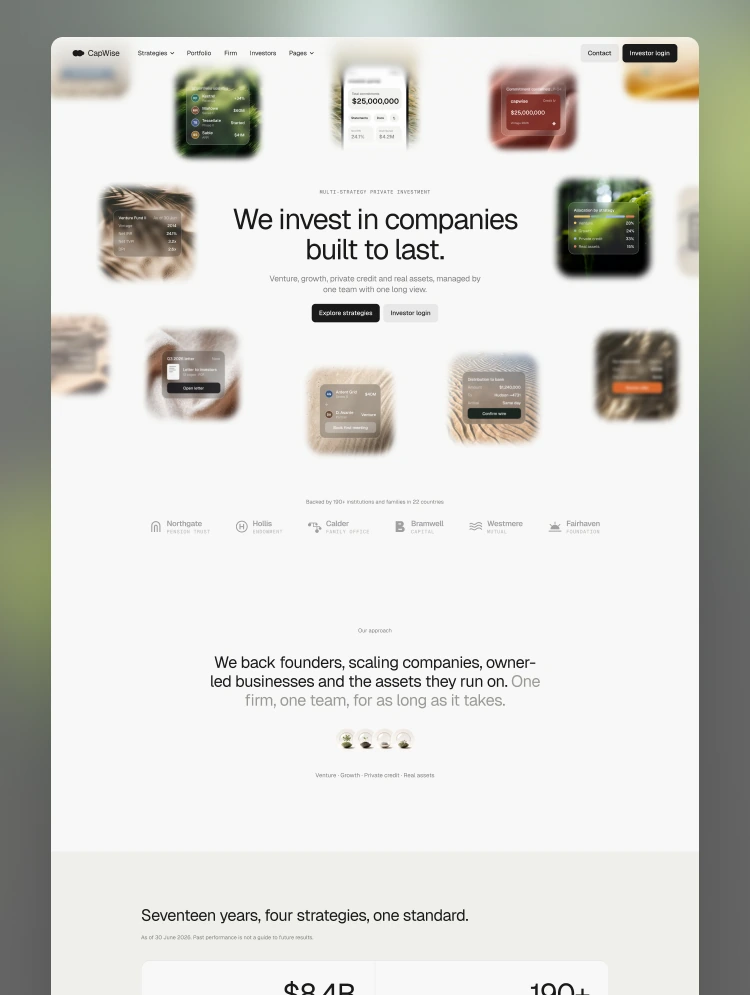
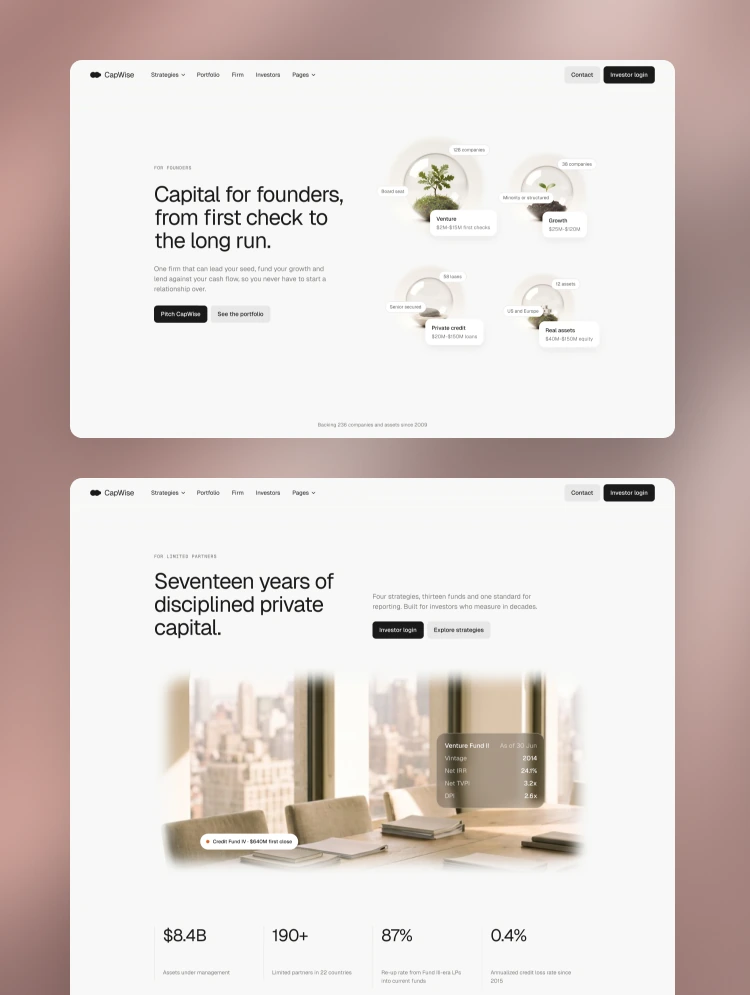
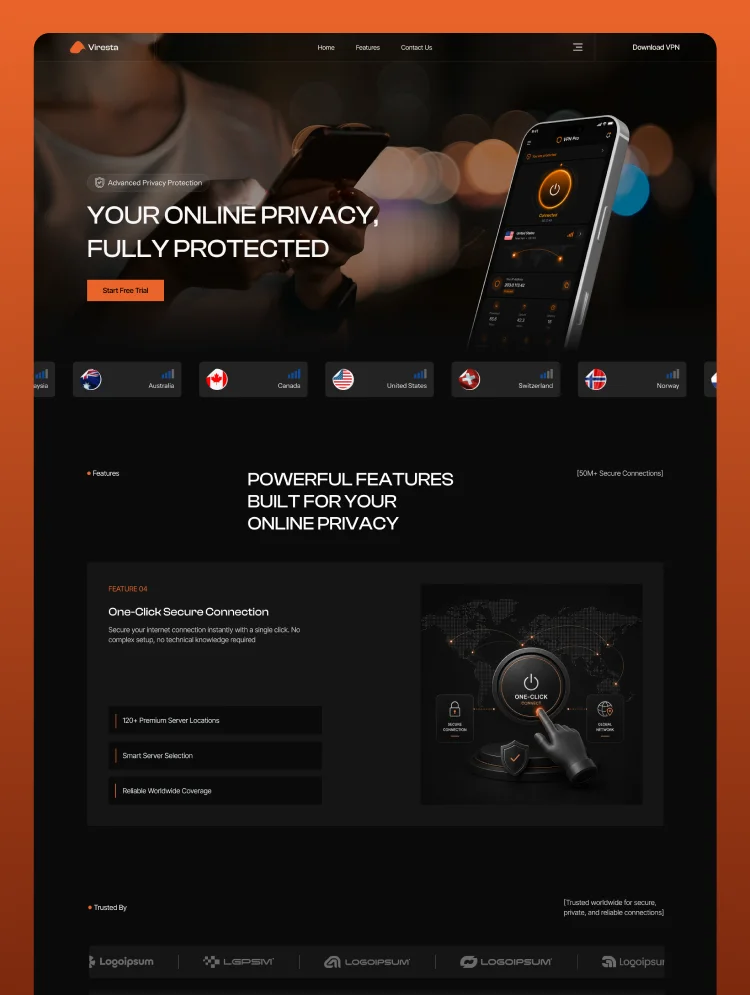
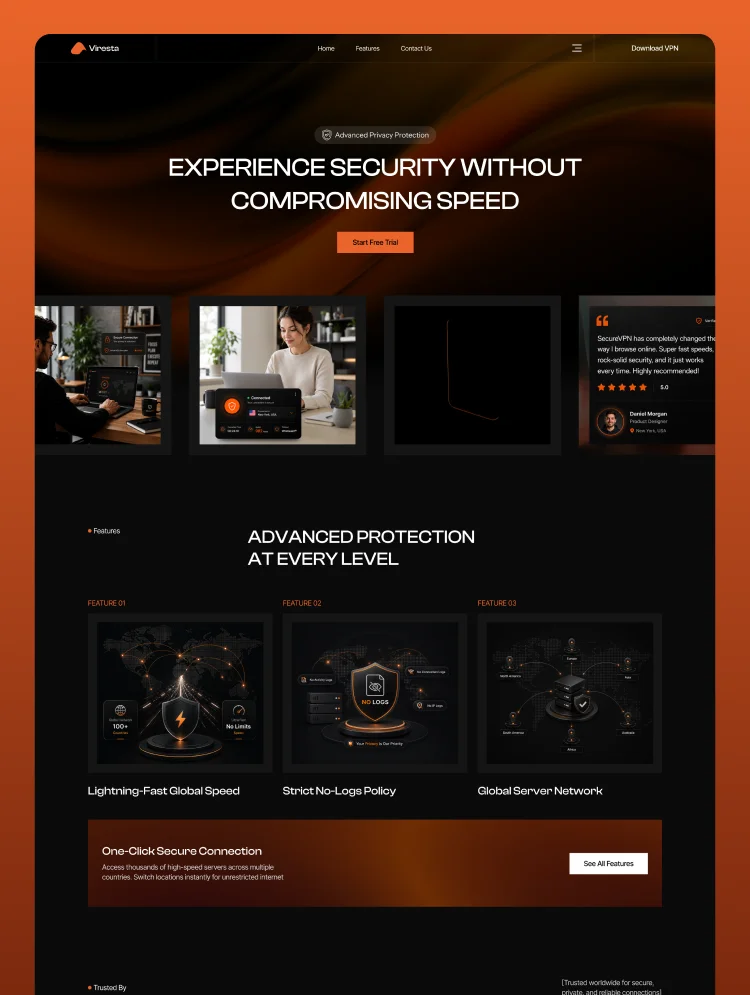
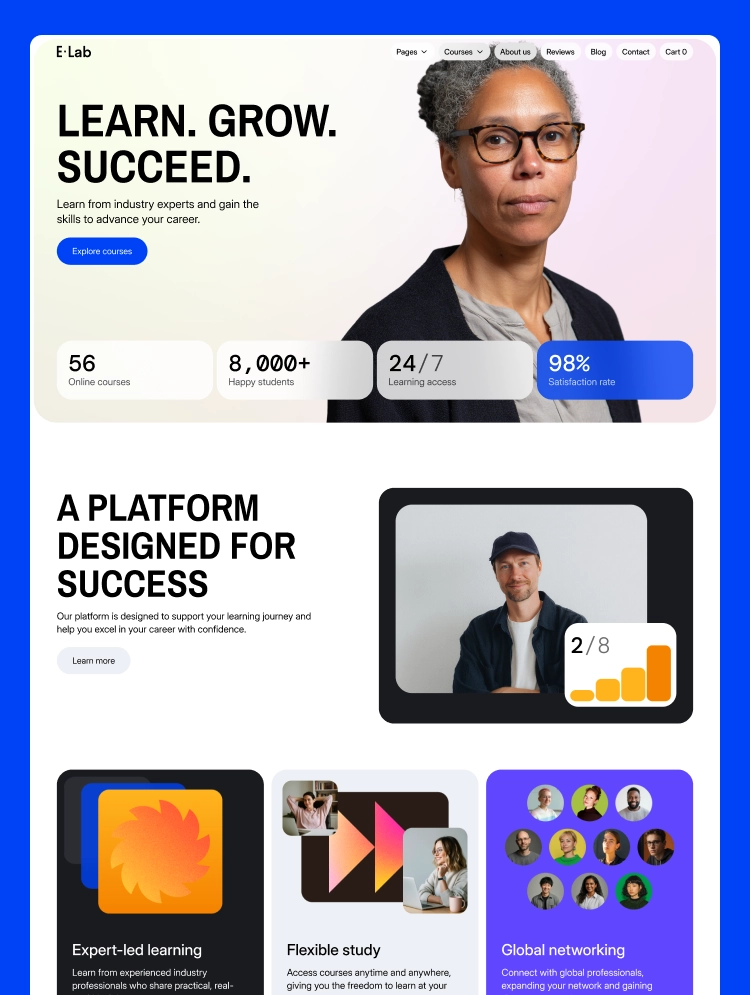
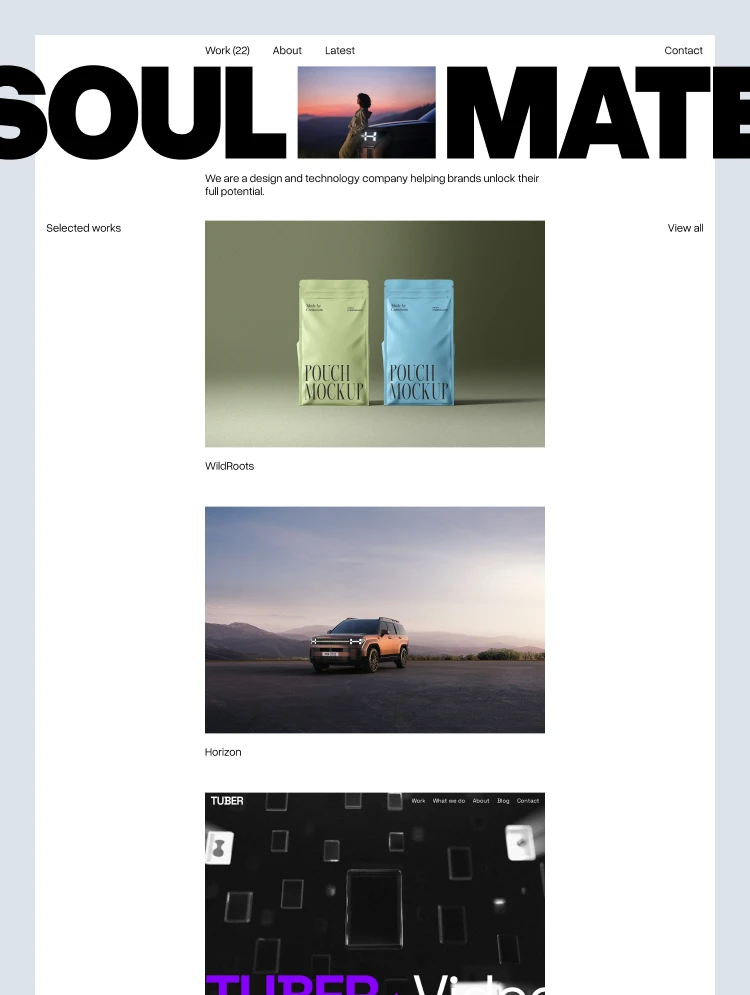
Pivoter is a premium technology template designed for fintech startups, B2B services, SaaS startups, finance apps, and software companies. Features 30+ sections, multi-layout pages with an analog-inspired aesthetic.
Pivoter is ideal for high-growth fintech startups, B2B services, SaaS platforms, digital banking services, and financial applications looking for a comprehensive, highly customizable Webflow template.
The template uses subtle, textured backgrounds and a calm, sophisticated color palette to establish immediate brand trust.
Built specifically to simplify complex financial products, Pivoter provides three strategic, high-converting homepage layouts:
Pivoter includes over 30 pre-designed sections, giving you maximum flexibility to build and scale your website. It is a structurally simple yet comprehensive template engineered to adapt effortlessly to your company's needs.
Stand out with a unique aesthetic defined by subtle textured backgrounds, an analog feel, and custom financial UI elements. Every asset is fully customizable, allowing you to align the entire template with your brand identity in minutes.
Pivoter comes with fully configured light and dark mode variations in Figma and Webflow.
By leveraging Webflow variables, you can manage global styles—including colors, typography, and spacing—from a single source to easily customise the template and meet your brand guidelines.
We made managing your content simple with our comprehensive CMS architecture.
Strategic heading hierarchy, optimized GSAP animations, clean class naming for dev handoff, fast Lighthouse score by default.
Your purchase includes access to a Figma design file. This file is fully equipped with Figma Variables for typography, the color palette, and spacing, alongside a structured library of components used in the template.
Please contact us at hello@tpine.com to get access to the Figma file.
At T.PINE, we specialize in creating high-performance Webflow websites for forward-thinking companies. Our goal is to provide you with a professional, high-quality website that adapts perfectly to your needs.
If you need a hand customizing the template to fit your unique brand or if you simply want to share your feedback, we’d love to hear from you. Please feel free to reach out at hello@tpine.com.
To see what else we’re building, come say hi at tpine.co.
Can only be used by you or one client for one end product. You cannot resell or redistribute this template in its original or modified state.
This template is free to use in both person and commercial projects. You cannot resell, redistribute, or license this template in its original or modified state.
Questions about this template? Just reach out to the template designer and they will get back to you within 2 business days.
For advanced design guidance, please share your questions in the Webflow Forum or reach out to a Webflow Partner.
Share your feedback by leaving a comment below.
For template support, please check the Support tab.

Use the Preview in Designer option to make any edits to the template pages and preview how the layout would fit your content. Changes in preview mode won't be saved.
It isn't possible to apply a template to an already existing project. Instead, you'll need to create a new project based on the Template.
With a Core plan (or higher), you can export sites you build in Webflow, including templates, to host them anywhere you'd like.
Webflow templates are only available for purchase through Workspaces and legacy individual accounts.
CMS templates are designed to use the power of the Webflow CMS. It is possible to downgrade to a Basic Site Plan as long as all CMS content is deleted from the project.
Use the View Connections tool to understand where the CMS content is on the site and delete any dynamic listings and CMS content. We also recommend you to check Components and the Collection page Templates.
Ecommerce templates are designed to use the power of Webflow Ecommerce. It is not possible to remove Ecommerce from a template, however, deleting all Ecommerce Products and Categories from the project, will allow to select a lower Site Plan.
Membership templates are designed to use the power of Webflow Membership. It is not possible to remove Memberships from a template.
.svg)


Comes with GSAP animations and interactions for additional polish and usability.
Reposition and resize items anywhere within the grid to produce powerful, responsive layouts — faster and without code.
Build your lead lists and subscriber base with beautiful forms.
Comes with animations and interactions for additional polish and usability.