Trusted by teams at






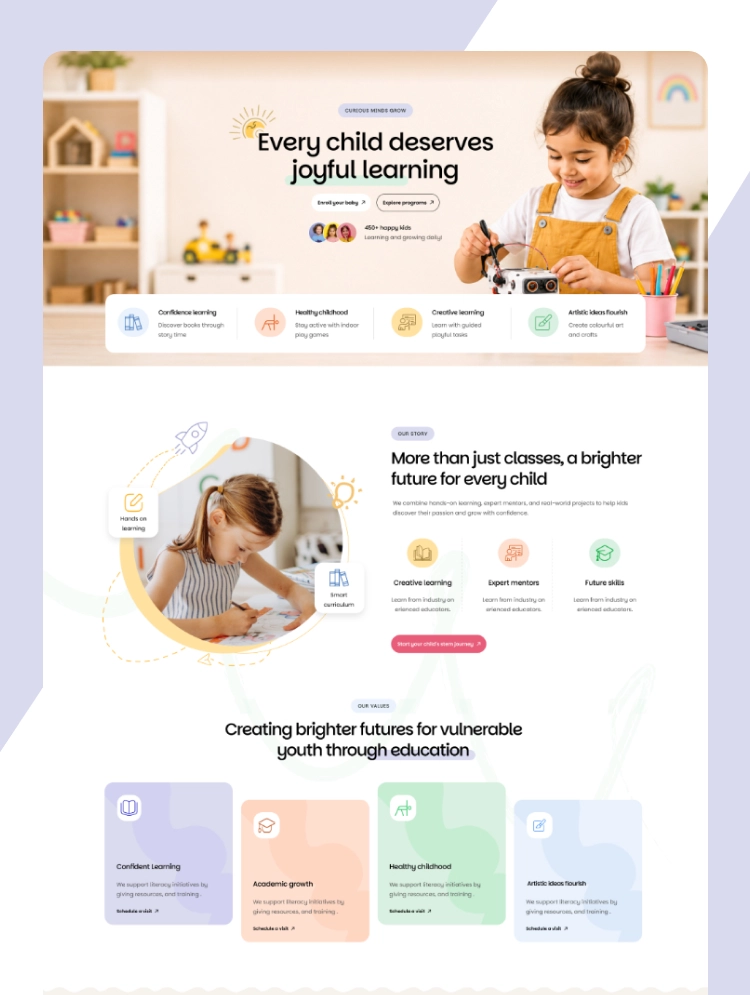
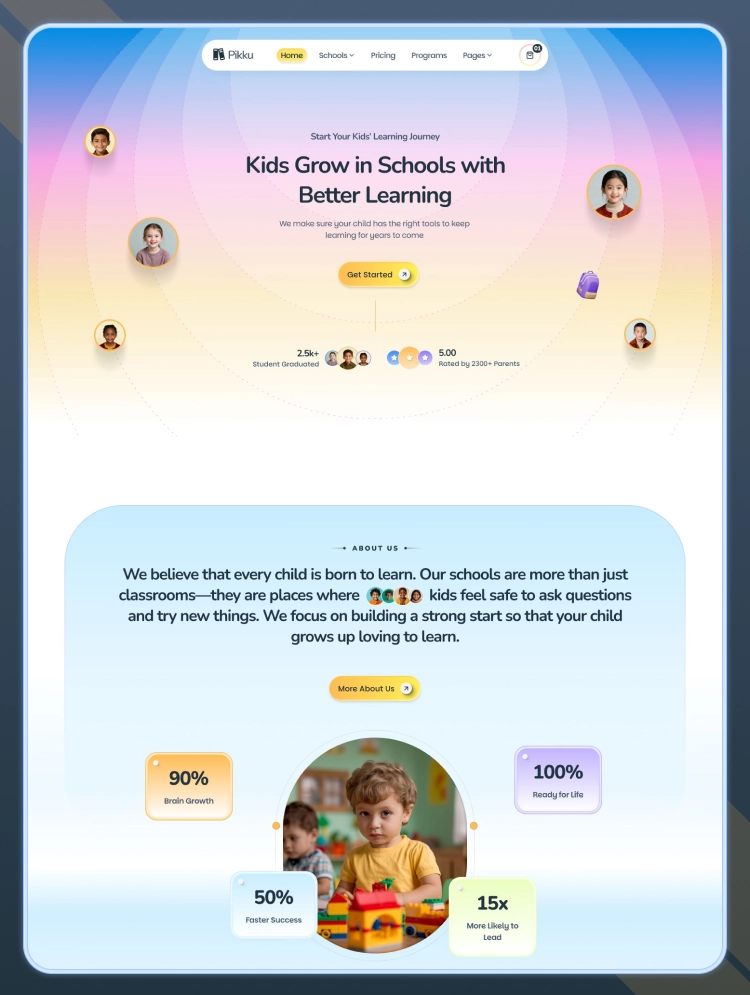
Pikku is a clean, friendly, and highly functional Webflow template built for schools, early education centers, online course platforms, and educational institutions that want to present their programs with clarity and trust.
Pikku – Online Education and Schooling Webflow Template
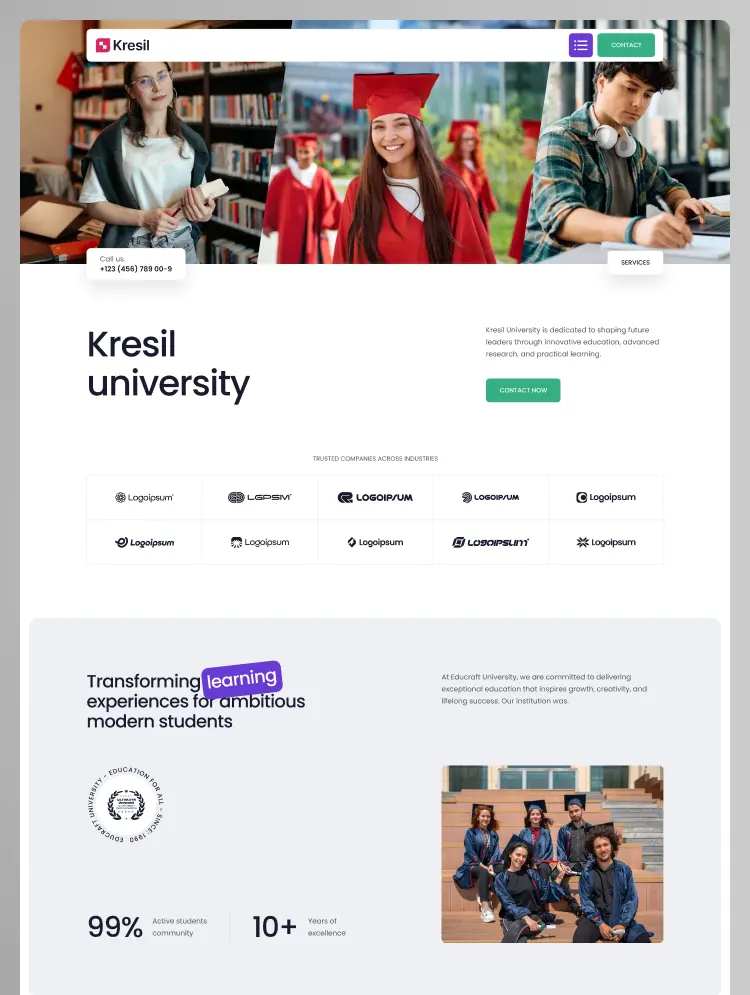
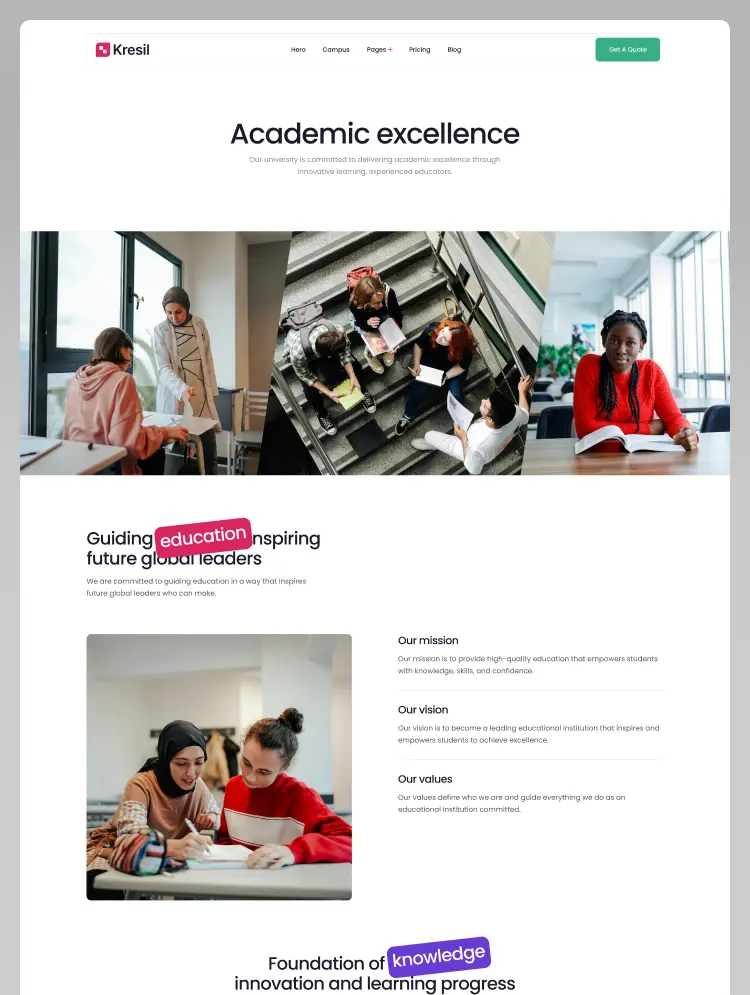
Pikku is a clean, friendly, and highly functional Webflow template built for schools, early education centers, online course platforms, and educational institutions that want to present their programs with clarity and trust. Designed with a strong focus on accessibility, structured content, and warm visual storytelling, Pikku helps you showcase courses, communicate your teaching approach, and convert visiting parents and students into enrolled learners.
With its inviting layouts, playful yet professional visual language, and well-organized sections, Pikku creates a welcoming browsing experience — perfect for schools and edtech brands that want to build credibility while staying approachable.
Why ChoosePikku:
Pikku is crafted for education providers who understand that a website is often the first impression parents and students get of their institution. Every page is thoughtfully designed to highlight your curriculum, build trust, and guide visitors toward enrolling, booking a tour, or getting in touch.
From presenting your courses and teachers to sharing events and success stories, the template ensures your brand feels credible, caring, and organized at every touchpoint.
Whether you're launching a new school website, an early education center, or an online learning platform, Pikku gives you a strong foundation without the complexity.
Who IsPikku For:
Pikku is ideal for a wide range of education-focused websites, including:
Key Features
Warm & Education-Focused Design
Pikku balances friendly, approachable visuals with a structured, professional layout. Clear typography, organized sections, and a welcoming color palette help build trust with parents, students, and learners alike.
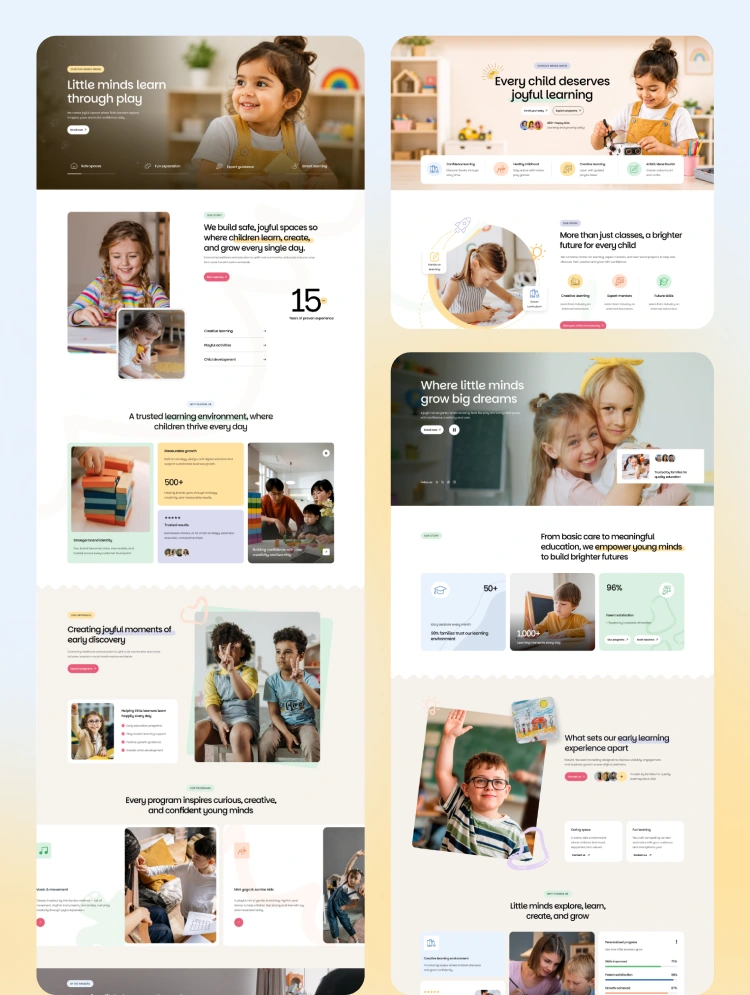
Multiple Homepage Variations
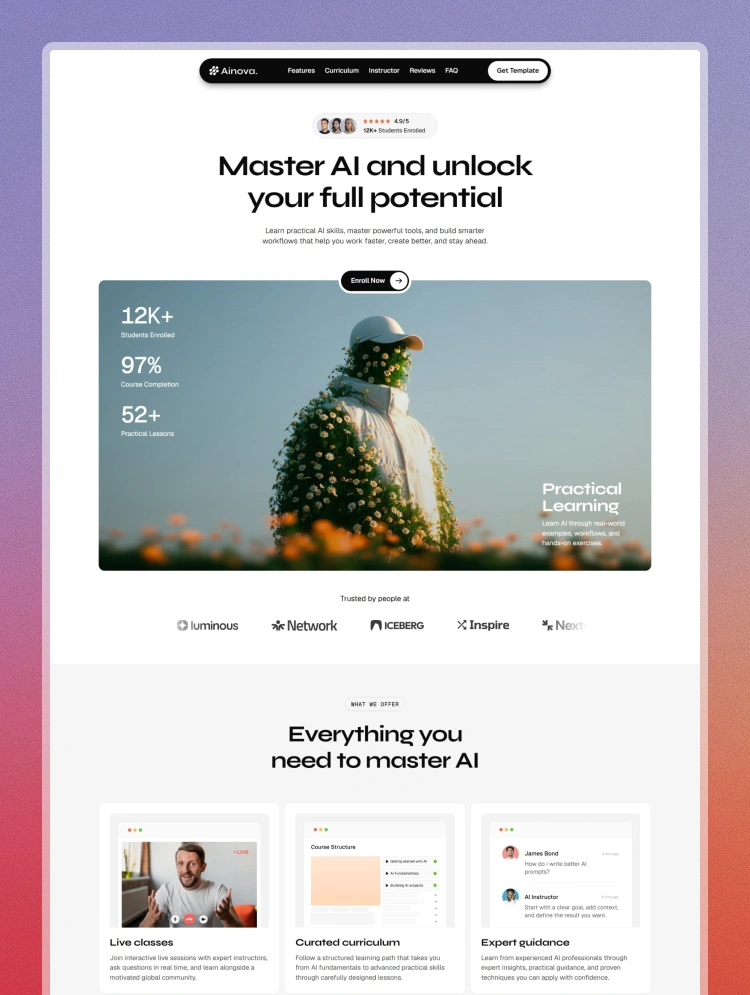
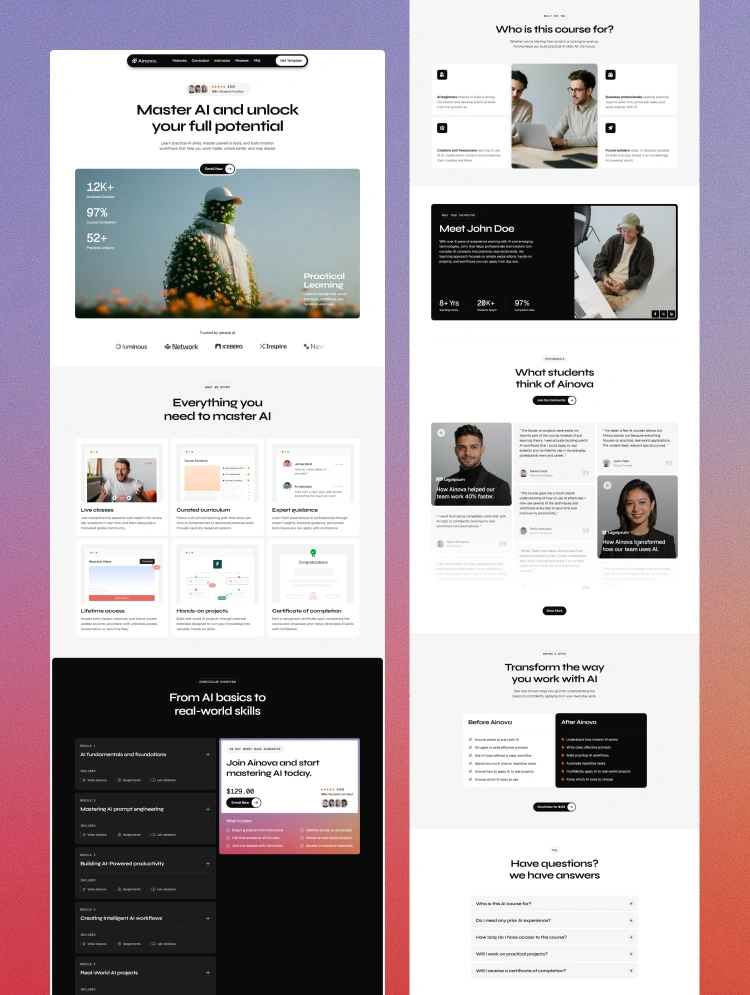
The template includes several homepage layouts, allowing you to choose the style that best fits your institution — from a formal academic look to a playful early-education feel.
Smooth Interactions & Animations
Subtle animations and transitions enhance engagement, giving your website a modern, interactive feel while keeping the focus on your content.
Fully Responsive Layout
Pikku is optimized for all screen sizes, ensuring your school or course website looks flawless across desktops, tablets, and mobile devices.
Figma File Available: Want the original design file? No problem! After your purchase, just send your order receipt to matethemes@gmail.com and we'll happily share the Figma source with you.
Easy Customization (No Code Required)
Built using Webflow best practices, the template uses reusable classes, global styles, and a clear structure — making it simple to customize colors, typography, and layouts to match your institution's branding.
CMS-Powered Courses, Events & Blog
Easily manage your courses, teachers, events, and blog content using Webflow CMS, allowing you to keep your site up to date without touching design elements.
Performance & SEO Optimized
The template is structured for fast loading and clean SEO practices, helping your school or platform get better visibility among parents and prospective students searching online.
Style Guide Included
A complete style guide helps you maintain consistency across your website and quickly make global design changes.
Template Pages
Pikku includes all the essential pages needed to build a complete education website:
We’re here to help you succeed with your Pikku template!
If you have any questions, need assistance with customization, run into a bug, or simply want to share feedback don’t hesitate to get in touch. Our team is dedicated to ensuring you have a smooth experience from start to finish.
Reach us at: matethemes@gmail.com
We typically respond within 24–48 hours (Monday–Friday).
Whether it’s technical support or general guidance, we’re happy to help you make the most out of your Pikku Webflow Template.
Can only be used by you or one client for one end product. You cannot resell or redistribute this template in its original or modified state.
This template is free to use in both person and commercial projects. You cannot resell, redistribute, or license this template in its original or modified state.
Questions about this template? Just reach out to the template designer and they will get back to you within 2 business days.
For advanced design guidance, please share your questions in the Webflow Forum or reach out to a Webflow Partner.
Share your feedback by leaving a comment below.
For template support, please check the Support tab.

Use the Preview in Designer option to make any edits to the template pages and preview how the layout would fit your content. Changes in preview mode won't be saved.
It isn't possible to apply a template to an already existing project. Instead, you'll need to create a new project based on the Template.
With a Core plan (or higher), you can export sites you build in Webflow, including templates, to host them anywhere you'd like.
Webflow templates are only available for purchase through Workspaces and legacy individual accounts.
CMS templates are designed to use the power of the Webflow CMS. It is possible to downgrade to a Basic Site Plan as long as all CMS content is deleted from the project.
Use the View Connections tool to understand where the CMS content is on the site and delete any dynamic listings and CMS content. We also recommend you to check Components and the Collection page Templates.
Ecommerce templates are designed to use the power of Webflow Ecommerce. It is not possible to remove Ecommerce from a template, however, deleting all Ecommerce Products and Categories from the project, will allow to select a lower Site Plan.
Membership templates are designed to use the power of Webflow Membership. It is not possible to remove Memberships from a template.
.svg)


Comes with GSAP animations and interactions for additional polish and usability.
Reposition and resize items anywhere within the grid to produce powerful, responsive layouts — faster and without code.
Build your lead lists and subscriber base with beautiful forms.
Comes with animations and interactions for additional polish and usability.