Trusted by teams at






Your crop protection business deserves a website that has the same precision & credibility as your products. Launch faster with PestGuard, a modern Webflow template built for pesticide manufacturers, crop protection suppliers & farm service providers
The global crop protection market is growing faster than ever, and every pesticide manufacturer, agchem distributor, and farm service provider needs a website that communicates product trust, field-proven performance, and regulatory credibility from the very first scroll. Let me introduce PestGuard, a purpose-built Webflow website template designed exclusively for agricultural or farming businesses that sell crop protection solutions. It turns your PestGuard product catalog, field data, and compliance documentation into a digital experience that farmers, agronomists, and agribusiness buyers immediately trust. PestGuard is built for those who sell science-backed solutions to real field problems.
Each page is designed with a clear agricultural buyer journey showcase, bold product photography, data-driven performance sections, interactive crop and pest selectors, and clean compliance-ready layouts that keep visitors engaged from hero to contact. You get polished sections for every need: a video-driven hero, a step-by-step process flow, a filterable product catalog, field trial yield data, case studies, expert profiles, testimonials from agronomists, and more. All built with Webflow CMS so you can update any content in minutes instantly. Visitors will appreciate the authoritative design, spacious typography, and smooth interactions that make your agricultural brand feel as reliable as your products.
Explore the live preview now!
PestGuard is built for pesticide manufacturers, agchem distributors, crop protection suppliers, farm input companies, herbicide and fungicide brands, insecticide producers, seed treatment companies, agribusiness consultancies, agricultural cooperatives, precision farming platforms, field research organizations, crop science companies, and any agricultural brand that sells products or services to farmers, agronomists, and food production businesses worldwide.
Agrochemical companies in places like the United States and some other countries as well are heavily regulated, so we built this template to support compliance and responsible messaging and did not include e‑commerce (direct add-to-cart functionality) But we have a product catalog.
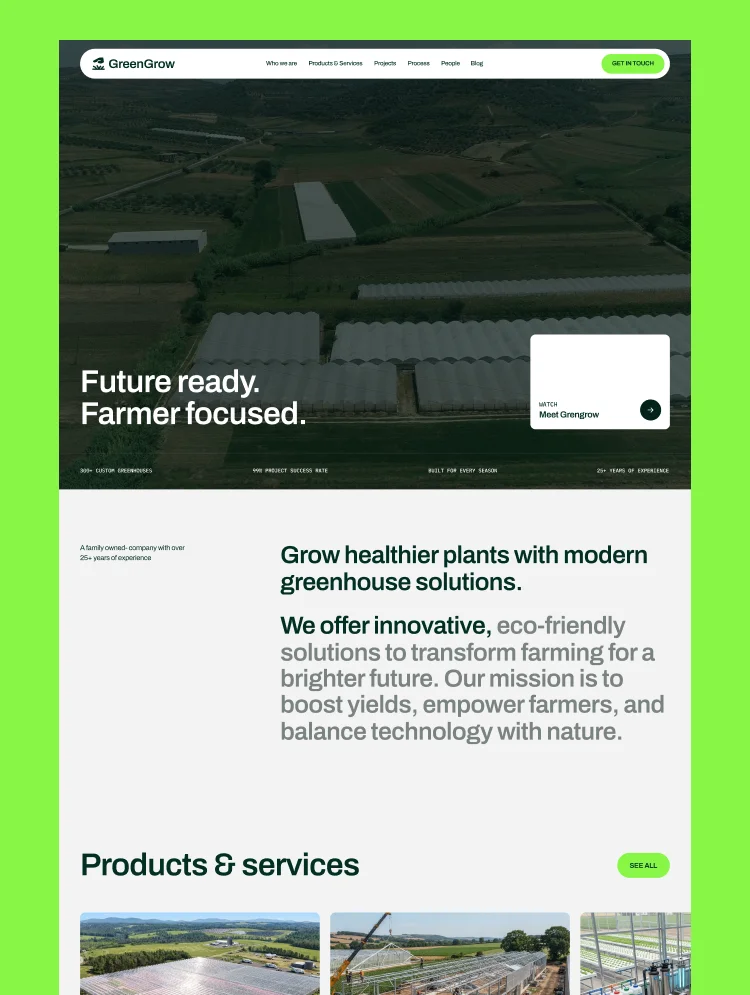
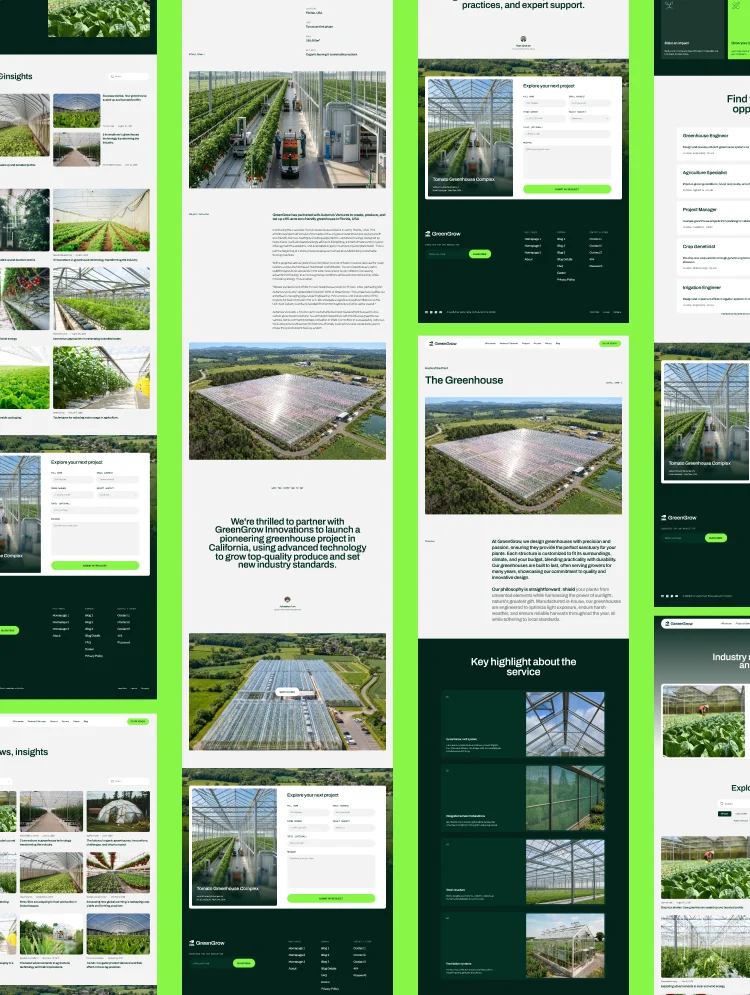
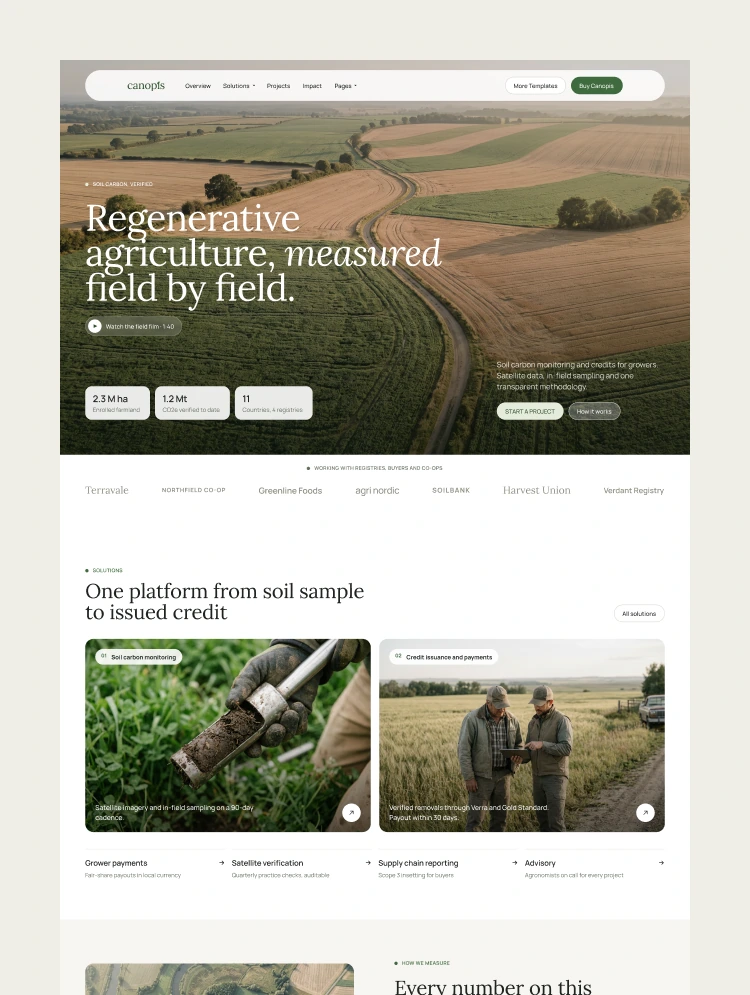
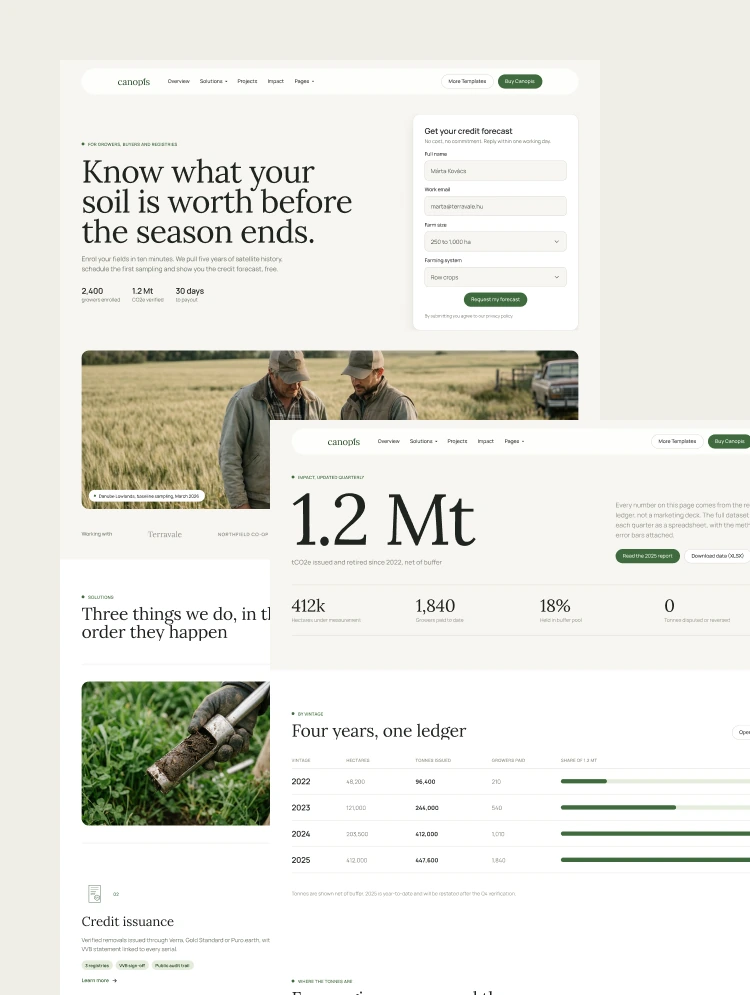
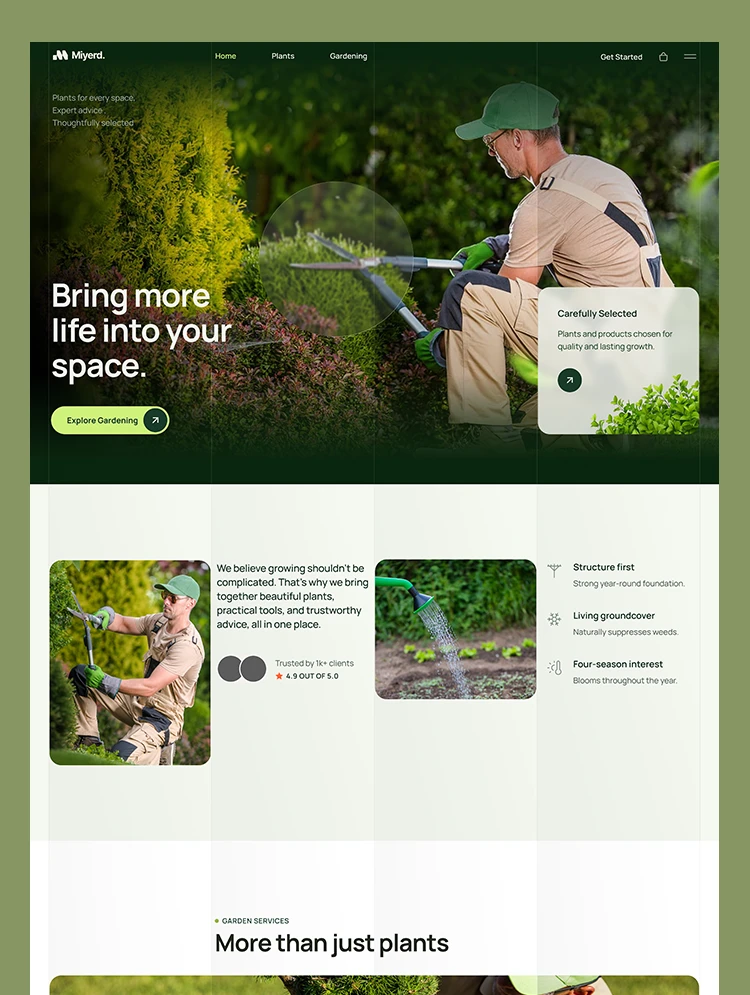
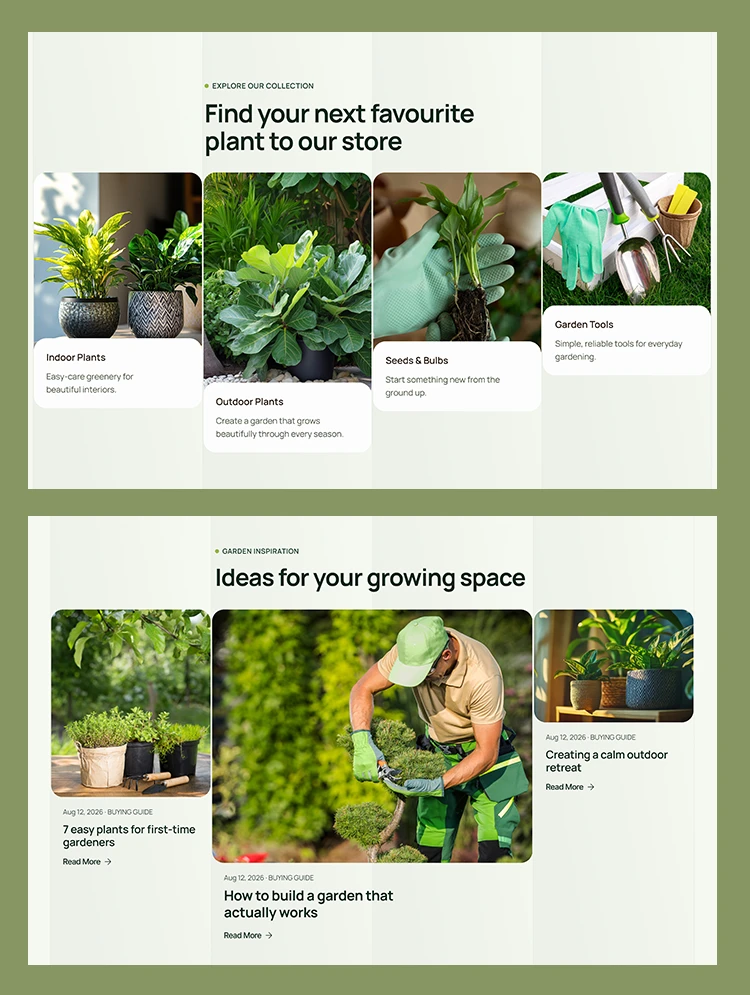
Field-Authoritative Agricultural Design:PestGuard is built on a clean, earthy, and data-forward layout with bold product photography, confident typography, and a professional color palette that instantly communicates trust and expertise to farmers and agronomy professionals.
CMS-Powered Pages and Sections:Every core page is fully built with Webflow CMS. You can add, update, and organize your product listings, case studies, blog posts, expert team members, crop and pest data, and field performance figures directly inside the editor.
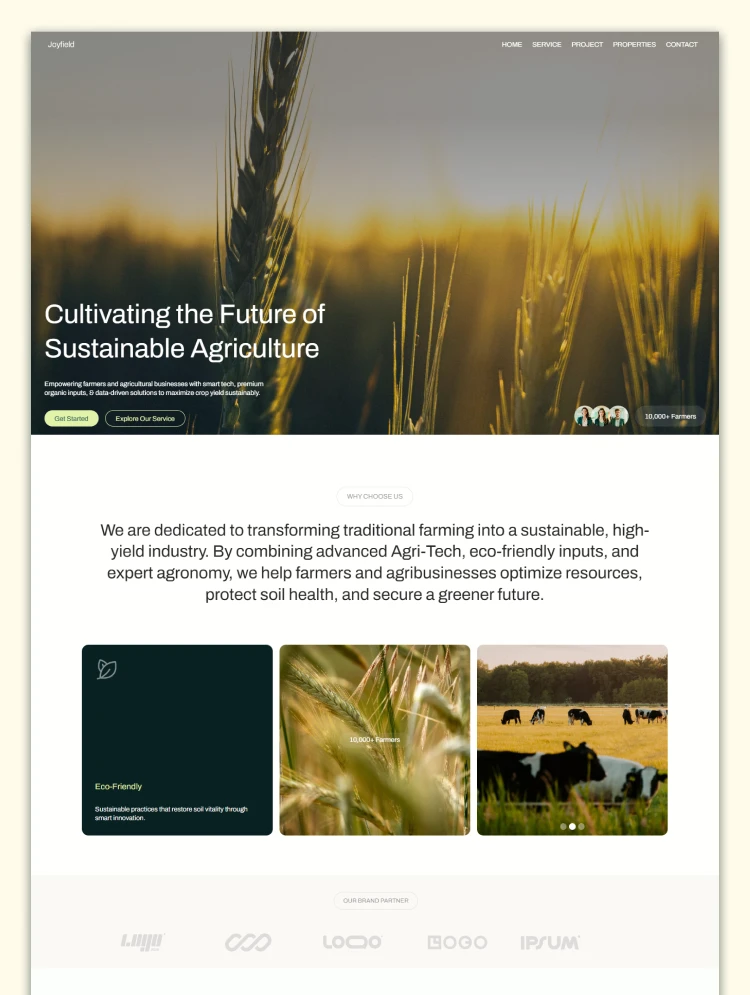
Video-Driven Hero with Dual CTA:The homepage opens with a full-screen background video that immediately establishes the agricultural environment and urgency of crop protection. A bold headline, trust indicator showing 100k+ farmers, and two clear calls to action direct every type of visitor exactly where they need to go from the very first second.
Trusted Partner Logo Marquee:A smooth, auto-scrolling logo strip showcases your partner companies, distributors, and certified organizations to immediately establish credibility with professional and institutional buyers visiting for the first time.
Three-Step Process Section:A clean, illustrated three-step flow walks every visitor through exactly how your recommendation system works. Each step includes a supporting image and a short description that builds confidence in your expertise before a product is ever viewed.
Filterable CMS Product Catalog:The Products page features a fully CMS-powered product grid with category filter tabs across All Products, Insecticides, Herbicides, Fungicides, and Seed Treatments. Adding or removing products takes seconds from the CMS editor.
Interactive Crop and Pest Selector:One of the standout features in the entire template is the data-driven Solution Finder. Visitors select their crop type, then select their specific pest problem from a list that includes risk-level badges and short descriptions.
Verified Field Performance Data Section:A bold, scrolling data section highlights 500+ field trials conducted annually across 30+ regions in North America, paired with an interactive crop image selector covering Cotton, Rice, Wheat, Maize, Tomato, Chili, and Cabbage. This gives technical buyers and agronomists the evidence-based confidence they need before recommending or purchasing a product.
Four-Point Trust Architecture:A dedicated "Why Trust PestGuard" section presents four numbered credibility pillars. Each with a supporting image and a bold compliance-first description. This section is designed specifically to convert skeptical professional buyers who need proof before they act.
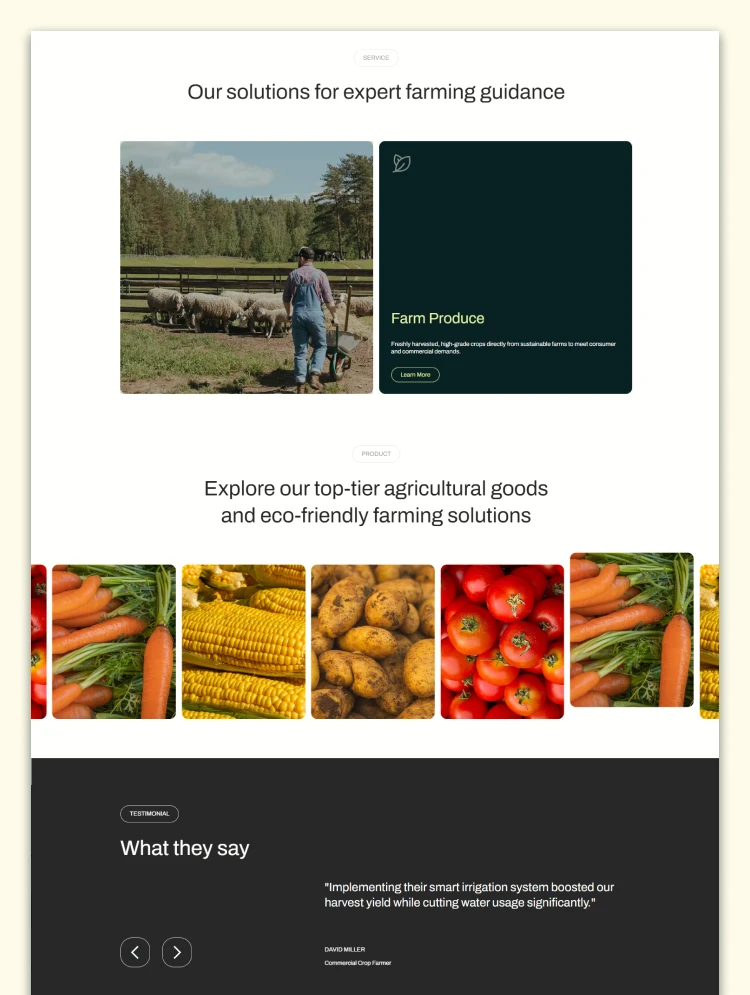
Testimonials from Agronomists & Field Professionals:A scrolling testimonials section features six real professional voices, and field research coordinators. Each with a name, photo, professional title, and a specific, outcome-focused quote.
About Page with Mission, Story, Data, and FAQ:The About page includes a full-screen video hero, a four-metric credibility grid, and a 3-step decision system. It also includes an Our Story section with a supporting video, and a full FAQ accordion organized with 15 fully written, CMS-editable questions and answers.
Expert Team Page:A dedicated Our Experts page showcases your agronomy team, field researchers, and consultants with professional photos, names, roles, and short bios.
Solution Finder Page:A full standalone page dedicated to the crop and pest recommendation system. This page functions as a high-converting entry point for visitors coming from search queries about specific crops or pests and immediately delivers a relevant product recommendation without friction.
Contact Page:A professional contact section encourages distributors, farmers, agronomy consultants, and business partners to reach out, request a quote, or ask a product question.
Full Responsiveness & Mobile-First Feel: Every page is designed, built, and tested across desktop, tablet, and mobile. Product grids, the solution finder, field data sections, and case study cards all respond fluidly.
Utility Pages Included: PestGuard ships with a complete set of utility and compliance pages including a Style Guide, Licenses page, Changelog, Privacy Policy, Terms and Conditions, and a custom 404 error page.
Message us after purchase for the Figma source file delivered instantly.
PestGuard follows Webflow Marketplace standards with a clean CMS structure, organized collections, and mobile‑first design. Duplicate it to your workspace, swap your brand colors, photos, and content, then publish in hours. Every page is created to feel like a locally trusted pest control website, not a generic template.
Can only be used by you or one client for one end product. You cannot resell or redistribute this template in its original or modified state.
This template is free to use in both person and commercial projects. You cannot resell, redistribute, or license this template in its original or modified state.
Questions about this template? Just reach out to the template designer and they will get back to you within 2 business days.
For advanced design guidance, please share your questions in the Webflow Forum or reach out to a Webflow Partner.
Share your feedback by leaving a comment below.
For template support, please check the Support tab.

Use the Preview in Designer option to make any edits to the template pages and preview how the layout would fit your content. Changes in preview mode won't be saved.
It isn't possible to apply a template to an already existing project. Instead, you'll need to create a new project based on the Template.
With a Core plan (or higher), you can export sites you build in Webflow, including templates, to host them anywhere you'd like.
Webflow templates are only available for purchase through Workspaces and legacy individual accounts.
CMS templates are designed to use the power of the Webflow CMS. It is possible to downgrade to a Basic Site Plan as long as all CMS content is deleted from the project.
Use the View Connections tool to understand where the CMS content is on the site and delete any dynamic listings and CMS content. We also recommend you to check Components and the Collection page Templates.
Ecommerce templates are designed to use the power of Webflow Ecommerce. It is not possible to remove Ecommerce from a template, however, deleting all Ecommerce Products and Categories from the project, will allow to select a lower Site Plan.
Membership templates are designed to use the power of Webflow Membership. It is not possible to remove Memberships from a template.
.svg)


Display 3D graphics elegantly on every device.
Bring life and motion to your design with background videos
Reposition and resize items anywhere within the grid to produce powerful, responsive layouts — faster and without code.
Reusable elements you can use across your site. Edit a component and all copies update instantly.
Customize the built-in database for your project or just add new content.
Custom design for the 404 page of your website
Build your lead lists and subscriber base with beautiful forms.
Comes with GSAP animations and interactions for additional polish and usability.
Comes with animations and interactions for additional polish and usability.
Displays perfectly on desktops, tablets, and phones.
Site navigation automatically collapses into a mobile-friendly menu on smaller devices.
Display images and text elegantly on every device with our touch-friendly slider.
All graphics are optimized for devices with high DPI screens.
Uses fonts from Google's Web Font collection.