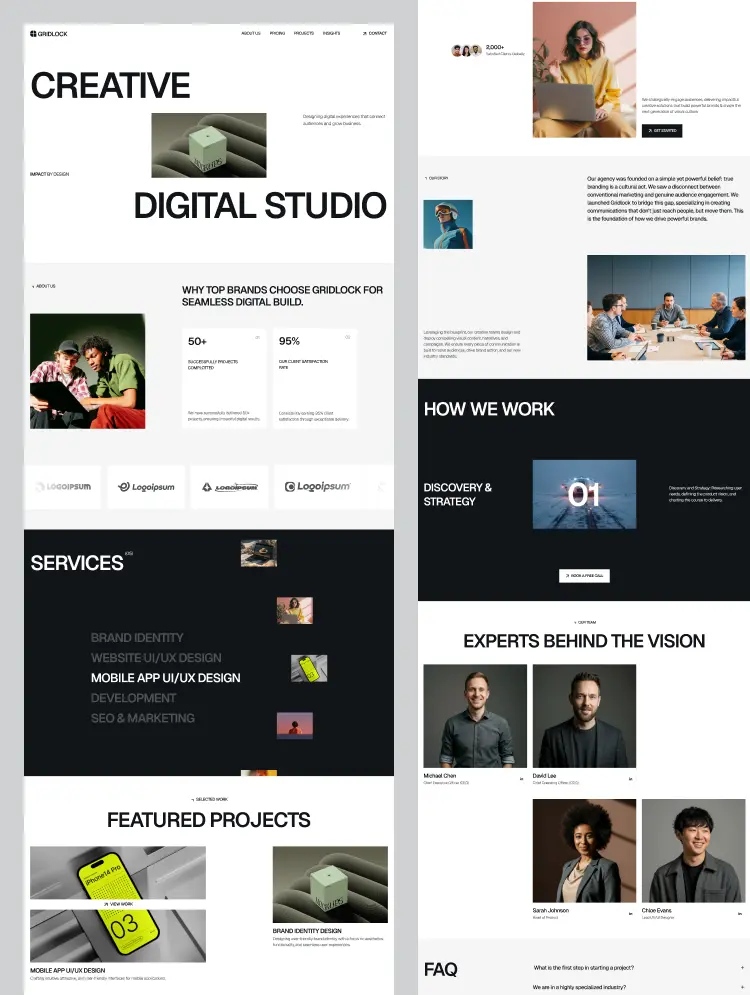
Trusted by teams at






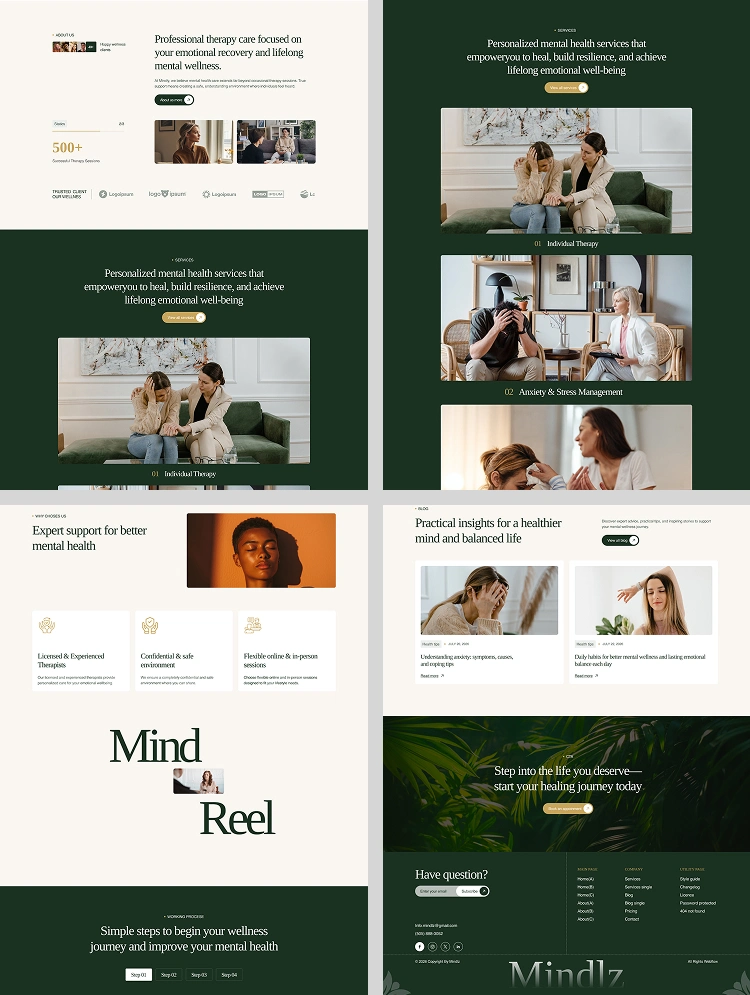
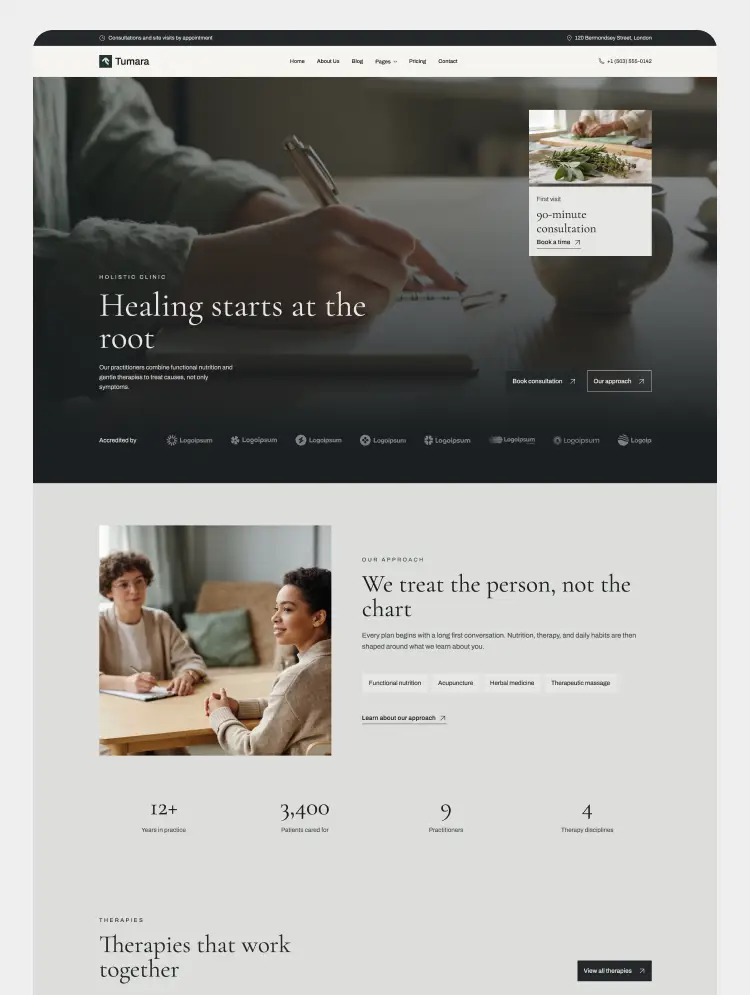
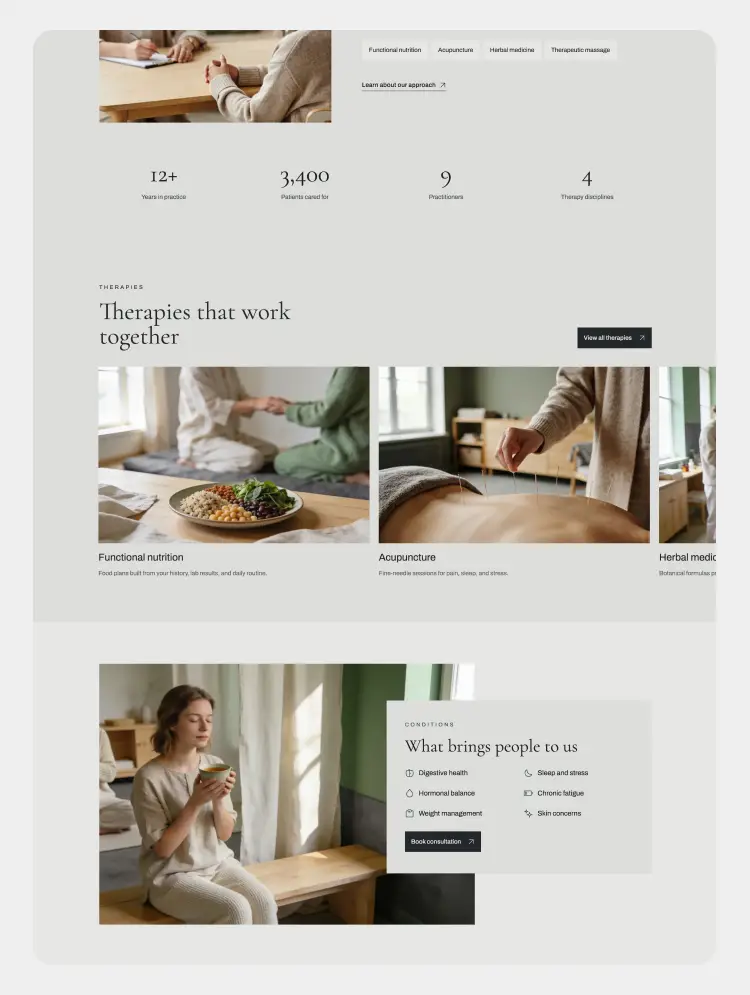
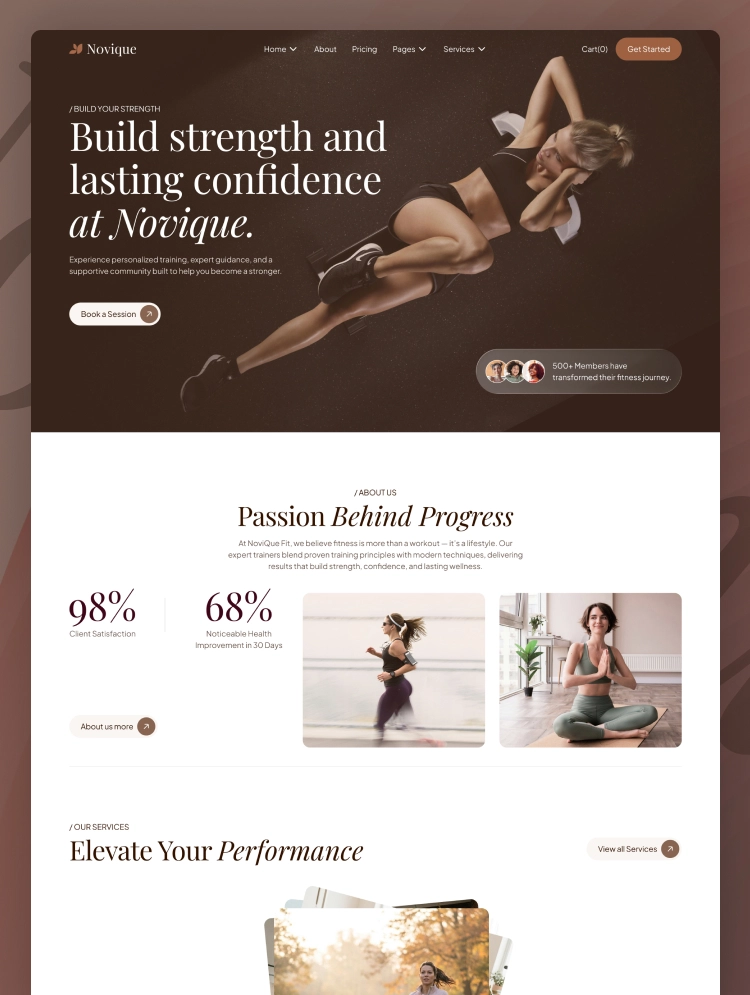
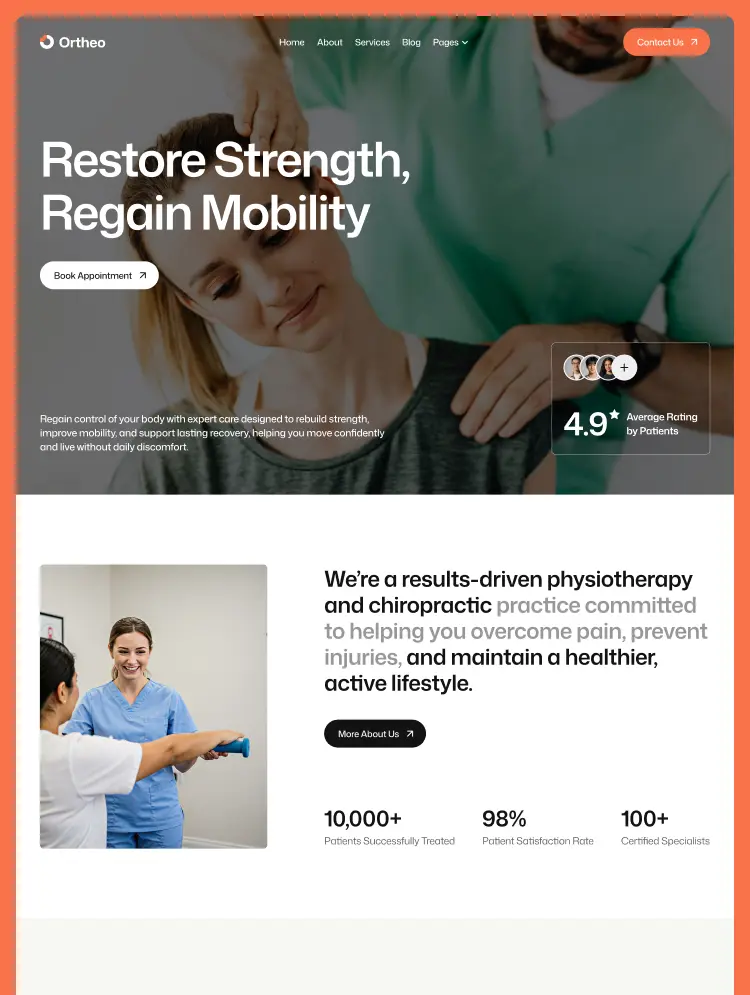
A professional Webflow template for physiotherapy, chiropractic, and rehab clinics. 11 pages with CMS services and blog, designed to guide patients from symptom to booking without confusion. Responsive, SEO-ready, and editable without code.
If you are building a website for a physiotherapy clinic, chiropractic practice, or rehabilitation centre, Ortheo gives you a complete, ready-to-launch foundation. Ortheo is a professional healthcare Webflow template built around a simple idea: most people who visit a clinic website are in pain and looking for answers, not browsing for design. Every page is structured to move a visitor from "here is what is wrong with me" to "here is who I should book with" without confusion.
Ortheo includes 11 pages and 2 CMS collections for services and blog articles, with every section on the homepage built to answer a question a prospective patient is already asking.
Ortheo was designed around how patients actually search and decide. The homepage opens with a direct "What are you struggling with?" section that routes visitors straight to the treatment relevant to their condition — back pain, sports injuries, posture, or joint and muscle pain — rather than making them read through a services list first. The layout is calm and uncluttered, and nothing on the page competes for attention with the booking action.
Every service has its own detail page powered by the Webflow CMS. You can describe the condition being treated, the techniques involved, what a session looks like, expected recovery timelines, and who the treatment is suitable for. Six example services ship with the template — physiotherapy rehabilitation, chiropractic adjustments, sports injury therapy, pain management programs, post-surgery rehabilitation, and posture correction therapy — ready to be renamed and rewritten for your own practice.
A four-stage process section walks visitors through consultation and assessment, diagnosis and goal setting, personalised treatment, and recovery and prevention. Prospective patients understand what they are committing to before they pick up the phone, which shortens first consultations and reduces no-shows.
A scrolling testimonials section and a headline stats block let you show treatment volume, satisfaction rate, and practitioner count alongside patient reviews. Healthcare is a trust purchase, and these are the two elements that most often decide whether a visitor books.
A built-in FAQ section covers the concerns that stop people booking — whether treatment hurts, how many sessions they will need, whether a doctor's referral is required, and what happens on a first visit. Answering these on the page removes the most common reason a visitor leaves without contacting you.
The Blog collection is set up for the kind of content that ranks: exercise guides, posture advice, injury prevention, and recovery explainers. Publishing consistently is one of the most reliable ways for a local clinic to attract organic traffic, and Ortheo gives you the structure to do it without touching code. A newsletter signup in the footer turns readers into a mailing list.
Every page and component has been designed and tested across desktop, laptop, tablet, and mobile breakpoints. A large share of clinic traffic arrives on a phone — often from someone searching while in discomfort — so mobile was treated as a primary layout, not an afterthought.
Ortheo is built on a global typography system covering headings, paragraphs, links, and buttons, with a consistent spacing scale that holds up across every device. Colours can be adjusted site-wide from a single place. An included Style Guide page lets you review every text style, button, and component in one view, so changes can be checked instantly. Sections and symbols can be copied, edited, and reassembled into new pages using standard Webflow conventions.
Clean semantic structure, a correct heading hierarchy, optimised WebP imagery, and a lean DOM give Ortheo strong scores on Lighthouse, PageSpeed Insights, and GTmetrix. For a local clinic competing on "physiotherapy near me" style searches, page speed and structure are not optional extras.
Subtle scroll and hover interactions add polish without slowing the site down or distracting from the content.
Main pages
Utility pages
Ortheo suits physiotherapy clinics, chiropractic practices, osteopathy and orthopedic clinics, sports injury and rehabilitation centres, massage and manual therapy practices, pain management clinics, occupational therapy providers, wellness and holistic health centres, private medical practices, and independent healthcare professionals building their first clinic website.
Ortheo was built to be straightforward to edit, and most changes take minutes rather than hours. If you run into a problem, need help with setup, or want to adapt a section to something specific, get in touch at asad@techplato.com — we usually reply within 24 hours. Free updates are included for the life of the template.
Can only be used by you or one client for one end product. You cannot resell or redistribute this template in its original or modified state.
This template is free to use in both person and commercial projects. You cannot resell, redistribute, or license this template in its original or modified state.
Questions about this template? Just reach out to the template designer and they will get back to you within 2 business days.
For advanced design guidance, please share your questions in the Webflow Forum or reach out to a Webflow Partner.
Share your feedback by leaving a comment below.
For template support, please check the Support tab.

Use the Preview in Designer option to make any edits to the template pages and preview how the layout would fit your content. Changes in preview mode won't be saved.
It isn't possible to apply a template to an already existing project. Instead, you'll need to create a new project based on the Template.
With a Core plan (or higher), you can export sites you build in Webflow, including templates, to host them anywhere you'd like.
Webflow templates are only available for purchase through Workspaces and legacy individual accounts.
CMS templates are designed to use the power of the Webflow CMS. It is possible to downgrade to a Basic Site Plan as long as all CMS content is deleted from the project.
Use the View Connections tool to understand where the CMS content is on the site and delete any dynamic listings and CMS content. We also recommend you to check Components and the Collection page Templates.
Ecommerce templates are designed to use the power of Webflow Ecommerce. It is not possible to remove Ecommerce from a template, however, deleting all Ecommerce Products and Categories from the project, will allow to select a lower Site Plan.
Membership templates are designed to use the power of Webflow Membership. It is not possible to remove Memberships from a template.
.svg)


Reposition and resize items anywhere within the grid to produce powerful, responsive layouts — faster and without code.
Comes with animations and interactions for additional polish and usability.