Trusted by teams at






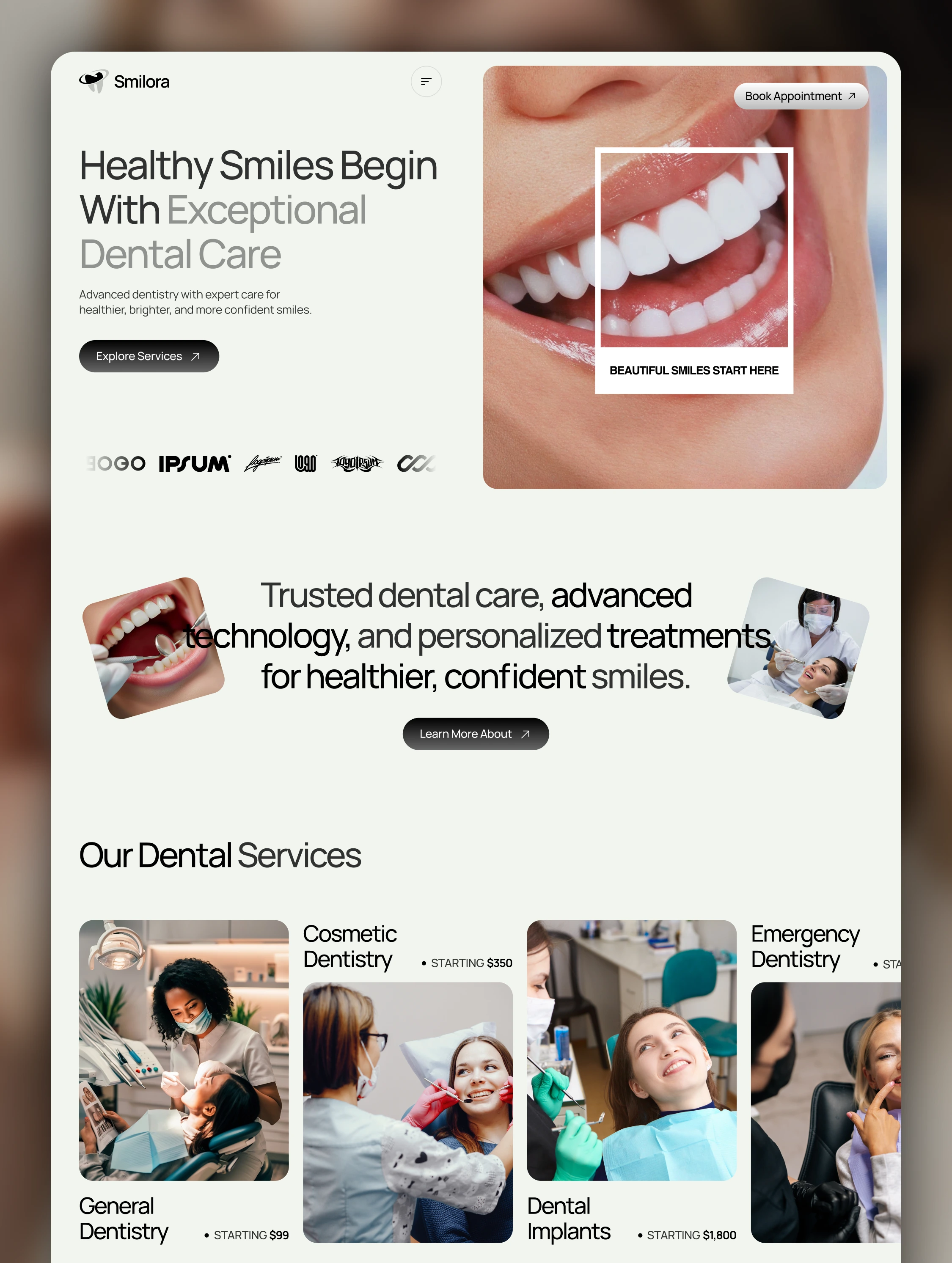
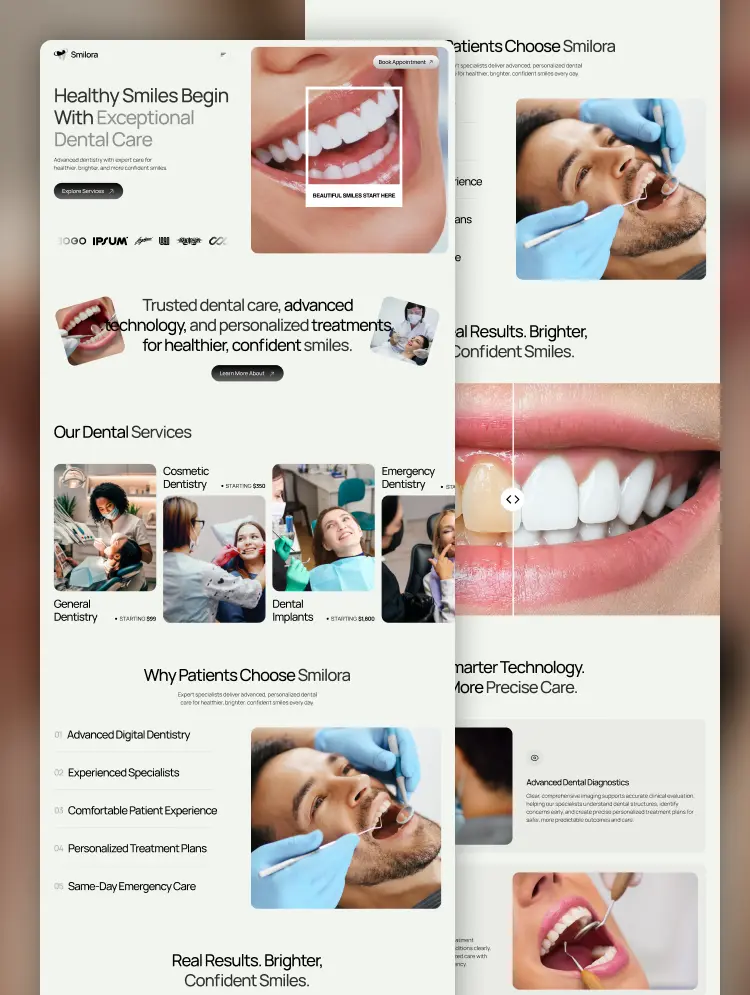
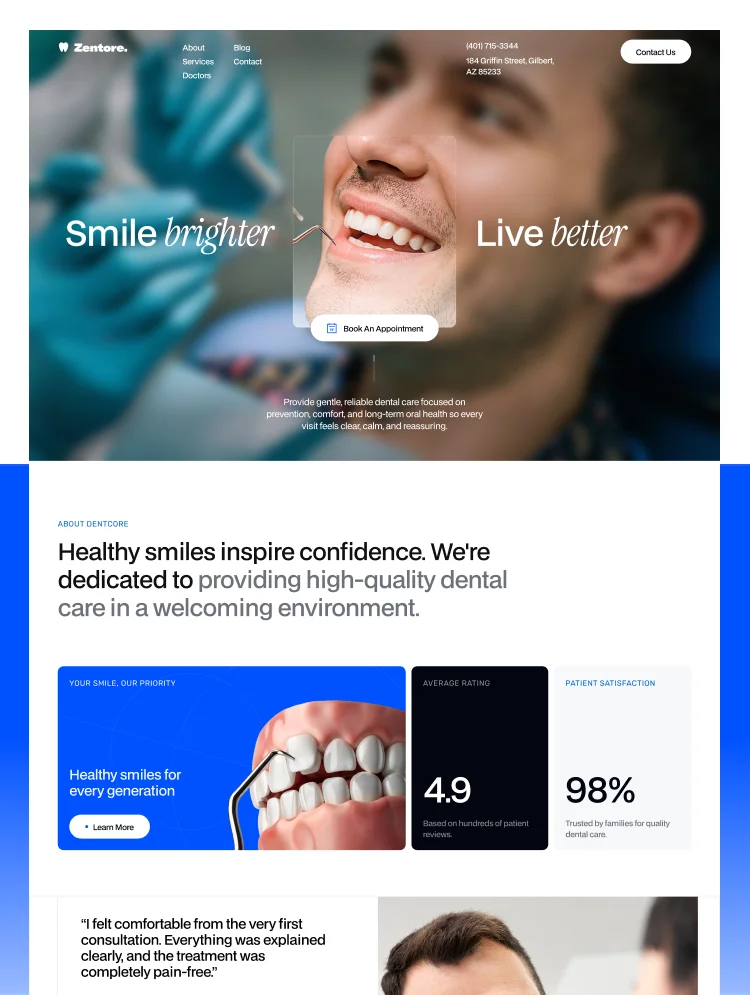
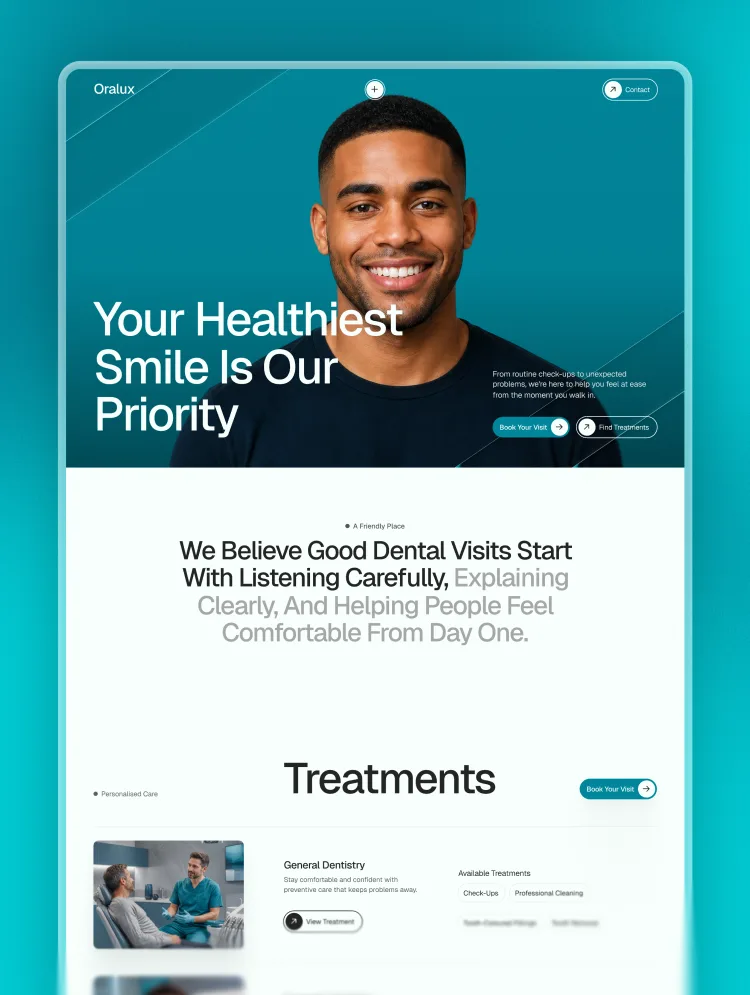
Oralux is a modern Webflow template for dentists and dental clinics, with service pages, dentist profiles, booking forms, patient stories, FAQs, and a CMS blog built to turn visitors into booked consultations.
Oralux is a polished Webflow template for dental clinics, private practices, cosmetic dentists, orthodontists, and specialist dental teams. It pairs a clean clinical look with warm, patient-focused content, helping practices explain treatments clearly, build trust early, and make booking an appointment feel simple.
The template is shaped around the questions real patients ask before choosing a dentist: Will I feel comfortable? Can I trust the team? What treatment is right for me? How do I book? Every page gives those concerns a clear place to be answered.
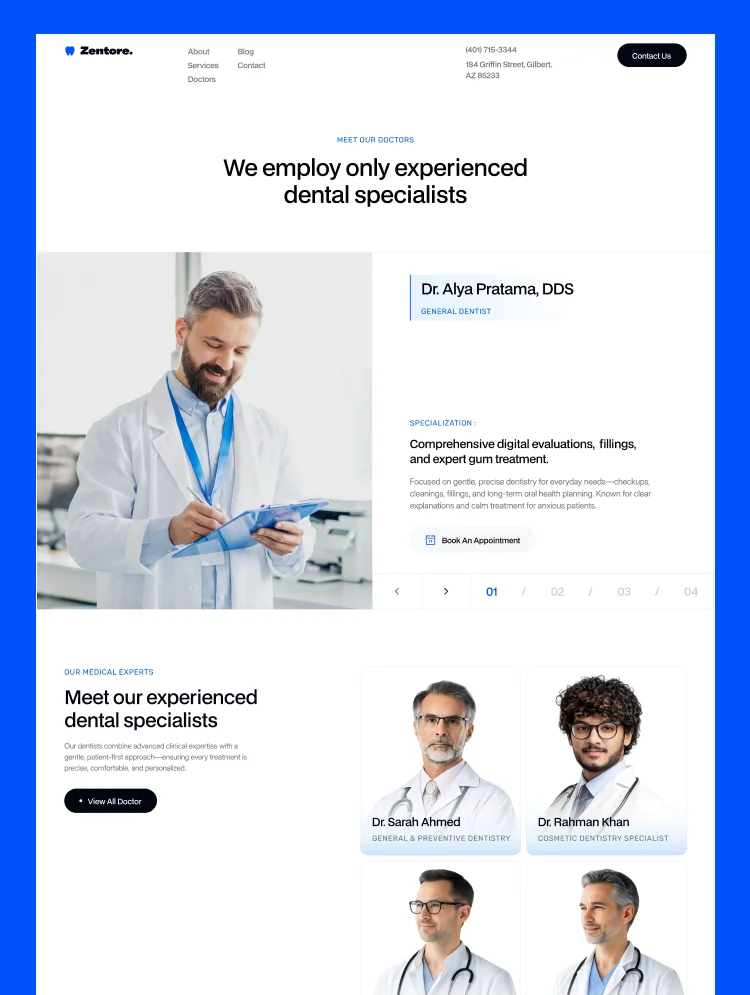
Oralux guides visitors from their first impression to the next useful step. Clear calls to action, treatment overviews, dentist profiles, patient stories, credentials, FAQs, opening hours, and enquiry forms work together to reduce uncertainty and encourage consultation requests.
Whether someone is looking for a routine check-up, a cosmetic improvement, orthodontic care, restorative treatment, or urgent dental support, the site helps them find relevant information without digging through a complicated menu.
Oralux is a strong fit for independent dental clinics, family practices, cosmetic dentistry studios, orthodontic clinics, implant dentists, paediatric dentists, endodontists, and multi-specialist teams. The structure also works well for a new practice launching its first website or an established clinic replacing an outdated site.
The visual system feels professional without becoming cold. Spacious layouts, clear typography, reassuring copy, and carefully placed proof points help patients feel informed before they make contact.
Change the colours, type, imagery, clinic details, treatments, team profiles, and articles directly in Webflow. The reusable structure makes it practical to add new services, dentists, locations, testimonials, or educational content as the practice grows.
A template gives you a strong starting point; the right customisation makes it feel unmistakably yours. Grabui can tailor Oralux to your brand, replace the demo content, restructure pages, build additional sections, configure CMS collections, refine interactions, and prepare the site for launch.
If you want a dental website that matches your clinic rather than another lightly edited template, ask Grabui about a customisation package — eamin@whiteframe.agency.
Explore more Webflow templates, sections, and ui resources at Grabui.
Can only be used by you or one client for one end product. You cannot resell or redistribute this template in its original or modified state.
This template is free to use in both person and commercial projects. You cannot resell, redistribute, or license this template in its original or modified state.
Questions about this template? Just reach out to the template designer and they will get back to you within 2 business days.
For advanced design guidance, please share your questions in the Webflow Forum or reach out to a Webflow Partner.
Share your feedback by leaving a comment below.
For template support, please check the Support tab.

Use the Preview in Designer option to make any edits to the template pages and preview how the layout would fit your content. Changes in preview mode won't be saved.
It isn't possible to apply a template to an already existing project. Instead, you'll need to create a new project based on the Template.
With a Core plan (or higher), you can export sites you build in Webflow, including templates, to host them anywhere you'd like.
Webflow templates are only available for purchase through Workspaces and legacy individual accounts.
CMS templates are designed to use the power of the Webflow CMS. It is possible to downgrade to a Basic Site Plan as long as all CMS content is deleted from the project.
Use the View Connections tool to understand where the CMS content is on the site and delete any dynamic listings and CMS content. We also recommend you to check Components and the Collection page Templates.
Ecommerce templates are designed to use the power of Webflow Ecommerce. It is not possible to remove Ecommerce from a template, however, deleting all Ecommerce Products and Categories from the project, will allow to select a lower Site Plan.
Membership templates are designed to use the power of Webflow Membership. It is not possible to remove Memberships from a template.
.svg)


Reposition and resize items anywhere within the grid to produce powerful, responsive layouts — faster and without code.
Build your lead lists and subscriber base with beautiful forms.
Comes with animations and interactions for additional polish and usability.