Trusted by teams at






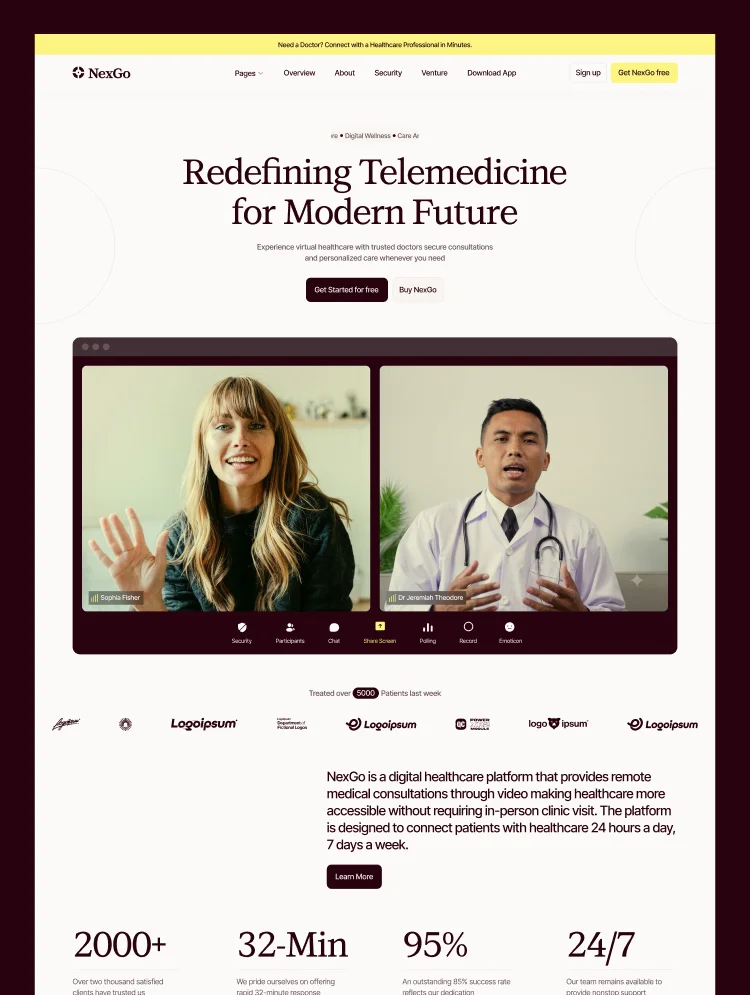
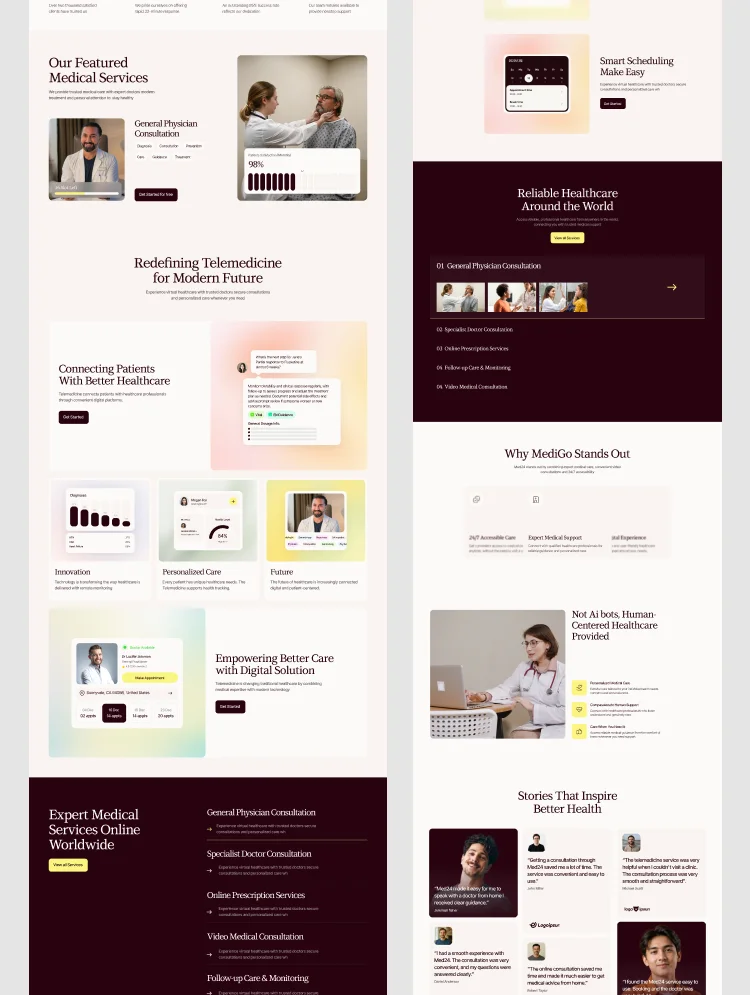
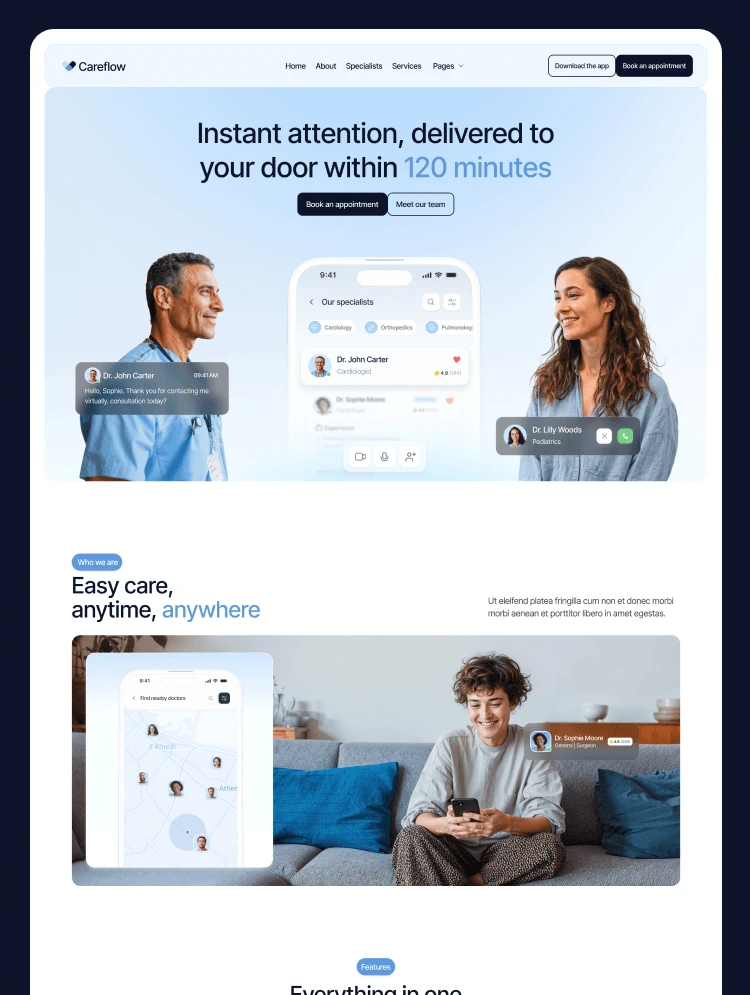
Nuvexa is a medical clinic and healthcare website template built with Webflow. It showcases specialties, doctor profiles, appointment booking, and patient trust signals across multiple homepage, about, service, and contact layouts. This medical websi
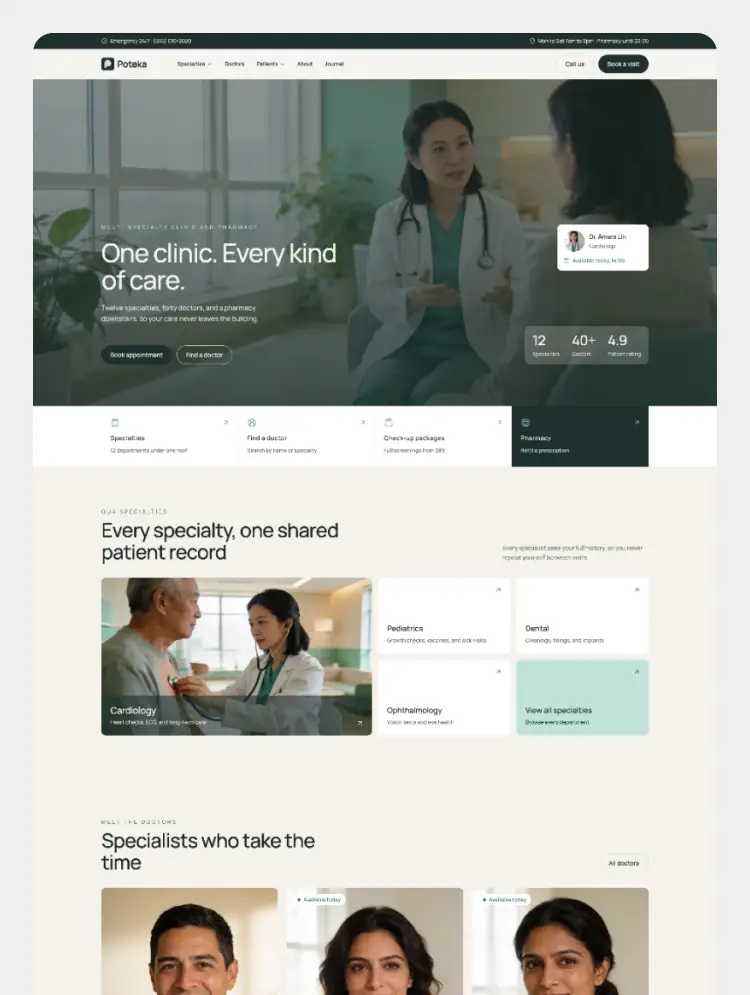
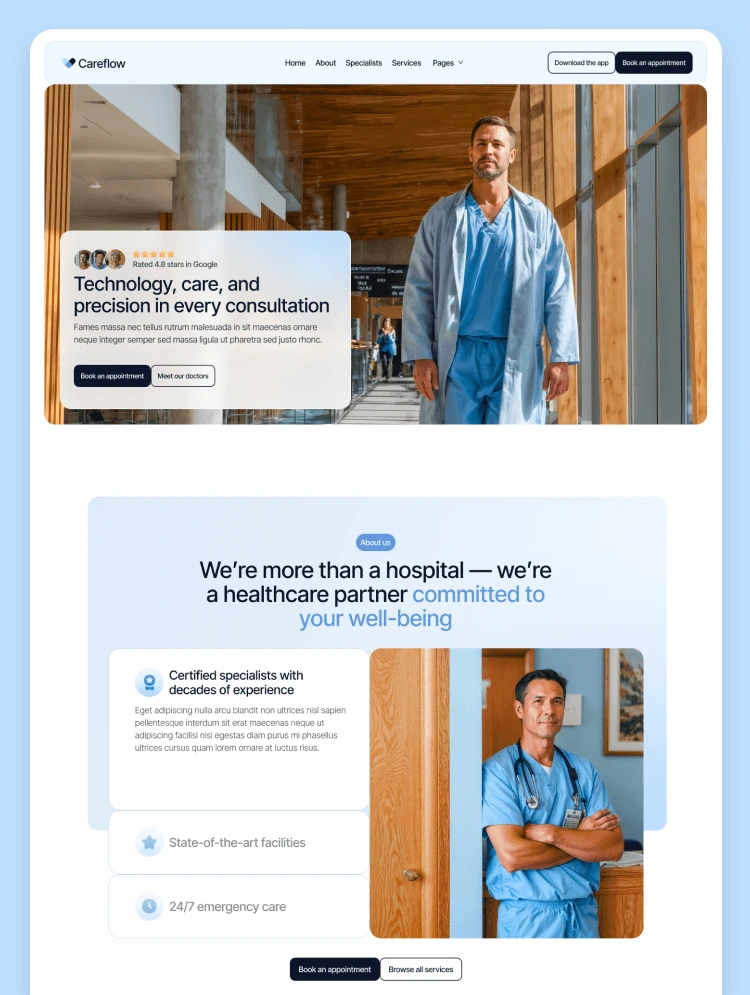
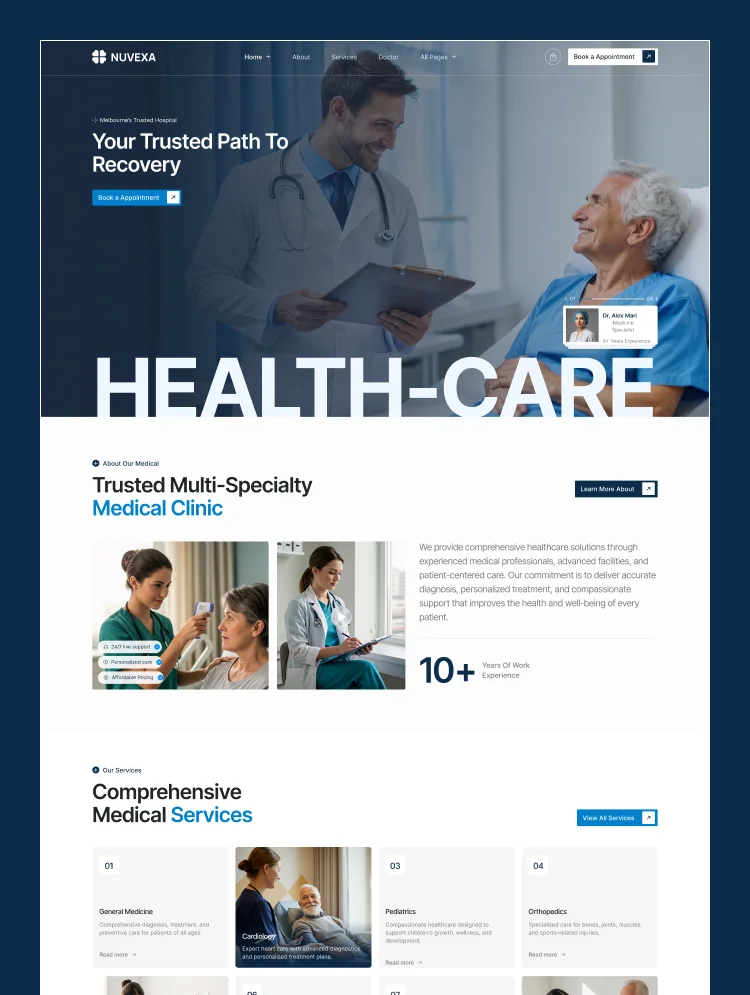
Nuvexais a calm, professional healthcare website template built on Webflow. It gives clinics everything they need to turn a search into a booked appointment: clear specialty pages, real doctor profiles, visible working hours, and a Book an Appointment button that follows the visitor down every page.
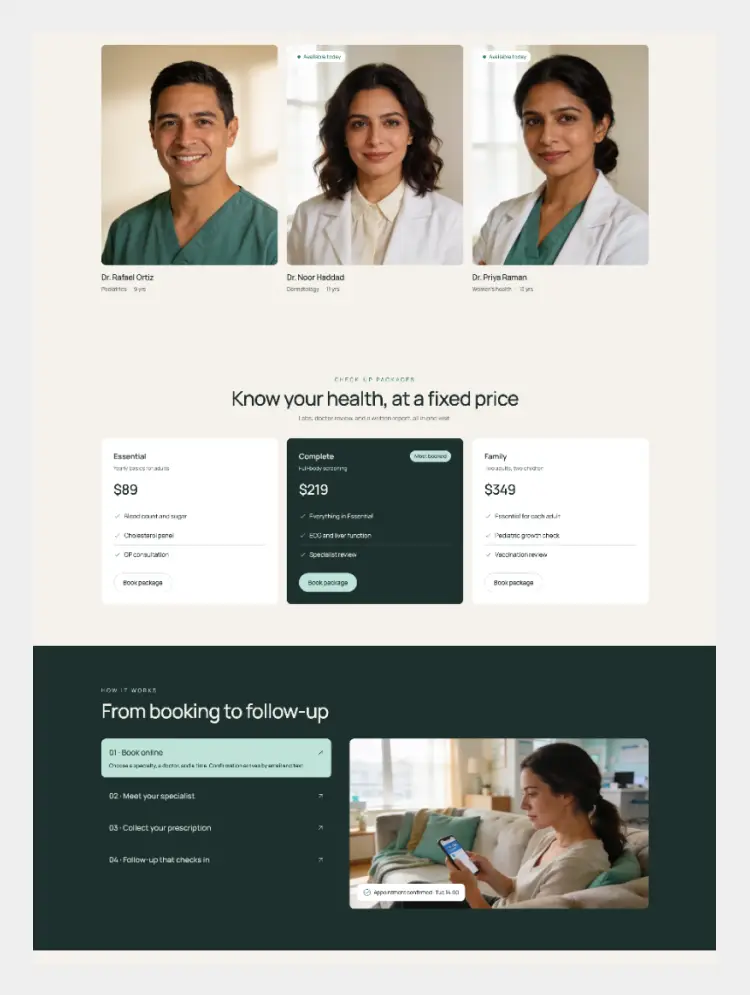
The structure follows how patients actually choose a clinic. They check the specialty, they look up the doctor, they scan reviews and patient numbers, then they book. Nuvexa covers each step with a services grid for general medicine, cardiology, pediatrics, and orthopedics, a CMS-powered doctor directory, satisfaction and experience stats, a Google review badge, and patient story videos.
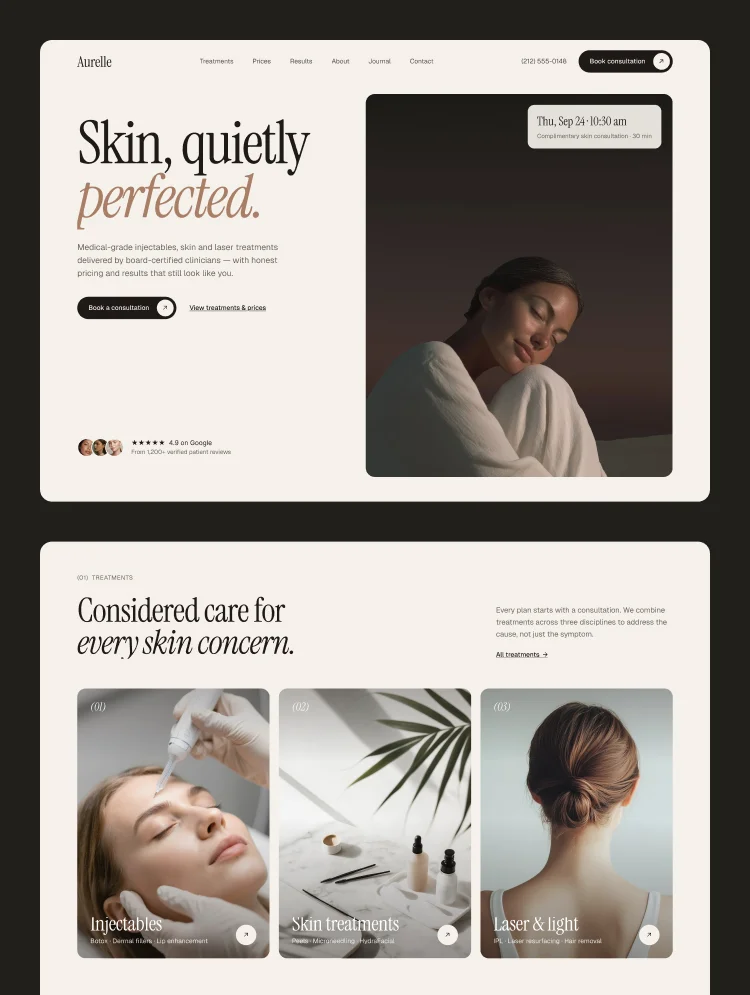
With three homepage, three about, three service, and four contact layouts, a solo private clinic and a multi-location hospital group can both launch distinct sites from one purchase. The footer already supports several office locations, which fits clinics running more than one branch.
Best for: multi-specialty medical clinics, family medicine and primary care practices, urgent care and walk-in centers, pediatric and cardiology practices, orthopedic and physical therapy clinics, dental offices, dermatology and skin clinics, telemedicine providers, diagnostic labs, and individual doctors building a personal practice site.
Nuvexa includes 28 pages: 18 static, 3 CMS collection templates, and 7 utility pages. You get 3 homepage, 3 about, 3 service, and 4 contact layouts, plus dedicated Doctor, Pricing, Careers, FAQ, and Blog pages.
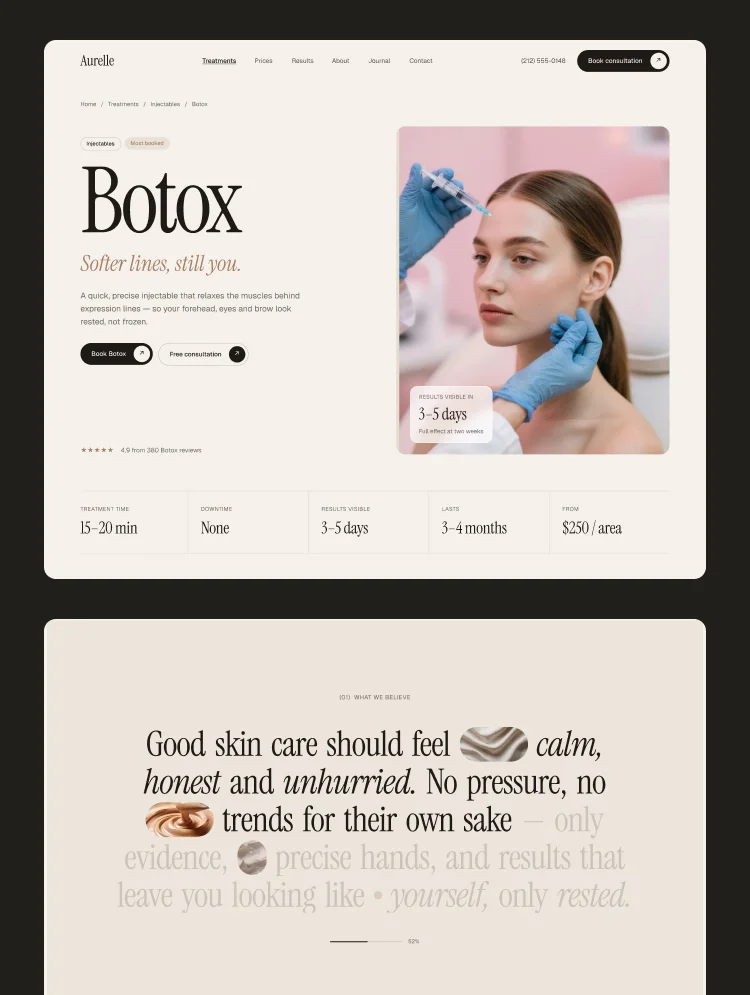
The Service collection lets you give every specialty its own page with its own scope and care approach. The Doctor collection holds credentials, specialty, and contact details for each physician, which is the page patients open before they book. The Blog collection supports health and wellness articles that bring in organic traffic, and the Careers page helps growing clinics hire.
Healthcare buying decisions run on trust, not design flourishes. Nuvexa puts proof where patients look for it: a satisfaction rate, years of experience, patients treated, a 5.0 review badge, partner and insurance logo strips, patient recovery stories on video, and a six-question FAQ that answers booking, insurance, specialties, same-day visits, firstvisit prep, and checkup frequency.
Fully responsive, CMS-powered, and fast. Built to turn a local search into a filled appointment slot.
Calm, Clinical Design
A deep navy and clean white system with real patient photography. Professional enough for a hospital group, warm enough for a family practice.
Doctor & Service Collections
A CMS team list with specialty labels and single pages, plus a Service collection so general medicine, cardiology, pediatrics, and orthopedics each get real depth.
Patient Trust Signals
Satisfaction rate, years of experience, patients treated, a 5.0 review badge, partner logos, and a video slider for patient recovery stories.
13 Layout Variations
Three homepage, three about, three service, and four contact layouts. The footer also supports several office addresses for clinic groups.
Appointment Booking Built In
Book an Appointment CTAs in the nav, hero, and closing section, with a working hours block and phone number in the header.
Customizable, Responsive & SEO-Ready
Restyle colors, fonts, and imagery with no code. Every section adapts to desktop, tablet, and mobile, with headings mapped to real patient searches.
STATIC PAGES · 18
Home A
Home B
Home C
About A
About B
About C
Service A
Service B
Service C
Contact A
Contact B
Contact C
Contact D
Doctor
Blog
Pricing
Careers
FAQ
CMS PAGES · 3
Service Single
Doctor Single
Blog Single
COLLECTIONS
Services
Doctors
Blog
UTILITY PAGES · 7
Style Guide
Licenses
Changelog
Privacy Policy
Terms
401
404
Can only be used by you or one client for one end product. You cannot resell or redistribute this template in its original or modified state.
This template is free to use in both person and commercial projects. You cannot resell, redistribute, or license this template in its original or modified state.
Questions about this template? Just reach out to the template designer and they will get back to you within 2 business days.
For advanced design guidance, please share your questions in the Webflow Forum or reach out to a Webflow Partner.
Share your feedback by leaving a comment below.
For template support, please check the Support tab.

Use the Preview in Designer option to make any edits to the template pages and preview how the layout would fit your content. Changes in preview mode won't be saved.
It isn't possible to apply a template to an already existing project. Instead, you'll need to create a new project based on the Template.
With a Core plan (or higher), you can export sites you build in Webflow, including templates, to host them anywhere you'd like.
Webflow templates are only available for purchase through Workspaces and legacy individual accounts.
CMS templates are designed to use the power of the Webflow CMS. It is possible to downgrade to a Basic Site Plan as long as all CMS content is deleted from the project.
Use the View Connections tool to understand where the CMS content is on the site and delete any dynamic listings and CMS content. We also recommend you to check Components and the Collection page Templates.
Ecommerce templates are designed to use the power of Webflow Ecommerce. It is not possible to remove Ecommerce from a template, however, deleting all Ecommerce Products and Categories from the project, will allow to select a lower Site Plan.
Membership templates are designed to use the power of Webflow Membership. It is not possible to remove Memberships from a template.
.svg)


Comes with GSAP animations and interactions for additional polish and usability.
Reposition and resize items anywhere within the grid to produce powerful, responsive layouts — faster and without code.
Build your lead lists and subscriber base with beautiful forms.
Comes with animations and interactions for additional polish and usability.