Trusted by teams at






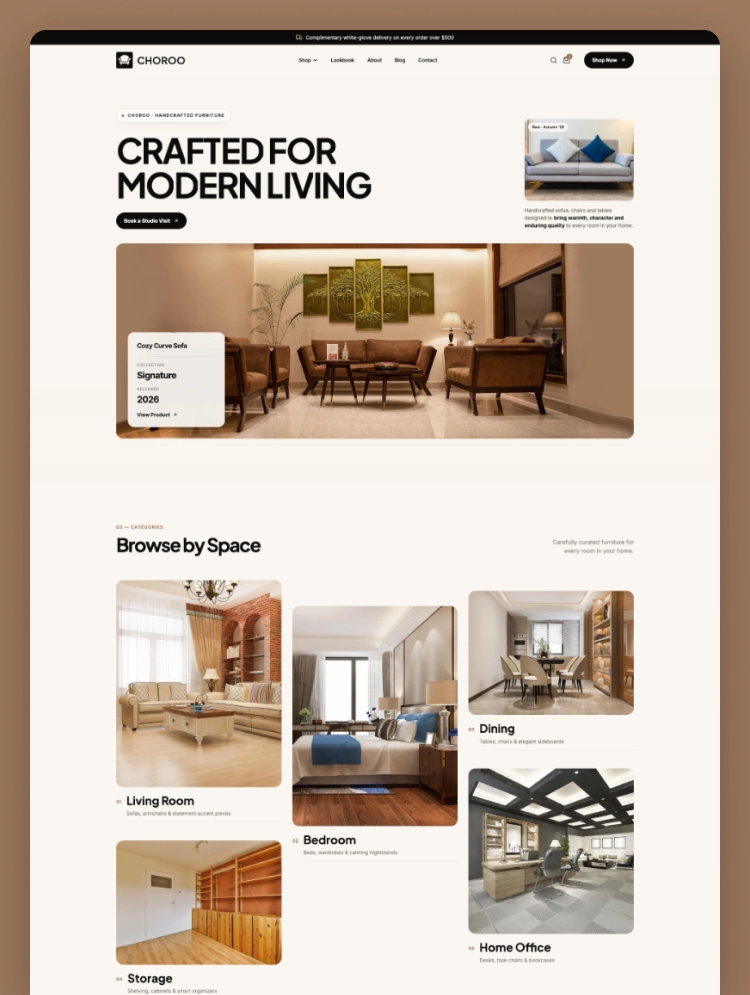
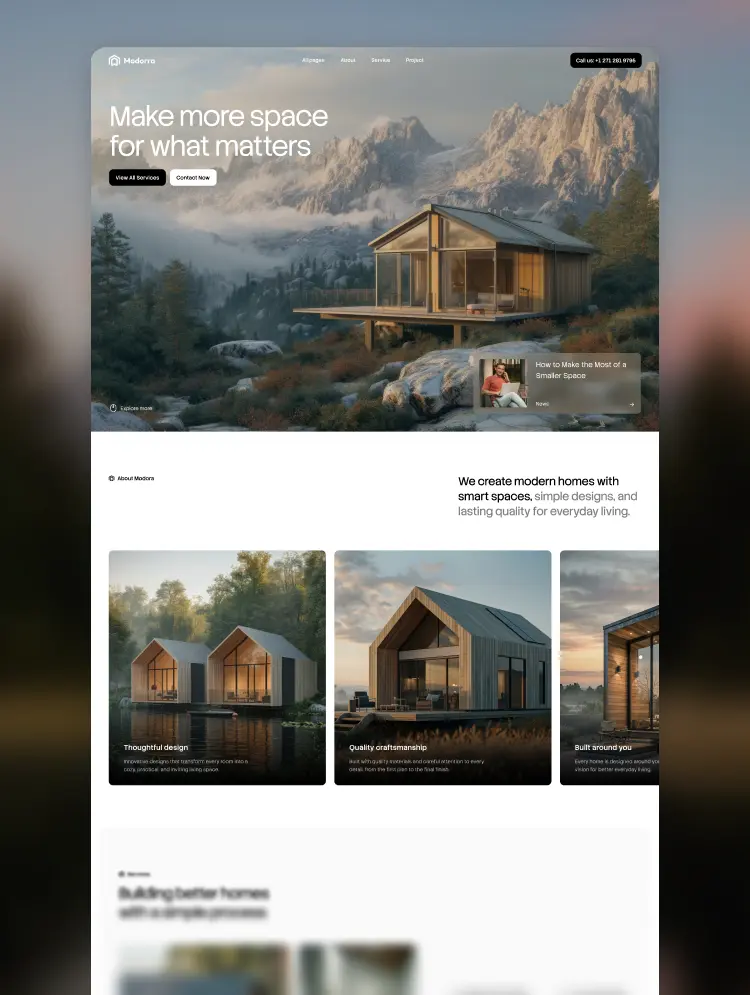
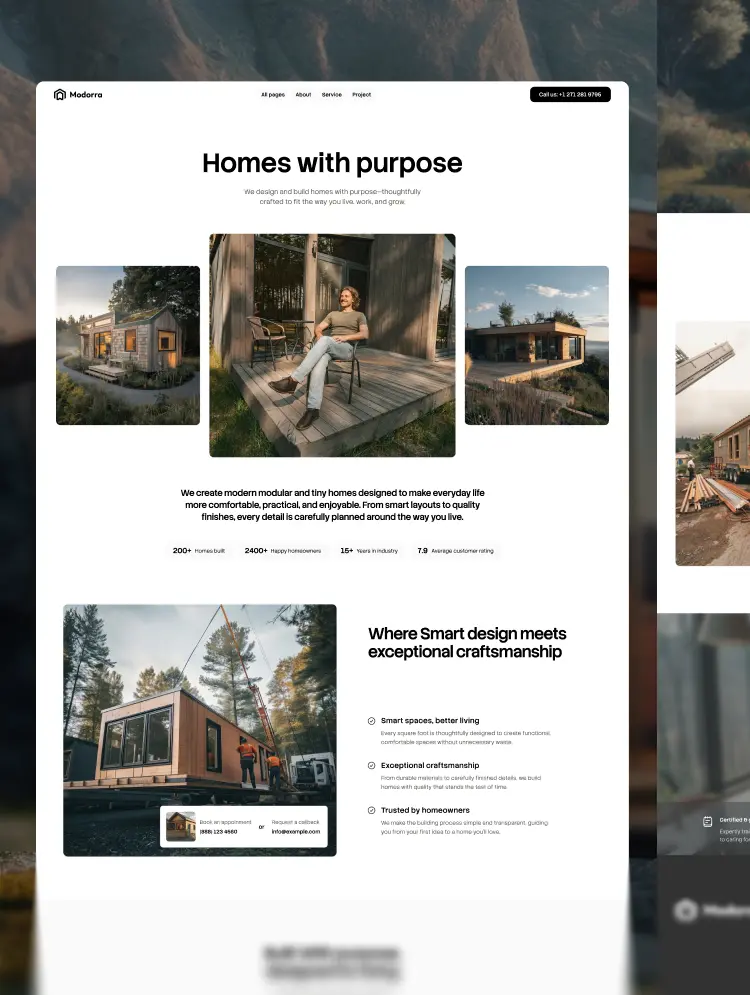
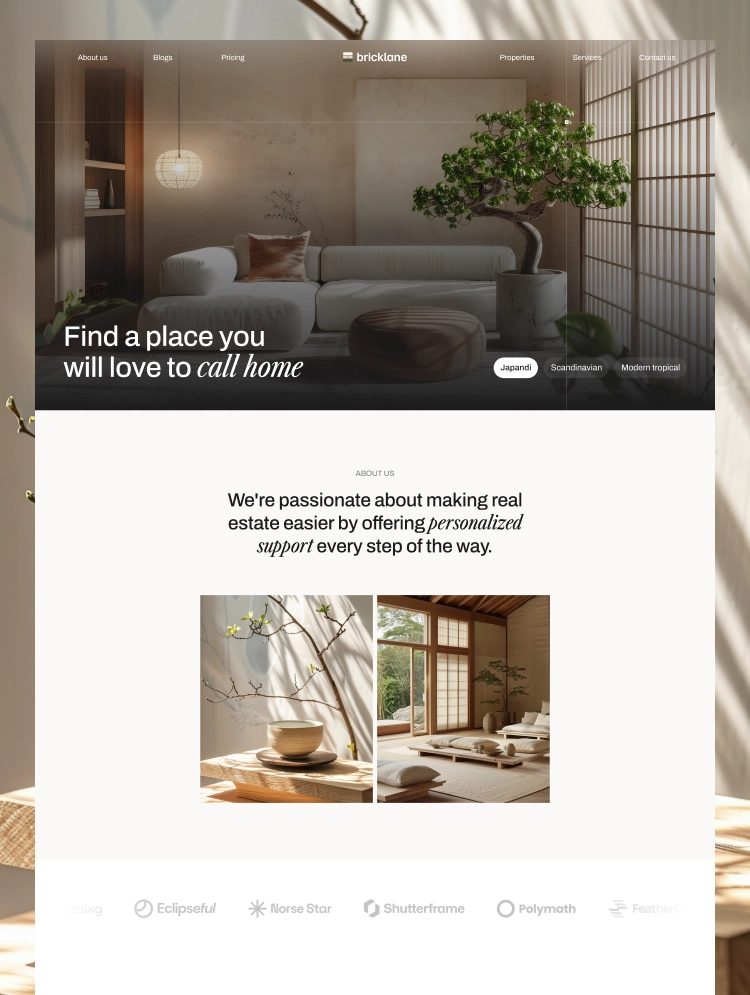
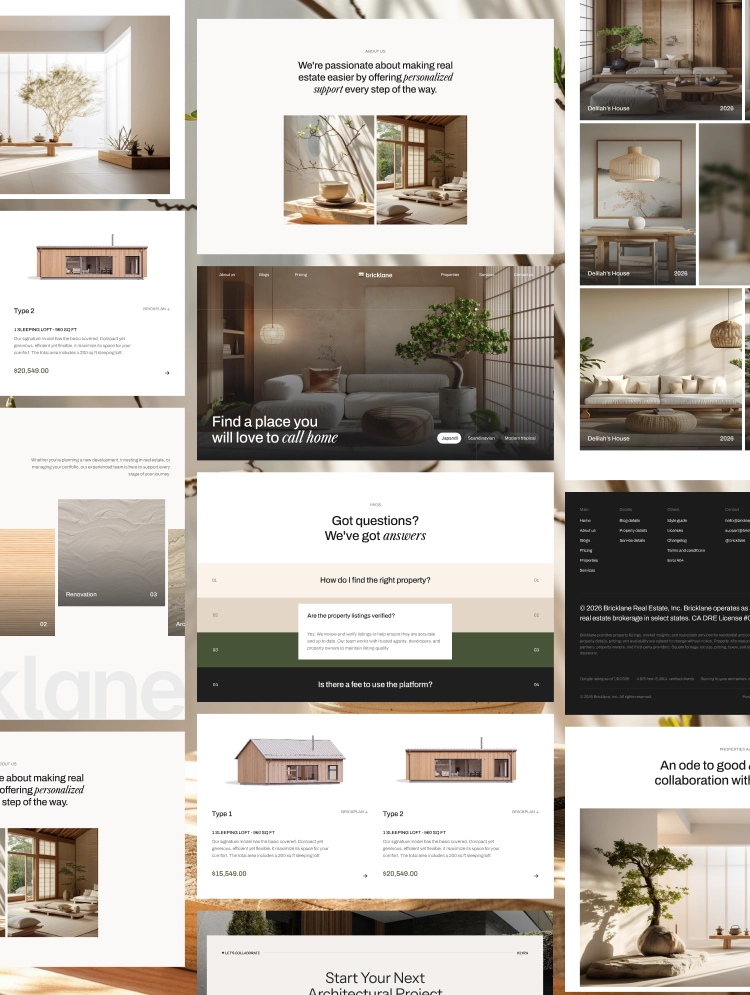
Novrane is a modern architecture website template for studios and creative professionals. Its refined layouts showcase projects, services, and ideas with clarity. This flexible template helps you create a polished and distinctive online presence.
This architecture website template uses bold imagery and balanced typography throughout every page. Its editorial layout gives architecture projects a polished and memorable visual presence. The modern architecture website template supports studios seeking a distinctive online identity.
Novrane works as an architecture portfolio website template for showcasing completed spaces beautifully. Each project page highlights materials, locations, categories, and essential design details clearly. The architect portfolio website template helps visitors explore work without confusing navigation.
Its Webflow CMS template structure makes ongoing content updates simple for growing teams. Users can organize services, projects, blog posts, categories, and author profiles efficiently. This CMS architecture website template keeps important content structured and easy to manage.
Best for:Novrane suits architecture firms, independent architects, interior designers, and creative architecture agencies. It also supports urban planners, landscape architects, construction consultants, and design studios. Property developers can use this professional architect website template for stronger project presentation.
Novrane includes 17 pages with 9 static pages for core website information. It also provides 6 CMS Collection pages for organized and scalable content. 2 utility pages support protected access and helpful error handling across the website.
Home, About, Services, Projects, Blog, and Contact guide visitors through essential information. Style Guide, Licenses, and Changelog support editing, attribution, and future template updates. CMS templates manage dynamic content while Password and 404 pages assist website visitors.
This architecture firm website template presents services and completed work with visual confidence. Its responsive architecture website template layout remains clear across modern screen sizes. Teams can adjust content and styling without rebuilding the complete website structure.
The architecture services website template keeps offerings organized through dedicated CMS-driven pages. Its search-friendly structure supports readable headings, logical content, and editable metadata settings. This modern Webflow template creates an organized experience for visitors exploring architecture brands.
This architecture template is visually refined and presents projects through bold editorial layouts very effectively. Balanced typography and imagery help each architecture studio communicate expertise with greater professional visual clarity.
Responsive layouts adapt smoothly across desktops, tablets, and mobile screens without losing their visual structure. Visitors can explore services and projects comfortably through consistent navigation on every fully supported device.
Users can customize colors, fonts, images, text, spacing, and page layouts inside Webflow very easily. Flexible styling controls help each business create a website matching its established professional visual identity.
Webflow CMS organizes services, projects, blog posts, categories, and author profiles through flexible dynamic collections. Teams can update structured content efficiently without manually rebuilding individual pages for every new entry.
The clean page structure supports efficient loading and smooth browsing across many different screen sizes. Optimized layouts can deliver responsive interactions when images and published assets remain properly prepared online.
Organized headings and editable metadata help search engines understand important page topics much more clearly. Users can refine titles, descriptions, alt text, and URLs without making any guarantees about search rankings.
Static Pages
CMS Collection Pages
Utility Pages
Can only be used by you or one client for one end product. You cannot resell or redistribute this template in its original or modified state.
This template is free to use in both person and commercial projects. You cannot resell, redistribute, or license this template in its original or modified state.
Questions about this template? Just reach out to the template designer and they will get back to you within 2 business days.
For advanced design guidance, please share your questions in the Webflow Forum or reach out to a Webflow Partner.
Share your feedback by leaving a comment below.
For template support, please check the Support tab.

Use the Preview in Designer option to make any edits to the template pages and preview how the layout would fit your content. Changes in preview mode won't be saved.
It isn't possible to apply a template to an already existing project. Instead, you'll need to create a new project based on the Template.
With a Core plan (or higher), you can export sites you build in Webflow, including templates, to host them anywhere you'd like.
Webflow templates are only available for purchase through Workspaces and legacy individual accounts.
CMS templates are designed to use the power of the Webflow CMS. It is possible to downgrade to a Basic Site Plan as long as all CMS content is deleted from the project.
Use the View Connections tool to understand where the CMS content is on the site and delete any dynamic listings and CMS content. We also recommend you to check Components and the Collection page Templates.
Ecommerce templates are designed to use the power of Webflow Ecommerce. It is not possible to remove Ecommerce from a template, however, deleting all Ecommerce Products and Categories from the project, will allow to select a lower Site Plan.
Membership templates are designed to use the power of Webflow Membership. It is not possible to remove Memberships from a template.
.svg)


Reposition and resize items anywhere within the grid to produce powerful, responsive layouts — faster and without code.
Build your lead lists and subscriber base with beautiful forms.
Comes with animations and interactions for additional polish and usability.