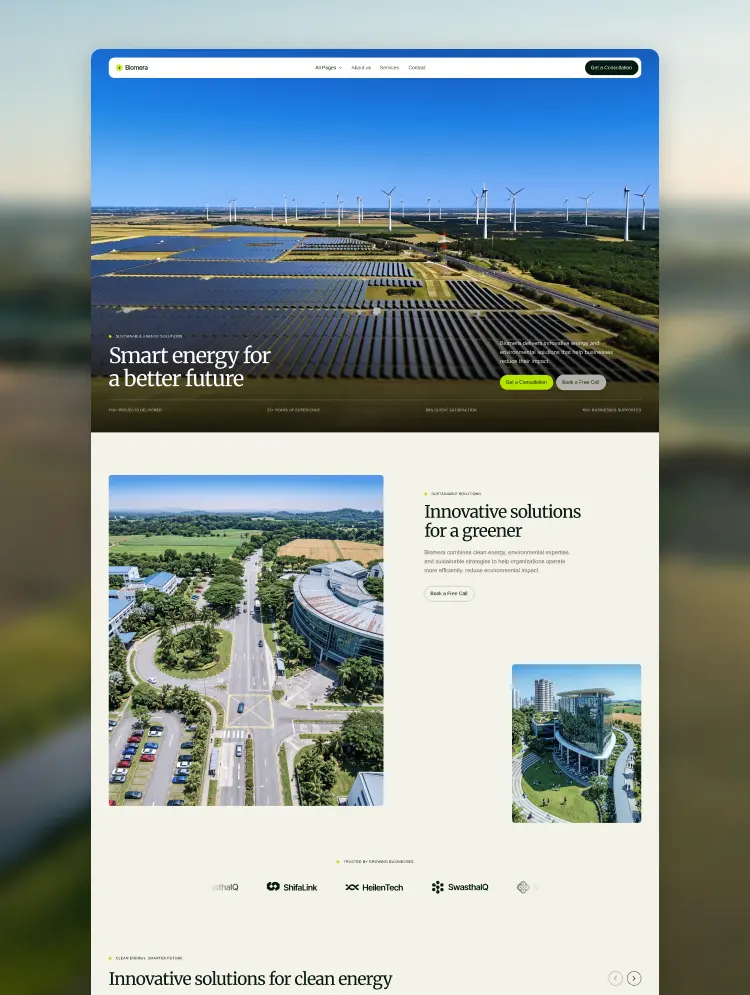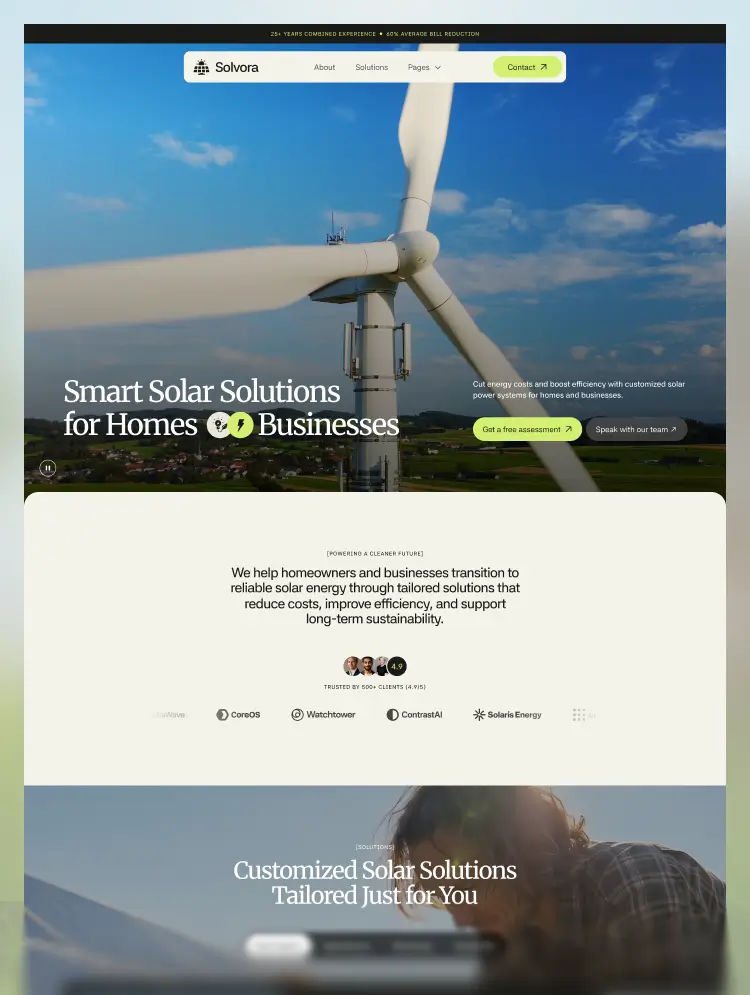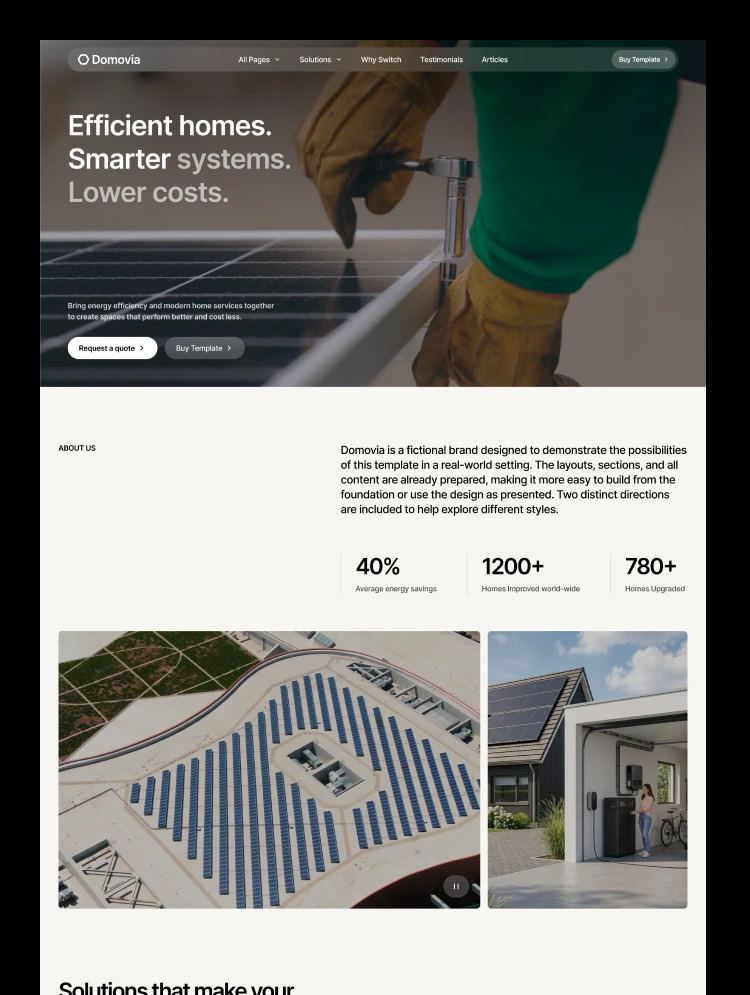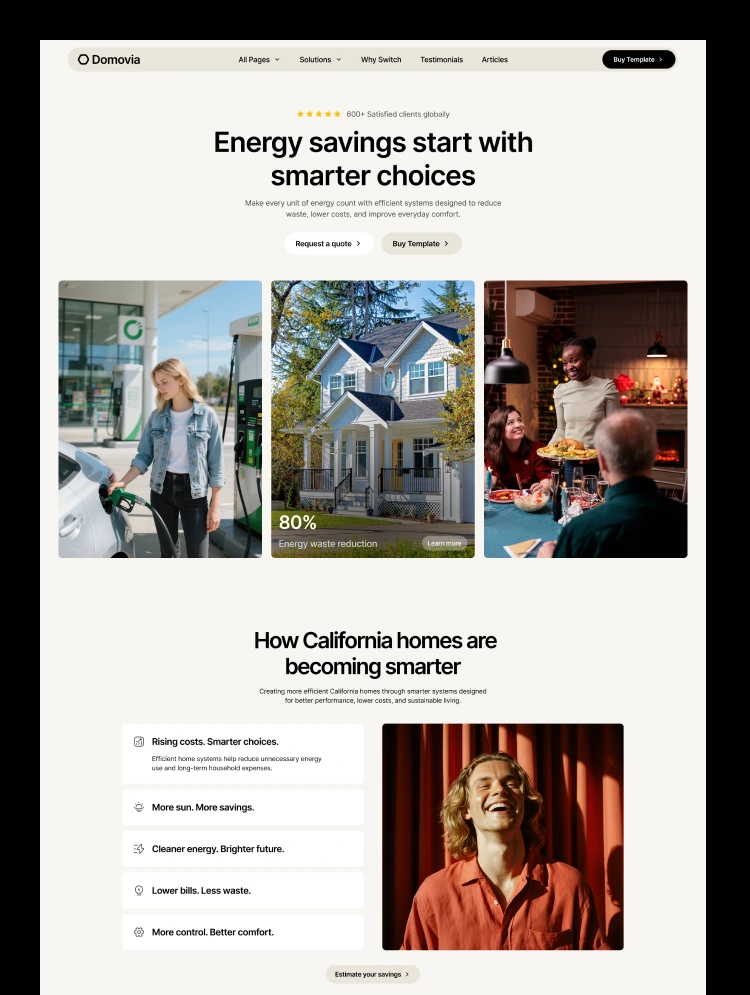
Trusted by teams at


Sustainability Webflow template for ESG and carbon consulting firms. Highlight ESG strategy, carbon footprint and renewable energy services, show emissions data and case studies, and book consultations with a clean, responsive design.
If you are looking for the best Sustainability Template at the marketplace, you are at the right place. Noverde is a Professional Sustainability Webflow Template with a complete solution for launching sustainability consulting websites. It is an awesome template that fits many requirements with Sustainability and ESG features: service pages for ESG strategy, carbon footprint and renewable energy, impact case studies, an emissions ledger and expert insights.
Our Sustainability Template is designed with a unique design focused on an intuitive user experience. It includes more than 15 pages and CMS templates, with all the options to create a super-fast sustainability website with a fantastic user experience. The template is not limited to just sustainability consulting. It was created with many niches in mind: ESG advisors, carbon accounting firms, climate consultancies, renewable energy companies and environmental agencies.
The Noverde Sustainability Webflow template has several key features that make it a great choice for businesses.
Noverde is a powerful and user-friendly Sustainability template. It can be used by anyone who wants a professional, credible and creative website. You can build your site quickly, with confidence and minimal effort. Our design team is always focused on the future.
The Noverde Sustainability Template is fully responsive and designed with high-end quality in mind. Every feature and page element looks great on tablets and mobile phones. Layouts are tested at the 1920px, 1440px, 1024px and 768px breakpoints, and on mobile down to 360px.
Noverde is built with Webflow, a powerful web design platform. This means you can create a professional-looking website without any coding knowledge.
Each page in the Noverde Sustainability template is built with common HTML and Webflow rules. You can copy and edit each section and component, and build new pages yourself. The template uses a Global Typography structure for headings, paragraphs, links, buttons, lists, quotes and forms. The spacing system works on every device, and colors can be adjusted for the whole website at once. A Style Guide page lets you change and review everything instantly in one place.
SEO and speed optimization matter for every website, not only sustainability ones, and they are a priority in each of our templates. All pages are optimized for fast loading. We designed the Noverde Sustainability Webflow Template following practical recommendations to score as high as possible on Lighthouse, Google PageSpeed and GTmetrix. The content structure, DOM and heading hierarchy follow SEO requirements.
Services, Impact (case studies), Team and Blog collections are included in the template.
Any questions or need help, please do not hesitate to contact us. Focused on customer success, we are a no-code agency with a nice team of professionals that can advise you on how to use the standard template features or can additionally help you with custom functionality. Besides, you can have a look at our other Webflow templates, which are also designed with a professional approach with attention to detail.
Noverde - Sustainability Webflow Template was developed to be very easy to edit, so you will be surprised at how easy it is to customize. If you ever have a question, find a bug or run into a problem, feel free to email us at hello@128.digital. Our team will be happy to help!
This template can be used for sustainability consulting, ESG strategy, carbon footprint, carbon accounting, climate consulting, renewable energy, net zero and environmental services websites.
Can only be used by you or one client for one end product. You cannot resell or redistribute this template in its original or modified state.
This template is free to use in both person and commercial projects. You cannot resell, redistribute, or license this template in its original or modified state.
Questions about this template? Just reach out to the template designer and they will get back to you within 2 business days.
For advanced design guidance, please share your questions in the Webflow Forum or reach out to a Webflow Partner.
Share your feedback by leaving a comment below.
For template support, please check the Support tab.

Use the Preview in Designer option to make any edits to the template pages and preview how the layout would fit your content. Changes in preview mode won't be saved.
It isn't possible to apply a template to an already existing project. Instead, you'll need to create a new project based on the Template.
With a Core plan (or higher), you can export sites you build in Webflow, including templates, to host them anywhere you'd like.
Webflow templates are only available for purchase through Workspaces and legacy individual accounts.
CMS templates are designed to use the power of the Webflow CMS. It is possible to downgrade to a Basic Site Plan as long as all CMS content is deleted from the project.
Use the View Connections tool to understand where the CMS content is on the site and delete any dynamic listings and CMS content. We also recommend you to check Components and the Collection page Templates.
Ecommerce templates are designed to use the power of Webflow Ecommerce. It is not possible to remove Ecommerce from a template, however, deleting all Ecommerce Products and Categories from the project, will allow to select a lower Site Plan.
Membership templates are designed to use the power of Webflow Membership. It is not possible to remove Memberships from a template.


Reposition and resize items anywhere within the grid to produce powerful, responsive layouts — faster and without code.
Build your lead lists and subscriber base with beautiful forms.
Comes with animations and interactions for additional polish and usability.