Trusted by teams at






Nexmint is a crypto trading and web3 website template built with Webflow. It showcases live market data, portfolio analytics, and secure exchange features through dark, data-rich layouts. This crypto website template suits exchanges, wallets, portfo
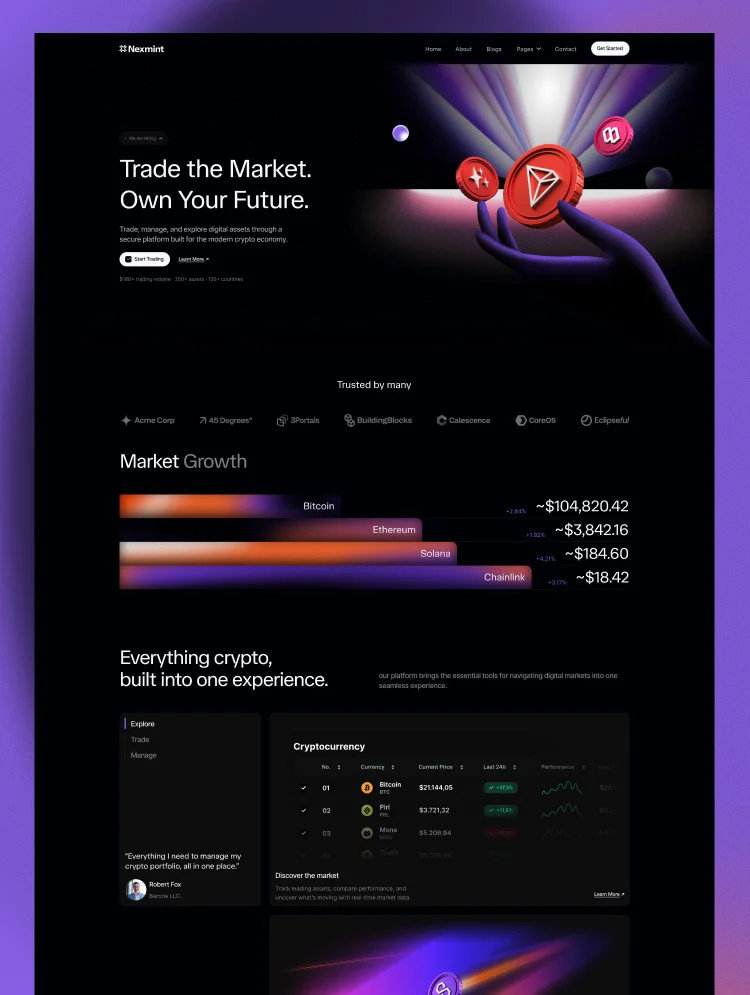
Nexmint is a dark, data-driven crypto website template built on Webflow. It gives exchanges, wallets, and web3 startups everything they need to look credible on day one: market tables, price charts, an exchange widget, and a clear path from sign-up to first trade.
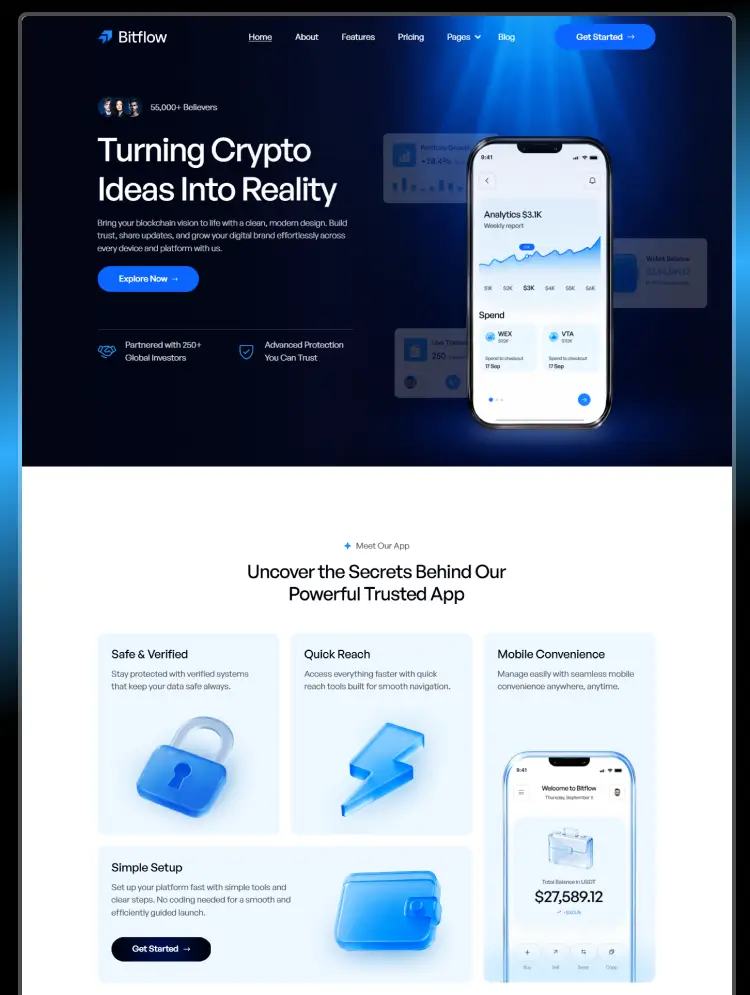
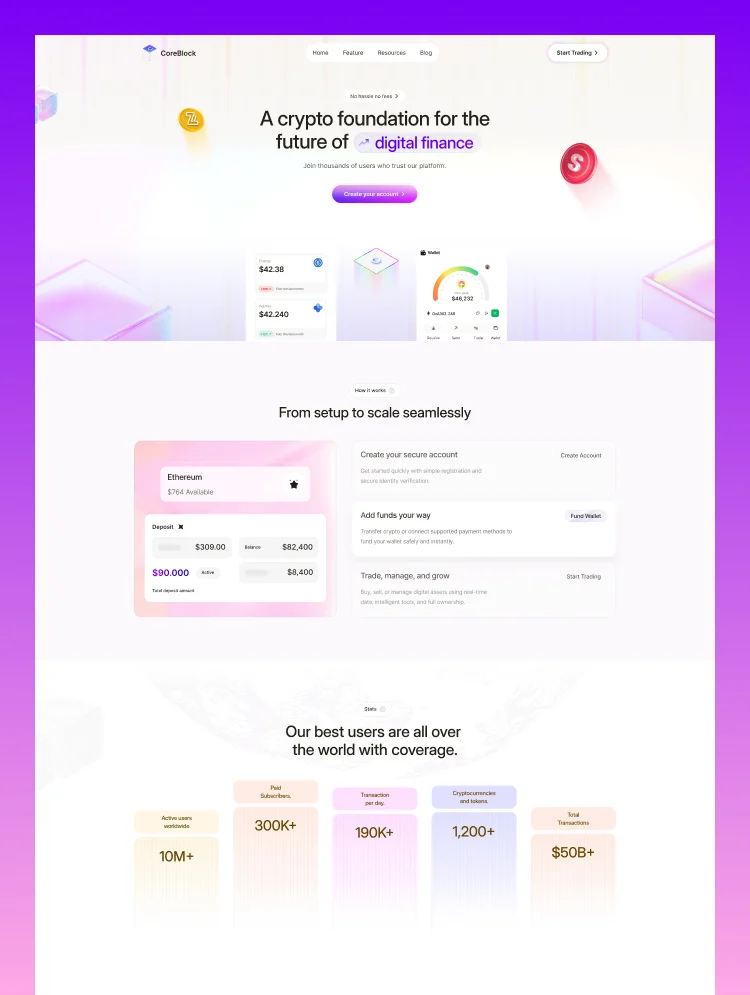
The homepage is built around how crypto users actually decide. A market growth visual and a coin price table show what's moving. Four feature blocks cover real-time market data, advanced trading, portfolio analytics, and secure infrastructure. Stat blocks for trading volume, supported assets, countries, and uptime back it all up with numbers.
Nexmint also works as a SaaS website template for fintech and payments products. The dashboard mockups, portfolio cards, and three-step onboarding flow fit a crypto payment gateway, a crypto portfolio tracker, or a blockchain development studio without a heavy redesign.
Best for: Crypto exchanges, crypto wallet apps, DeFi platforms, web3 startups, portfolio trackers, staking and tokenization platforms, crypto payment gateways, blockchain development companies, token and ICO project sites, and fintech SaaS products.
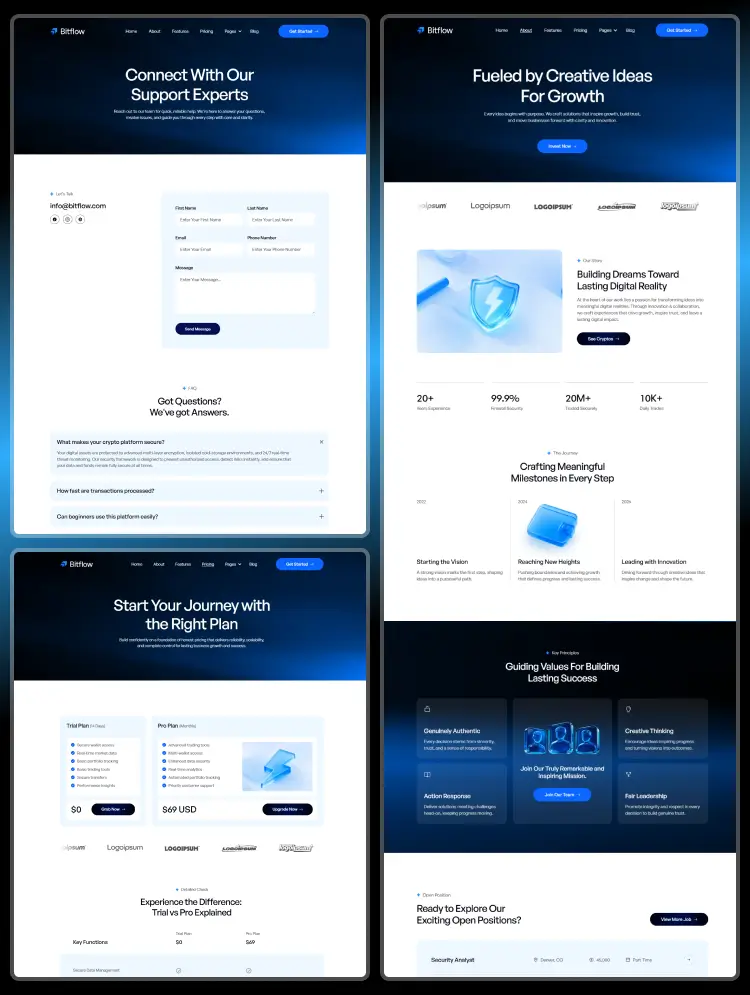
Nexmint includes 25 pages: 14 static, 3 CMS collection templates, and 8 utility pages. You get 3 homepages, 3 about, and 3 contact layouts, plus dedicated Service, Pricing, Career, FAQ, and Blog pages.
The Service collection lets you explain each product, from spot trading to staking, on its own detail page. The Blog collection supports market updates and crypto explainers that pull in organic traffic, and the Career collection helps growing crypto teams hire. The FAQ answers what every new user asks: how to buy crypto, which coins are supported, how fees work, how to track a portfolio, and how to keep an account safe.
Crypto users judge a platform in seconds, and they don't trust anything that looks generic. Nexmint leans into what serious crypto brands use: a dark UI, glowing 3D coin art, dense market data, and product mockups that show the actual interface. Trust sections come in the default layout, including a partner logo strip, volume and uptime stats, a security block, five customer testimonials, and a seven-question FAQ.
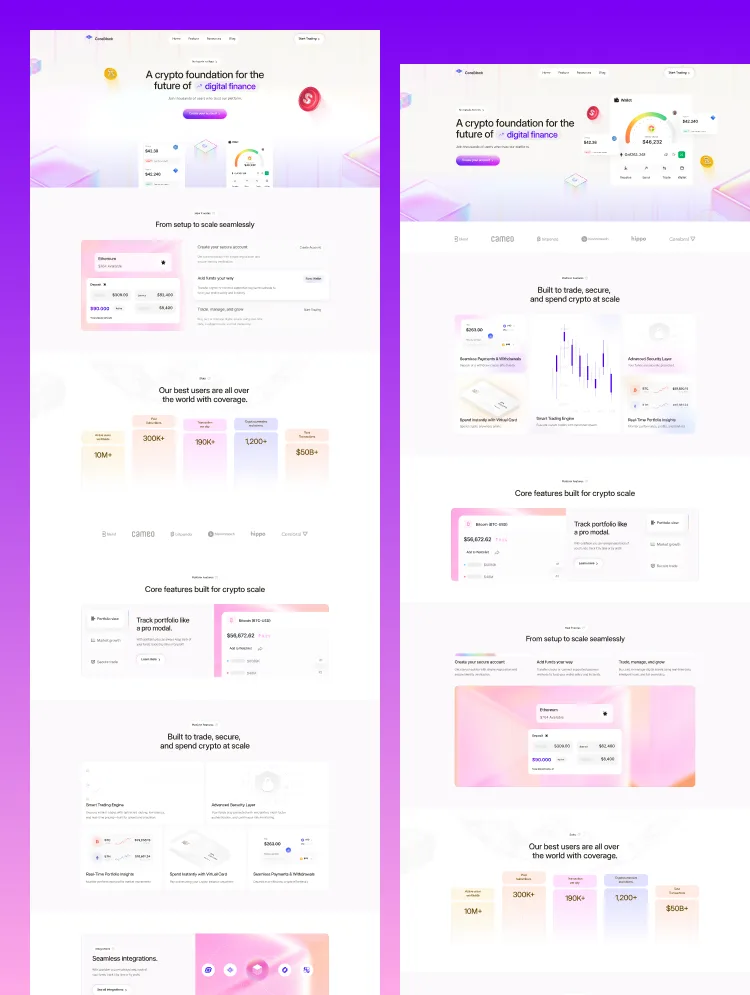
Three homepage and about layouts let an exchange, a wallet app, and a fintech SaaS launch distinct-looking sites from one purchase. Fully responsive, CMS-powered, and fast. Built to turn a curious visitor into a signed-up trader.
Dark, Data-Rich Design
Deep black UI, neon gradients, and 3D coin artwork give the site the premium look crypto users expect from a real trading platform.
Built-In Exchange Widget
A buy and sell swap card with currency selectors makes the product feel real before a visitor ever signs up.
Three-Step Onboarding Flow
Create account, fund account, start trading. A clear visual path that lowers the barrier for first-time crypto users.
Webflow CMS & Fully Customizable
Manage services, blog posts, and job openings through three CMS collections, and restyle colors, fonts, and imagery with no code.
Market Data Sections
A coin price table, market growth bars, and a price chart with timeframe labels show what's moving at a glance.
Portfolio & Dashboard Mockups
Portfolio balance cards and a full dashboard overview preview the in-app experience. Great for SaaS and fintech products too.
Trust & Proof Built In
Partner logos, four stat blocks, a secure infrastructure section, five testimonials, and a seven-question FAQ, all ready to fill.
Responsive, Fast & SEO-Ready
Every section adapts to desktop, tablet, and mobile, with a clean structure and headings mapped to real crypto and web3 searches.
STATIC PAGES · 14
Home 01
Home 02
Home 03
About 01
About 02
About 03
Contact 01
Contact 02
Contact 03
Service
Blog
Career
FAQ
Pricing
CMS PAGES · 3
Service Details
Blog Details
Career Details
COLLECTIONS
Services
Blog
Careers
UTILITY PAGES · 8
Style Guide
Licenses
Change Log
Instructions
Terms
Privacy Policy
401
404
Can only be used by you or one client for one end product. You cannot resell or redistribute this template in its original or modified state.
This template is free to use in both person and commercial projects. You cannot resell, redistribute, or license this template in its original or modified state.
Questions about this template? Just reach out to the template designer and they will get back to you within 2 business days.
For advanced design guidance, please share your questions in the Webflow Forum or reach out to a Webflow Partner.
Share your feedback by leaving a comment below.
For template support, please check the Support tab.

Use the Preview in Designer option to make any edits to the template pages and preview how the layout would fit your content. Changes in preview mode won't be saved.
It isn't possible to apply a template to an already existing project. Instead, you'll need to create a new project based on the Template.
With a Core plan (or higher), you can export sites you build in Webflow, including templates, to host them anywhere you'd like.
Webflow templates are only available for purchase through Workspaces and legacy individual accounts.
CMS templates are designed to use the power of the Webflow CMS. It is possible to downgrade to a Basic Site Plan as long as all CMS content is deleted from the project.
Use the View Connections tool to understand where the CMS content is on the site and delete any dynamic listings and CMS content. We also recommend you to check Components and the Collection page Templates.
Ecommerce templates are designed to use the power of Webflow Ecommerce. It is not possible to remove Ecommerce from a template, however, deleting all Ecommerce Products and Categories from the project, will allow to select a lower Site Plan.
Membership templates are designed to use the power of Webflow Membership. It is not possible to remove Memberships from a template.
.svg)


Comes with GSAP animations and interactions for additional polish and usability.
Reposition and resize items anywhere within the grid to produce powerful, responsive layouts — faster and without code.
Build your lead lists and subscriber base with beautiful forms.
Comes with animations and interactions for additional polish and usability.