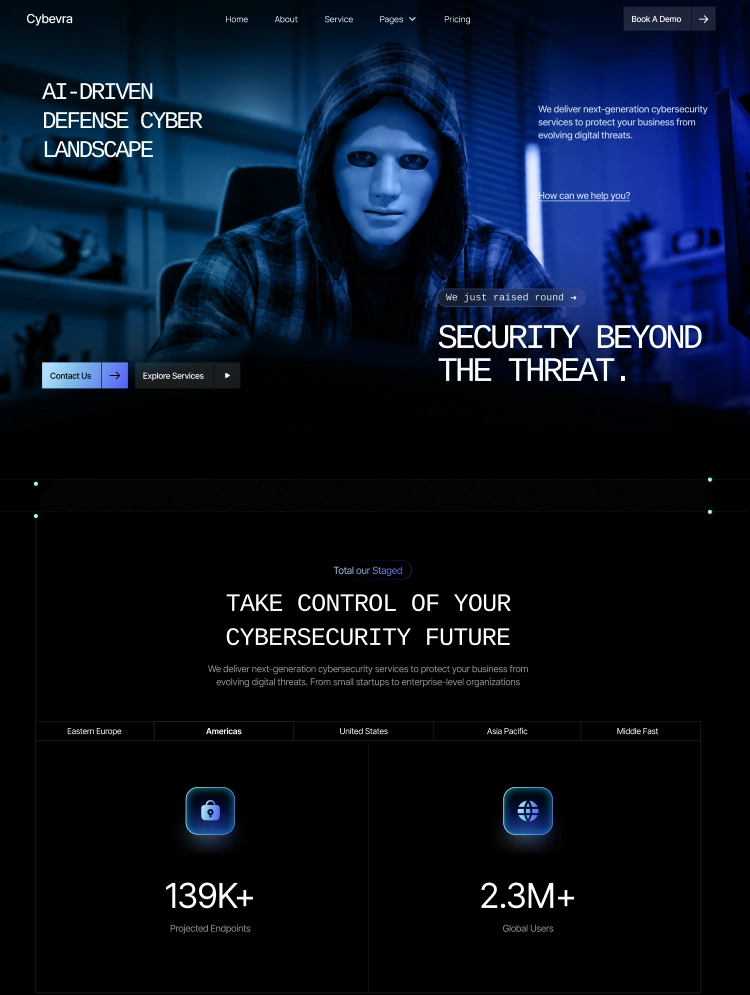
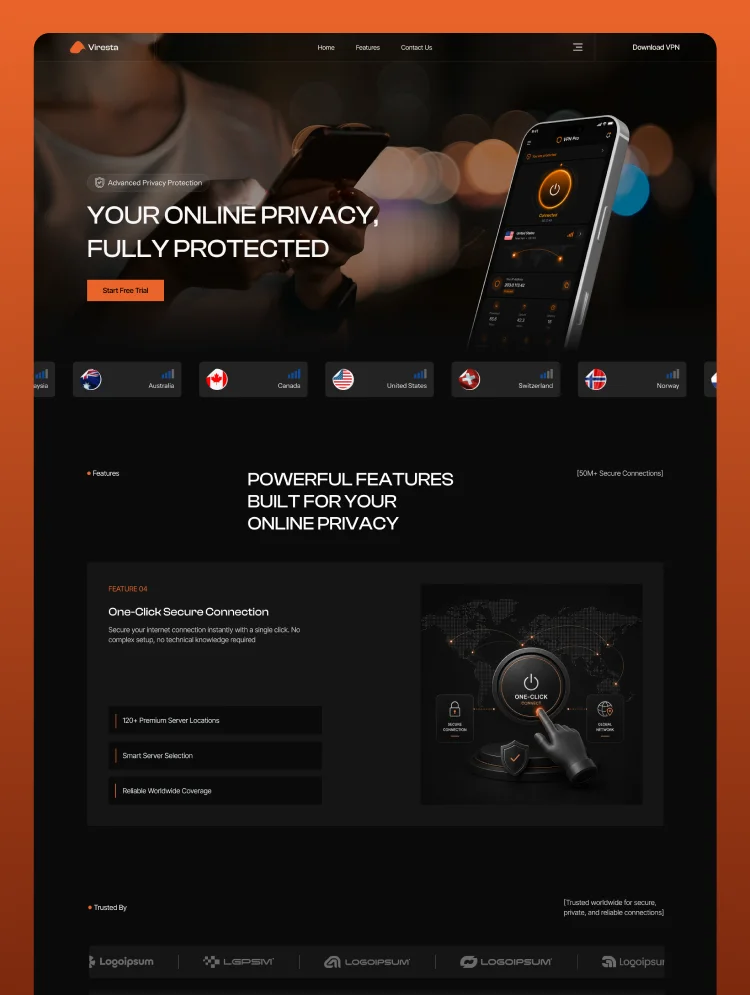
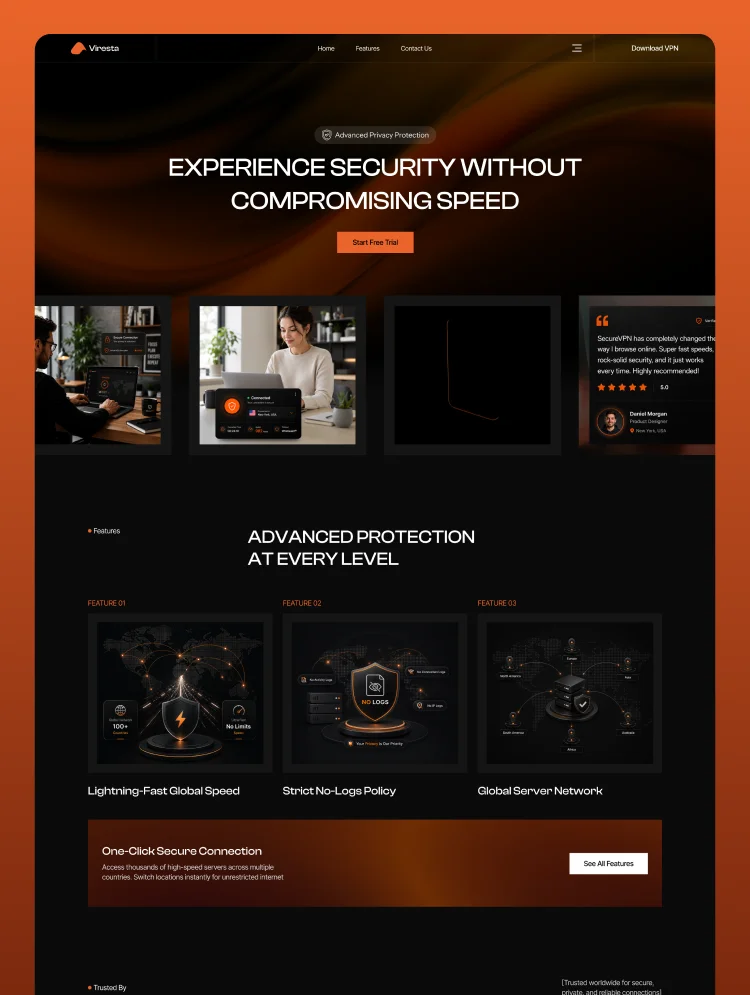
Trusted by teams at






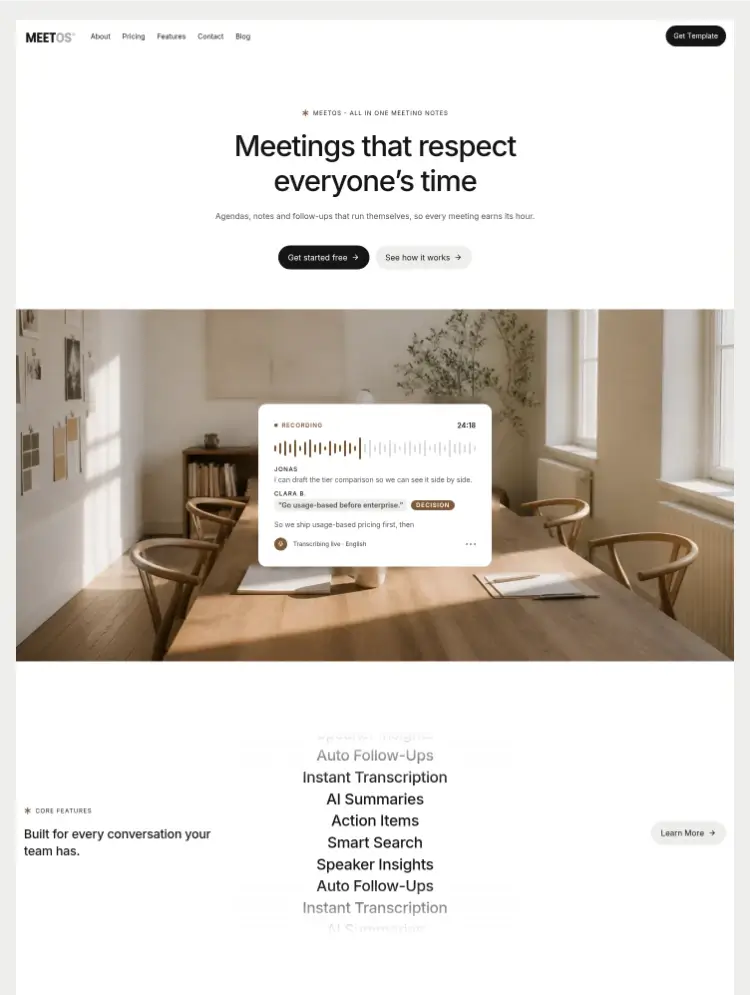
MeetOS is a calm, editorial Webflow template for AI meeting assistants, productivity SaaS, and collaboration tools — with a full marketing site and CMS blog.
MeetOS is a polished Webflow template for AI meeting assistants, meeting-intelligence products, productivity and collaboration SaaS, and remote-first software teams. Its calm, editorial visual system turns a complex product into a clear, credible story, while CMS templates make the site quick to customize and easy to scale.
Built directly in Webflow, MeetOS includes a complete marketing site, CMS detail templates for blog articles, categories, and authors, legal pages, and template documentation. Adapt the copy, brand, imagery, features, testimonials, and team content to create a site that feels like your own.
Replace the demo content directly in Webflow, update the brand through dedicated "Edit these" variable collections for colors and typography, swap imagery and logos, and manage articles, authors, and categories through the built-in CMS collections.
A shared design system built on Webflow variables keeps spacing, typography, buttons, forms, cards, surfaces, and responsive behavior consistent across breakpoints — spacing, radius, grid, and type all ship with tablet and mobile modes. Global changes can be made once and reflected throughout the site, making rebrands, new offers, and campaign pages much faster. Light and dark modes are built into the variable system, so sections can adapt to different visual contexts without separate designs.
MeetOS works equally well for an early-stage product and a growing software company. Publish new articles through the CMS, expand the blog with authors and categories, add proof points, or build new landing pages while keeping the site coherent.
MeetOS gives software teams a credible starting point, a clear conversion path, and a scalable Webflow system for turning a meeting product into a website that is easy to manage and ready to grow.
MeetOS is built for founders and solo makers launching an AI meeting assistant, meeting transcription app, AI note-taking tool, or meeting summarizer SaaS, as well as product teams marketing scheduling automation software, async video messaging platforms, AI productivity apps, team collaboration tools, and remote work software. It suits early-stage startups validating a waitlist, venture-backed companies preparing a product launch or funding announcement, and bootstrapped indie hackers who need a professional SaaS landing page without hiring a designer. Agencies, freelancers, and Webflow developers building client sites for B2B software, enterprise collaboration platforms, voice AI products, calendar apps, meeting analytics dashboards, and AI workflow automation tools will find a ready-made foundation, while UX designers, growth marketers, and content creators can use it to ship a conversion-focused marketing site, product waitlist page, or feature announcement campaign quickly — making it an ideal Webflow template for tech startups, AI software companies, and any team that wants a polished online presence for a modern productivity product.
Can only be used by you or one client for one end product. You cannot resell or redistribute this template in its original or modified state.
This template is free to use in both person and commercial projects. You cannot resell, redistribute, or license this template in its original or modified state.
Questions about this template? Just reach out to the template designer and they will get back to you within 2 business days.
For advanced design guidance, please share your questions in the Webflow Forum or reach out to a Webflow Partner.
Share your feedback by leaving a comment below.
For template support, please check the Support tab.

Use the Preview in Designer option to make any edits to the template pages and preview how the layout would fit your content. Changes in preview mode won't be saved.
It isn't possible to apply a template to an already existing project. Instead, you'll need to create a new project based on the Template.
With a Core plan (or higher), you can export sites you build in Webflow, including templates, to host them anywhere you'd like.
Webflow templates are only available for purchase through Workspaces and legacy individual accounts.
CMS templates are designed to use the power of the Webflow CMS. It is possible to downgrade to a Basic Site Plan as long as all CMS content is deleted from the project.
Use the View Connections tool to understand where the CMS content is on the site and delete any dynamic listings and CMS content. We also recommend you to check Components and the Collection page Templates.
Ecommerce templates are designed to use the power of Webflow Ecommerce. It is not possible to remove Ecommerce from a template, however, deleting all Ecommerce Products and Categories from the project, will allow to select a lower Site Plan.
Membership templates are designed to use the power of Webflow Membership. It is not possible to remove Memberships from a template.
.svg)


Comes with GSAP animations and interactions for additional polish and usability.
Reposition and resize items anywhere within the grid to produce powerful, responsive layouts — faster and without code.
Build your lead lists and subscriber base with beautiful forms.
Comes with animations and interactions for additional polish and usability.