Trusted by teams at






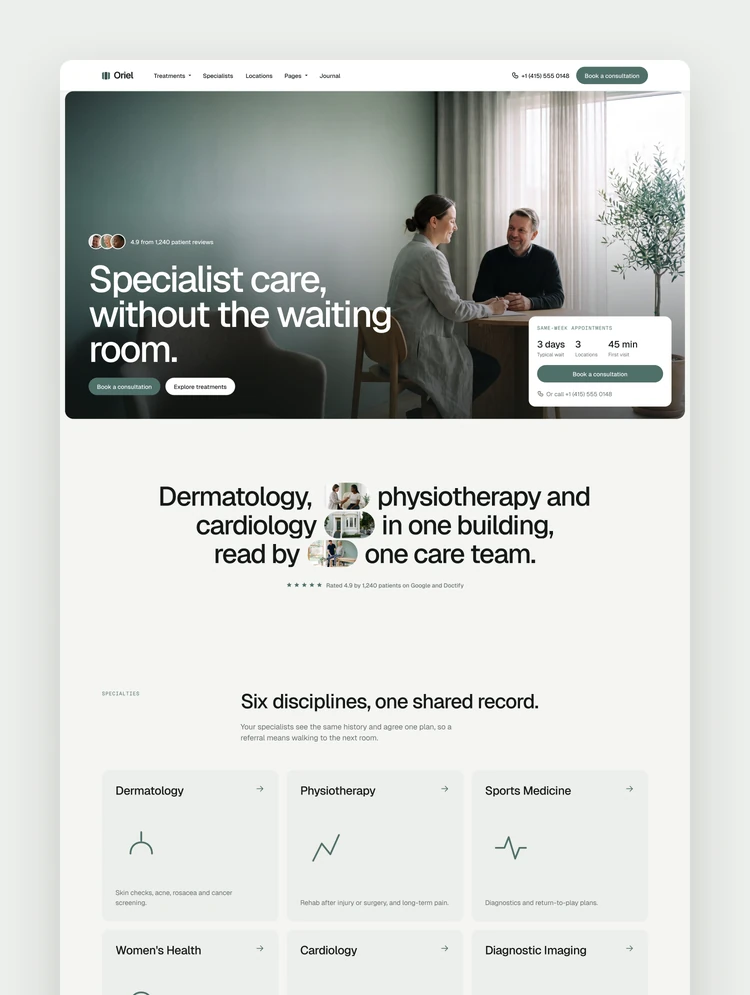
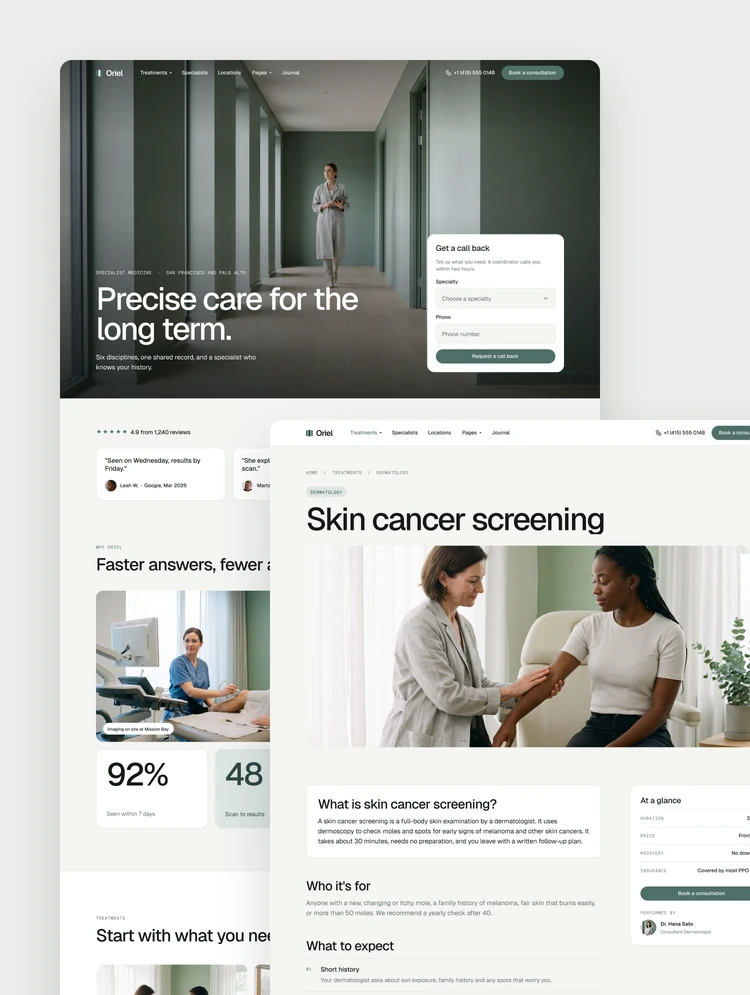
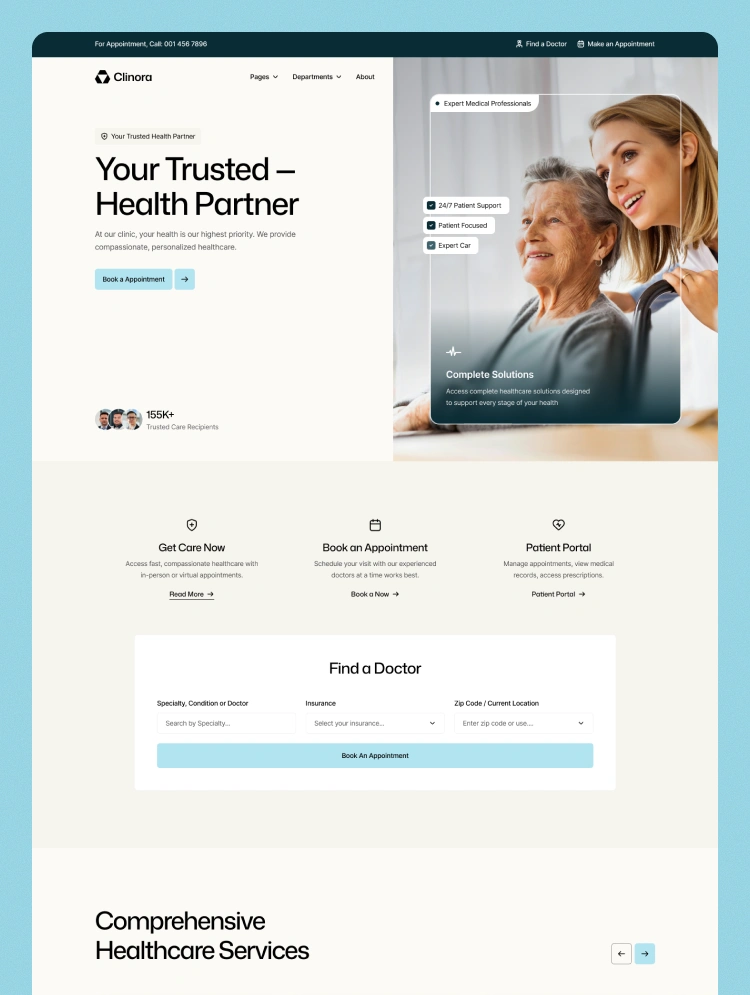
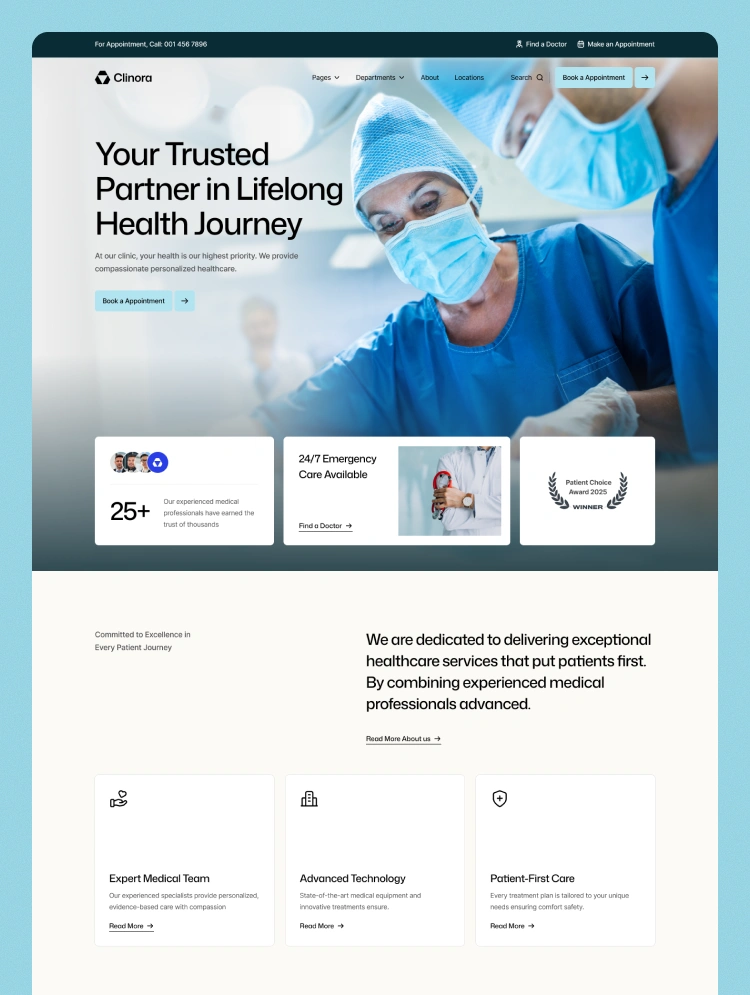
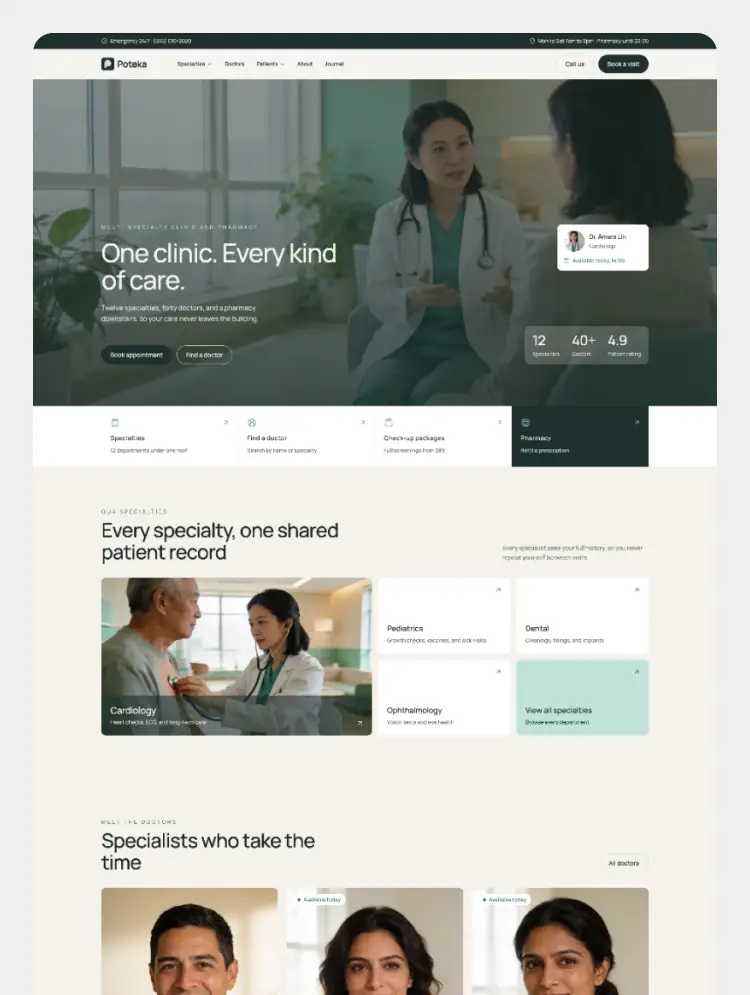
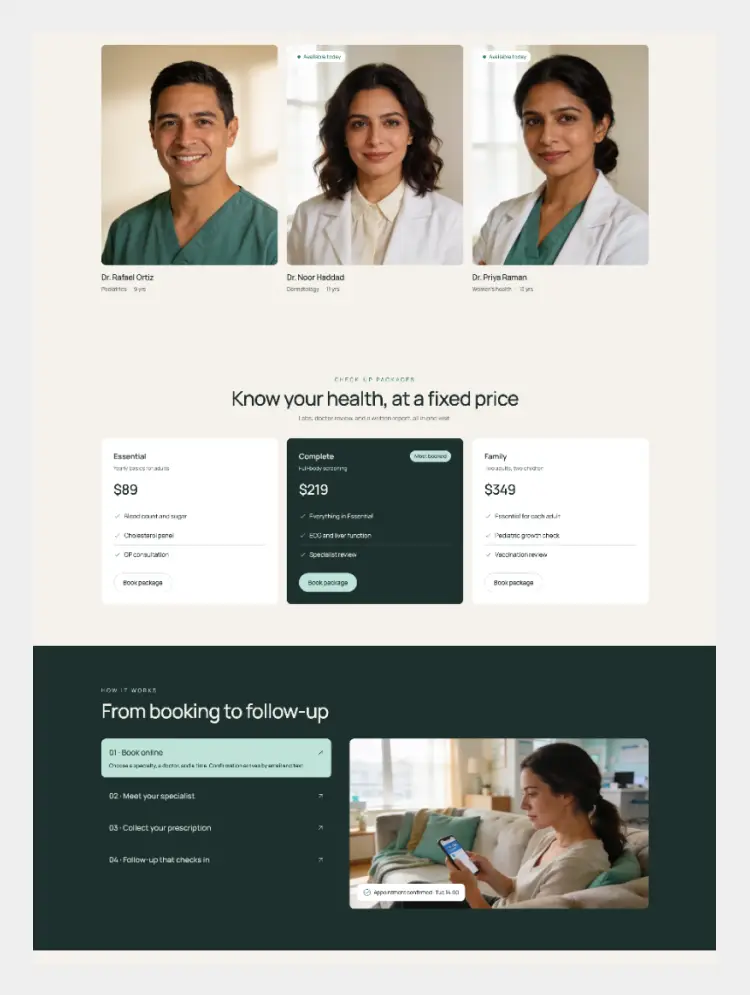
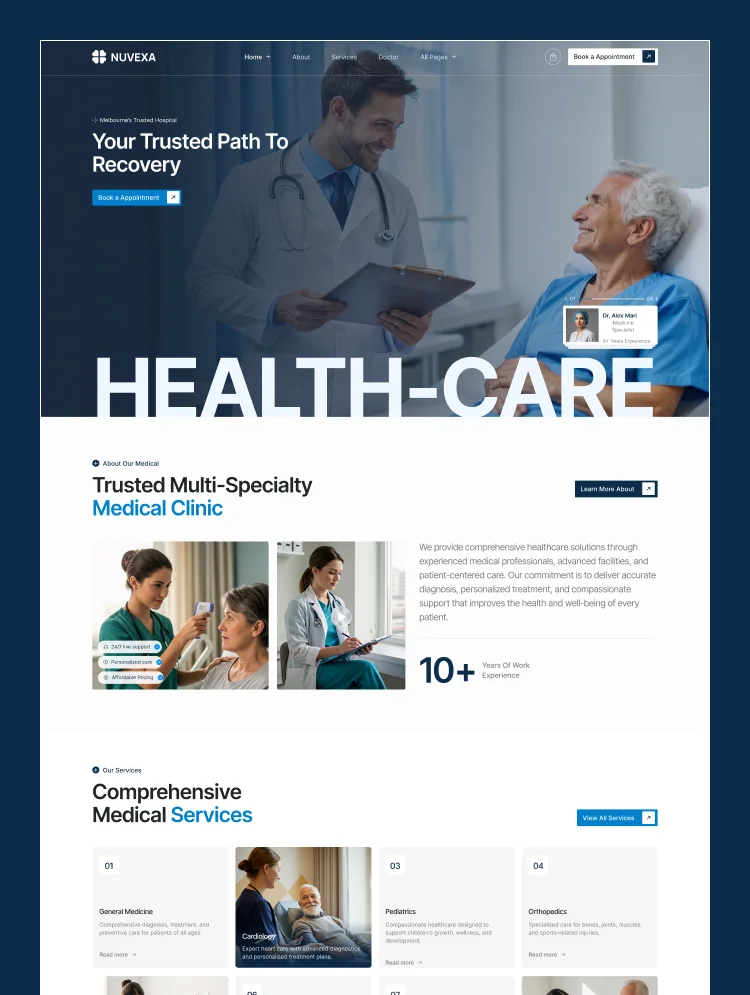
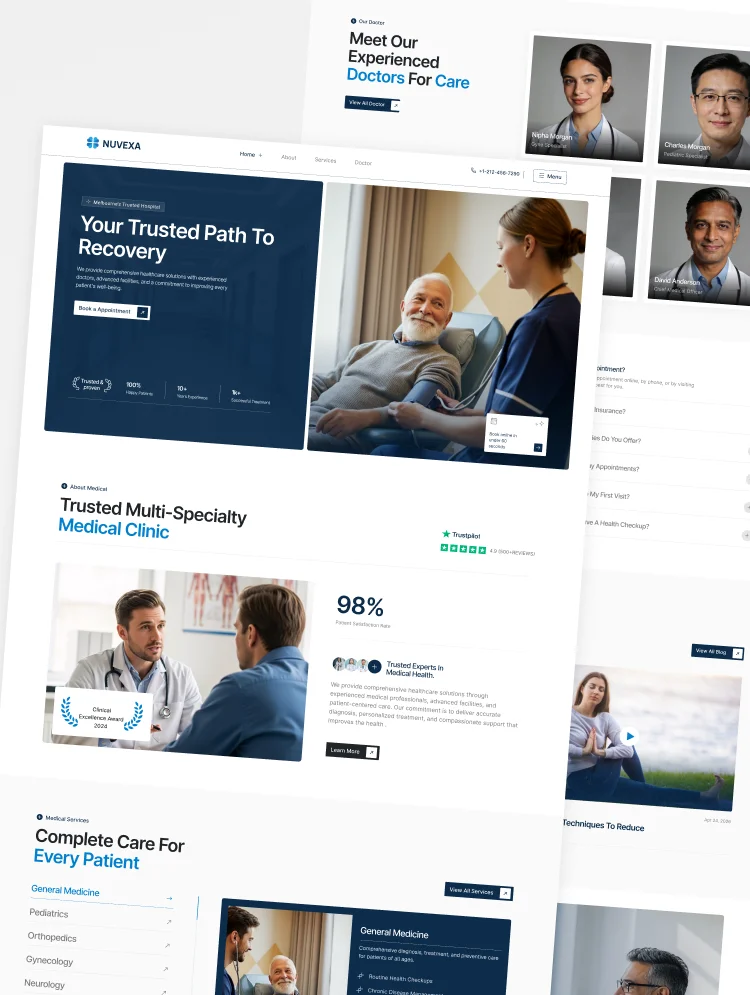
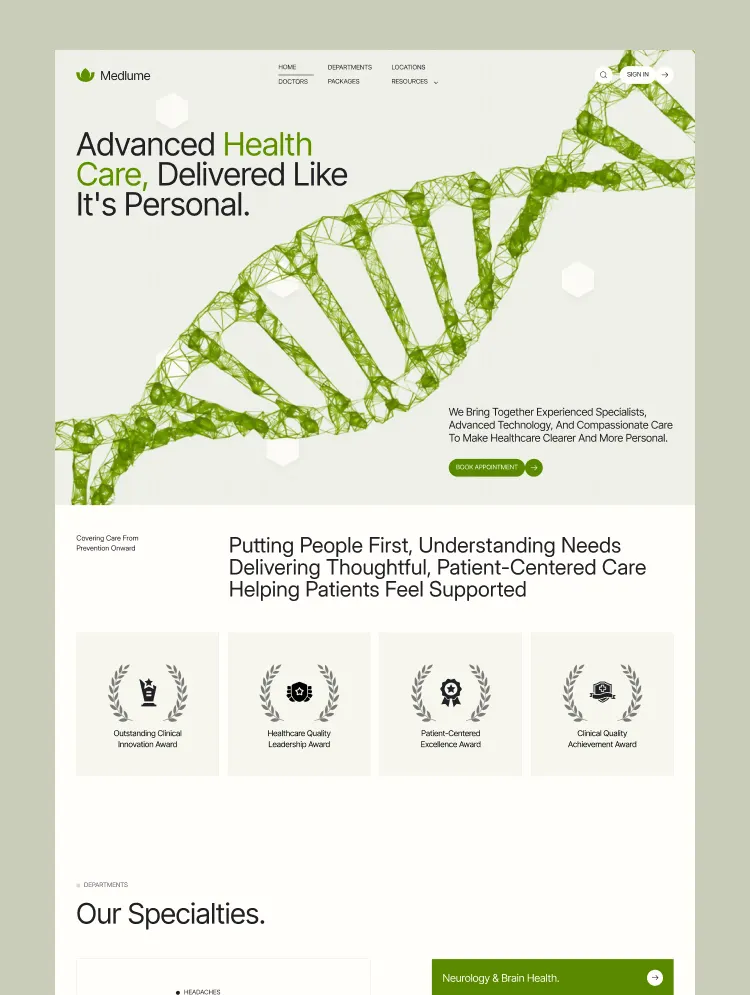
Medlume is a healthcare website template built for hospitals and medical networks. It helps patients find the right doctor, explore departments and health packages, check locations and insurance details, and book appointments easily.
Medlume is a Webflow website template for hospitals, medical centers, clinics, and healthcare networks that need more than a simple corporate website.
It is designed around the questions patients usually have before they decide where to receive care: Which department should I visit? Which doctor is right for me? Where is the nearest location? What does a health package include? Is my insurance accepted? How do I book an appointment?
Medlume brings those answers together in one clear, patient-friendly experience.
The website gives visitors several ways to move forward depending on what they already know.
Patients can explore medical departments, browse doctor profiles, review health packages, check hospital locations, read insurance information, or go directly to appointment booking.
Department pages can explain the conditions a specialty handles, available evaluations and treatments, relevant doctors, and where that care is available. Doctor profiles give patients more context before booking, with space for qualifications, experience, specialties, treatments, certifications, locations, and patient feedback.
Medlume includes dedicated layouts for the information a hospital or healthcare network needs to manage publicly, including:
The Health Insights section also gives healthcare teams a place to publish useful content around symptoms, conditions, prevention, treatment, wellness, and other patient questions.
Appointment booking is treated as part of the patient journey, not just another contact form.
Visitors can move from a department or doctor to the booking process, choose the care they need, select a location, and continue toward an appointment without having to search through unrelated pages.
That same approach is carried throughout the template. Important information such as doctors, departments, locations, health packages, insurance, and booking options is kept easy to reach so patients can make decisions with less friction.
Healthcare decisions are personal. Medlume uses a clean, calm visual direction with generous spacing, clear content hierarchy, and focused calls to action so important information is easier to understand.
The layouts also give hospitals room to show the things patients look for before choosing care: medical expertise, doctor qualifications, available specialties, locations, patient experiences, care standards, and practical information about their visit.
Medlume includes reusable styles and structured CMS content to make ongoing updates easier as doctors, departments, packages, articles, or locations change.
A dedicated Style Guide helps keep the visual system consistent, while the Instructions page explains the custom GSAP setup used for animations so the interactions can be managed more confidently during customization.
Whether you are building a website for a hospital, specialty medical center, diagnostic facility, or multi-location healthcare network, Medlume gives you a strong starting point for creating a website that feels useful to patients from the first visit.
Can only be used by you or one client for one end product. You cannot resell or redistribute this template in its original or modified state.
This template is free to use in both person and commercial projects. You cannot resell, redistribute, or license this template in its original or modified state.
Questions about this template? Just reach out to the template designer and they will get back to you within 2 business days.
For advanced design guidance, please share your questions in the Webflow Forum or reach out to a Webflow Partner.
Share your feedback by leaving a comment below.
For template support, please check the Support tab.

Use the Preview in Designer option to make any edits to the template pages and preview how the layout would fit your content. Changes in preview mode won't be saved.
It isn't possible to apply a template to an already existing project. Instead, you'll need to create a new project based on the Template.
With a Core plan (or higher), you can export sites you build in Webflow, including templates, to host them anywhere you'd like.
Webflow templates are only available for purchase through Workspaces and legacy individual accounts.
CMS templates are designed to use the power of the Webflow CMS. It is possible to downgrade to a Basic Site Plan as long as all CMS content is deleted from the project.
Use the View Connections tool to understand where the CMS content is on the site and delete any dynamic listings and CMS content. We also recommend you to check Components and the Collection page Templates.
Ecommerce templates are designed to use the power of Webflow Ecommerce. It is not possible to remove Ecommerce from a template, however, deleting all Ecommerce Products and Categories from the project, will allow to select a lower Site Plan.
Membership templates are designed to use the power of Webflow Membership. It is not possible to remove Memberships from a template.
.svg)


Reposition and resize items anywhere within the grid to produce powerful, responsive layouts — faster and without code.
Build your lead lists and subscriber base with beautiful forms.
Comes with animations and interactions for additional polish and usability.