Trusted by teams at






Manifold is a lead generation website template for plumbers, plumbing contractors and home services trades. 19 page layouts, eight CMS collections, flat-rate pricing (starting prices on every card of the Services page), draggable before and after sliders, and GSAP motion that respects reduced motion preferences.
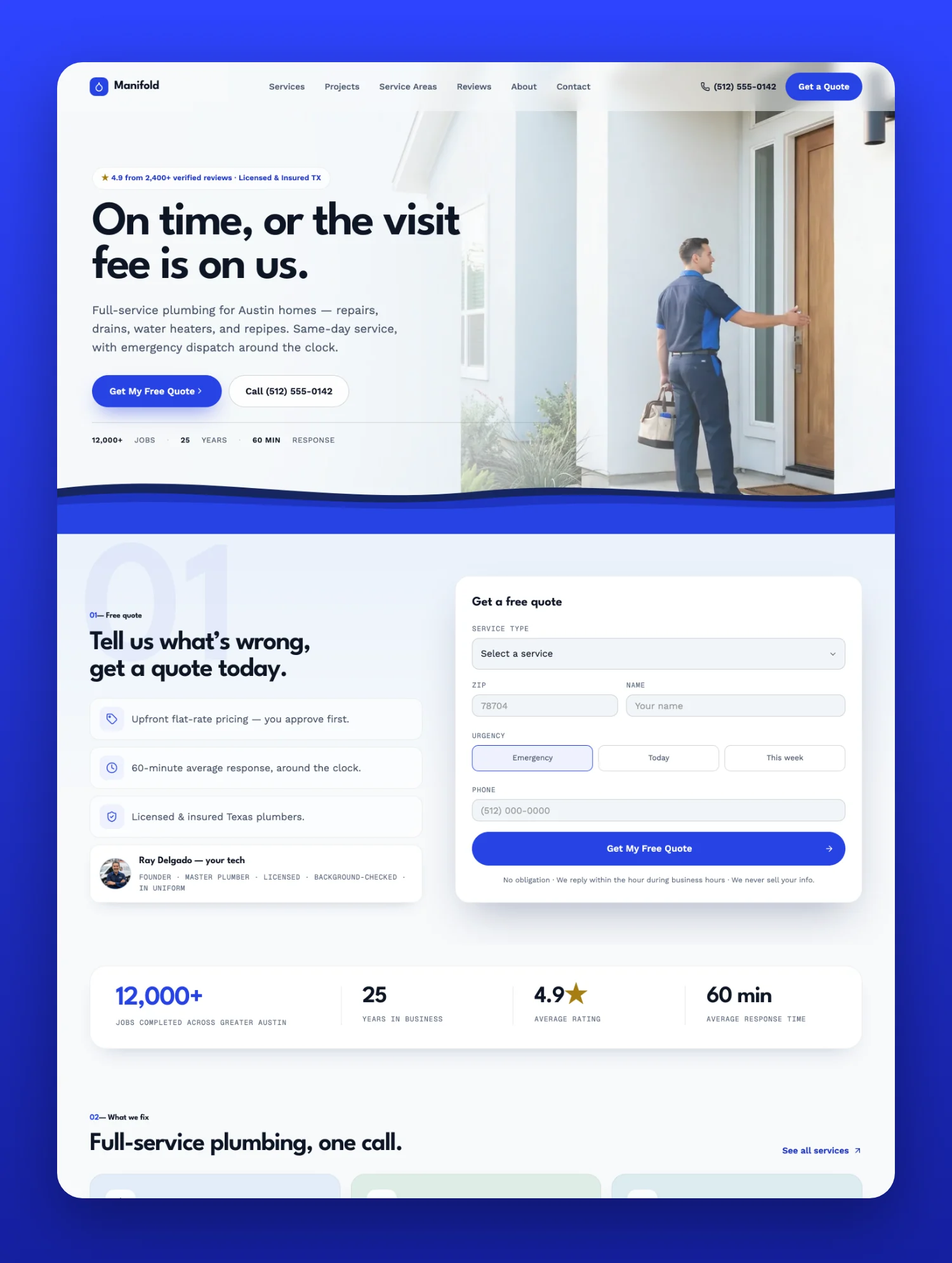
Manifold is a lead generation website template built for plumbers, plumbing contractors, plumbing companies, and trade businesses that win jobs on trust rather than on price.
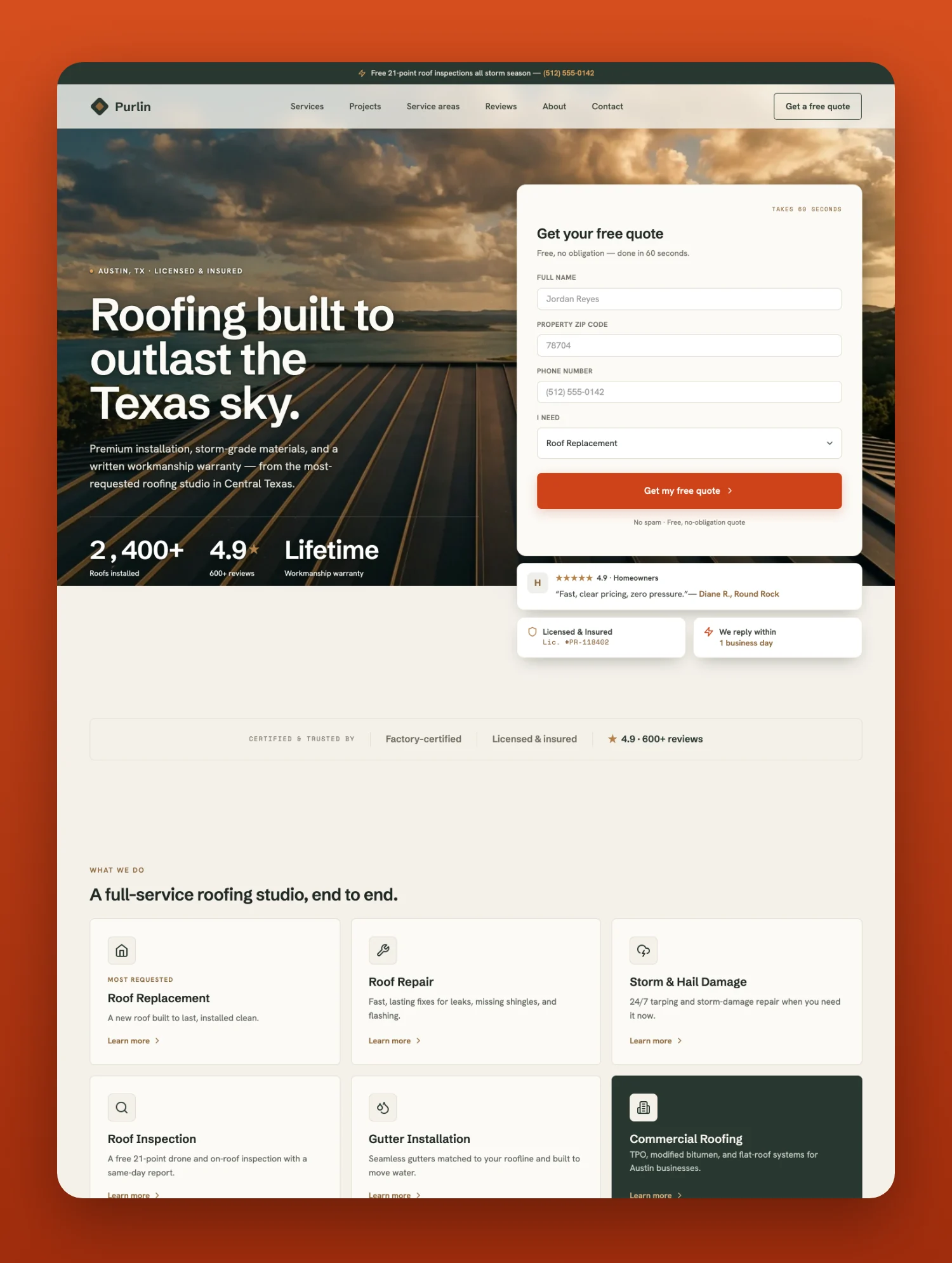
Built to convert. A quote button and the phone number sit in the first screen, with the quote form right below the hero, so an emergency caller and a planner both get what they came for. Flat rate pricing, a 2 year workmanship warranty, financing, and verified review scores are surfaced on the Home page and every service page. Those are the exact signals a homeowner checks before they call a plumber, and putting them in the layout rather than in a paragraph is most of what this template does for you.
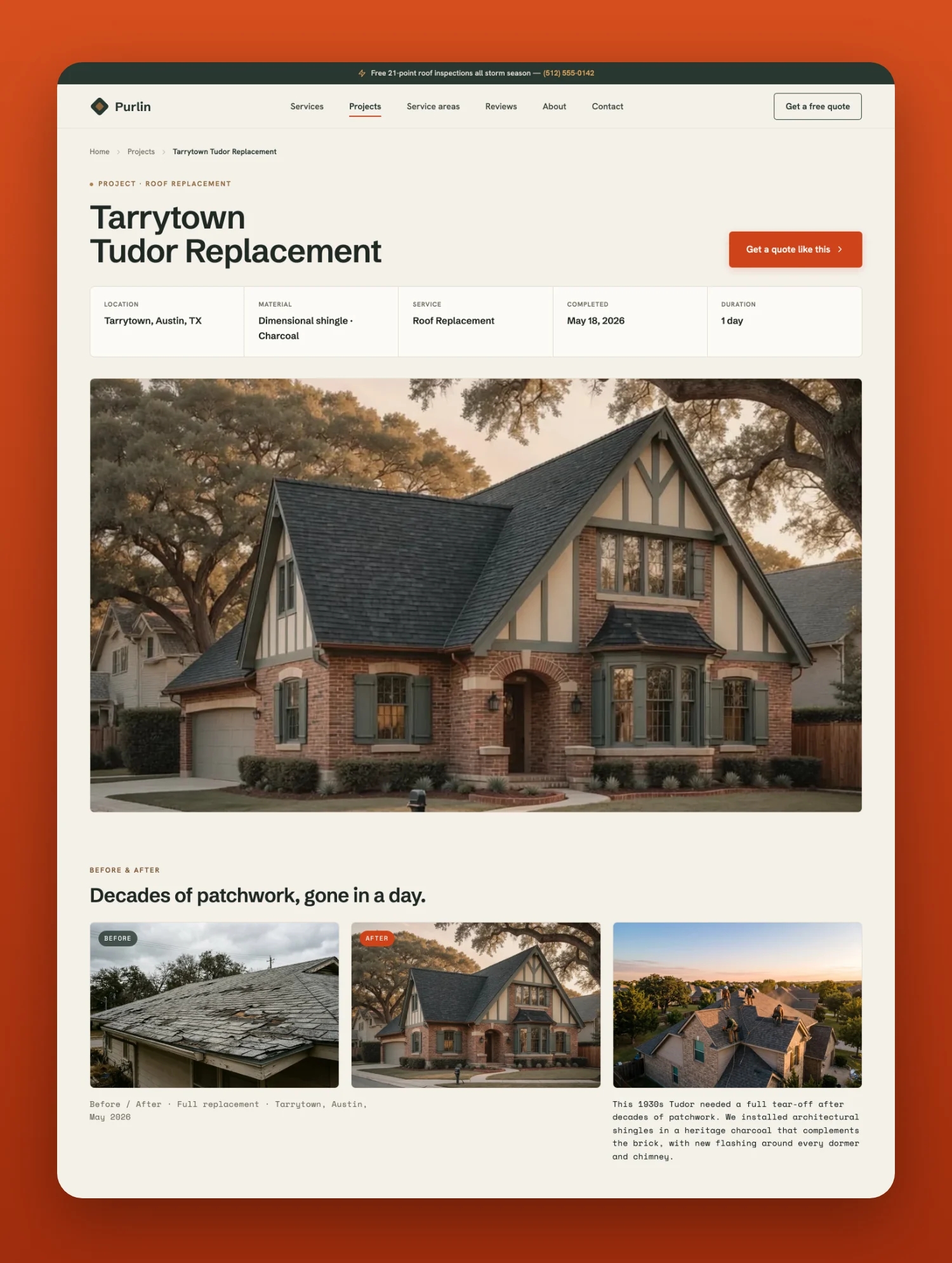
Real service pages, not filler. Six service detail pages cover emergency plumbing, drain cleaning, leak detection, water heaters, repipe work, and sewer line work. Every one is written out in full, so you can launch with real copy instead of lorem ipsum. Documented before and after project sliders are draggable and GSAP powered. There is a review wall with third party ratings, service area pages with local stats, and a written blog of eight posts.
Fast and calm motion. All animation is GSAP: scroll reveals, count ups, a hero crossfade, a marquee, and smooth FAQ accordions, and it respects reduced motion preferences. Every animation is documented in a full How to Edit GSAP Animations element map, so you can retime it, restyle it or remove it without opening the code.
Easy to make yours. Variables drive colours, type and spacing. Components power the navbars, the CTA bands and the cards, and six small contact components (phone, email, street address, city and state, license number, opening hours) update every page from one place. Eight CMS collections (Services, Projects, Service Areas, Reviews, Blog Posts, FAQs, Team Members, Certifications) feed the site, and the Home page lists follow simple Show on Home and Order fields. The Docs page starts with a 15 step rebrand checklist, lists every CMS field and what shows when it is empty, names every script and version, and has a replacement map of every demo value (logo, phone numbers, license number, numbers, service names, claims, prices, SEO and Open Graph) so nothing placeholder ships by accident. Every photo slot arrives with AI-generated photos, ready to replace with the client's own jobs.
19 page layouts (15 pages plus 4 CMS detail templates): Home, Services plus six service detail pages, Projects plus a project detail page, Service Areas plus a service area detail page, Reviews, About, Contact, Blog plus a blog post page, Docs, Style Guide, Licenses, Changelog, Privacy Policy, Terms of Service, and a custom 404.
Features - GSAP powered animations, reduced motion aware - Variables driven design system for colours, type and spacing - Component based navbars, CTA bands, cards and contact details - Eight CMS collections wired across the site, with Show on Home and Order fields for the Home lists - Flat-rate pricing with starting prices on every card of the Services page, and a financing disclosure block - A 15 step rebrand checklist, a CMS field guide and a replacement map of every demo value - AI-generated photos, ready to replace with your own - SEO and Open Graph settings filled in on every page - Fully responsive across desktop, tablet and mobile This template is best for: Plumbers, plumbing companies, plumbing contractors, emergency plumbing services, 24 hour plumbers, drain cleaning services, drain and sewer companies, leak detection specialists, water heater installation and repair companies, tankless water heater installers, repipe specialists, sewer line services, trenchless sewer repair companies, backflow testing services, bathroom and kitchen remodeling plumbers, commercial plumbing services, residential plumbing services, HVAC companies, heating and cooling businesses, septic services, well and pump services, home services companies, general contractors, and any local trade that sells booked appointments.Can only be used by you or one client for one end product. You cannot resell or redistribute this template in its original or modified state.
This template is free to use in both person and commercial projects. You cannot resell, redistribute, or license this template in its original or modified state.
Questions about this template? Just reach out to the template designer and they will get back to you within 2 business days.
For advanced design guidance, please share your questions in the Webflow Forum or reach out to a Webflow Partner.
Share your feedback by leaving a comment below.
For template support, please check the Support tab.

Use the Preview in Designer option to make any edits to the template pages and preview how the layout would fit your content. Changes in preview mode won't be saved.
It isn't possible to apply a template to an already existing project. Instead, you'll need to create a new project based on the Template.
With a Core plan (or higher), you can export sites you build in Webflow, including templates, to host them anywhere you'd like.
Webflow templates are only available for purchase through Workspaces and legacy individual accounts.
CMS templates are designed to use the power of the Webflow CMS. It is possible to downgrade to a Basic Site Plan as long as all CMS content is deleted from the project.
Use the View Connections tool to understand where the CMS content is on the site and delete any dynamic listings and CMS content. We also recommend you to check Components and the Collection page Templates.
Ecommerce templates are designed to use the power of Webflow Ecommerce. It is not possible to remove Ecommerce from a template, however, deleting all Ecommerce Products and Categories from the project, will allow to select a lower Site Plan.
Membership templates are designed to use the power of Webflow Membership. It is not possible to remove Memberships from a template.
.svg)


Build your lead lists and subscriber base with beautiful forms.
Comes with animations and interactions for additional polish and usability.