

No items found.

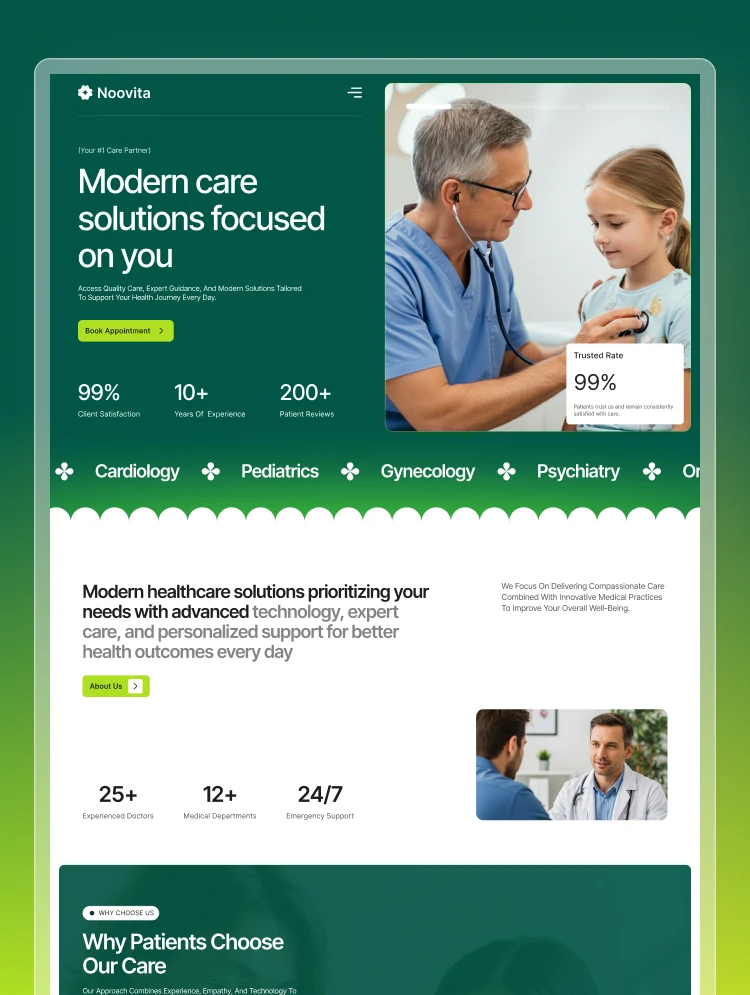
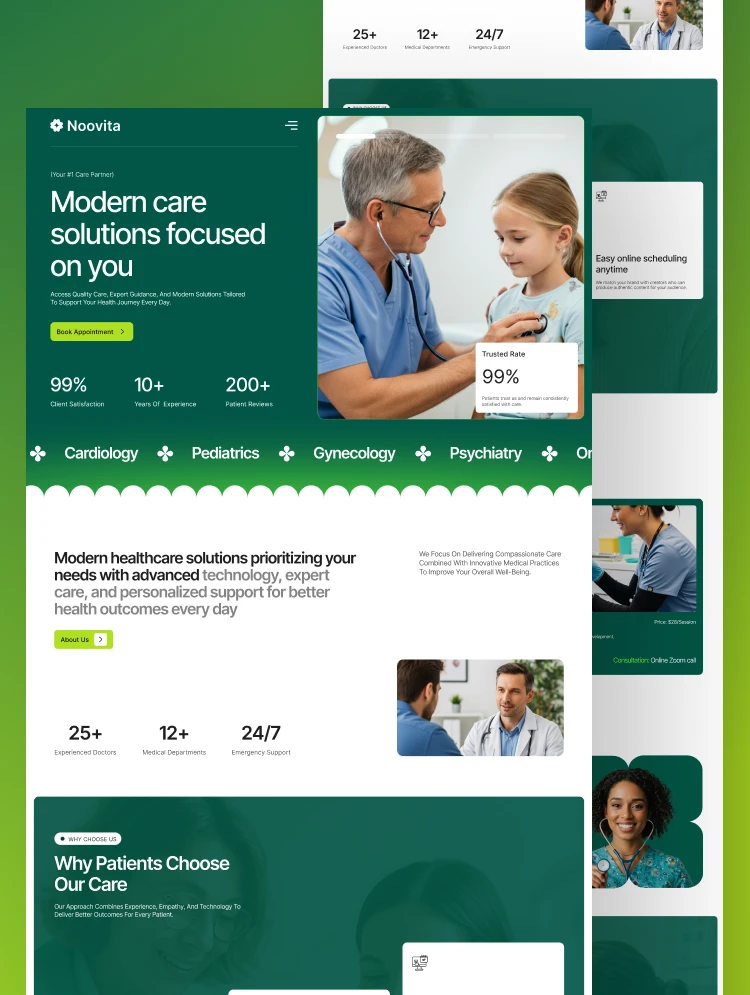
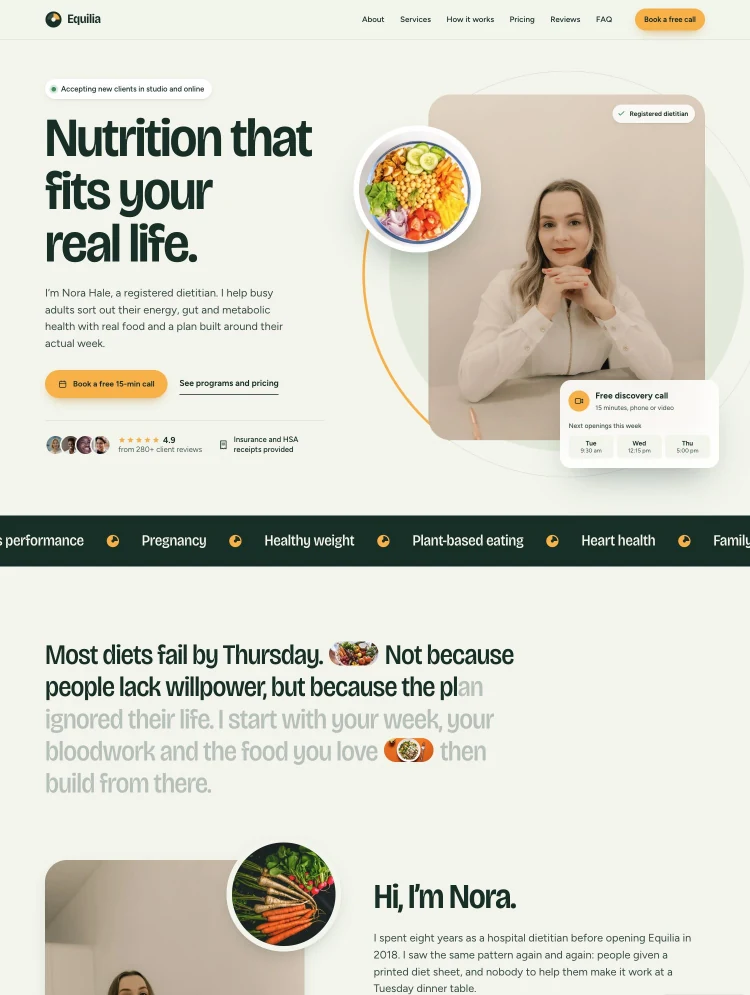
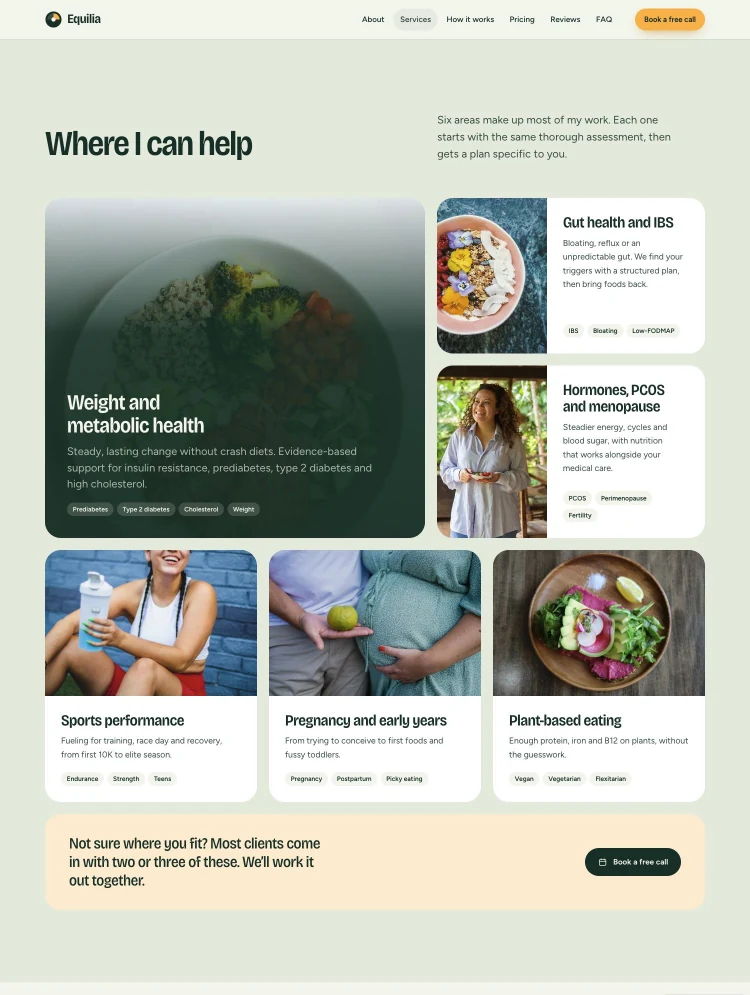
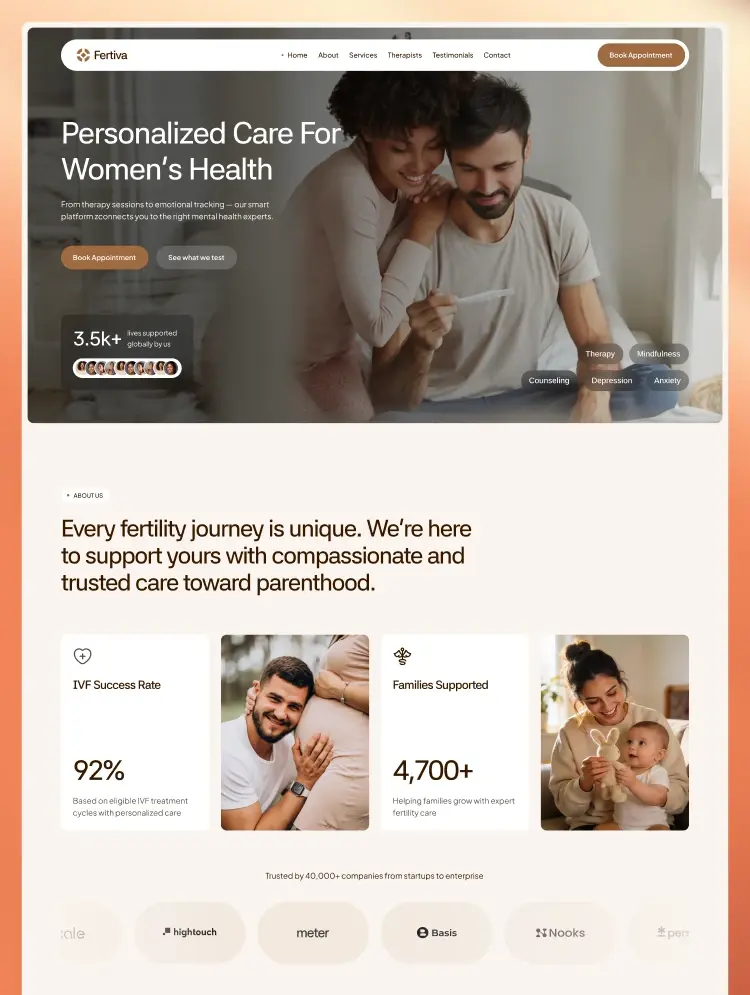
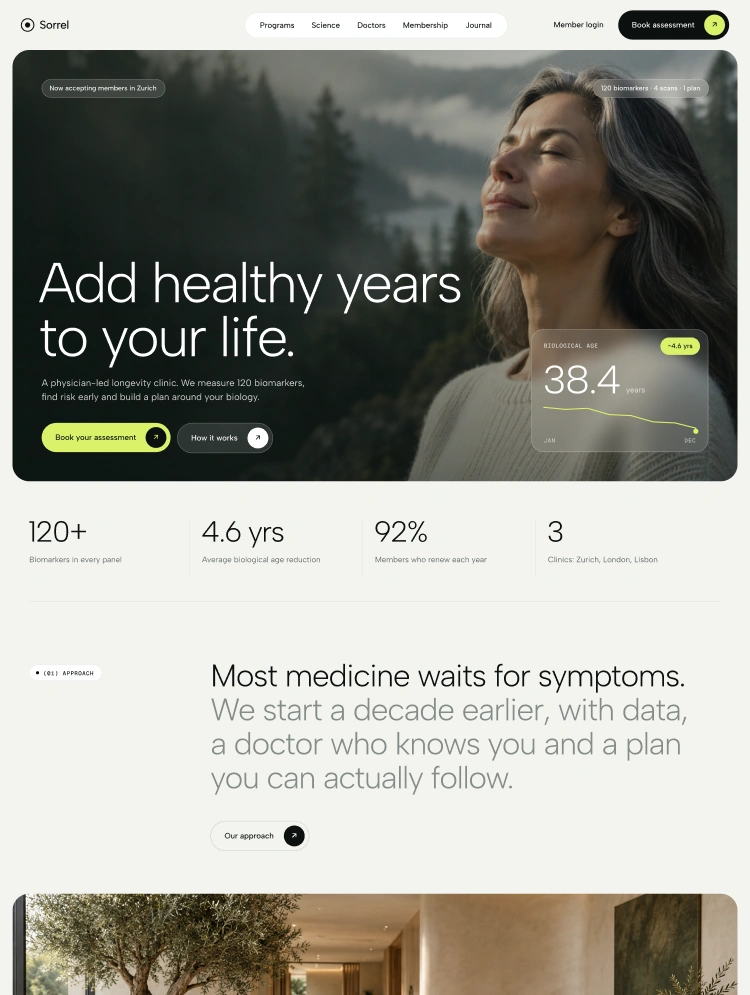
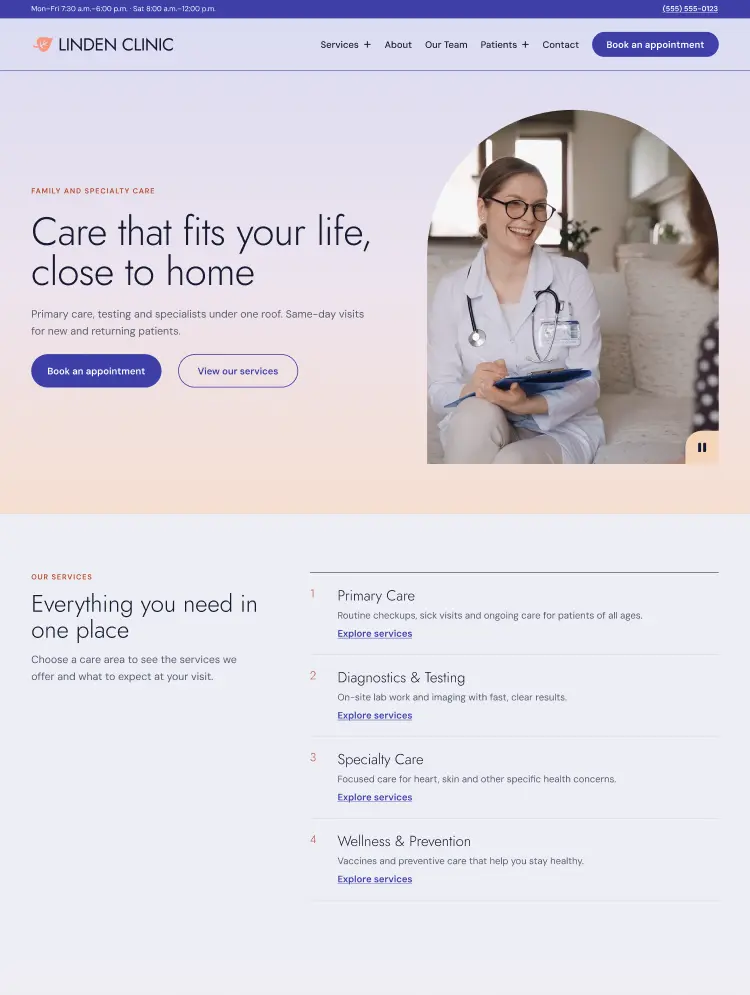
Linden Clinic is a healthcare site for single- and multi-provider practices. Light colors, smooth GSAP animations, and CMS based services and articles.

Linden Clinic — Webflow template for medical clinics

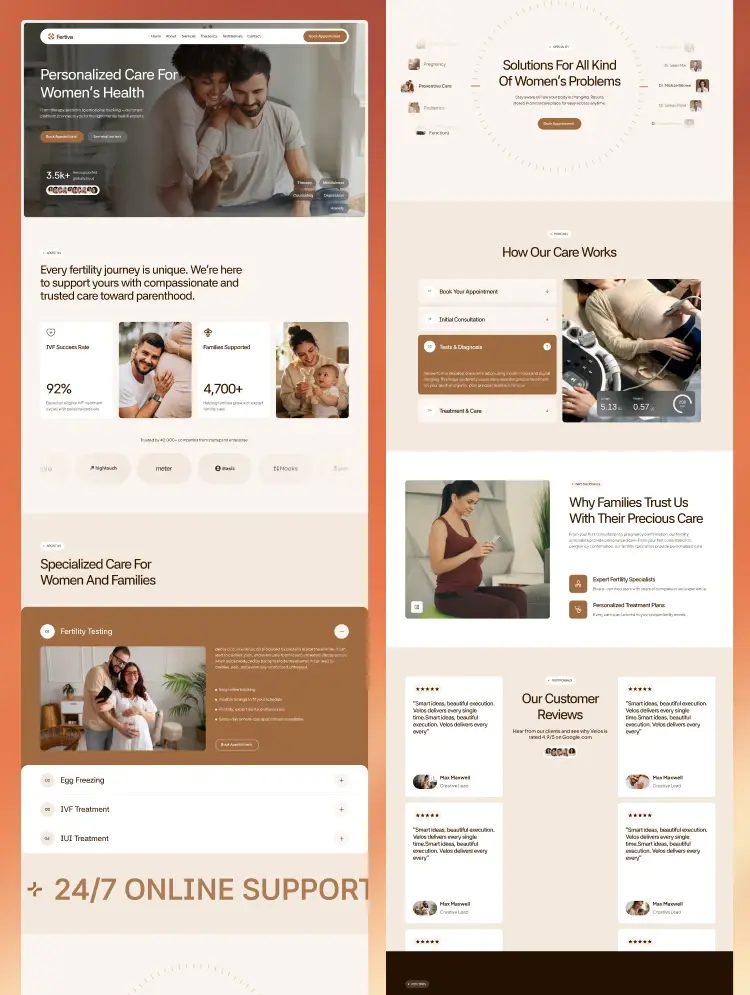
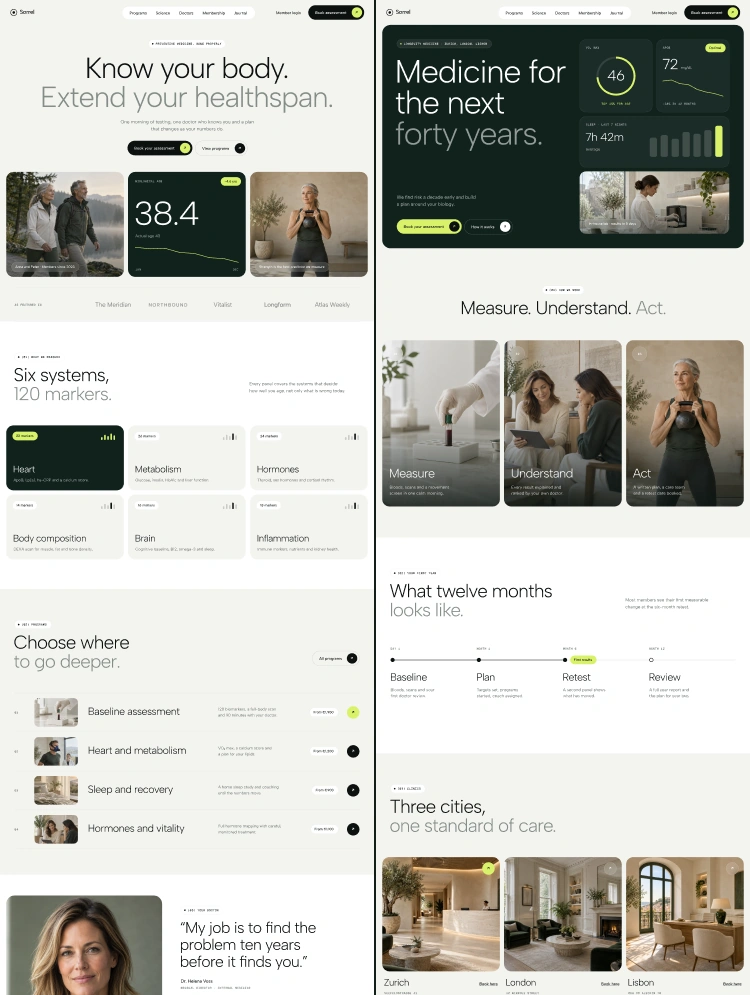
Linden Clinic is a warm, modern template for family and specialty clinics. It is structured like a real practice website: Care areas in a services mega menu, provider profiles, patient forms, insurance information, health articles, and an appointment request form. Soft gradients, arched images, and a calm background video give the clinic a friendly first impression.


It is built only with native Webflow tools and uses no custom code. You can edit every part of it in the Designer.


Key features

  • Services mega menu that opens on hover, with an animated plus icon
  • Home hero with a background video and a pause and play button
  • Care areas, services and articles in the CMS, with filled demo content
  • A provider team page with six profiles
  • Patient information page: forms, what to bring, insurance plans and an FAQ
  • Appointment request form with custom success and error messages
  • A mobile action bar with book, directions, and call buttons
  • A testimonials slider and an FAQ accordion on native details and summary elements
  • Global variables for color, fonts, text size, spacing, and radius, with tablet and mobile modes
  • Reusable components: navbar, footer, booking CTA, mobile action bar and cookie notice
  • Smooth GSAP interactions, with reduced-motion support
  • Built with accessibility in mind: skip link, visible focus states, labeled controls, and color contrast that meets WCAG AA
  • SEO title, description, and Open Graph image on every page
  • Original AI-generated photos, licensed for commercial use

Perfect for: family and primary care practices, specialty clinics, multi-provider practices, diagnostics and lab services, wellness clinics, and agencies that build websites for healthcare clients.


Pages included

  • Home, About, Our Team, Services, Contact
  • Patient Information, Patient Education
  • Directory (care area), Service and Article CMS template pages
  • Privacy Policy, Terms of Use, Accessibility
  • 404, Style Guide, Licenses, Changelog, Instructions

Need help? We included an Instructions page in the template that explains how to change colors, fonts, the logo, the video, the CMS content, and the forms.


Clean, easy-to-use template

  • No custom code: Native Slider, Background Video, Forms, Navbar, and Dropdown elements
  • Variables (Color, Font, Text Size, Space, Radius), with Base, Tablet, Mobile Landscape, and Mobile Portrait modes
  • One class naming format to keep things clean and easy to read
  • Components: Navbar (mega menu), Footer, Booking CTA, Mobile Action Bar, Cookie Notice
  • Tag styles for body, h1–h6, p and a, all bound to variables
  • Appointment request form with descriptive form and field names, labels on every field, and custom success and error messages
  • Responsive on desktop, tablet, and mobile, with no sideways scroll at 375, 768, and 1440 px


Interactions (GSAP, IX3)

  • Hero heading load, section header reveals, fade-up cards and image reveals
  • A care-journey line that draws as you scroll
  • Nav plus icon turns into a minus on hover; FAQ plus turns into a minus on click; burger turns into an X
  • Sentence-case names, durations from 250 to 800 ms, and reduced motion skips to the end state


Accessibility

  • Built from the ground up with accessibility in mind
  • Skip link, one H1 per page, logical heading order, semantic landmarks, sufficient color contrast
  • Visible focus states, keyboard-friendly menus, native details and summary FAQ
  • Pause and play control on the hero video
  • Alt text on every content image


Content and assets

  • Original AI-generated photos (Nano Banana Pro on fal.ai), licensed for commercial use
  • Background video made from three Pexels clips (free for commercial use)
  • Custom logo, leaf mark, and icons; Jost and DM Sans from Google Fonts (SIL Open Font License)
  • Every image is 150 KB or less, with width and height set; eager loading above the fold, lazy loading below the fold


SEO

  • Unique title (under 60 characters) and meta description (150–160 characters) on every page, including the CMS templates
  • Open Graph image (1200 × 630) on every page


Show more
Single Use License

Can only be used by you or one client for one end product. You cannot resell or redistribute this template in its original or modified state.

Free License

This template is free to use in both person and commercial projects. You cannot resell, redistribute, or license this template in its original or modified state.

Infinite Designs supports this template
Designed by Infinite Designs

Questions about this template? Just reach out to the template designer and they will get back to you within 2 business days.

For advanced design guidance, please share your questions in the Webflow Forum or reach out to a Webflow Partner.

Loving this template?

Share your feedback by leaving a comment below.

For template support, please check the Support tab.

Is there a template demo available?

Use the Preview in Designer option to make any edits to the template pages and preview how the layout would fit your content. Changes in preview mode won't be saved.

Can templates be used in existing projects?

It isn't possible to apply a template to an already existing project. Instead, you'll need to create a new project based on the Template.

Can templates be exported?

With a Core plan (or higher), you can export sites you build in Webflow, including templates, to host them anywhere you'd like.

How to purchase a template from a legacy team account?

Webflow templates are only available for purchase through Workspaces and legacy individual accounts.

How to remove the CMS functionality from a template?

CMS templates are designed to use the power of the Webflow CMS. It is possible to downgrade to a Basic Site Plan as long as all CMS content is deleted from the project.

Use the View Connections tool to understand where the CMS content is on the site and delete any dynamic listings and CMS content. We also recommend you to check Components and the Collection page Templates.

How to remove the Ecommerce functionality from a template?

Ecommerce templates are designed to use the power of Webflow Ecommerce. It is not possible to remove Ecommerce from a template, however, deleting all Ecommerce Products and Categories from the project, will allow to select a lower Site Plan.

How to remove the Memberships functionality from a template?

Membership templates are designed to use the power of Webflow Membership. It is not possible to remove Memberships from a template.

Subcategory
Doctor
Doctor
Health & Nutrition
Health & Nutrition
Features
CMS
CSS Grid

Reposition and resize items anywhere within the grid to produce powerful, responsive layouts — faster and without code.

CMS
Forms

Build your lead lists and subscriber base with beautiful forms.

CMS
Interactions

Comes with animations and interactions for additional polish and usability.

Related Tags

Similar templates

Browse all

You might also like

Browse all
No items found.

More by Infinite Designs

All templates by Infinite Designs
No additional items found.
Doctor
Health & Nutrition