Trusted by teams at






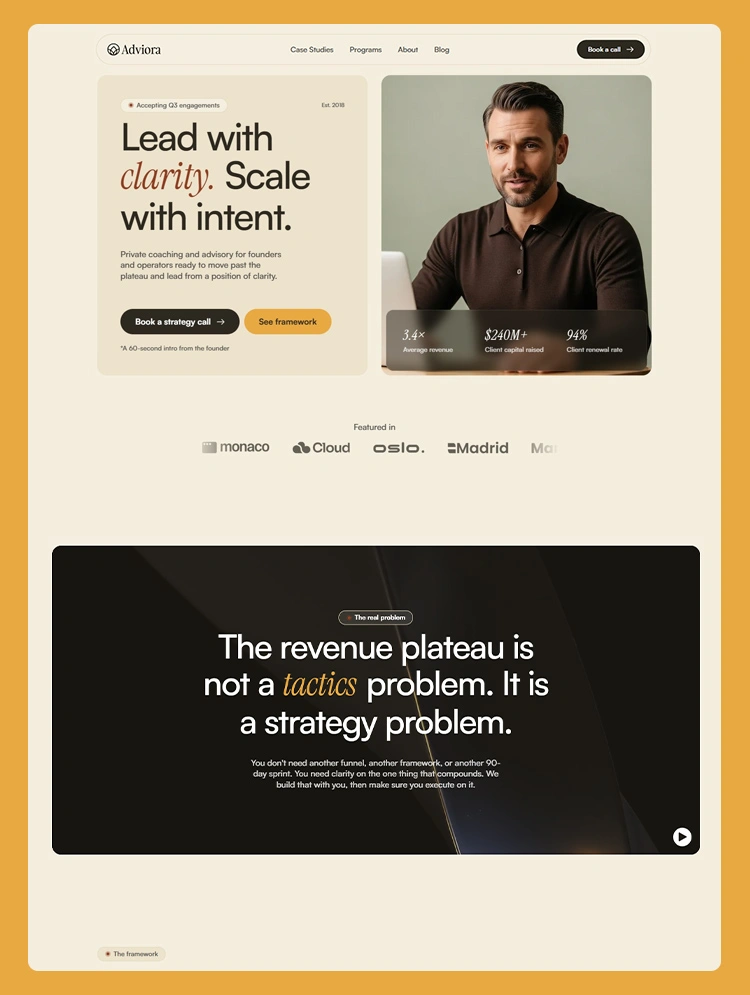
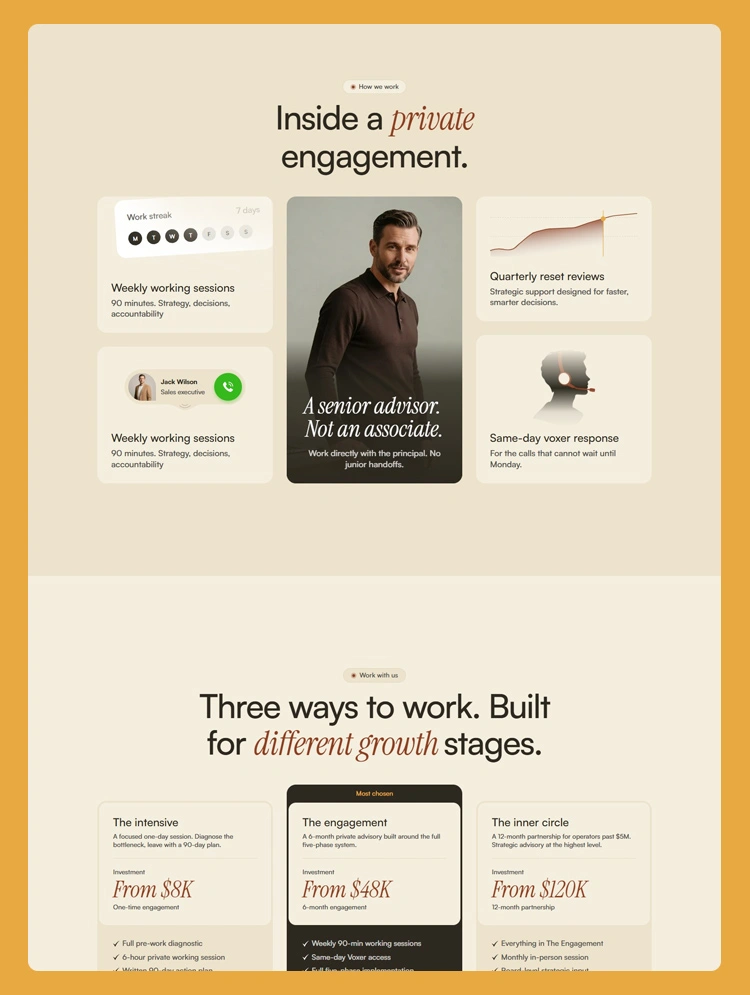
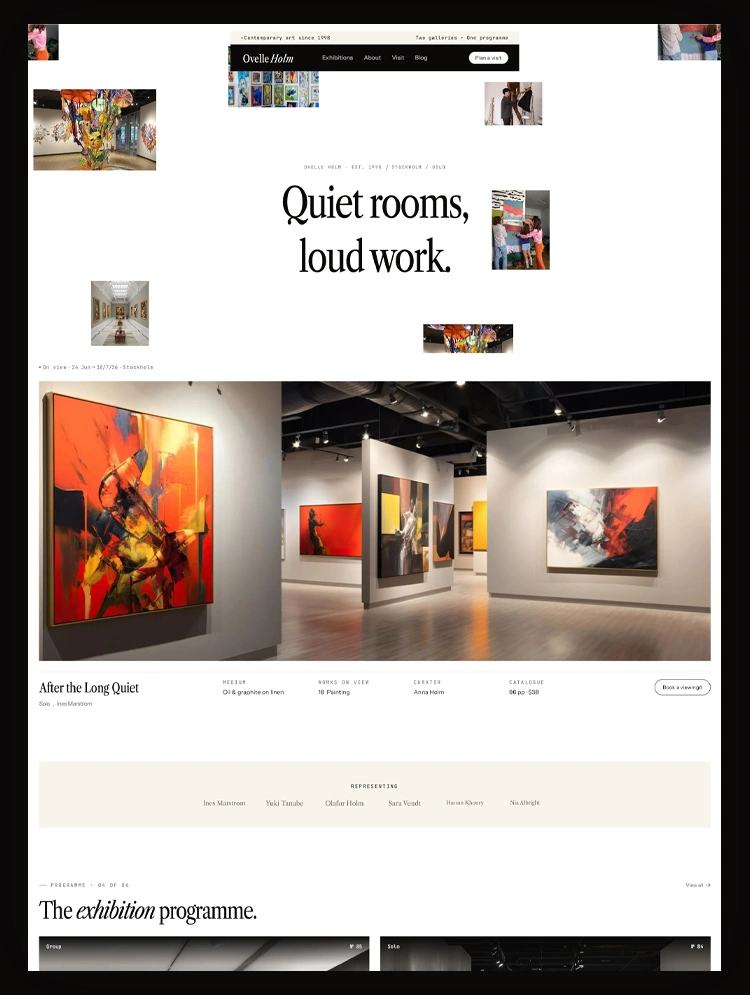
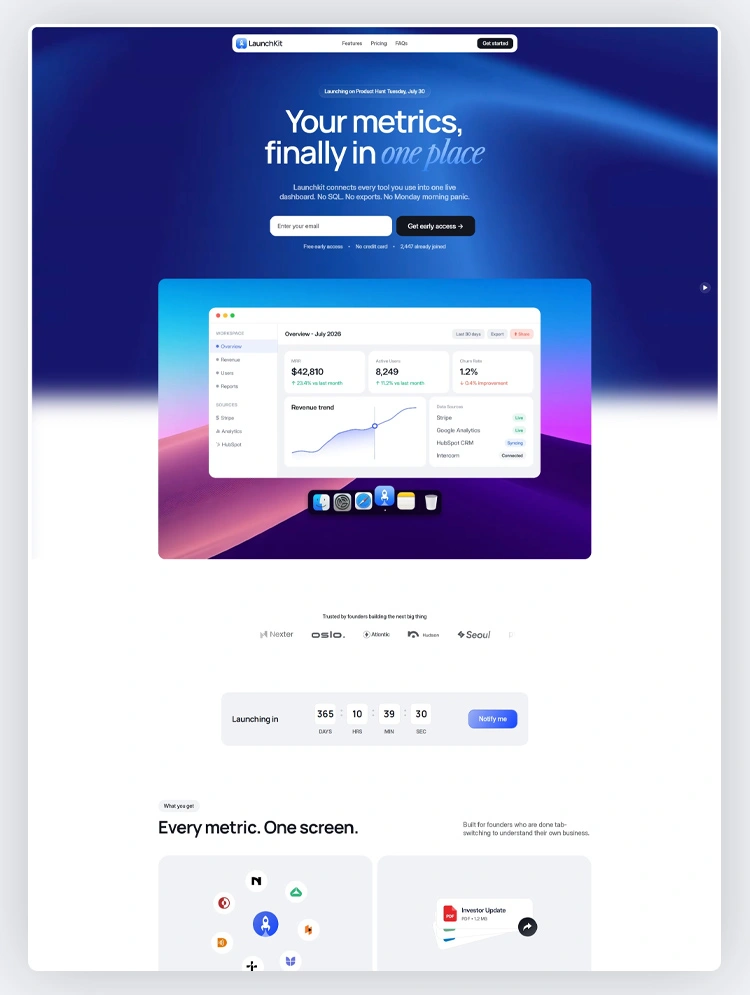
LaunchKit is a Webflow template for SaaS startups, AI products, and software companies. It covers the full product journey with waitlist, pre-launch, post-launch, roadmap, and changelog, so your site grows with the product instead of getting replaced
Most SaaS templates give you one landing page. That works for a week. Then you launch, and suddenly you need a different page, a roadmap, a place to post updates, and you are back to square one designing a new site while trying to run a product.
LaunchKit solves that by covering the whole journey in one template. Each page has a job: the waitlist page collects early signups and proves demand before you ship, pre-launch builds interest around upcoming features, post-launch introduces the live product and converts visitors into users, the roadmap page shares what is coming next, and the changelog keeps release notes in one place. About, Contact, Privacy Policy, and 404 round it out. Whether you are prepping a Product Hunt launch or posting on BetaList, Indie Hackers, or Reddit, the site stays consistent from day one. The structure also fits AI tools, developer tools, no-code platforms, API products, and B2B software with nothing more than a content swap.
Webflow gives you full control without a developer on the team. Drop in your branding, product screenshots, and copy through the visual editor, then publish. Most founders can have this live in a day.
LaunchKit fits founders who know their site will need to change as the product does. Instead of buying a landing page now and a full site later, you get both in one place. The waitlist and pre-launch pages carry you through validation, and the post-launch, roadmap, and changelog pages take over once you ship. For a small startup team, that saves a rebuild you would otherwise hit within a couple of months.
SaaS startup, AI startup, software product, software platform, B2B SaaS, AI SaaS, productivity app, developer tool, no-code platform, API product, cloud software, project management software, CRM software, workflow automation tool, HR software, marketing software, analytics platform, cybersecurity software, customer support platform, collaboration tool, data platform, mobile app product, tech startup, startup founder, MVP launch, product launch, beta launch, waitlist page, software company, technology business
Can only be used by you or one client for one end product. You cannot resell or redistribute this template in its original or modified state.
This template is free to use in both person and commercial projects. You cannot resell, redistribute, or license this template in its original or modified state.
Questions about this template? Just reach out to the template designer and they will get back to you within 2 business days.
For advanced design guidance, please share your questions in the Webflow Forum or reach out to a Webflow Partner.
Share your feedback by leaving a comment below.
For template support, please check the Support tab.

Use the Preview in Designer option to make any edits to the template pages and preview how the layout would fit your content. Changes in preview mode won't be saved.
It isn't possible to apply a template to an already existing project. Instead, you'll need to create a new project based on the Template.
With a Core plan (or higher), you can export sites you build in Webflow, including templates, to host them anywhere you'd like.
Webflow templates are only available for purchase through Workspaces and legacy individual accounts.
CMS templates are designed to use the power of the Webflow CMS. It is possible to downgrade to a Basic Site Plan as long as all CMS content is deleted from the project.
Use the View Connections tool to understand where the CMS content is on the site and delete any dynamic listings and CMS content. We also recommend you to check Components and the Collection page Templates.
Ecommerce templates are designed to use the power of Webflow Ecommerce. It is not possible to remove Ecommerce from a template, however, deleting all Ecommerce Products and Categories from the project, will allow to select a lower Site Plan.
Membership templates are designed to use the power of Webflow Membership. It is not possible to remove Memberships from a template.
.svg)


Comes with GSAP animations and interactions for additional polish and usability.
Reposition and resize items anywhere within the grid to produce powerful, responsive layouts — faster and without code.
Build your lead lists and subscriber base with beautiful forms.
Comes with animations and interactions for additional polish and usability.