Trusted by teams at






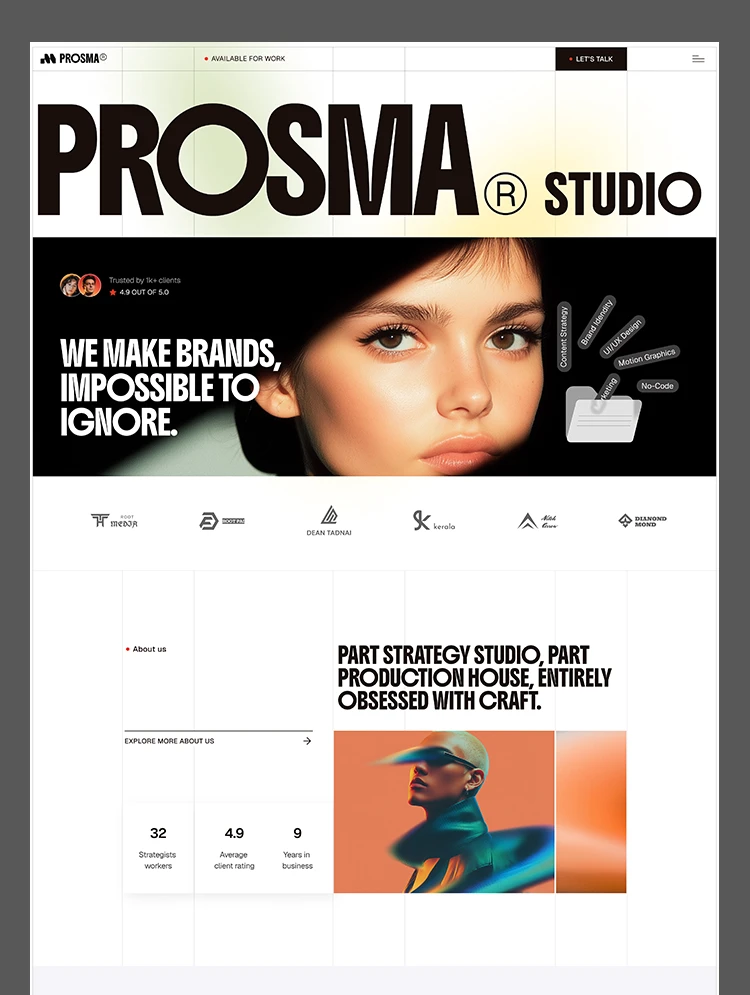
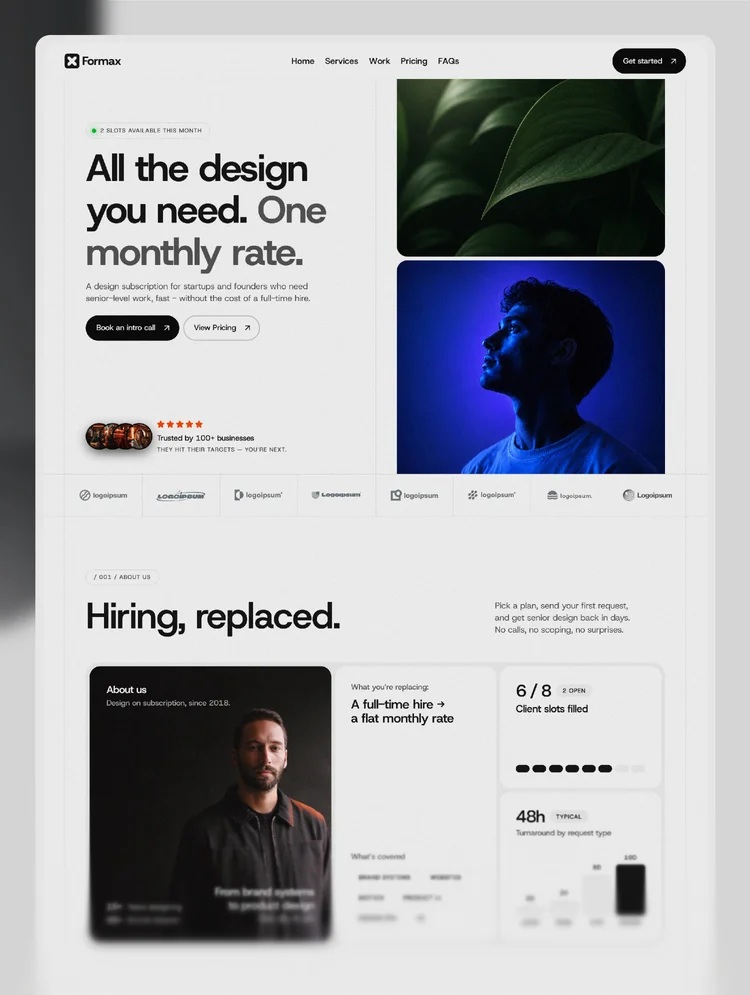
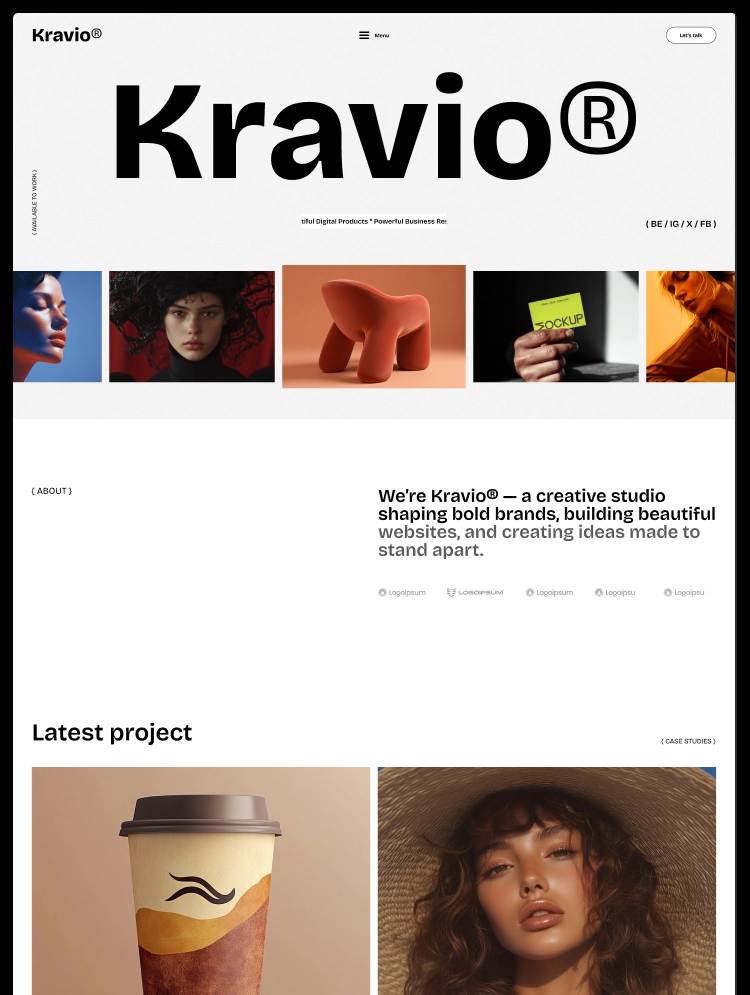
Kravio is a Webflow creative agency template for design studios, branding agencies, and freelancers. Two homepage layouts, CMS-powered projects, services, and blog, plus detailed case study pages, team and awards sections, and a contact form.
A creative studio is judged by its work before anyone reads a word. Kravio is a bold, modern Webflow template built for design studios, branding agencies, digital agencies, and freelancers who need a website that puts their projects front and center and turns visitors into conversations.
Two homepage layouts, a CMS-powered Projects, Services, and Blog system, detailed case study pages, and a complete set of utility pages give you everything you need to present your studio with confidence. Both homepages share one design system and reusable components, so you can pick the direction that fits your brand or mix sections from each.
It is designed for creative studios showcasing client work, branding and web design agencies presenting their services, freelancers building a premium portfolio, and marketing or strategy consultancies that want a polished, credible presence.
Total pages:15+
Homepage layouts:2 (Home One and Home Two)
CMS collections:4 (Projects, Services, Blog, Categories)
Case study pages: Yes, with overview, process, challenge, and solution sections
Team section: Yes
Awards section: Yes
Testimonials: Yes
Animations: Scrolling marquees, logo ticker, video headers, and smooth interactions
Contact or enquiry form: Yes
Reusable components:6+ modern, accessible components
Online store:No
Responsive:Fully responsive across desktop, tablet, and mobile breakpoints
Design system:Global variables, reusable symbols, and consistent styling
Utility pages:Style Guide, Instructions, Changelog, Licenses, 404, Password Protected
Homepage layouts
Home One
Home Two
Main pages
About Us
Projects
Blog
Contact Us
CMS pages
Blog Details
Blog Category
Project Details
Service Details
Project Category
Utility pages
404
Licenses
Changelog
Style Guide
Instructions
Password Protected
Legal pages
Privacy Policy
Terms & Conditions
Two homepage layouts: Choose one or combine both
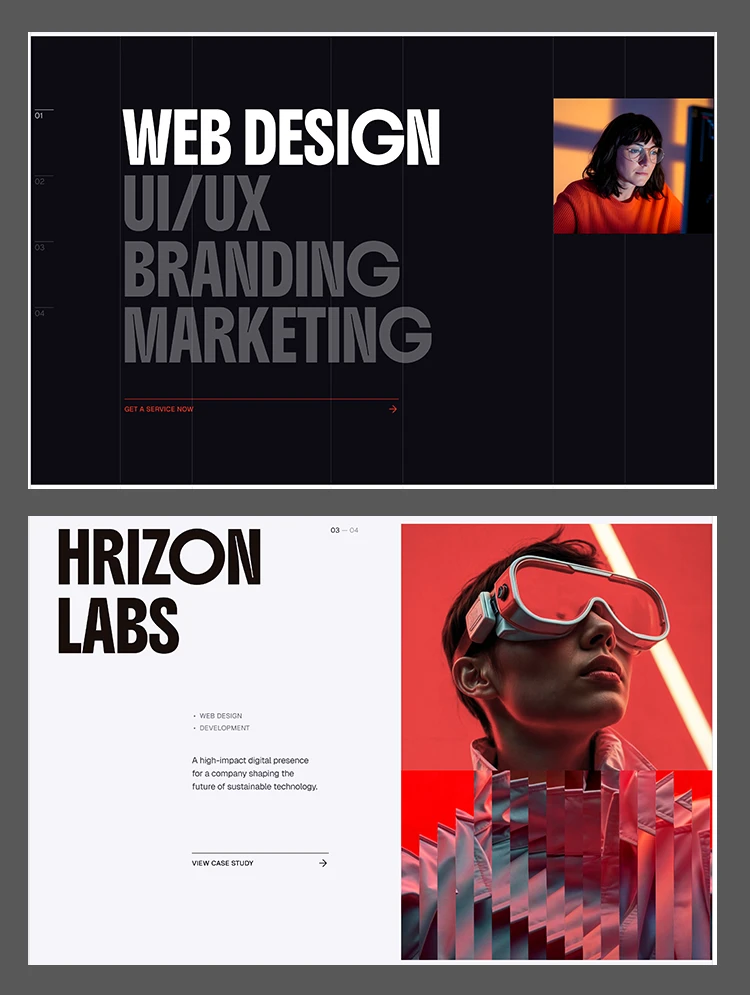
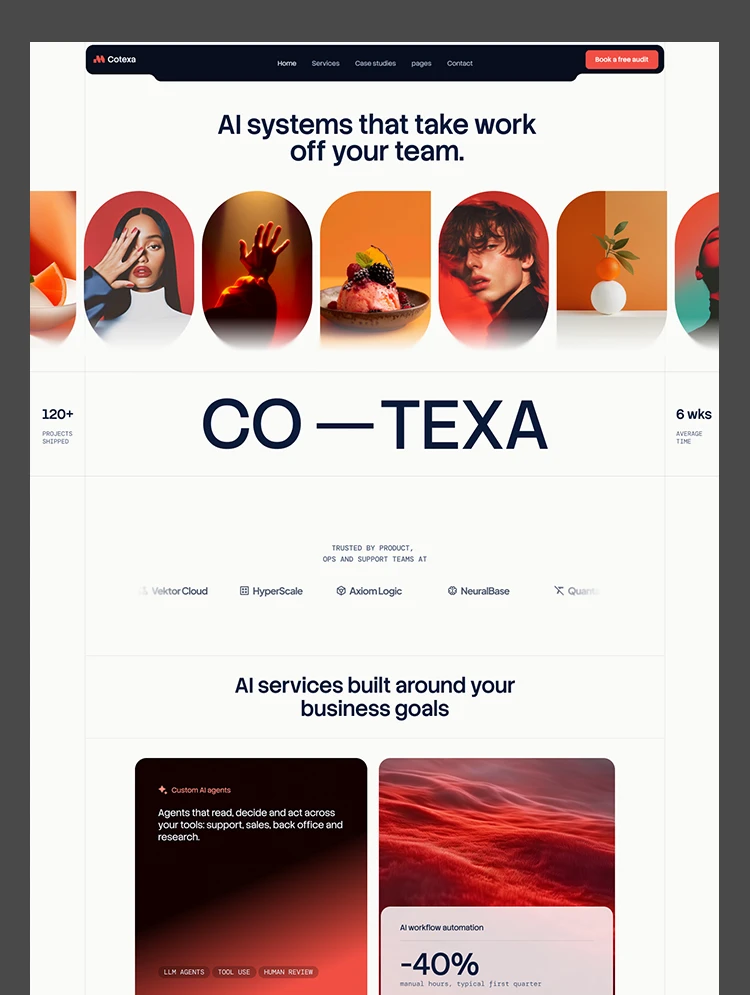
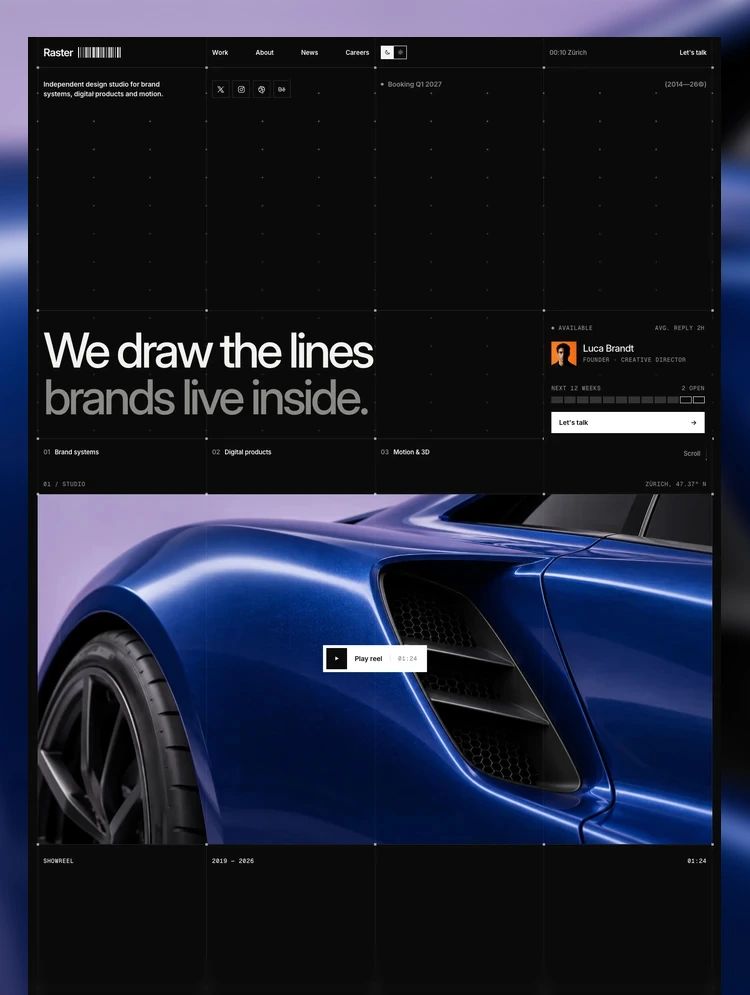
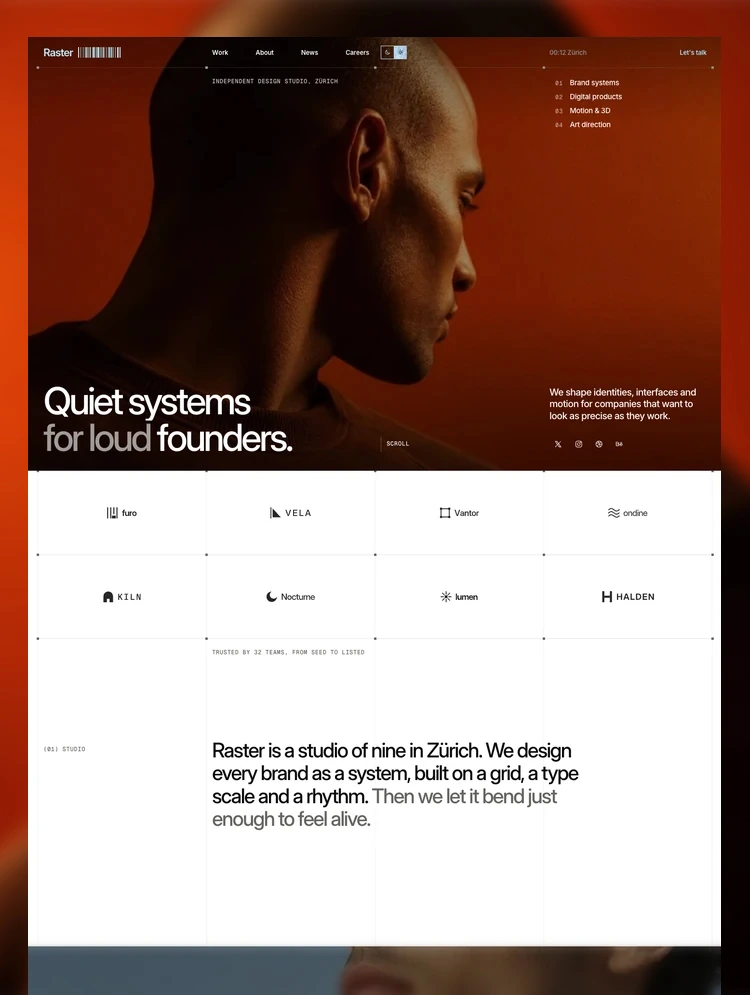
Kravio includes two complete homepage layouts built on the same design system. Home One leads with a large brand statement and an auto-scrolling project showcase, while Home Two opens with a strong headline and video visual. Use whichever fits your studio, or combine sections from both.
Case studies that tell the full story
Every project gets its own detail page with a short overview, year, scope, timeline, a live project link, and dedicated sections for the process, the challenge, and the solution. It gives potential clients a clear picture of how you think and what you deliver, not just what the final result looks like.
Projects organized by category
Projects are managed through Webflow CMS and grouped into categories such as Branding and Digital Design. Each category has its own page, so visitors can browse the type of work they care about.
Dedicated service pages
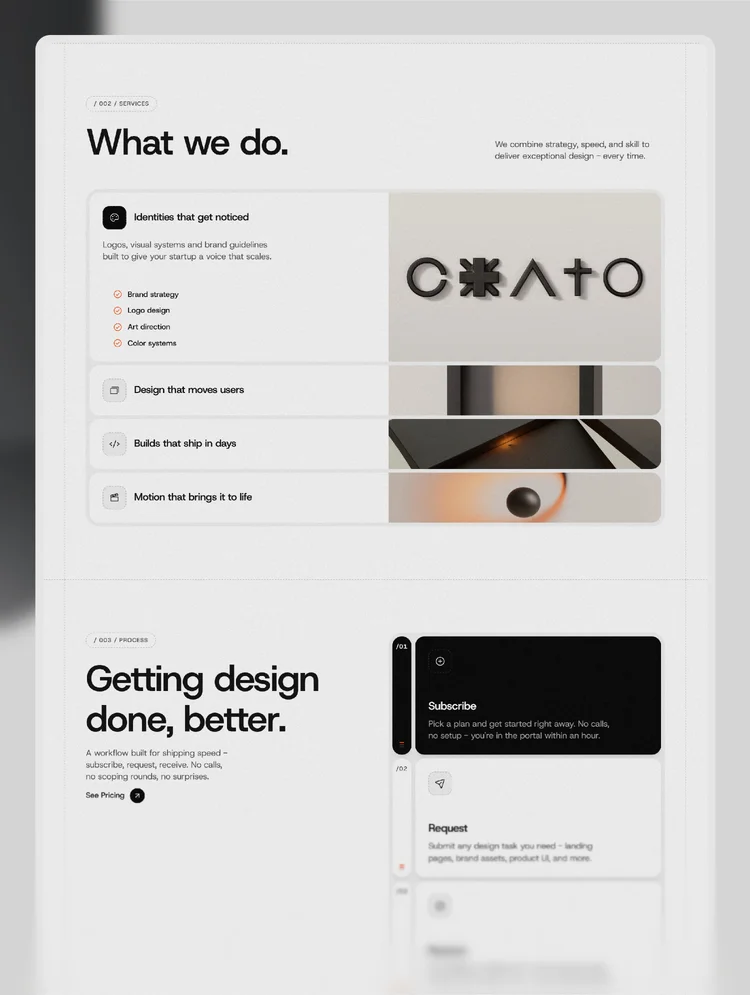
The Services collection gives every service its own detail page with an explanation, what you offer, supporting images, and a reason to choose you. Adding a new service is a single CMS entry.
CMS-powered blog
Publish articles, insights, and studio news through Webflow CMS. Each post shows read time and author, and new posts automatically appear on the Blog page and in the homepage Latest news section.
Team, awards, and testimonials
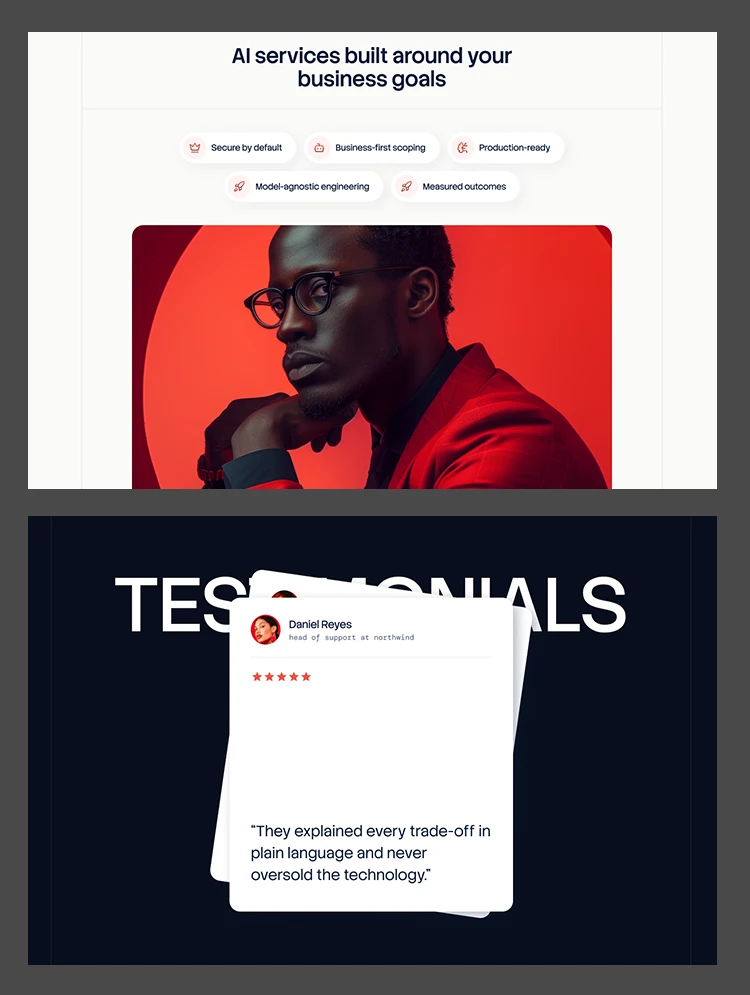
The About page introduces your team and lists awards and recognitions, while a testimonials slider appears across the homepages and case study pages to build trust at the moments that matter.
Contact form ready to use
The Contact page includes an enquiry form with name, email, phone, and message fields, alongside a client testimonial, so prospects can reach you without leaving the site.
Responsive across every breakpoint
Every page and component is designed for desktop, tablet, and mobile screen sizes, giving your studio a consistent experience on every device.
Built with performance and SEO in mind
Kravio uses semantic structure, optimized WebP images, responsive layouts, and per-page SEO settings to provide a strong foundation for performance and search visibility.
What this template does not do
Kravio provides the structure for presenting your studio, services, projects, and content, but it does not include an online store, client portal, booking or scheduling system, payment processing, CRM, or newsletter delivery. Form submissions are handled by Webflow forms; connecting them to another tool requires your own integration.
All demo images, project names, testimonials, team members, and awards are placeholder content and should be replaced with your own. You remain responsible for the accuracy of your client work, awards, and other claims you publish.
Projects, services, categories, and blog posts are managed through Webflow CMS. Adding a new case study, service, or article can be done directly through the CMS without rebuilding the underlying design.
Global styles and the Style Guide make it easy to update colors, typography, and spacing from one place and keep the entire website visually consistent.
If you would rather not do it yourself, our team can customize this template for you, from color and content changes through to new pages and custom functionality. Request a Webflow template customization quote, or explore our Webflow customization service.
Can I use just one of the two homepage layouts?
Yes. Each homepage works as a complete standalone layout. You can unpublish or delete the one you do not need.
How are projects organized?
Through a CMS collection linked to categories. Adding a new project with its own case study page requires a single CMS entry.
How are services organized?
Through a CMS collection. Each service automatically gets its own detail page.
Can I publish blog posts?
Yes. Kravio includes CMS-powered blog and blog category pages for publishing and organizing content.
Is the template responsive?
Yes. The template is designed for desktop, tablet, and mobile breakpoints.
Can I get the Figma file?
Yes. Absolutely! You can contact our support team to request the Figma file.
Are the animations editable?
Yes. All animations can be fully adjusted or disabled directly within the Webflow Designer.
Support and ongoing updates are included. If you need help customizing Kravio, setting up the CMS, modifying layouts, or adapting the template to your brand, reach out after purchase for assistance.
Can only be used by you or one client for one end product. You cannot resell or redistribute this template in its original or modified state.
This template is free to use in both person and commercial projects. You cannot resell, redistribute, or license this template in its original or modified state.
Questions about this template? Just reach out to the template designer and they will get back to you within 2 business days.
For advanced design guidance, please share your questions in the Webflow Forum or reach out to a Webflow Partner.
Share your feedback by leaving a comment below.
For template support, please check the Support tab.

Use the Preview in Designer option to make any edits to the template pages and preview how the layout would fit your content. Changes in preview mode won't be saved.
It isn't possible to apply a template to an already existing project. Instead, you'll need to create a new project based on the Template.
With a Core plan (or higher), you can export sites you build in Webflow, including templates, to host them anywhere you'd like.
Webflow templates are only available for purchase through Workspaces and legacy individual accounts.
CMS templates are designed to use the power of the Webflow CMS. It is possible to downgrade to a Basic Site Plan as long as all CMS content is deleted from the project.
Use the View Connections tool to understand where the CMS content is on the site and delete any dynamic listings and CMS content. We also recommend you to check Components and the Collection page Templates.
Ecommerce templates are designed to use the power of Webflow Ecommerce. It is not possible to remove Ecommerce from a template, however, deleting all Ecommerce Products and Categories from the project, will allow to select a lower Site Plan.
Membership templates are designed to use the power of Webflow Membership. It is not possible to remove Memberships from a template.
.svg)


Comes with GSAP animations and interactions for additional polish and usability.
Reposition and resize items anywhere within the grid to produce powerful, responsive layouts — faster and without code.
Build your lead lists and subscriber base with beautiful forms.
Comes with animations and interactions for additional polish and usability.