Trusted by teams at






Koba is a Webflow template for creative studios and design agencies. 20 pages, CMS-powered projects, blog and team collections, a variable-driven design system, and reusable components — built to launch a polished studio site fast.
Koba — a studio portfolio template built on a real design system
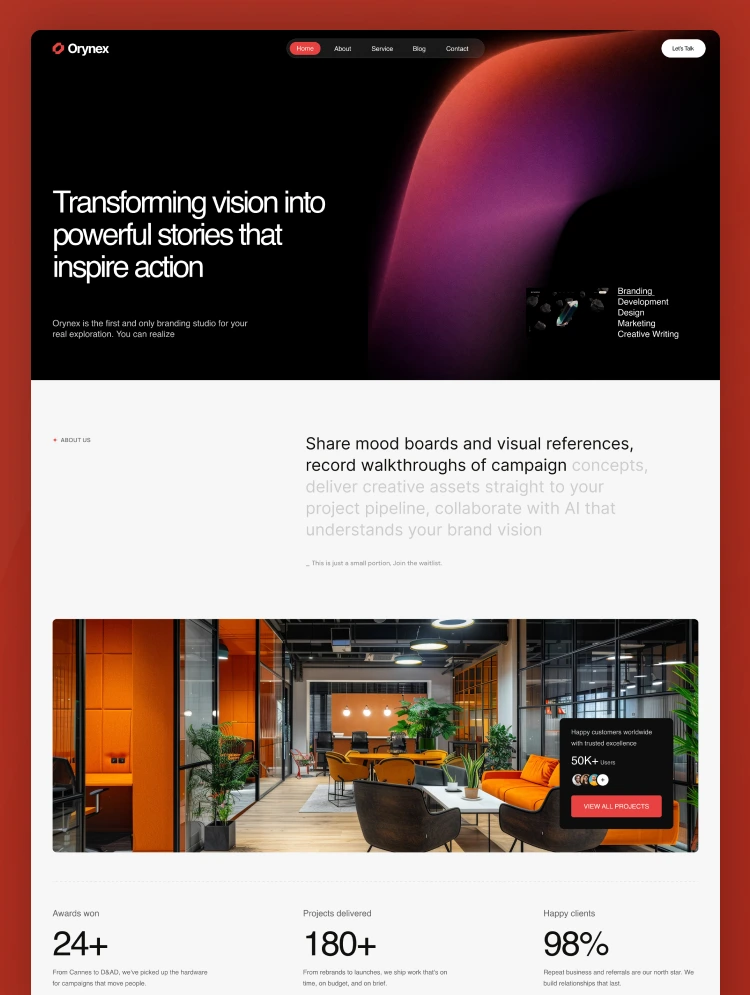
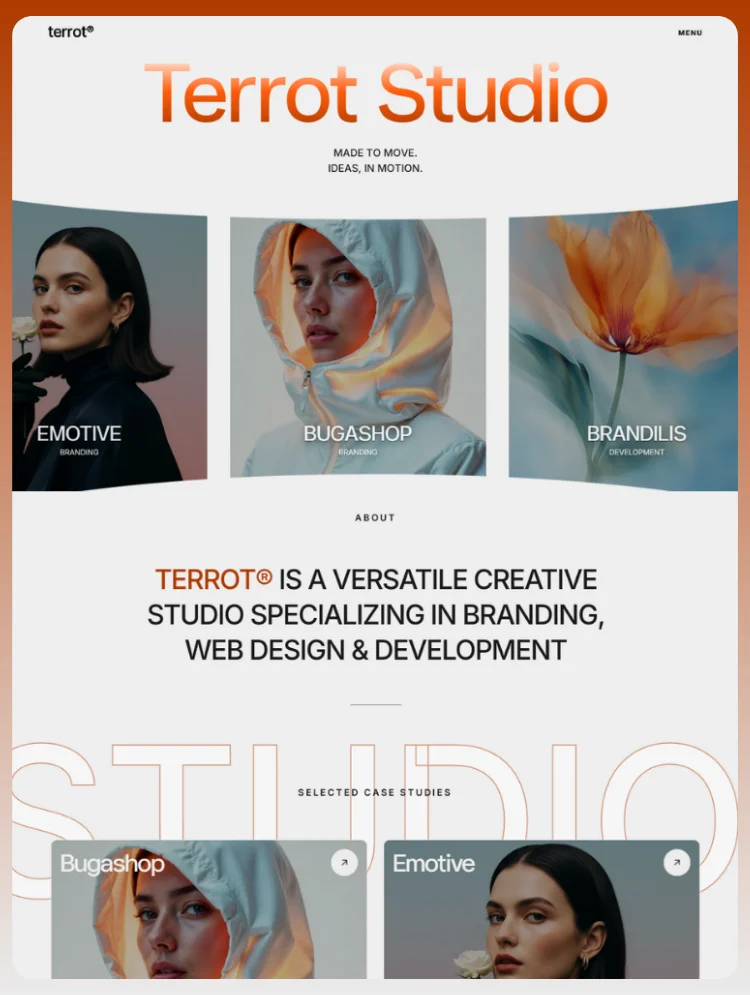
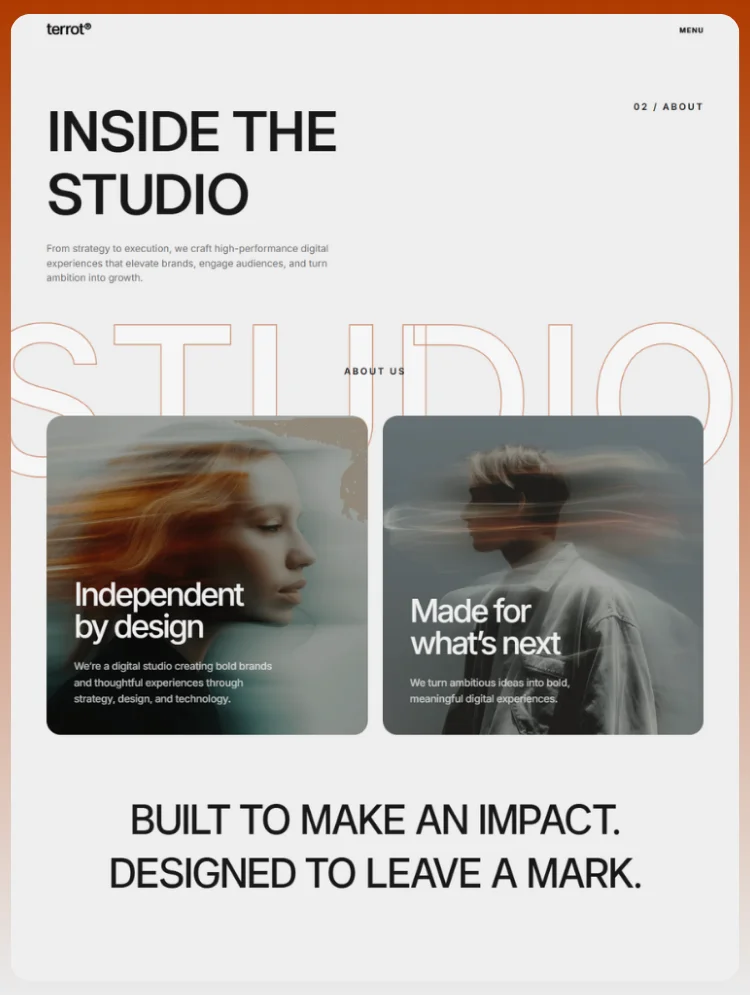
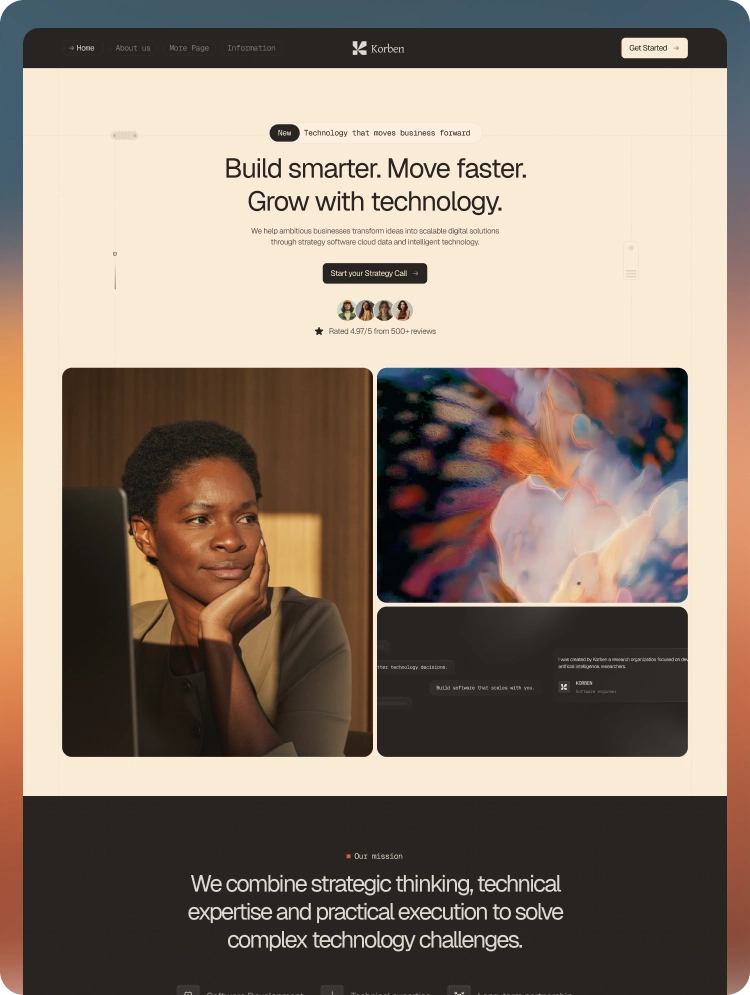
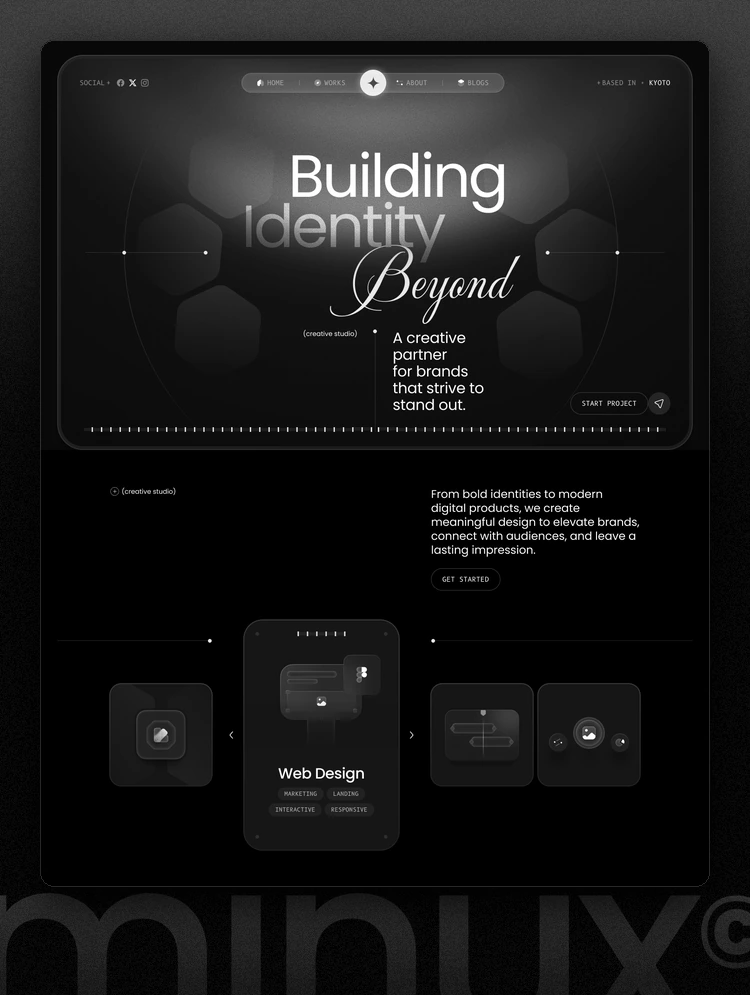
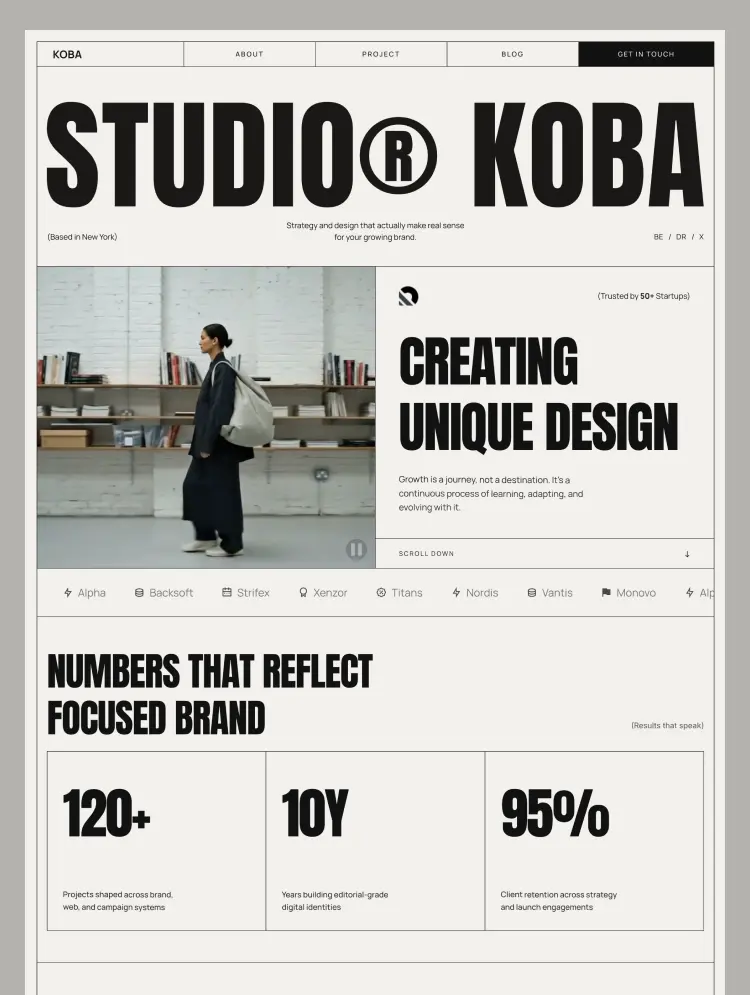
Koba is built for branding studios, design agencies, and independent creative practices that need a site to look considered rather than assembled. Bold display typography, hairline grid borders, and a restrained cream-and-ink palette, with a full-bleed video hero and an editorial layout that gives project work room to breathe.
What's included
Built on variables, not guesswork
Typography and spacing run on Webflow variables with per-breakpoint modes, so changing the type scale or rhythm is one edit rather than a hunt through classes. Colour, font weight, and heading sizes are all tokenised.
Reusable components
Navbar, footer, CTA band, and testimonial card ship as components with editable props. Update the footer once and it changes across all 20 pages. The testimonial card exposes quote, company, name, role, and photo as props, so adding a new one takes seconds.
A projects collection that earns its keep
The Projects CMS goes beyond title and image. Each entry carries client, category, year, scope, timeline, budget, challenge, client goals, key services, solutions, and a five-slot gallery — enough structure to write a real case study rather than a caption.
Sections on the homepage
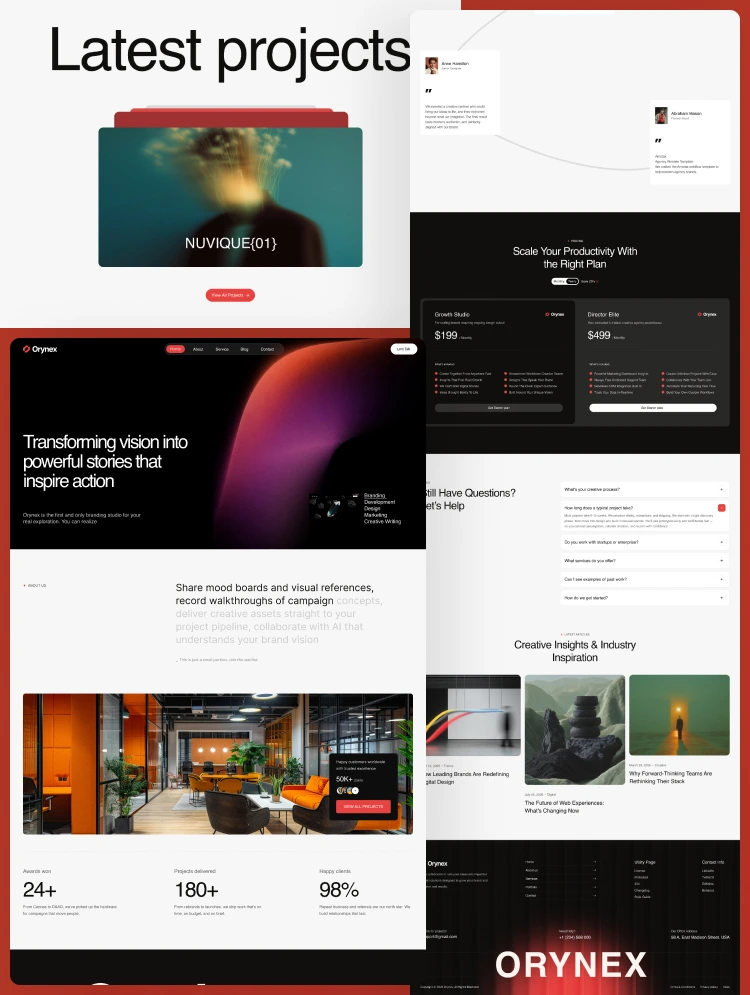
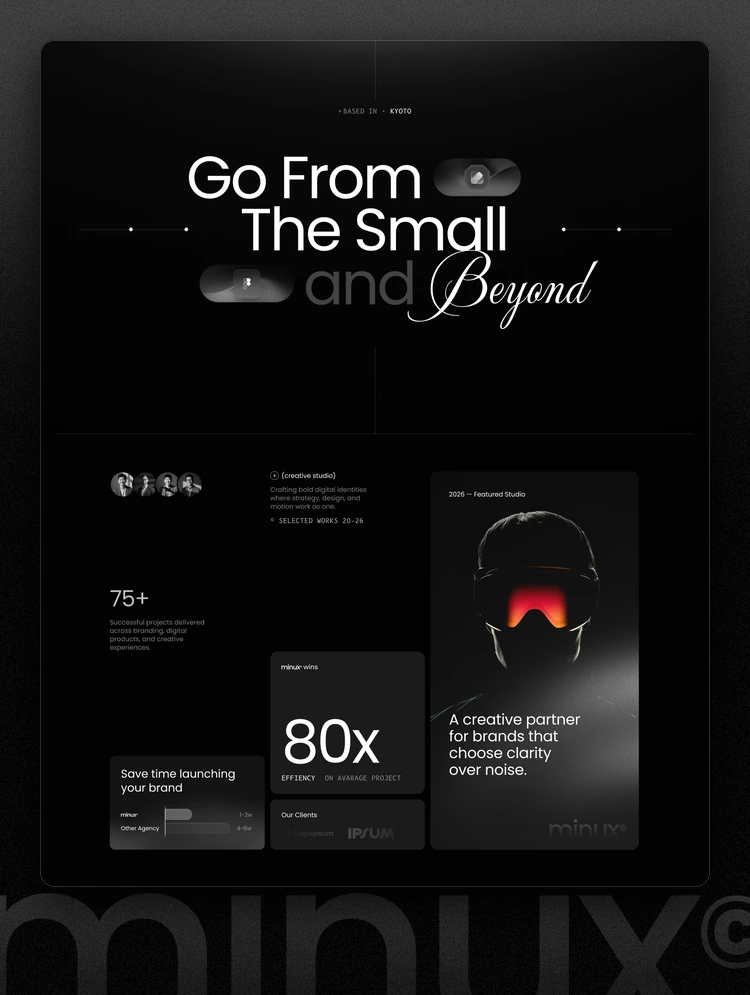
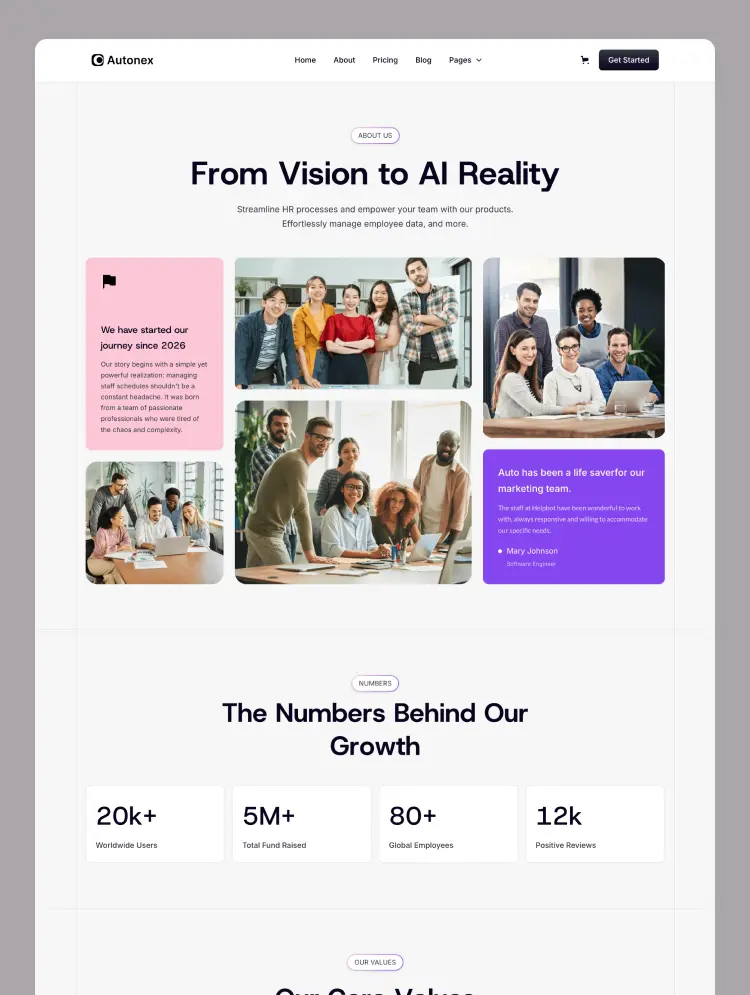
Video hero, scrolling client logo marquee, stats band, selected work grid, services, three-step process, subscription pricing, testimonials, and a latest-articles feed.
Customising it
Swap the variable values to reskin the whole site, replace the demo content in the CMS, and update the logo in Site Settings. The Instructions page walks through setup, and the Style Guide collects every type style, colour token, and component in one place.
Can only be used by you or one client for one end product. You cannot resell or redistribute this template in its original or modified state.
This template is free to use in both person and commercial projects. You cannot resell, redistribute, or license this template in its original or modified state.
Questions about this template? Just reach out to the template designer and they will get back to you within 2 business days.
For advanced design guidance, please share your questions in the Webflow Forum or reach out to a Webflow Partner.
Share your feedback by leaving a comment below.
For template support, please check the Support tab.

Use the Preview in Designer option to make any edits to the template pages and preview how the layout would fit your content. Changes in preview mode won't be saved.
It isn't possible to apply a template to an already existing project. Instead, you'll need to create a new project based on the Template.
With a Core plan (or higher), you can export sites you build in Webflow, including templates, to host them anywhere you'd like.
Webflow templates are only available for purchase through Workspaces and legacy individual accounts.
CMS templates are designed to use the power of the Webflow CMS. It is possible to downgrade to a Basic Site Plan as long as all CMS content is deleted from the project.
Use the View Connections tool to understand where the CMS content is on the site and delete any dynamic listings and CMS content. We also recommend you to check Components and the Collection page Templates.
Ecommerce templates are designed to use the power of Webflow Ecommerce. It is not possible to remove Ecommerce from a template, however, deleting all Ecommerce Products and Categories from the project, will allow to select a lower Site Plan.
Membership templates are designed to use the power of Webflow Membership. It is not possible to remove Memberships from a template.
.svg)


Reposition and resize items anywhere within the grid to produce powerful, responsive layouts — faster and without code.
Build your lead lists and subscriber base with beautiful forms.
Comes with animations and interactions for additional polish and usability.