Trusted by teams at






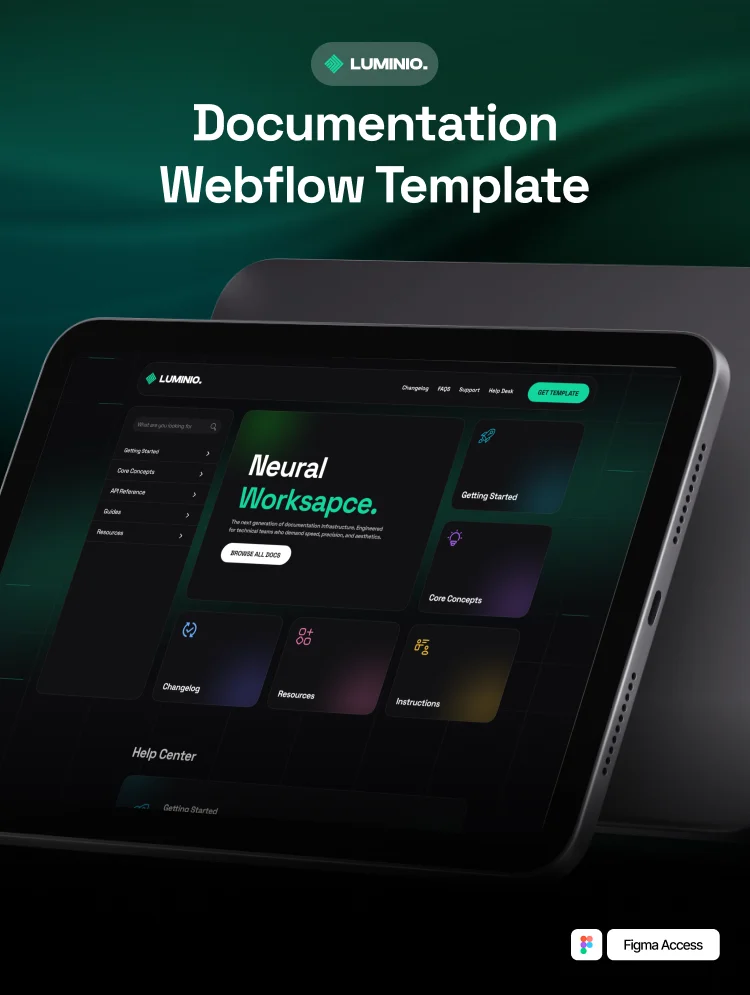
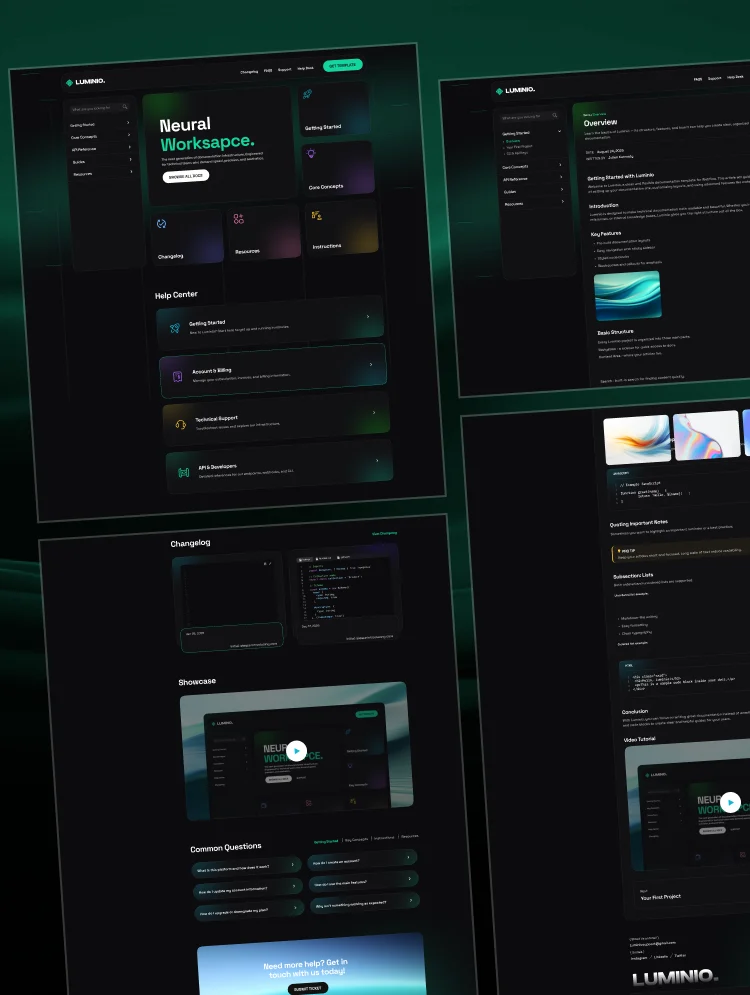
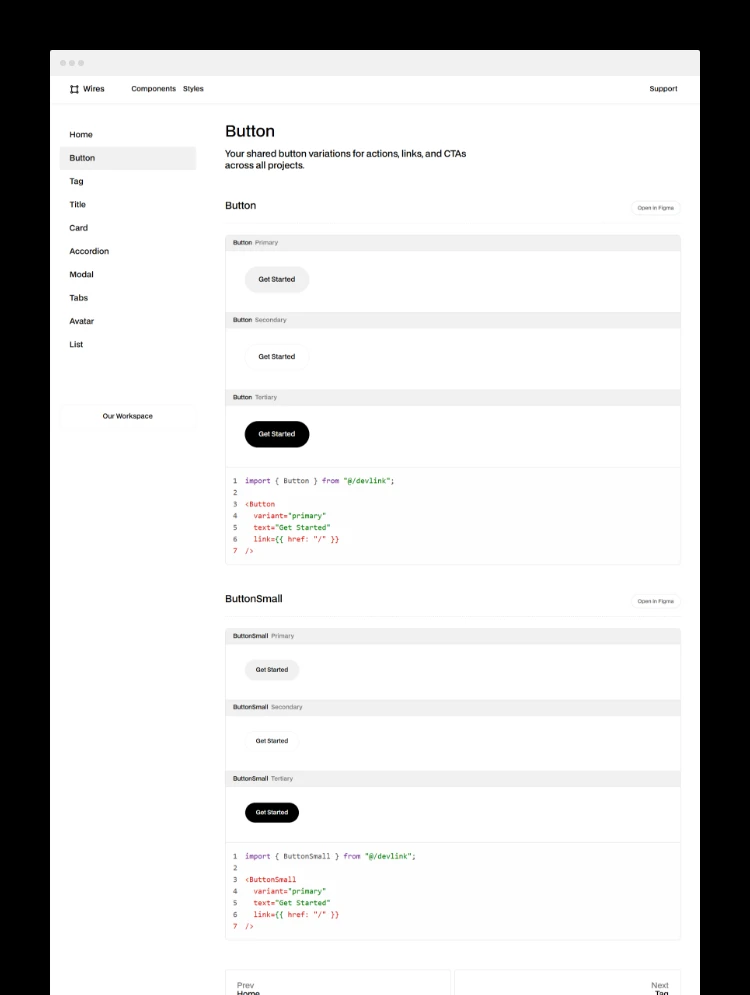
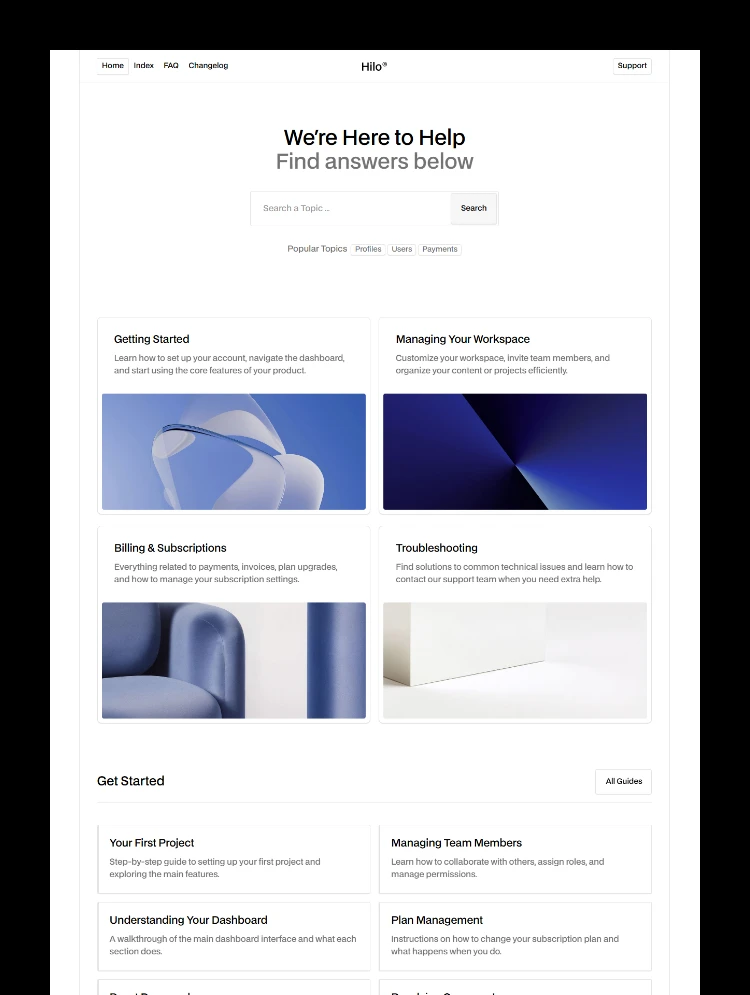
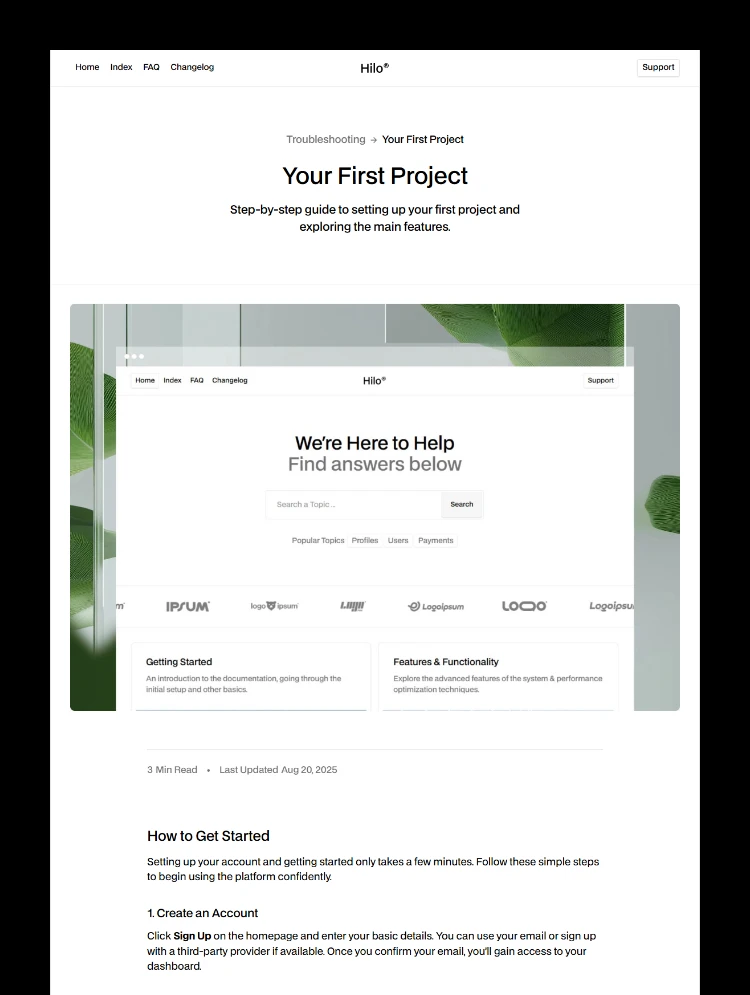
KnowledgeBase is a knowledge base and documentation website template in a dark treatment, built for organising product knowledge and documentation. It features twelve knowledge sections for product documentation, support knowledge and a contact route that asks the reason for getting in touch. Ideal for a knowledge base, documentation hub, product support team or product knowledge website. It also provides a clear structure for SaaS onboarding, helping users find product information and support resources as they get started.
A help centre works when people find the knowledge they need and stop emailing. KnowledgeBase is a knowledge base website template organised into twelve separate documentation sections, so product knowledge and documentation stay organised instead of flattening everything into one list. It gives users a clear knowledge and documentation hub for finding answers quickly, while also supporting a product support team and SaaS onboarding with structured information.
It suits a software product, an IT service or a business running a support centre where knowledge and documentation divide into distinct areas. KnowledgeBase is ideal for a knowledge base, product documentation, technical documentation, SaaS onboarding or support documentation website where clear knowledge organisation matters.
Static pages
CMS collection templates
Section folders
Blog entries are held in Webflow CMS collection. Adding an entry means filling in fields rather than rebuilding a page, and it appears in the relevant listings automatically. For a site that gets updated regularly, this is the part that decides whether it stays current.
The information architecture arrives built. You are renaming and rewriting rather than deciding how to organise a help centre from nothing, which is the part most teams get wrong.
A reason field alongside name, email, phone and message, so support requests arrive pre-sorted rather than needing triage.
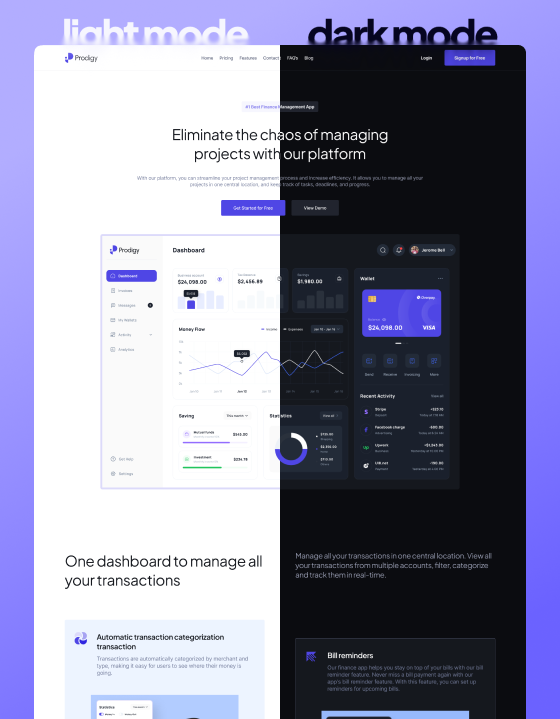
Built for a dark palette rather than recoloured into one, which suits developer-facing and technical products.
It publishes support content. It does not run a ticketing system, live chat, a community forum, or versioned documentation. It has no search of its own beyond what you connect. The sections are Webflow folders holding static pages, so there is no article CMS: adding an article means adding a page.
Only the blog is a CMS collection. Documentation sections are folders of static pages, edited in the Designer. That keeps the structure explicit and makes high-volume publishing slower.
If you would rather not do it yourself, our team can customise this template for you, from colour and content changes through to new pages and custom functionality. Request a Webflow template customization quote, or read more about our Webflow customization service.
Are the articles CMS-driven?
No. Sections are folders of static pages. Adding an article is adding a page, which suits a stable help centre better than a fast-moving one.
Can I use fewer than twelve sections?
Yes, delete the folders you do not need.
Does it include search?
Not pre-wired. Webflow site search can be enabled or you can connect a docs search service.
Is there a ticketing system?
No. The contact form collects a request with a reason field, and ticketing belongs in a support platform.
Can I make it light?
The contrast is designed around a dark palette, so expect real design work.
Support and ongoing updates are included. Message us after purchase if you need the Figma file and we will send it over.
Can only be used by you or one client for one end product. You cannot resell or redistribute this template in its original or modified state.
This template is free to use in both person and commercial projects. You cannot resell, redistribute, or license this template in its original or modified state.
Questions about this template? Just reach out to the template designer and they will get back to you within 2 business days.
For advanced design guidance, please share your questions in the Webflow Forum or reach out to a Webflow Partner.
Share your feedback by leaving a comment below.
For template support, please check the Support tab.

Use the Preview in Designer option to make any edits to the template pages and preview how the layout would fit your content. Changes in preview mode won't be saved.
It isn't possible to apply a template to an already existing project. Instead, you'll need to create a new project based on the Template.
With a Core plan (or higher), you can export sites you build in Webflow, including templates, to host them anywhere you'd like.
Webflow templates are only available for purchase through Workspaces and legacy individual accounts.
CMS templates are designed to use the power of the Webflow CMS. It is possible to downgrade to a Basic Site Plan as long as all CMS content is deleted from the project.
Use the View Connections tool to understand where the CMS content is on the site and delete any dynamic listings and CMS content. We also recommend you to check Components and the Collection page Templates.
Ecommerce templates are designed to use the power of Webflow Ecommerce. It is not possible to remove Ecommerce from a template, however, deleting all Ecommerce Products and Categories from the project, will allow to select a lower Site Plan.
Membership templates are designed to use the power of Webflow Membership. It is not possible to remove Memberships from a template.
.svg)


Uses fonts from Google's Web Font collection.
Display images and text elegantly on every device with our touch-friendly slider.
Site navigation automatically collapses into a mobile-friendly menu on smaller devices.
All graphics are optimized for devices with high DPI screens.
Custom design for the 404 page of your website
Reusable elements you can use across your site. Edit a component and all copies update instantly.
Reposition and resize items anywhere within the grid to produce powerful, responsive layouts — faster and without code.
Customize the built-in database for your project or just add new content.
Displays perfectly on desktops, tablets, and phones.
Build your lead lists and subscriber base with beautiful forms.
Comes with animations and interactions for additional polish and usability.