Trusted by teams at






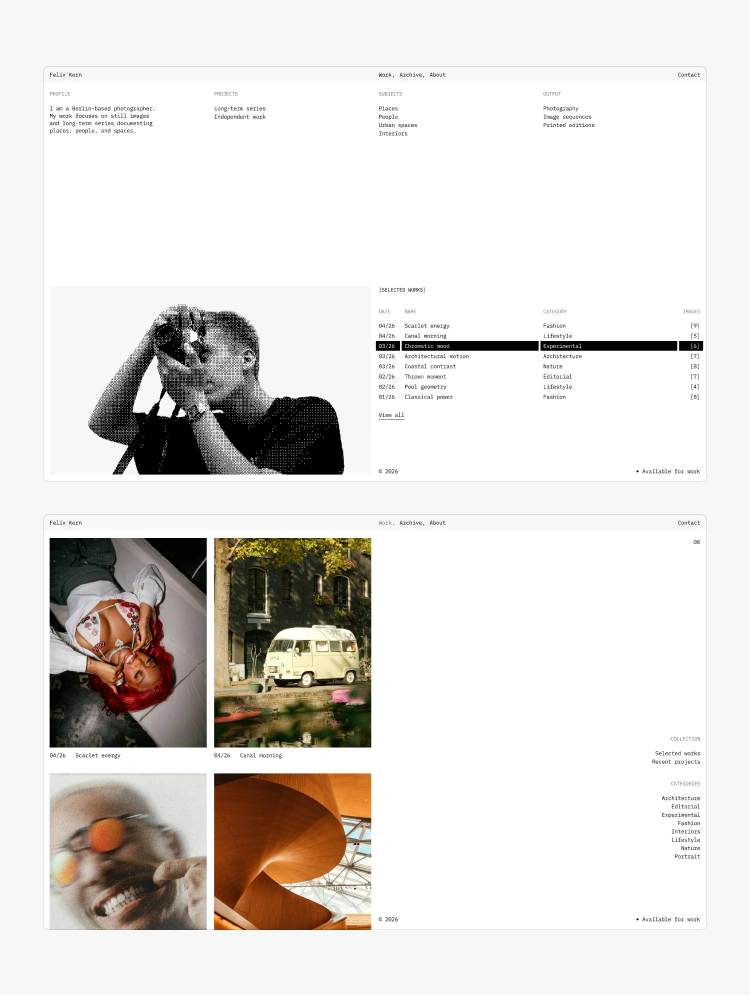
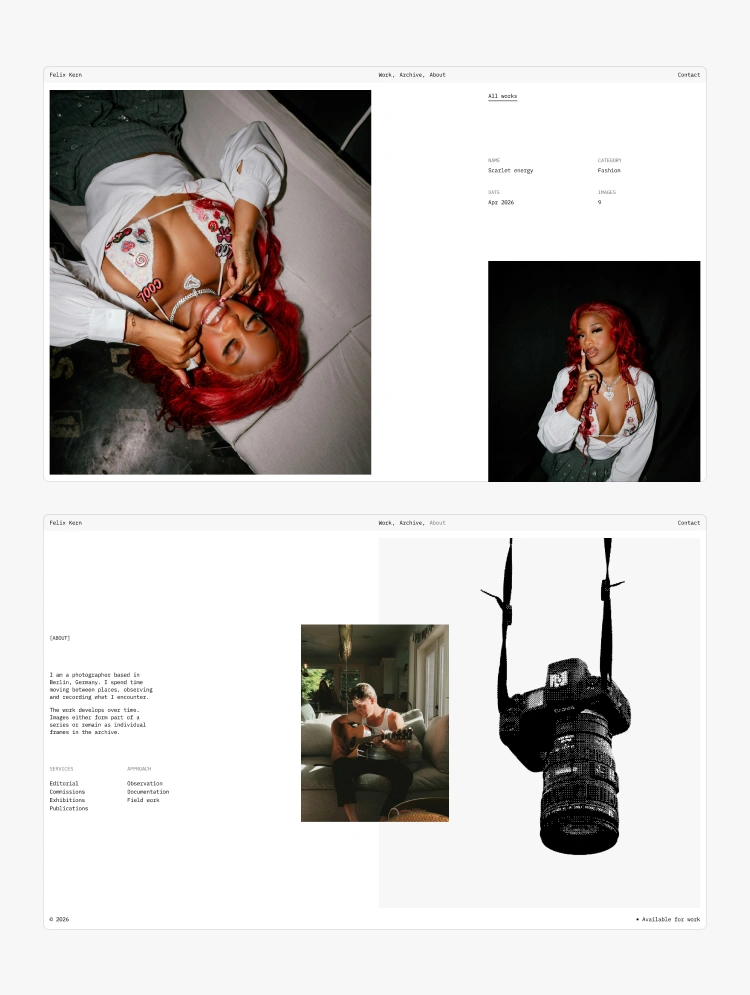
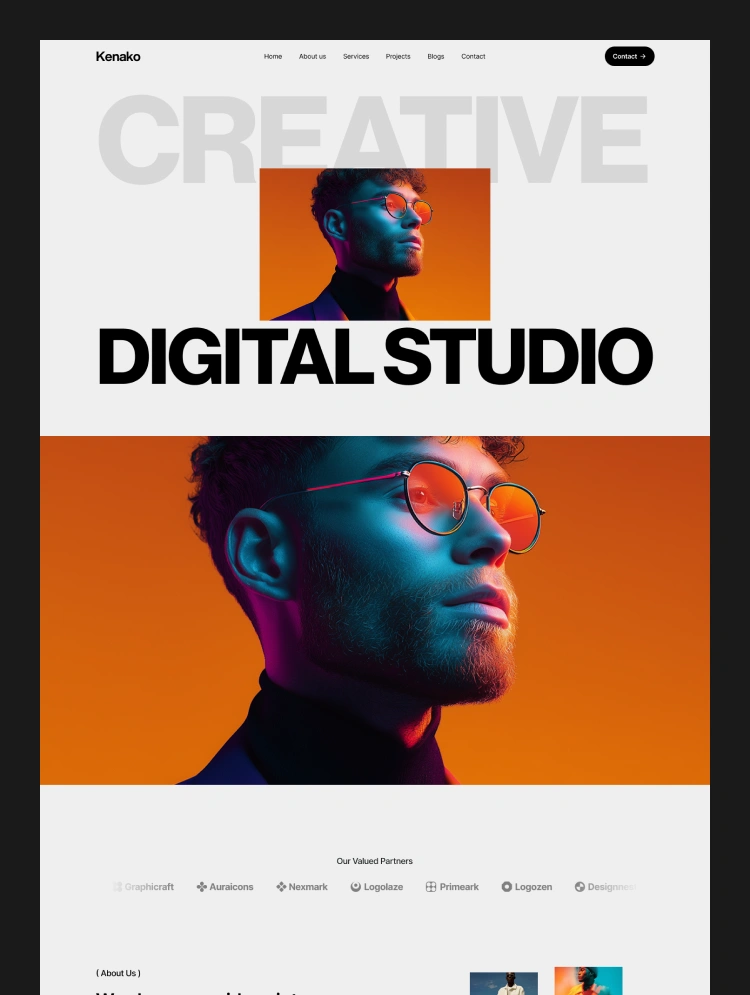
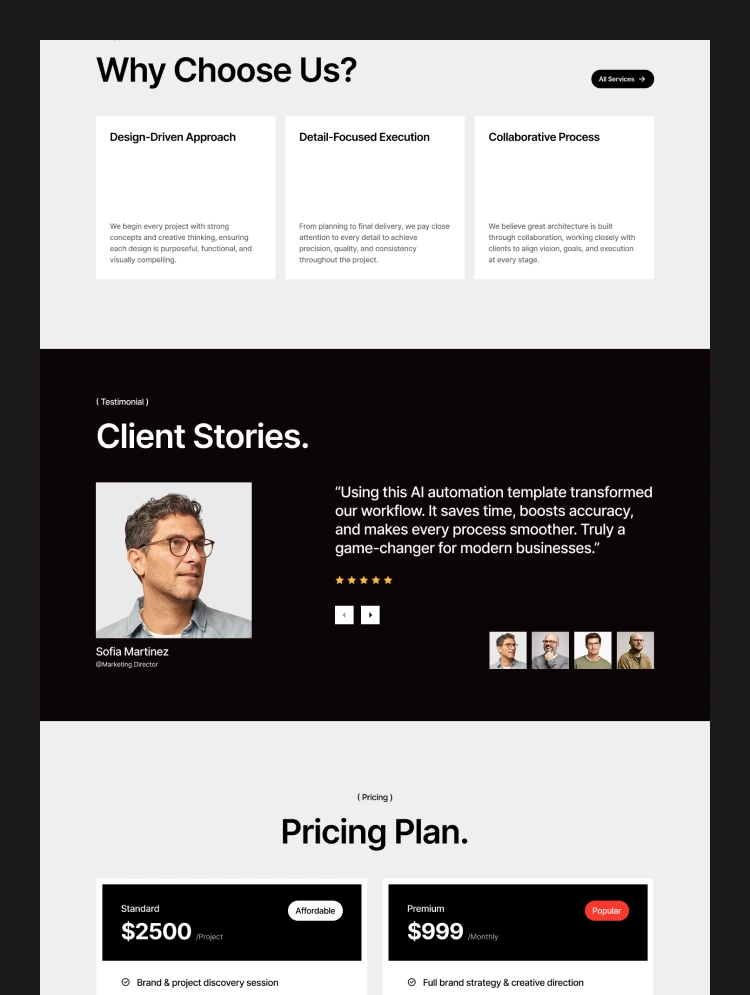
Kenneth Portfolio Website helps solo designers showcase their work with clarity and credibility. Featuring a clean CV-inspired layout, it’s built to highlight expertise, case studies, and insights that attract the right clients.
Kenneth Portfolio Website helps solo designers showcase their work with clarity and credibility. Featuring a clean CV-inspired layout, it’s built to highlight expertise, case studies, and insights that attract the right clients.
Instead of looking like a generic portfolio, Kenneth presents your work like a professional profile — structured, thoughtful, and authoritative.
Many portfolio templates focus heavily on visuals but overlook the importance of communicating what you do, how you think, and why clients should trust you.
Kenneth is designed to balance portfolio presentation with professional credibility.
Every section helps visitors quickly understand:
-who you are
-what you specialize in
-the type of work you do
-the thinking behind your projects
This makes it easier for potential clients to evaluate your expertise and feel confident reaching out.
Most designer portfolio templates focus primarily on gallery-style layouts. While these can look impressive, they often lack the structure needed to communicate professional experience.
Kenneth Template takes a different approach.
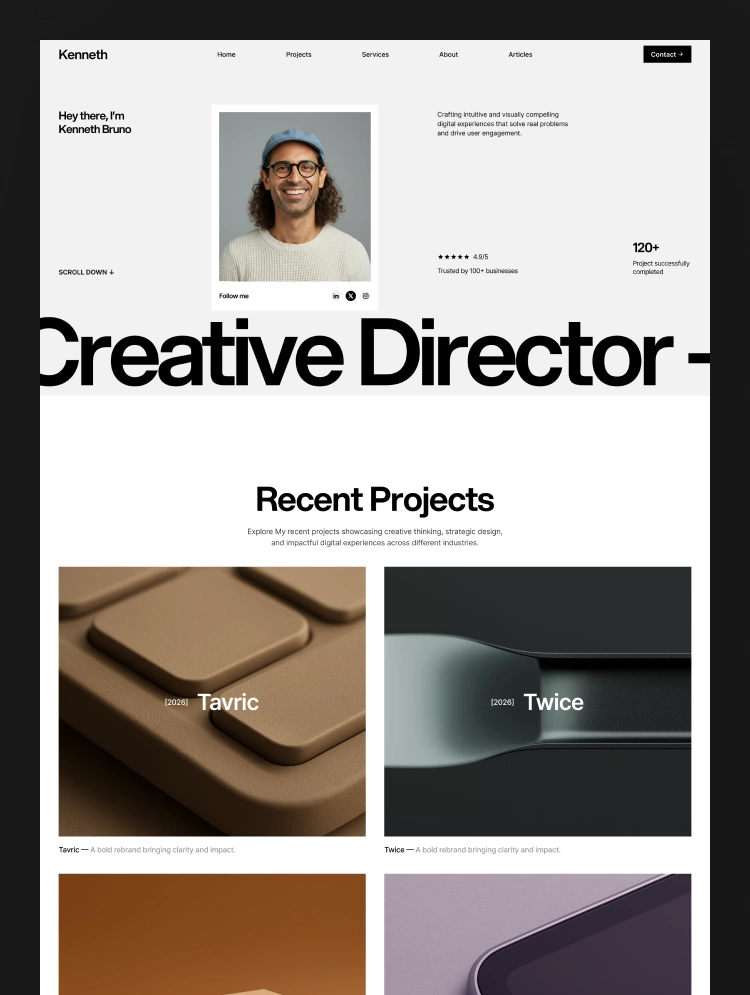
Instead of a typical portfolio layout, Kenneth Template uses a CV-inspired structure that highlights both work and expertise.
-CV-style hero section that introduces your professional profile
-clear sections for expertise, capabilities, and services
-structured case studies that explain the thinking behind your work
-an editorial Insights section to share ideas and perspectives
The result is a portfolio that feels more like a professional profile than a simple gallery.
-Present your work with clarity
Structured layouts help visitors quickly understand your ---projects and contributions.
-Build professional credibility
By combining portfolio work with insights, capabilities, and experience.
-Attract better clients
By clearly communicating your expertise and the value you bring to projects.
-Look more established
By presenting your work through thoughtful case studies instead of simple visuals.
Kenneth Template is built using a clean and organized Webflow structure, making it easy to customize and adapt to your needs.
You can easily:
-update colors, typography, and styles
-add or edit case studies through the CMS
-publish new insight articles
-customize sections to match your personal brand
The template is designed to be simple enough for beginners, while still offering flexibility for experienced Webflow users.
Every page is optimized for:
-Fast loading performance
-Mobile and tablet responsiveness
-Clear typography and reading experience
-Smooth and minimal interactions
Animations are subtle and purposeful, keeping the focus on content and clarity rather than visual distractions.
-Independent designers
-Freelance brand designers
-Web designers and Webflow developers
-Creative professionals building a personal portfolio
-Designers who want a more professional portfolio presentation
If you want your website to feel more like a credible professional profile than a visual showcase, Kenneth Template is a great fit.
-Home V1
-Home V2
-Home V2
-Works / Projects
-Work Detail (CMS)
-Insights / Blog
-Insight Detail (CMS)
-Contact
-404 Not Found
-Password Protected
-Style Guide
-Components
-Instructions
-Licenses
Kenneth Template focuses on structure, readability, and professional presentation instead of chasing design trends.
The CV-inspired layout helps designers communicate their work and expertise more clearly — making it easier for potential clients to understand the value behind each project.
Rather than just showing your work, Kenneth Template helps you explain it, contextualize it, and present it with confidence.
designer portfolio, freelance designer, web designer portfolio, brand designer portfolio, creative portfolio, case study template, Webflow portfolio, personal portfolio, freelancer website, minimalist portfolio, editorial portfolio, professional portfolio, Webflow designer, CMS portfolio
This Template was created with the greatest Webflow principles to make it easy to alter, however you can always contact us at (quix.webstudio@gmail.com) if you need assistance, notice a bug, or simply want to let us know how awesome you think our design is.
Can only be used by you or one client for one end product. You cannot resell or redistribute this template in its original or modified state.
This template is free to use in both person and commercial projects. You cannot resell, redistribute, or license this template in its original or modified state.
Questions about this template? Just reach out to the template designer and they will get back to you within 2 business days.
For advanced design guidance, please share your questions in the Webflow Forum or reach out to a Webflow Partner.
Share your feedback by leaving a comment below.
For template support, please check the Support tab.

Use the Preview in Designer option to make any edits to the template pages and preview how the layout would fit your content. Changes in preview mode won't be saved.
It isn't possible to apply a template to an already existing project. Instead, you'll need to create a new project based on the Template.
With a Core plan (or higher), you can export sites you build in Webflow, including templates, to host them anywhere you'd like.
Webflow templates are only available for purchase through Workspaces and legacy individual accounts.
CMS templates are designed to use the power of the Webflow CMS. It is possible to downgrade to a Basic Site Plan as long as all CMS content is deleted from the project.
Use the View Connections tool to understand where the CMS content is on the site and delete any dynamic listings and CMS content. We also recommend you to check Components and the Collection page Templates.
Ecommerce templates are designed to use the power of Webflow Ecommerce. It is not possible to remove Ecommerce from a template, however, deleting all Ecommerce Products and Categories from the project, will allow to select a lower Site Plan.
Membership templates are designed to use the power of Webflow Membership. It is not possible to remove Memberships from a template.
.svg)


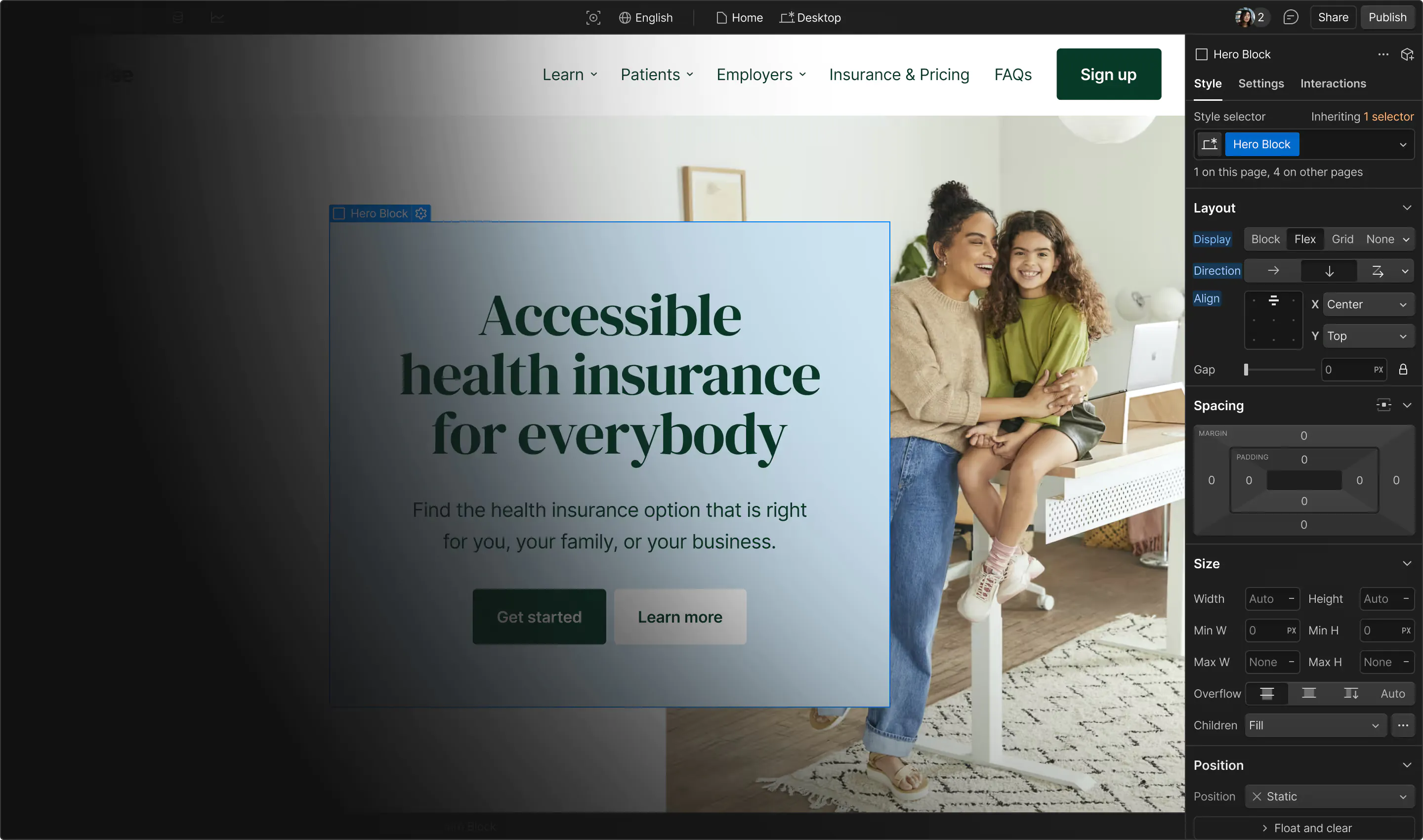
Reposition and resize items anywhere within the grid to produce powerful, responsive layouts — faster and without code.
Reusable elements you can use across your site. Edit a component and all copies update instantly.
Customize the built-in database for your project or just add new content.
Custom design for the 404 page of your website
Shape your customer's experience and customize everything, from the home page to product page, cart to checkout.
Build your lead lists and subscriber base with beautiful forms.
Comes with GSAP animations and interactions for additional polish and usability.
Comes with animations and interactions for additional polish and usability.
Displays perfectly on desktops, tablets, and phones.
Site navigation automatically collapses into a mobile-friendly menu on smaller devices.
Display images and text elegantly on every device with our touch-friendly slider.
All graphics are optimized for devices with high DPI screens.
Uses fonts from Google's Web Font collection.
Showcase high-res photos and videos on a black backdrop.
Display 3D graphics elegantly on every device.