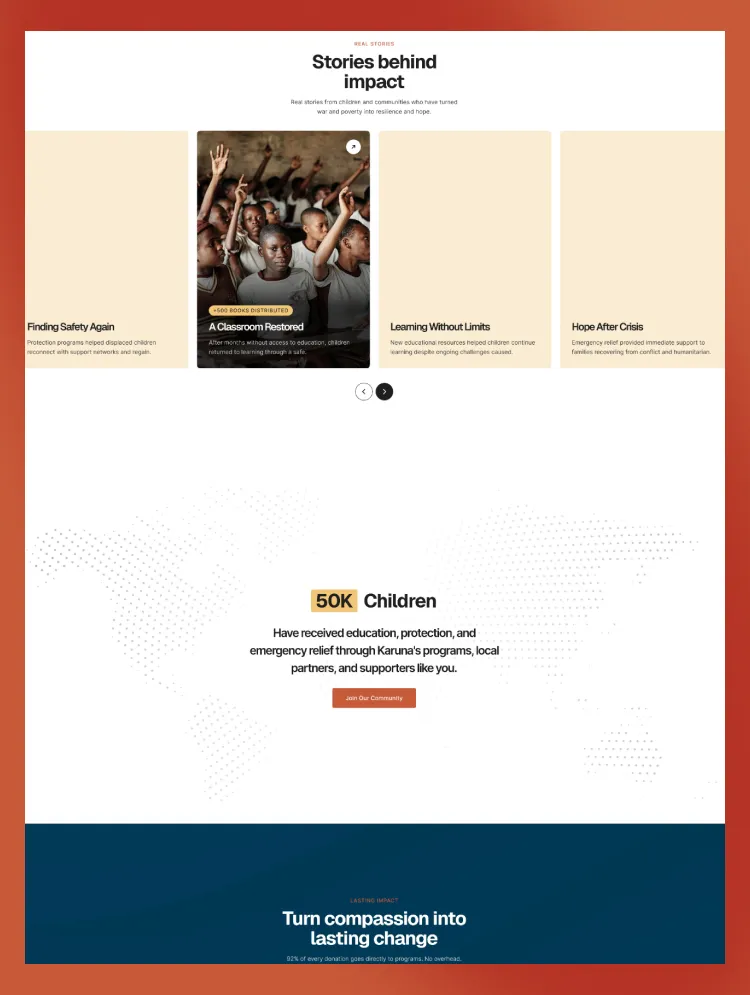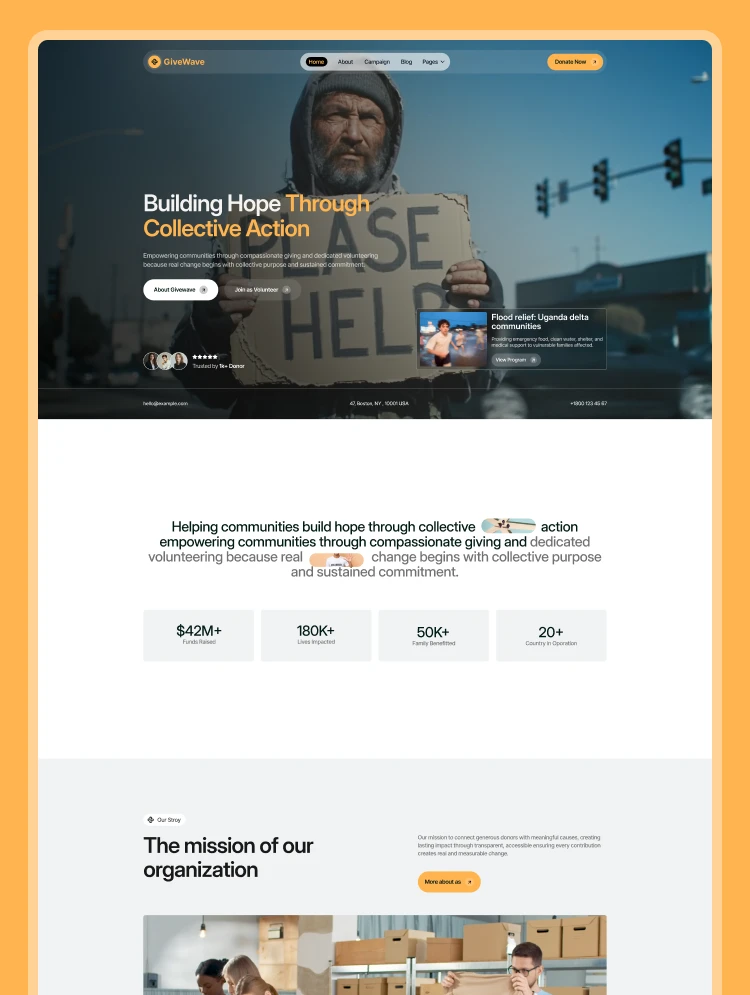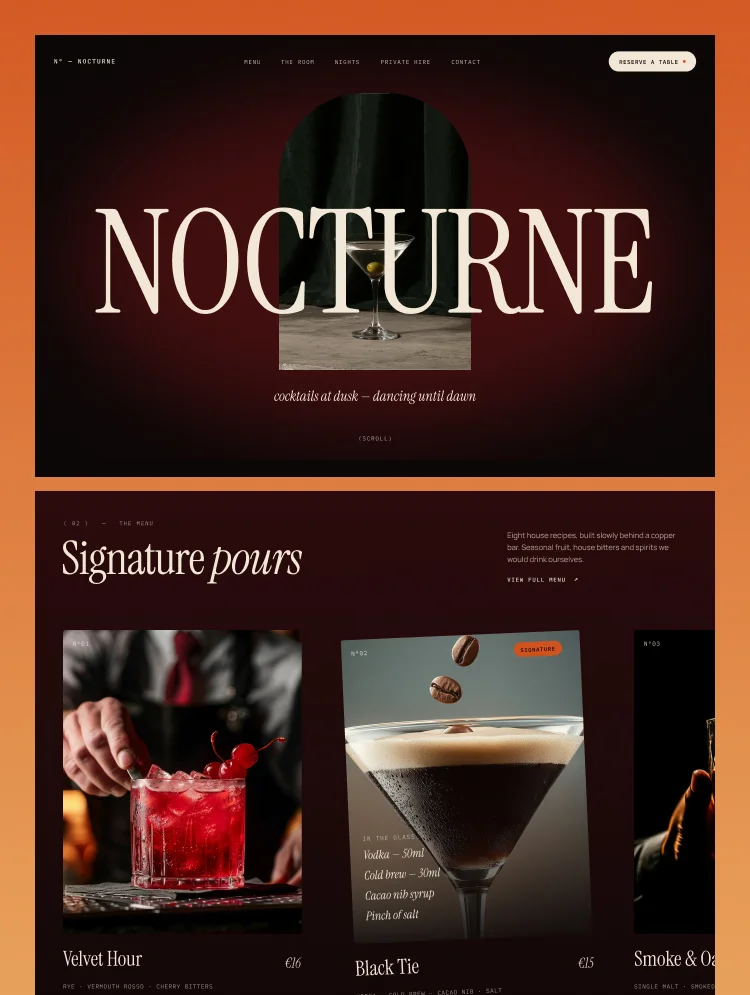
Trusted by teams at


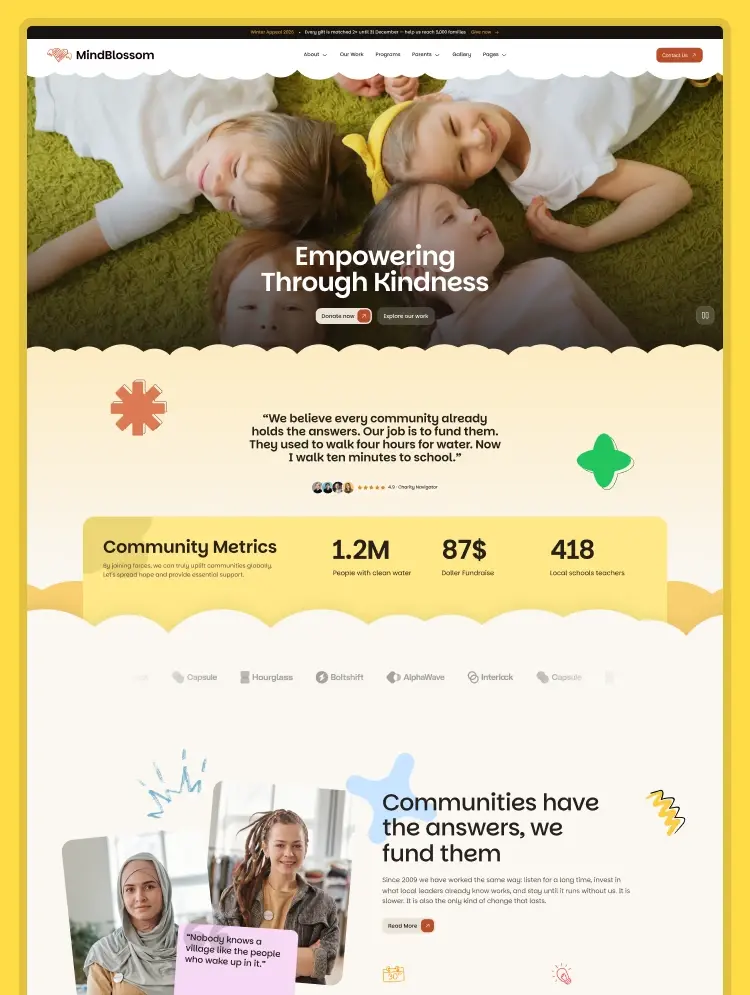
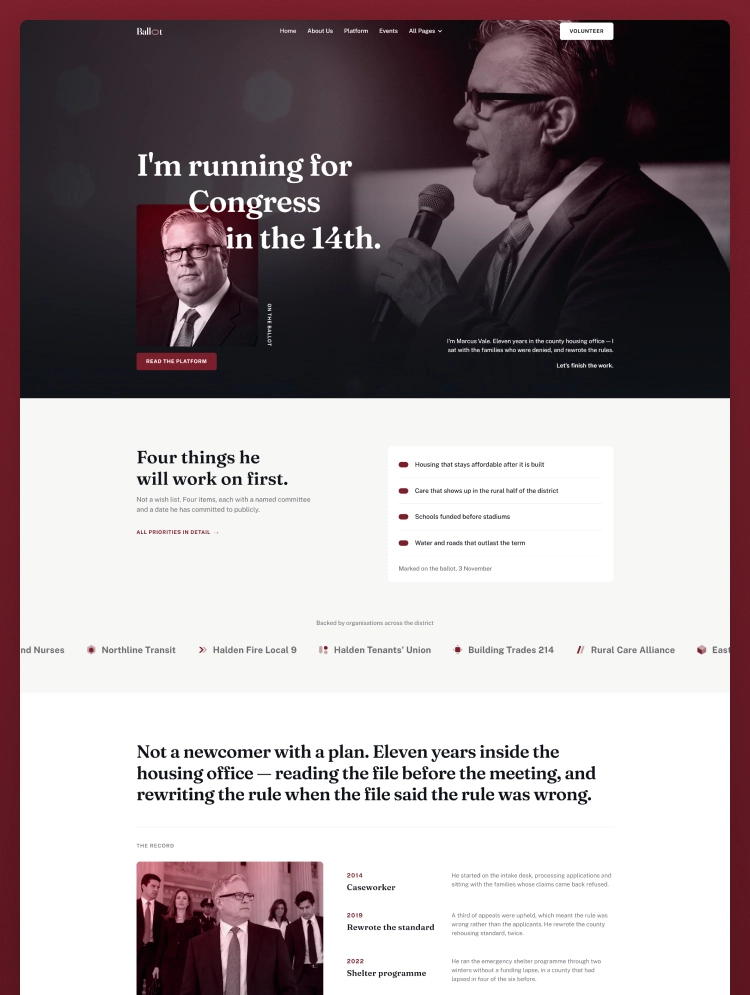
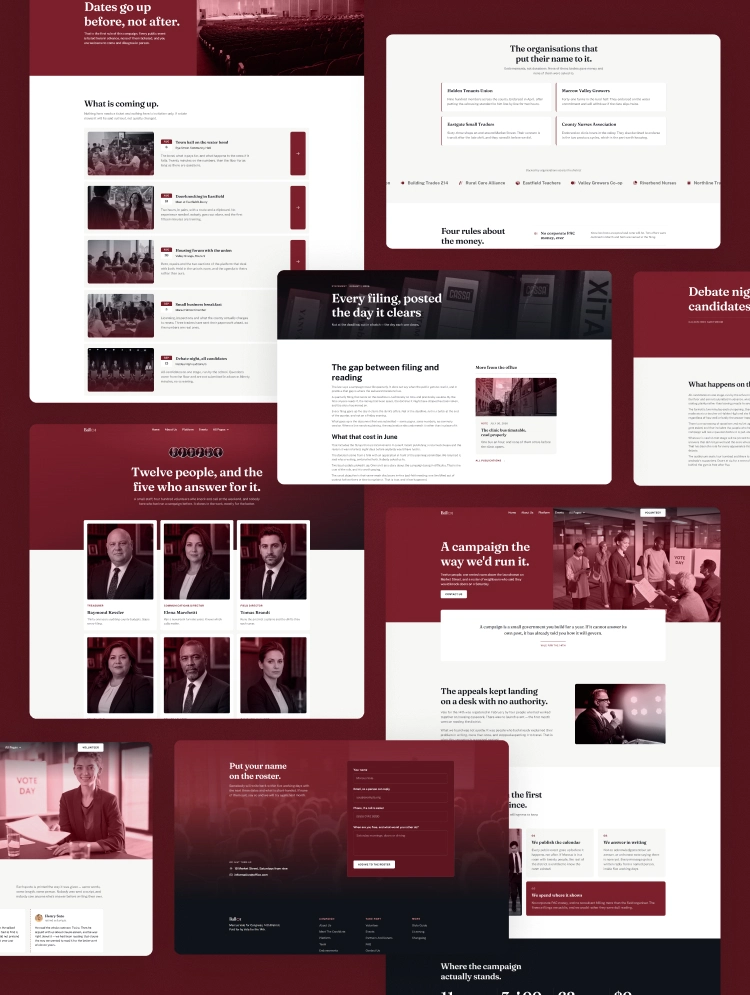
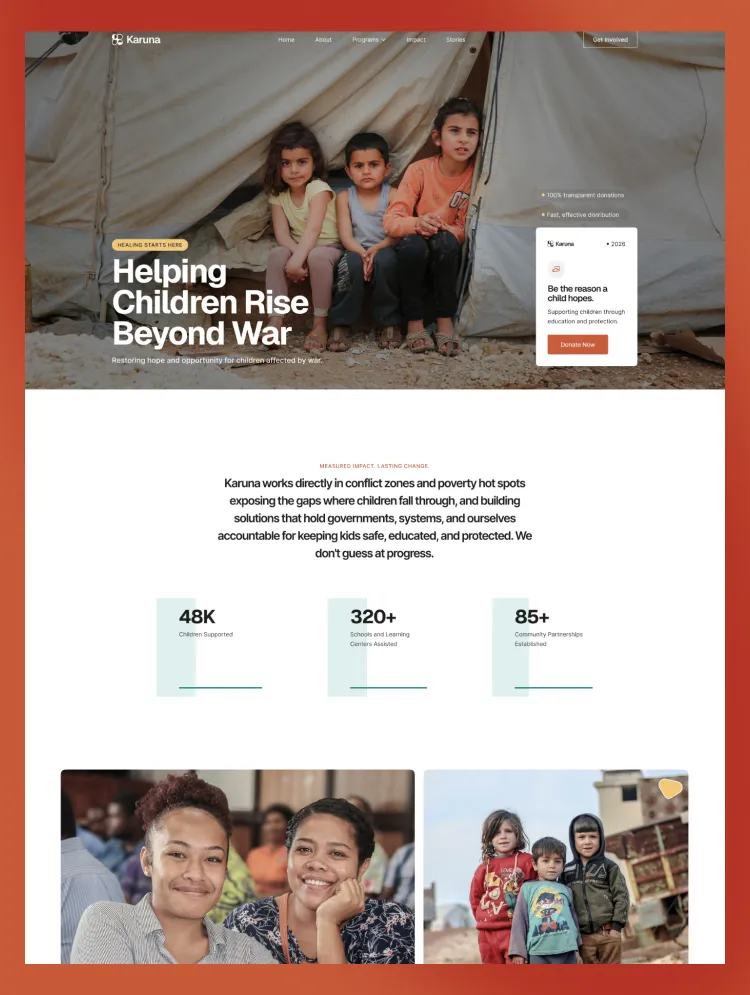
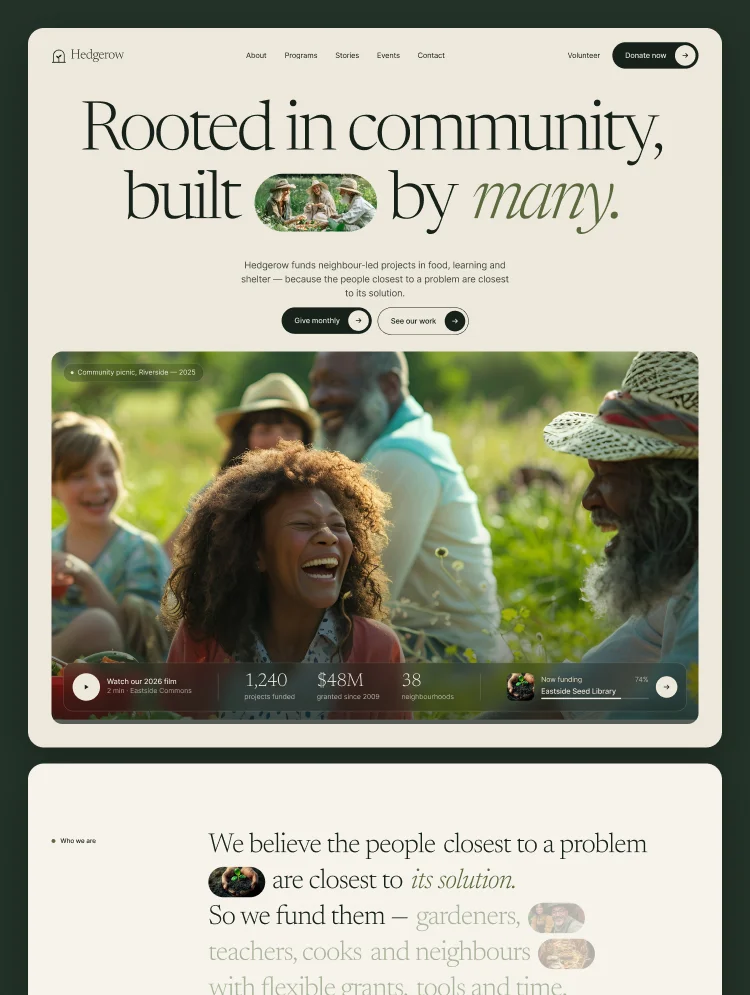
Hedgerow is a modern nonprofit and charity Webflow template with 14 pages, CMS-powered programs, stories, events, interactive animations, and easy AI customization.
Hedgerow is a thoughtfully designed Webflow template for nonprofits, charities, NGOs, community foundations, and organizations making a positive impact. With warm visuals, expressive typography, engaging animations, and meaningful storytelling, Hedgerow helps organizations connect with their communities and inspire action.
Built with flexibility in mind, Hedgerow includes 14 pages, 3 CMS collections, interactive sections, and a customizable design system. Whether you're launching a new nonprofit website or refreshing an existing one, everything is designed to help you get started quickly.
Hedgerow includes the following pages:
Main Pages
CMS Pages
Additional & Utility Pages
CMS templates automatically provide a consistent layout for new programs, stories, and events, making it easy to expand your website without designing every page from scratch.
Hedgerow supports AI-assisted customization through the official Webflow MCP (Model Context Protocol) server.
Instead of manually editing every element, you can connect an AI assistant to your Webflow project and describe the changes you want in plain English.
Getting Started:
For example, you can ask your AI assistant to:
AI tools can assist with layouts, content, CMS entries, styles, and components, depending on their supported Webflow MCP capabilities.
Official Setup Guide: https://developers.webflow.com/mcp/reference/getting-started
AI editing is optional. Everything can also be customized using Webflow Designer.
Hedgerow includes three CMS collections designed to make content management simple and scalable.
Add, edit, or remove content directly in the Webflow CMS without rebuilding page layouts.
Hedgerow is more than a collection of pages. Its carefully designed sections help visitors understand your mission, see the impact of your work, and discover ways to contribute.
From animated storytelling and impact statistics to community testimonials, donation options, and event listings, every section serves a purpose.
The template includes a donation interface that can be adapted to your preferred fundraising solution. Payment processing is not included by default, so you'll need to connect your own donation or checkout provider before accepting payments.
Hedgerow comes with a dedicated Style Guide and Instructions page to help you maintain a consistent visual identity.
Update colors, fonts, imagery, text, and reusable design elements directly in Webflow. The organized CMS structure also makes ongoing content updates easier as your organization grows.
Before launching, replace the sample content, contact details, legal policies, and images as needed. Configure your forms, donation links, and any third-party integrations for your organization.
Hedgerow includes dedicated Instructions, Style Guide, Changelog, and Licenses pages to help you get started.
For additional assistance with customization or setup, contact Oversight Studio at https://www.madebyoversight.com/.
Build a website that reflects your mission, shares your impact, and brings your community together — with Hedgerow.
Can only be used by you or one client for one end product. You cannot resell or redistribute this template in its original or modified state.
This template is free to use in both person and commercial projects. You cannot resell, redistribute, or license this template in its original or modified state.
Questions about this template? Just reach out to the template designer and they will get back to you within 2 business days.
For advanced design guidance, please share your questions in the Webflow Forum or reach out to a Webflow Partner.
Share your feedback by leaving a comment below.
For template support, please check the Support tab.

Use the Preview in Designer option to make any edits to the template pages and preview how the layout would fit your content. Changes in preview mode won't be saved.
It isn't possible to apply a template to an already existing project. Instead, you'll need to create a new project based on the Template.
With a Core plan (or higher), you can export sites you build in Webflow, including templates, to host them anywhere you'd like.
Webflow templates are only available for purchase through Workspaces and legacy individual accounts.
CMS templates are designed to use the power of the Webflow CMS. It is possible to downgrade to a Basic Site Plan as long as all CMS content is deleted from the project.
Use the View Connections tool to understand where the CMS content is on the site and delete any dynamic listings and CMS content. We also recommend you to check Components and the Collection page Templates.
Ecommerce templates are designed to use the power of Webflow Ecommerce. It is not possible to remove Ecommerce from a template, however, deleting all Ecommerce Products and Categories from the project, will allow to select a lower Site Plan.
Membership templates are designed to use the power of Webflow Membership. It is not possible to remove Memberships from a template.


Comes with GSAP animations and interactions for additional polish and usability.
Reposition and resize items anywhere within the grid to produce powerful, responsive layouts — faster and without code.
Build your lead lists and subscriber base with beautiful forms.
Comes with animations and interactions for additional polish and usability.