Trusted by teams at






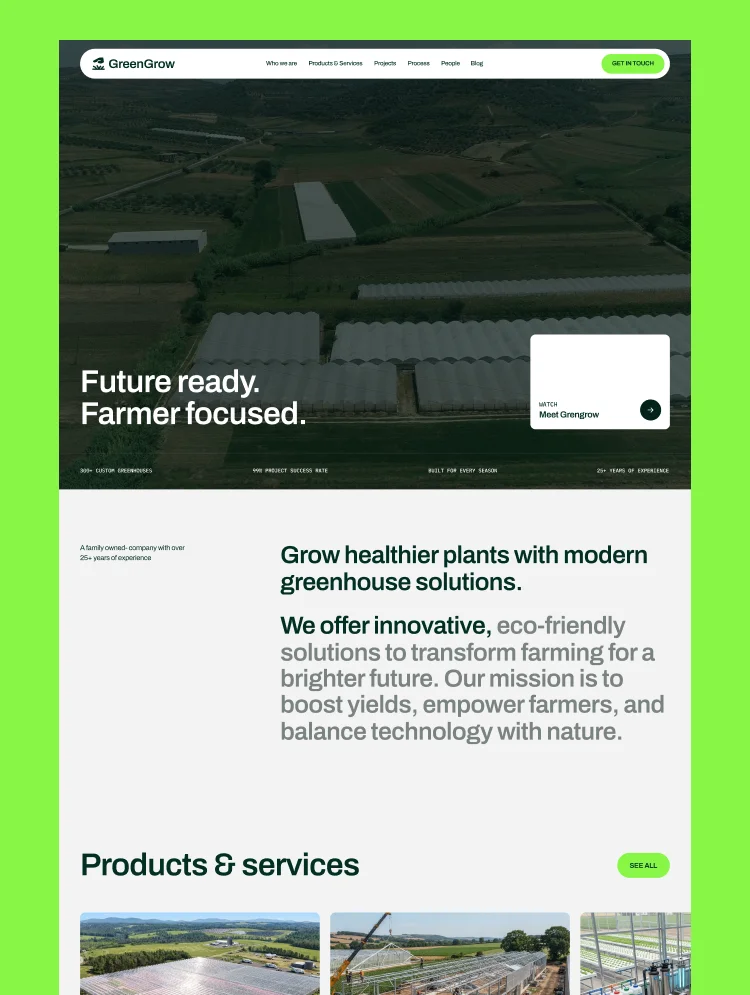
Greengrow is a greenhouse and agriculture website template built with Webflow. It showcases greenhouse construction, climate control, irrigation, and lifecycle support through project case studies and CMS-driven service pages. This agriculture websit
Greengrow is a warm, field-tested agriculture website template built on Webflow. It gives growers and greenhouse builders everything they need to win a project: real service depth, proof from finished builds, and a quote form that sits at the end of every page.
The structure follows how a grower actually evaluates a supplier. They check what you build, they look at projects like theirs, they want yield and energy numbers, then they get in touch. Greengrow covers each step with five service areas spanning greenhouse construction, water and irrigation, climate systems, and service support, plus a CMS project archive with location, crop, area, and key-scope fields already built in.
With three homepage, three blog, and three contact layouts, a single-region commercial greenhouse builder and a global controlled environment agriculture supplier can both launch distinct sites from one purchase. Video backgrounds, testimonial result stats, and a five-question FAQ round out the trust story.
Best for: commercial greenhouse builders and manufacturers, hydroponics and vertical farming companies, drip irrigation and water system suppliers, greenhouse climate control and automation firms, agritech and sustainable agriculture businesses, plant nurseries and garden centers, greenhouse kits retailers, farm and crop consultancies, and landscaping and horticulture contractors.
Greengrow includes 22 pages: 12 static, 3 CMS collection templates, and 7 utility pages. You get 3 homepage, 3 blog, and 3 contact layouts, plus dedicated About, Career, and FAQ pages.
The Products & Services collection gives every offering its own page, so greenhouse construction and climate solutions each get real depth instead of a shared paragraph. The Projects collection is the strongest asset here: each entry carries location, crop, growing area, and key scope, which is exactly the spec sheet a grower scans before making contact. The Blog collection supports market trend and sustainable practice articles that pull in organic traffic.
Growers buy on evidence, not on styling. Greengrow puts proof where it belongs: project cards with real area and crop figures, testimonials that carry a result stat next to each quote (higher crop yield, days of production, lower energy costs), plant and satisfaction counters, and a numbered three-point differentiator block.
Fully responsive, CMS-powered, and video-ready. Built to turn a grower's search into a project enquiry.
Warm, Field-Grounded Design
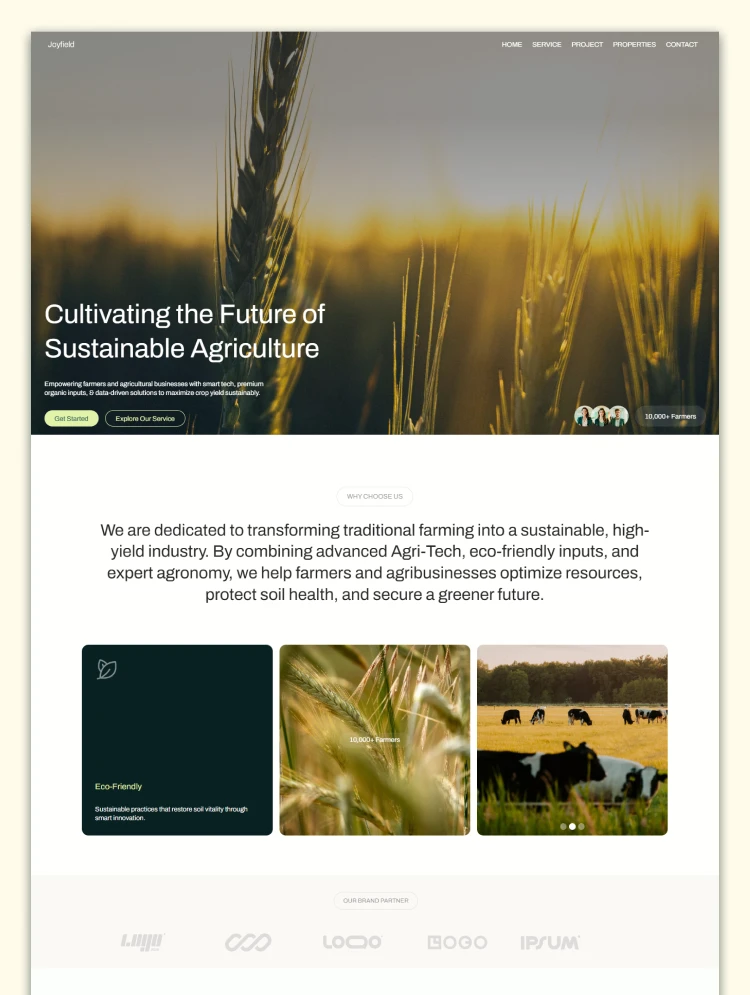
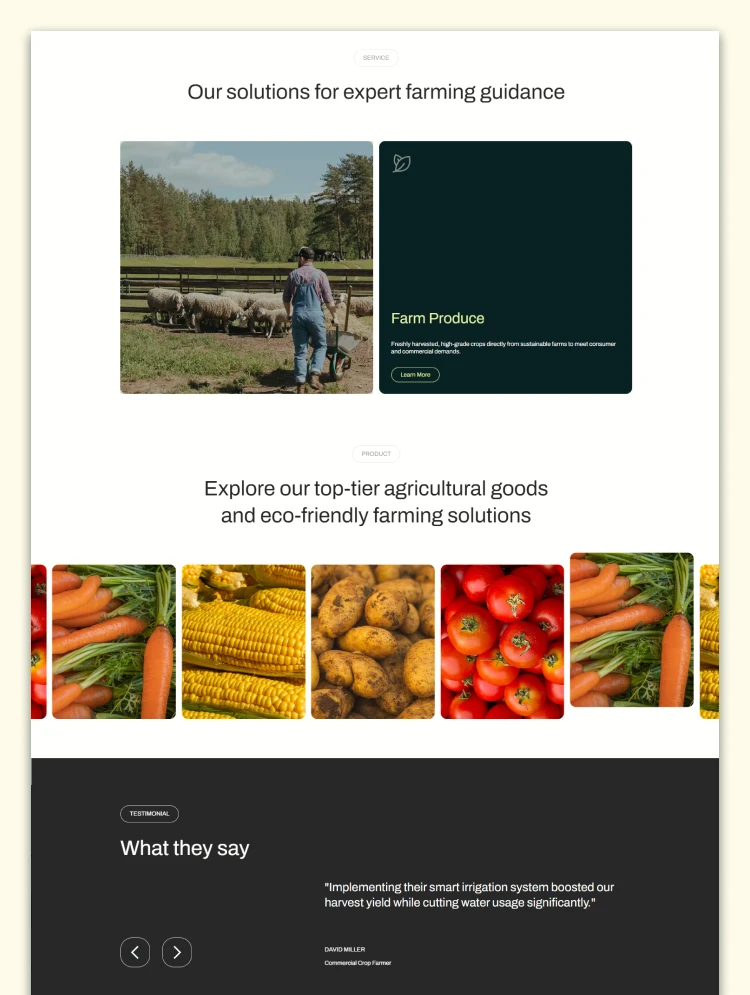
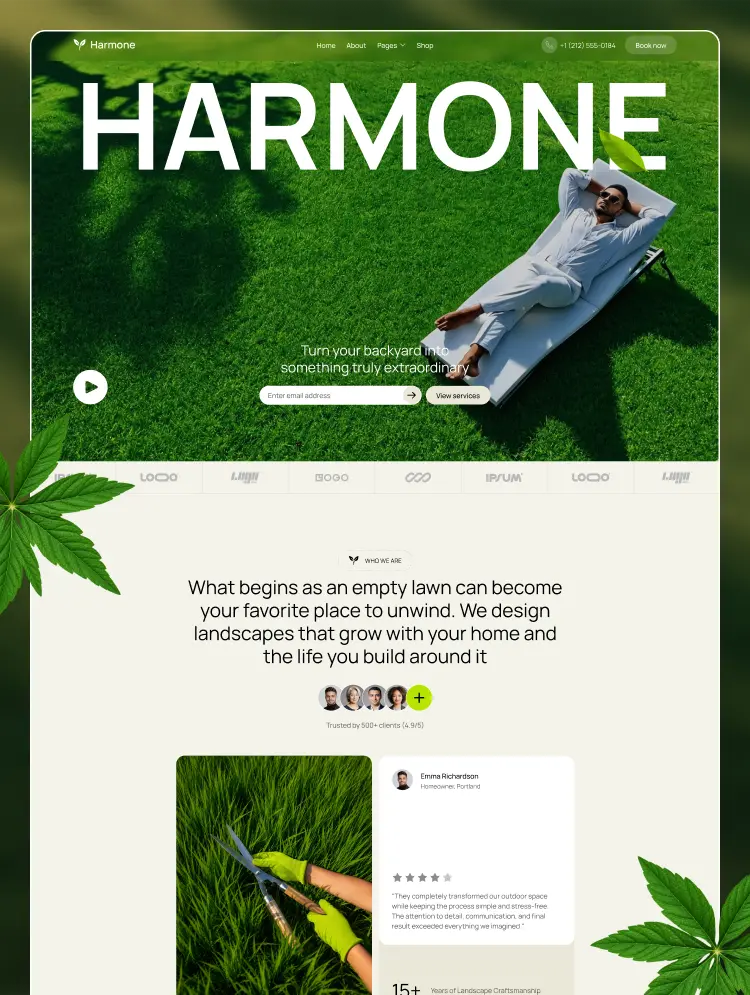
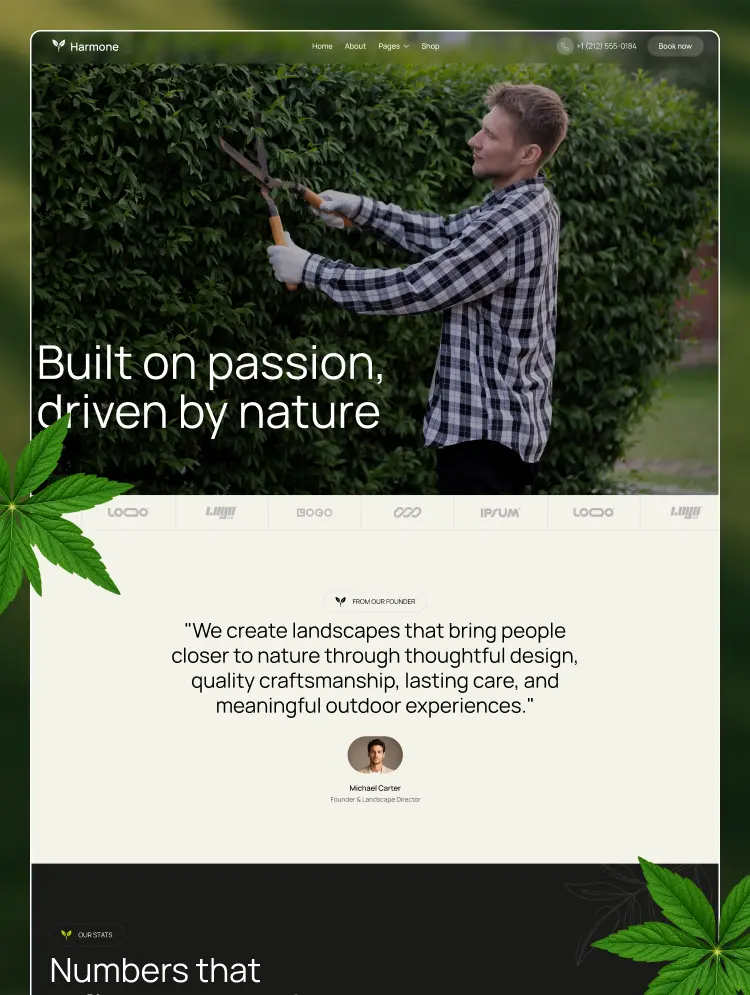
Natural greens with real greenhouse photography and video backgrounds. Professional enough for a commercial supplier, approachable for a nursery.
Project Archive with Specs
A CMS projects collection where each entry carries location, crop, growing area, and key scope. This is the section growers actually read.
Result-Backed Testimonials
Each quote carries a hard number beside it, from higher crop yield to lower energy costs. Far stronger than a plain quote wall.
Customizable, Responsive & SEO-Ready
Restyle colors, fonts, and imagery with no code. Every section adapts to desktop, tablet, and mobile, with headings mapped to real grower searches.
9 Layout Variations
Three homepage, three blog, and three contact layouts, so no two builds from this template have to look alike.
Service Collection (CMS)
Five service areas on their own pages: the greenhouse itself, construction, water solutions, climate solutions, and lifecycle support.
Video Hero & Enquiry Form
Hero video with an accessible pause control, plus a detailed enquiry form with subject and topic selectors and a footer newsletter signup.
STATIC PAGES · 12
Homepage 1
Homepage 2
Homepage 3
About
Career
FAQ
Blog 1
Blog 2
Blog 3
Contact 1
Contact 2
Contact 3
CMS PAGES · 3
Product & Service Details
Project Details
Blog Details
COLLECTIONS
Products & Services
Projects
Blog
UTILITY PAGES · 7
Style Guide
Licenses
Changelog
Instructions
Privacy Policy
401
404
Can only be used by you or one client for one end product. You cannot resell or redistribute this template in its original or modified state.
This template is free to use in both person and commercial projects. You cannot resell, redistribute, or license this template in its original or modified state.
Questions about this template? Just reach out to the template designer and they will get back to you within 2 business days.
For advanced design guidance, please share your questions in the Webflow Forum or reach out to a Webflow Partner.
Share your feedback by leaving a comment below.
For template support, please check the Support tab.

Use the Preview in Designer option to make any edits to the template pages and preview how the layout would fit your content. Changes in preview mode won't be saved.
It isn't possible to apply a template to an already existing project. Instead, you'll need to create a new project based on the Template.
With a Core plan (or higher), you can export sites you build in Webflow, including templates, to host them anywhere you'd like.
Webflow templates are only available for purchase through Workspaces and legacy individual accounts.
CMS templates are designed to use the power of the Webflow CMS. It is possible to downgrade to a Basic Site Plan as long as all CMS content is deleted from the project.
Use the View Connections tool to understand where the CMS content is on the site and delete any dynamic listings and CMS content. We also recommend you to check Components and the Collection page Templates.
Ecommerce templates are designed to use the power of Webflow Ecommerce. It is not possible to remove Ecommerce from a template, however, deleting all Ecommerce Products and Categories from the project, will allow to select a lower Site Plan.
Membership templates are designed to use the power of Webflow Membership. It is not possible to remove Memberships from a template.
.svg)


Reposition and resize items anywhere within the grid to produce powerful, responsive layouts — faster and without code.
Build your lead lists and subscriber base with beautiful forms.
Comes with animations and interactions for additional polish and usability.