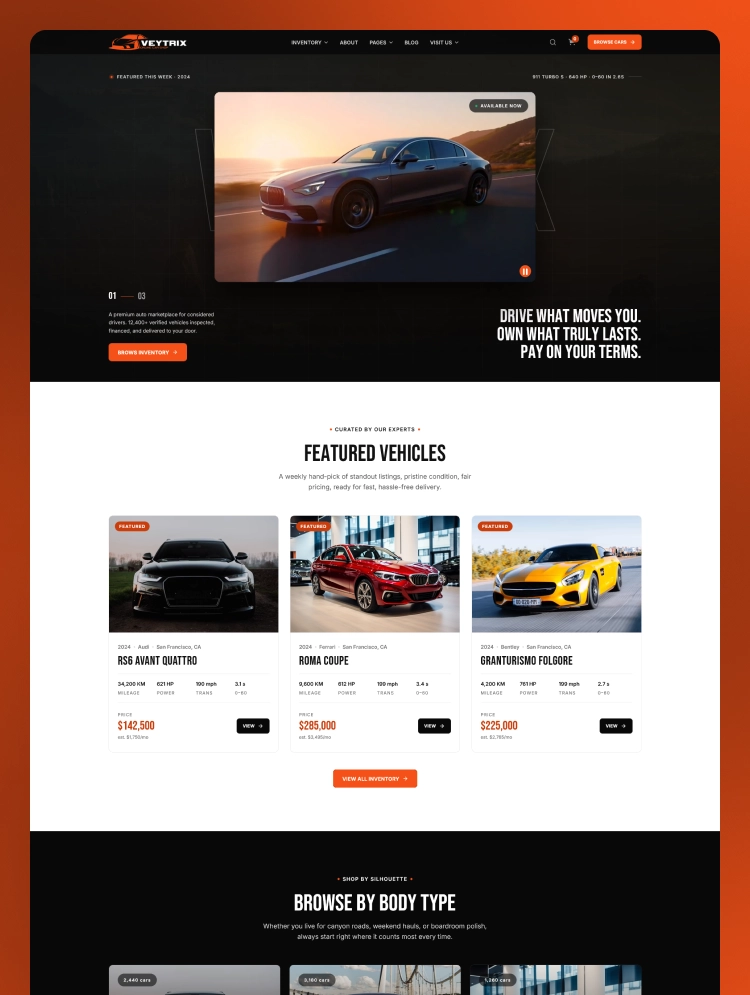
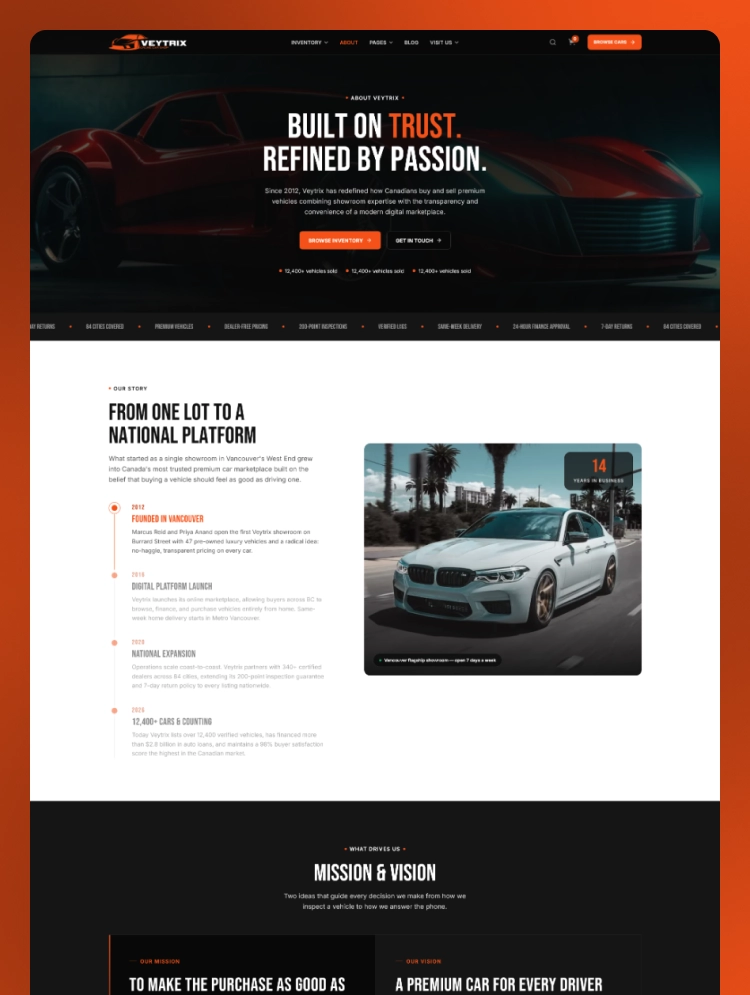
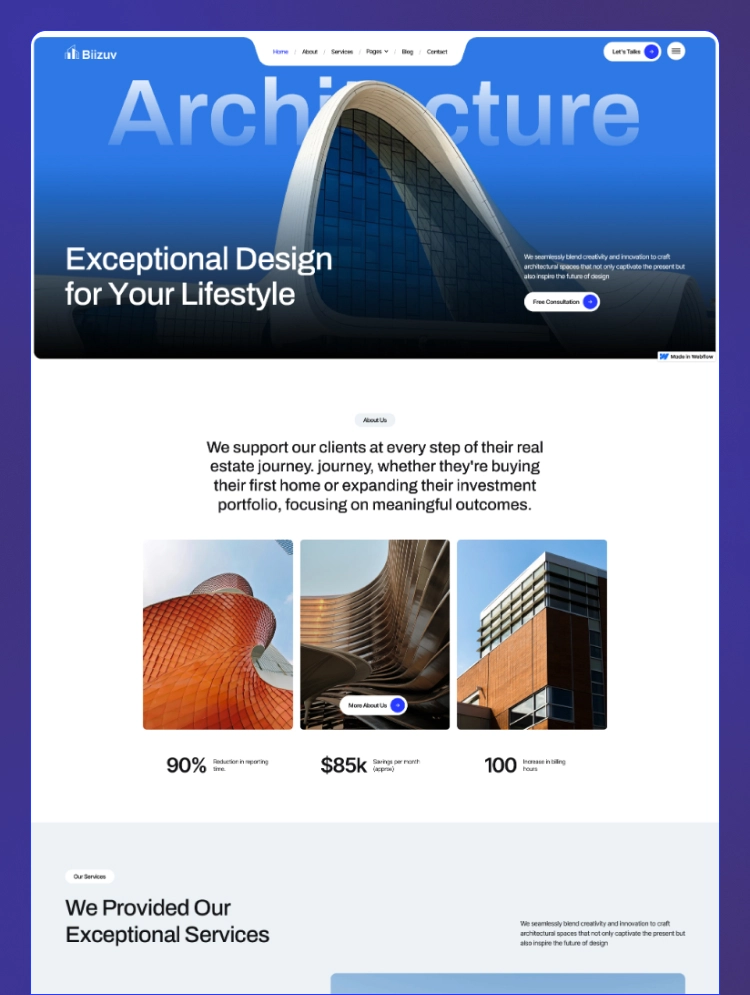
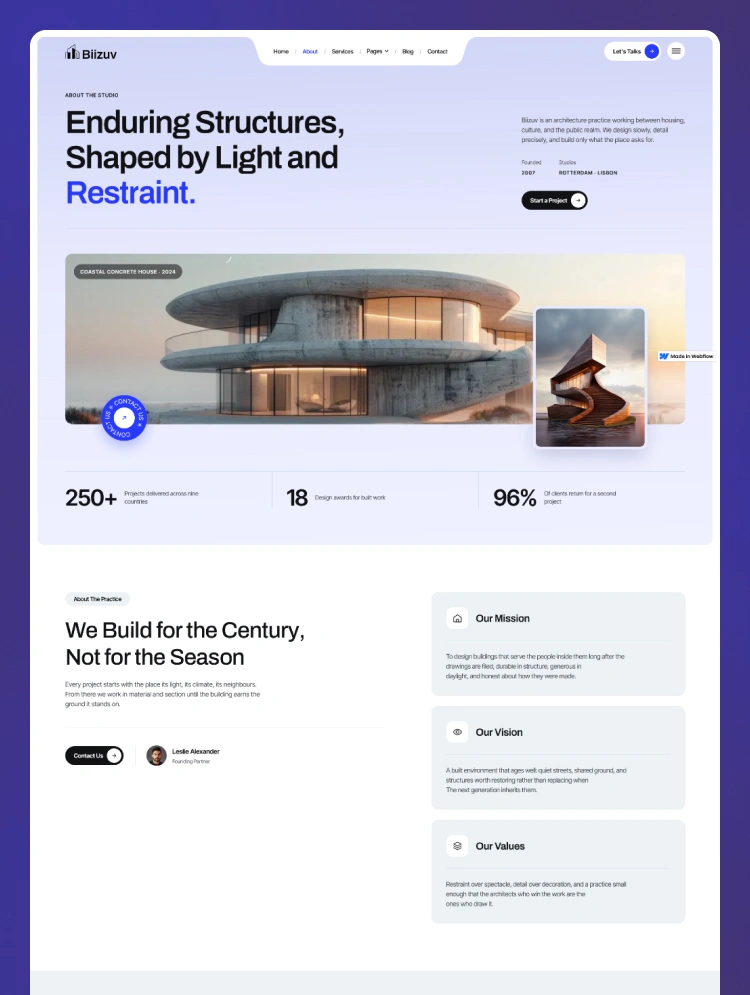
Trusted by teams at






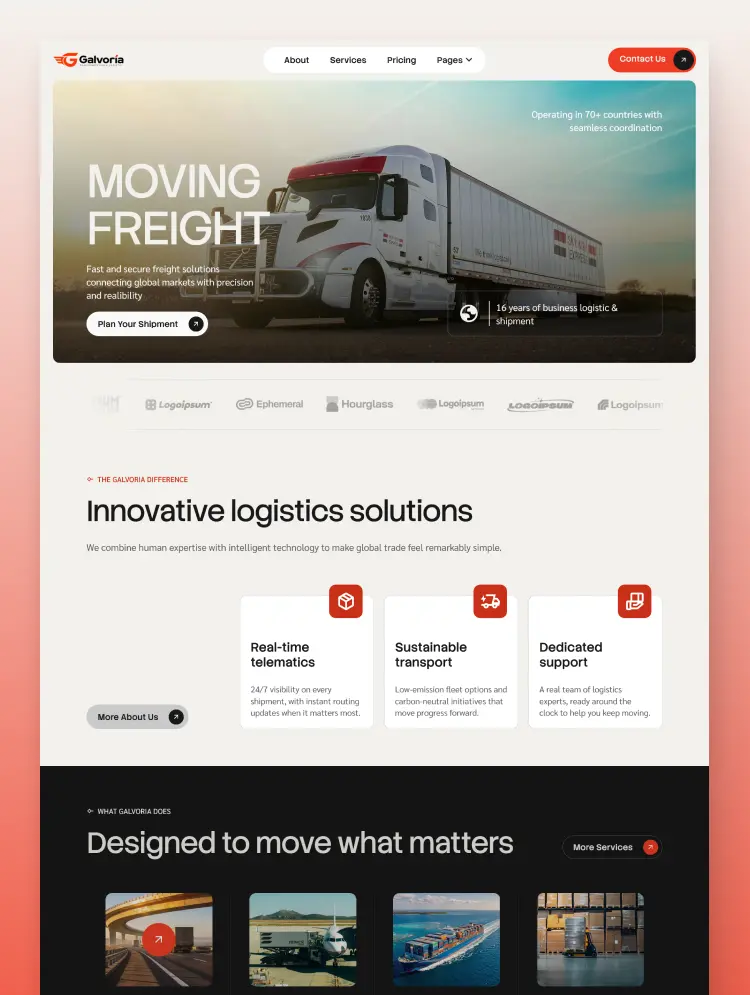
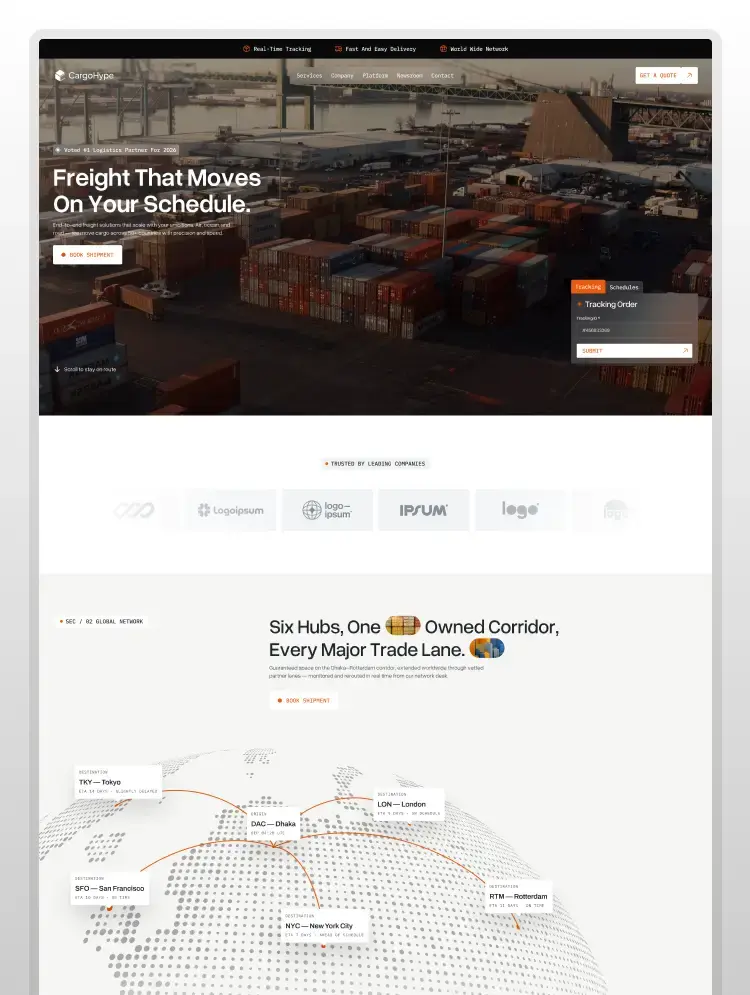
Fretrix gives logistics brands a clear and modern online presence. This transportation and logistics website template presents services through focused layouts. Webflow tools help teams shape the website around their business goals.
Fretrix is a professional logistics website template created for freight-focused businesses. Its bold layouts help visitors understand services through clear content sections. Strategic calls to action guide users toward tracking and quote request pages.
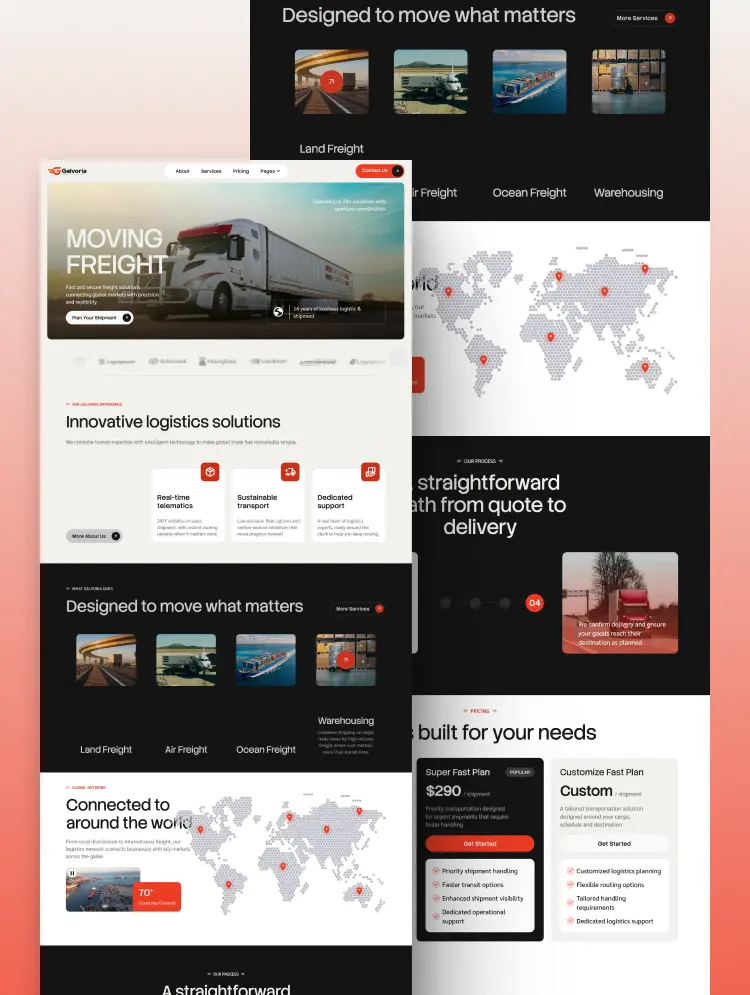
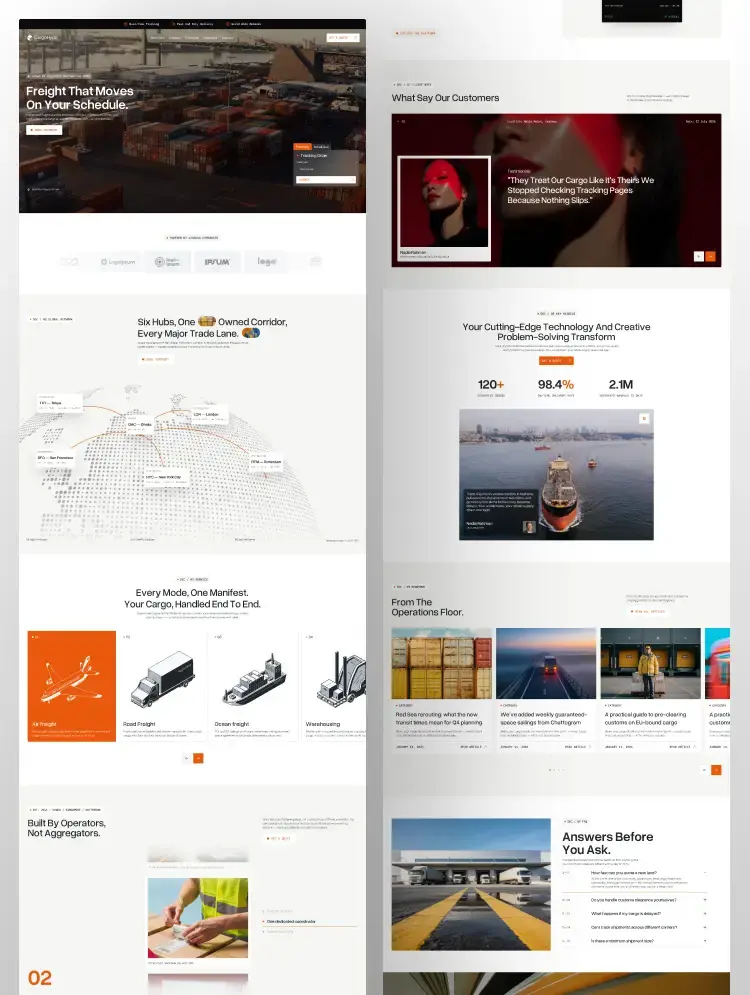
This transportation Webflow template combines strong typography with organized visual sections. Dark backgrounds and orange accents create a confident industrial appearance. Service cards present freight options through relevant images and helpful supporting details.
The built-in Webflow CMS supports services, categories, authors, and blog content. Organized CMS collections make recurring content easier to update and manage. This Webflow CMS template keeps growing logistics information structured and accessible.
Best for: Fretrix suits freight forwarders, transport agencies, shipping providers, and trucking businesses. Courier services, warehouse operators, and cargo carriers can also customize its layouts. Supply chain firms can present detailed capabilities through a clear professional website.
Fretrix includes 20 pages for building a complete logistics company website. It provides 13 static pages, 5 CMS collection pages, and 2 utility pages. Home, About Us, Services, FAQ, and Contact Us present essential company information.
Industries presents sector expertise while Tracking provides an interface for shipment updates. Request Quote supports customer inquiries while Login provides an entry point for account access. Blog shares logistics insights, transportation news, company updates, and useful industry guidance.
Fretrix offers focused layouts that support each important visitor journey. Clear navigation connects service discovery, shipment tracking, support, and quote requests naturally. Its structured layouts support clear content viewing across modern devices.
Webflow editing tools let teams adjust branding, typography, images, and page content. Organized CMS collections simplify updates for services and ongoing logistics blog content. The clear layouts support efficient browsing without adding unnecessary visual distractions.
Fretrix combines bold typography, freight photography, dark sections, and bright orange highlights throughout its layouts. This modern logistics website template presents services and industries through a confident professional visual system.
Every layout adjusts smoothly across desktops, laptops, tablets, and smaller mobile device screens. This responsive logistics website template maintains readable content and accessible navigation across different devices.
Users can modify text, colors, fonts, images, layouts, and branding through Webflow’s visual tools. These options help each logistics business website template reflect its company identity and communication style.
CMS collections organize blog posts, authors, blog categories, services, and related service categories. Teams can update dynamic logistics content through structured collections without recreating repeating page designs.
Fretrix uses organized sections and focused content layouts designed for efficient website browsing. Its clear page structure helps visitors explore services without unnecessary clutter or distracting interactions.
Fretrix provides structured areas for page titles, headings, descriptions, content, and image details. These foundations support search optimization for a transportation company Webflow template, but they do not guarantee rankings.
Static Pages
CMS Collection Pages
Utility Page
Can only be used by you or one client for one end product. You cannot resell or redistribute this template in its original or modified state.
This template is free to use in both person and commercial projects. You cannot resell, redistribute, or license this template in its original or modified state.
Questions about this template? Just reach out to the template designer and they will get back to you within 2 business days.
For advanced design guidance, please share your questions in the Webflow Forum or reach out to a Webflow Partner.
Share your feedback by leaving a comment below.
For template support, please check the Support tab.

Use the Preview in Designer option to make any edits to the template pages and preview how the layout would fit your content. Changes in preview mode won't be saved.
It isn't possible to apply a template to an already existing project. Instead, you'll need to create a new project based on the Template.
With a Core plan (or higher), you can export sites you build in Webflow, including templates, to host them anywhere you'd like.
Webflow templates are only available for purchase through Workspaces and legacy individual accounts.
CMS templates are designed to use the power of the Webflow CMS. It is possible to downgrade to a Basic Site Plan as long as all CMS content is deleted from the project.
Use the View Connections tool to understand where the CMS content is on the site and delete any dynamic listings and CMS content. We also recommend you to check Components and the Collection page Templates.
Ecommerce templates are designed to use the power of Webflow Ecommerce. It is not possible to remove Ecommerce from a template, however, deleting all Ecommerce Products and Categories from the project, will allow to select a lower Site Plan.
Membership templates are designed to use the power of Webflow Membership. It is not possible to remove Memberships from a template.
.svg)


Comes with GSAP animations and interactions for additional polish and usability.
Reposition and resize items anywhere within the grid to produce powerful, responsive layouts — faster and without code.
Build your lead lists and subscriber base with beautiful forms.
Comes with animations and interactions for additional polish and usability.