Trusted by teams at


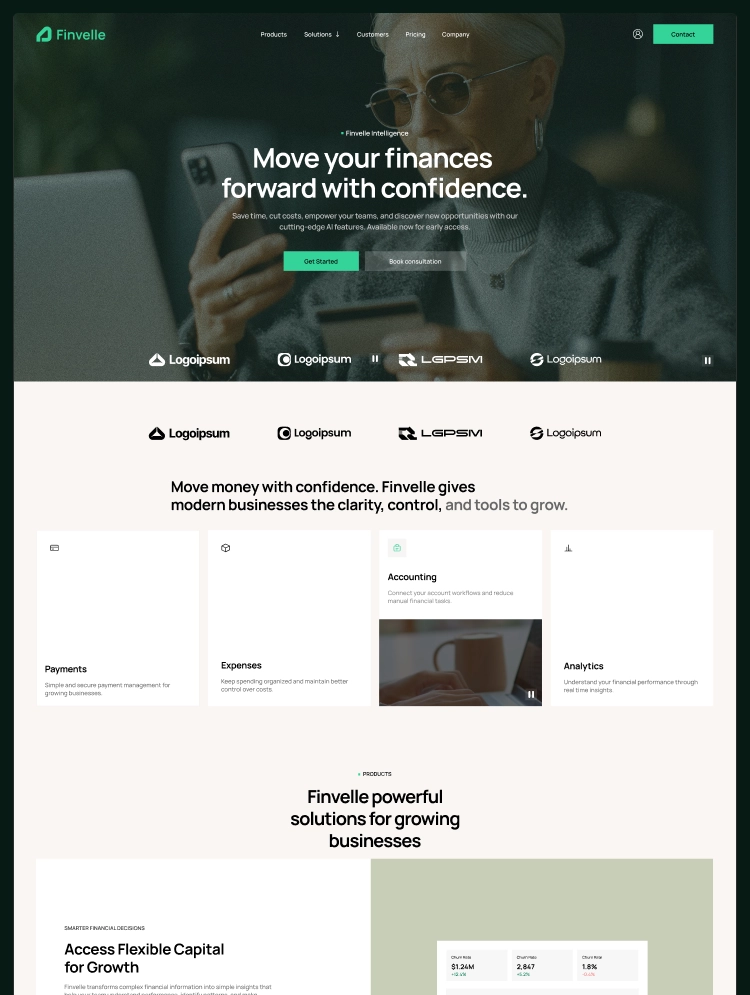
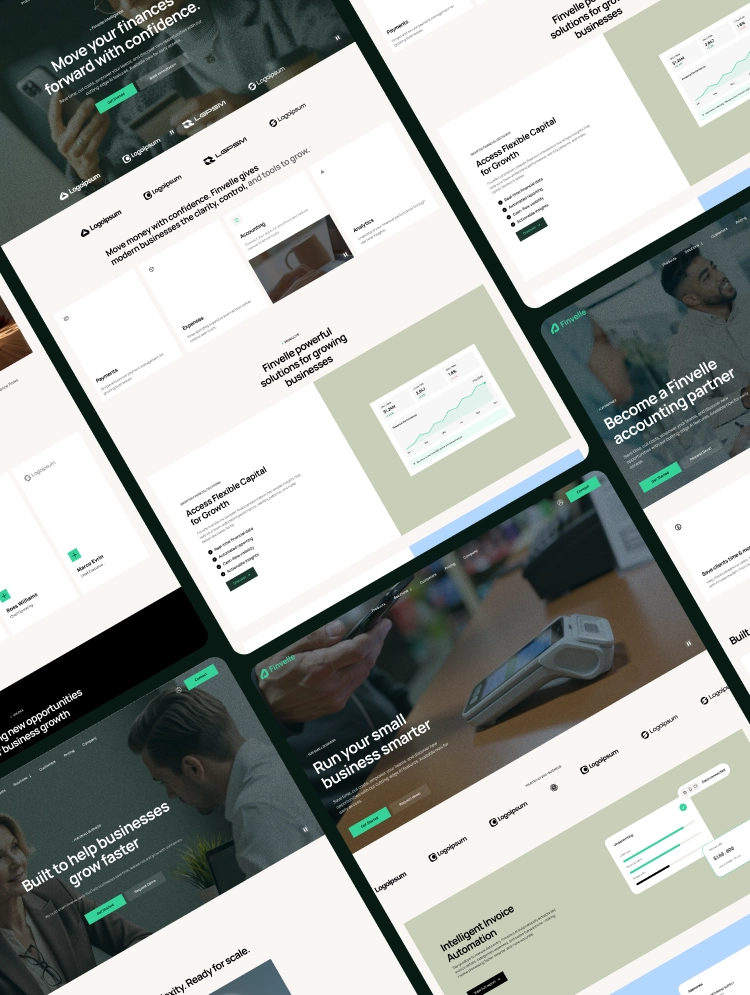
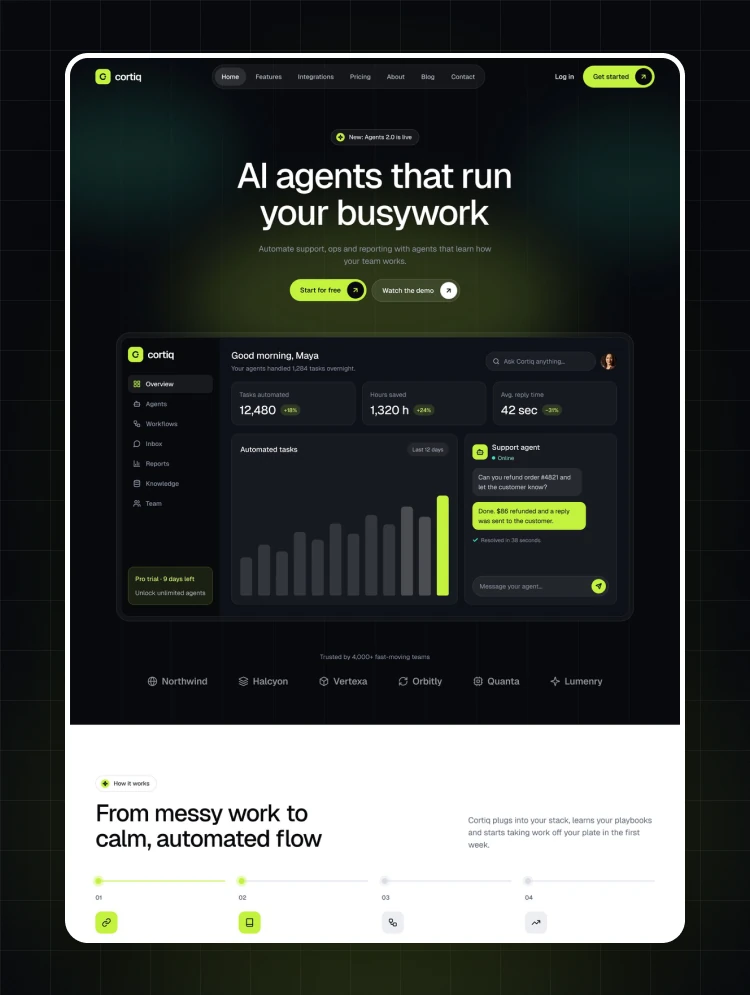
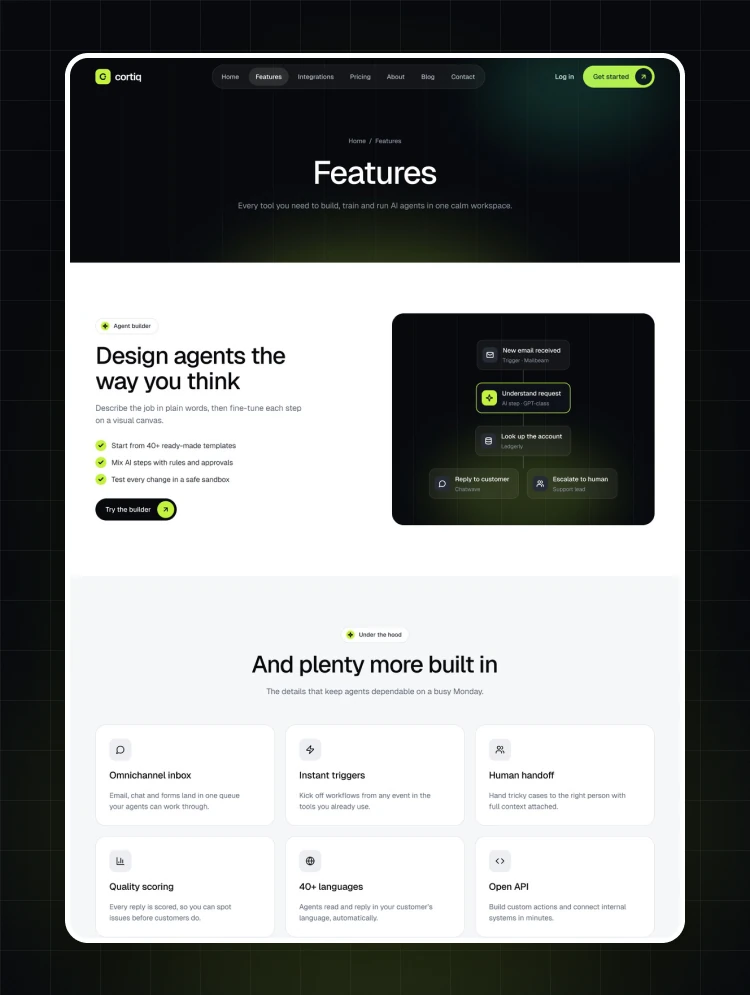
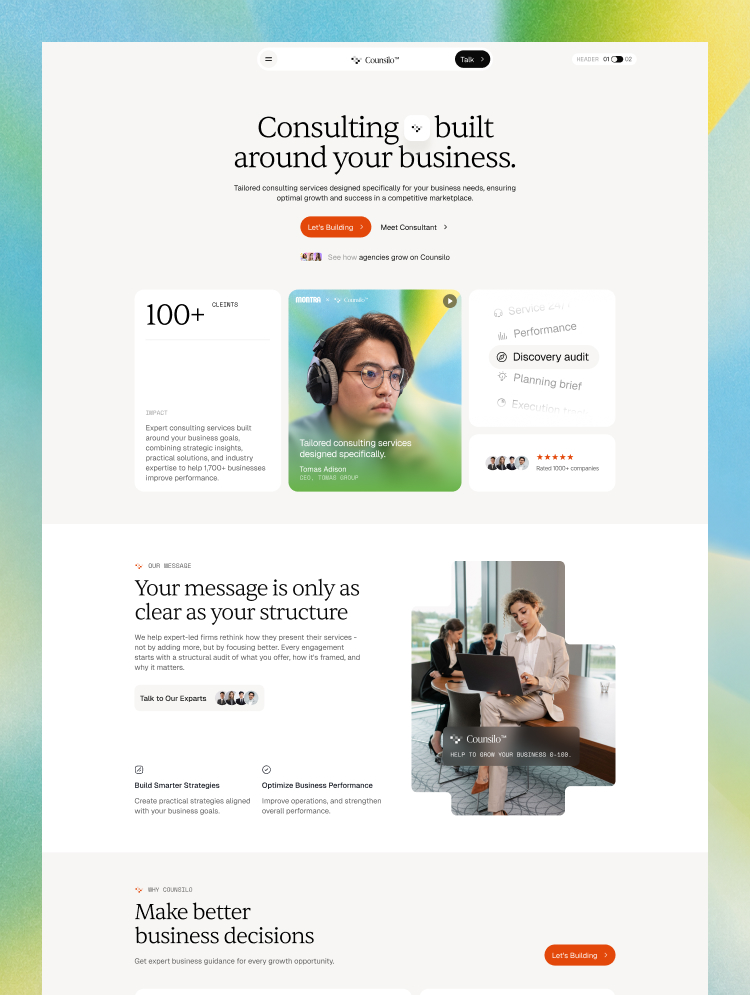
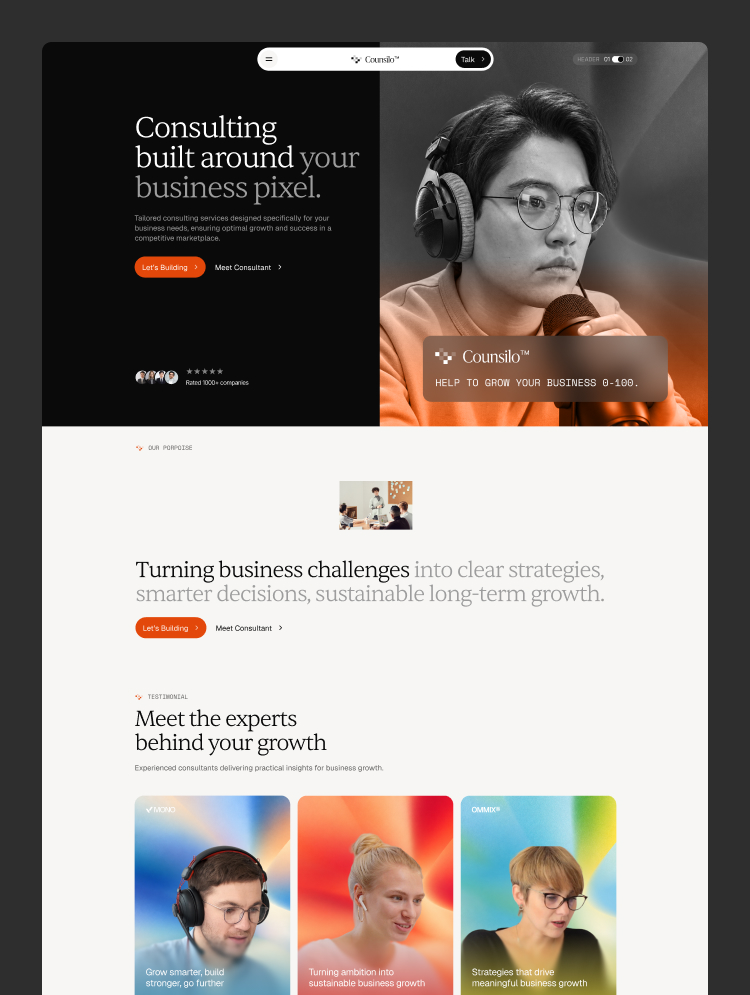
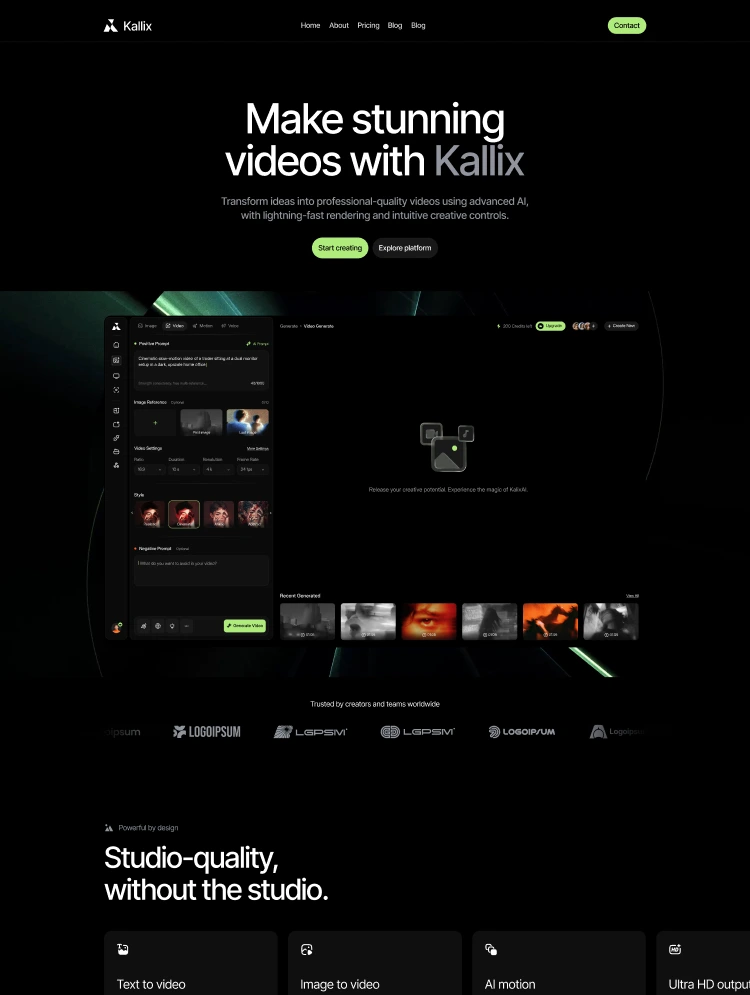
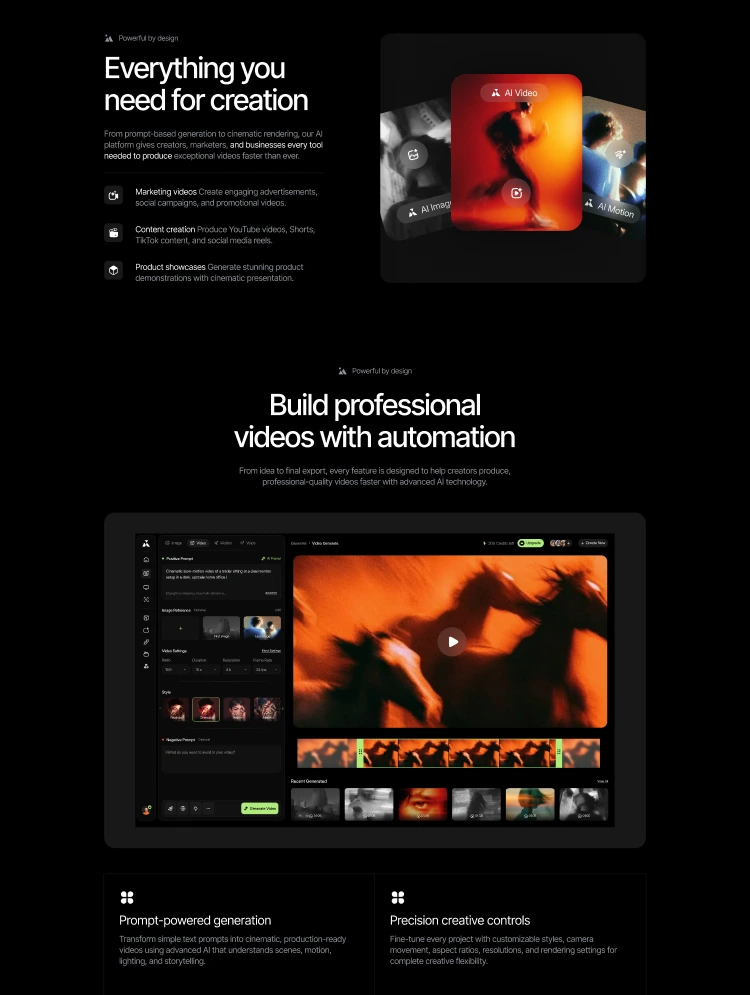
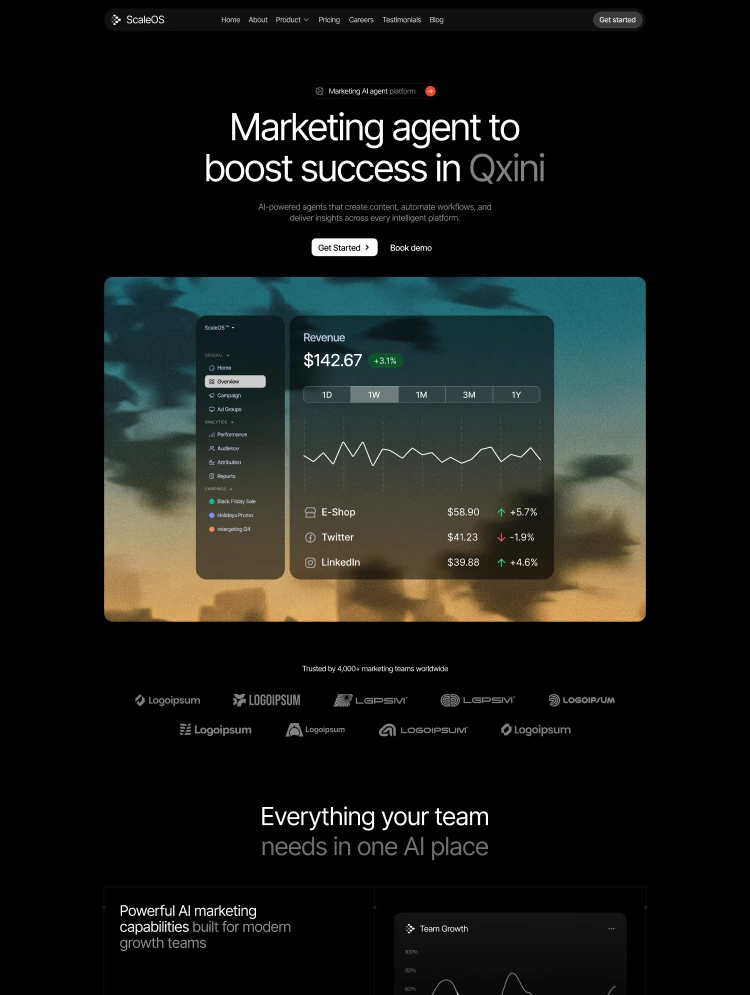
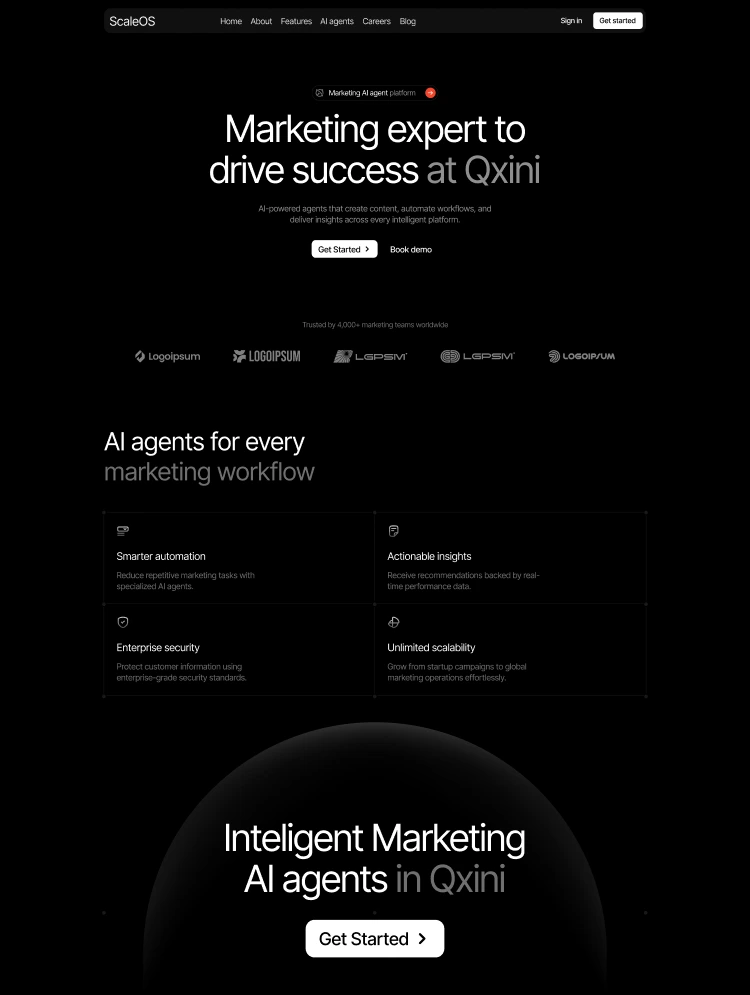
Fortion is a modern Webflow template designed for AI platforms, intelligent automation products, SaaS companies, and next-generation technology businesses. With a versatile page structure, product-focused layouts, and dedicated documentation pages.
Build a compelling online presence for your next-generation AI product with Fortion.
Designed for businesses shaping the future of intelligent work, Fortion combines bold visuals, structured content, and flexible layouts to help you present your product, highlight its capabilities, and communicate its value.
From AI agents and workflow automation to intelligent platforms and enterprise software, Fortion gives you the flexibility to create a professional website that reflects your product vision. Showcase features, introduce integrations, share customer success stories, publish insights, and guide visitors toward your next conversion.
Whether you're launching an AI startup, scaling a SaaS platform, or building an automation-focused business, Fortion provides the building blocks to bring your digital presence to life.
🎨 Consistent Visual Styling: Customize colors, typography, buttons, and visual elements to align with your brand identity and create a cohesive product experience.
🧩 Flexible Page Layouts: Adapt sections and content blocks to showcase product features, AI capabilities, integrations, company information, and more.
📱 Responsive Design: Deliver a consistent browsing experience across desktop, tablet, and mobile devices.
⚡ Product-Focused Components: Present complex product capabilities through structured layouts designed for clear communication and visual storytelling.
Fortion includes dedicated page layouts to help you explain your product, demonstrate its capabilities, and communicate the value of AI-powered solutions.
AI Intelligence (Feature 1): Introduce your platform's intelligence capabilities through dedicated product pages.
Workflow Automation (Feature 2): Showcase how intelligent workflows streamline processes and help teams work more efficiently.
AI Coordination (Feature 3): Present how AI systems, agents, and connected tools work together to support modern operations.
Product Integrations: Highlight the tools and platforms that connect your product to existing business workflows.
Success Stories: Share customer outcomes, implementation examples, and product success stories to build credibility.
📄 Pricing Page: Present your plans, pricing tiers, and product offerings in a clear, organized format.
📚 Documentation Pages: Provide structured resources that help users understand your product, explore its features, and navigate essential information.
📰 Blog CMS: Publish product updates, industry insights, educational content, and thought leadership articles through Webflow CMS.
🔌 Integration Page: Showcase connected tools and explain how your product fits into existing technology stacks.
💼 Careers Page: Introduce your team, highlight opportunities, and attract potential candidates.
❓ FAQ Section: Address common questions and help visitors understand your product and its capabilities.
📬 Contact Pages: Give potential customers and partners a clear way to connect with your business.
🔒 Legal Pages: Present essential business policies, including terms of use and privacy information.
⚙️ Easy Customization: Adapt content, typography, colors, imagery, and page layouts to suit your product and business requirements.
Fortion includes a versatile collection of marketing, product, company, resource, and utility pages.
Home & Product Pages
1. Home V1
2. Home V2
3. Home V3
4. Intelligence (Feature 1)
5. Coordination (Feature 2)
6. Workflow (Feature 3)
Company & Business Pages
7. About Us
8. Contact Us V1
9. Contact Us V2
10. Contact Us V3
11. Success Story
12. Integration
13. Careers
14. Waitlist
15. Pricing
Resources & Content Pages
16. Blog
17. Blog Details
18. Documentation
19. Instructions
Legal Pages
20. Terms of Use
21. Privacy Policy
22. Licenses
Utility Pages
23. Style Guide
24. 401 Unauthorized
25. Changelog
26. 404 Not Found
Blog Articles: Publish product updates, industry insights, educational resources, and thought leadership content using Webflow CMS.
Blog Categories: Organize articles into relevant categories to help visitors discover related content and navigate your content library.
Note: The CMS collection structure above describes the blog organization. Documentation content should be managed according to the template's actual implementation.
Fortion is built for businesses creating, marketing, and scaling modern digital products.
Great products need more than a compelling landing page. They also need clear, accessible resources that help users understand the product.
Fortion includes a dedicated documentation page, providing a starting point for organizing product information and guiding users through essential resources.
Use the available page structure to present product explanations, feature information, usage guidance, and supporting resources in a clear, organized format.
Whether you're introducing a new AI platform or expanding an established SaaS product, Fortion helps you create a more complete digital presence beyond the homepage.
Your product deserves a website that communicates its potential.
Fortion combines flexible layouts, product-focused pages, and essential business resources to help you present your AI platform with clarity and confidence.
Showcase your capabilities. Explain your technology. Build trust with your audience.
Start building your next-generation AI website with Fortion.
To request the Figma design file after purchasing Fortion, email heytemplo@gmail.com with your proof of purchase.
We offer paid customization. Whether you need to customize this template or create a completely new website for your company, our team is here to help.
For custom design inquiries, contact us at heytemplo@gmail.com.
Can only be used by you or one client for one end product. You cannot resell or redistribute this template in its original or modified state.
This template is free to use in both person and commercial projects. You cannot resell, redistribute, or license this template in its original or modified state.
Questions about this template? Just reach out to the template designer and they will get back to you within 2 business days.
For advanced design guidance, please share your questions in the Webflow Forum or reach out to a Webflow Partner.
Share your feedback by leaving a comment below.
For template support, please check the Support tab.

Use the Preview in Designer option to make any edits to the template pages and preview how the layout would fit your content. Changes in preview mode won't be saved.
It isn't possible to apply a template to an already existing project. Instead, you'll need to create a new project based on the Template.
With a Core plan (or higher), you can export sites you build in Webflow, including templates, to host them anywhere you'd like.
Webflow templates are only available for purchase through Workspaces and legacy individual accounts.
CMS templates are designed to use the power of the Webflow CMS. It is possible to downgrade to a Basic Site Plan as long as all CMS content is deleted from the project.
Use the View Connections tool to understand where the CMS content is on the site and delete any dynamic listings and CMS content. We also recommend you to check Components and the Collection page Templates.
Ecommerce templates are designed to use the power of Webflow Ecommerce. It is not possible to remove Ecommerce from a template, however, deleting all Ecommerce Products and Categories from the project, will allow to select a lower Site Plan.
Membership templates are designed to use the power of Webflow Membership. It is not possible to remove Memberships from a template.


Comes with GSAP animations and interactions for additional polish and usability.
Reposition and resize items anywhere within the grid to produce powerful, responsive layouts — faster and without code.
Build your lead lists and subscriber base with beautiful forms.
Comes with animations and interactions for additional polish and usability.