Trusted by teams at






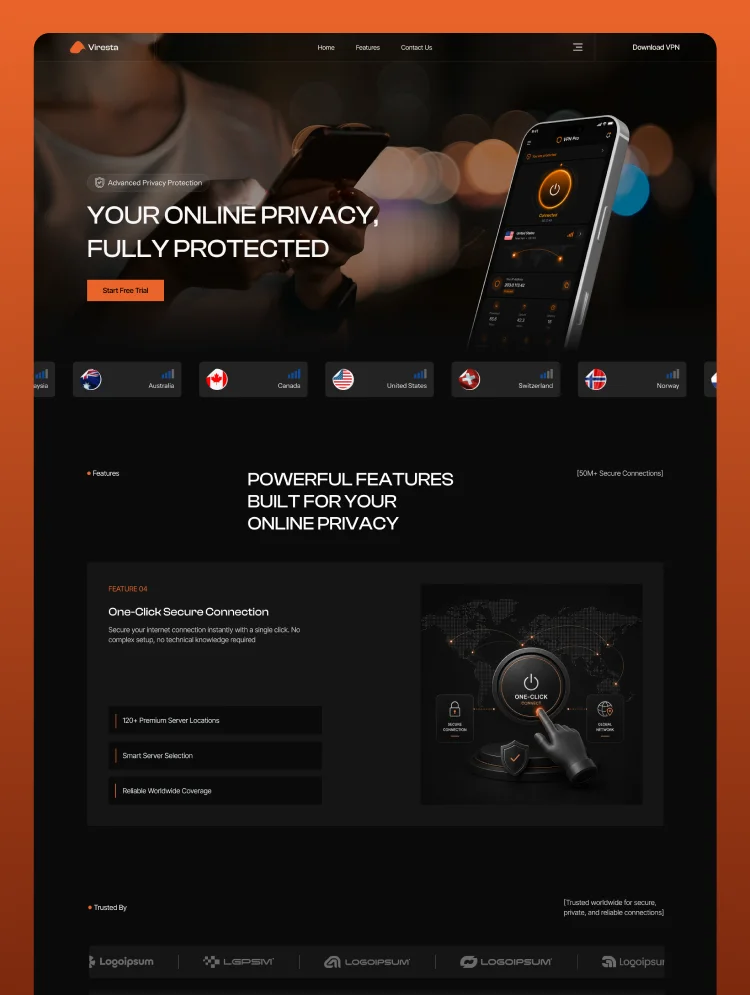
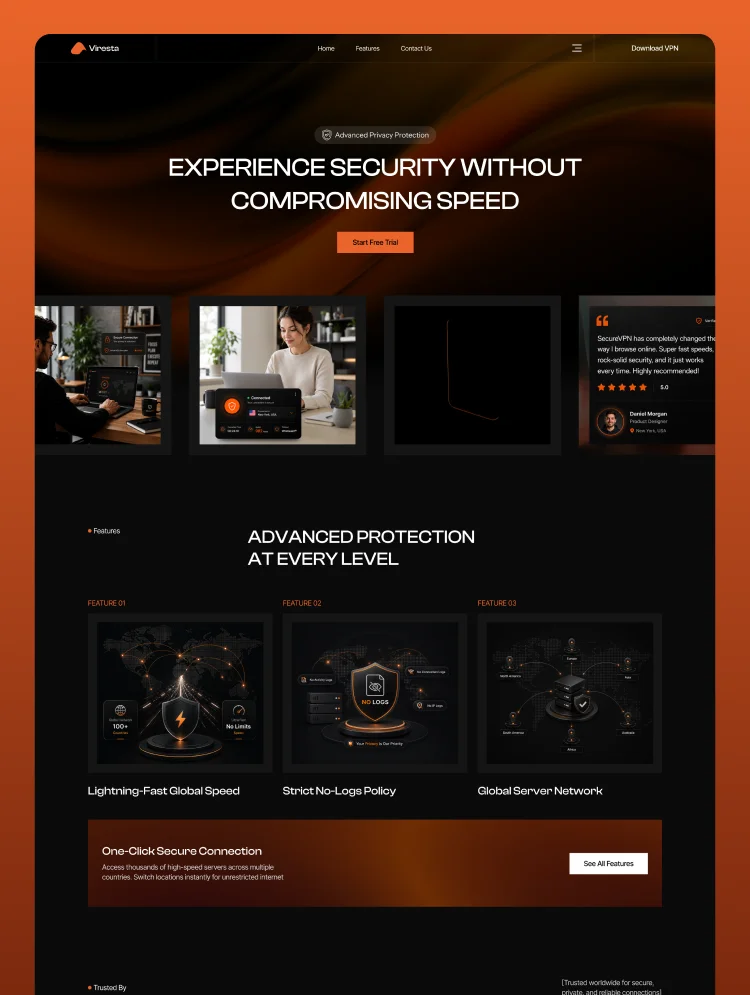
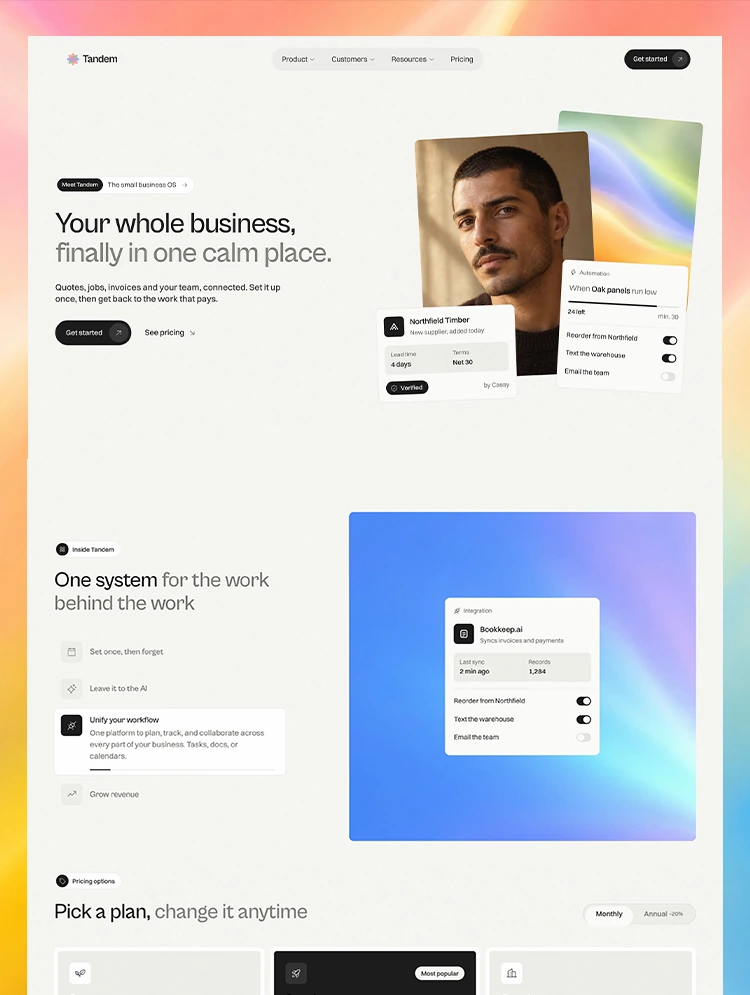
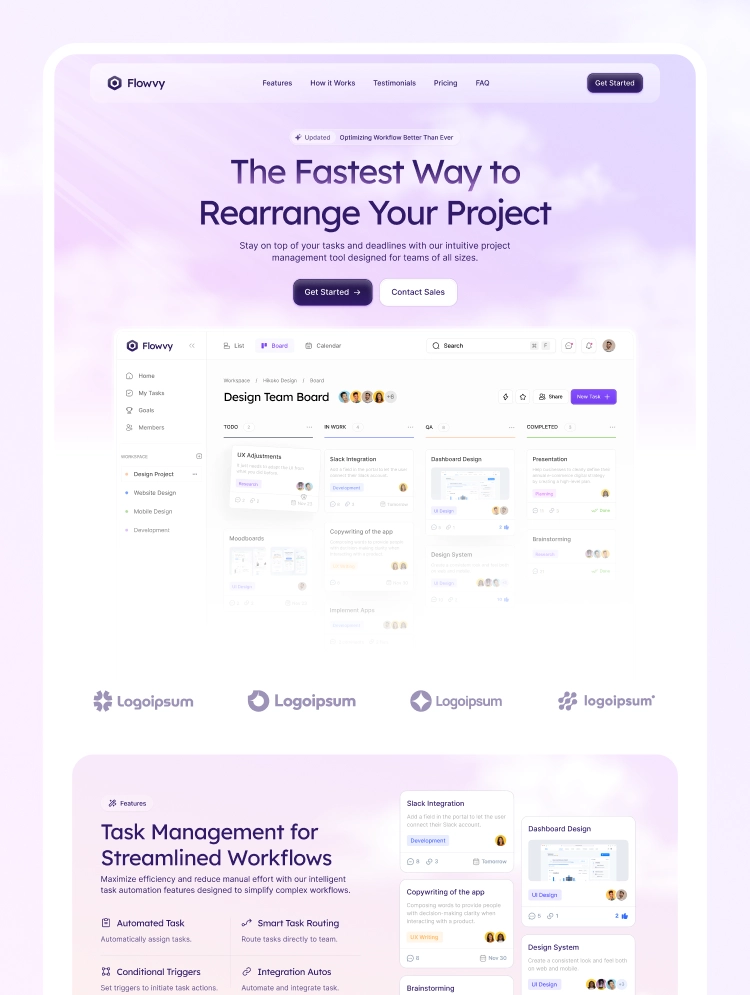
💼 Flowvy is a modern, dynamic SaaS template built for product managers and tech founders. Packed with fluid GSAP scroll animations, it delivers an engaging experience to showcase your software and go live effortlessly.
Elevate your product presence with Flowvy, a modern, light, and high-converting Webflow template built for SaaS platforms, tech startups, and digital tools. Designed with a clean, airy aesthetic and premium visual hierarchy, Flowvy delivers a smooth, engaging user journey that showcases your software's value and drives user signups.
Powered by advanced GSAP animations and native Webflow Variables, Flowvy balances fluid motion with complete design freedom. Effortlessly adapt styling across your landing page, reuse modular components, and launch a production-ready website in minutes.
Main Pages:
Utility Pages:
💫 GSAP Scroll & Infinite Animations: Fluid, scroll-triggered GSAP motion and infinite looping effects designed to bring software features and workflows to life.
🎬 Engaging Lottie Animations: Crisp, lightweight vector animations that visually demonstrate complex product interactions without slowing down load times.
🎨 Webflow Variables & Global Styles: Global design tokens for fast, centralized control over color palettes, typography, and spacing scales across the template.
🧩 Modular Webflow Components: Reusable, well-organized component blocks that make rearranging, duplicating, and building new sections effortless.
📱 Fully Responsive: Perfectly optimized across desktop, tablet, and mobile breakpoints for a seamless browsing experience on any screen size.
⚡ SEO & Speed Optimized: Clean semantic DOM structure and lightweight assets engineered for rapid page loading and maximum search engine visibility.
🎁 Figma File Included
Receive the fully customizable Figma source file to streamline your design and development workflow. Send your purchase receipt to pixeflowteam@gmail.com, and we will deliver your Figma file within 24–48 hours.
📩 Support & Assistance
Have questions or need help customizing your template? Contact our team at pixeflowteam@gmail.com. We respond to all support requests within 24–48 business hours.
🏷️ Built For
Startups, SaaS Founders, Product Managers, Software Developers, Tech Agencies, Digital Marketers, Product Owners, Creative Studios, Designers, Freelancers, Entrepreneurs, Remote Teams, SaaS Businesses.
Can only be used by you or one client for one end product. You cannot resell or redistribute this template in its original or modified state.
This template is free to use in both person and commercial projects. You cannot resell, redistribute, or license this template in its original or modified state.
Questions about this template? Just reach out to the template designer and they will get back to you within 2 business days.
For advanced design guidance, please share your questions in the Webflow Forum or reach out to a Webflow Partner.
Share your feedback by leaving a comment below.
For template support, please check the Support tab.

Use the Preview in Designer option to make any edits to the template pages and preview how the layout would fit your content. Changes in preview mode won't be saved.
It isn't possible to apply a template to an already existing project. Instead, you'll need to create a new project based on the Template.
With a Core plan (or higher), you can export sites you build in Webflow, including templates, to host them anywhere you'd like.
Webflow templates are only available for purchase through Workspaces and legacy individual accounts.
CMS templates are designed to use the power of the Webflow CMS. It is possible to downgrade to a Basic Site Plan as long as all CMS content is deleted from the project.
Use the View Connections tool to understand where the CMS content is on the site and delete any dynamic listings and CMS content. We also recommend you to check Components and the Collection page Templates.
Ecommerce templates are designed to use the power of Webflow Ecommerce. It is not possible to remove Ecommerce from a template, however, deleting all Ecommerce Products and Categories from the project, will allow to select a lower Site Plan.
Membership templates are designed to use the power of Webflow Membership. It is not possible to remove Memberships from a template.
.svg)


Reposition and resize items anywhere within the grid to produce powerful, responsive layouts — faster and without code.
Comes with animations and interactions for additional polish and usability.