Trusted by teams at






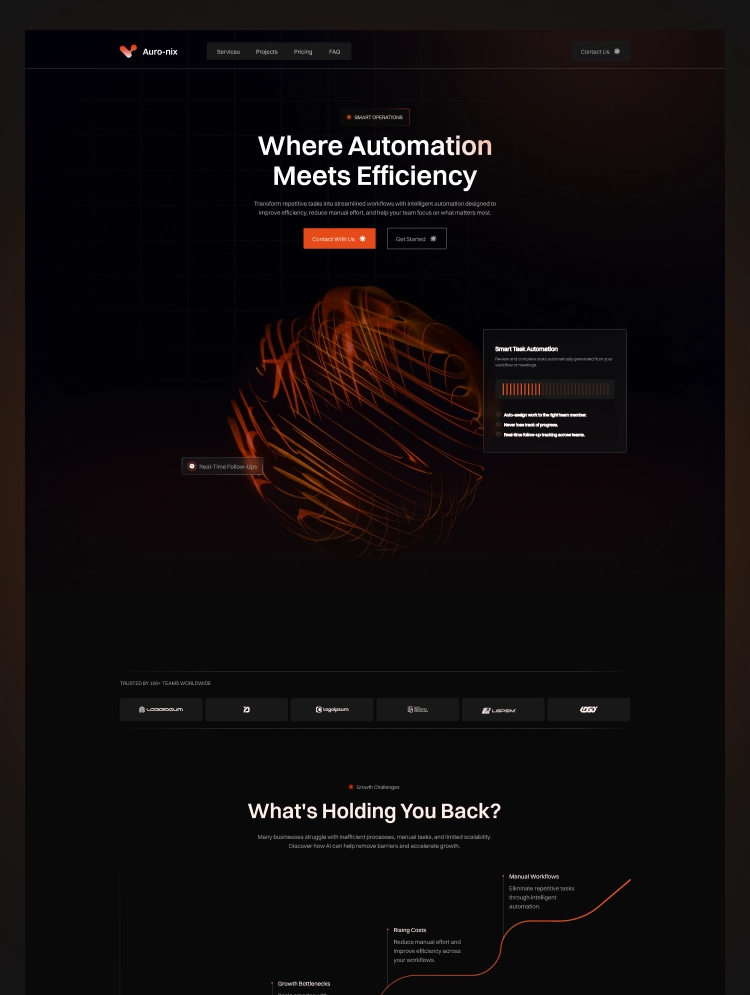
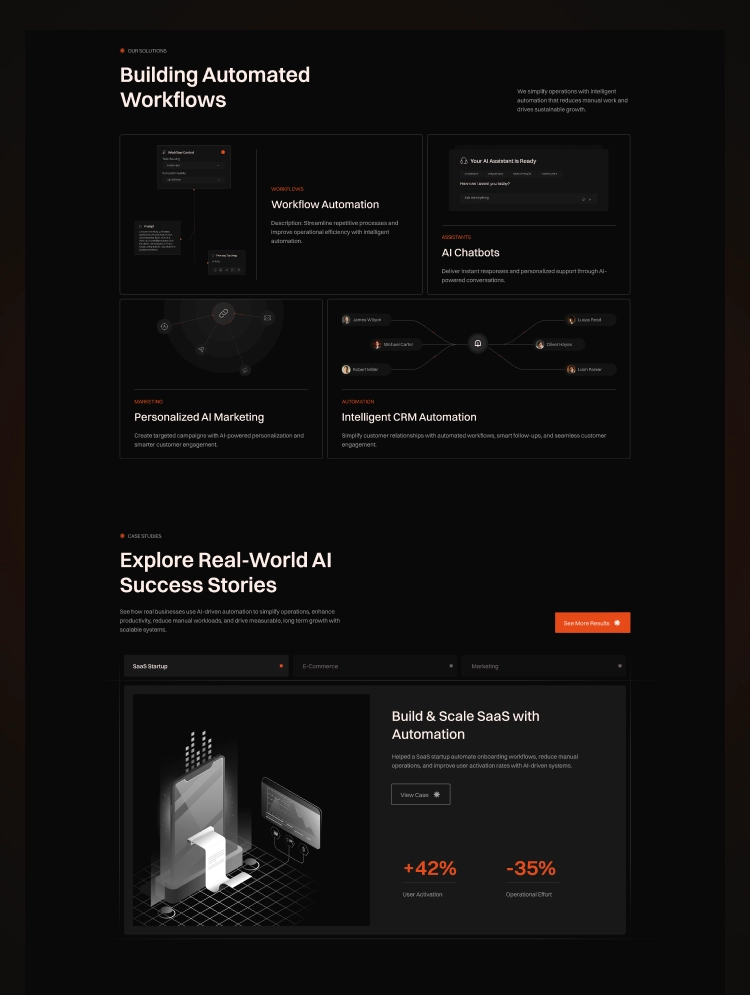
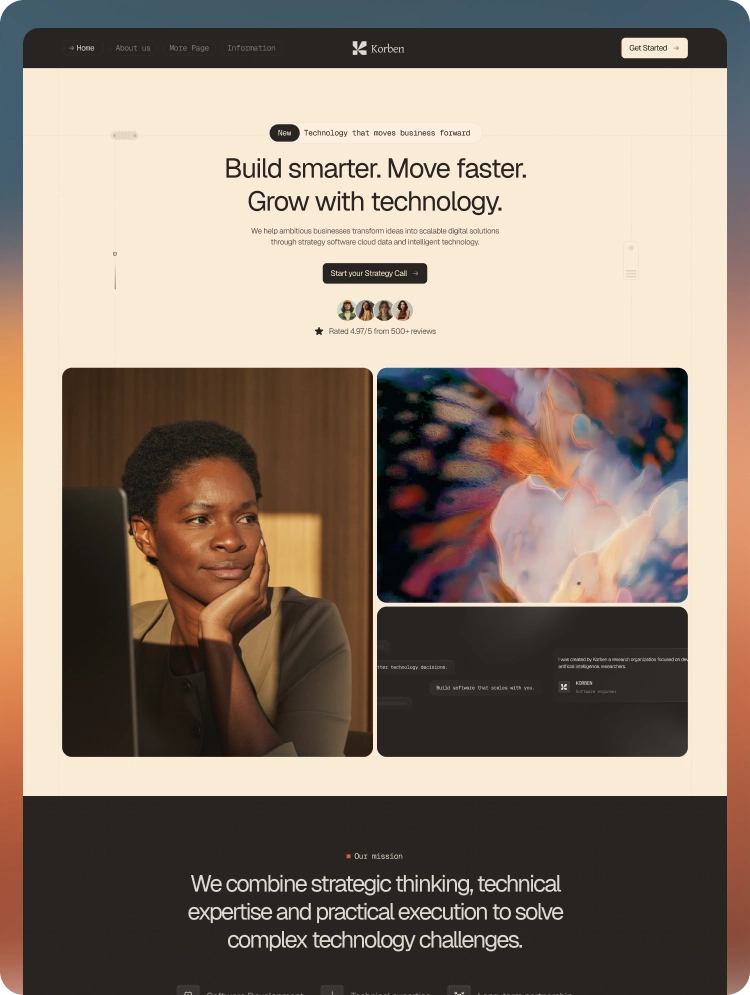
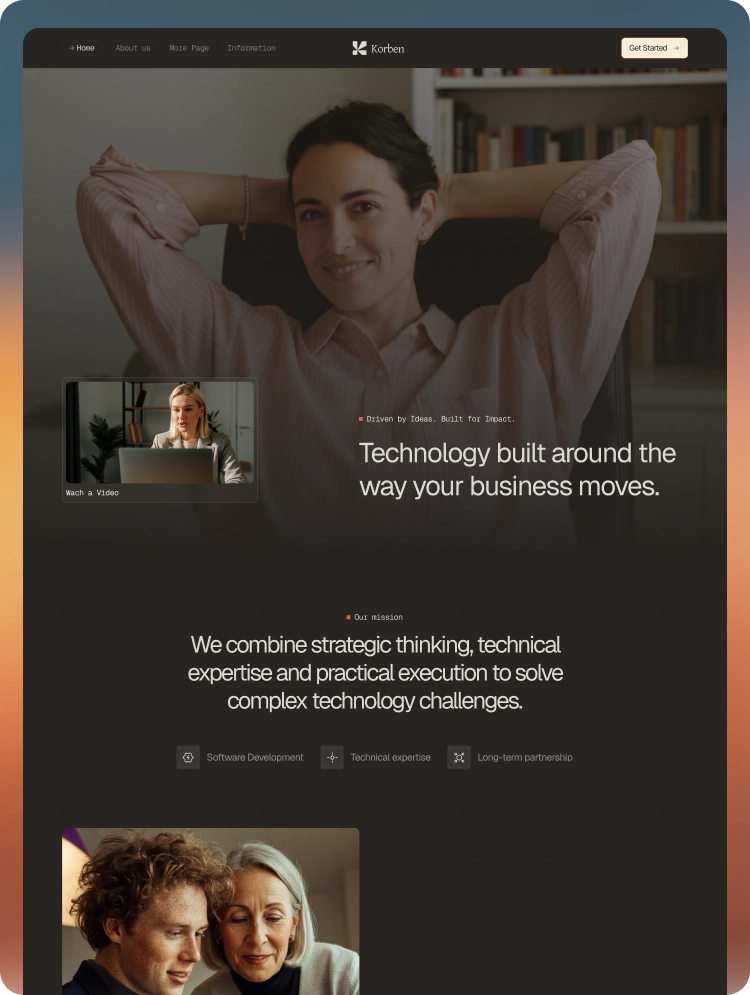
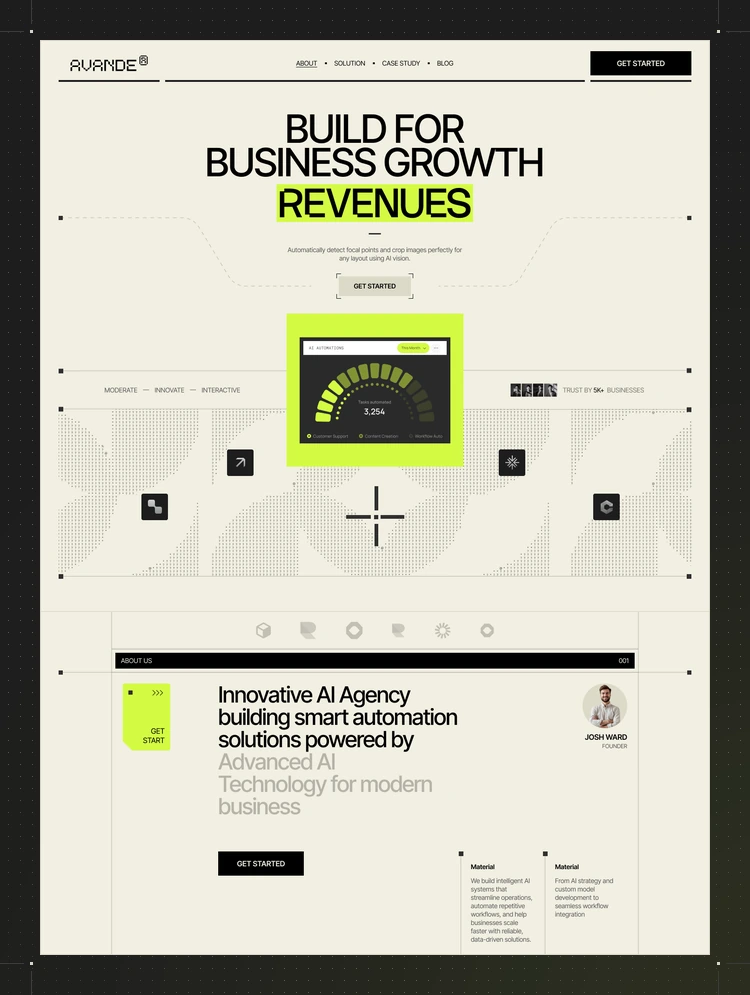
Flowtix is a modern AI SaaS Webflow template built for automation startups, software companies, and tech businesses. Featuring clean design, CMS support, responsive layouts, and high-performance structure optimized for conversions.
Flowtix is a modern AI SaaS and automation Webflow template designed for artificial intelligence startups, software companies, workflow automation platforms, no-code tools, technology businesses, and digital product brands.
Built with a premium dark design, conversion-focused layouts, CMS-powered blog pages, clear pricing sections, product feature showcases, and responsive Webflow components, Flowtix helps SaaS companies explain complex products clearly, build trust, and convert visitors into users.
Modern AI and SaaS website design
Complete 11-page Webflow website
CMS-powered blog and article pages
Product feature showcase
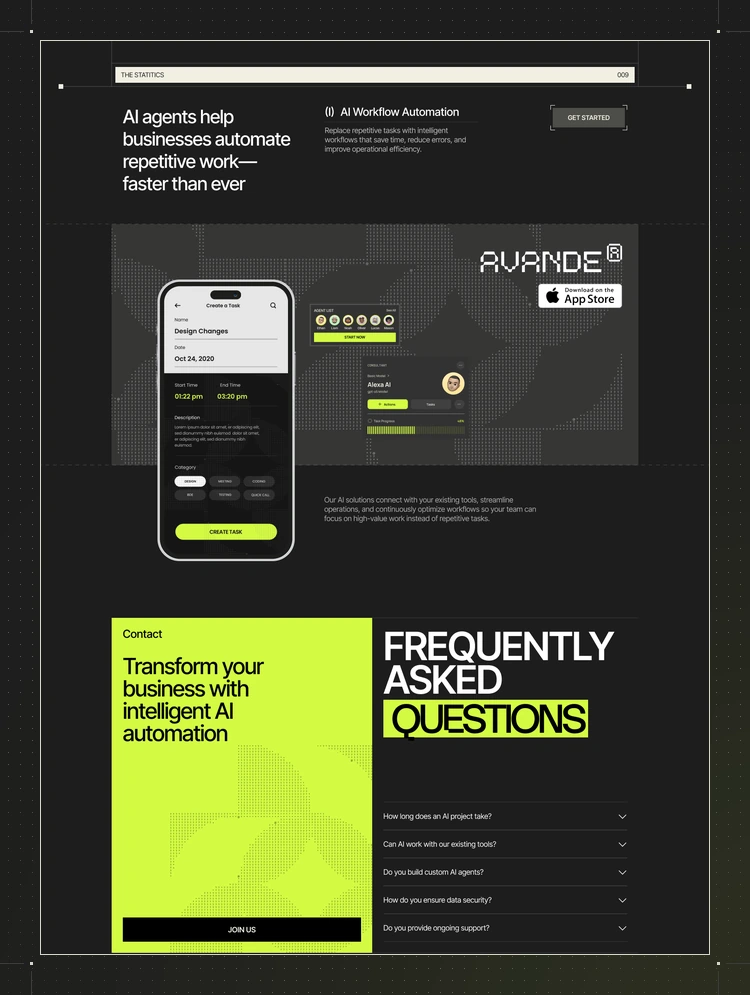
Workflow automation sections
Software integration showcase
Pricing plan layouts
Customer testimonial sections
Frequently asked questions
Contact and lead-generation forms
Strong signup and free-trial call-to-actions
Responsive navigation
Smooth animations and interactions
Fully responsive across all devices
Retina-ready visual assets
Reusable Webflow components
Clean and organized class structure
Complete Style Guide included
Custom 404 page
Easy to customize without coding
SEO-friendly website structure
Flowtix is carefully designed for businesses operating in the Technology, Software & SaaS, and Artificial Intelligence categories.
The template is suitable for:
AI SaaS companies
Workflow automation platforms
Artificial intelligence startups
No-code automation tools
Business automation software
Productivity SaaS products
AI agent platforms
Software startups
CRM automation tools
API and integration platforms
Project management software
Data analytics platforms
Marketing automation software
Customer support platforms
Technology consulting businesses
Digital product companies
The homepage combines the most important sections needed to introduce your software product and encourage visitors to start a trial, choose a plan, or contact your business.
AI SaaS hero section
Free-trial call-to-action
Trusted company logos
Business problem and solution section
Product feature showcase
Workflow automation visuals
How-it-works process
Software integration section
Pricing plans
Business performance statistics
Customer testimonials
Final signup call-to-action
Professional footer
Flowtix includes flexible sections for displaying the main features and benefits of your software.
You can use these sections to present:
Workflow automation
Smart dashboards
Unified inbox
Data protection
Pre-built templates
Third-party integrations
Real-time reporting
Team collaboration
AI-powered productivity
Business process automation
Each section can be customized with your own product screenshots, feature descriptions, icons, and call-to-action buttons.
The professionally designed pricing page helps visitors compare your SaaS subscription plans and select the most suitable option.
Pricing cards can display:
Plan name
Monthly or yearly price
Main features
Team member limits
Support options
Product capabilities
Free-trial button
Contact-sales option
The pricing structure can be customized for free, starter, professional, growth, business, or enterprise plans.
Flowtix includes dedicated layouts for showcasing the tools and platforms that connect with your software.
Use these sections to highlight:
CRM integrations
Marketing platforms
Communication tools
Project management software
Analytics tools
Payment systems
Cloud storage platforms
API integrations
No-code tools
Business productivity apps
These sections help potential customers understand how your product fits into their existing workflow.
Flowtix includes a Webflow CMS blog for publishing articles, software updates, educational resources, and SEO-focused content.
You can publish content about:
Artificial intelligence
SaaS growth
Workflow automation
Business productivity
AI agents
No-code software
Software integrations
Product updates
Automation strategies
Digital transformation
Technology trends
Customer success stories
The CMS makes it easy to create and manage new blog posts without manually designing a page for every article.
Home
About
Features
Pricing
FAQ
Blog
Blog Post CMS Template
Contact
Style Guide
Changelog
404 Page
Flowtix provides a strong foundation for building an SEO-optimized AI, software, or SaaS website.
You can customize:
SEO page titles
Meta descriptions
Heading structure
Image alt text
Blog post metadata
CMS URLs
Open Graph titles and descriptions
Internal links
Product-focused page content
Social sharing information
Technology Webflow template
Software Webflow template
SaaS Webflow template
AI Webflow template
Technology website template
Software company website template
AI SaaS Webflow template
Automation Webflow template
Workflow automation website template
Artificial intelligence website template
SaaS startup Webflow template
AI software website template
No-code automation template
Business automation website template
AI startup website template
Software product landing page
SaaS product website template
Technology startup Webflow template
These keywords are included naturally throughout the description to improve relevance without excessive keyword repetition.
You can easily update:
Business logo
Brand colours
Typography
Product screenshots
Feature descriptions
Integration logos
Pricing plans
Testimonials
FAQs
Blog articles
Forms
Contact information
Navigation links
Buttons and calls to action
Footer content
Flowtix uses reusable components and an organized Webflow structure, making it suitable for business owners, designers, developers, and agencies.
We also provide complete Webflow design and development services for SaaS companies, technology startups, agencies, and modern businesses.
Our services include:
Flowtix template customization
Custom Webflow website development
SaaS website development
AI startup website development
Figma to Webflow development
Webflow CMS setup
Landing page development
Multi-page website development
Responsive Webflow development
Animations and interactions
Pricing and feature page setup
Blog CMS configuration
Contact form setup
Third-party integrations
Basic on-page SEO
Website performance optimization
Custom domain connection
Pre-launch testing
Website launch support
Whether you need simple template changes or a completely custom Webflow website, we can support your project from design to final launch.
Preview Flowtix:
https://flowtix.webflow.io/
For Flowtix template support, customization, or complete Webflow development services:
Email: contact.lioweb@gmail.com
Can only be used by you or one client for one end product. You cannot resell or redistribute this template in its original or modified state.
This template is free to use in both person and commercial projects. You cannot resell, redistribute, or license this template in its original or modified state.
Questions about this template? Just reach out to the template designer and they will get back to you within 2 business days.
For advanced design guidance, please share your questions in the Webflow Forum or reach out to a Webflow Partner.
Share your feedback by leaving a comment below.
For template support, please check the Support tab.

Use the Preview in Designer option to make any edits to the template pages and preview how the layout would fit your content. Changes in preview mode won't be saved.
It isn't possible to apply a template to an already existing project. Instead, you'll need to create a new project based on the Template.
With a Core plan (or higher), you can export sites you build in Webflow, including templates, to host them anywhere you'd like.
Webflow templates are only available for purchase through Workspaces and legacy individual accounts.
CMS templates are designed to use the power of the Webflow CMS. It is possible to downgrade to a Basic Site Plan as long as all CMS content is deleted from the project.
Use the View Connections tool to understand where the CMS content is on the site and delete any dynamic listings and CMS content. We also recommend you to check Components and the Collection page Templates.
Ecommerce templates are designed to use the power of Webflow Ecommerce. It is not possible to remove Ecommerce from a template, however, deleting all Ecommerce Products and Categories from the project, will allow to select a lower Site Plan.
Membership templates are designed to use the power of Webflow Membership. It is not possible to remove Memberships from a template.
.svg)


Uses fonts from Google's Web Font collection.
Display images and text elegantly on every device with our touch-friendly slider.
Bring life and motion to your design with background videos
Site navigation automatically collapses into a mobile-friendly menu on smaller devices.
All graphics are optimized for devices with high DPI screens.
Custom design for the 404 page of your website
Showcase high-res photos and videos on a black backdrop.
Reposition and resize items anywhere within the grid to produce powerful, responsive layouts — faster and without code.
Customize the built-in database for your project or just add new content.
Displays perfectly on desktops, tablets, and phones.
Build your lead lists and subscriber base with beautiful forms.
Comes with animations and interactions for additional polish and usability.
Display 3D graphics elegantly on every device.