No items found.

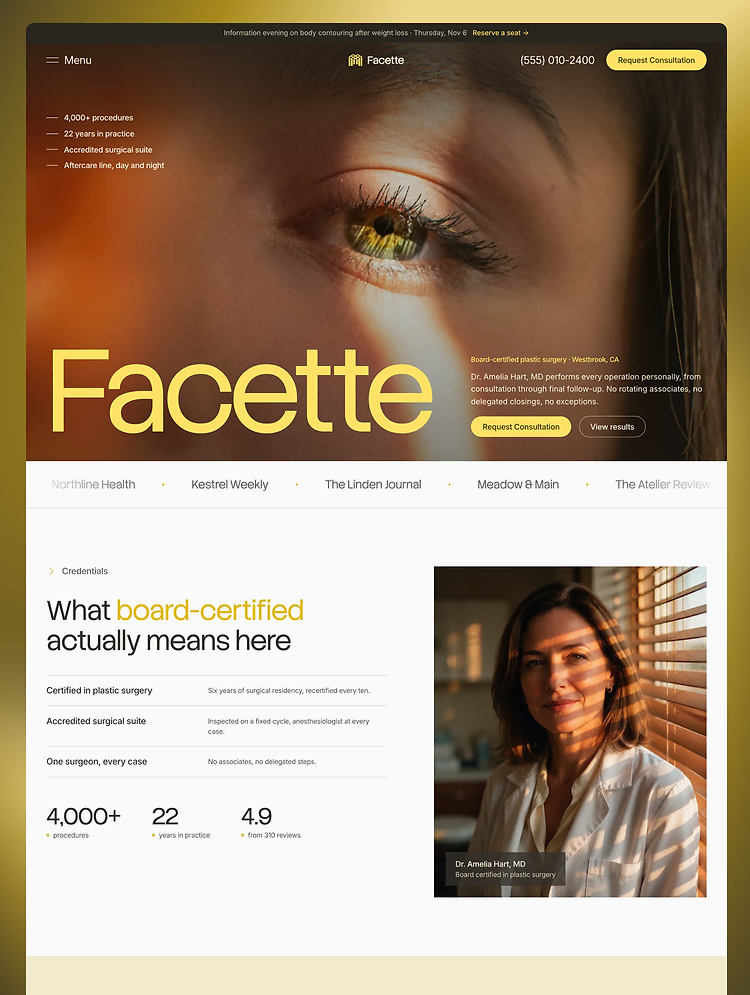
Facette is a Webflow template for plastic surgeons, cosmetic surgeons and aesthetic surgery clinics. Show each procedure, from rhinoplasty to tummy tuck, with price and recovery, share before and after results and take consultation requests.

Facette is a Webflow template for plastic surgeons, cosmetic surgeons and aesthetic surgery clinics. It answers what patients ask before they book a plastic surgery consultation: what a procedure involves, what it costs, how long recovery takes, what real results look like and who the surgeon is.

Who it is for

  • Board-certified plastic surgeons in private practice
  • Cosmetic surgery and aesthetic surgery clinics
  • Surgical practices with a med spa or skin room for injectables, fillers and laser
  • Agencies and freelancers who build plastic surgery and cosmetic surgery websites for clients

Pages

  • Home: procedures by body area with starting prices, surgeon credentials, before and after results, the consultation steps, financing, travel for out-of-town patients, FAQ and a consultation form
  • Procedures: tabs for Face, Breast, Body, Non-surgical and Men, from facelift, eyelid surgery and rhinoplasty to breast augmentation, breast lift, tummy tuck, liposuction, dermal fillers and chemical peels
  • Procedure detail (CMS): price range, recovery time and a procedure FAQ. 7 sample procedures: tummy tuck (abdominoplasty), rhinoplasty (nose reshaping), arm lift, eyelid surgery (blepharoplasty), breast augmentation, facelift and necklift, and laser resurfacing
  • Results and Result detail (CMS): 6 before and after cases with a staged treatment plan
  • Our Doctor: the plastic surgeon's profile, the accredited surgical suite and the team (CMS)
  • Consultation: a consultation request form
  • Journal, Journal post and Journal category pages (CMS): 7 sample articles on surgery recovery and choosing a surgeon
  • Style Guide, Instructions, Licenses, Changelog, 404 and legal pages

CMS collections

  • Procedures (7), Results (6), Team (3), Journal posts (7) and Categories. A new cosmetic surgery procedure appears in the right tab on the Procedures page.

How it is built

  • Client-First naming, with variables for colour, type and spacing that have Tablet and Mobile modes, and reusable components
  • Consultation requests use native Webflow forms that ask for no medical details
  • Animations are built with Webflow's own GSAP interactions, and every interaction has a reduced-motion setting

Fonts and images

  • Stack Sans Headline and Inter, both under the SIL Open Font License. All photos were generated with AI for this template and are credited on the Licenses page.
Show more
Single Use License

Can only be used by you or one client for one end product. You cannot resell or redistribute this template in its original or modified state.

Free License

This template is free to use in both person and commercial projects. You cannot resell, redistribute, or license this template in its original or modified state.

BrandElevar supports this template
Designed by BrandElevar

Questions about this template? Just reach out to the template designer and they will get back to you within 2 business days.

For advanced design guidance, please share your questions in the Webflow Forum or reach out to a Webflow Partner.

Loving this template?

Share your feedback by leaving a comment below.

For template support, please check the Support tab.

Is there a template demo available?

Use the Preview in Designer option to make any edits to the template pages and preview how the layout would fit your content. Changes in preview mode won't be saved.

Can templates be used in existing projects?

It isn't possible to apply a template to an already existing project. Instead, you'll need to create a new project based on the Template.

Can templates be exported?

With a Core plan (or higher), you can export sites you build in Webflow, including templates, to host them anywhere you'd like.

How to purchase a template from a legacy team account?

Webflow templates are only available for purchase through Workspaces and legacy individual accounts.

How to remove the CMS functionality from a template?

CMS templates are designed to use the power of the Webflow CMS. It is possible to downgrade to a Basic Site Plan as long as all CMS content is deleted from the project.

Use the View Connections tool to understand where the CMS content is on the site and delete any dynamic listings and CMS content. We also recommend you to check Components and the Collection page Templates.

How to remove the Ecommerce functionality from a template?

Ecommerce templates are designed to use the power of Webflow Ecommerce. It is not possible to remove Ecommerce from a template, however, deleting all Ecommerce Products and Categories from the project, will allow to select a lower Site Plan.

How to remove the Memberships functionality from a template?

Membership templates are designed to use the power of Webflow Membership. It is not possible to remove Memberships from a template.

Subcategory
Doctor
Doctor
Clinic & Pharmacy
Clinic & Pharmacy
Features
CMS
CSS Grid

Reposition and resize items anywhere within the grid to produce powerful, responsive layouts — faster and without code.

CMS
Forms

Build your lead lists and subscriber base with beautiful forms.

CMS
Interactions

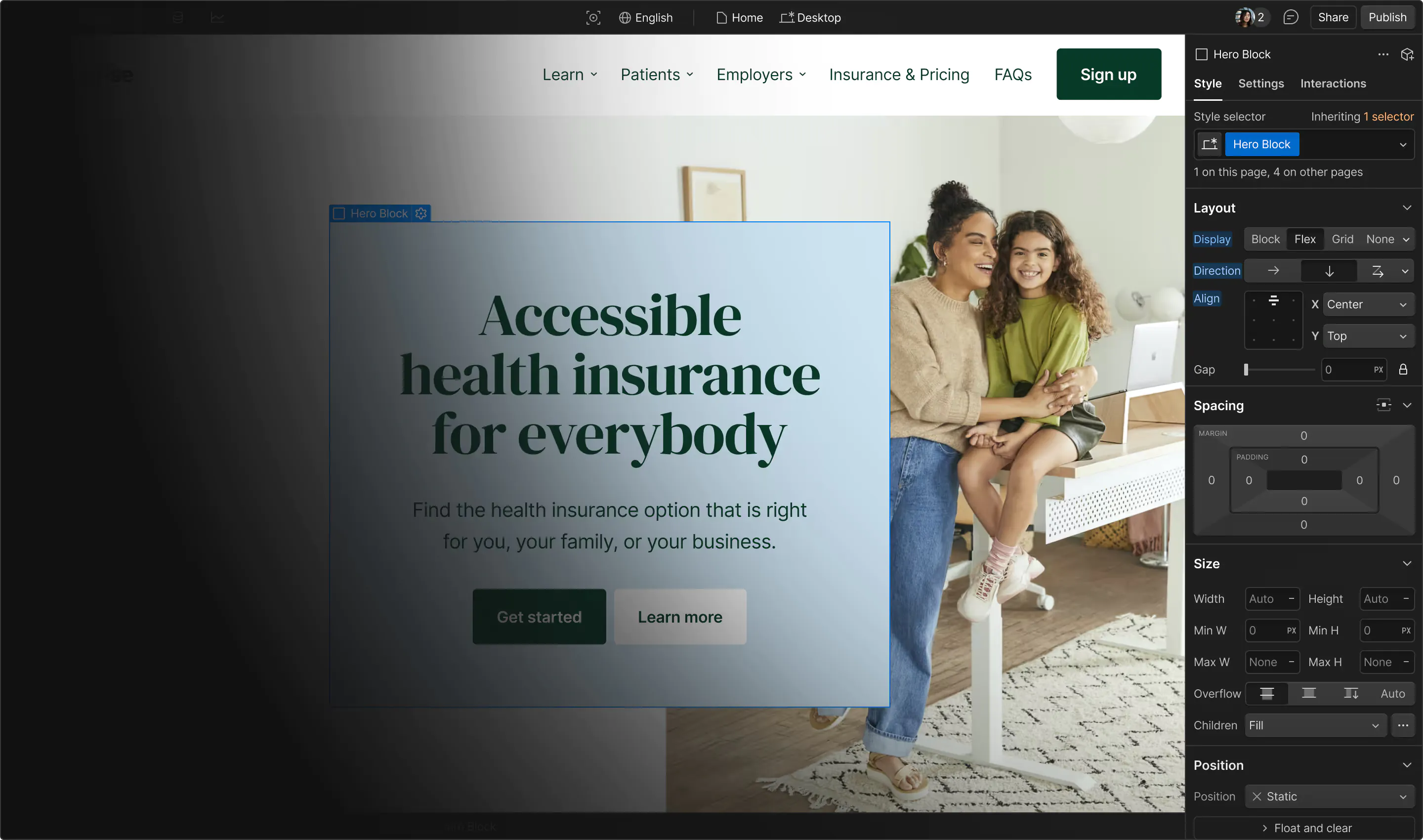
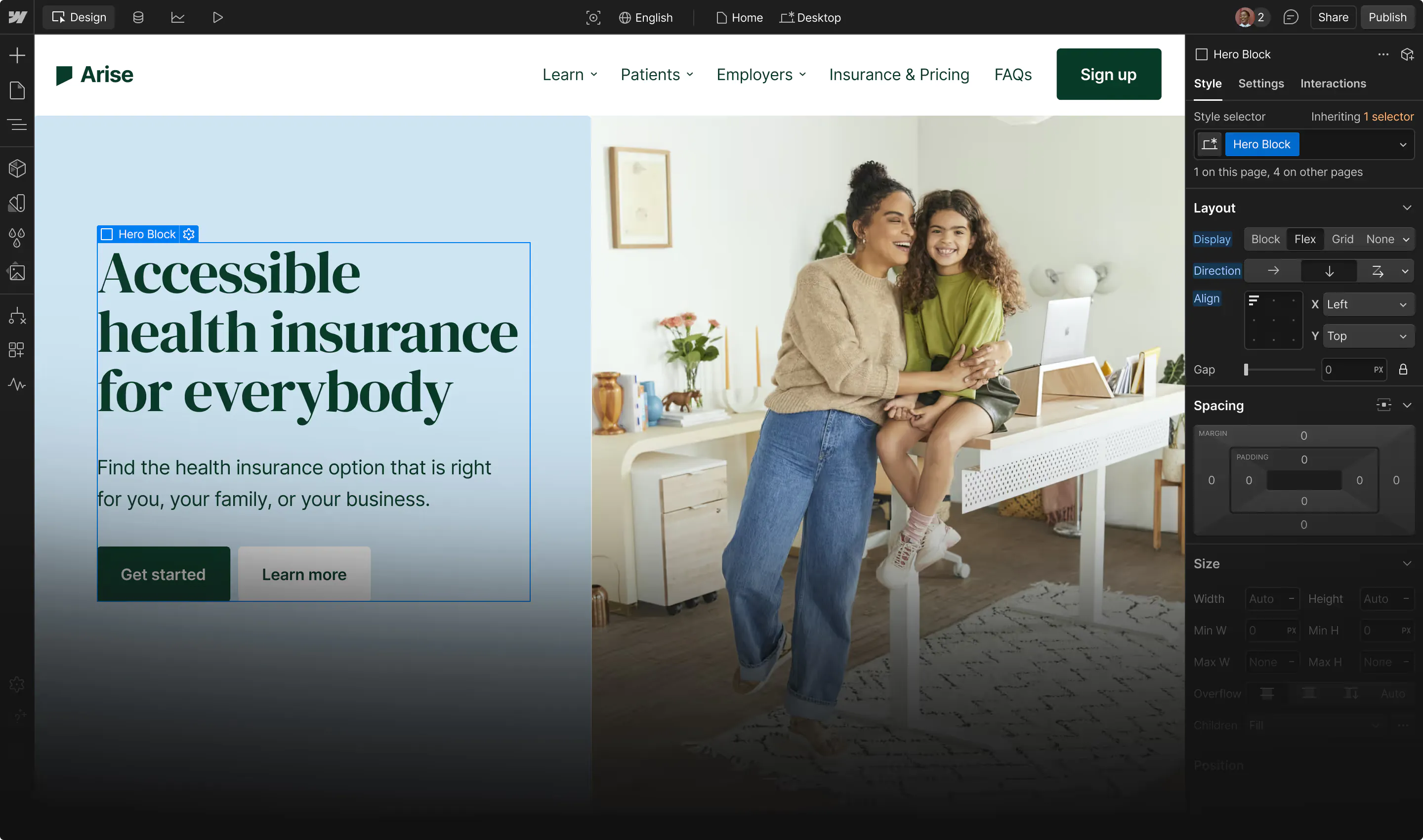
Comes with animations and interactions for additional polish and usability.

Related Tags

Similar templates

Browse all

You might also like

Browse all
No items found.

More by BrandElevar

All templates by BrandElevar
Doctor
Clinic & Pharmacy