Trusted by teams at


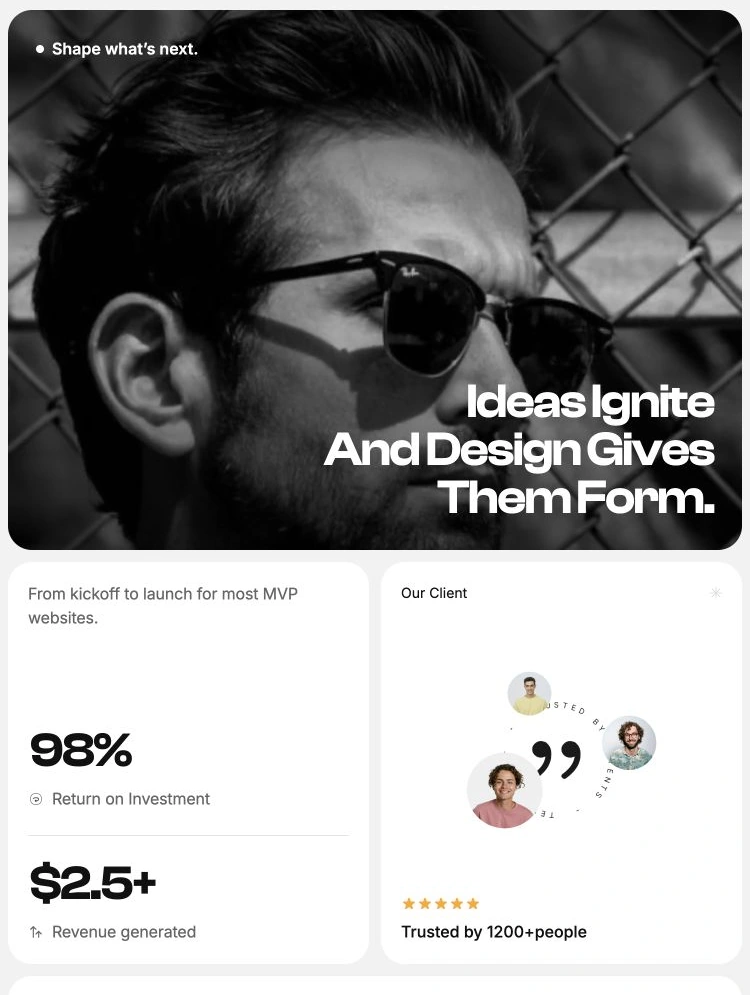
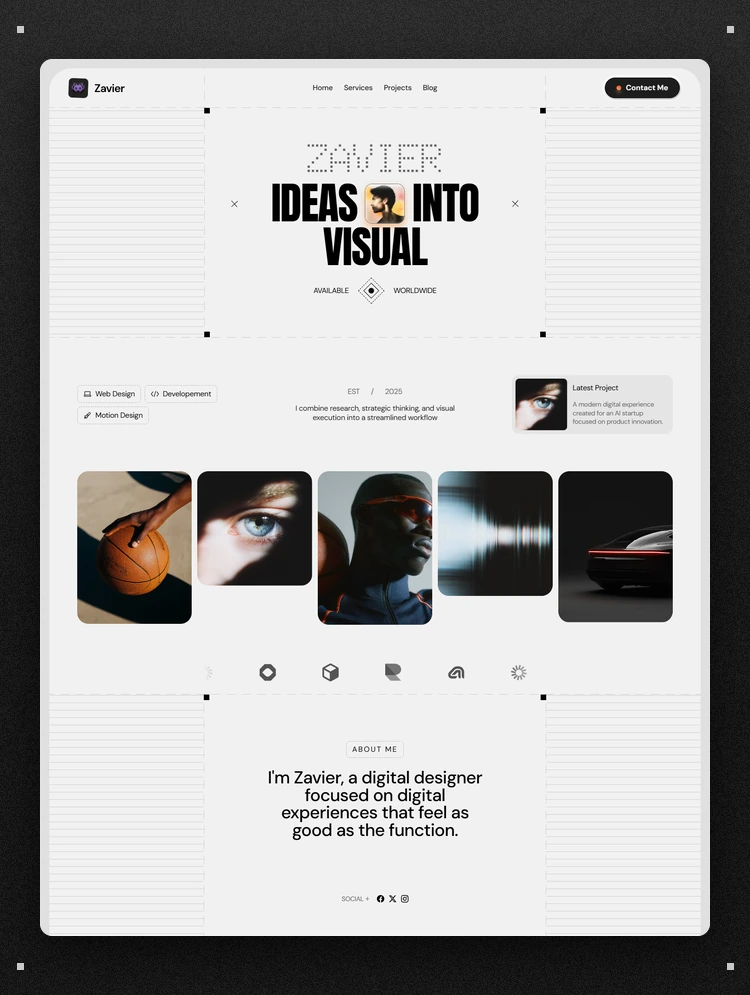
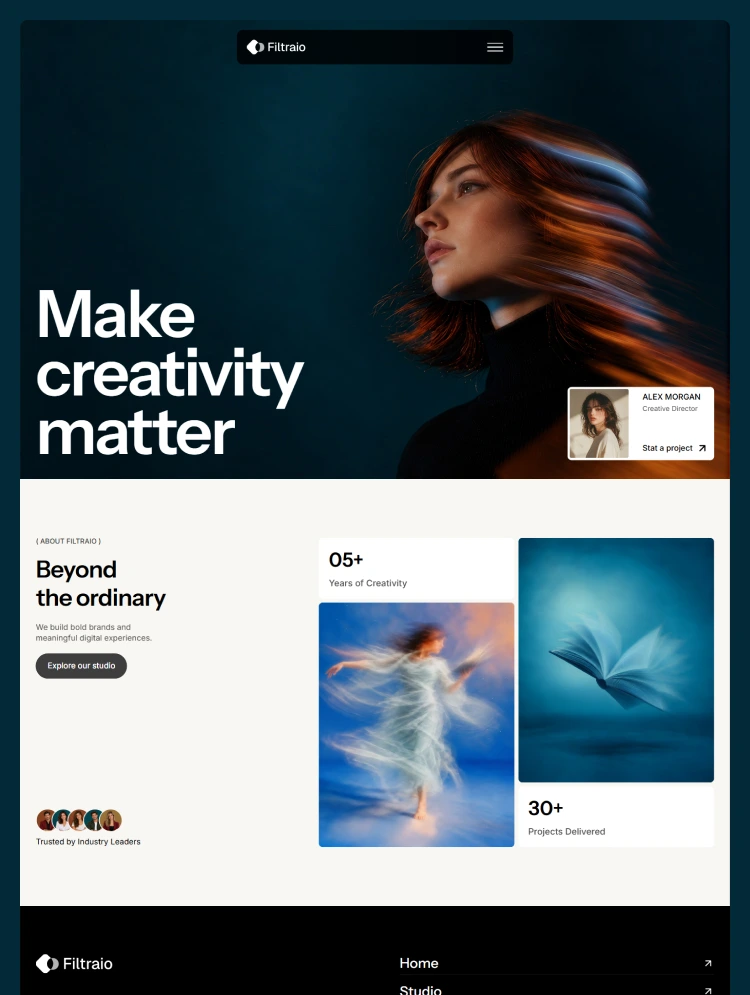
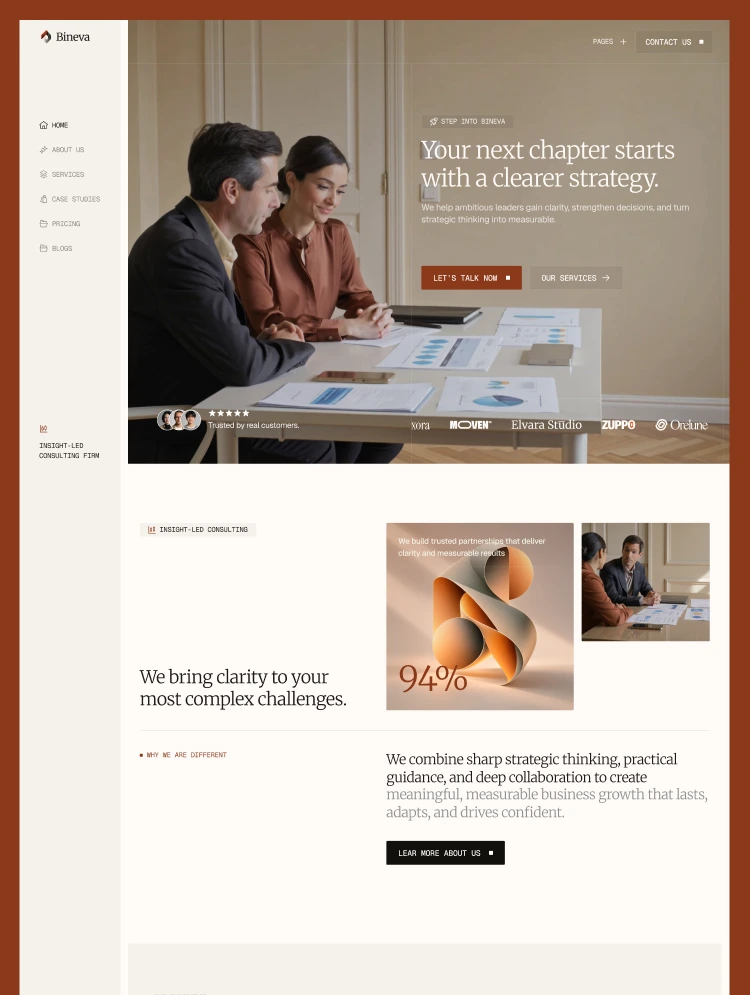
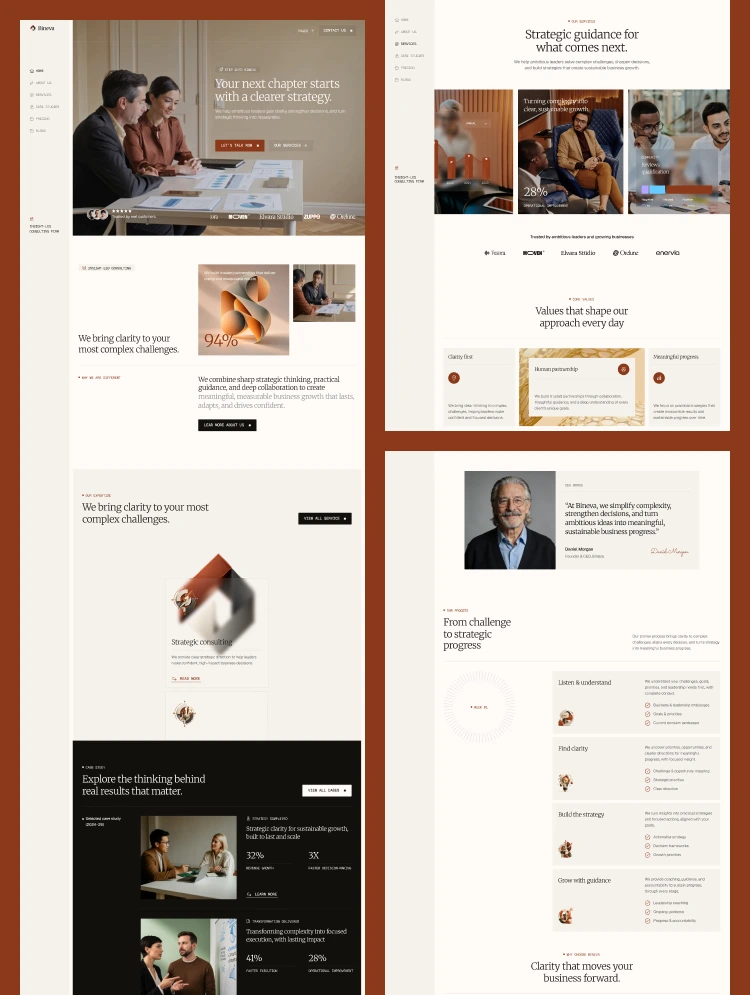
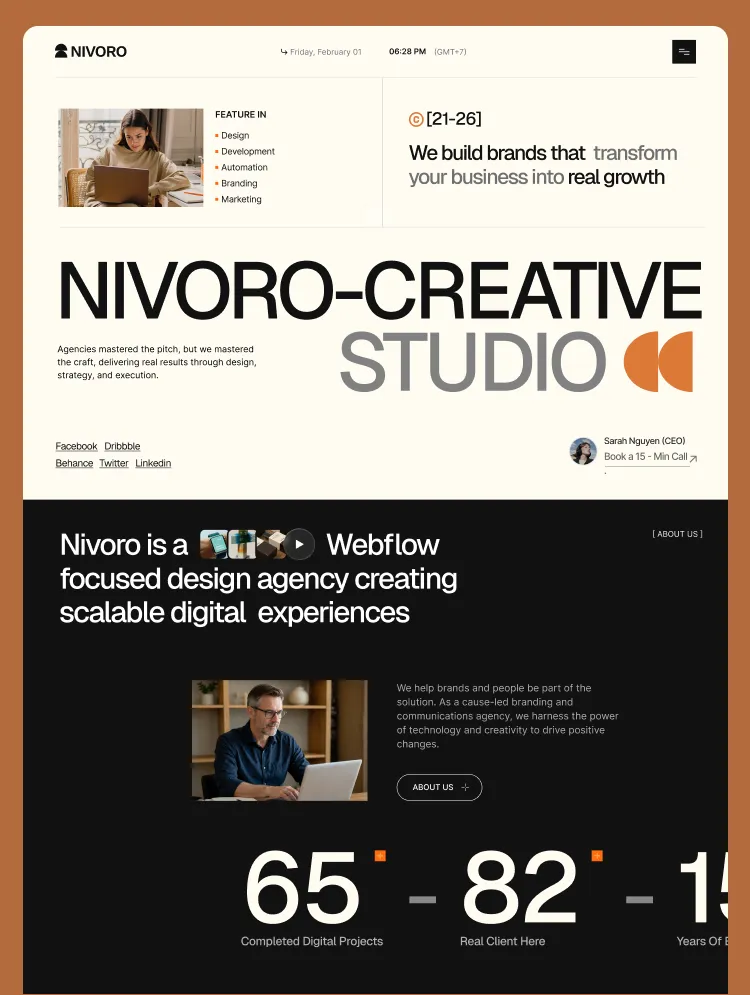
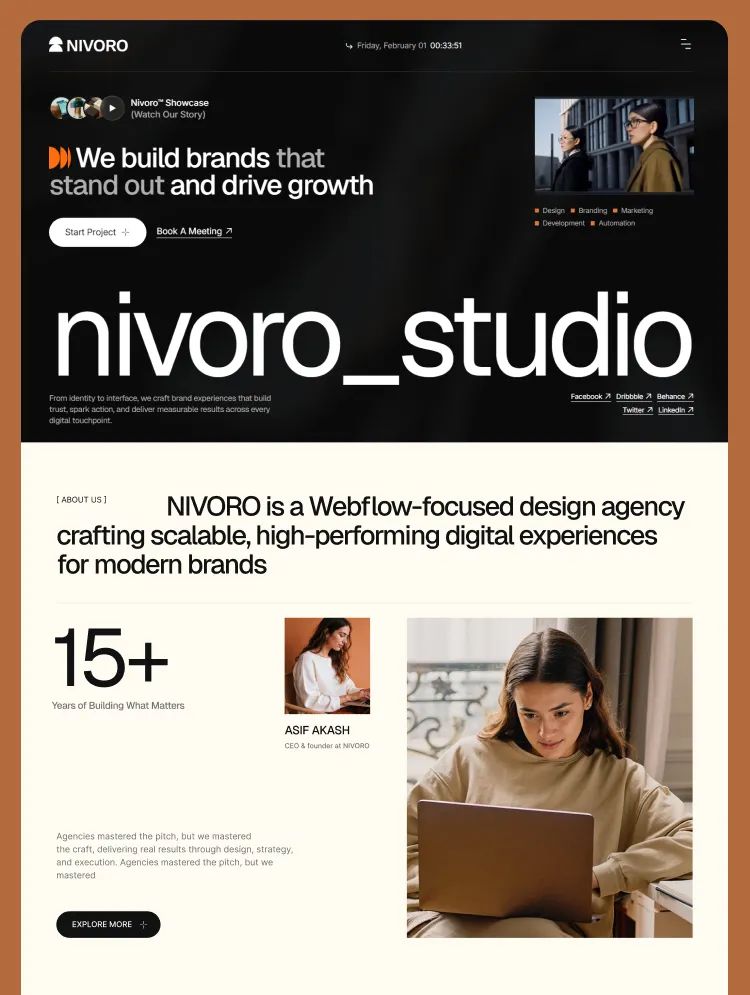
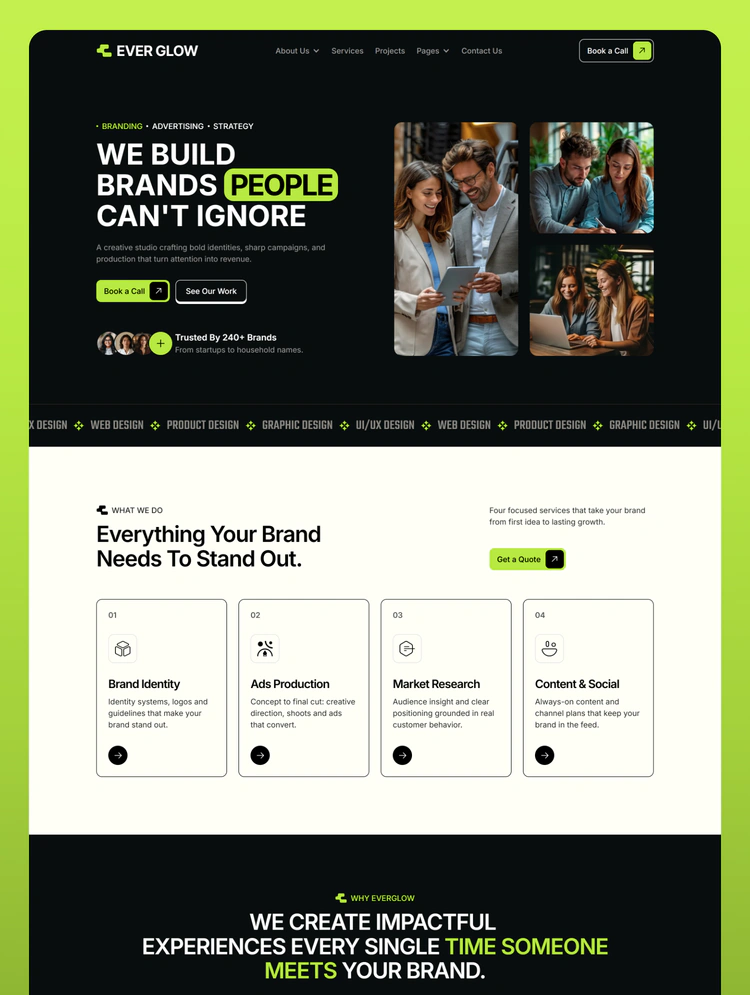
Everglow is a multi-page Webflow template for creative studios, branding teams and marketing agencies. It pairs a warm cream canvas with deep black sections and a single lime accent.
Everglow is a professionally designed, multi-page Webflow template built for creative studios, branding agencies, marketing teams, and digital design companies. It combines a warm cream background, bold black sections, and a vibrant lime accent to create a distinctive visual identity.
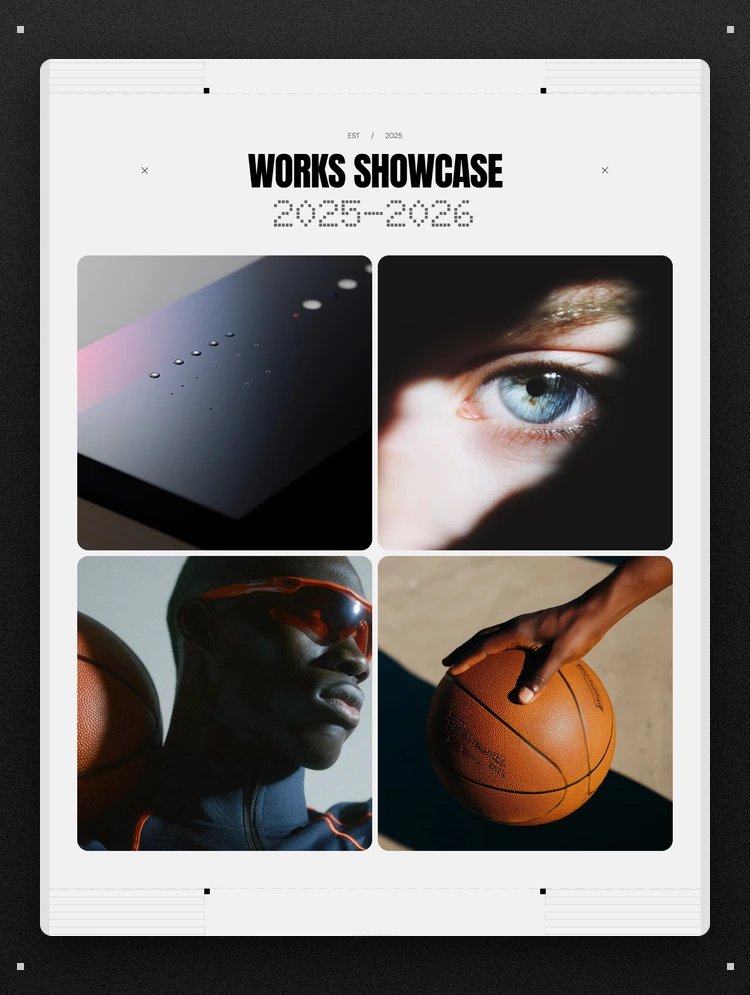
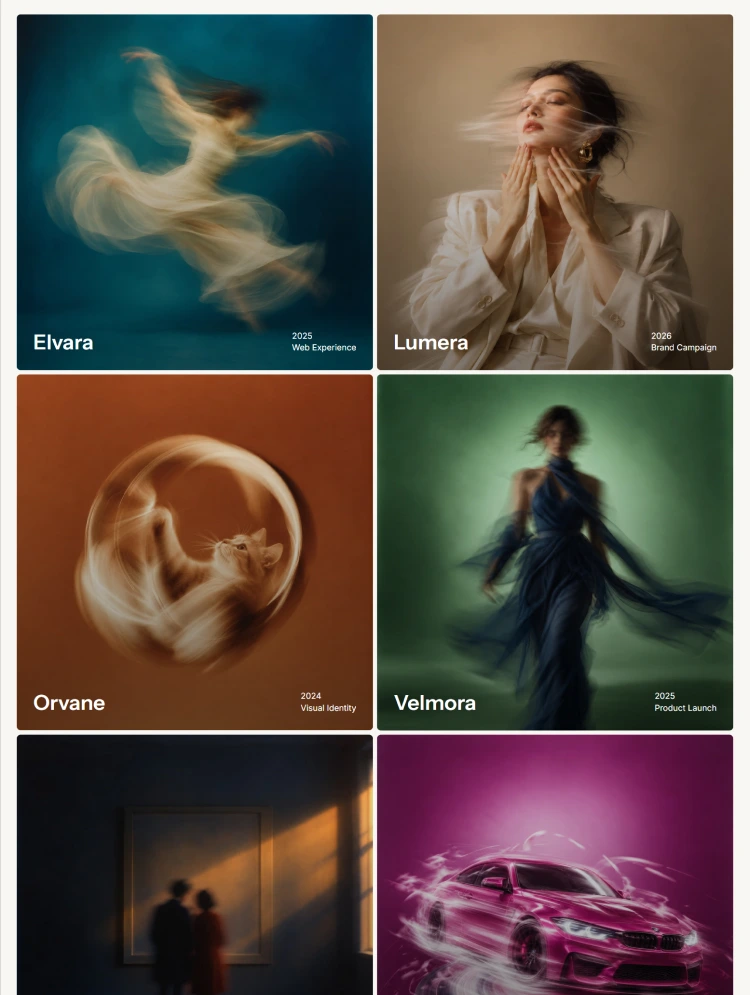
With rounded cards, bold Inter typography, modern layouts, and realistic portfolio presentations, Everglow helps agencies showcase their services, projects, team, and results in a clean and engaging way.
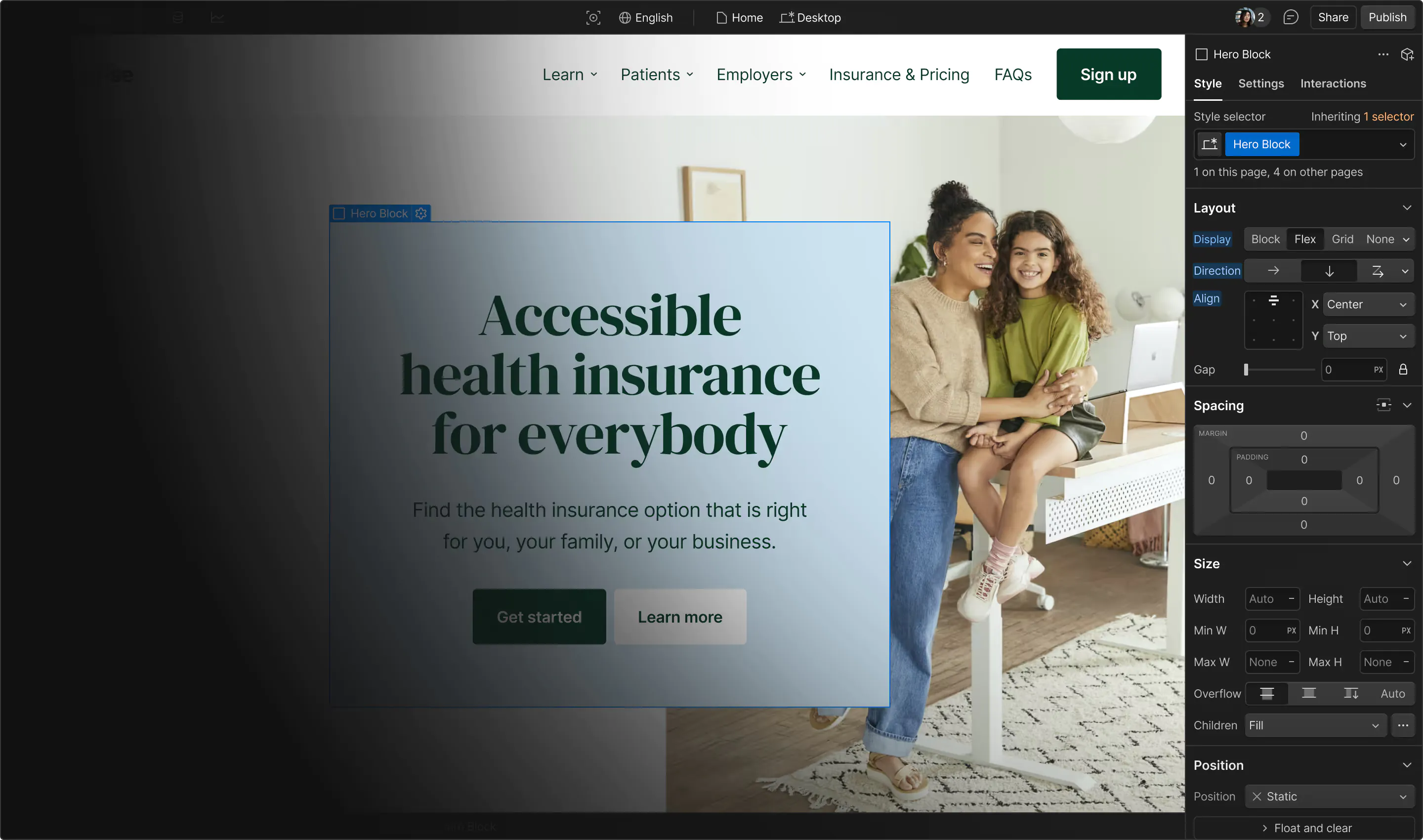
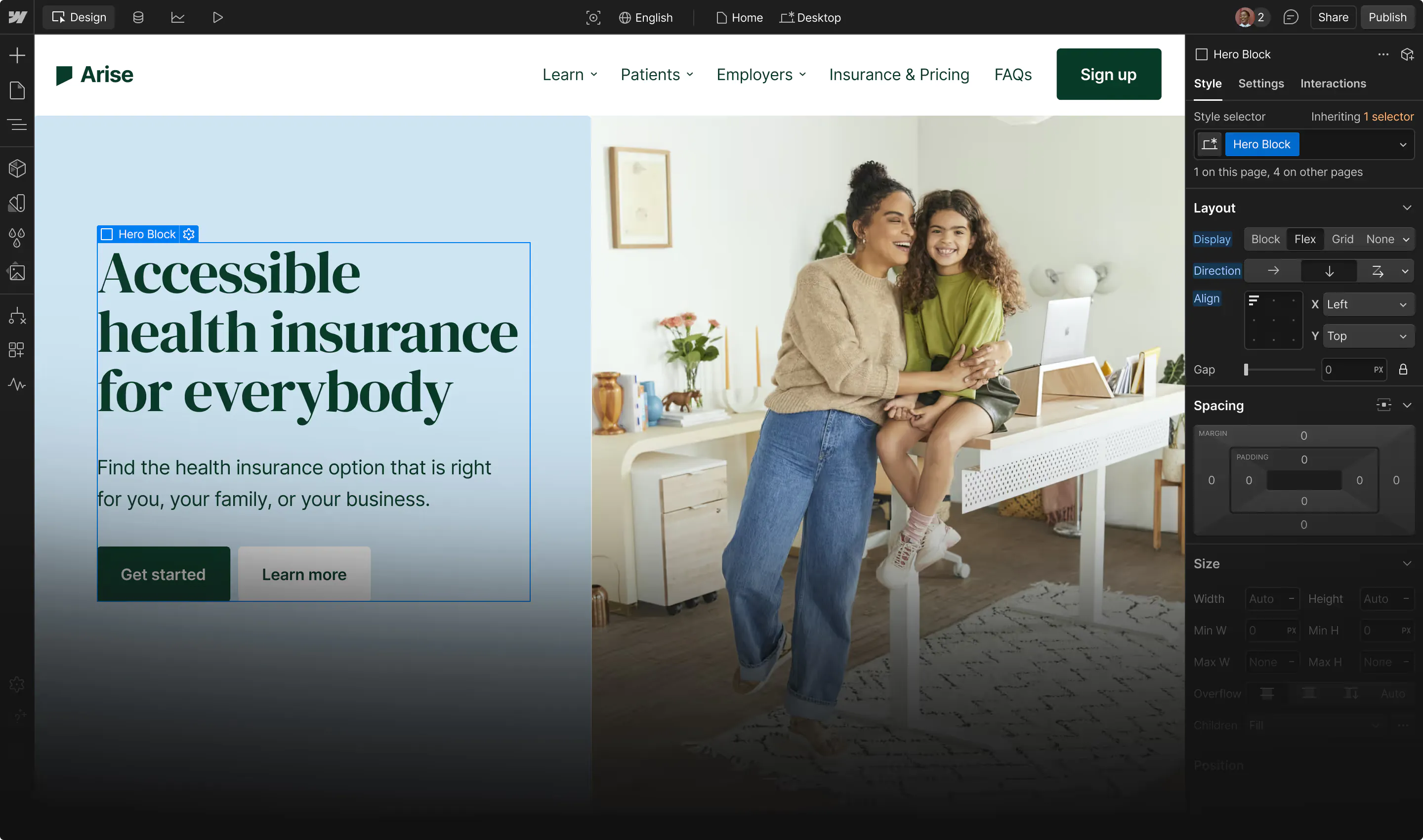
Built entirely with Webflow's native features, Everglow includes reusable components, a variable-based design system, seven CMS collections, and smooth GSAP animations. It is easy to customize, fully responsive, and ready to grow with your business.
Everglow is ideal for:
One of Everglow's signature design elements is its tactile 3D-inspired visual language.
Raised buttons and badges feature a bold, offset black shadow that creates a physical appearance. When hovered, they smoothly press flat, while flat cards lift and gain the same distinctive shadow effect.
The design also includes smooth text-roll hover animations, creating a consistent and interactive experience throughout the website.
No unnecessary glows or distracting effects—just clean, modern, and purposeful interactions.
Everglow includes seven fully structured CMS collections with dynamic listing, category, and detail pages.
A variable-based design system gives you complete control over:
Dedicated responsive modes for Tablet, Mobile Landscape, and Mobile Portrait automatically adjust typography, spacing, and container sizes.
Includes reusable components such as:
Powered by Webflow's built-in GSAP integration, including ScrollTrigger and SplitText.
Enjoy smooth scroll reveals, sticky stacking sections, FAQ accordions, logo marquees, and testimonial animations without managing external scripts.
Display service cards, summaries, icons, and dedicated service detail pages.
Organize your services into dedicated category pages for better navigation.
Showcase case studies with client information, project dates, categories, project leads, and measurable results.
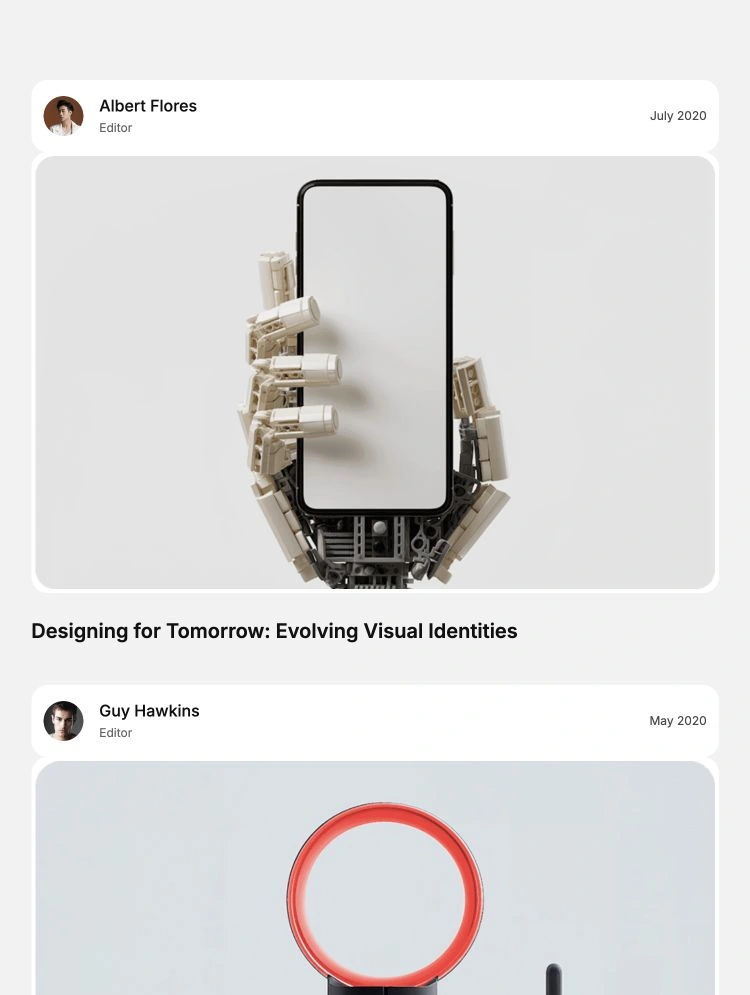
Publish articles with cover images, categories, tags, and a recent-posts sidebar.
Organize your journal content into dedicated topic pages.
Introduce your team members with individual profiles, roles, biographies, expertise, and personal details.
Publish job opportunities with location, job type, salary range, experience requirements, and application panels.
Simply add content once, and Webflow automatically updates the related listing, category, and detail pages.
Everglow is designed to make customization simple, even if you are not an advanced Webflow developer.
Every page is carefully designed for:
On smaller screens, selected sections such as pricing and team layouts transform into swipeable carousels. Spacing, typography, and corner radii are also optimized for a smooth mobile experience.
Everglow follows modern SEO and accessibility practices to help create a professional and user-friendly website.
Everglow uses Inter and Teko from Google Fonts, both licensed under the SIL Open Font License.
Icons are included as inline SVGs. Demo images and client logos are provided for preview purposes, and all displayed brand names are fictional. Replace demo content with your own brand assets before launching your website.
Need the Figma design file before getting started?
We provide the Figma design file for free upon customer request. Simply contact us at anovaflow@gmail.com, and we'll be happy to share the design file with you.
Can only be used by you or one client for one end product. You cannot resell or redistribute this template in its original or modified state.
This template is free to use in both person and commercial projects. You cannot resell, redistribute, or license this template in its original or modified state.
Questions about this template? Just reach out to the template designer and they will get back to you within 2 business days.
For advanced design guidance, please share your questions in the Webflow Forum or reach out to a Webflow Partner.
Share your feedback by leaving a comment below.
For template support, please check the Support tab.

Use the Preview in Designer option to make any edits to the template pages and preview how the layout would fit your content. Changes in preview mode won't be saved.
It isn't possible to apply a template to an already existing project. Instead, you'll need to create a new project based on the Template.
With a Core plan (or higher), you can export sites you build in Webflow, including templates, to host them anywhere you'd like.
Webflow templates are only available for purchase through Workspaces and legacy individual accounts.
CMS templates are designed to use the power of the Webflow CMS. It is possible to downgrade to a Basic Site Plan as long as all CMS content is deleted from the project.
Use the View Connections tool to understand where the CMS content is on the site and delete any dynamic listings and CMS content. We also recommend you to check Components and the Collection page Templates.
Ecommerce templates are designed to use the power of Webflow Ecommerce. It is not possible to remove Ecommerce from a template, however, deleting all Ecommerce Products and Categories from the project, will allow to select a lower Site Plan.
Membership templates are designed to use the power of Webflow Membership. It is not possible to remove Memberships from a template.


Reposition and resize items anywhere within the grid to produce powerful, responsive layouts — faster and without code.
Build your lead lists and subscriber base with beautiful forms.
Comes with animations and interactions for additional polish and usability.