Trusted by teams at






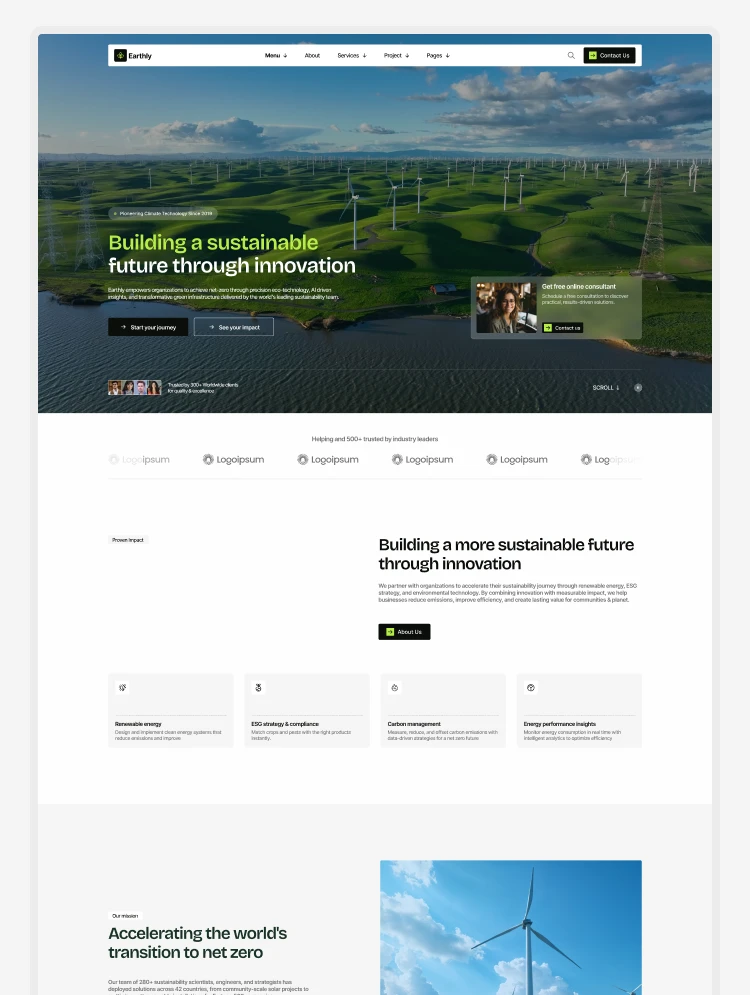
Earthly is a Webflow multi-layout sustainability & eco-tech website template for green energy & ESG companies. Four distinct homepage layouts, detailed service pages, measurable project showcases and a direct consultation widget with CMS collections.
Your sustainability brand deserves a website as ambitious and credible as your mission. Earthly is a multi-layout Webflow template for sustainability companies, green energy providers, and environmental technology brands. Four complete homepage layouts, twelve individual solution pages, a CMS-powered blog and projects system, and a full set of inner pages. All of these utilize an integrated design system and a variable library. Use one layout on its own or combine all four under a single brand.
It suits green energy companies, ESG consultancies, environmental service organizations, and any sustainability-focused brand that needs a professional, credible, and conversion-ready digital presence.
Total pages: 40 +
Homepage layouts: 4 (All Solutions, Energy Solutions, ESG Consulting, Environmental Solutions)
Solution pages: 12 individual solution inner pages
CMS collections: 4 (Blog, Blog Category, Projects, Solutions)
Animations: GSAP scroll-triggered, entrance animations, and micro-interactions
Background video: Yes
Contact or enquiry form: Yes, with free consultation widget
Online store: No
Responsive: Desktop, tablet and mobile breakpoints
Utility pages: Style Guide, Instructions, Changelog, Licenses, 404, Password Protected
Homepage layouts
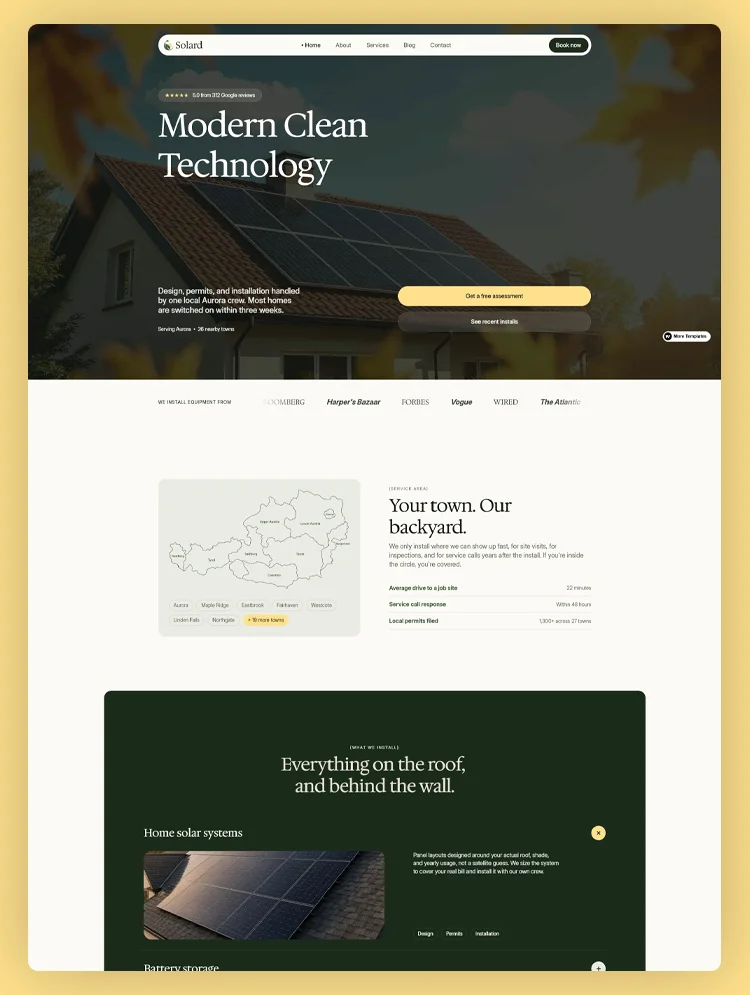
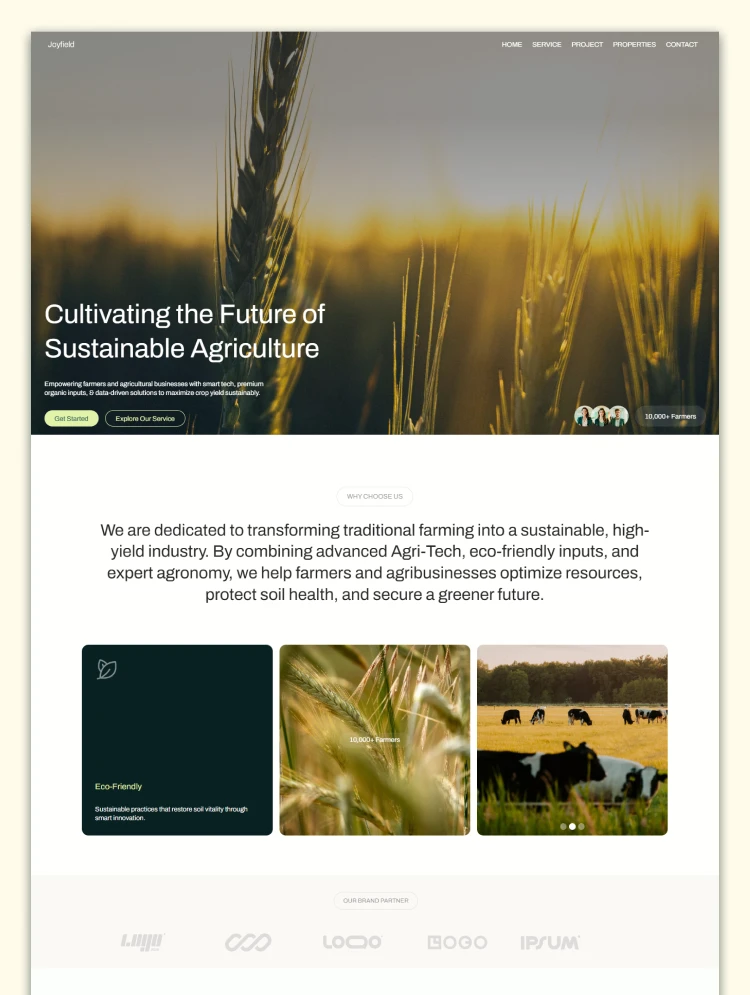
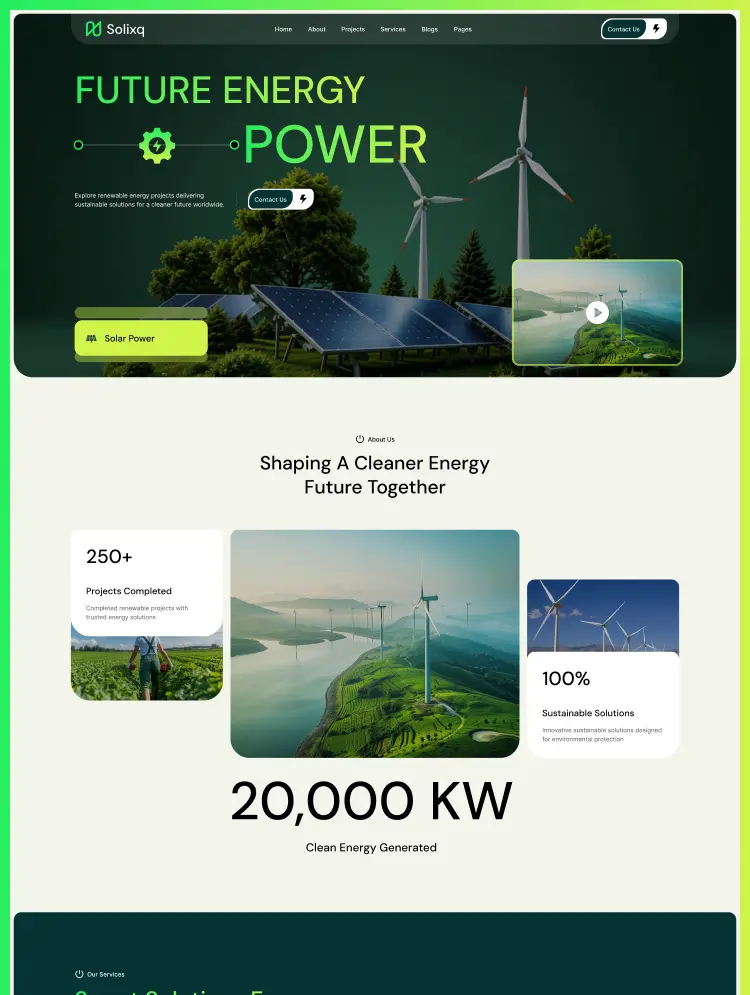
Home A - All Solutions (corporate sustainability, full service range)
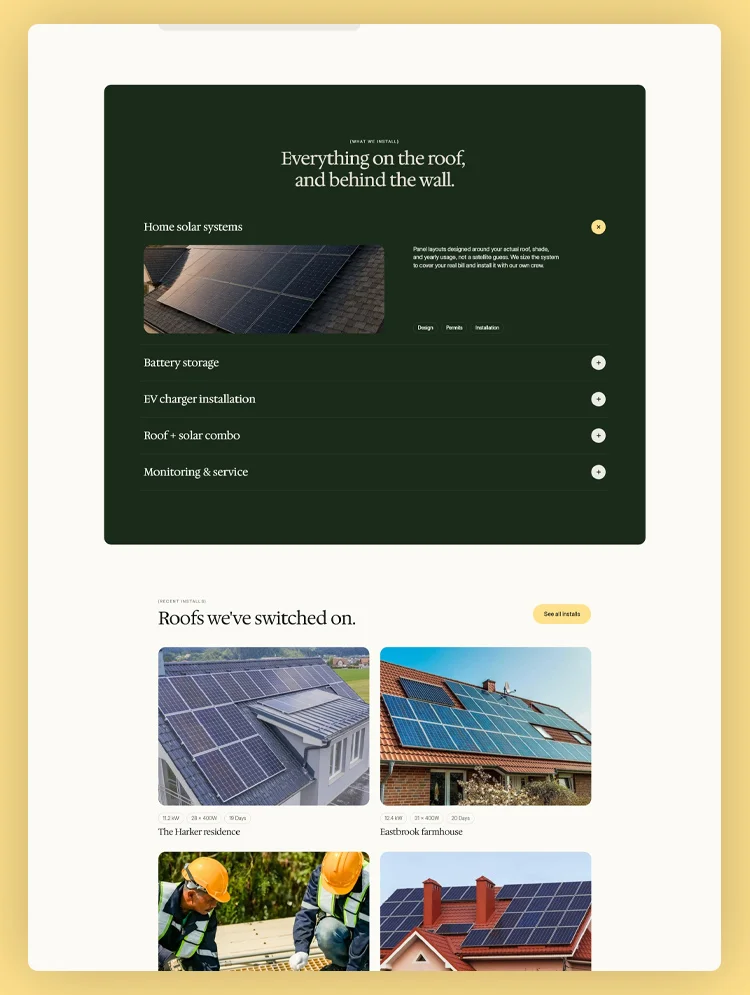
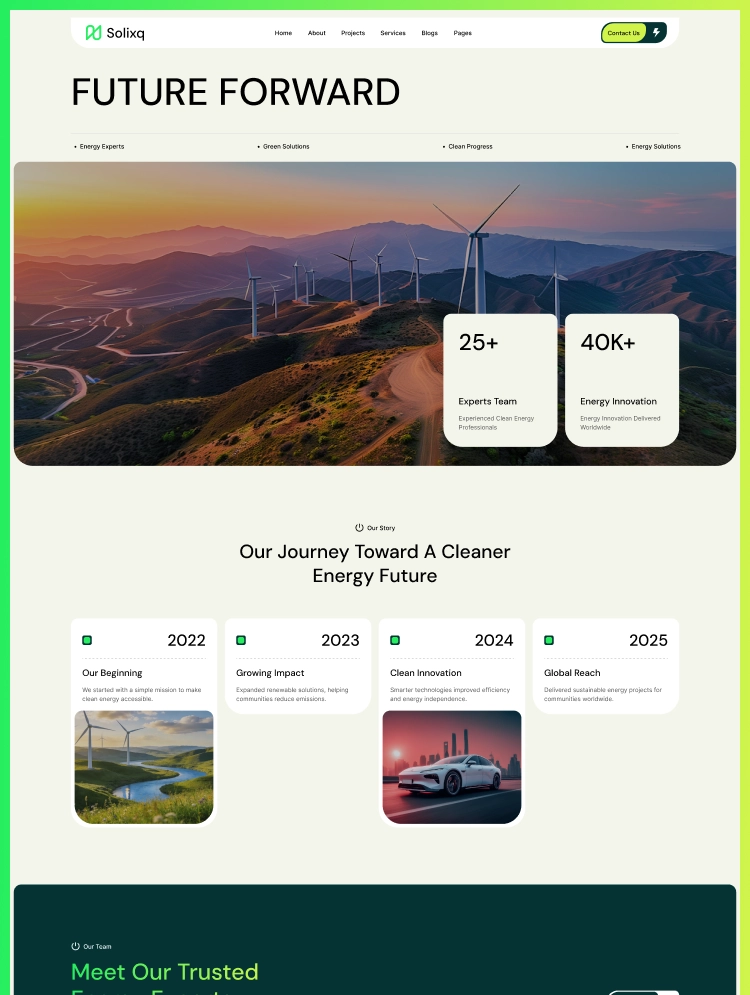
Home B - Energy Solutions (solar, wind, battery storage, EV charging)
Home C - ESG Consulting (strategy, carbon accounting, sustainability reporting)
Home D - Environmental Solutions (net zero, climate risk, ESG compliance, waste management)
About pages
About A - All Solutions
About B - Energy Solutions
About C - ESG Consulting
About D - Environmental Solutions
Contact pages
Contact A - All Solutions
Contact B - Energy Solutions
Contact C - ESG Consulting
Contact D - Environmental Solutions
Static pages
Solutions listing
Projects
Team
Pricing
Careers
Blog
CMS collection templates
Blog post template
Blog category template
Project case study template
Solution inner page template
Utility pages
Style Guide
Instructions
Changelog
Licenses
404 Error
Password Protected
Four layouts: Use any one, or use all four
This is where Earthly works differently from a standard Webflow template. Each of the four homepage layouts is a complete, standalone website demo. A solar energy company can launch with Home B and never need the others. An ESG consultancy can launch with Home C and operate it independently. A large sustainability group offering services across energy, ESG, and environmental categories can use all four under one domain. Each layout has its own homepage, about page, and contact page. All four share the same CMS collections, component library, variable system, and solution page architecture.
All Solutions: The flagship layout
Built for brands offering a full spectrum of sustainability services. It opens with a dynamic video hero and partner logos, leading into a detailed solutions grid for solar, wind, and battery storage. The layout effectively presents your mission, statistics, a clear four-step process, featured projects with real environmental impact data, and a dedicated blog preview.
Energy Solutions: For clean energy providers
Made for green energy companies. It shows important numbers and lines up your energy services with clear facts, giving buyers the exact trust they need.
ESG Consulting: For strategy and compliance firms
Built for advisory businesses. It focuses on your planning skills and real results, using past work and a direct contact button to easily bring in new clients.
Environmental Solutions: For climate and environmental services
Built for ESG and net zero planning, providing the clear methodology and outcome evidence corporate buyers demand.
Twelve individual solution pages
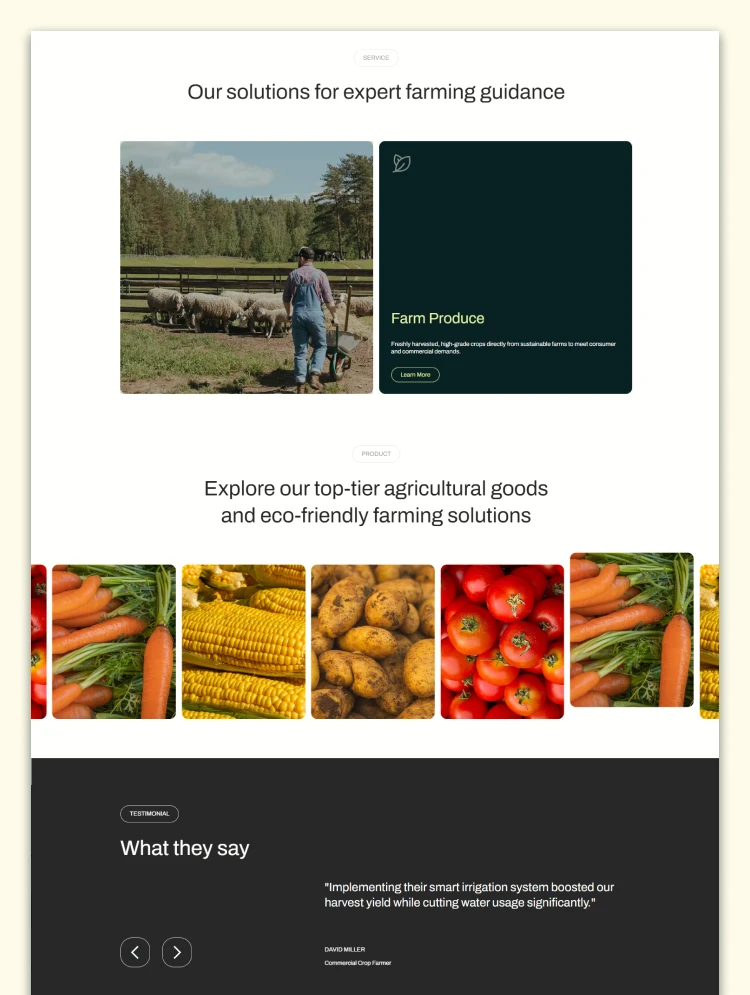
Twelve CMS-powered solution pages detail methodologies, performance metrics, and case studies. Adding new solutions is a simple CMS entry requiring no page rebuilds.
The CMS gives you four live content systems
The Webflow CMS powers all blog posts, projects, and solutions. Adding new services or updating environmental data is a simple content edit that automatically updates across relevant listings.
Featured projects carry real impact data
Built to showcase measurable environmental outcomes. Project cards display location, energy output, and carbon reduction data, linking directly to full case studies for complete impact reporting.
Free consultation widget converts browsers into prospects
Each homepage features a prominent consultation widget in the hero section, creating a seamless conversion path for discovery calls at peak engagement.
Variable-powered customization across all four layouts
Earthly uses Webflow variables for global design control. Update colors, fonts, and spacing in one place to instantly change the entire template.
Earthly presents your sustainability solutions but does not handle ESG audits, compliance documentation, or financial disclosures. You remain entirely responsible for substantiating all published claims and meeting regulatory standards.
Solutions, blog posts, blog categories, and projects are all CMS entries. Adding a service, publishing a case study, or updating impact data is a content edit that requires no changes to the design.
If you would rather not do it yourself, our team can customize this template for you, from color and content changes through to new pages and custom functionality. Request a Webflow template customization quote, or read more about our Webflow customization service.
Can I use just one of the four layouts without the others?
Yes. Each layout functions as a complete, standalone website.
Can I combine multiple layouts under one domain?
Yes. All layouts share the same design system and CMS, allowing you to seamlessly combine them.
How are solutions organized?
Through a CMS collection. Adding a new solution with its own dedicated page requires just a simple CMS entry.
How are projects organized?
Via a CMS collection that tracks key metrics like energy output and carbon reduction, linking directly to full case studies.
Is the Figma file included?
Yes. Email your purchase receipt to cs@tncflow.com to receive it.
Are the animations editable?
Yes. All animations can be fully adjusted or disabled directly within the Webflow Designer.
Support and ongoing updates are included. Message us after purchase if you need the Figma file and we will send it over.
Can only be used by you or one client for one end product. You cannot resell or redistribute this template in its original or modified state.
This template is free to use in both person and commercial projects. You cannot resell, redistribute, or license this template in its original or modified state.
Questions about this template? Just reach out to the template designer and they will get back to you within 2 business days.
For advanced design guidance, please share your questions in the Webflow Forum or reach out to a Webflow Partner.
Share your feedback by leaving a comment below.
For template support, please check the Support tab.

Use the Preview in Designer option to make any edits to the template pages and preview how the layout would fit your content. Changes in preview mode won't be saved.
It isn't possible to apply a template to an already existing project. Instead, you'll need to create a new project based on the Template.
With a Core plan (or higher), you can export sites you build in Webflow, including templates, to host them anywhere you'd like.
Webflow templates are only available for purchase through Workspaces and legacy individual accounts.
CMS templates are designed to use the power of the Webflow CMS. It is possible to downgrade to a Basic Site Plan as long as all CMS content is deleted from the project.
Use the View Connections tool to understand where the CMS content is on the site and delete any dynamic listings and CMS content. We also recommend you to check Components and the Collection page Templates.
Ecommerce templates are designed to use the power of Webflow Ecommerce. It is not possible to remove Ecommerce from a template, however, deleting all Ecommerce Products and Categories from the project, will allow to select a lower Site Plan.
Membership templates are designed to use the power of Webflow Membership. It is not possible to remove Memberships from a template.
.svg)


Comes with GSAP animations and interactions for additional polish and usability.
Reposition and resize items anywhere within the grid to produce powerful, responsive layouts — faster and without code.
Build your lead lists and subscriber base with beautiful forms.
Comes with animations and interactions for additional polish and usability.