Trusted by teams at


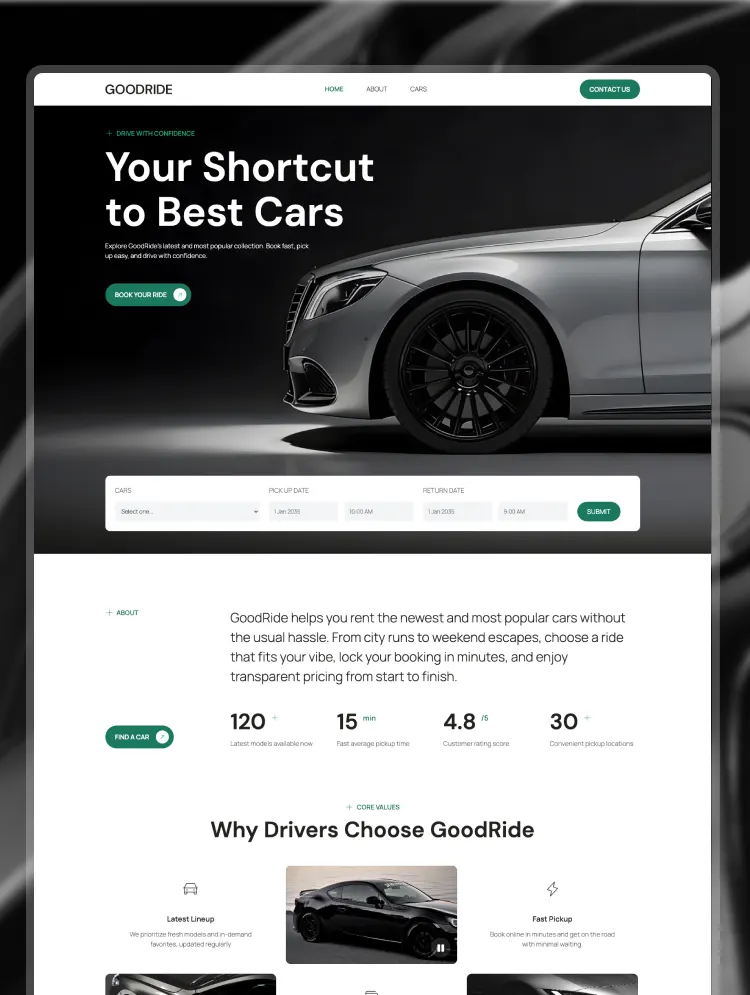
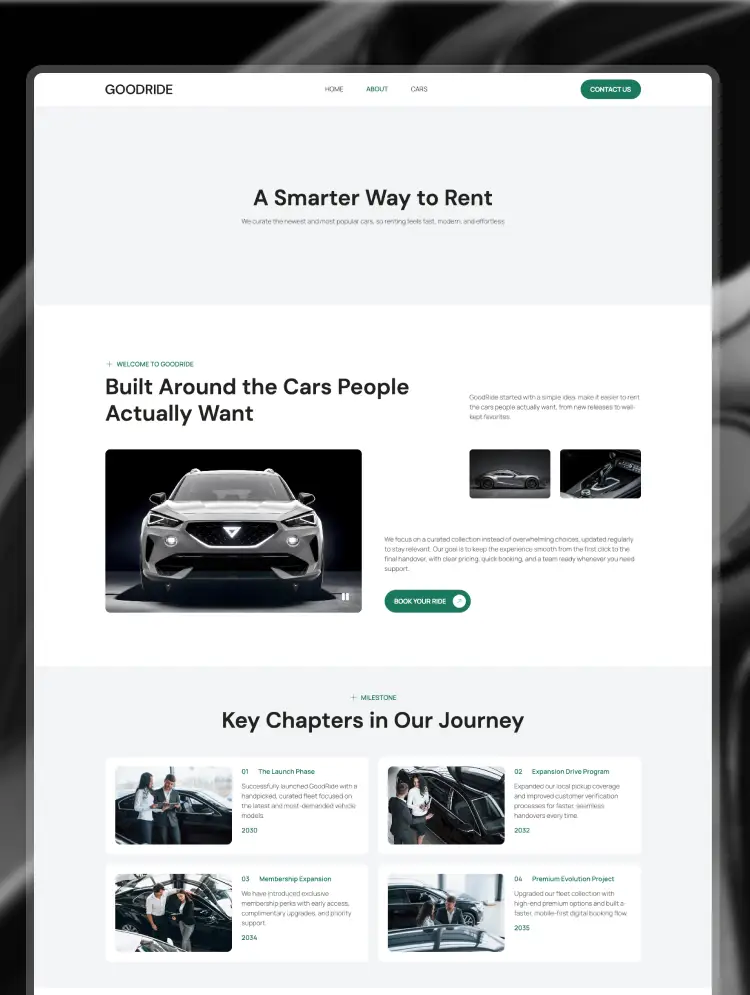
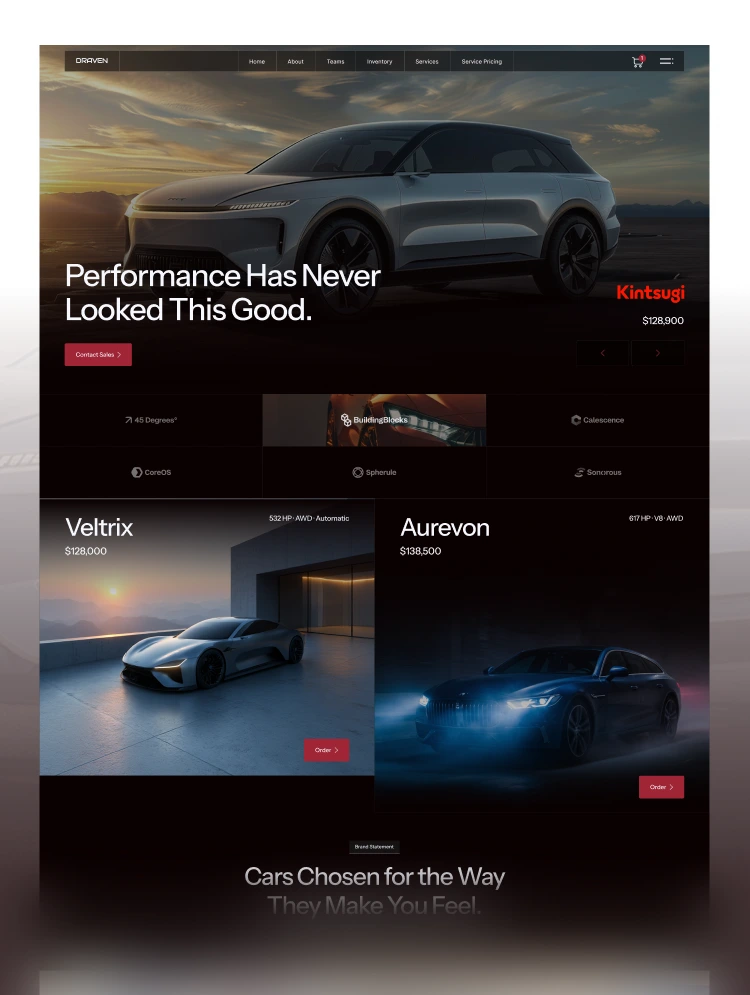
Draven is a car dealership website template built with Webflow, with Webflow Ecommerce included. It showcases vehicle inventory, car details, auto services, and service packages that customers can buy online.
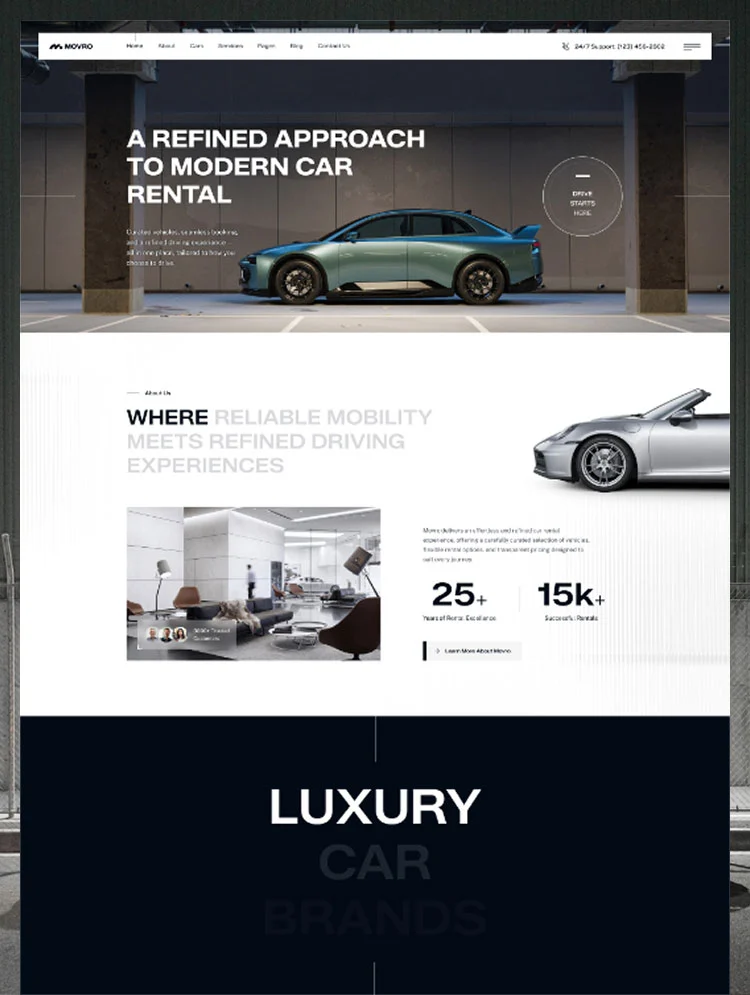
Draven is a premium automotive website template built on Webflow for brands that sell exceptional vehicles. Fullbleed vehicle photography, video sections, and bold typography present luxury cars, sports cars, and electric vehicles with the presence they deserve.
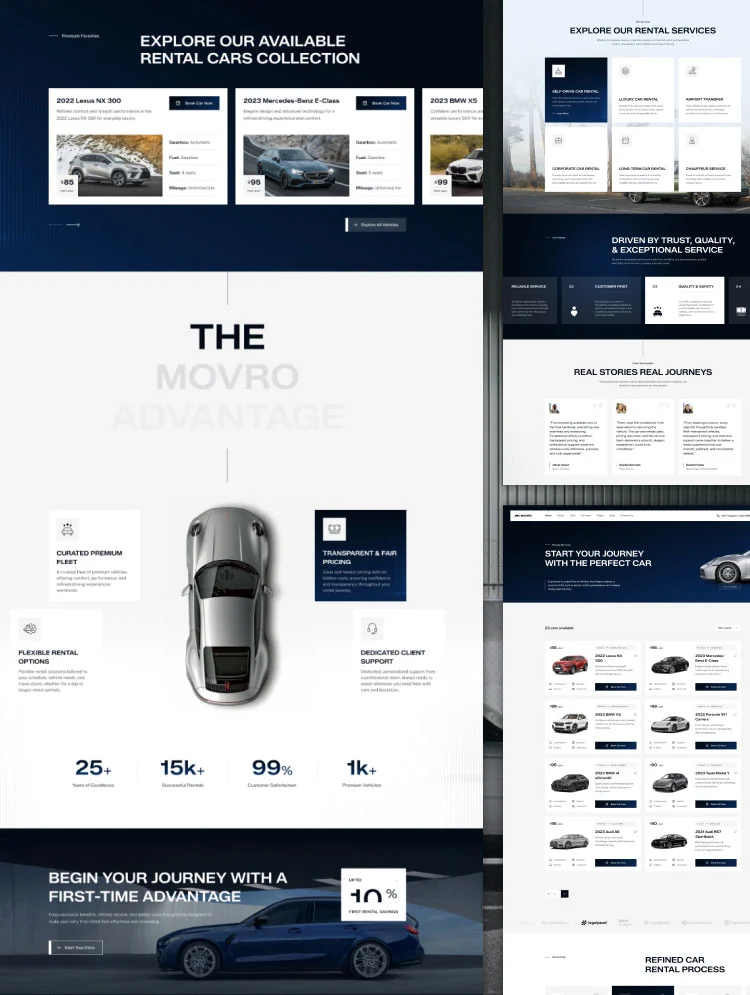
A CMS-powered car inventory with body-style filters lists every vehicle, and each car details page covers body type, mileage, powertrain, highlights, and a full description. Service pages cover vehicle maintenance, diagnostics and auto repair, car detailing, and genuine parts for dealerships that also run a workshop.
Draven runs on Webflow Ecommerce, so monthly and yearly service packages and detailing services can be bought online through a built-in cart and checkout. Team profiles, a blog, and an FAQ grouped by topics such as test drives and car financing complete this car dealership Webflow template.
Best for: This car dealership website template is best for automotive businesses of every size. It is perfect for luxury car dealerships, used car and pre-owned dealers, independent auto dealers, sports car and EV showrooms, auto service and repair centers, car detailing studios, automotive brokers, and multi-brand auto groups.
This template has a total of 31 pages, including 15 static pages, 4 CMS collection pages, 4 ecommerce pages, and 8 utility pages. It provides 3 homepage layouts, 3 about layouts, and 3 contact layouts, plus dedicated pages for inventory, services, service pricing, team, blog, and frequently asked questions.
Each page supports a step in the car buying and ownership journey. The inventory page lets visitors filter vehicles by body style, and car details pages give them the specs they need before contacting sales. Service details and the services pricing page explain workshop packages, Pricing Single product pages handle online purchases, and team details pages introduce the people behind the dealership.
This car dealer Webflow template covers both sides of a modern dealership: selling vehicles and keeping customers coming back for service. Inventory filters, detailed car pages, and clear calls to contact sales support vehicle enquiries, while service packages turn after-sales care into online revenue.
Three homepage, about, and contact layouts let one template present a luxury showroom, a used car dealer, or an auto service brand differently. Built-in ecommerce, a team directory, and a car-focused blog help dealerships sell more, build trust, and stay top of mind between purchases.
Cinematic Automotive Design
A dark interface with red accents, full-bleed vehicle photography, and video sections that give every car the showroom presence luxury buyers expect.
Sell Service Packages Online
Webflow Ecommerce powers cart, checkout, and PayPal checkout for monthly and yearly service plans and detailing services, with a pricing toggle.
Built in Webflow CMS
Inventory, services, blog posts, and team members are managed as CMS collections. Add a new car or service without touching code.
Filterable Vehicle Inventory
Inventory tabs sort vehicles by body style, and each car details page presents specs, highlights, and similar models to keep buyers browsing.
Mobile Responsive
Layouts are styled for desktop, tablet, and both mobile breakpoints, plus large 1440px screens, so buyers browse inventory comfortably on any device.
GSAP Motion & Smooth Scroll
Scroll-triggered text and section animations with smooth scrolling add polish. The Instructions page explains customization, SVGs, and counters.
STATIC PAGES · 15
CMS COLLECTION PAGES · 4
ECOMMERCE PAGES · 4
UTILITY PAGES · 8
Can only be used by you or one client for one end product. You cannot resell or redistribute this template in its original or modified state.
This template is free to use in both person and commercial projects. You cannot resell, redistribute, or license this template in its original or modified state.
Questions about this template? Just reach out to the template designer and they will get back to you within 2 business days.
For advanced design guidance, please share your questions in the Webflow Forum or reach out to a Webflow Partner.
Share your feedback by leaving a comment below.
For template support, please check the Support tab.

Use the Preview in Designer option to make any edits to the template pages and preview how the layout would fit your content. Changes in preview mode won't be saved.
It isn't possible to apply a template to an already existing project. Instead, you'll need to create a new project based on the Template.
With a Core plan (or higher), you can export sites you build in Webflow, including templates, to host them anywhere you'd like.
Webflow templates are only available for purchase through Workspaces and legacy individual accounts.
CMS templates are designed to use the power of the Webflow CMS. It is possible to downgrade to a Basic Site Plan as long as all CMS content is deleted from the project.
Use the View Connections tool to understand where the CMS content is on the site and delete any dynamic listings and CMS content. We also recommend you to check Components and the Collection page Templates.
Ecommerce templates are designed to use the power of Webflow Ecommerce. It is not possible to remove Ecommerce from a template, however, deleting all Ecommerce Products and Categories from the project, will allow to select a lower Site Plan.
Membership templates are designed to use the power of Webflow Membership. It is not possible to remove Memberships from a template.


Comes with GSAP animations and interactions for additional polish and usability.
Reposition and resize items anywhere within the grid to produce powerful, responsive layouts — faster and without code.
Build your lead lists and subscriber base with beautiful forms.
Comes with animations and interactions for additional polish and usability.