Trusted by teams at


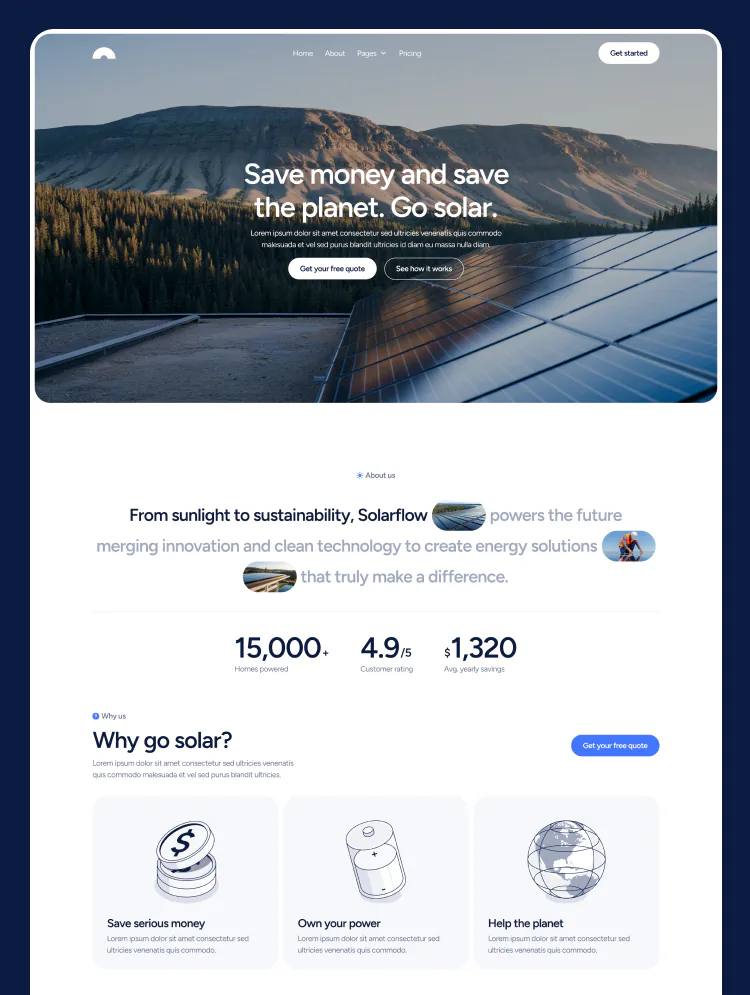
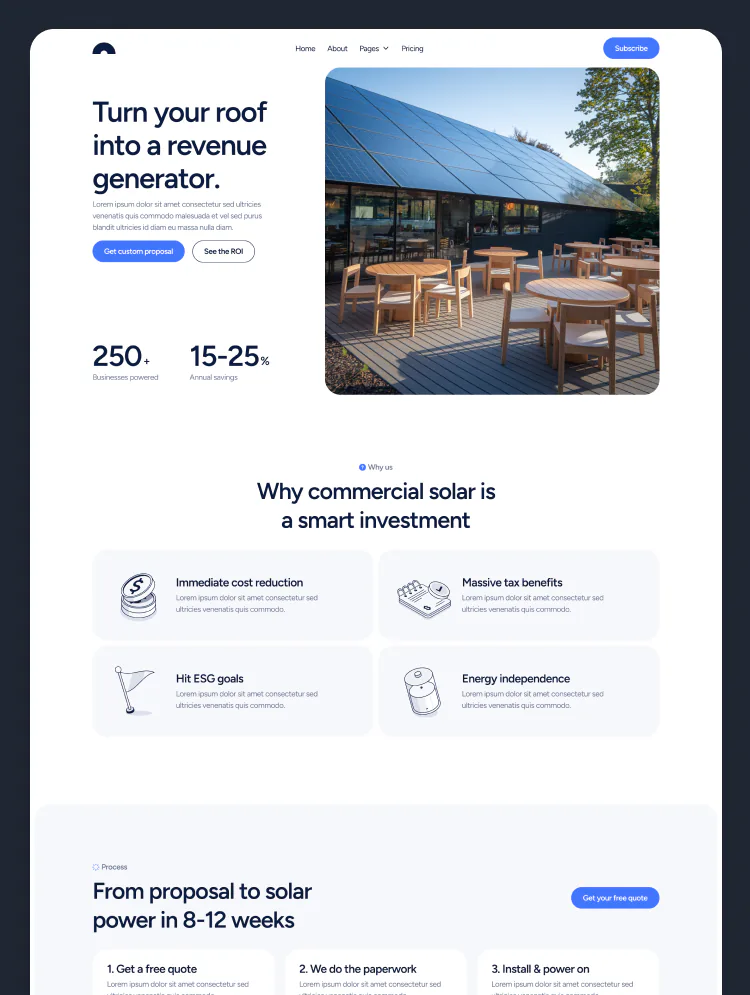
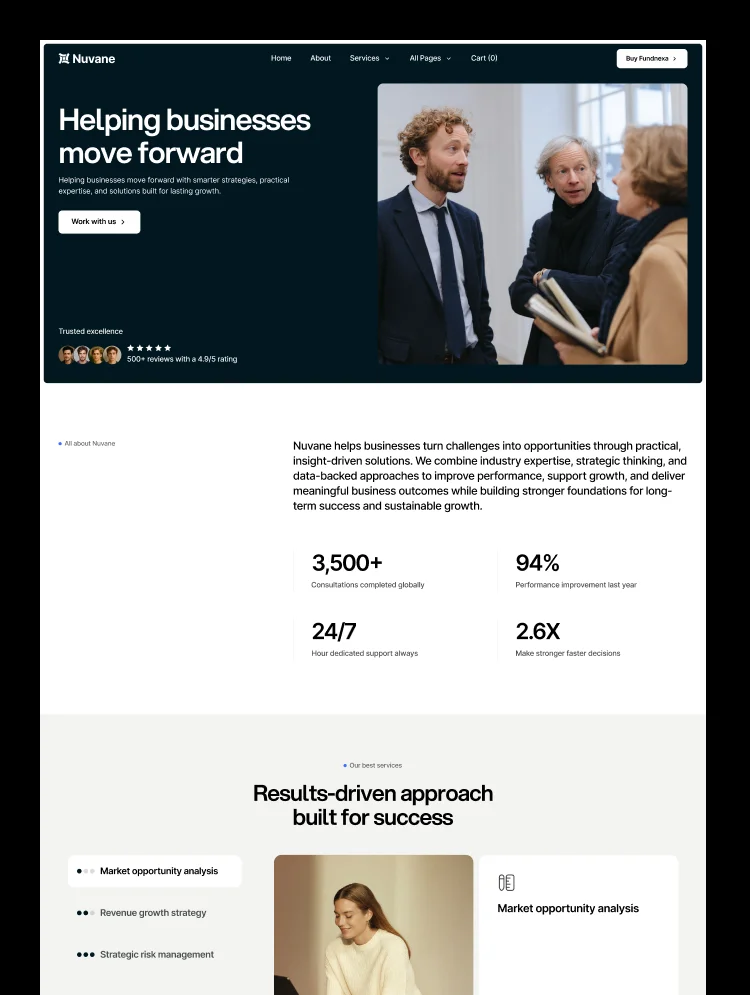
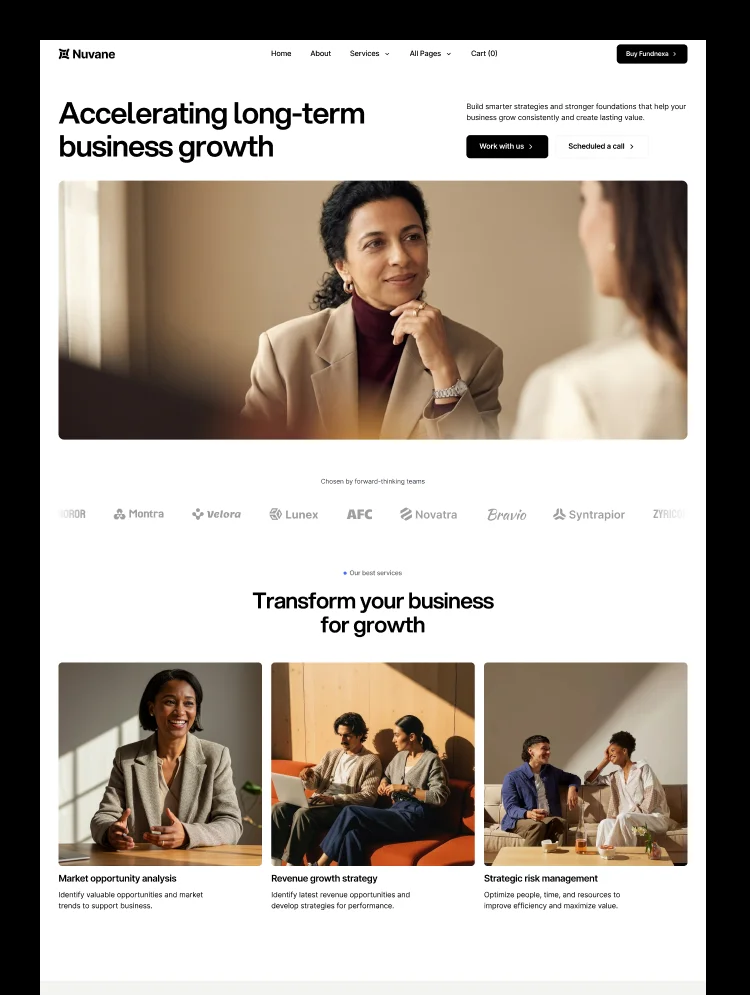
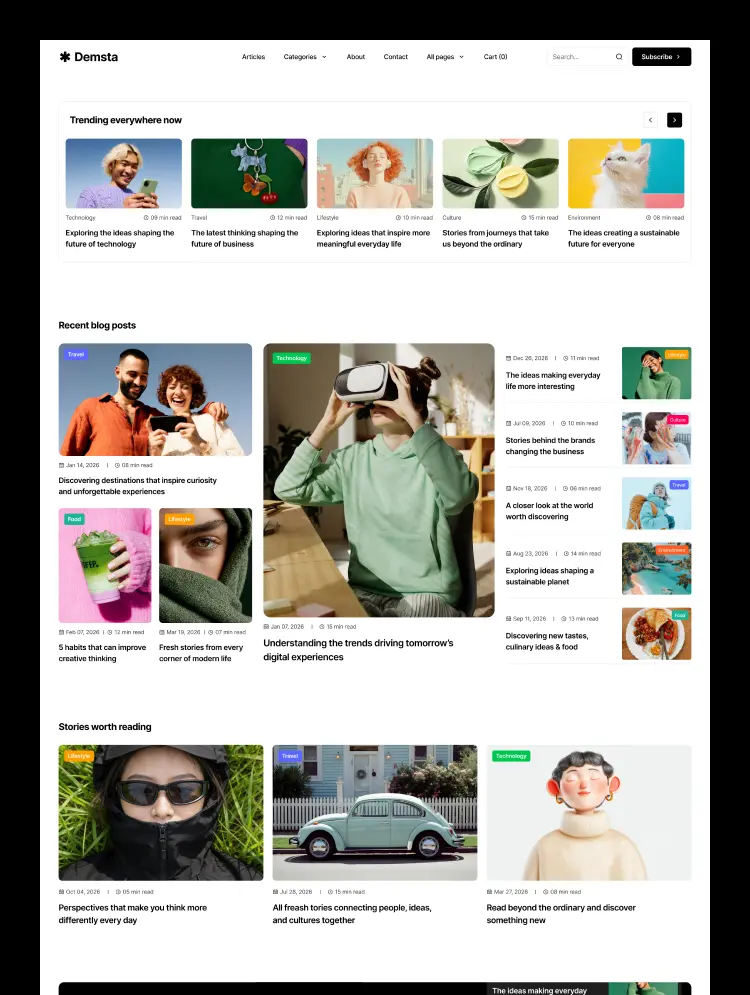
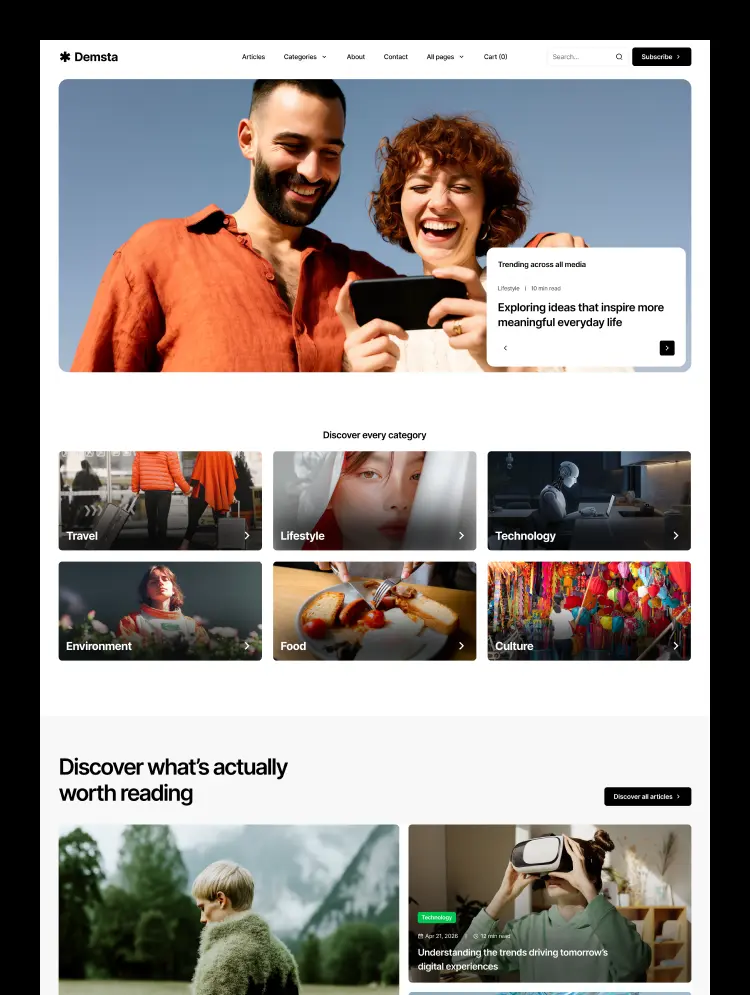
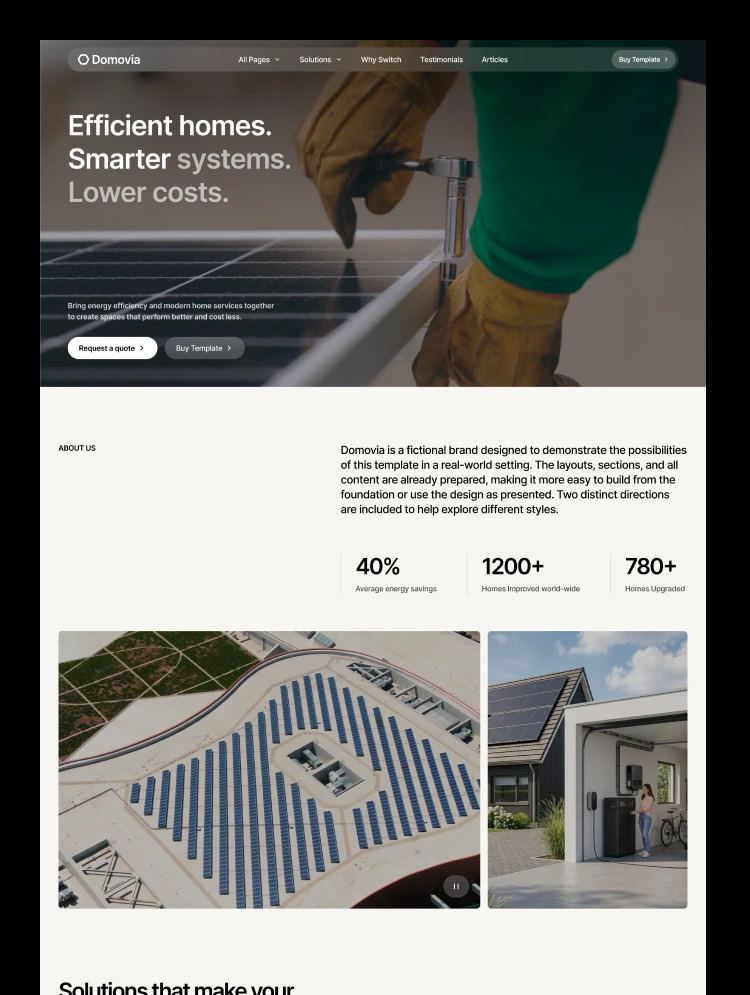
A modern Webflow template for businesses specializing in solar panels, heat pumps, battery storage, and home energy solutions, built to educate customers, generate leads, and support growth. Showcase services, build trust, and convert new visitors.
A versatile Webflow template for businesses delivering solar installations, efficient heating, battery storage, and smarter home solutions, designed to educate, engage, and convert. With flexible layouts for showcasing services, highlighting expertise, building customer trust, and generating qualified leads, Domovia helps energy and home service businesses establish a strong online presence and grow with confidence.
🧩 Unified design variables. Manage colors, typography, spacing, border radius, layout, and responsive behavior through a consistent variable system.
📐 Structured page layouts. A well-planned grid keeps content aligned, balanced, and visually consistent throughout the website.
⚙️ Consistent design framework. Shared styles and layout rules create a cohesive experience across every page and section.
🔁 Flexible reusable components. Adapt and reuse sections across the website to maintain consistency and simplify customization.
🎯 Built with conversion in mind. Clear content hierarchy and purposeful calls to action help visitors explore services, understand solutions, and submit inquiries.
📊 Dynamic CMS collections. Organize and manage blog posts, home energy solutions, project showcases, and other content directly through Webflow CMS.
🧱 Organized class structure. Clear, descriptive class names make the project easier to navigate, maintain, and customize.
🚀 Ready to grow with the business. A flexible foundation makes it easier to expand the website as services, content, and business needs evolve.
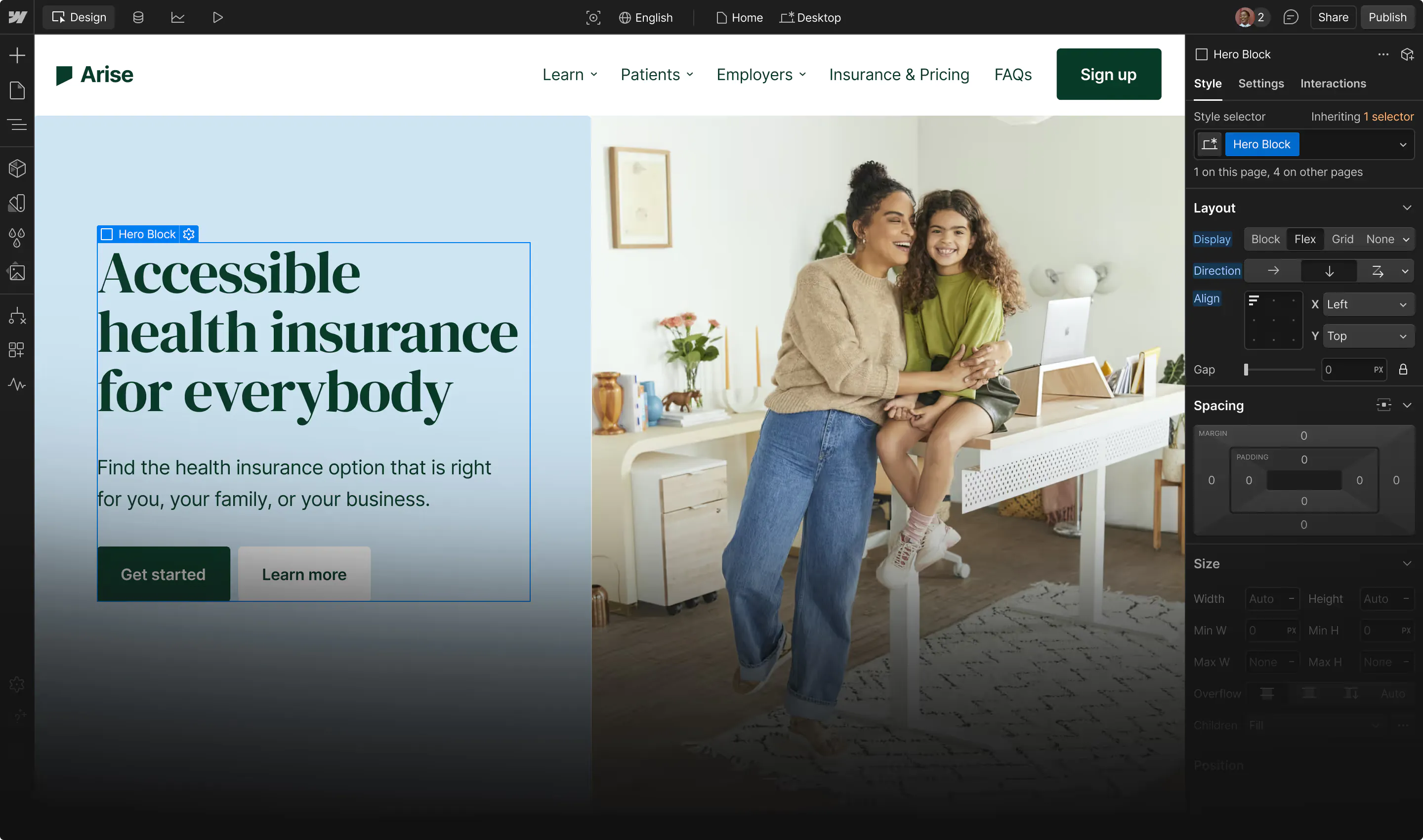
🔍 Transparent Webflow structure. Explore the page layouts, components, styles, and interactions directly inside Webflow Designer.
✨ Refined navigation interactions. Smooth transitions and carefully designed navigation behaviors create a polished browsing experience across the website.
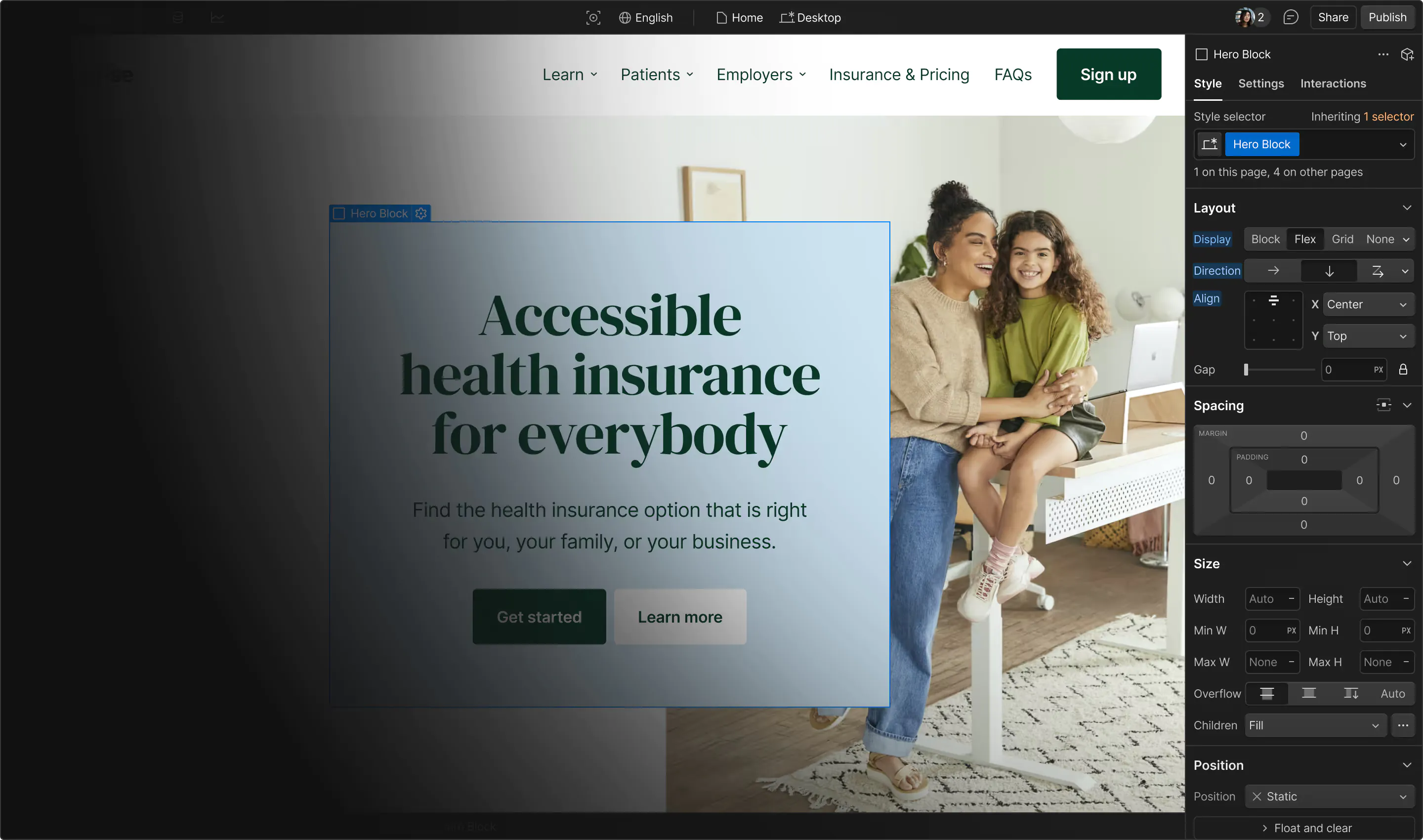
📣 Interactive promotional banner. Highlight seasonal offers, energy incentives, special announcements, or important updates with an engaging expandable promo bar.
Domovia is designed around a flexible design system that brings layout, spacing, typography, colors, and responsive behavior together through shared variables. Centralized settings make global adjustments easier while maintaining a consistent visual experience throughout the website.
A structured grid keeps containers, spacing, and alignment organized across every page. The design system follows a consistent approach across Figma and Webflow, helping preserve the intended layout and maintain a polished appearance across different screen sizes.
With a collection of reusable sections and components, pages can be customized, rearranged, and expanded to suit different business needs. From solar installations and energy solutions to home improvement services, Domovia provides a flexible foundation for creating professional pages without losing design consistency.
This template is built to be customized quickly and easily without disrupting its structure. Most adjustments can be made directly through variables, giving full control over spacing, layout, and visual styling from one central place.
Each section is designed as an independent block, making it easy to mix, match, and reuse across different pages. The consistent structure keeps everything organized while allowing flexibility throughout the project.
Can only be used by you or one client for one end product. You cannot resell or redistribute this template in its original or modified state.
This template is free to use in both person and commercial projects. You cannot resell, redistribute, or license this template in its original or modified state.
Questions about this template? Just reach out to the template designer and they will get back to you within 2 business days.
For advanced design guidance, please share your questions in the Webflow Forum or reach out to a Webflow Partner.
Share your feedback by leaving a comment below.
For template support, please check the Support tab.

Use the Preview in Designer option to make any edits to the template pages and preview how the layout would fit your content. Changes in preview mode won't be saved.
It isn't possible to apply a template to an already existing project. Instead, you'll need to create a new project based on the Template.
With a Core plan (or higher), you can export sites you build in Webflow, including templates, to host them anywhere you'd like.
Webflow templates are only available for purchase through Workspaces and legacy individual accounts.
CMS templates are designed to use the power of the Webflow CMS. It is possible to downgrade to a Basic Site Plan as long as all CMS content is deleted from the project.
Use the View Connections tool to understand where the CMS content is on the site and delete any dynamic listings and CMS content. We also recommend you to check Components and the Collection page Templates.
Ecommerce templates are designed to use the power of Webflow Ecommerce. It is not possible to remove Ecommerce from a template, however, deleting all Ecommerce Products and Categories from the project, will allow to select a lower Site Plan.
Membership templates are designed to use the power of Webflow Membership. It is not possible to remove Memberships from a template.


Reposition and resize items anywhere within the grid to produce powerful, responsive layouts — faster and without code.
Build your lead lists and subscriber base with beautiful forms.
Comes with animations and interactions for additional polish and usability.