Trusted by teams at






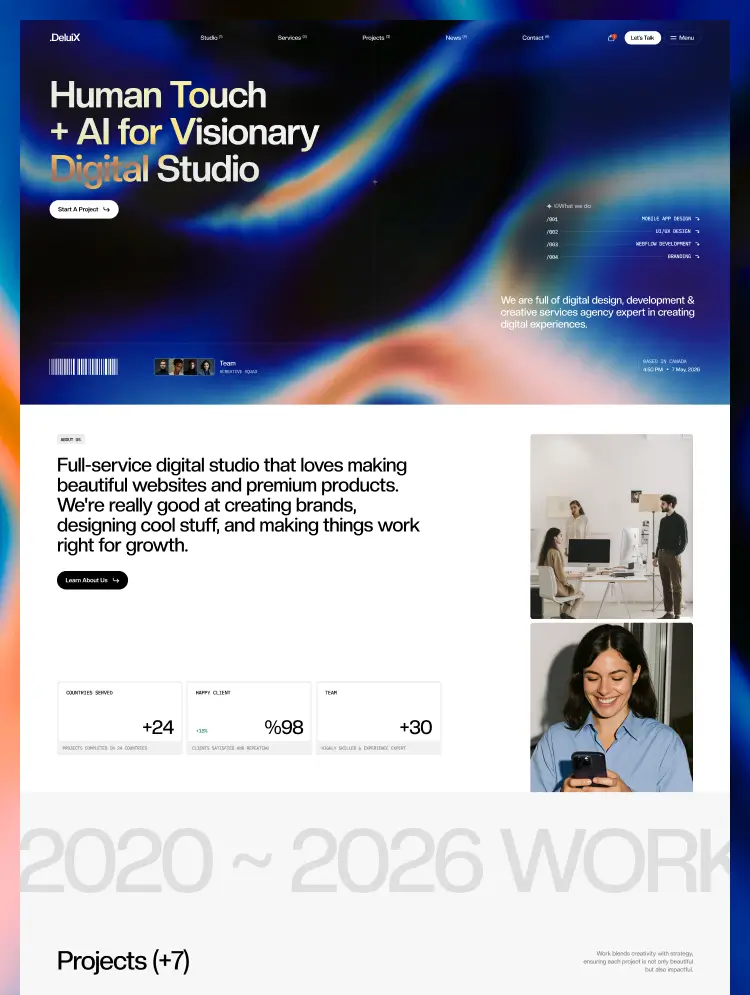
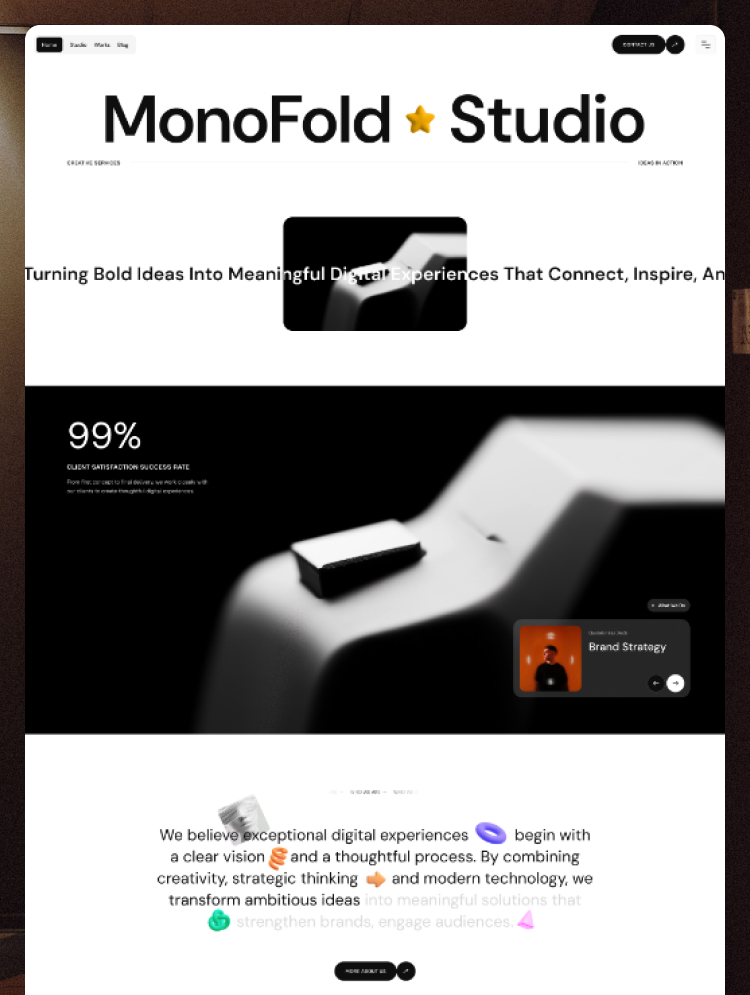
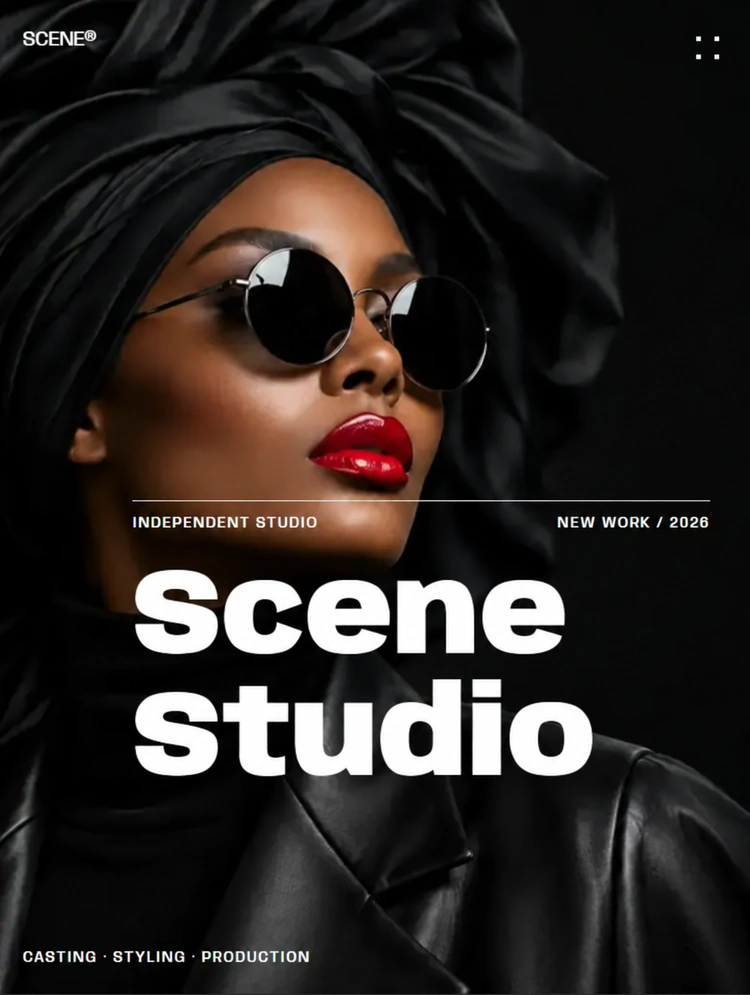
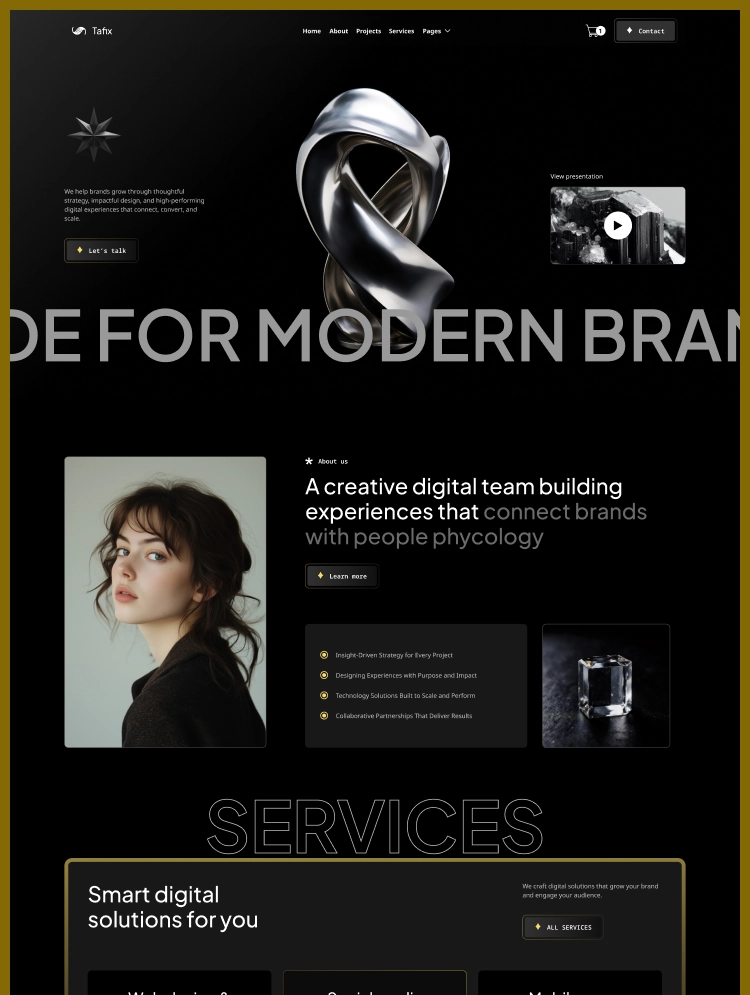
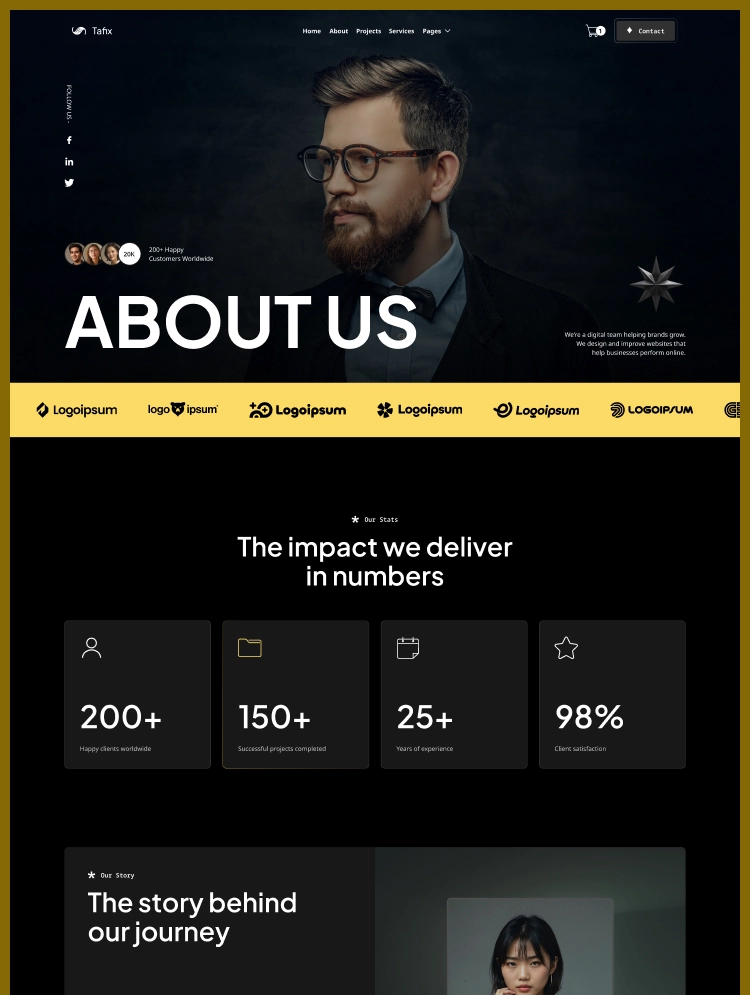
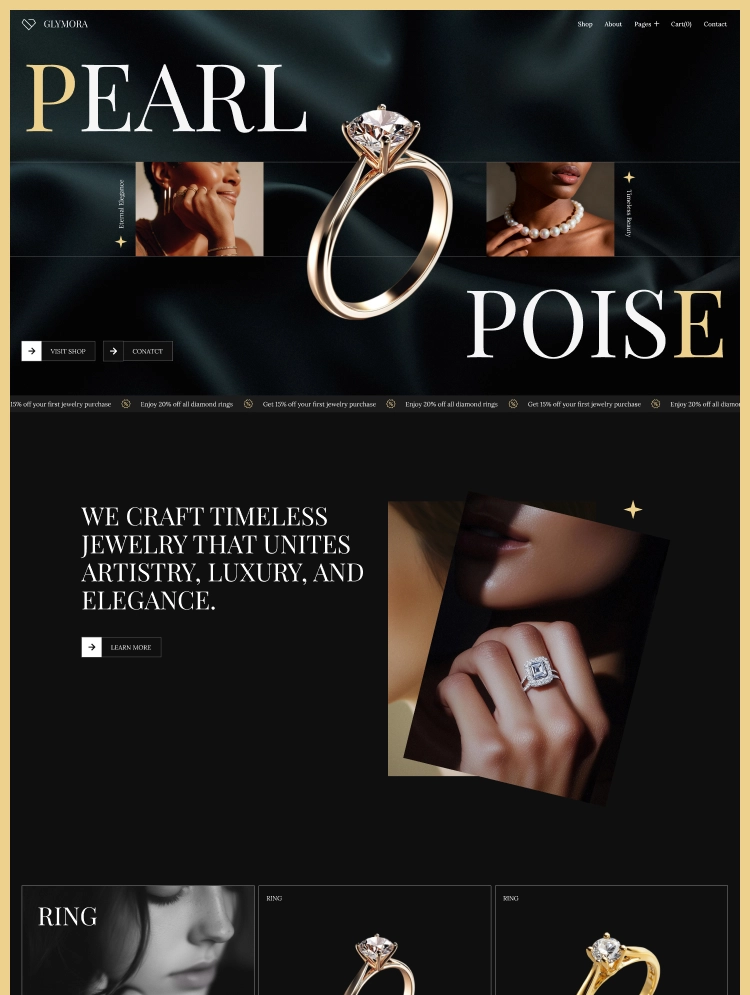
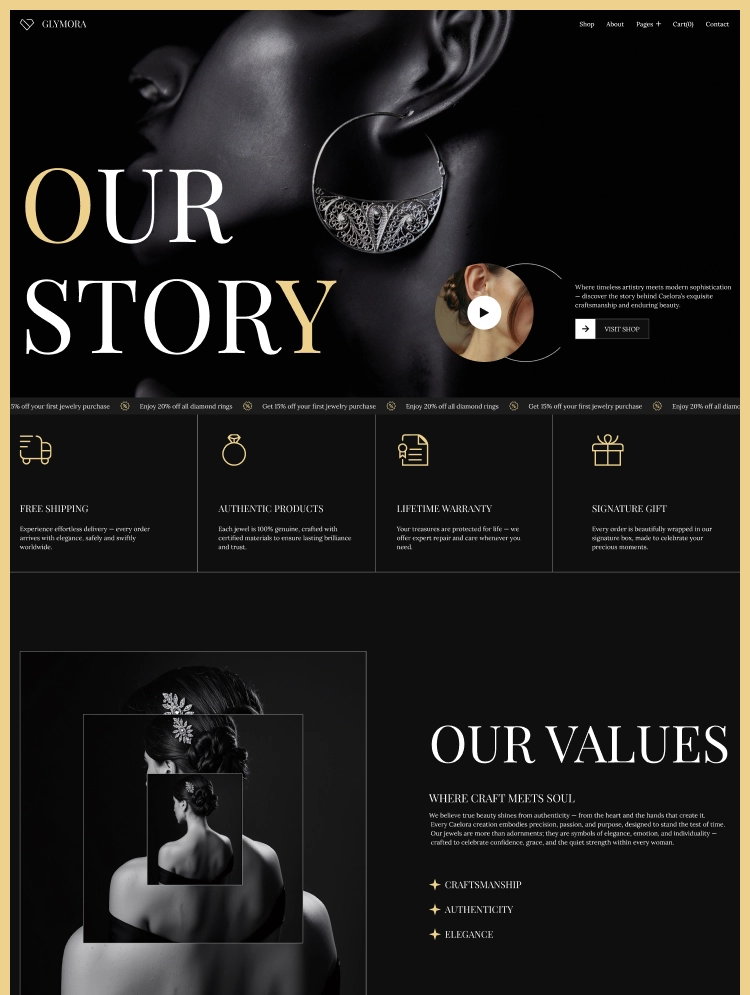
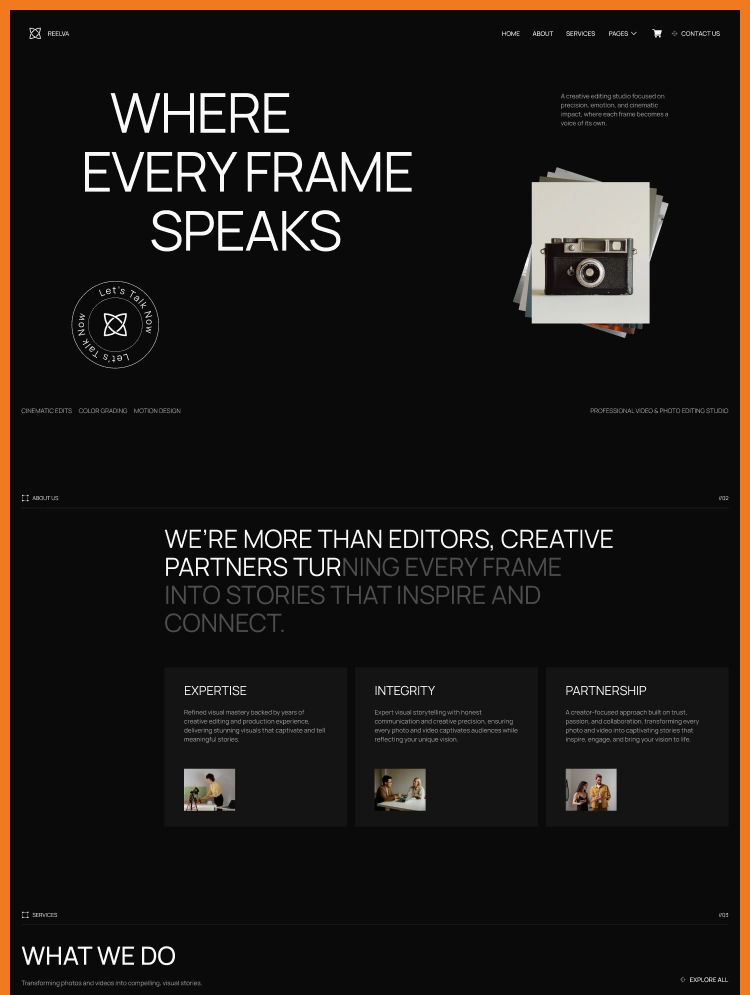
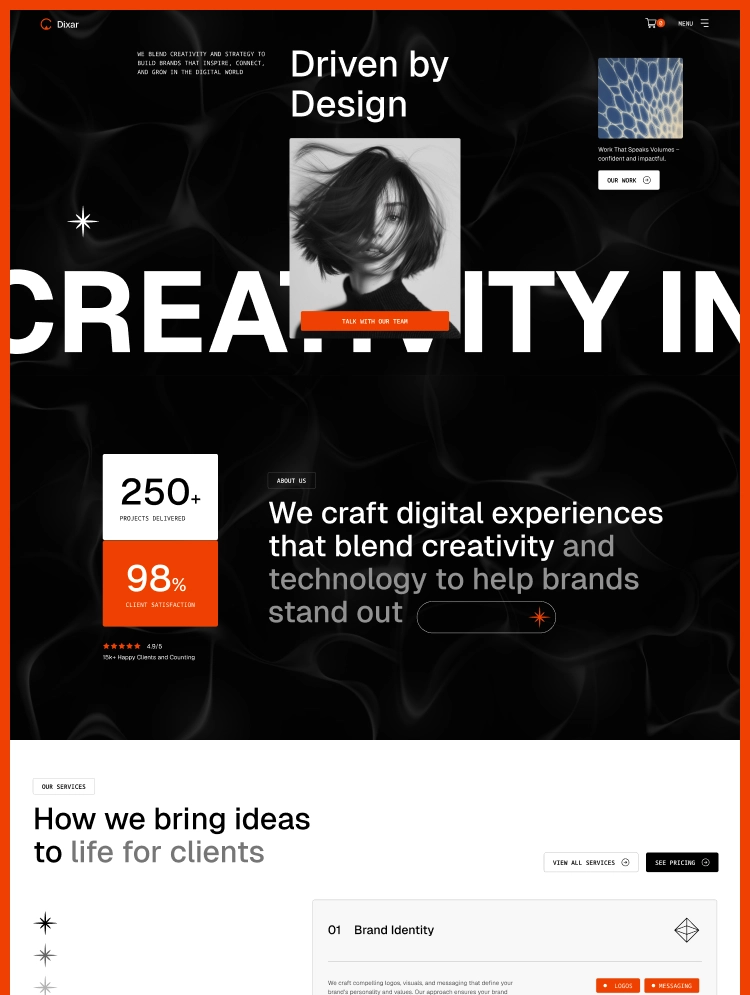
Dixar is a premium Webflow template for creative agencies and digital studios. Featuring bold layouts, clean typography, and flexible design, it helps showcase services, projects, and expertise with clarity to create a professional online presence
Dixar is a modern, premium Webflow template crafted for creative agencies, digital studios, and design-driven businesses that want a bold and professional online presence.
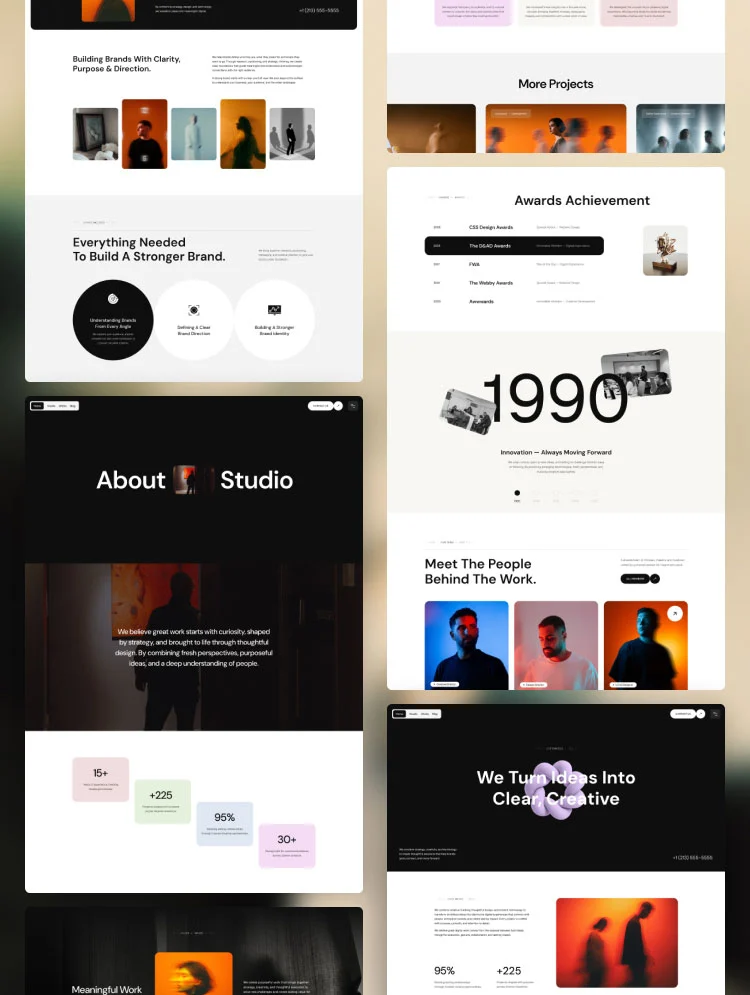
Built with strong visual clarity and creative flexibility in mind, Dixar combines dynamic layouts, clean typography, and impactful visuals to showcase services, projects, and agency expertise effectively.
The template is designed to communicate credibility, creativity, and confidence—helping agencies present their work, process, and brand story through an engaging and well-structured web experience.
By balancing creative expression with usability, Dixar delivers a polished digital presence that attracts clients and supports long-term brand growth.
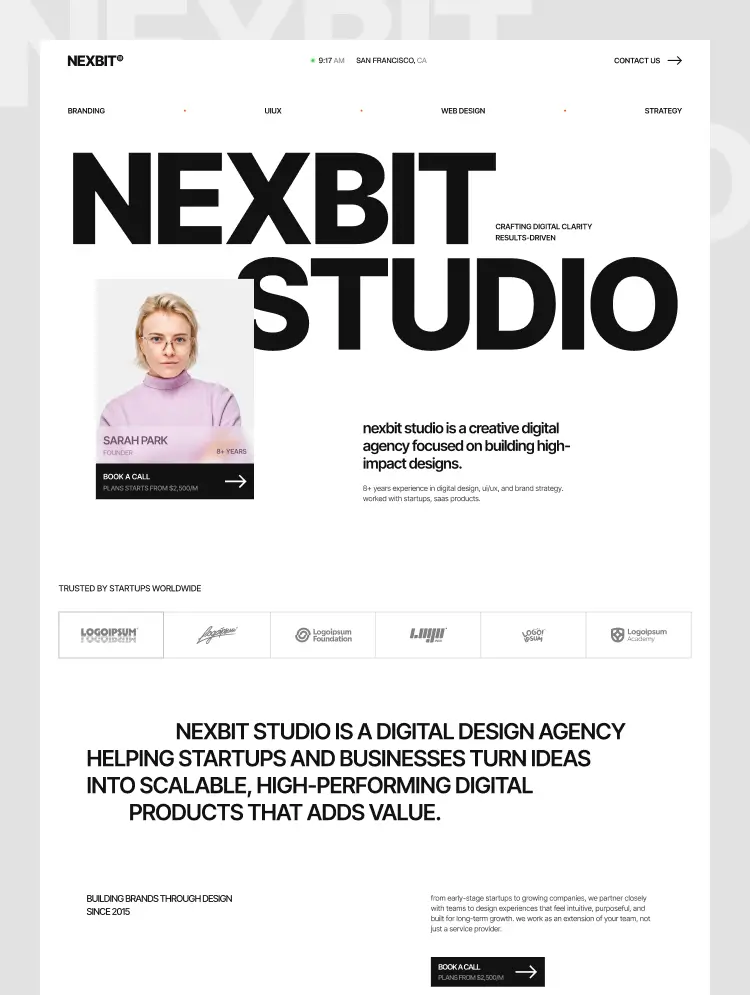
Dixar follows a contemporary creative-agency design approach focused on clarity, visual storytelling, and strong hierarchy.
Each section is carefully structured to guide visitors through content naturally, ensuring services and projects remain easy to understand and visually engaging.
Spacious sections, grid-based project layouts, and subtle interactions are used to highlight creative work while maintaining a clean and professional experience.
The overall design system ensures consistency, responsiveness, and smooth interaction across desktop, tablet, and mobile devices.
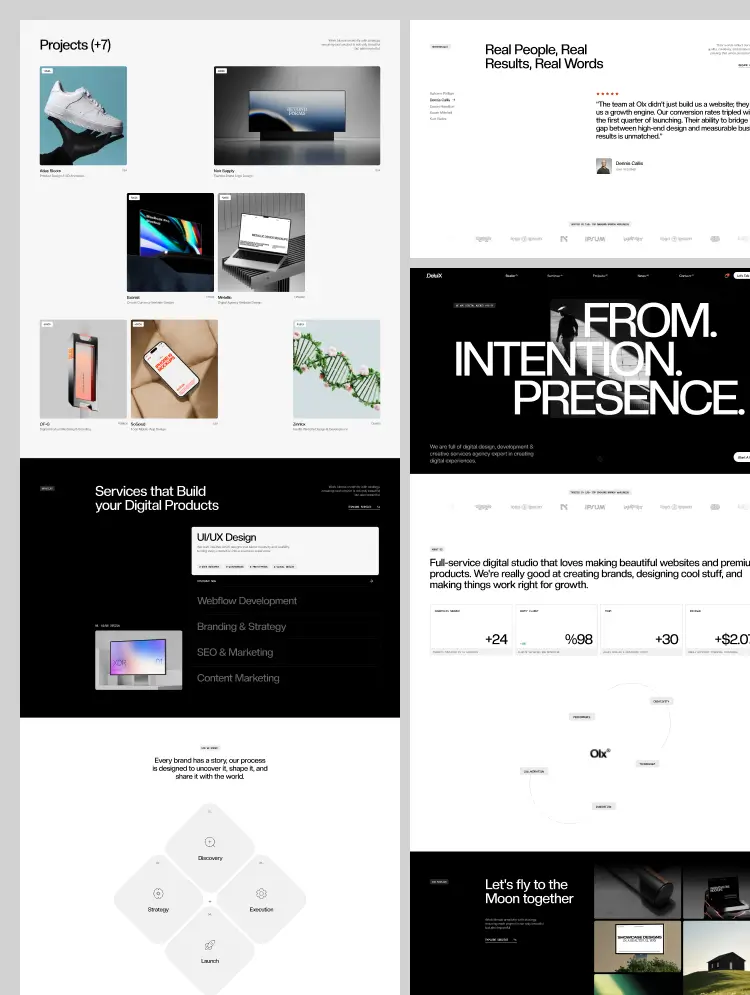
Modern Agency Layouts
Clean, structured sections designed to present services, expertise, and value propositions clearly and professionally.
Strong About & Story Pages
Well-organized layouts that help communicate agency vision, values, culture, and brand positioning with clarity.
Project & Portfolio Showcases
Image-focused project layouts crafted to highlight creative work, case studies, and outcomes in a professional manner.
Service Presentation Pages
Clear and detailed service layouts that explain offerings, workflows, and processes in an easy-to-follow structure.
CMS-Powered Content Management
Dynamic CMS collections for managing blogs, services, and projects efficiently without technical complexity.
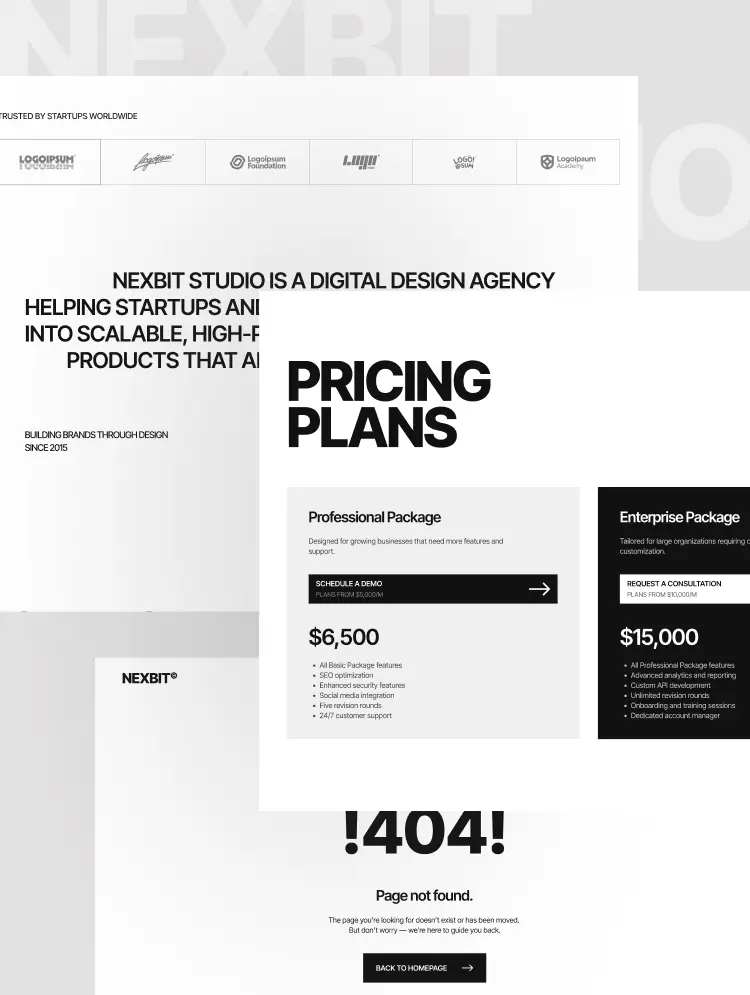
Integrated Pricing & Plans
Dedicated pricing and plan layouts designed to present service packages in a clear and structured format.
Fully Responsive Design
Layouts optimized for desktop, tablet, and mobile devices, ensuring consistency across all screen sizes.
SEO & Performance Optimized
Fast-loading pages with SEO-friendly structure to improve visibility and overall performance.
Easy Customization
Flexible typography, color systems, and layout components that can be easily customized using Webflow’s visual editor.
Dixar is designed specifically for creative agencies that need a strong balance between visual creativity and professional structure. The template focuses on clean layout systems and clear hierarchy, ensuring content remains impactful without feeling cluttered.
Built natively in Webflow, Dixar is optimized for speed, SEO, and responsiveness, providing a smooth and reliable experience across all devices. Its well-organized class naming system and flexible design components make customization straightforward, allowing agencies to adapt the template to their brand identity quickly and efficiently.
With its modern, creative, and professional visual language, Dixar provides a solid foundation for agencies looking to attract clients and showcase their work with confidence.
Dixar is a complete creative agency solution designed to support storytelling, portfolio presentation, and service clarity.
From structured layouts to CMS-driven content, every element is built to help agencies communicate value and creativity through a refined digital experience.
With Dixar, you can launch your agency website knowing it is optimized for performance, usability, and scalability.
Whether you are showcasing projects, promoting services, or building credibility, Dixar gives you the tools to present your agency professionally and grow with confidence on Webflow.
Once your purchase is complete, please email us at themesleek01@gmail.com with your order confirmation attached. We will promptly provide you with the Figma source file to help you customize your design.
Need help or want to tailor a Webflow template to fit your specific business needs? Contact our team, and we’ll be happy to assist you every step of the way.
Can only be used by you or one client for one end product. You cannot resell or redistribute this template in its original or modified state.
This template is free to use in both person and commercial projects. You cannot resell, redistribute, or license this template in its original or modified state.
Questions about this template? Just reach out to the template designer and they will get back to you within 2 business days.
For advanced design guidance, please share your questions in the Webflow Forum or reach out to a Webflow Partner.
Share your feedback by leaving a comment below.
For template support, please check the Support tab.

Use the Preview in Designer option to make any edits to the template pages and preview how the layout would fit your content. Changes in preview mode won't be saved.
It isn't possible to apply a template to an already existing project. Instead, you'll need to create a new project based on the Template.
With a Core plan (or higher), you can export sites you build in Webflow, including templates, to host them anywhere you'd like.
Webflow templates are only available for purchase through Workspaces and legacy individual accounts.
CMS templates are designed to use the power of the Webflow CMS. It is possible to downgrade to a Basic Site Plan as long as all CMS content is deleted from the project.
Use the View Connections tool to understand where the CMS content is on the site and delete any dynamic listings and CMS content. We also recommend you to check Components and the Collection page Templates.
Ecommerce templates are designed to use the power of Webflow Ecommerce. It is not possible to remove Ecommerce from a template, however, deleting all Ecommerce Products and Categories from the project, will allow to select a lower Site Plan.
Membership templates are designed to use the power of Webflow Membership. It is not possible to remove Memberships from a template.
.svg)


Uses fonts from Google's Web Font collection.
Display images and text elegantly on every device with our touch-friendly slider.
Site navigation automatically collapses into a mobile-friendly menu on smaller devices.
All graphics are optimized for devices with high DPI screens.
Custom design for the 404 page of your website
Reposition and resize items anywhere within the grid to produce powerful, responsive layouts — faster and without code.
Shape your customer's experience and customize everything, from the home page to product page, cart to checkout.
Customize the built-in database for your project or just add new content.
Displays perfectly on desktops, tablets, and phones.
Build your lead lists and subscriber base with beautiful forms.
Comes with animations and interactions for additional polish and usability.
Display 3D graphics elegantly on every device.