Trusted by teams at






Detailix - Car Care & Detailing Website Template
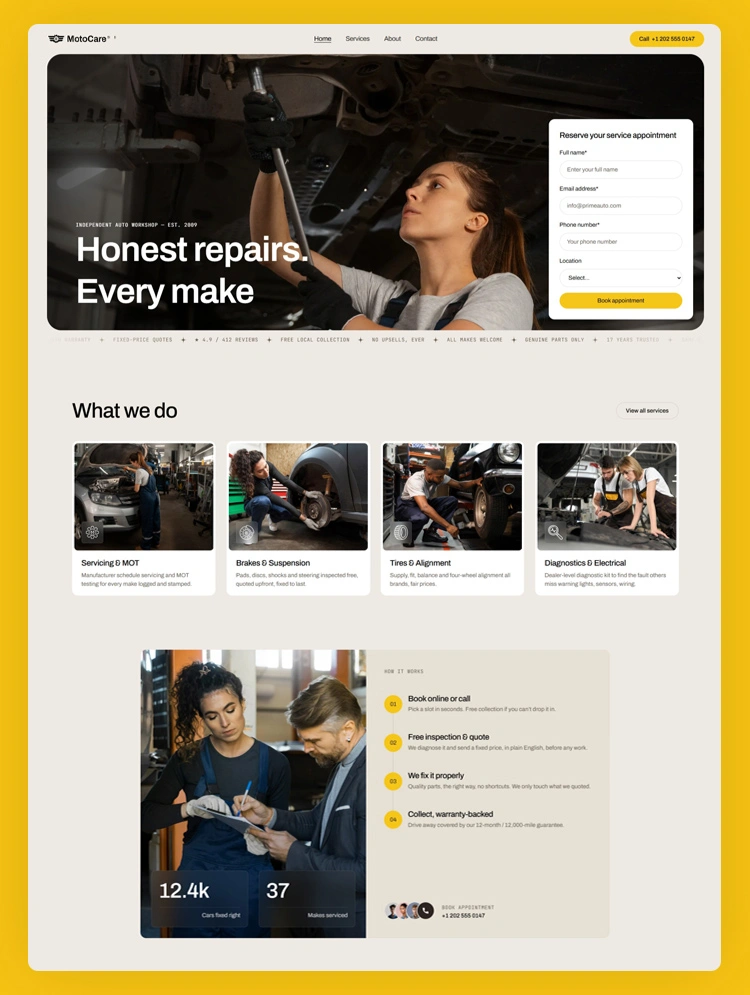
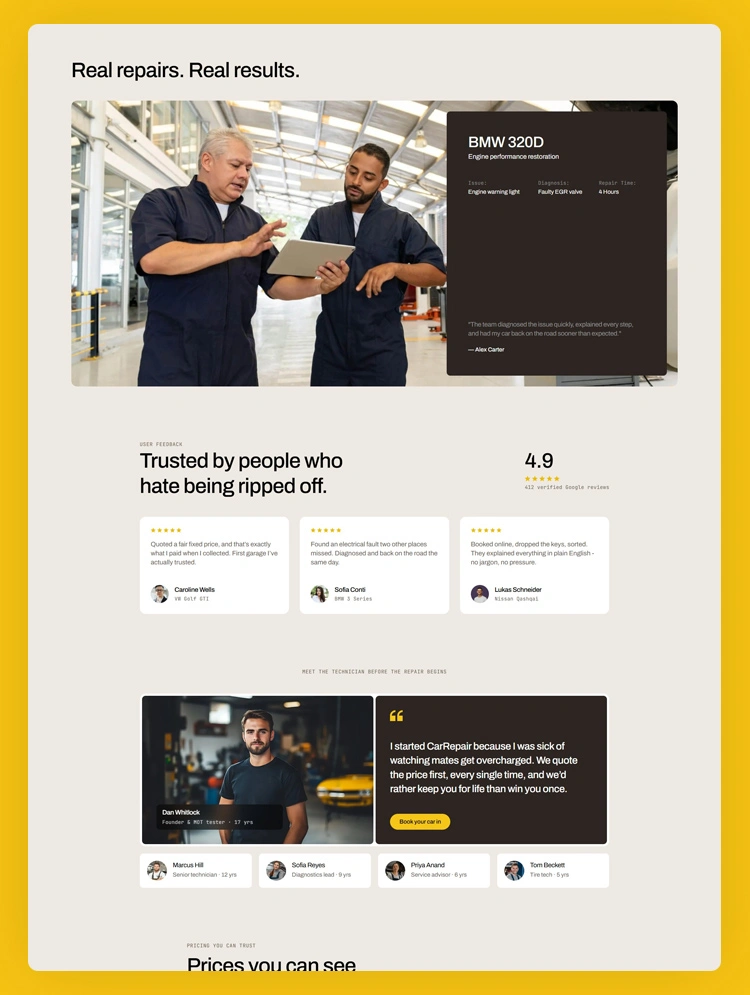
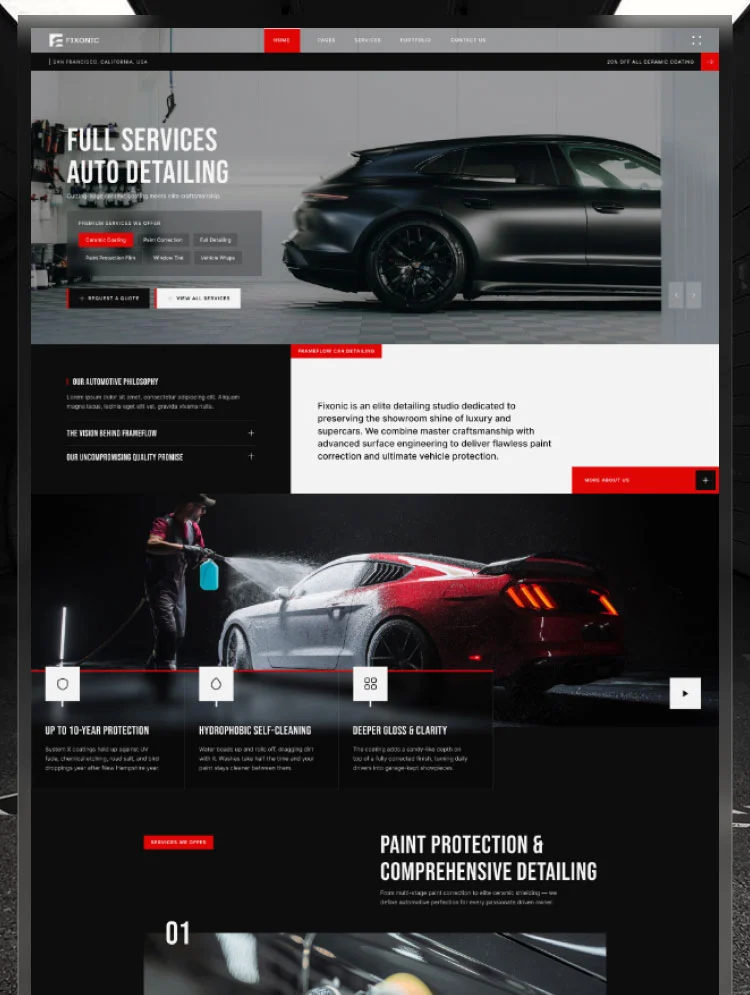
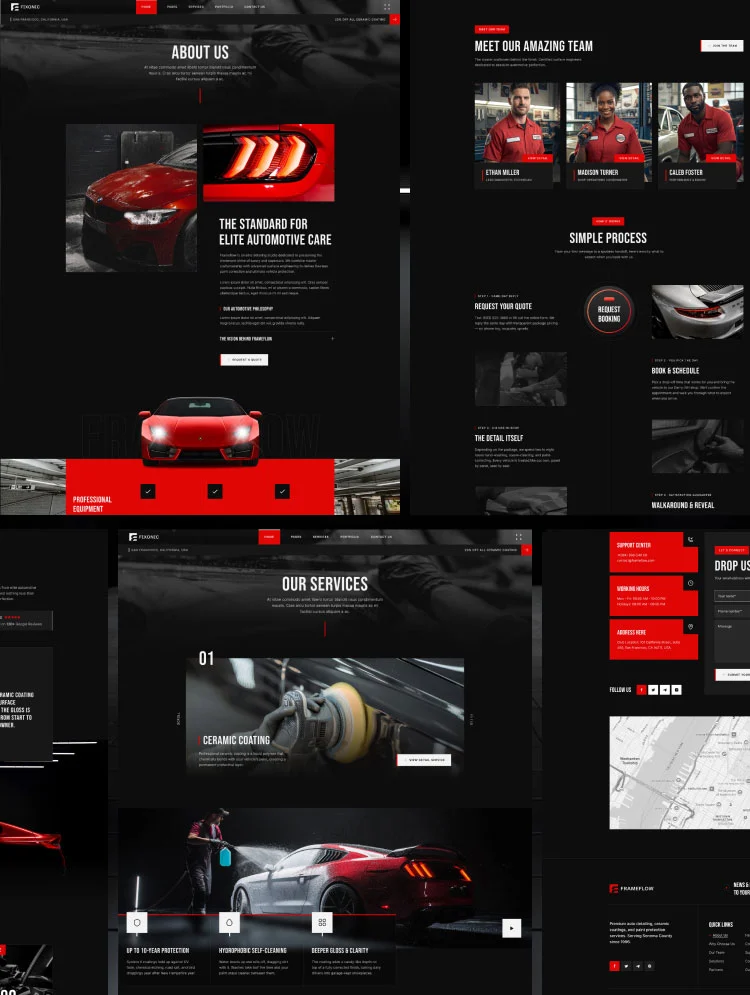
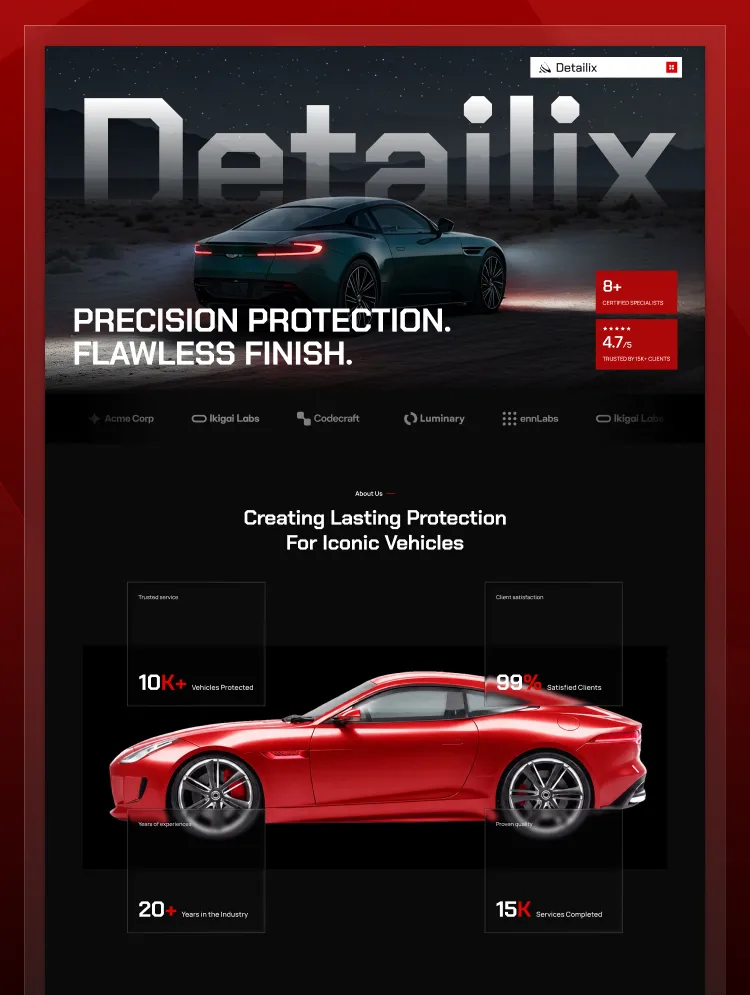
Detailix is a modern Webflow Template designed for premium car detailing businesses, detailing studios, paint protection specialists, and automotive appearance professionals. Whether you offer ceramic coating, paint protection film, paint correction, or complete interior and exterior detailing, Detailix provides a refined digital presence for showcasing your services, craftsmanship, and results.
Built around a premium detailing-focused aesthetic, the template combines bold automotive imagery, structured service sections, project showcases, testimonials, pricing packages, and clear calls to action to help modern car care businesses present their services professionally.
Car detailing studios
Premium car care businesses
Paint protection film specialists
Ceramic coating providers
Paint correction studios
Interior and exterior detailing services
Luxury car care businesses
Car appearance and protection specialists
Bold, detailing-focused visual style
Premium typography and sophisticated layouts
Clean spacing and structured content sections
Large, high-quality automotive imagery
Visual storytelling sections
Refined layouts that communicate precision and craftsmanship
Fully responsive across desktop, tablet, and mobile
Performance-focused structure
Easy customization with the Webflow visual editor
SEO-friendly page structure
Responsive user experience across all devices
Conversion-focused calls to action
Service package and pricing sections
Testimonial and trust-building sections
Lead generation and booking-ready sections
Present your core car care services with dedicated sections for detailing, paint protection film, ceramic coating, paint correction, and other vehicle appearance solutions.
Highlight specialized treatments and explain how each service helps protect, restore, or enhance a vehicle's appearance.
Display completed detailing and protection projects through visually engaging image sections, including before-and-after transformations.
Build trust with testimonial sections designed to showcase customer experiences and highlight service quality.
Present different levels of detailing and protection packages with clear pricing, included services, and easy-to-understand options.
Introduce the specialists behind the business and highlight their roles, craftsmanship, and expertise.
Strategically placed calls to action, contact sections, and booking prompts make it easy for potential customers to start an inquiry or request a service.
Home
Contact
About
Services
Team
404
Style Guide
Licensing
Changelog
Instructions
Detailix is structured with modern web design and SEO best practices in mind, providing a clean foundation for car care and detailing businesses.
The template includes:
Clear heading hierarchy
Responsive layouts
Performance-focused structure
Organized content sections
Customizable SEO settings in Webflow
Service-focused content suitable for local businesses
Designed specifically for car care and detailing businesses
Ideal for premium detailing studios
Built around services such as ceramic coating and paint protection film
Strong visual storytelling for vehicle transformations
Service package and pricing presentation
Dedicated team and craftsmanship sections
Easy to customize in Webflow
Conversion-focused sections for generating inquiries
For questions about customization, layout structure, or template usage, use the support resources provided with the template.
Can only be used by you or one client for one end product. You cannot resell or redistribute this template in its original or modified state.
This template is free to use in both person and commercial projects. You cannot resell, redistribute, or license this template in its original or modified state.
Questions about this template? Just reach out to the template designer and they will get back to you within 2 business days.
For advanced design guidance, please share your questions in the Webflow Forum or reach out to a Webflow Partner.
Share your feedback by leaving a comment below.
For template support, please check the Support tab.

Use the Preview in Designer option to make any edits to the template pages and preview how the layout would fit your content. Changes in preview mode won't be saved.
It isn't possible to apply a template to an already existing project. Instead, you'll need to create a new project based on the Template.
With a Core plan (or higher), you can export sites you build in Webflow, including templates, to host them anywhere you'd like.
Webflow templates are only available for purchase through Workspaces and legacy individual accounts.
CMS templates are designed to use the power of the Webflow CMS. It is possible to downgrade to a Basic Site Plan as long as all CMS content is deleted from the project.
Use the View Connections tool to understand where the CMS content is on the site and delete any dynamic listings and CMS content. We also recommend you to check Components and the Collection page Templates.
Ecommerce templates are designed to use the power of Webflow Ecommerce. It is not possible to remove Ecommerce from a template, however, deleting all Ecommerce Products and Categories from the project, will allow to select a lower Site Plan.
Membership templates are designed to use the power of Webflow Membership. It is not possible to remove Memberships from a template.