Trusted by teams at






Cybevra is a dark, modern cybersecurity Webflow template for security firms, SOC providers and IT consultancies. Includes 2 home layouts, CMS services, projects and blog, pricing, compliance pages and GSAP-powered interactions.
Cybevra – Cybersecurity Webflow Template for Security Companies & IT Firms
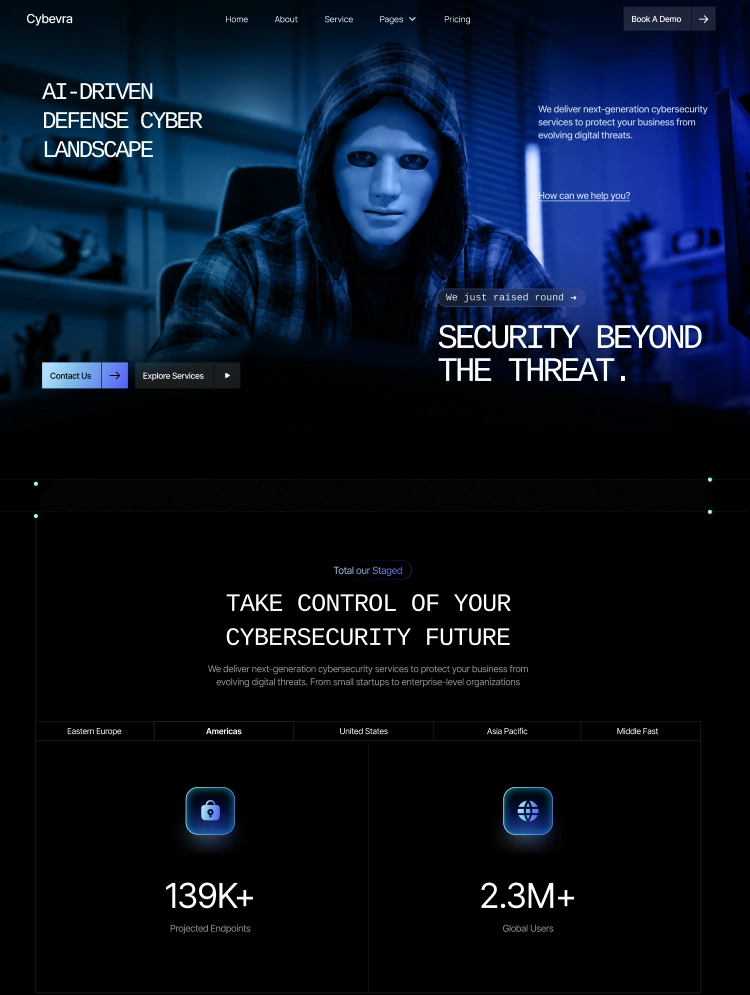
Cybevra is a premium, dark-themed cybersecurity Webflow template built for security companies, managed SOC and MDR providers, penetration testing teams, cloud security startups and IT consultancies. With two unique homepage layouts, a fully CMS-driven structure and smooth animations built with Webflow Interactions powered by GSAP, Cybevra helps you present your security services with authority and turn visitors into qualified leads.
🔥 Key Highlights
• 2 unique homepage layouts – a security platform style and a security agency style
• 15 ready-made pages plus 17 CMS item pages
• Dark, futuristic design made for cybersecurity and tech brands
• Smooth scroll and load animations built with Webflow Interactions powered by GSAP
• Fully responsive on desktop, tablet and mobile
• Site-wide variables for colors, fonts and spacing, with a complete Style Guide
• Reusable components: Navbar, Footer, Buttons, CTA and FAQ
• Unique SEO meta titles and descriptions on every page
⚙️ Powerful CMS Collections
• Services – 4 service items, each with its own detail page and a step-by-step process
• Projects – 5 case studies showing client results across industries
• Blogs – 8 articles on threat research, Zero Trust, phishing and ransomware
Add, edit or remove content from the Webflow CMS without touching the design.
📄 Multiple Ready-Made Pages
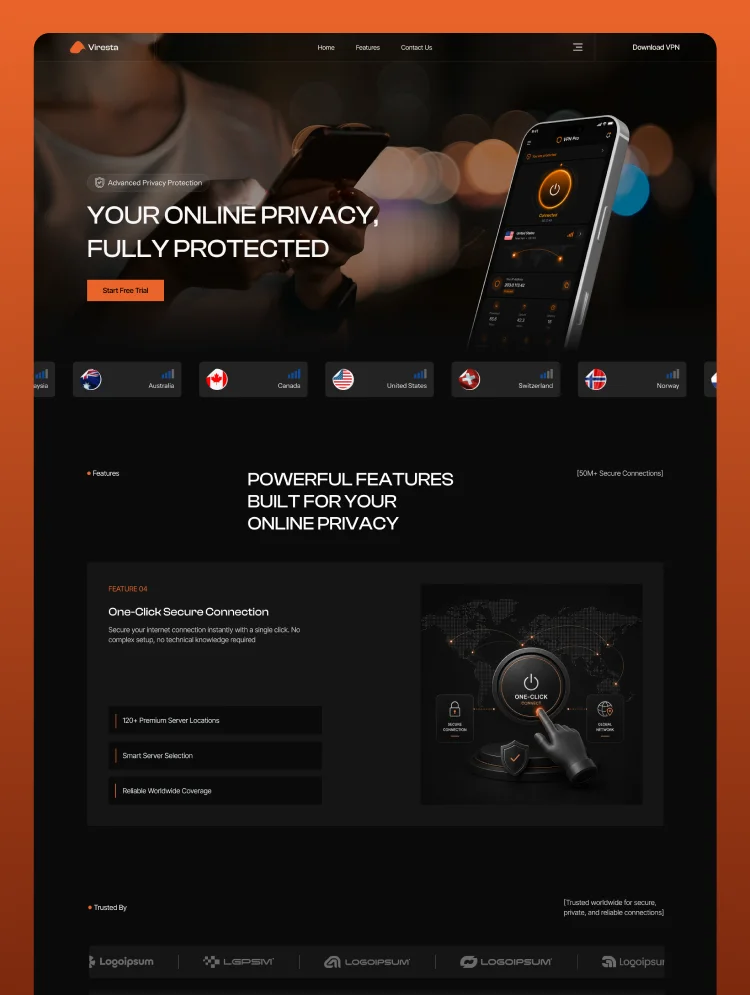
• Home 01 – Security platform hero with live dashboard cards, trusted partners, tabbed services, project rail, security capabilities grid, automation section, pricing, blog, FAQ and CTA
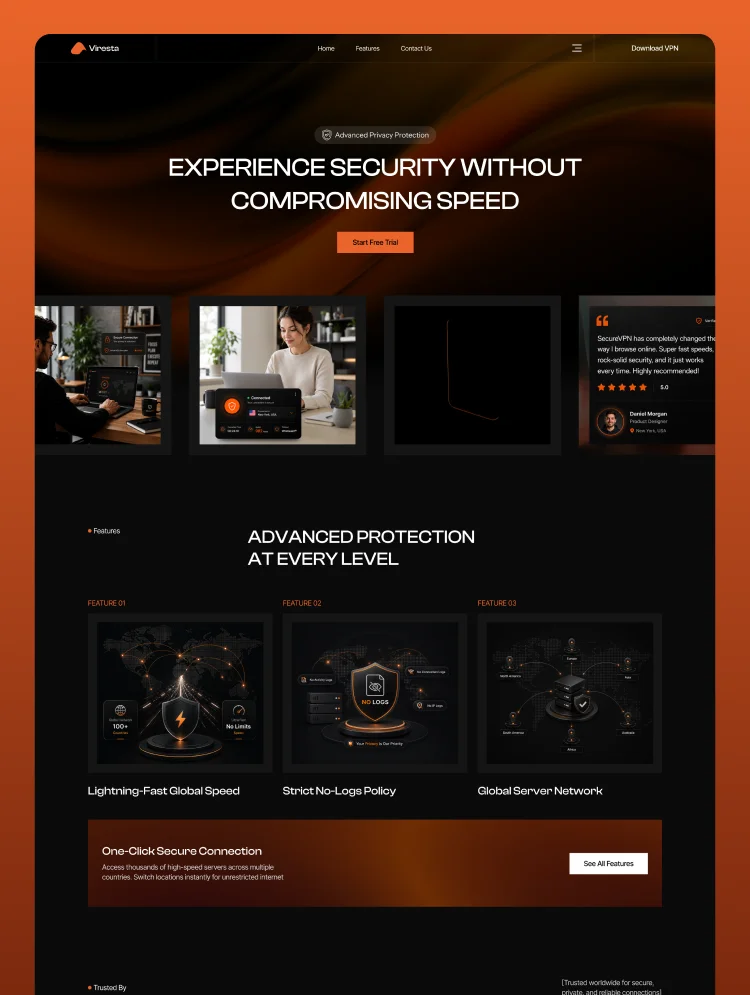
• Home 02 – Agency hero, stats section, tabbed services, project showcase, feature bento grid, global reach map, pricing plans, testimonials, FAQ, blog and CTA
• About – Image collage hero, achievement stats, mission, values and expert team section
• Service – All security services in stacked CMS cards
• Service Details – Overview, process stages and full service content
• Solution – Problem-to-solution blocks and measurable outcome results
• Industries – Interactive industry cards and the common risks you help reduce
• Project & Project Details – Case study grid and full project pages
• Blog & Blog Details – CMS article listing and rich-text blog posts
• Pricing – Three plans with a full side-by-side feature comparison table
• Compliance – Continuous control and multi-framework compliance sections
• Contact – Native Webflow contact form with phone, email, location and opening hours
• Utility pages – Style Guide, Licenses, Changelog and a custom 404 page
🚀 Built for Conversion
• Clear calls to action on every page
• Pricing plans with Starter, Premium and Enterprise tiers
• Stats, testimonials and client logos that build trust
• Case studies that prove real security results
• Native contact form ready to capture leads
🎨 Easy to Customize
• Restyle the whole template from the Style Guide using global variables
• Built with native Webflow elements and a clean, simple class structure
• Swap images, text and CMS content in minutes
• Every section works on its own, so you can rearrange pages freely
Cybevra gives cybersecurity companies, SOC providers and IT security agencies everything they need to launch a professional, trustworthy website fast. Protect your brand online and grow your security business with Cybevra.
Can only be used by you or one client for one end product. You cannot resell or redistribute this template in its original or modified state.
This template is free to use in both person and commercial projects. You cannot resell, redistribute, or license this template in its original or modified state.
Questions about this template? Just reach out to the template designer and they will get back to you within 2 business days.
For advanced design guidance, please share your questions in the Webflow Forum or reach out to a Webflow Partner.
Share your feedback by leaving a comment below.
For template support, please check the Support tab.

Use the Preview in Designer option to make any edits to the template pages and preview how the layout would fit your content. Changes in preview mode won't be saved.
It isn't possible to apply a template to an already existing project. Instead, you'll need to create a new project based on the Template.
With a Core plan (or higher), you can export sites you build in Webflow, including templates, to host them anywhere you'd like.
Webflow templates are only available for purchase through Workspaces and legacy individual accounts.
CMS templates are designed to use the power of the Webflow CMS. It is possible to downgrade to a Basic Site Plan as long as all CMS content is deleted from the project.
Use the View Connections tool to understand where the CMS content is on the site and delete any dynamic listings and CMS content. We also recommend you to check Components and the Collection page Templates.
Ecommerce templates are designed to use the power of Webflow Ecommerce. It is not possible to remove Ecommerce from a template, however, deleting all Ecommerce Products and Categories from the project, will allow to select a lower Site Plan.
Membership templates are designed to use the power of Webflow Membership. It is not possible to remove Memberships from a template.
.svg)


Comes with GSAP animations and interactions for additional polish and usability.
Reposition and resize items anywhere within the grid to produce powerful, responsive layouts — faster and without code.
Build your lead lists and subscriber base with beautiful forms.
Comes with animations and interactions for additional polish and usability.