Trusted by teams at


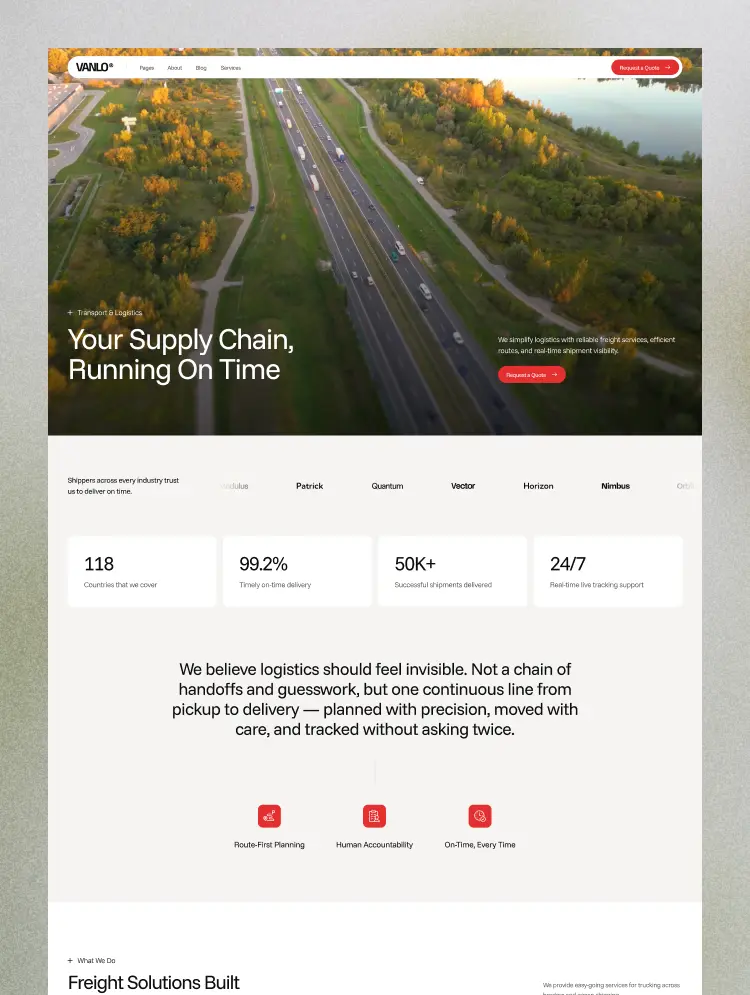
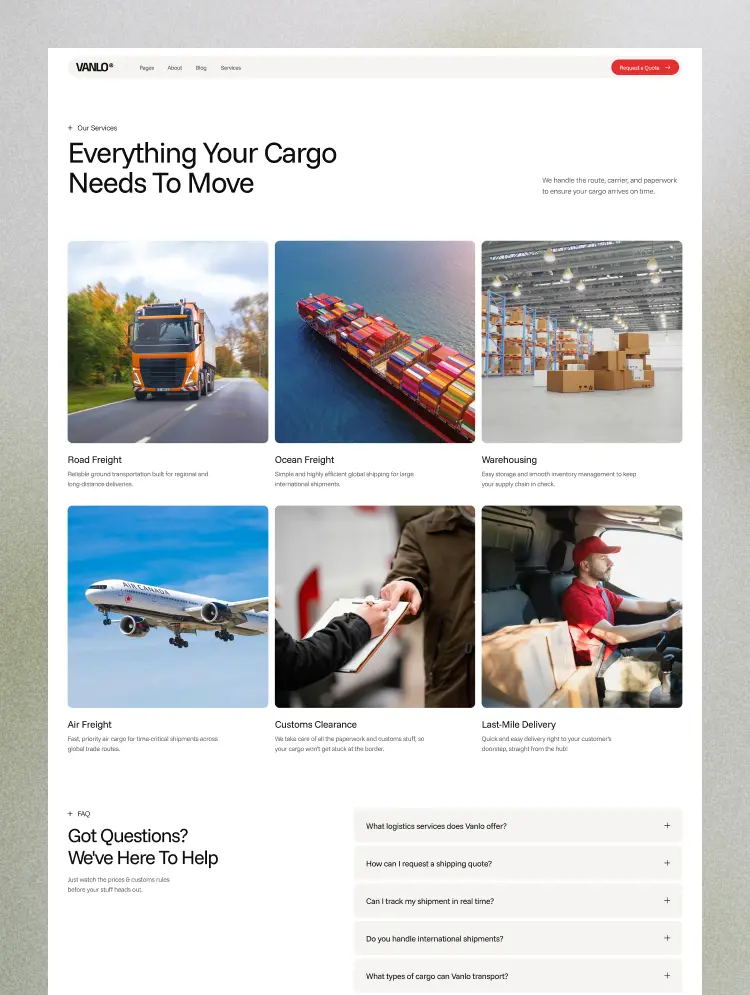
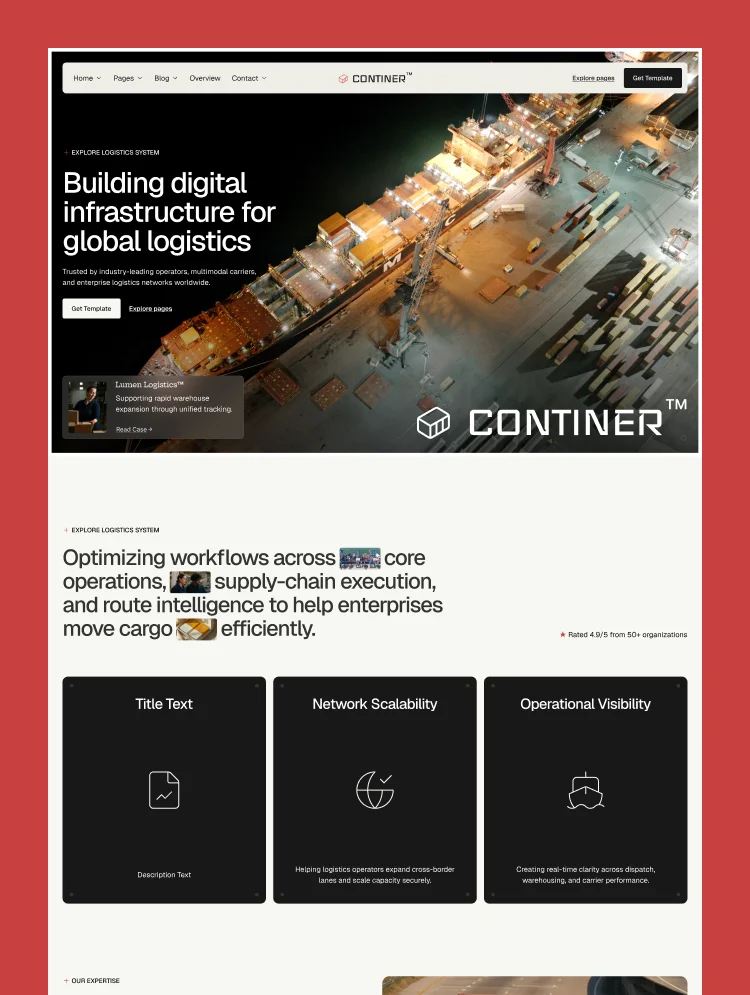
Continer is a container shipping and freight logistics website template built with Webflow. It showcases services like ocean freight, freight forwarding, container tracking, and customs clearance. This logistics website template suits freight forward
Continer is a modern container shipping and logistics website template built on Webflow. It includes everything freight companies need for a credible online presence — present container shipping services like ocean freight, sea freight, and cargo handling with ease.
Continer helps shipping lines, freight forwarders, and NVOCC operators build a professional website. It supports content for container tracking, customs clearance, and warehousing and distribution too. The shipping Webflow template fits import export businesses of all types and sizes.
Continer offers a clear layout for container logistics website design and navigation. Use this freight website template to promote freight forwarding, drayage, and supply chain solutions. It works well for port operators, drayage and trucking companies, and international shipping agencies.
Best for: This container shipping website template is best for freight and logistics firms worldwide. It is perfect for container shipping lines, freight forwarders, NVOCC operators, customs brokers, import export companies, port and terminal operators, drayage and trucking firms, 3PL logistics and warehousing providers, and international cargo agencies.
This template has a total of 24 pages, including 14 static, 4 CMS collections, and 6 utility pages. It provides 3 homepage layouts, 3 about layouts, and 3 contact layouts, plus dedicated pages for services, case studies, careers, and frequently asked questions.
Each page supports shipping companies and freight template use cases with care. The blog page allows you to publish container logistics and export documentation tips. Service details help highlight features likeport operations and container fleet management, while the career pages help logistics firms hire drivers, operators, and coordinators.
This shipping website template supports container services and ocean freight features. It helps build websites for freight forwarders and the global cargo shipping industry — from international shipping agencies to regional trucking fleets.
It supports every shipping template need, from container tracking to freight rate enquiries. Three homepage and about layouts let you position a shipping line, a forwarder, or a 3PL differently from the same template. Grow your international logistics business with a professional Webflow website built for modern freight networks.
Eye-Catching Design
A strong, industrial-clean layout that earns trust on first view. Bold typography and a confident color system sharpen brand identity and hold visitor attention.
100% Customizable
Colors, fonts, sections, and imagery can be swapped to match your shipping brand. No coding required — building a unique freight website stays fast and simple.
Fast Loading Time
Clean structure and optimized assets keep every page loading quickly worldwide. Speed strengthens SEO performance and keeps international visitors moving toward enquiry.
Mobile Responsive
Every section adapts smoothly across desktop, tablet, and mobile. Operations managers checking your site from the port get the same clean experience as desktop visitors.
Built in Webflow CMS
Manage services, case studies, careers, and blog content through Webflow CMS collections. Add new routes, roles, or articles without touching a single line of code.
SEO-Ready Structure
Keyword-mapped headings and content sections target real buyer searches — freight forwarding, ocean freight, customs clearance — for stronger organic visibility.
STATIC PAGES · 14
Home A
Home B
Home C
About A
About B
About C
Service
Case Studies
Career
Blog
Contact A
Contact B
Contact C
FAQ
CMS COLLECTION PAGES · 4
Service Details
Case Study Details
Career Details
Blog Details
UTILITY PAGES · 6
Style Guide
Licenses
Changelog
Privacy Policy
401
404
Can only be used by you or one client for one end product. You cannot resell or redistribute this template in its original or modified state.
This template is free to use in both person and commercial projects. You cannot resell, redistribute, or license this template in its original or modified state.
Questions about this template? Just reach out to the template designer and they will get back to you within 2 business days.
For advanced design guidance, please share your questions in the Webflow Forum or reach out to a Webflow Partner.
Share your feedback by leaving a comment below.
For template support, please check the Support tab.

Use the Preview in Designer option to make any edits to the template pages and preview how the layout would fit your content. Changes in preview mode won't be saved.
It isn't possible to apply a template to an already existing project. Instead, you'll need to create a new project based on the Template.
With a Core plan (or higher), you can export sites you build in Webflow, including templates, to host them anywhere you'd like.
Webflow templates are only available for purchase through Workspaces and legacy individual accounts.
CMS templates are designed to use the power of the Webflow CMS. It is possible to downgrade to a Basic Site Plan as long as all CMS content is deleted from the project.
Use the View Connections tool to understand where the CMS content is on the site and delete any dynamic listings and CMS content. We also recommend you to check Components and the Collection page Templates.
Ecommerce templates are designed to use the power of Webflow Ecommerce. It is not possible to remove Ecommerce from a template, however, deleting all Ecommerce Products and Categories from the project, will allow to select a lower Site Plan.
Membership templates are designed to use the power of Webflow Membership. It is not possible to remove Memberships from a template.


Comes with GSAP animations and interactions for additional polish and usability.
Reposition and resize items anywhere within the grid to produce powerful, responsive layouts — faster and without code.
Build your lead lists and subscriber base with beautiful forms.
Comes with animations and interactions for additional polish and usability.