Trusted by teams at






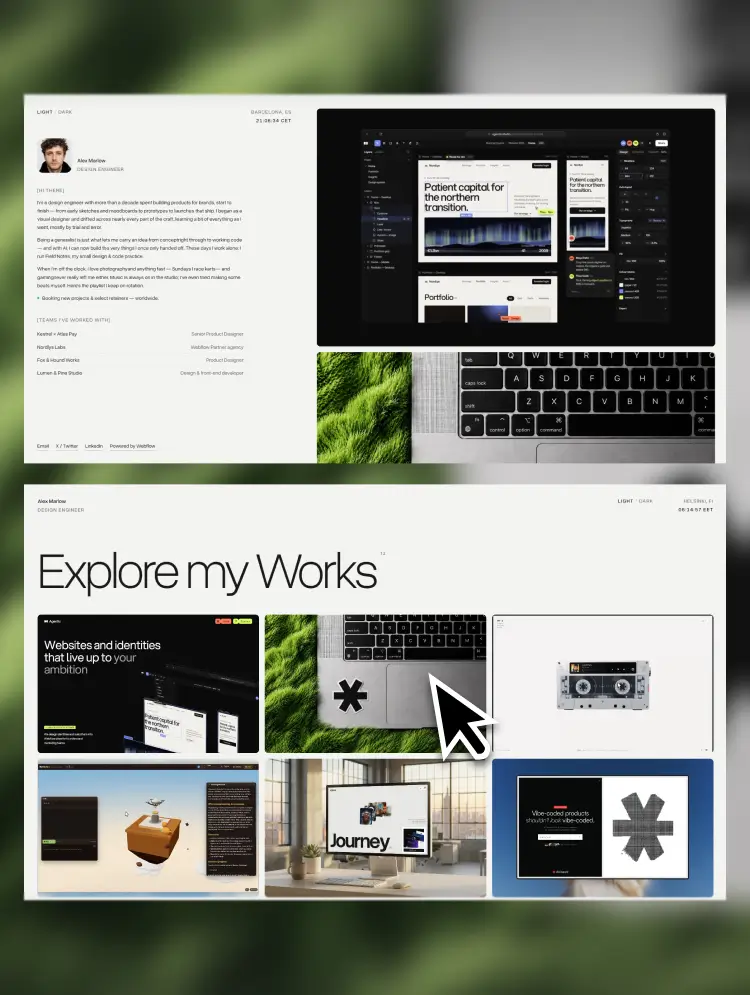
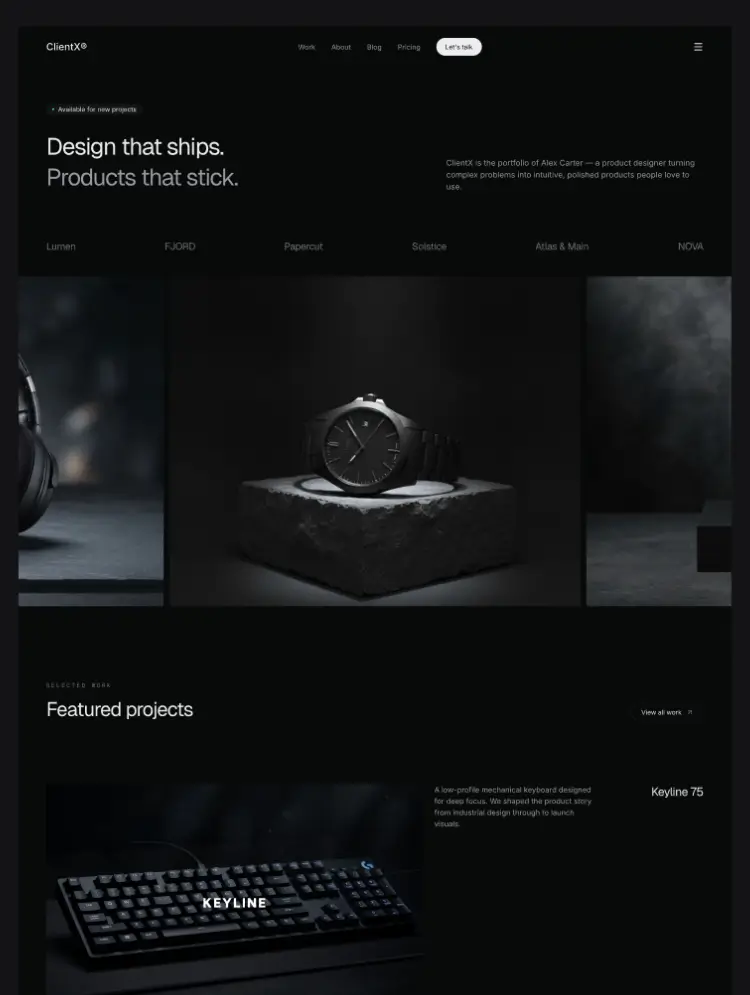
A conversion-focused Webflow portfolio template for freelancers and studios, with filterable case studies, CMS-driven content, and every page ending in a hire-me call to action.
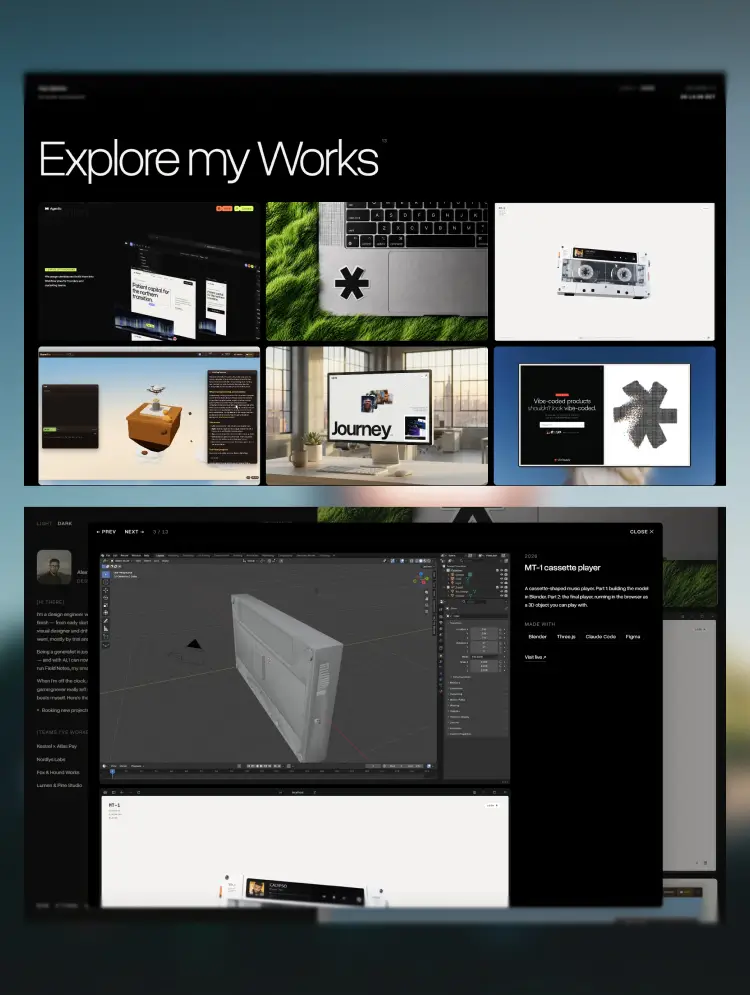
ClientX is a polished Webflow template for freelance designers, developers, and small studios who win work through their portfolio. Its focused visual system puts the work front and center while giving services, process, and social proof a credible presentation — turning visitors into client inquiries instead of passive readers.
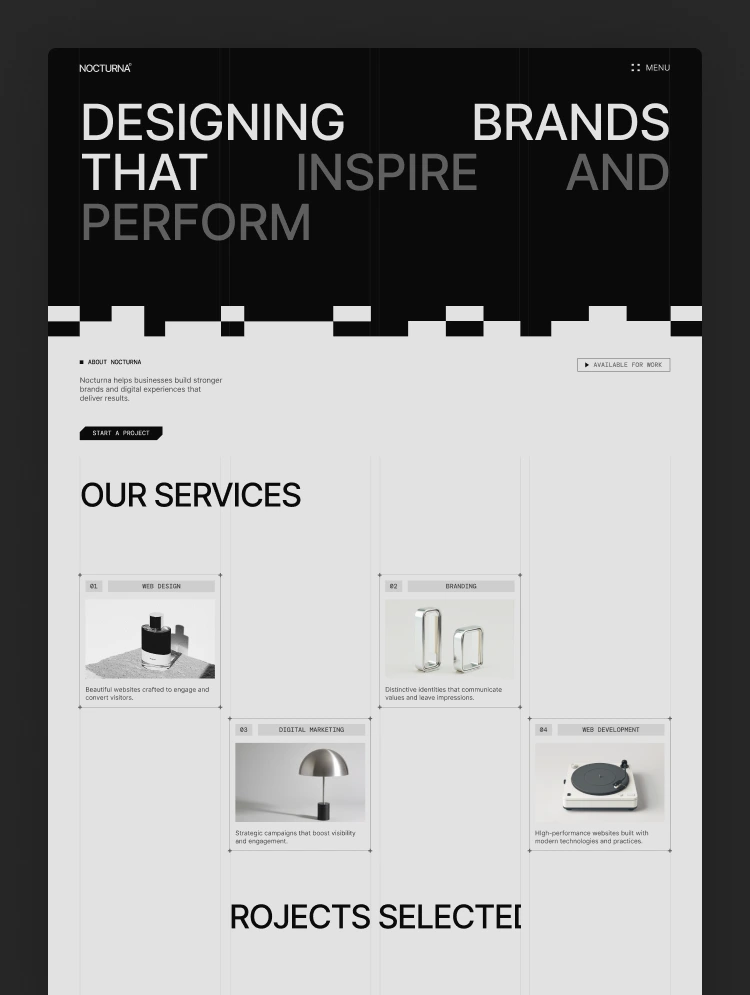
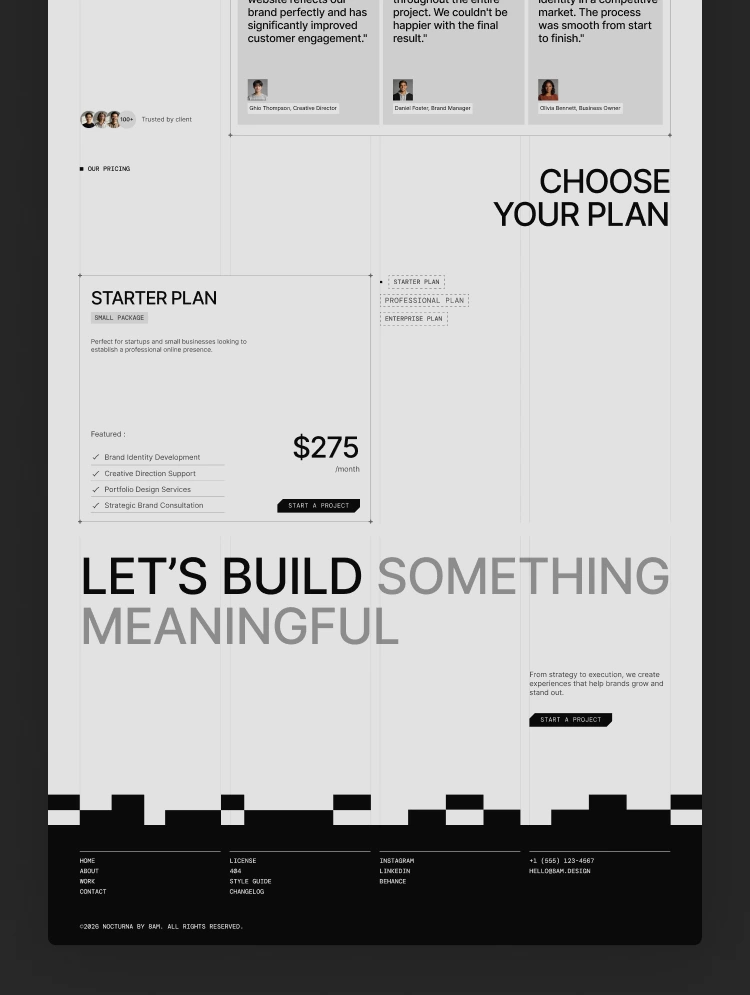
Built directly in Webflow, ClientX includes a complete portfolio site with a filterable work index, CMS case study templates, a blog, pricing, and contact pages, plus all template standards. Adapt the copy, brand, imagery, projects, and testimonials to create a site that feels like your own.
ClientX is structured as a flexible foundation rather than a fixed one-off design. Replace the demo content directly in Webflow, update the global typography and color styles, swap imagery and logos, and connect your own CMS collections. Projects, testimonials, and services can be reordered, duplicated, or removed to match how you position your work.
The shared design system keeps spacing, typography, buttons, forms, cards, surfaces, and responsive behavior consistent. Global changes can be made once and reflected throughout the site, making rebrands and client-specific adaptations much faster.
ClientX is built with a library of reusable Webflow components covering navigation, page sections, project cards, testimonials, pricing, forms, and calls to action. Components use editable properties where appropriate, so content and presentation can be changed without breaking the underlying layout. Reuse an existing component or extend the established pattern before creating a one-off element.
ClientX's component-driven structure works equally well for a solo freelancer and a growing studio. Add new case studies, publish more articles, expand your services, or introduce new pricing options while the site stays coherent. Shared components reduce repetitive editing, prevent visual drift, and make ongoing maintenance faster as your client base grows.
ClientX gives independent professionals a credible starting point, a clear conversion path, and a scalable Webflow system for turning their work into client inquiries.
Need help setting up ClientX or have a question about the template? Every purchase includes lifetime support, and we respond within 24 hours on business days.
ClientX is built for freelance designers, web developers, and creative professionals launching a personal portfolio website that converts visitors into client inquiries, as well as small studios and independent agencies presenting case studies, services, and pricing online. It suits self-employed designers showcasing UI/UX, branding, and web design work, freelance developers and consultants selling services directly, photographers and creative specialists who need a work-first portfolio with a filterable project grid, and side-hustlers turning a passion into paying clients. Agencies, freelancers, and Webflow developers building client sites for independent contractors, solopreneurs, and personal brands will find a ready-made foundation with CMS case studies, a pricing page with subscription plans, a blog for process breakdowns, and a contact page with availability status, while UX designers, growth freelancers, and studio owners can use it to ship a hire-me landing page, a client acquisition site, or a professional services portfolio quickly — making it an ideal Webflow portfolio template for freelancers, solo creatives, and small teams who want a polished online presence that turns their work into new business.
Can only be used by you or one client for one end product. You cannot resell or redistribute this template in its original or modified state.
This template is free to use in both person and commercial projects. You cannot resell, redistribute, or license this template in its original or modified state.
Questions about this template? Just reach out to the template designer and they will get back to you within 2 business days.
For advanced design guidance, please share your questions in the Webflow Forum or reach out to a Webflow Partner.
Share your feedback by leaving a comment below.
For template support, please check the Support tab.

Use the Preview in Designer option to make any edits to the template pages and preview how the layout would fit your content. Changes in preview mode won't be saved.
It isn't possible to apply a template to an already existing project. Instead, you'll need to create a new project based on the Template.
With a Core plan (or higher), you can export sites you build in Webflow, including templates, to host them anywhere you'd like.
Webflow templates are only available for purchase through Workspaces and legacy individual accounts.
CMS templates are designed to use the power of the Webflow CMS. It is possible to downgrade to a Basic Site Plan as long as all CMS content is deleted from the project.
Use the View Connections tool to understand where the CMS content is on the site and delete any dynamic listings and CMS content. We also recommend you to check Components and the Collection page Templates.
Ecommerce templates are designed to use the power of Webflow Ecommerce. It is not possible to remove Ecommerce from a template, however, deleting all Ecommerce Products and Categories from the project, will allow to select a lower Site Plan.
Membership templates are designed to use the power of Webflow Membership. It is not possible to remove Memberships from a template.
.svg)


Reposition and resize items anywhere within the grid to produce powerful, responsive layouts — faster and without code.
Build your lead lists and subscriber base with beautiful forms.
Comes with animations and interactions for additional polish and usability.